

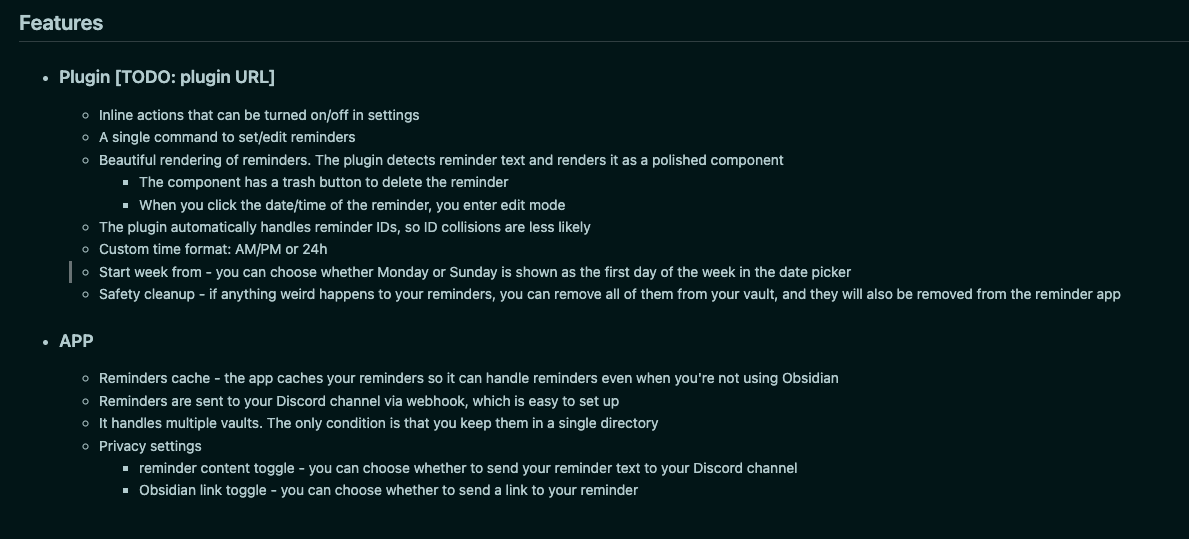
I see now after posting it it might be hard to read it form the screenshot so here it the copy paste:
Plugin
Inline actions that can be turned on/off in settings
A single command to set/edit reminders
Beautiful rendering of reminders. The plugin detects reminder text and renders it as a polished component
The component has a trash button to delete the reminder
When you click the date/time of the reminder, you enter edit mode
The plugin automatically handles reminder IDs, so ID collisions are less likely
Custom time format: AM/PM or 24h
Start week from - you can choose whether Monday or Sunday is shown as the first day of the week in the date picker
Safety cleanup - if anything weird happens to your reminders, you can remove all of them from your vault, and they will also be removed from the reminder app
APP
Reminders cache - the app caches your reminders so it can handle reminders even when you're not using Obsidian
Reminders are sent to your Discord channel via webhook, which is easy to set up
It handles multiple vaults. The only condition is that you keep them in a single directory
Privacy settings
reminder content toggle - you can choose whether to send your reminder text to your Discord channel
Obsidian link toggle - you can choose whether to send a link to your reminder