

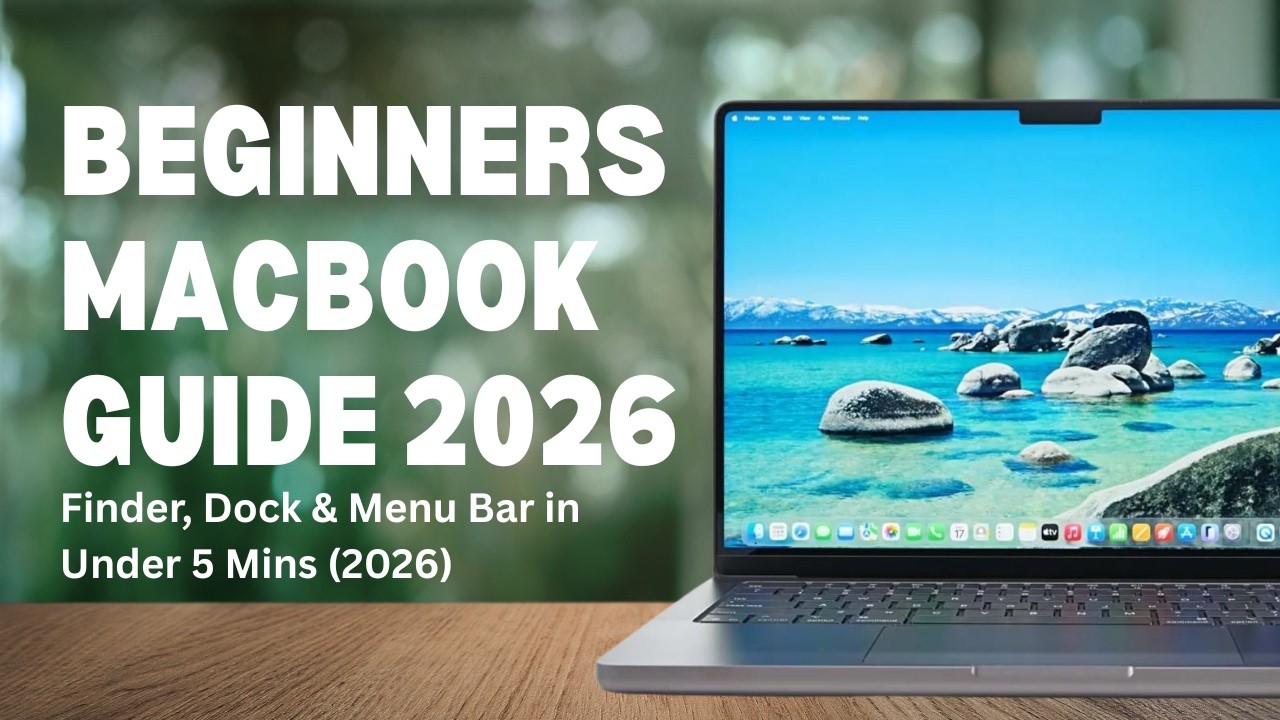
Watch on YouTube: https://www.youtube.com/watch?v=STM8xVanxKg
NEW TO MAC? Finder, Dock & Menu Bar in Under 10 Minutes (2026)
Just switched from Windows to a Mac and feeling a little lost?
In this beginner-friendly Mac tutorial, I'll walk you through the three most important parts of macOS that every new user should understand: the Menu Bar, the Dock, and Finder.
You'll learn where Apple keeps settings, how to launch and manage apps, how to customise your Dock, and how to find your files with confidence.
In this video:
✅ What the Menu Bar is and why it changes
✅ Understanding the Apple Menu
✅ How to identify the active app on your Mac
✅ What the Dock does and how it differs from the Windows taskbar
✅ Move the Dock to the left, right, or bottom of the screen
✅ Change Dock icon size and magnification
✅ Keep your favourite apps in the Dock
✅ Open and manage Downloads and Trash
✅ Introduction to Finder (Mac's version of File Explorer)
✅ Essential Mac tips for Windows users
Whether you've bought your first MacBook, switched from Windows, or simply want to understand macOS better, this video will help you get comfortable with the basics.
If you enjoy straightforward technology tutorials with no jargon and no fluff, consider subscribing for more Mac, Windows, Microsoft 365, Teams and general IT support videos.
Getting value from this video, and want to support my channel? You can do so here 😀 https://buymeacoffee.com/godavid