

https://youtu.be/SuBt9pq0uY8?si=4J18umRvPDaZGV14
The new version is on! Let's see what is new!
Download: https://buymeacoffee.com/felipecarisio/extras
In this new version, I made some important changes. First of all, I had to restructure the entire Dashdata system (Dashdata is the background tool I built to gather the telemetry), and that was really challenging. I’m definitely not a professional programmer, so I know that what I’ve built isn’t in perfect shape—but I’ve already rewritten almost everything about three times, learning along the way how many things I had done wrong and how much better they could be done.
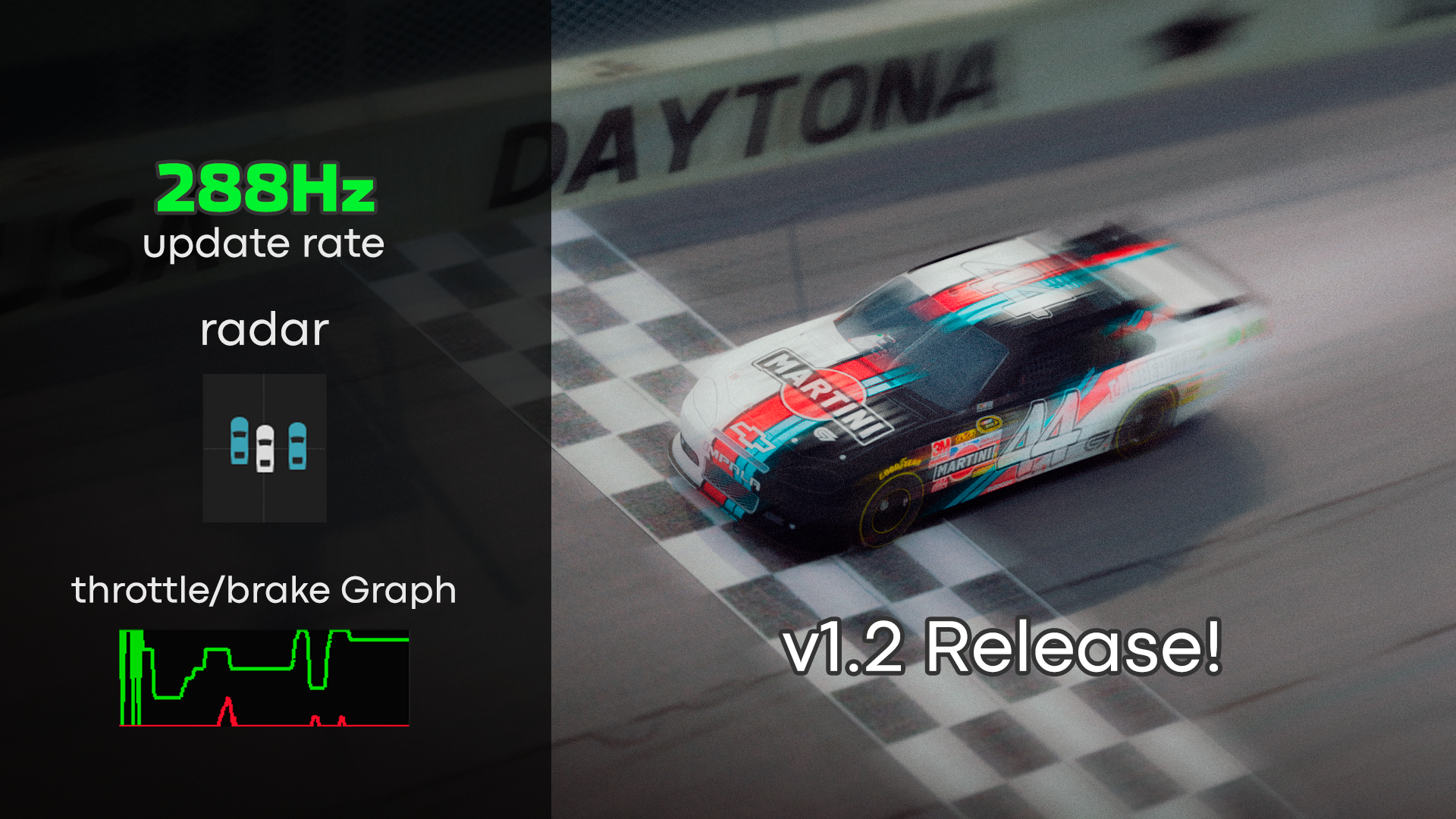
The first big change is that I enabled the 288Hz data rate that Papyrus already allows. That sounds simple, but it was a real challenge—now the app collects data 8 times faster than in version 1.1. And trust me, that's a lot of information flowing every second.
The good news is: I got it running smoothly with no FPS drops. But thinking about different hardware setups, I also added an option where you can adjust how fast the Dashgoody app updates the data it reads.
Important: You can't change Dashdata's internal rate (it always runs at 288Hz now), but you can slow down how often Dashgoody itself processes that data. That should be enough if your PC is struggling with performance.
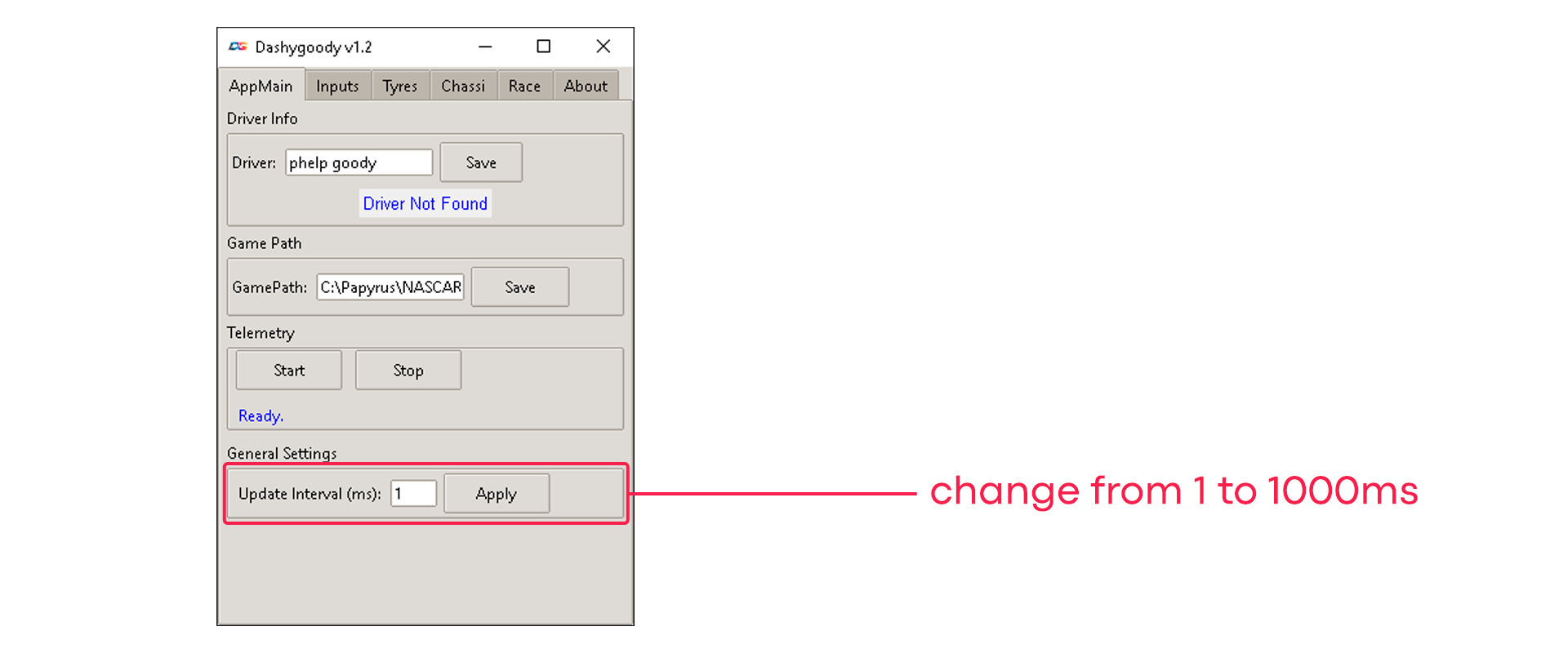 Just choose a value from 1 to 1000 and apply it.
1 means Dashgoody will read the data at the same speed as Dashdata (i.e., the fastest and smoothest possible).
2 means half the speed, 10 is one-tenth, and so on.
If you're having performance issues, I recommend trying values between 8 and 32. The higher the number, the less frequently Dashgoody will update, which may reduce smoothness but help performance.
New Widgets
Now we have two new widgets: throttle and brake graph and a Radar. Lets take a look.
Radar
 This one is simple, but you might find it useful. It tracks the two closest cars to you (in meters) and shows their position relative to your car. It can be helpful in blind spots or during tight three-wide situations. Personally, I don’t like keeping it on all the time—I prefer the game’s immersion—but it’s definitely useful in certain moments. Might help prevent a few extra yellow flags.
Note:
It always tracks only the two closest cars.
Since Dashdata is running at 288Hz now, tracking more cars would be too demanding, so it sticks to just two.
If you're very close to more than two cars, the radar will only display two at a time. It may switch rapidly between them as the "closest" cars change.
I also had to smooth the opponent tracking a bit, so the display is slightly delayed—but it’s often quicker than the in-game spotter.
Throttle/Brake Graph
 This one is pretty basic too, but I really like it. It shows throttle and brake input over time. I've seen similar tools used a lot in other sim racing games—probably for the viewers’ benefit—and it works. I always end up watching it during corner entries and exits.
It's not a must-have, but it’s definitely useful at times, especially when analyzing laps or just trying to understand your driving inputs better.
And that’s it for version 1.2. Most of these changes were already in development when I released v1.1, so there’s nothing drastically new—except for the update rate setting, which I hadn’t explored before.
For future versions, I plan to bring tools focused on Offline Leagues, inspired by what you see in IGN.tv broadcasts and those upper-screen TV overlays.
Thank you!!