
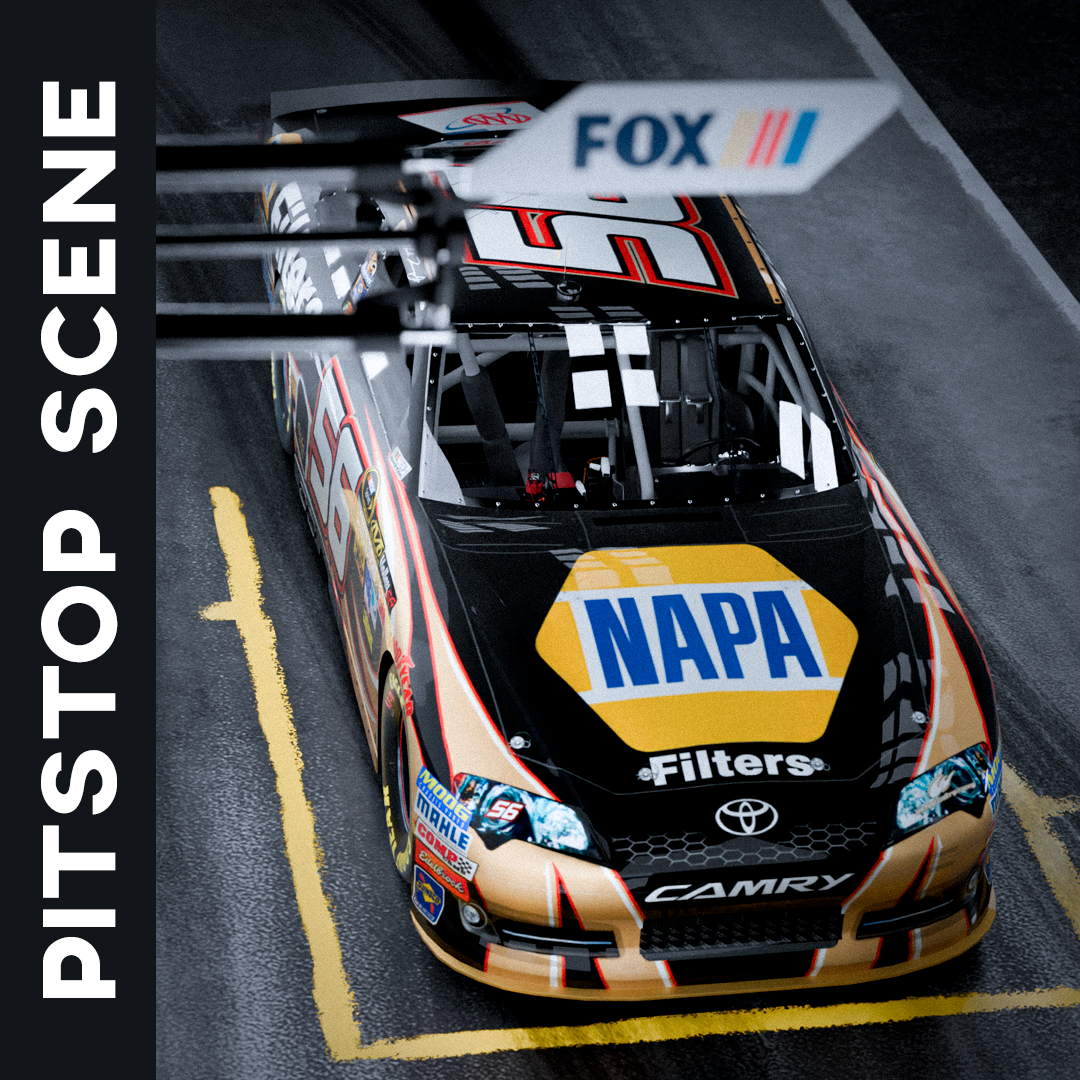
Download Link PitStop Scene For Render
Hey everyone! It’s been a while since I last posted here. Last month was really busy with work, so I couldn’t spend much time on the Dashboard.
But I’ve also been really into all the amazing paint schemes out there, so I decided to create two scenes for rendering NR2003 cars. I’m also reworking the interior and adding more details to the car bodies—just for rendering purposes. As I finish the models, I’ll make them available for everyone to use.
For now, I want to explain how you can use this Pit Stop Scene in Blender.
Just a heads-up: you’ll need some basic Blender knowledge to add your car to the scene, since you’ll have to import or append your model manually. I’m working on making this process as user-friendly as possible—ideally, you’d just upload your paint scheme and render it—but I’m still figuring out the best way to do that.
So, for now, let me show you the raw scene and how it works.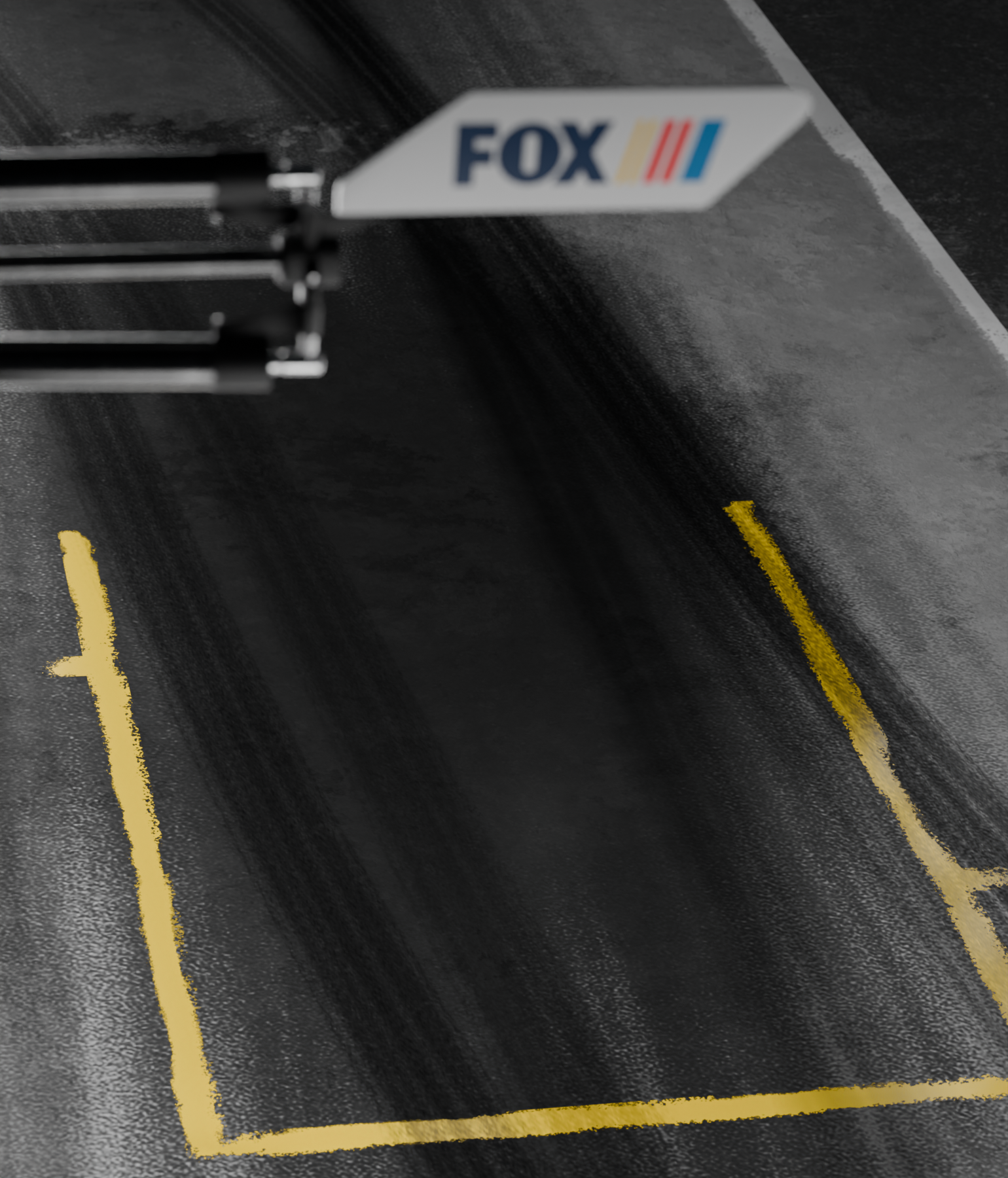
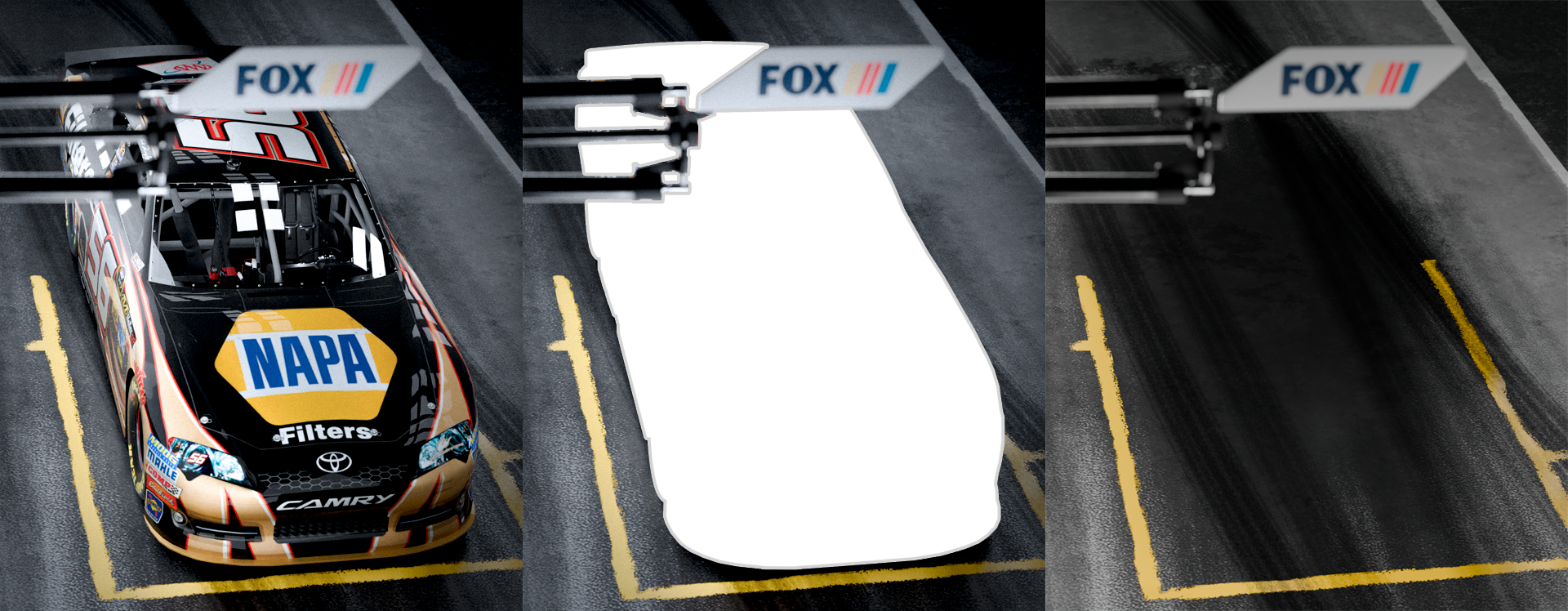
That’s the render. All textures are already packed into the .blend file, so you won’t need to set up anything extra. As you can see in the image below, I also applied some post-processing to enhance the final look—but that’s totally optional. Feel free to adjust or use it however you like.
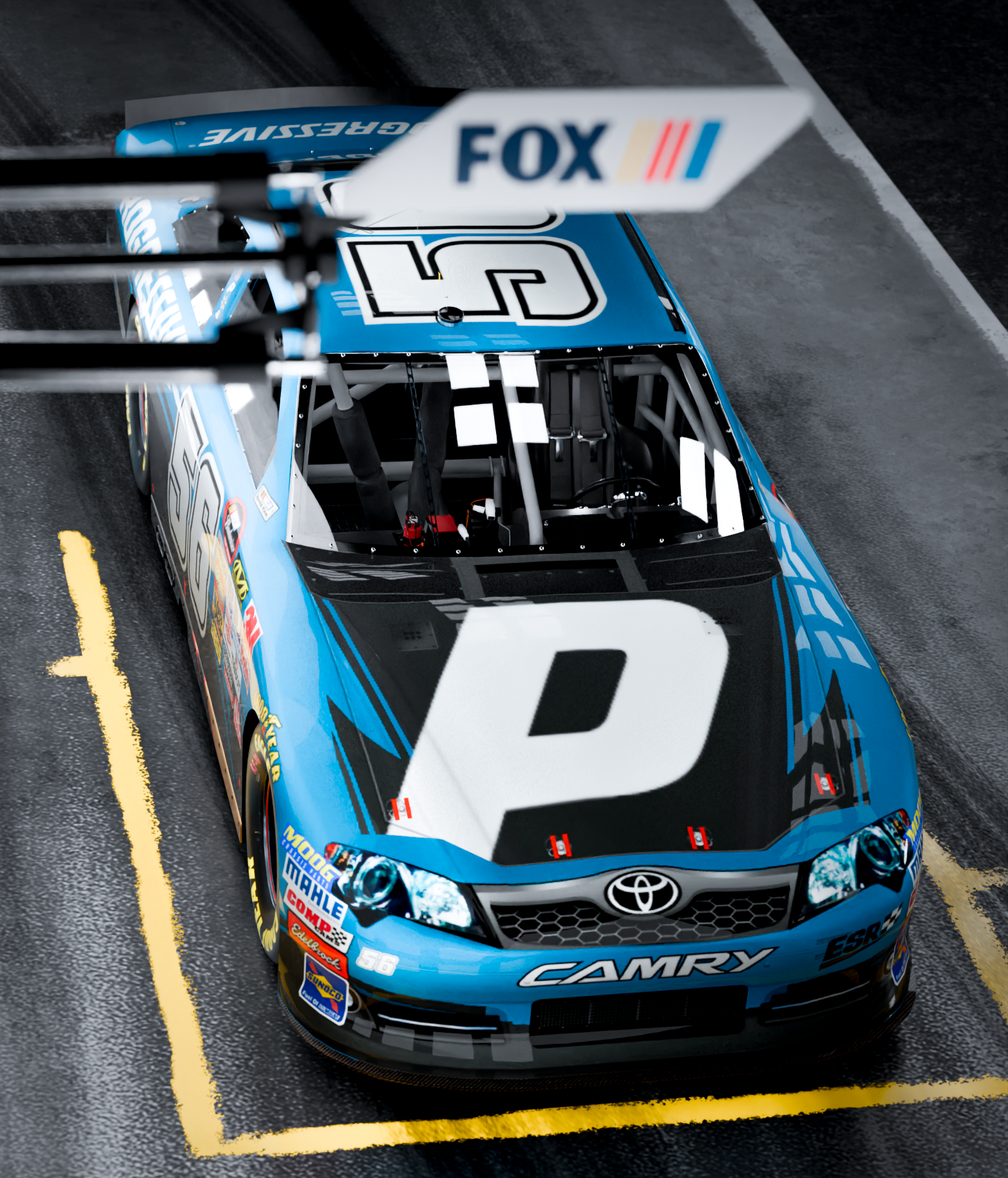
There are two cameras in the scene. The one used in the images above is set to 1540x1800, and the other is meant for 2200x1800 renders. I'm not sure if it's possible to lock resolution to a specific camera, so you'll need to manually adjust the resolution in Blender’s Output panel if you switch angles.
That's it! Hope you get some great renders. If you have any issues or questions, feel free to reach out!