

You don't have limitless time to search for teaching materials, so why not get more out of the videos that you already use in class? English Explained Vids has different types of videos that can be used in variety of ways to engage your students and enhance their learning experience. The videos are color-coded by theme and skills:
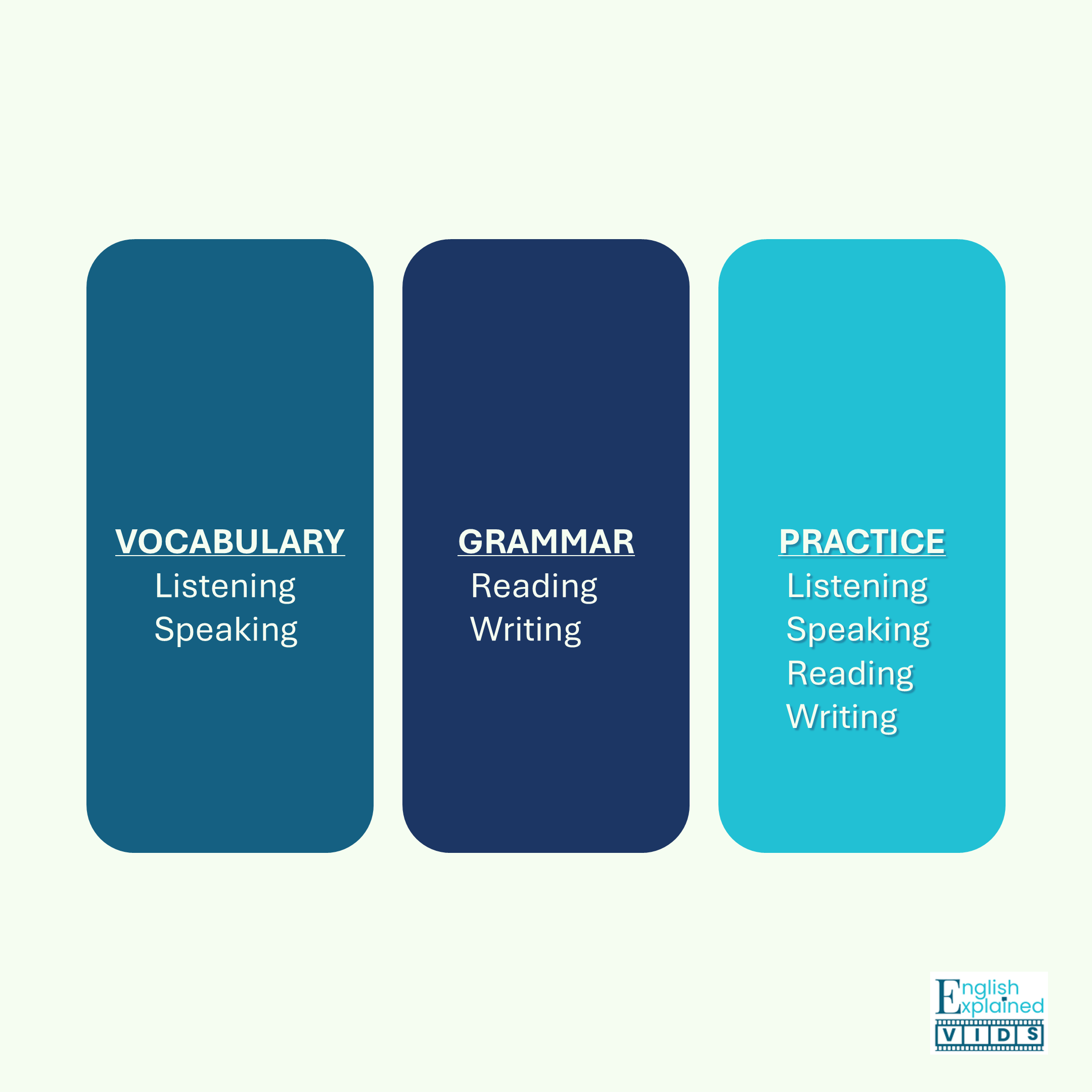
Here are four ways to get more out of our videos in your class today:
1. Pre-Teach Concepts
Why?
Some learners need more time and repetition in order to process information before they understand it. Introducing the concept via video prior to teaching it in class helps those learners to keep pace with faster learners during class time.
How?
Assign the video as pre-class homework along with a note-taking guide. Alternatively, you could use an interactive video platform like Edpuzzle to embed questions, annotations and additional voiceovers. Finally, you can create a video "comprehension quiz" using Google Forms or Microsoft Forms. Simply insert the desired video and add questions related to the details that you want learners to notice.
Recommended Video Type: Vocabulary, Grammar
2. Present Information in Class
Why?
Sometimes the explanation in the textbook is not enough, or a concept is best explained visually. Our videos are perfect in this type of situation. Play the video during class and pause as necessary to add clarification, emphasize details or check comprehension.
How?
All of our vocabulary and grammar videos include comprehension check questions. Pause the video after each question prompt and ask the student to respond by:
writing their answers on mini whiteboards
displaying colored cards related to answer options (e.g. red card for A, yellow card for B, etc.)
walking to a specific area of the room to indicate their response
If you are teaching a virtual class, the students can:
type the answer in the chat box
respond to a poll
annotate the answer on the screen if the function is available
Recommended Video Type: Vocabulary, Grammar
3. Do Formative Assessments
Why?
At the beginner level, learners will say "yes" even when they don't understand something because they feel ashamed for not comprehending. Frequent formative assessments will help you to figure out in which areas learners need additional support.
How?
We offer listening only practice videos that focus on identifying details and gist, inferring information/ drawing conclusions and responding in a conversation. Use a listening only practice video and one of the participation strategies listed in the previous section to add interactivity while assessing. Some practice videos like Spelling Names Practice, Phone Numbers Practice and Email Address Practice focus on all four skills (listening, speaking, reading, and writing). Relay style racing activities work best with these videos.
Recommended Video Type: Practice only (especially listening skills)
4. Provide Remediation for Online Quizzes
Why?
Using online quizzes are a great way to give immediate feedback to learners. That said, sometimes learners are not sure why an answer is incorrect. Linking answers back to video explanations of the concepts gives learners a clear next step for review and improvement.
How?
Use the add answer feedback function in online quizzes via Google Forms. Simply copy the link at the exact moment in the video that you want and paste it in the feedback section. Google Forms allows you to add links to both the correct and incorrect answers.
Recommended Video Type: Vocabulary, Grammar
Reclaiming some of your planning time while increasing learner engagement and performance can feel like a pipe dream. However, we hope these tips help you move closer to making that dream a reality.
RELATED POST: Finding the Perfect Video for Your Lesson