

Hey guys and gals,
To avoid some mistakes that are hard to explain in text format, I've decided to make a little visual tutorial on how to use the arena generation tool.
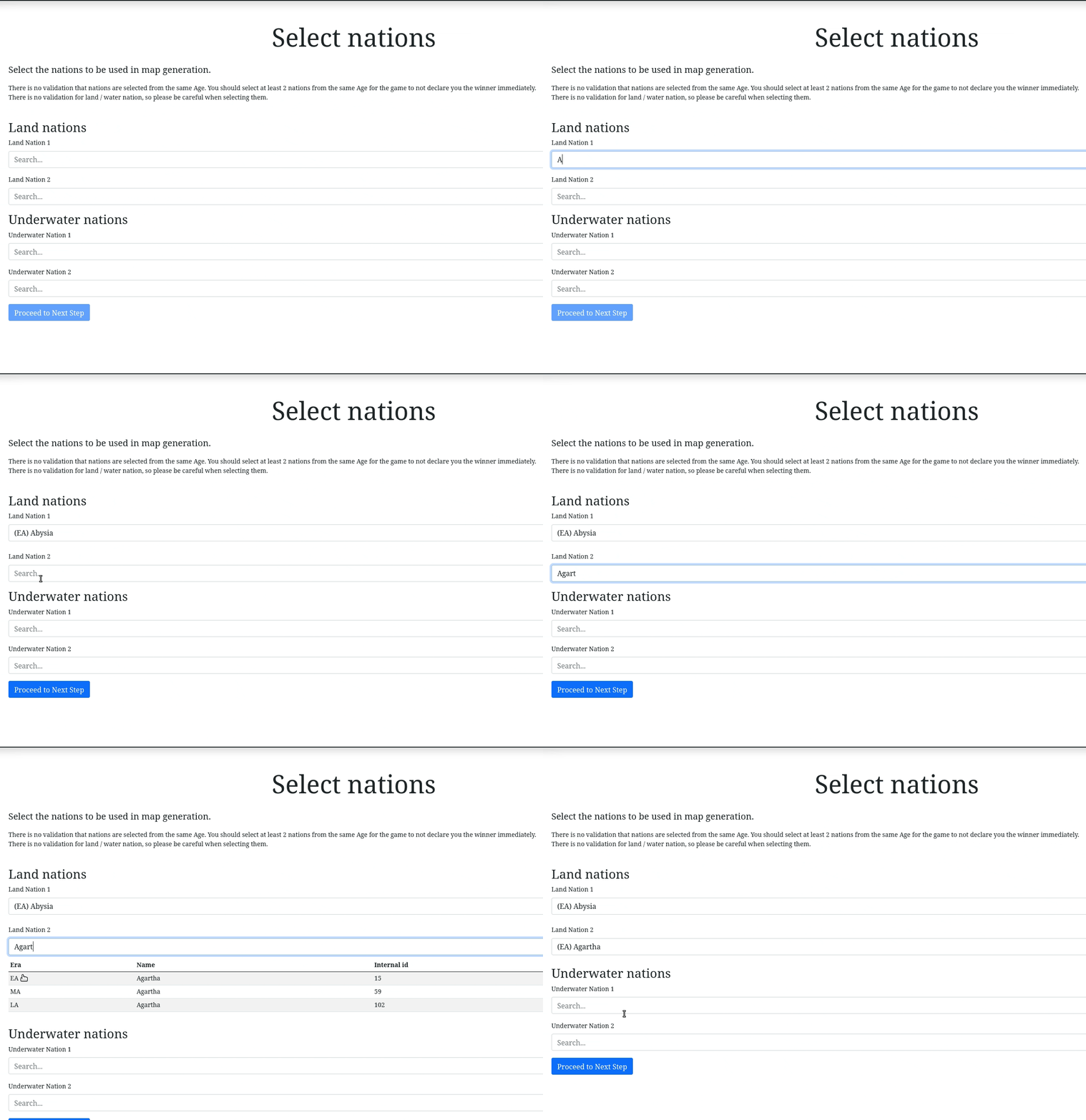
Step 1. Select two nations from the same age
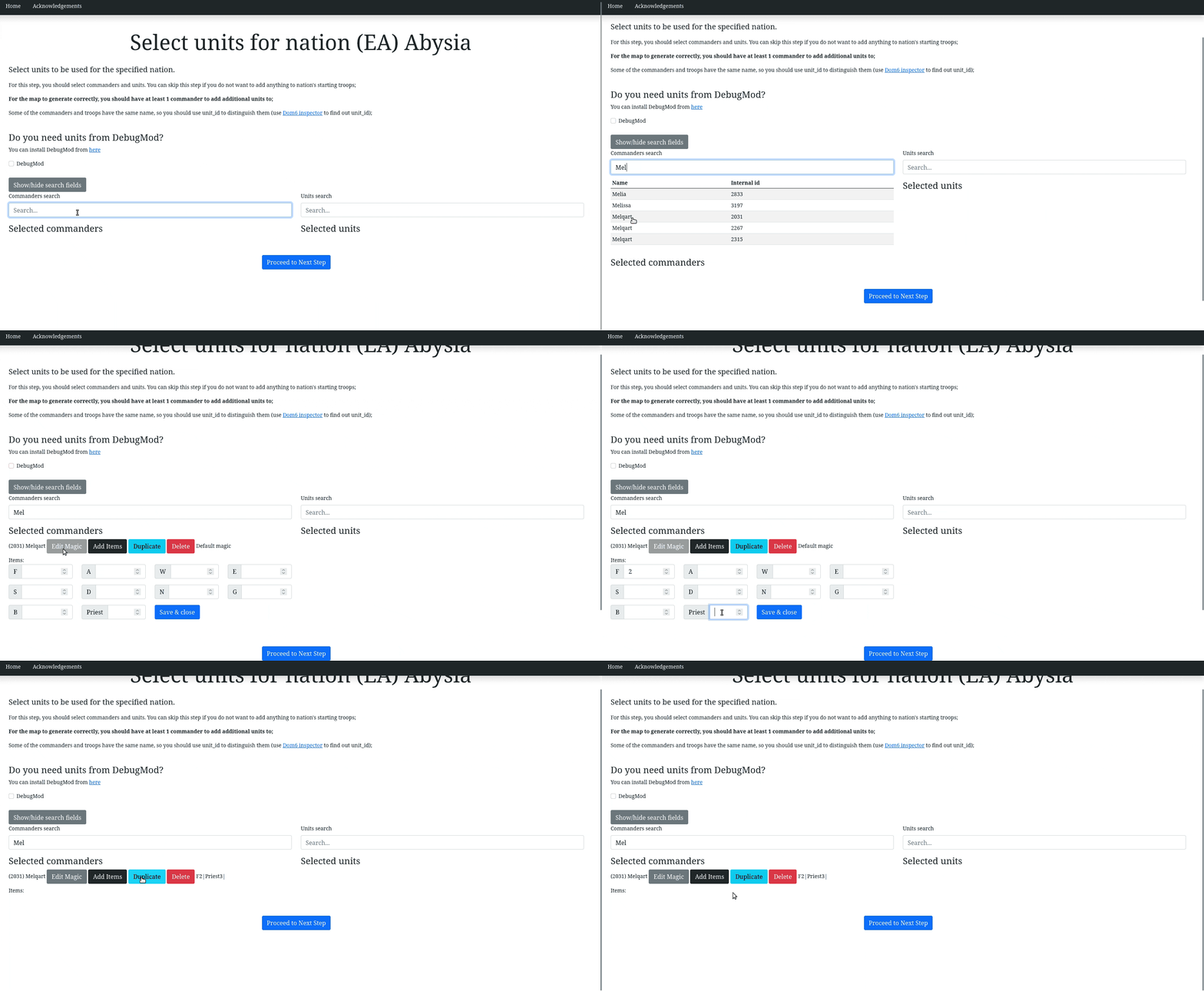
Step 2. Proceed to next step and add & edit the commanders
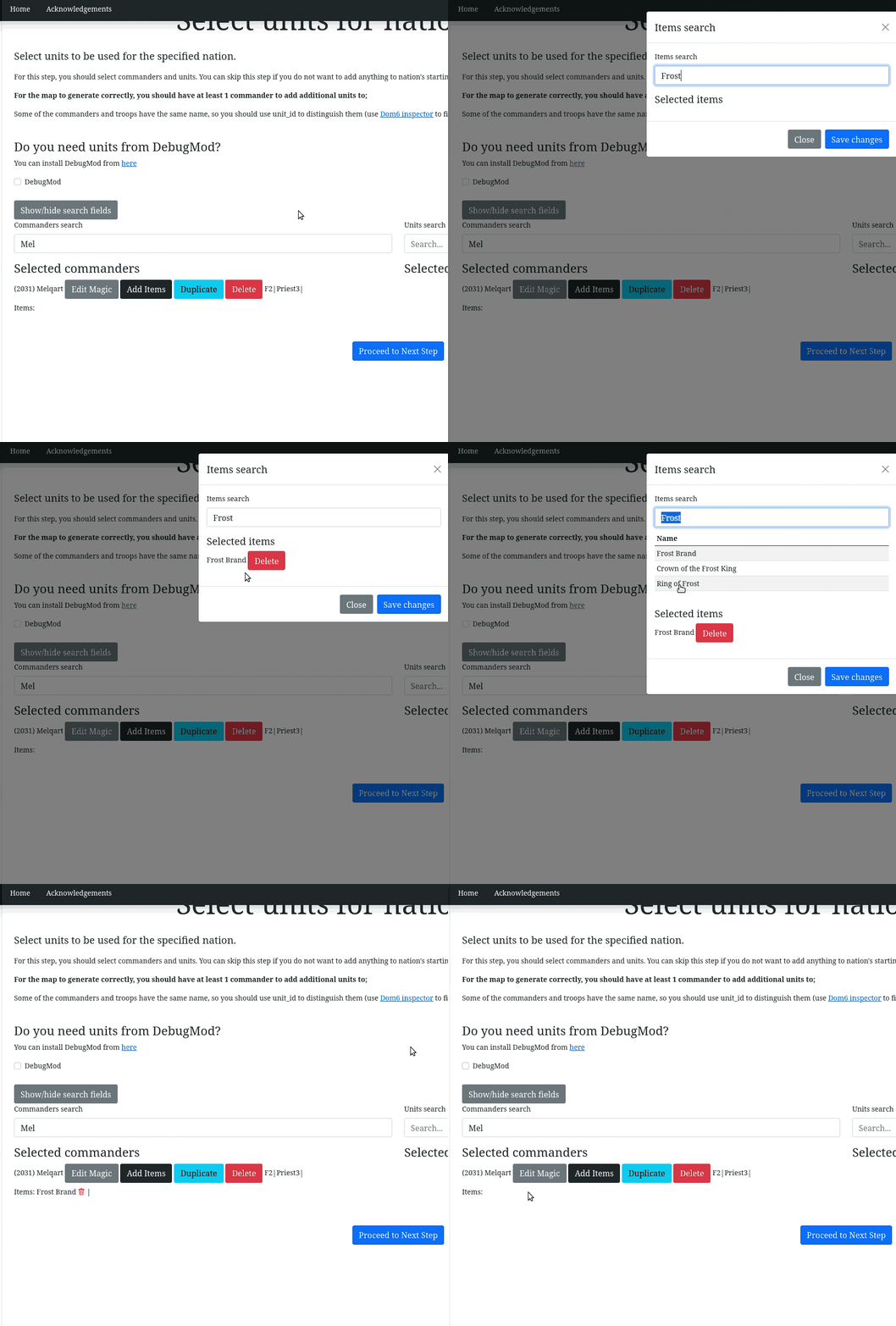
Step 3. (optional) Add & edit items
Step 4. Add & edit quantity of units for the armies (you need at least 1 commander to add units)

Step 5. (optional) Skip a nation that shouldn't have anything, but starting army.
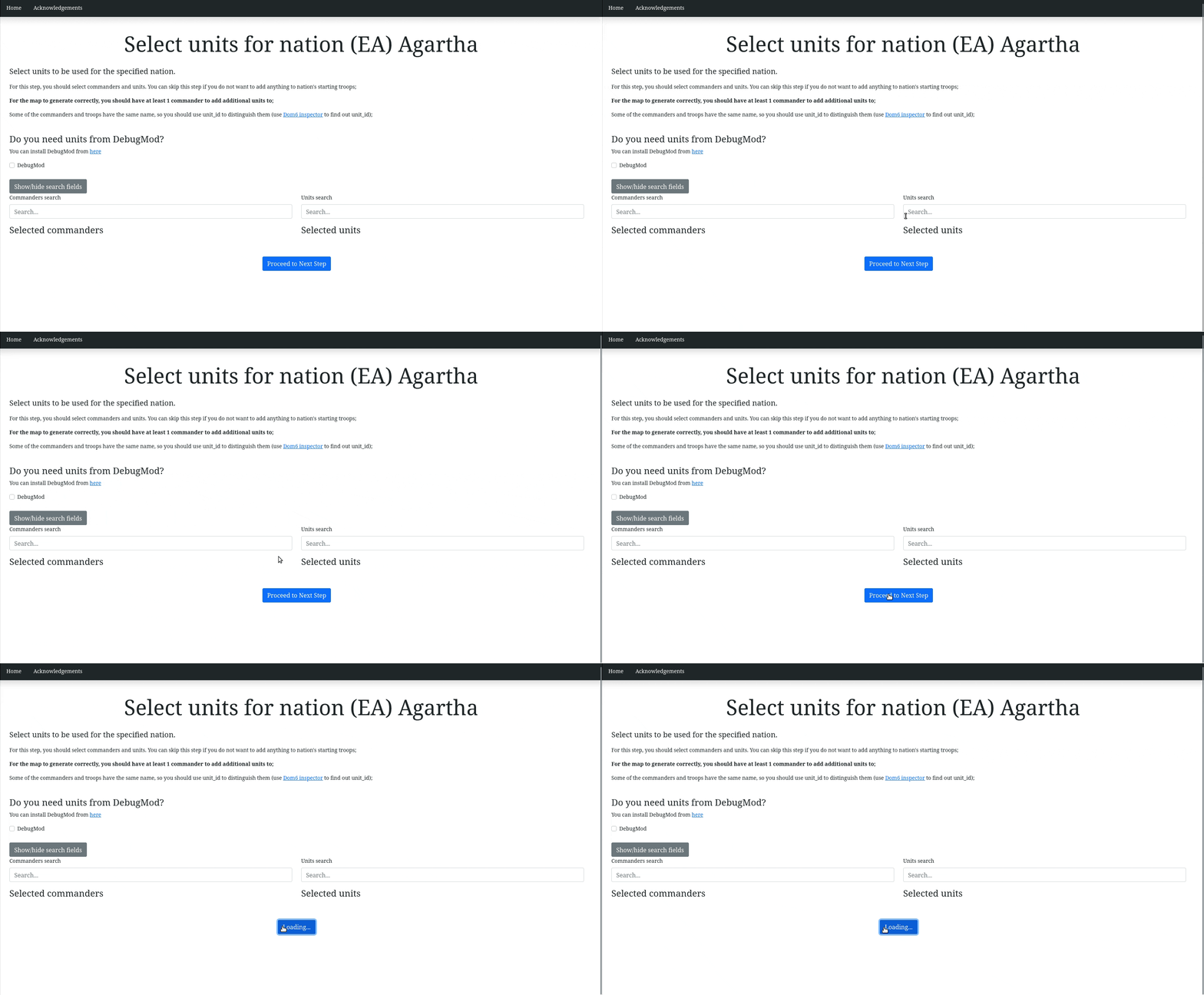
Step 6. Receive archive with data
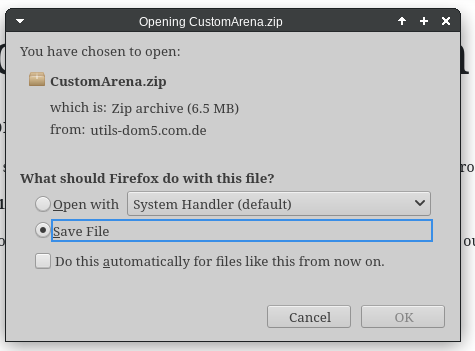
Step 7. Launch game and select "Tools and manuals" option

Step 8. Click "Open user data directory"

Step 9. Open maps directory

Step 10. Unarchive in that directory
Step 11. Select scenario map in the game
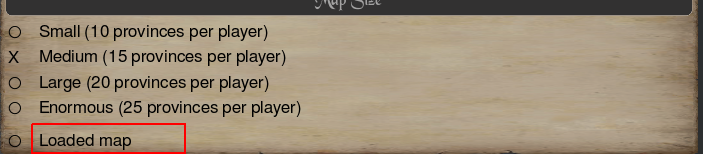
Step 12. Remove redundant players and select proper nations.
You're ready to go!