
After months of self-doubt, I finally pushed myself to publish my first-ever Figma Community file: the Parchment Game UI Kit. The kit allows you to create game menus, such as pause menus, inventory screens, dialogue menus etc.
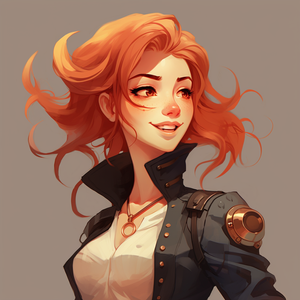
Parchment started off as a system I was creating for an actual project, a 2D RPG called Kingsfall, that I sadly never finished. I had no access to Photoshop (the industry standard for most game UI), and was mostly using Figma professionally as part of my job as a product designer. Unfortunately, Figma isn't the best when it comes to games - it's built for web and app development, after all.
Nonetheless, I wanted to challenge myself to build UI for my game project using Figma.
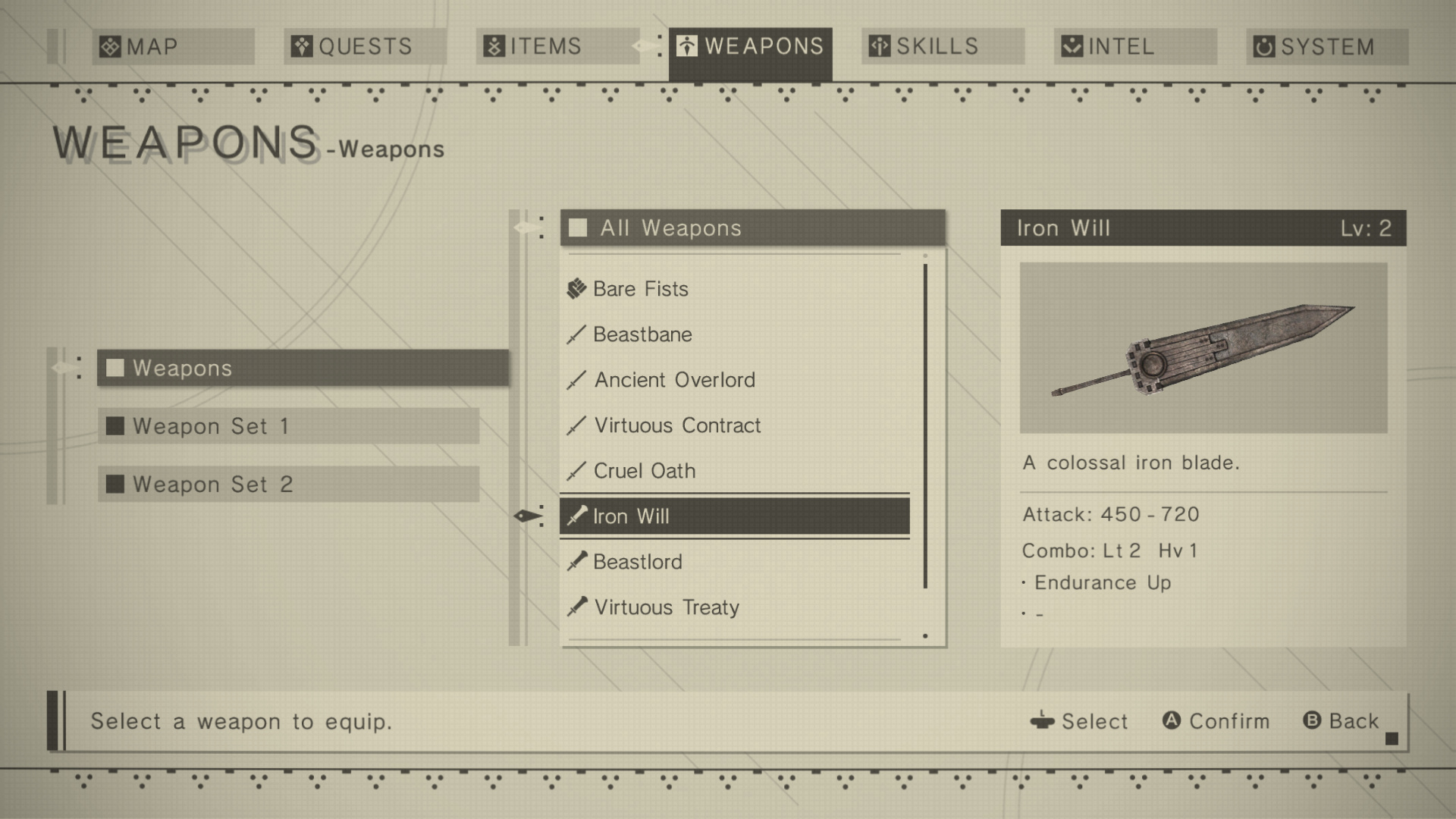
I took some of my initial inspiration from NieR:Automata's much-raved UI. The modern, sleek and clean aesthetic wasn't just a pure delight to use and look at, it also seemed easy-enough to replicate in Figma, at least from a crafting perspective. This helped shape the style I eventually went with for Parchment.
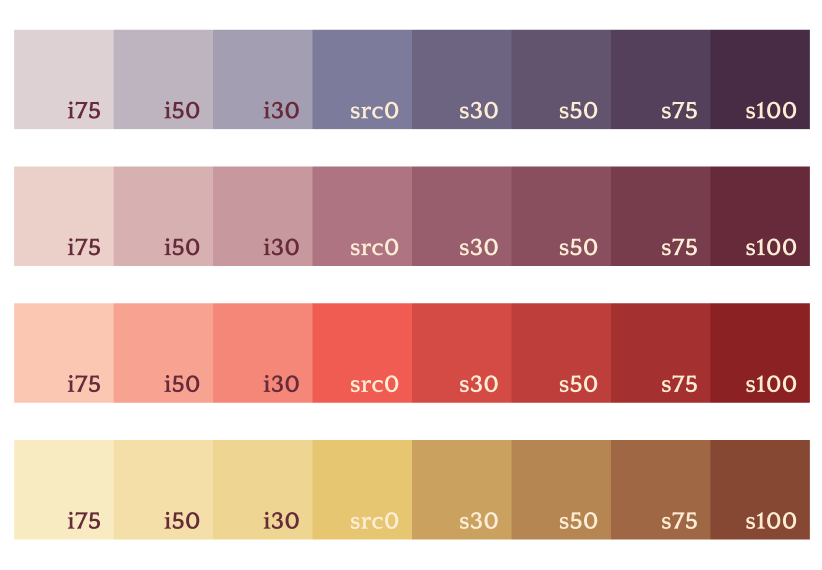
The other source of inspiration for me was pixel art. More specifically, colours and limited palettes in pixel art. I was particularly intrigued by this tutorial on how to pick consistent colour palettes. I also liked the idea of incorporating how the hue of a light source impacts resultant shadows, and how you can play with that relationship to create different tones in a piece of artwork.
With that in mind, I set out to create a colour system that used light and shadows as its basis for tonal tokens. I used a consistent 'shade' and 'illumination' colour and applied those in varying degrees of opacity to a set of base colours. This way, I could achieve an interesting range of colours, without compromising on tonal consistency.
Finally, there was the game itself. Kingsfall was intended to be a cartoonish fantasy RPG, centered around building your own party of characters to take down a corrupt king. I wanted to ensure the UI incorporated some fantasy elements, without being overly ornate (and thus losing the simplicity that NieR:Automata so elegantly achieves).
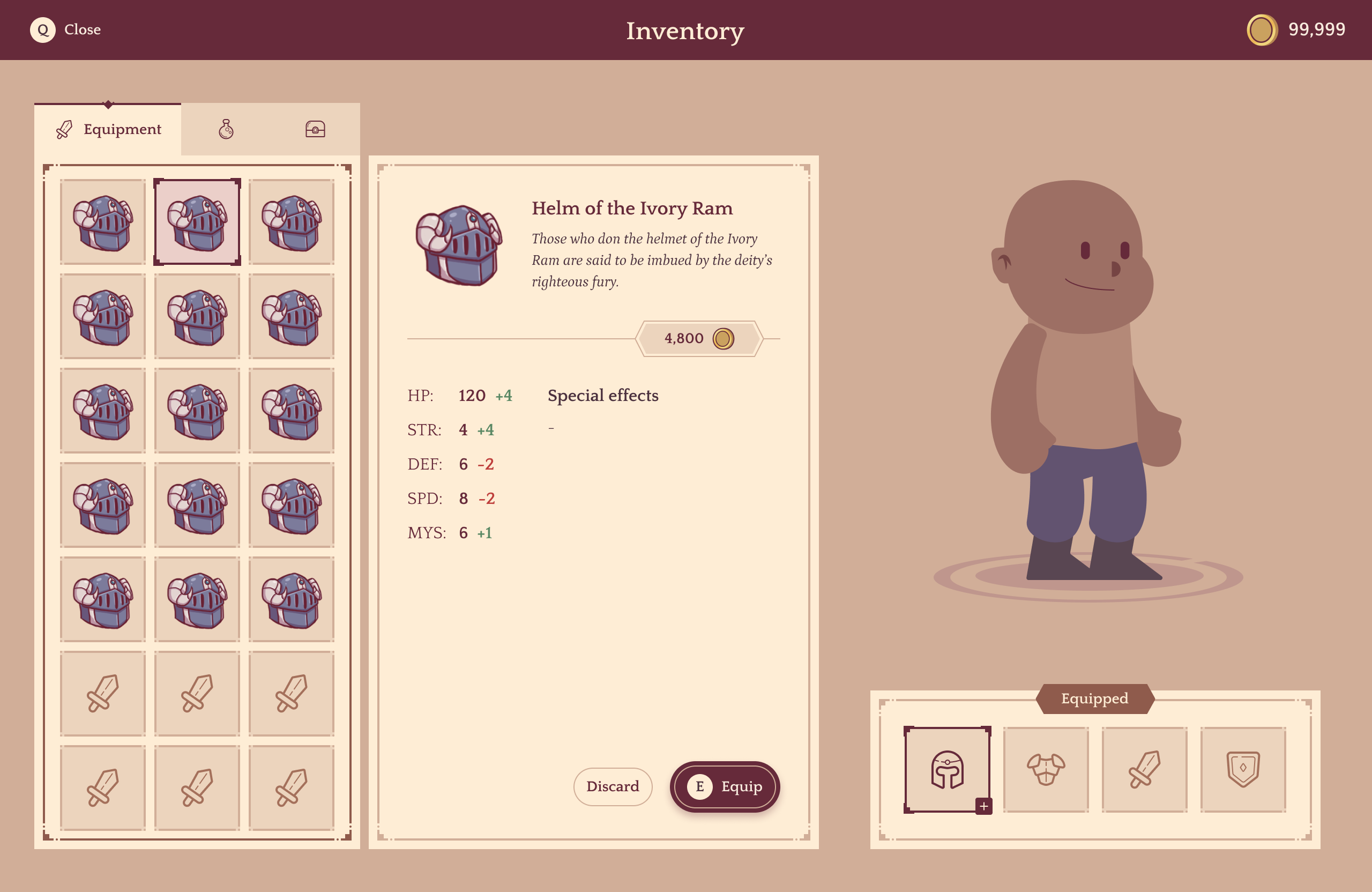
So that's it. Those are the various elements that inspired the Parchment Game UI Kit. A few takeaways, if I may:
It's always easier to build for a real project. If you don't have one, then narrow down your scope.
Limit yourself - give yourself a tight deadline, or restrict the use of certain tools; you'd be surprised at how creative you can be when you're backed into a corner.
Have clear design goals. What's the genre, style, aesthetic and experience you're trying to achieve? Map those out, and your design process will be that much smoother.
Till next time!