
David Matthew Olatunji Bey
First Published November 7, 2014
If you’ve ever embarked on an international adventure, you know those extra passport-sized photos for visas can feel like a hidden fee.
But I’ve got a travel hack for you that’s saved me both time and cash—especially after my Beijing adventure. And let me tell you, it felt like I was clutching onto my last five dollars when I realized I only had three passport photos left!
Before heading to Beijing, I forked over $11.99 plus tax for just two passport photos. But, while traveling, I discovered a clever and way cheaper method. Now, I’m set for life when it comes to passport photos—and I’m about to share how you can be, too!
Heads up: Make sure you’re familiar with your passport photo requirements—these steps are based on the U.S. passport format.
Step One: Get a Professional Photo
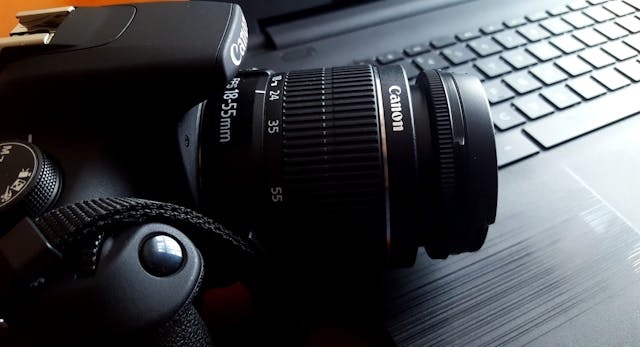
You’ll need a clean, white background for your passport photo, so visit a photographer who knows the drill. Most professionals will already be familiar with the exact specs you need.
Pro tip: Check up on passport photo requirements here.
Step Two: Save it on a USB Drive
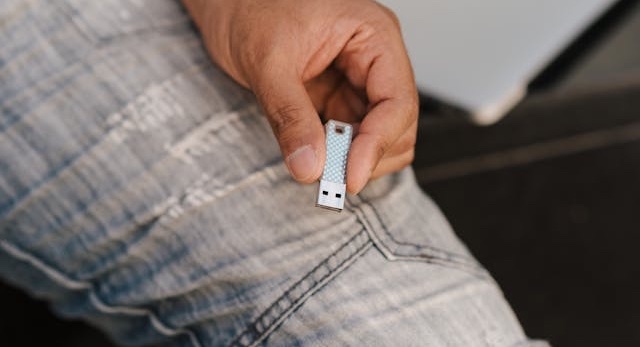
Ask the photographer to save the photo on a removable USB drive. If there’s a small fee, trust me—it’s worth it for the savings you’ll get later.
Step Three: Time to Get Creative (or Ask for Help)
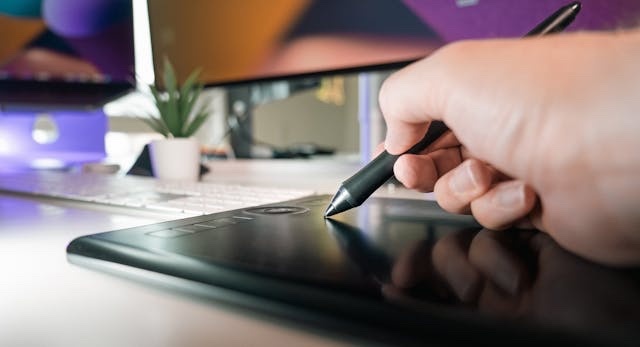
If you’re tech-savvy, open up your favorite photo editing software and set up a 4 x 6-inch canvas with a resolution of 300 dpi. Then, step and repeat your photo six times across the page. Voilà—your own passport photo sheet!
Not into editing? No worries—ask the photographer to help out with this part.
Step Four: Print and Cut
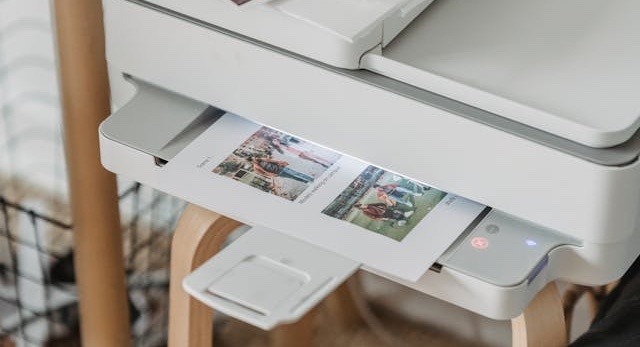
Print your newly created 4 x 6-inch photo sheet—just make sure there are no borders. You can use your own printer or head to a self-service kiosk at your local store. Then, grab a portable paper cutter or utility knife and trim those photos into perfect 2 x 2-inch squares.
Boom! Passport photos, done.
Bonus Savings Tip: Take Advantage of Exchange Rates
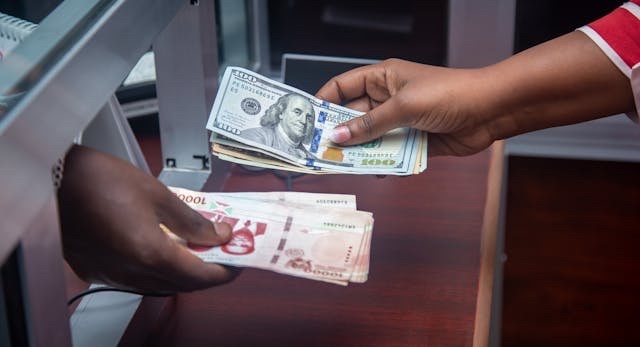
Want an even bigger win? Use the power of exchange rates while traveling. When I was in Chiang Mai, Thailand, I scored an incredible deal—only 200 THB (about $6.13 USD) for professional photos. That’s already half the cost of what I paid in the U.S.
But it gets better. I used Adobe Photoshop to compose six photos, went back to the same studio, and printed five 4 x 6-inch sheets for just 25 THB ($0.76 USD). They even cut them down to size for me. I walked away with 30 passport photos for less than a dollar. Now that’s what I call winning.
Next time you’re abroad, give this method a shot—you’ll be ready for your next adventure without breaking the bank. And more importantly have photos on the ready for visa applications, immigration forms, etc.
Cheers!
Exciting News! I’ve just released my first book—Steamed Bread: Inside the Wall of a Chinese Tech Company! It's now available as an eBook PDF, and it’s full of stories that’ll inspire and intrigue you.
Get your copy here: buymeacoffee.com/davidbey/e/298758
Feeling generous? Treat me to a coconut or two to fuel more stories and fresh ideas. Your support is deeply appreciated as I continue to explore, create, and share new experiences. Cheers to the journey!
Copyright © 2024 by David Matthew Olatunji Bey
Photos by Nappy, Pixabay, Anete Lusina, Audy of Course, Jakub Zerdzicki, George Milton