

By default, free Shopify themes (like Dawn) display a plain “Sale” badge. You can change this to show the amount saved with a small edit to the Liquid code.
For the product page
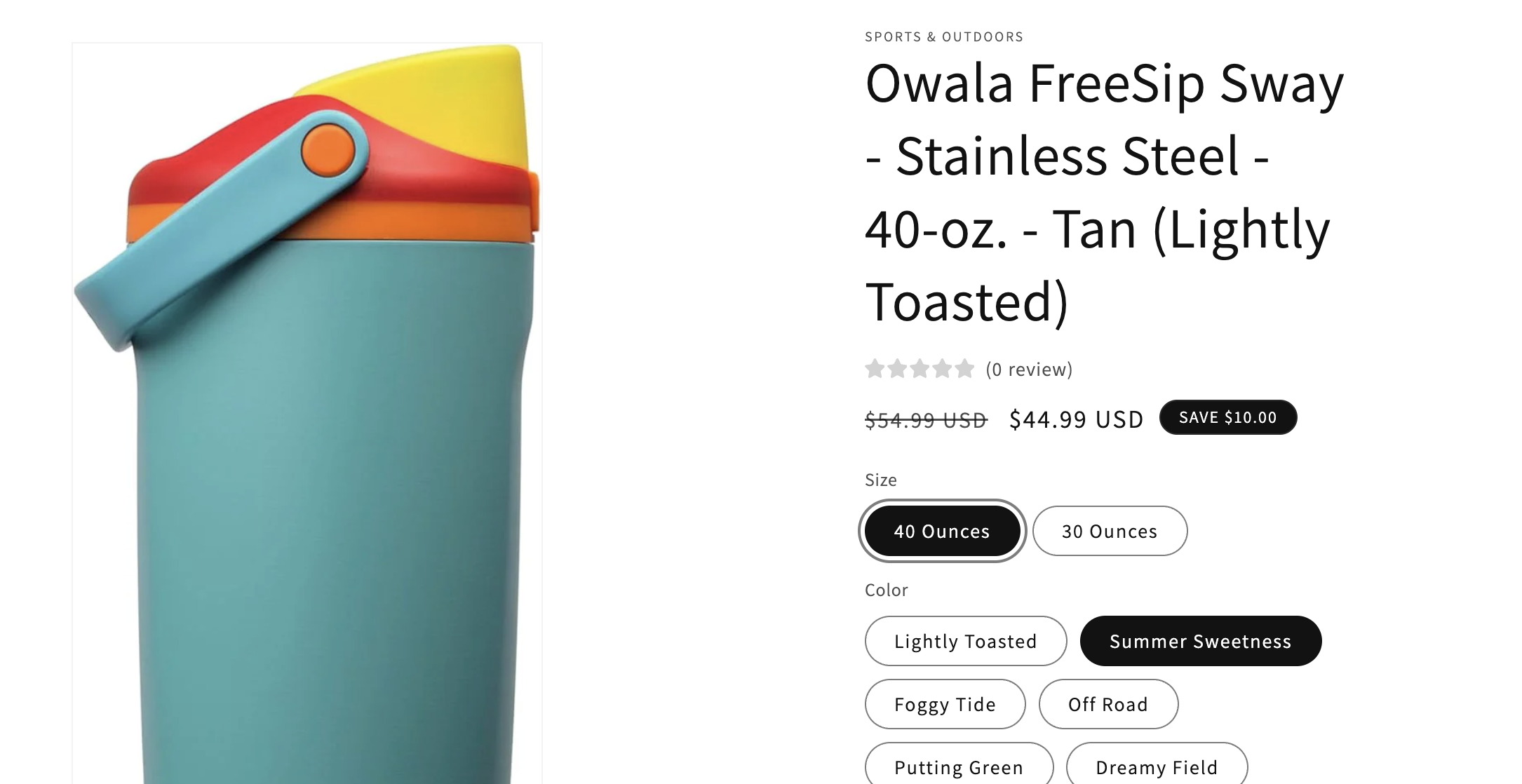
Go to Online Store > Themes.
Click on the "..." button next to your current theme and select Edit code.
Locate the snippets folder, find and open
price.liquid.Find this line of code {{ 'products.product.on_sale' | t }}.
Replace it with this code.
{%- assign saved = compare_at_price | minus:price -%}
SAVE {{ saved | money }}
Save your file
For products on the collection page.
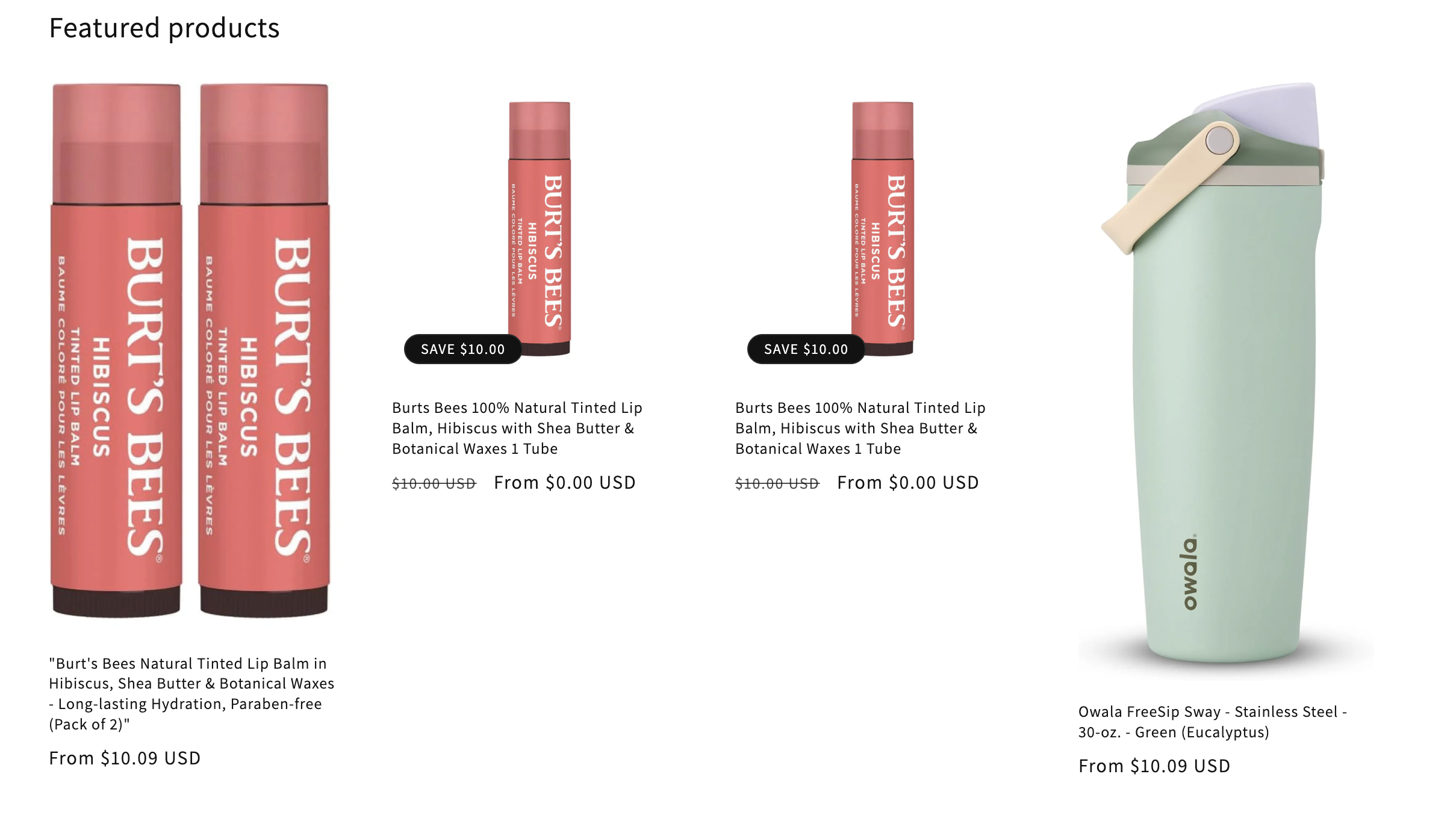
In snippets folder, find and open card-product.liquid file.
Find this line of code {{- 'products.product.on_sale' | t -}} around line 140.
Replace the above code with this code.
{%- assign saved = card_product.compare_at_price | minus:card_product.price | round -%}
SAVE {{ saved | money }}
Save file
Now your store’s sale badges will display the amount saved instead of just “Sale.” This small change can make promotions more appealing, boost urgency, and improve conversions.