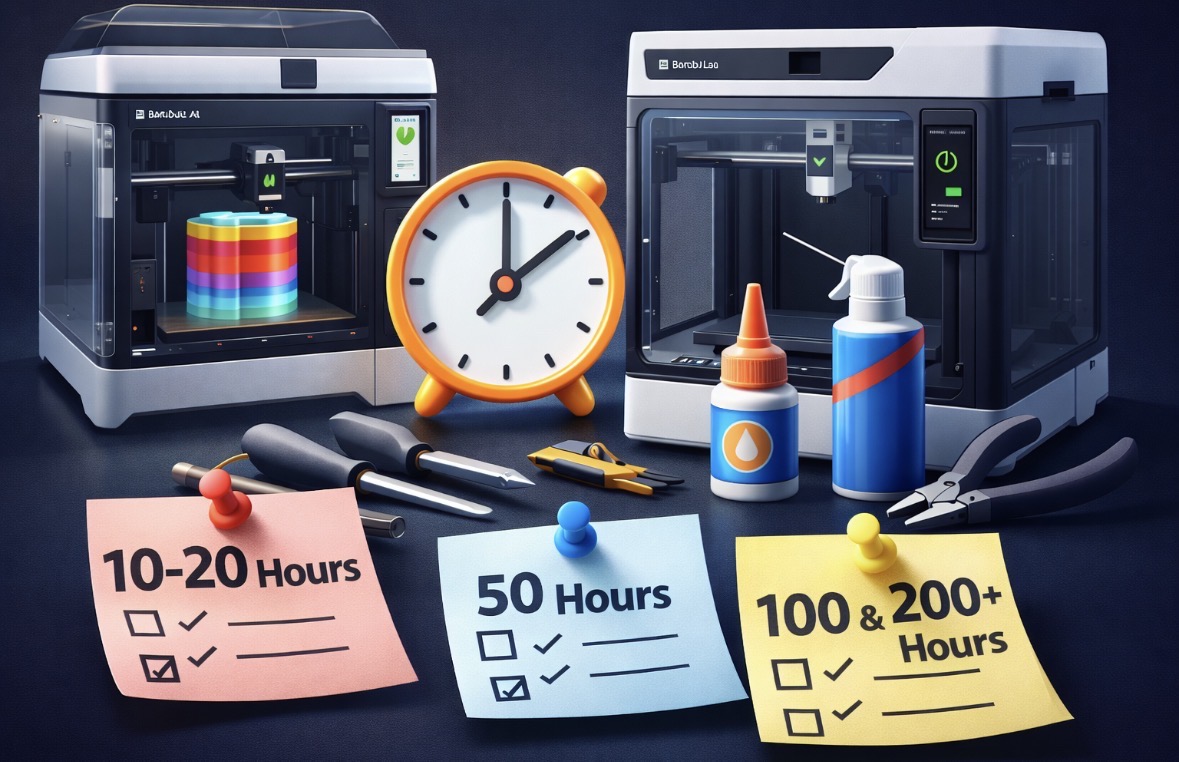

A Simple Hour Based Reference
Routine maintenance is easy to ignore when prints are going well, but most issues show up after long stretches of “nothing went wrong.” Keeping up with basic checks at regular hour intervals helps prevent small problems from turning into failed prints or downtime.
This is not an official checklist, just a practical reference based on normal use.
Every 10 to 20 Print Hours
Light checks
At this stage, maintenance is mostly visual.
Wipe down the build plate if needed.
Check the nozzle for buildup or filament residue.
Make sure filament feeds smoothly and is not rubbing or snagging.
Listen for new or unusual sounds during movement. This is usually enough to catch early issues.
Every 50 Print Hours
Basic upkeep
Clean the build plate more thoroughly.
Inspect the nozzle and replace it if wear or clogs start appearing.
Check belts for visible debris or dust.
Inspect the extruder area for filament shavings or buildup.
For most users, this interval keeps print quality consistent.
Every 100 Print Hours
Mechanical inspection
Clean and lightly lubricate rails according to Bambu Lab guidelines.
Check belt tension visually.
Inspect fans for dust buildup.
Check screws and fasteners for looseness.
Run a calibration if prints start showing inconsistencies.
This is where maintenance starts preventing future problems rather than fixing current ones.
Every 200 to 300 Print Hours
Deeper maintenance
Remove and clean the extruder assembly if needed.
Inspect PTFE tubes for wear or deformation.
Check wiring and connectors for strain or movement.
Clean internal areas where dust or filament debris may collect.
This interval matters more for high usage printers or multi material setups.
Notes on A1 vs P1S
The A1 benefits from regular checks around the bed movement system and extruder due to its design.
The P1S, being enclosed, may need more attention to internal dust buildup and cooling airflow over time.
Despite differences, the overall maintenance approach is similar for both.
Final Thoughts
Most printer problems do not happen suddenly. They build up slowly when maintenance is skipped because everything “seems fine.” Using print hours as a reference makes upkeep easier to remember and less reactive.
This is not about over maintaining. It is about staying ahead of wear so the printer stays reliable.