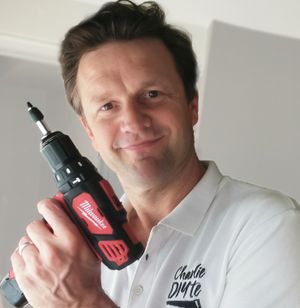

Morning all and can I start by saying a massive thank you to you for becoming Members. I'm really grateful for the coffees but it's the memberships that will really make my Channel sustainable, and into which I want to throw all my efforts to give you all as much value as possible.
So inevitably there is the odd teething problem with Buy Me a Coffee - hopefully mostly from my end, but what I'm really anxious to do is to help you get access to the members only forum - as this will I think be enormously useful to you, both in terms of being able to ask me questions, but also for us to build a general community of know how, rather like I've got on YouTube. A couple of people have found there way in, but it wasn't easy, which is frustrating, because you've all got free access with your membership ...
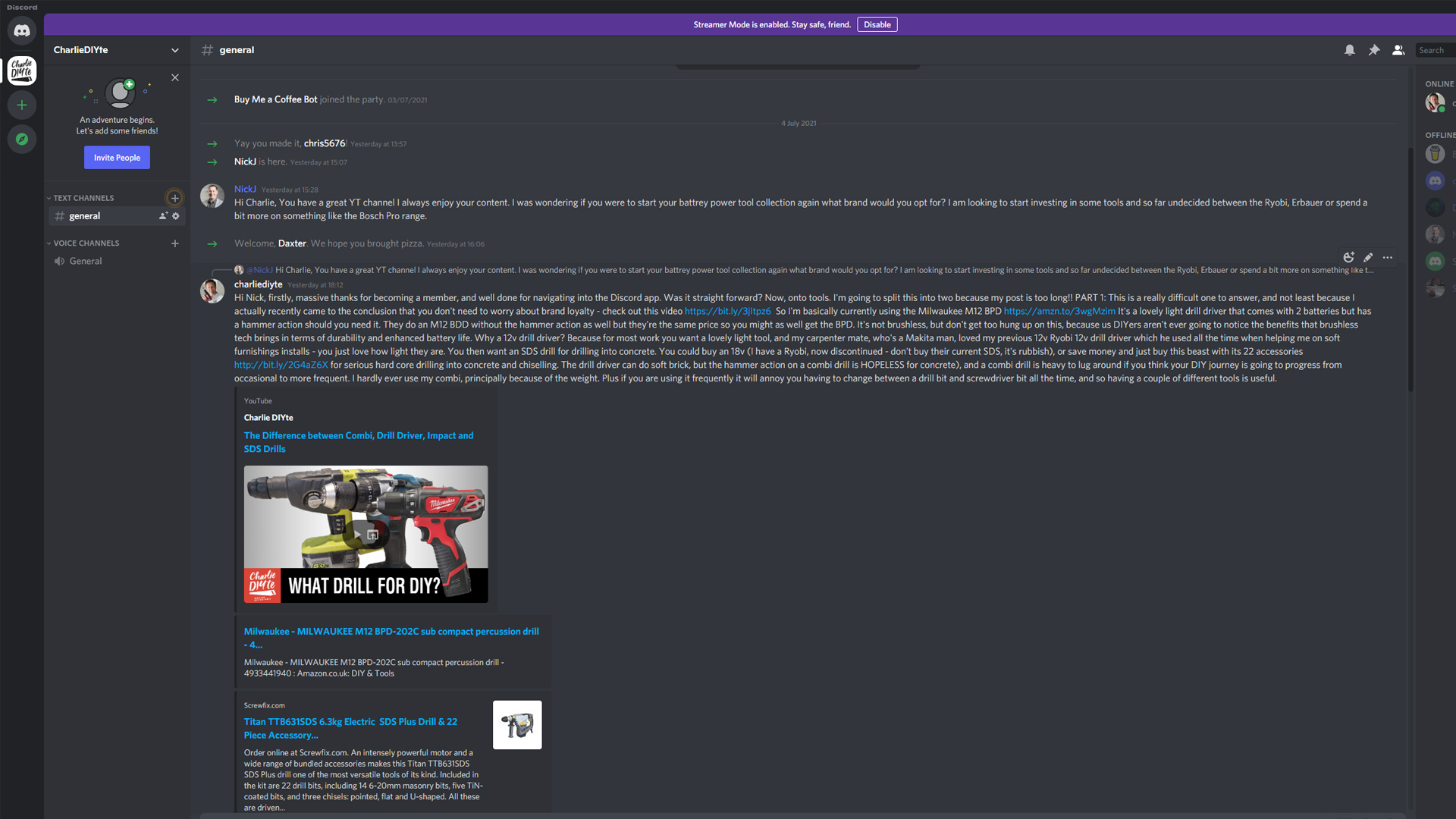
I've had a response from BMC, and so can I urge you to try and follow these steps, and see if you can access the Discord Forum:
1) Install the Discord App on your phone. You'll need to assign yourself a username and password (and if you need a password App to keep all your passwords safe and unique, I can't recommend highly enough LastPass).
2) Go to my Buy Me a Coffee page
3) Go to the Membership tab, and you'll see the option to access Discord Community
4) Click "Connect to Discord" button and log in to your Discord Account
5) Once logged into Discord you'll be asked to authorise access to the Buy Me a Coffee Bot. Simply click "Authorise" and you'll be given access to my Discord forum.
These instructions can also be found here https://bit.ly/2SQiSag
If for whatever reason this doesn't work, do please let me know. If it does, then great. I look forward to you pinging me a few DIY questions, and we'll do some hang outs on the voice channel some time soon.
Have a lovely week, all!