

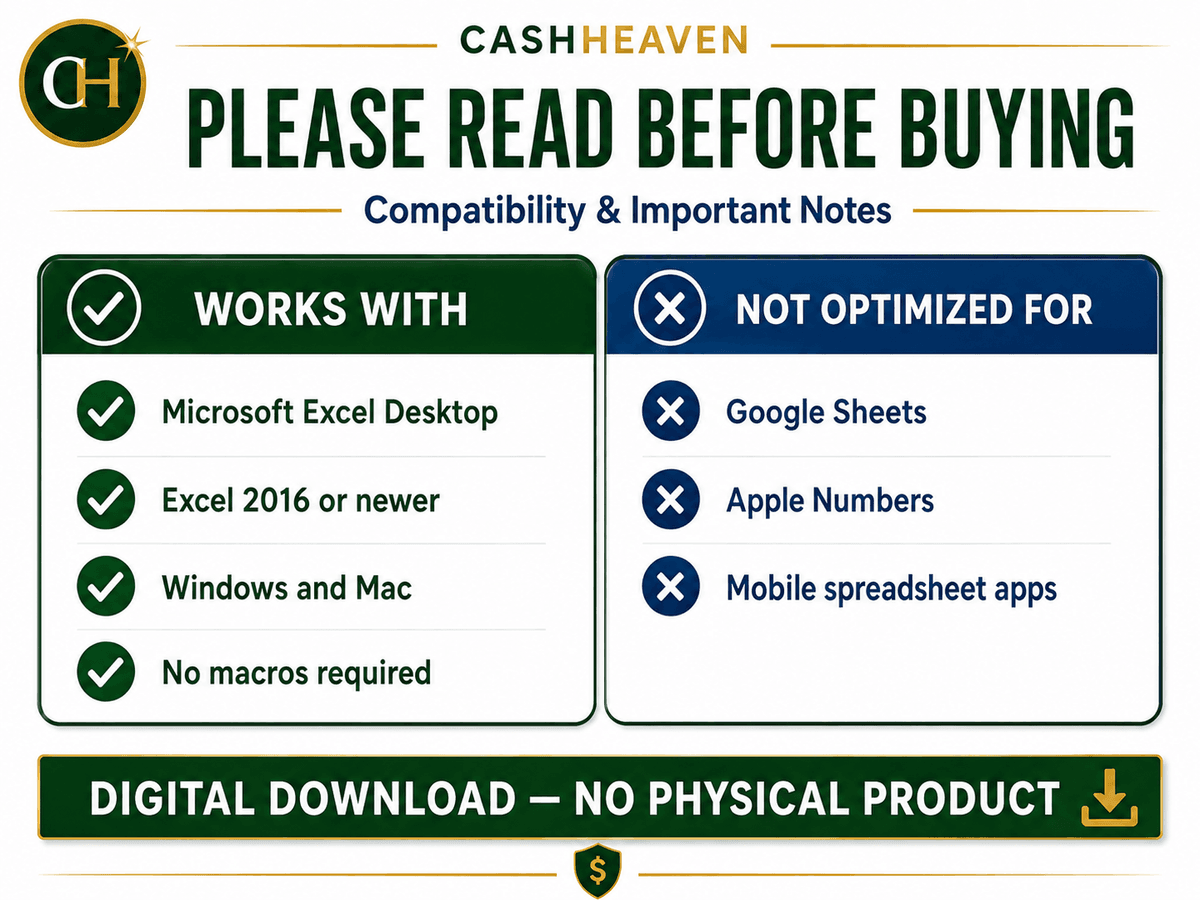
Credit Card Cash-Flow Tracker - Excel Template
$7.99
Take Control of Your Credit Card Cash Flow
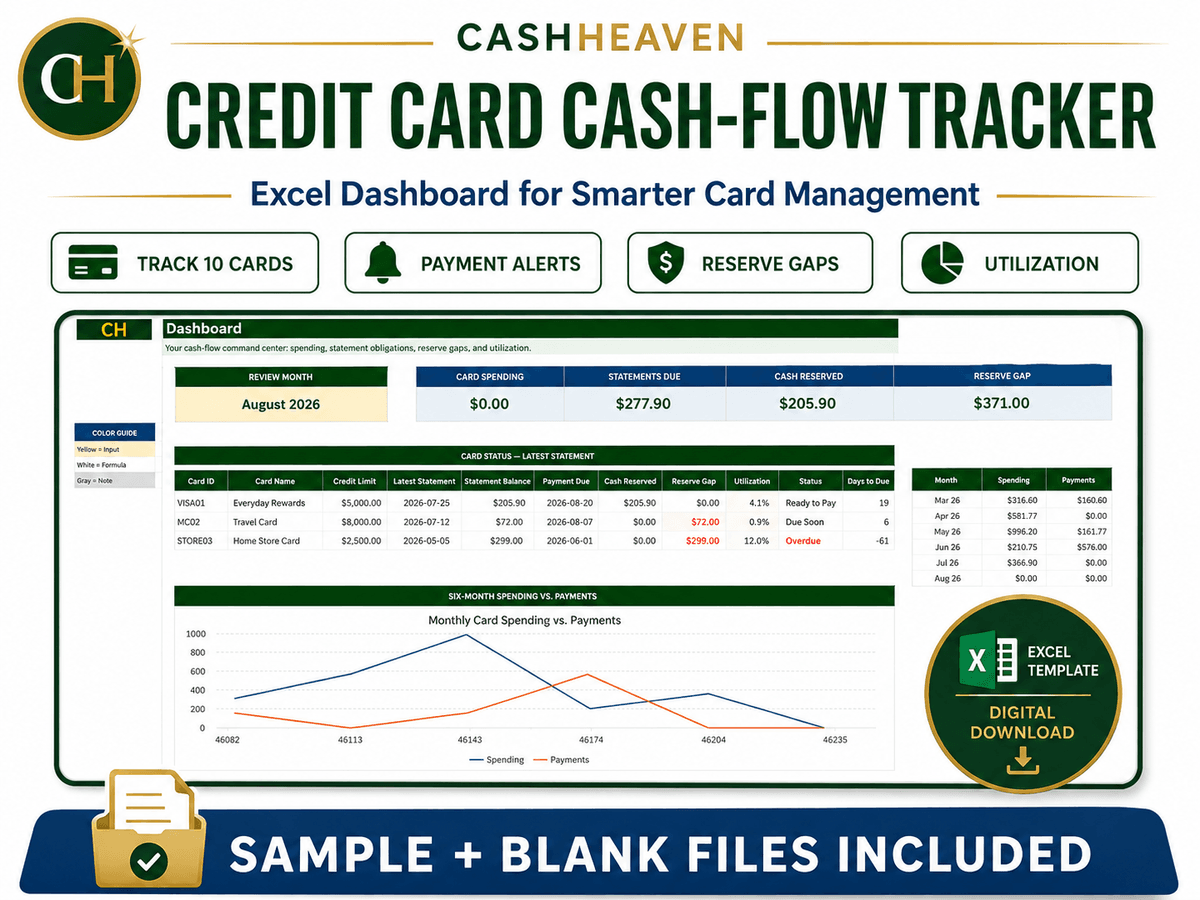
The Credit Card Cash-Flow Tracker for Microsoft Excel helps you manage credit-card spending, statement balances, payment dates, cash reserves, and utilization in one organized system.
Instead of asking:
“How much credit do I have left?”
This tracker helps you ask:
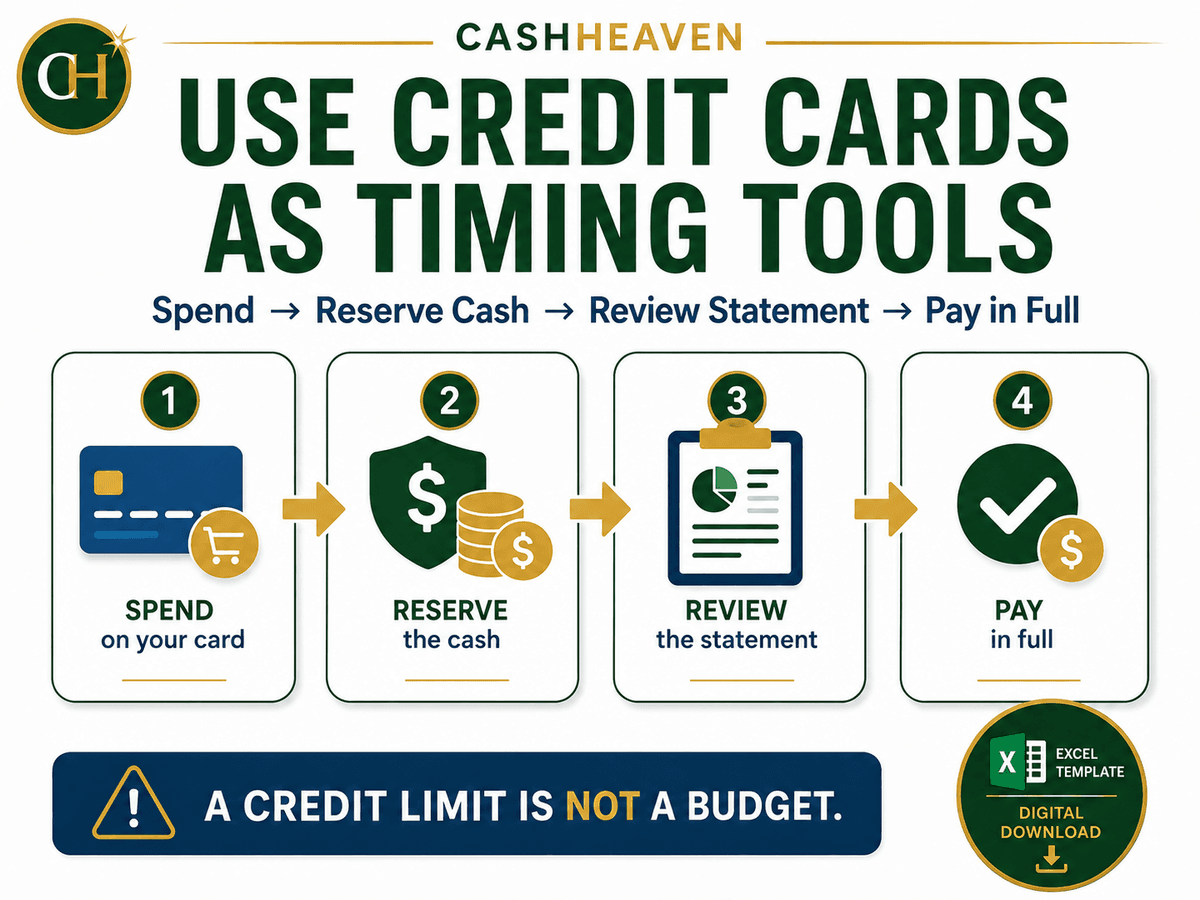
“Have I reserved enough cash to pay my statement?”
Use your credit card as a payment tool, not as extra income.
What This Template Helps You Track
✔ Up to 10 credit cards
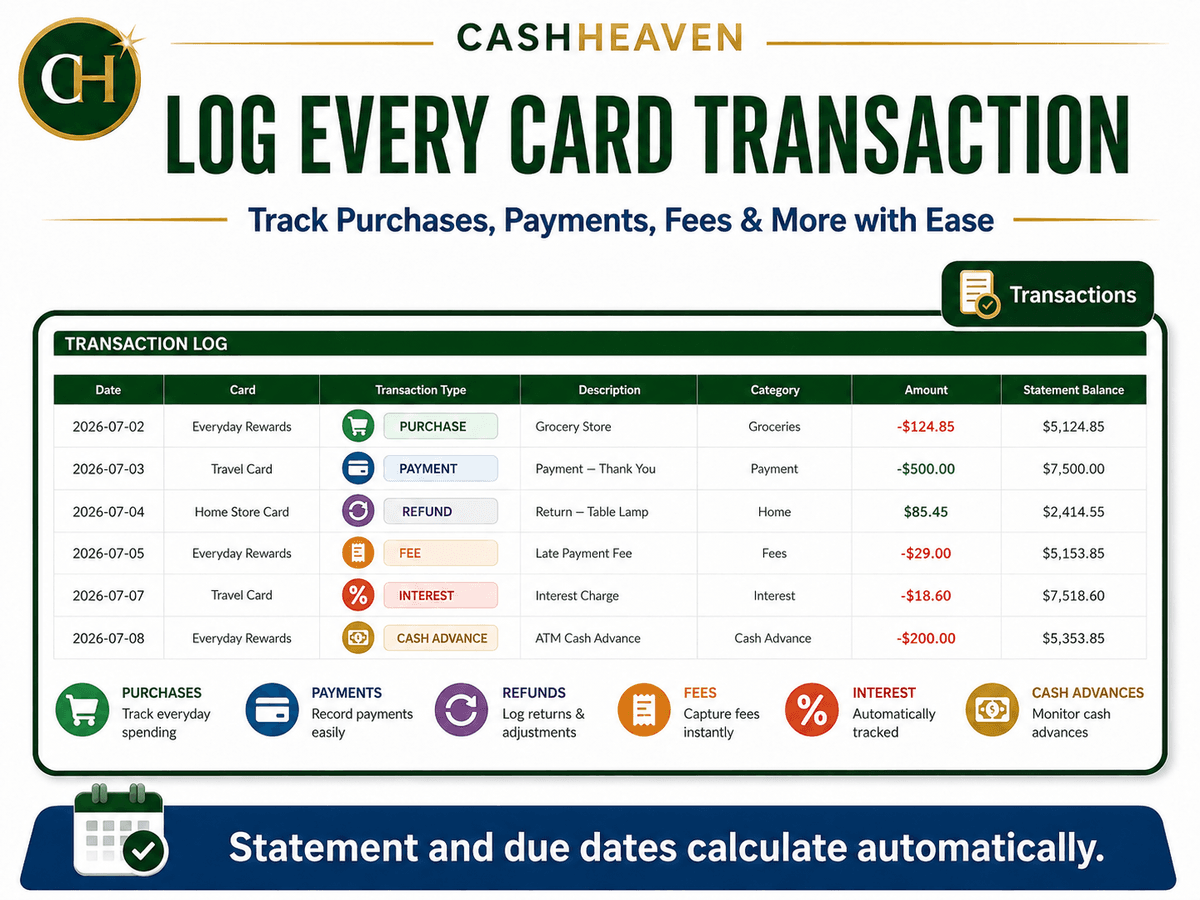
✔ Purchases, payments, refunds, fees, and interest
✔ Statement closing dates
✔ Payment due dates
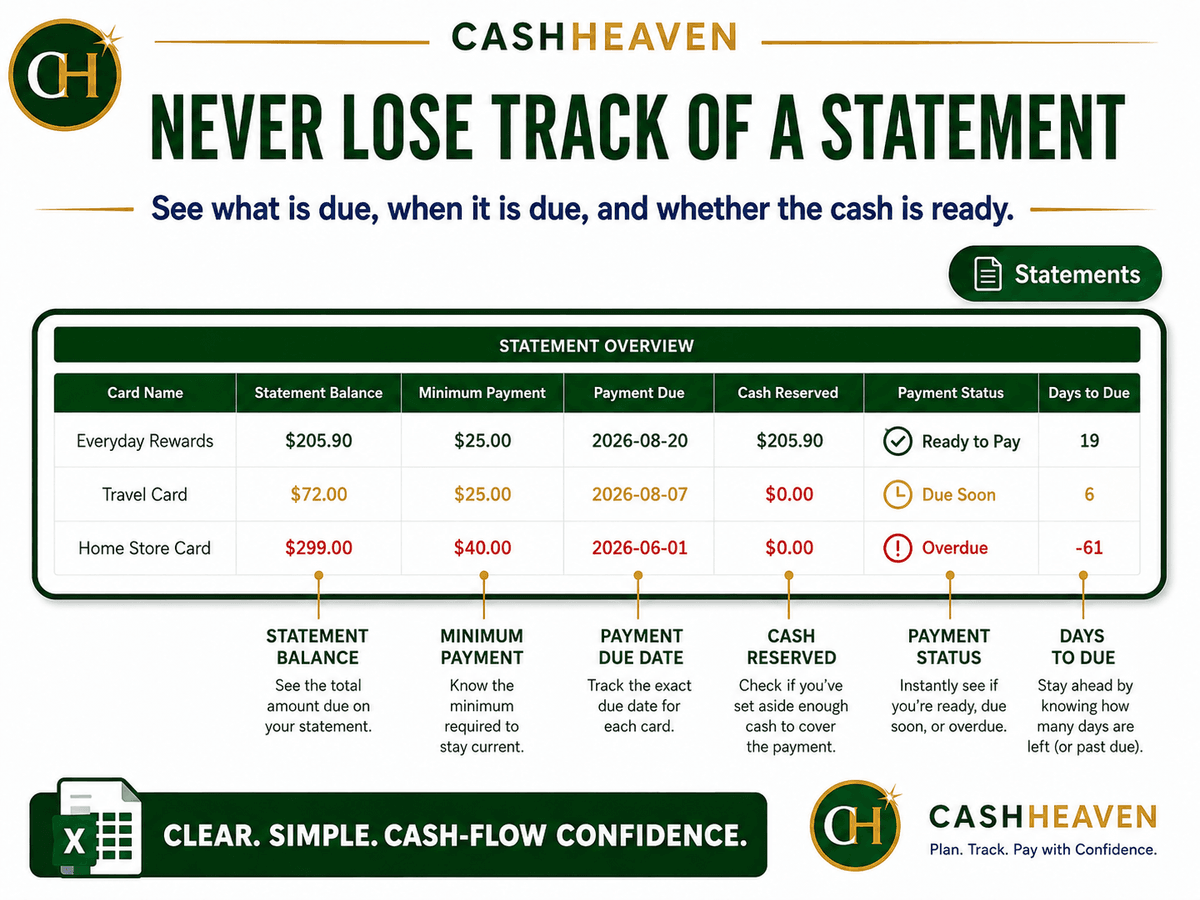
✔ Statement balances
✔ Minimum payment amounts
✔ Cash reserved for repayment
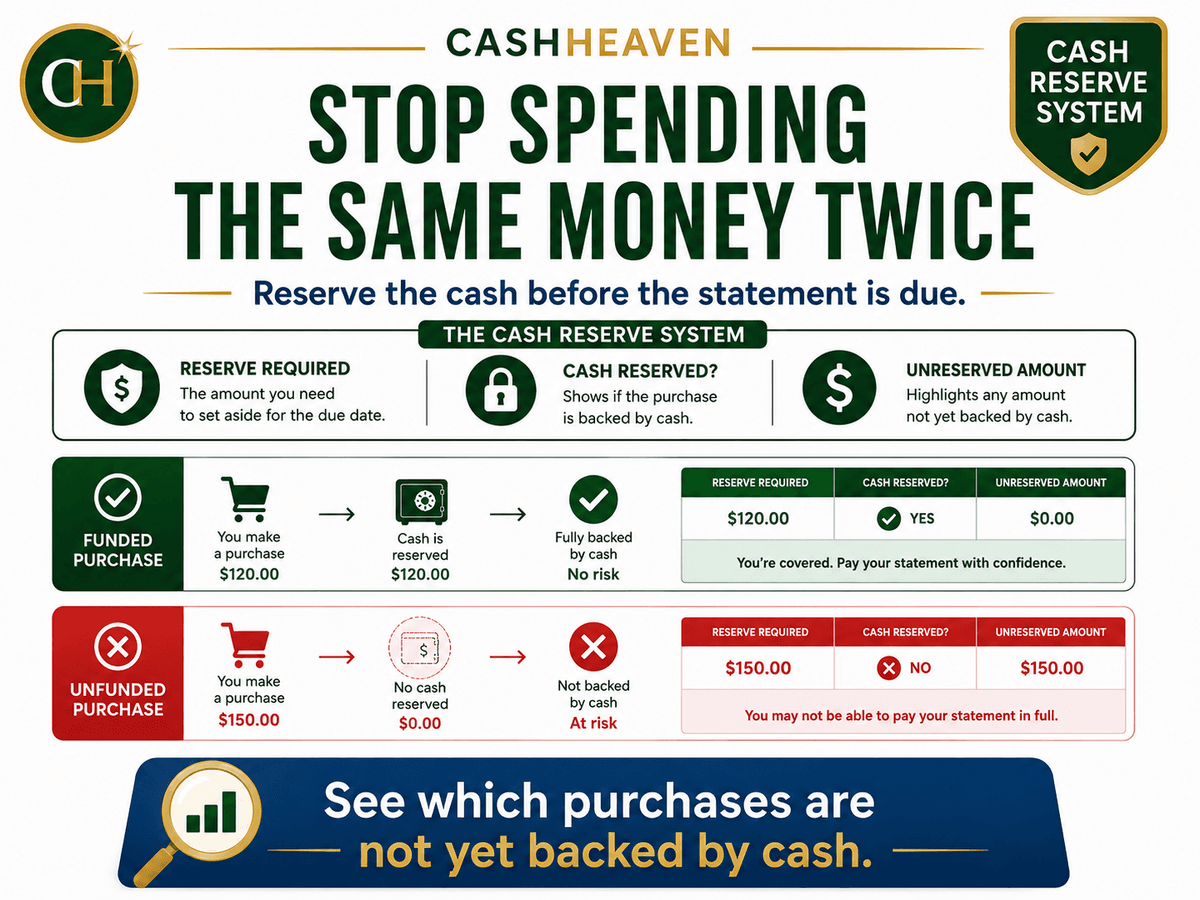
✔ Unfunded or unreserved purchases
✔ Credit utilization
✔ Rewards and annual fees
✔ Due-soon and overdue statements
✔ Monthly spending versus payments
Dashboard Features
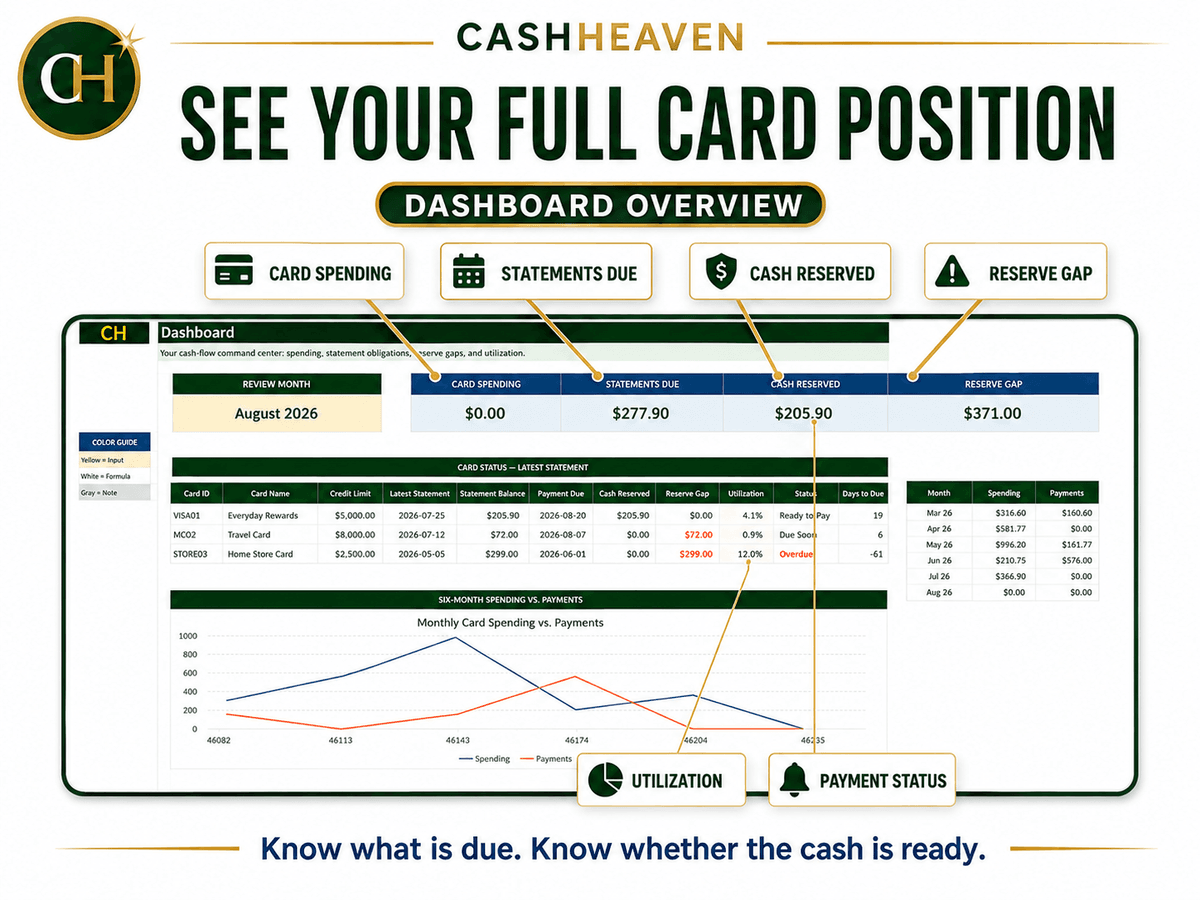
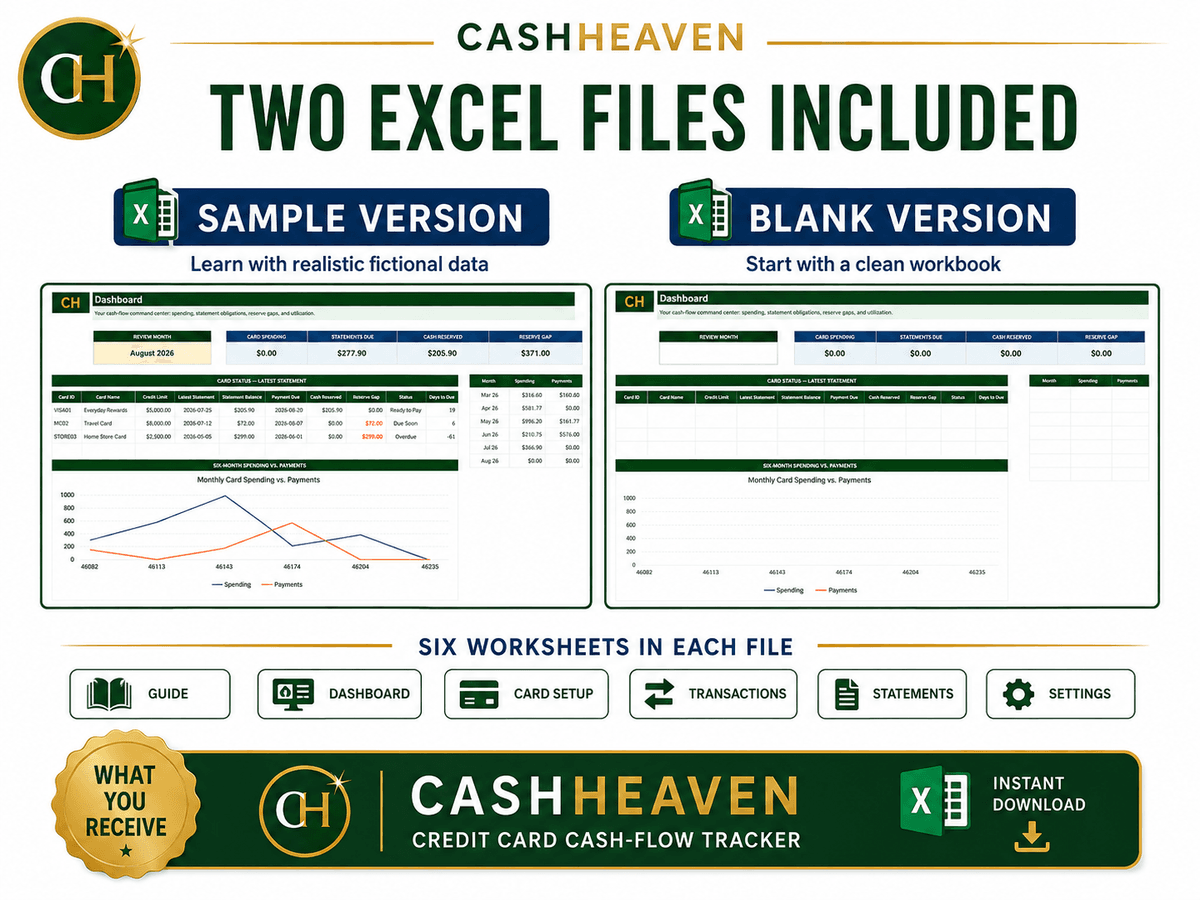
The automated dashboard gives you a clear view of:
Monthly credit-card spending
Statements due
Cash currently reserved
Total reserve shortfall
Latest statement for each card
Payment status
Credit utilization
Days remaining until payment
Six-month spending and payment trends
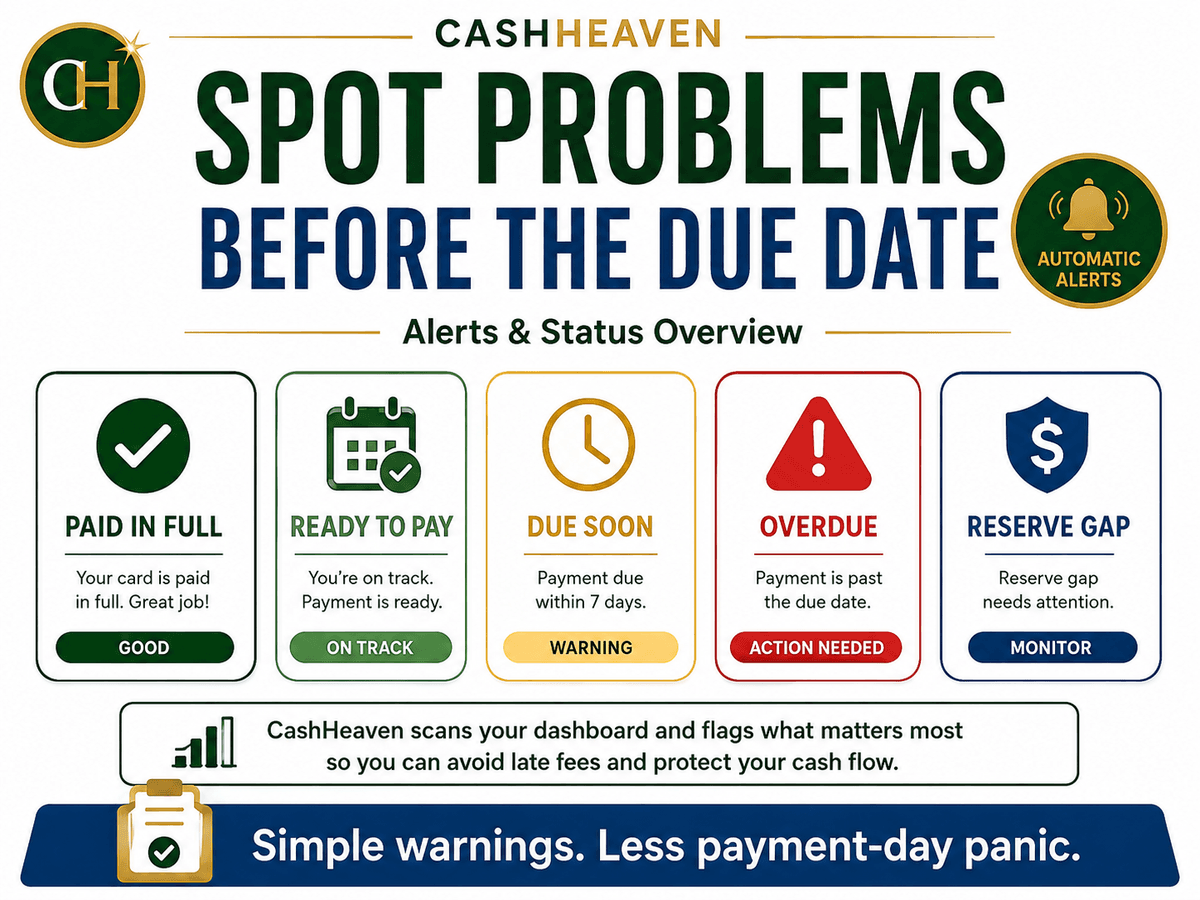
Warnings help identify cards that are:
Due soon
Overdue
Fully funded
Missing part of the required cash reserve
What Is Included
You will receive:
1. Sample Excel Workbook
A completed version with fictional transactions.
Use this to understand how the system works.
2. Blank Excel Workbook
A clean version ready for your own credit cards, purchases, statements, and payments.
Included Worksheet Tabs
Guide
Dashboard
Card Setup
Transactions
Statements
Settings
How It Works
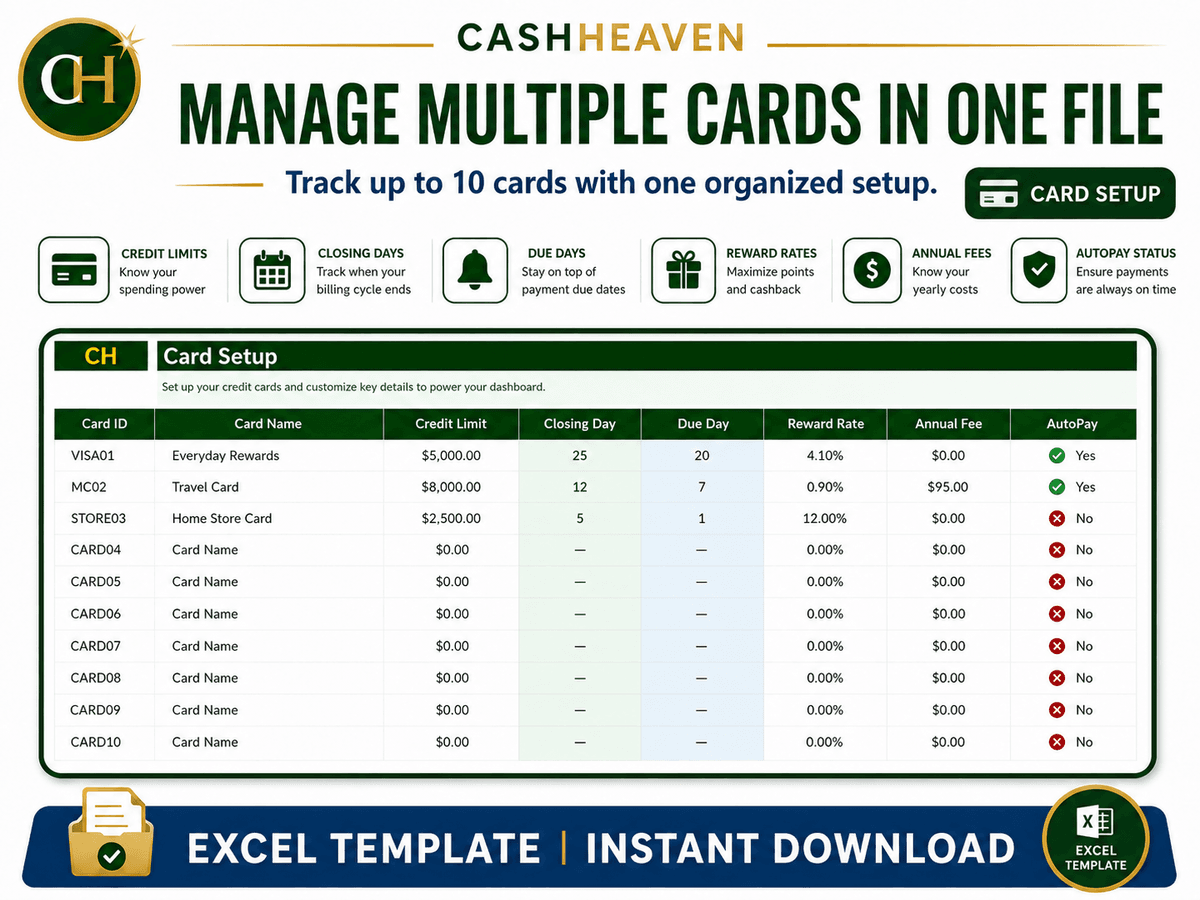
Step 1 - Set Up Your Cards
Enter each card’s:
Name
Issuer
Credit limit
Statement closing day
Payment due day
Reward rate
Annual fee
Autopay status
Step 2 - Record Transactions
Enter your purchases, payments, refunds, fees, interest, and cash advances.
The workbook automatically calculates the expected statement closing date and payment due date.
Step 3 - Reserve the Cash
Mark whether cash has already been reserved for each purchase.
The tracker calculates any unreserved amount.
Step 4 - Review Statements
Record your actual statement balance, cash reserved, and payment information.
Step 5 - Pay and Monitor
Use the dashboard to identify upcoming payments, reserve gaps, utilization, and overdue balances.
Order now :)
$7.99
Enter a fair price
$
$7.99