GitHub is where a lot of good software starts. Developers are out there doing the kind of work the rest of us quietly depend on, putting valuable resources into the world, often for free. Even though millions rely on these open-source libraries, a lot of this effort goes unpaid. What if I tell you, it doesn’t have to be that way. Now, there are countless ways to sustain yourself as a developer, even while maintaining the open-source model.
If you want to figure out what you can earn from your GitHub, whether it’s a repository or a tool you’ve built, this guide will help you work it out quickly.
Alongside GitHub’s own options, I’ll also walk you through an extra way to earn: setting up a Buy Me a Coffee page.
Can developers make money on GitHub?
Let me give you the short answer first. Of course, developers can make money through work they publish and promote on GitHub. There’s a small catch, though. GitHub doesn’t automatically pay you for the work you put out there.
The money usually comes from:
- Supporting an open-source work.
- Paying to use a software product or service.
- Offering products, tools, templates, or learning resources.
- Businesses hire developers after seeing their work.
- Users pay for additional features, support, hosting, or access to a premium version.
There is also GitHub’s own funding feature, GitHub Sponsors.
Ways to make money using GitHub
1. Get sponsored for maintaining open-source projects
GitHub Sponsors is a funding feature built into GitHub that lets people and organisations financially support developers who contribute to open-source projects.
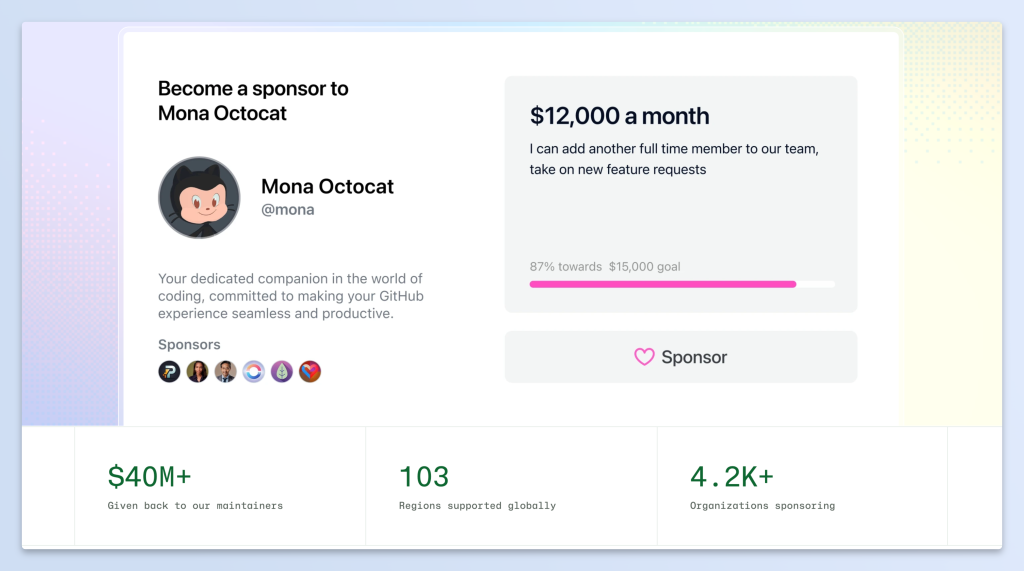
This was a much awaited and celebrated addition to GitHub, first rolled out in 2019 and is the most straightforward path for you to receive support.
Speaking of this feature in their blog, GitHub’s team members share how impactful and personal this addition is to them. To quote a team member:
“Open source is freely shared without the expectation of great reward, but that shouldn’t preclude maintainers from accepting funding to support the great deal of work, often on personal time, that goes into its creation, maintenance, and management.”
How GitHub Sponsors work:
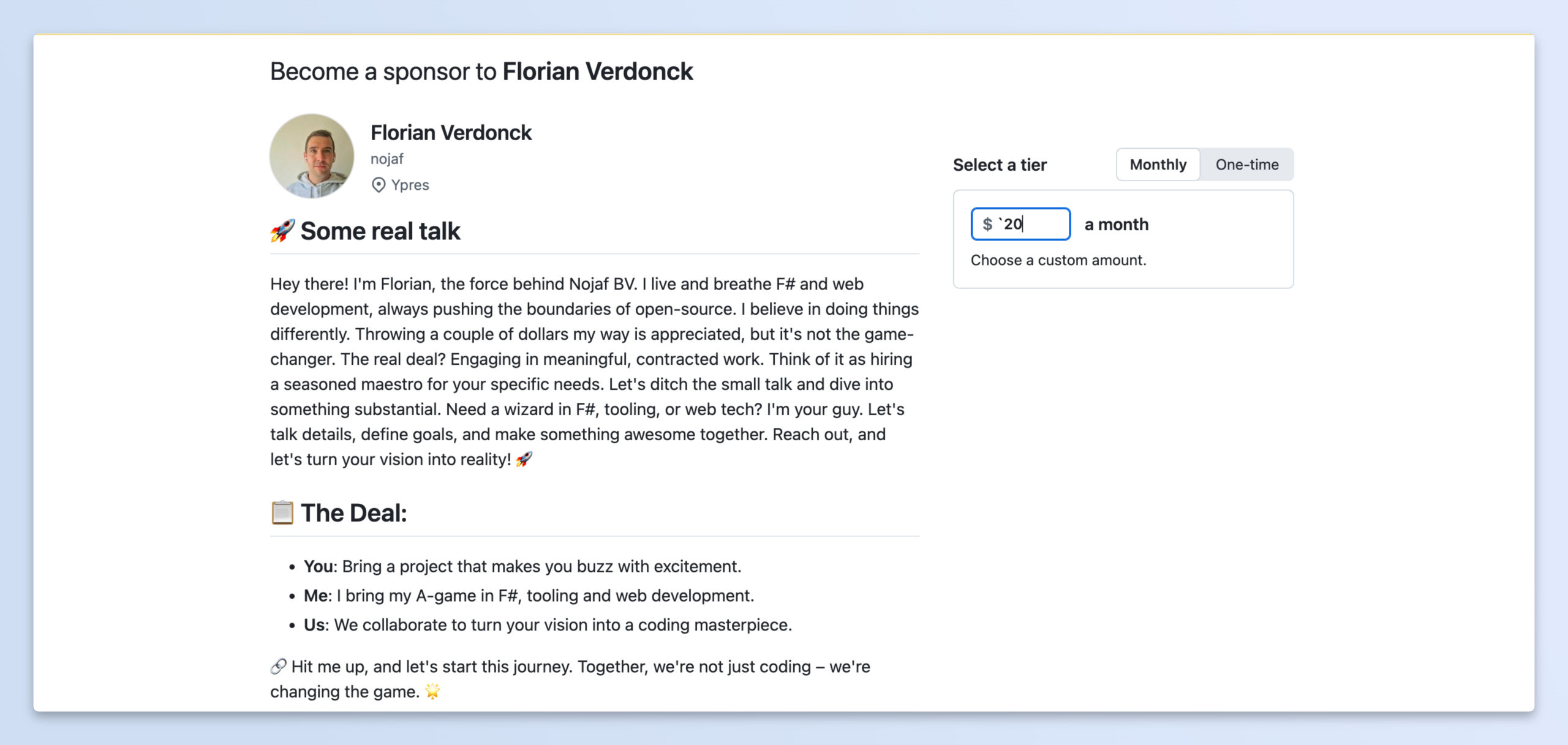
Developers can set up sponsorship tiers with different payment amounts and optional benefits, such as early access to updates, project newsletters, or access to a private repository. They can also accept contributions without offering any rewards.
| Personal accounts | GitHub doesn’t charge a platform fee for sponsorships made through personal accounts, so 100% of those sponsorships go to the developer or organisation receiving them. |
| Organisation accounts | GitHub charges up to 6%. This includes a 3% service fee and a 3% payment processing fee. |
To get started:
- Check whether GitHub Sponsors is available in your region.
- Go to GitHub Sponsors and apply to become a sponsored developer.
- Complete your sponsorship profile.
- Create your monthly and one-time sponsorship tiers, if you want to offer them.
- Submit your bank and tax information.
- Enable two-factor authentication on your GitHub account.
- Submit your profile for approval.
2. Add a Buy Me a Coffee Sponsor button to your GitHub repository
GitHub lets you show a Sponsor button at the top of your repository, so visitors can easily find ways to support your work. You don’t need GitHub Sponsors for this. Buy Me a Coffee is supported as an external funding platform, so the button links straight to your Buy Me a Coffee page. Supporters pay through Buy Me a Coffee, and the money goes to your Buy Me a Coffee account. GitHub’s own payment system isn’t involved.
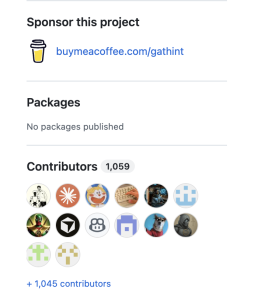
Before you start: You need admin access to the repository to turn on the Sponsor button.
How to add the Sponsor button
- On GitHub, go to the main page of your repository.
- Click Settings under the repository name.
- On the General settings page, scroll to the Features section and check Sponsorships.
- In the Sponsorships box, click Set up sponsor button. GitHub opens a new
FUNDING.ymlfile inside the.githubfolder. - Add this line to the file:
buy_me_a_coffee: YOUR_USERNAME Replace YOUR_USERNAME with your Buy Me a Coffee username. This is the part after buymeacoffee.com/ in your page link.
6. Click Commit changes…, write a short commit message (for example, “Add Buy Me a Coffee sponsor button”), and commit the file to your default branch.
After that, a Sponsor button appears on your repository page. When visitors click it, they’ll see your Buy Me a Coffee link.
Optional extras
- Using other platforms too? Add each one on its own line in the same file, for example:
  buy_me_a_coffee: YOUR_USERNAME
  github: YOUR_GITHUB_USERNAME
custom: ["https://yourwebsite.com/support"]- Have many repositories? Put the
FUNDING.ymlfile in your account’s or organization’s.githubrepository. It then becomes the default Sponsor button for all your repositories.
For the full list of supported platforms and syntax, see GitHub’s guide: Displaying a sponsor button in your repository.
3. Sell apps through GitHub Marketplace
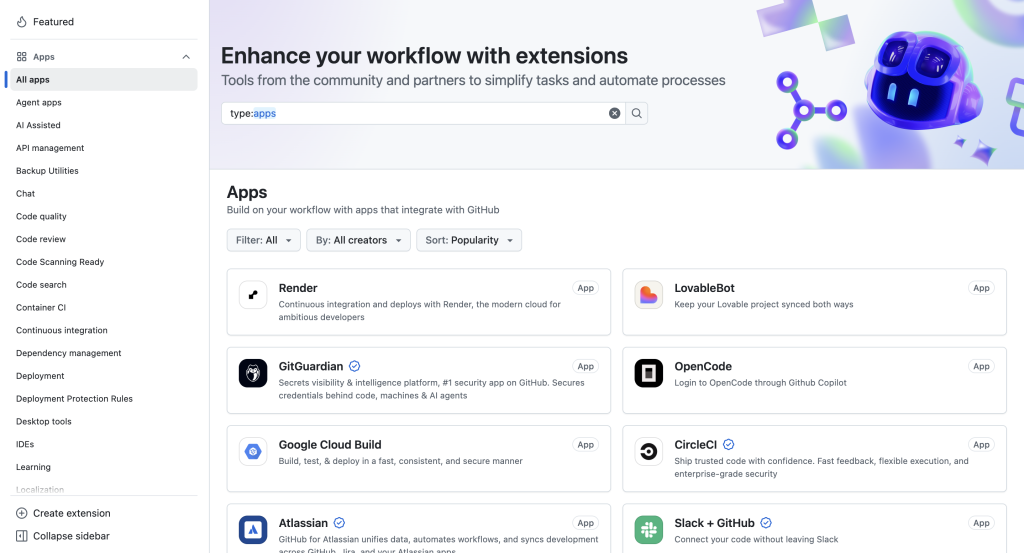
If you’ve developed an app that integrates with GitHub, you can also publish it on GitHub Marketplace.
The Marketplace is where developers can discover tools that extend their GitHub workflows. These include GitHub Apps and GitHub Actions. Developers can publish free tools, while eligible app publishers can also offer paid plans.
4. Sell support, products or a paid version
Some of the best earning routes happen outside GitHub’s own features, although your repository is where people find you.
- Support and custom work. Companies using your project often need help setting it up, or want one feature built. A few of them is enough, and it doesn’t depend on your star count.
- Templates, starter kits and courses. Keep the code free and sell what saves people time. Tailwind CSS is free, while Tailwind UI is a paid set of ready-made components built around it.
- A paid version of your project. This could be a free core with paid extras for bigger teams, or a hosted version where you run it for people. It only makes sense once real teams depend on your project.
5. Earn money through bug bounties
If you’re interested in cybersecurity, bug bounties are a great option for you.
Companies run bug bounty programmes to encourage independent security researchers to find vulnerabilities in their software. If you discover a security issue, report it responsibly and the company confirms it, you may receive a monetary reward.
For example, GitHub itself has a Bug Bounty programme. Developers and security researchers can report vulnerabilities in eligible GitHub products and services and receive rewards based on the severity and impact of their findings.
Most of these take time, need approval, or only work once your project has a certain size.
Which route fits which developer
| Your situation | Best starting route |
|---|---|
| New developer, no audience | Contribute to open source, build portfolio, freelance |
| Maintains a small popular library | GitHub Sponsors, plus consulting |
| Builds dev tools | GitHub Marketplace, open core |
| Builds full products | Hosted SaaS, templates |
| Good teacher or writer | Courses, newsletter, ebooks |
| Security skills | Bug bounties, security research |
Using Buy Me a Coffee alongside GitHub
Buy Me a Coffee is a platform where creators and developers receive support directly from the people who use their work. Supporters can leave a one-time tip, join a monthly membership, or buy something from your shop.
Why developers use Buy Me a Coffee alongside GitHub
- Your users don’t have to be on GitHub. People who use your app, theme or plugin often never visit the repo, and a link in the README, docs or app reaches them.
- One page covers several income types. Tips, memberships and digital products sit in one place, so you don’t need separate tools to start.
- It works for things that aren’t a repository. A newsletter, a tutorial series or a Mac app can all have a page.
- You can start small. A page with one tip button takes an afternoon, and you can add memberships or a shop later.
- It doesn’t replace GitHub Sponsors. If you qualify for Sponsors, keep both and let supporters choose.
How to set it up
You’ve already added buy_me_a_coffee: YOUR_USERNAME to FUNDING.yml. Now the page itself:
- Create your page at buymeacoffee.com and choose your username. Use the same one you put in
FUNDING.yml. - Add a photo and a short bio. Say what you build and what the money goes towards.
- Set up your payout details when prompted.
- Decide what to offer: tips, a monthly membership, a shop item, or all three.
- Add a link at the top of your README:
[Buy me a coffee](https://buymeacoffee.com/YOUR_USERNAME) - Link the page from your profile README, your docs site, your release notes and inside your app.
What you can offer:
| Tips | One-time support from your audience. |
| Memberships | A monthly amount for perks like early releases, your name in the README or a private chat. |
| Shop | Templates, ebooks, courses or tool bundles. |
| Posts | Updates for everyone, or deeper write-ups for members only. |
| Extras | One-off services like a code review or a mentoring call. |
FAQ
Is it allowed to add Buy Me a Coffee to a GitHub repository?
Yes. GitHub’s FUNDING.yml supports buy_me_a_coffee as one of its funding platforms, so your page can sit behind the Sponsor button. GitHub says funding links aren’t supported for other purposes, such as advertising, or supporting political, community or charity groups.
Can I use GitHub Sponsors and Buy Me a Coffee together?
Yes. Add both a github: line and a buy_me_a_coffee: line to your FUNDING.yml, and supporters will see both.
Do supporters need a GitHub account?
Not for Buy Me a Coffee. For GitHub Sponsors, they do.
Does adding the line to FUNDING.yml mean I get paid?
No. The file only shows the link. You still need to set up your Buy Me a Coffee page, and for GitHub Sponsors you need to finish GitHub’s onboarding.
Where do I turn the Sponsor button on?
In your repository, go to Settings, then under Features select Sponsorships. The FUNDING.yml file needs to be in the .github folder on your default branch.