

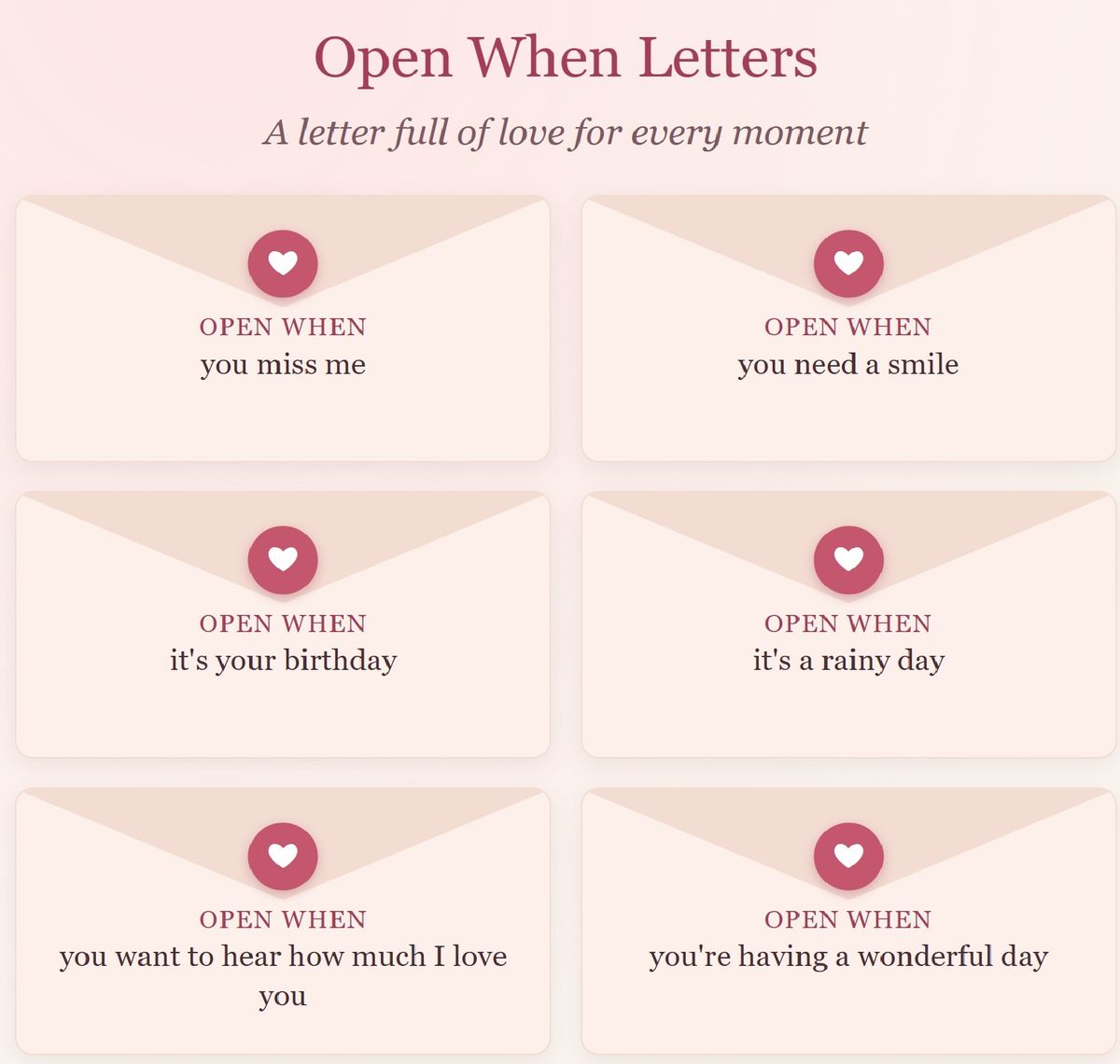
Open When Letters: A Digital Gift of Love Letters for Every Moment
$5
Give someone you love a letter for every moment of their life.
Open When Letters is a sweet digital keepsake filled with sealed envelopes like “Open when you miss me,” “Open when it’s your birthday” and “Open when you want a hug.” Whenever the moment is right, your loved one taps an envelope and a warm, loving letter is waiting for them.
12 beautiful letters are already written, so it’s a complete gift just as it is. Want to make it personal? Rewrite any letter with your own memories and love, or add your own envelopes. Then save your gift copy and email or text it to Mom, Dad, Grandma, Grandpa or anyone special.
What’s inside:
12 envelopes with warm, uplifting letters, ready to give
Easy editing to personalize any letter or add your own envelopes
Opened letters stay saved so they can be read again anytime
Large, easy-to-read text
Works on phones, tablets and computers in any web browser
No app store, no account, no internet needed
A perfect gift for birthdays, Mother’s Day, Father’s Day, Grandparents Day, anniversaries, or just because.
Instant download (zip file with easy instructions included).
STEP 1: OPEN IT
Download the zip file and unzip it. On most computers, just double-click it. Inside, double-click “Open-When-Letters.html” and it will open in your web browser. No installing and no internet needed.
STEP 2: ADD YOUR NAMES
Tap “For the gift giver: write the letters” at the bottom of the page. Type who the letters are for (for example, Mom) and your name (for example, Sarah).
STEP 3: PERSONALIZE THE LETTERS
Every envelope already holds a warm letter, so you can give it just as it is. To make a letter your own, tap “Edit,” change the words, and tap “Save This Letter.” To create your own envelope, tap “Add a New Envelope,” finish the sentence “Open when...” (for example, “you want pancakes”), write your letter, and tap “Save This Letter.”
STEP 4: SAVE YOUR GIFT COPY
Tap “Save Gift Copy.” This saves a new file with your letters inside, named something like “Open-When-Letters-for-Mom.html.” You’ll usually find it in your Downloads folder.
STEP 5: SEND IT
Attach that new file to an email or text message and send it to your loved one. They simply tap the file to open it, then choose an envelope whenever the moment is right.
Tip: Want to give it in person instead? Open the gift copy on their phone, tablet or computer and it’s ready to enjoy.
Someone is going to feel very loved. Thank you for spreading a little more love in the world!
With love,
Ageless Hearts
AgelessHearts.com
$5
$5