

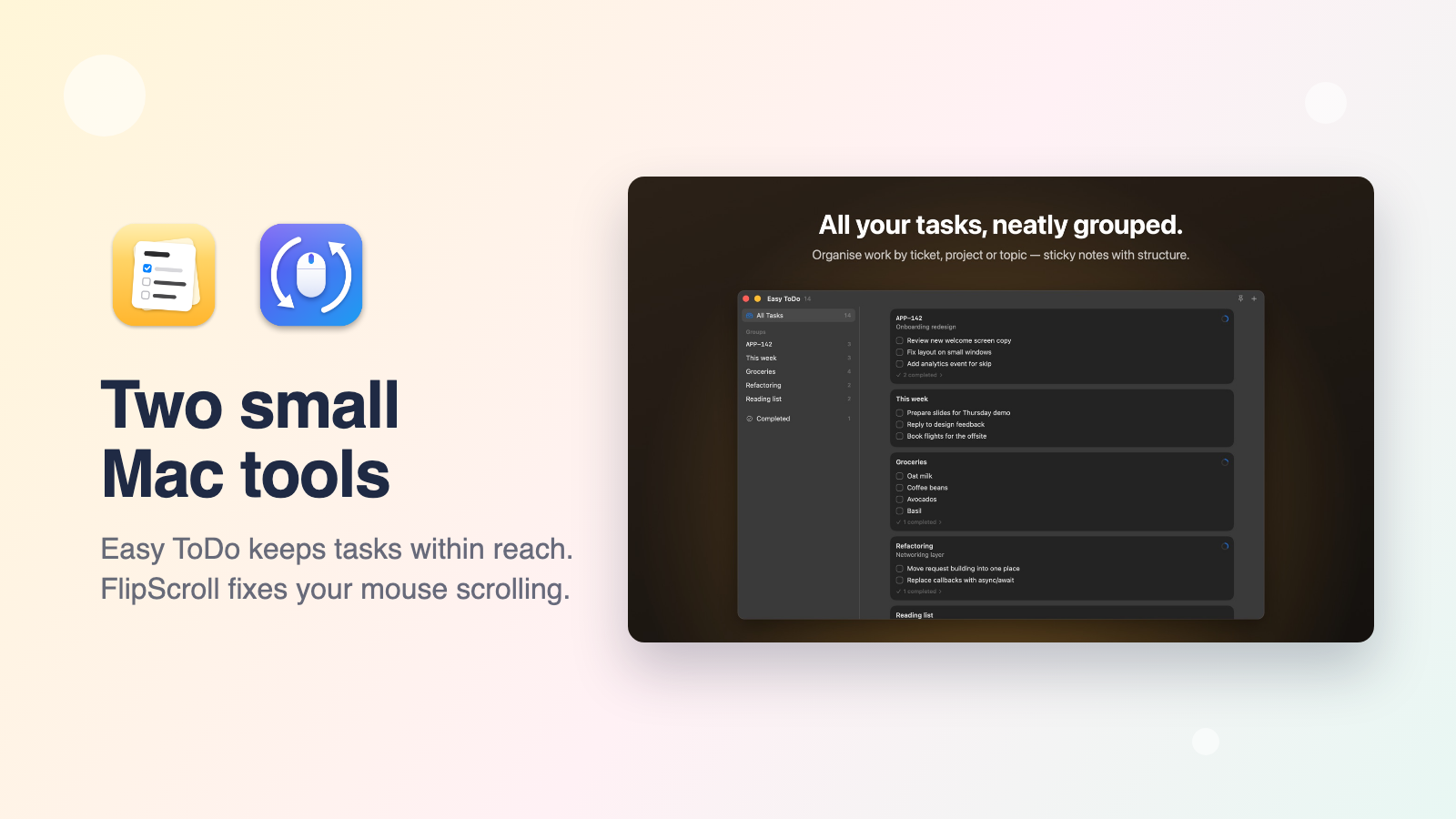
Not every app has to be big. These two Mac utilities each do one job and stay out of your way.
🖱️ FlipScroll: free scroll reverser
macOS has a single "natural scrolling" setting for everything, so if you use a mouse and a trackpad, one of them always feels wrong. FlipScroll fixes that: your mouse scrolls like a mouse and your trackpad stays natural.
Reverse vertical and horizontal scrolling separately, for each device
Recognises wheel mice, smooth-scrolling mice, Magic Mouse and trackpads automatically
Lives quietly in the menu bar
Free, for macOS 13 Ventura or later, on Apple silicon and Intel
✅ Easy ToDo: Task Board
Easy ToDo is a small, floating task board for your Mac, like sticky notes organised into groups. Jot things down the moment they come up, check them off, and get back to work.
Group tasks under a ticket, project or topic. Ticket IDs like APP-142 are recognised
Press Control-Option-T anywhere to show or hide your tasks, or pin the window above every app
Built for the keyboard: Return, Backspace, Command-N and Escape do what you expect
No account, no tracking, no ads. Your tasks stay on your Mac
👉 Get Easy ToDo on the Mac App Store
FlipScroll is free, so if it fixed your scrolling, a beer 🍺 is the best way to say thanks!