

AddSnakeCutLine for Adobe Illustrator
$7
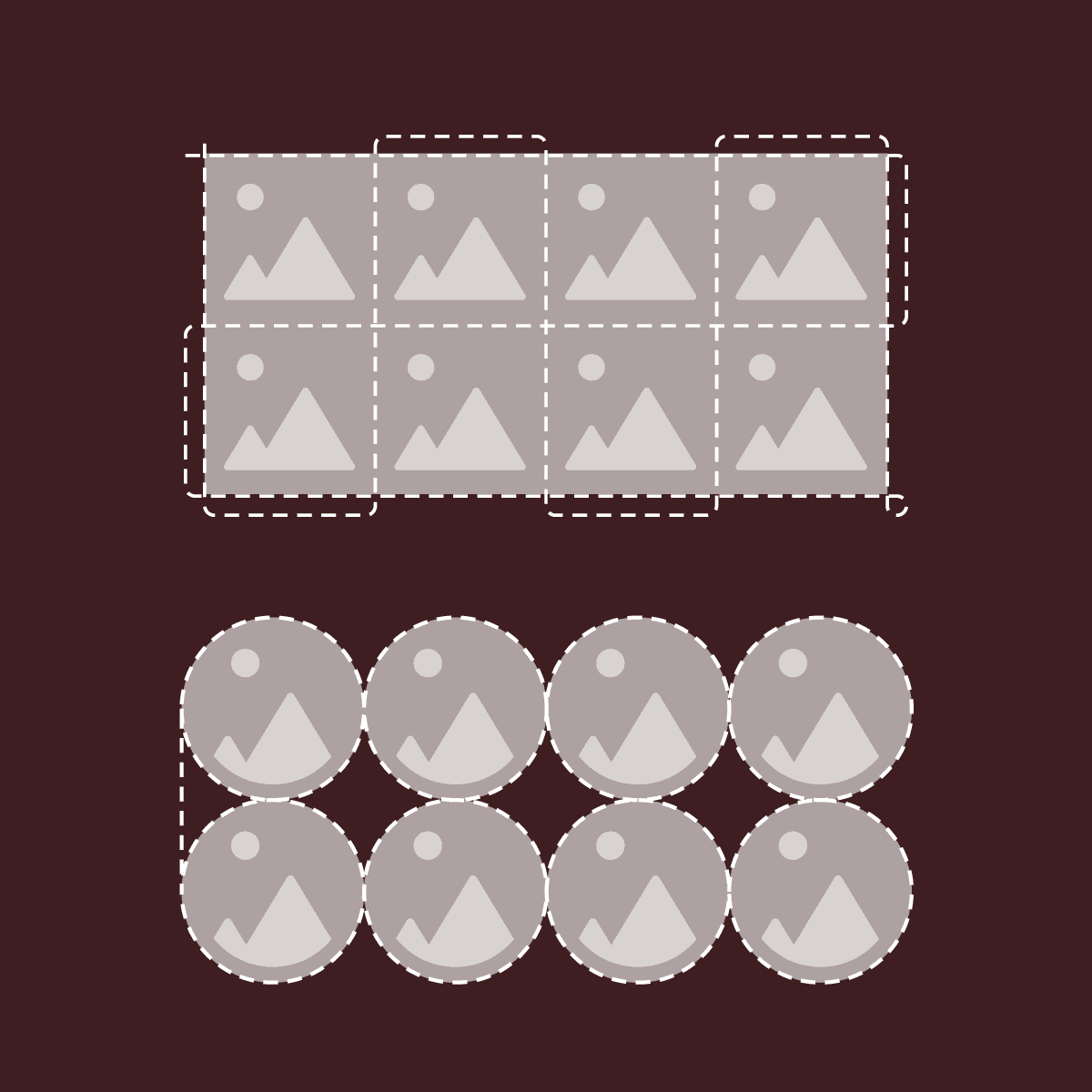
AddSnakeCutLine— generates a single continuous cutting path in a snake-like pattern. When cutting a grid of rectangular layouts with a plotter, it takes a lot of time because the blade has to go around the perimeter of each individual shape
Watch Demo
https://youtu.be/pr_a8jNcXsA
Features
- Generates a single continuous snake-like cutline to significantly reduce plotter cutting time
- Supports two layout styles: rectangular grids and round or oval object formations
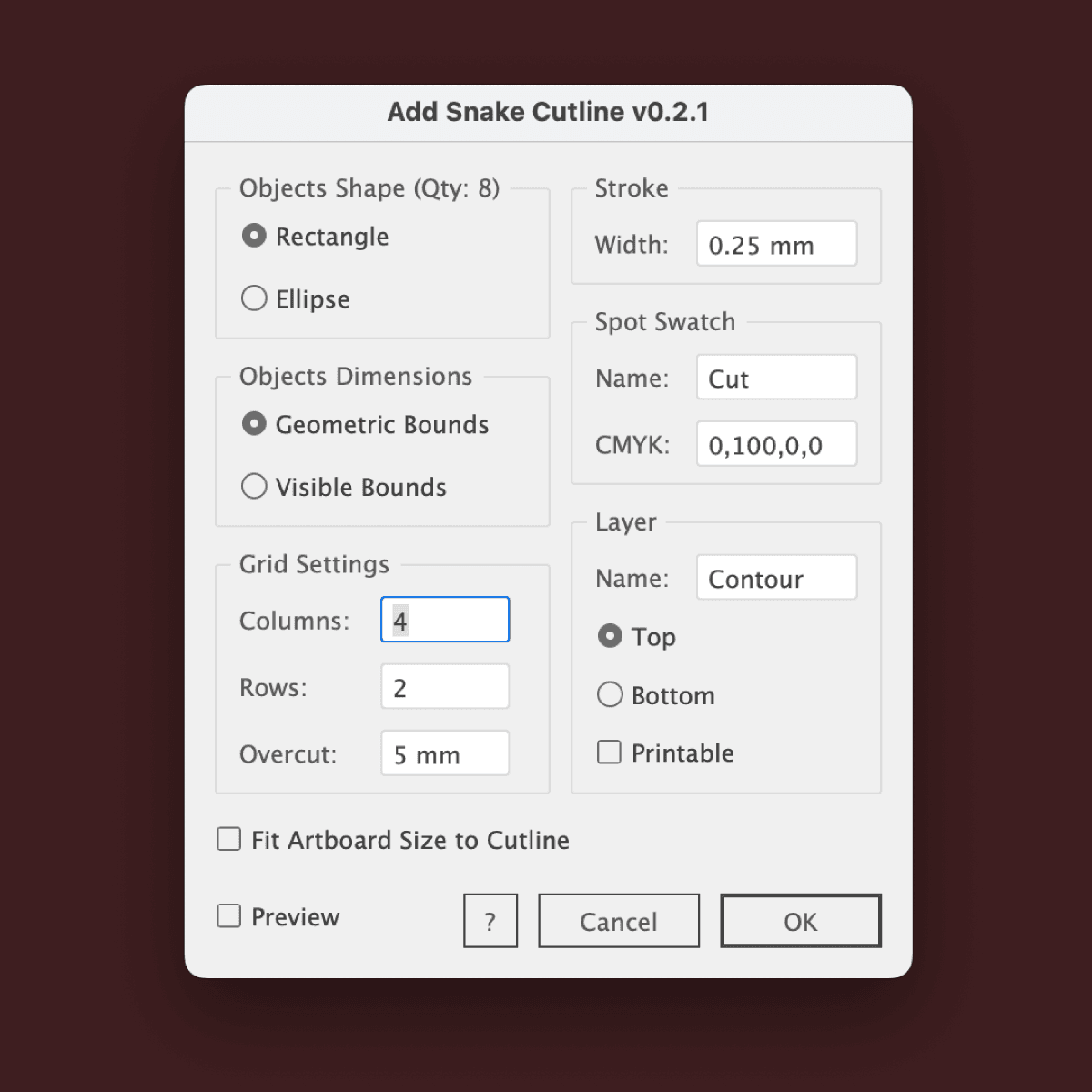
- Choice of dimension calculation: based on geometric or visible bounds (including strokes and effects)
- Customizable overcut distance beyond the grid boundaries for rectangular layouts
- Automatically creates a dedicated technical layer for the cutline, with an option to make it non-printable
- Custom layer positioning (top or bottom of the stack) and automatic Spot color assignment for the path
- Quick value calculation in various document units: mm, cm, in, px, pt, and more
- Automatic resizing of the active artboard to fit the generated cutline perfectly
- Preview mode
How to Install
- Download the archive and unzip it
- Place AddSnakeCutLine.jsx into Adobe Illustrator scripts folder (How to run scripts)
- Restart Illustrator
Supports
- Adobe Illustrator CS6–2026
- UI language: En, Ru
- OS: Windows & Mac OS
$7
Gib einen fairen Preis ein
$
$7