

Removing an image background used to mean carefully tracing around a subject, cleaning edges, and spending several minutes in Photoshop.
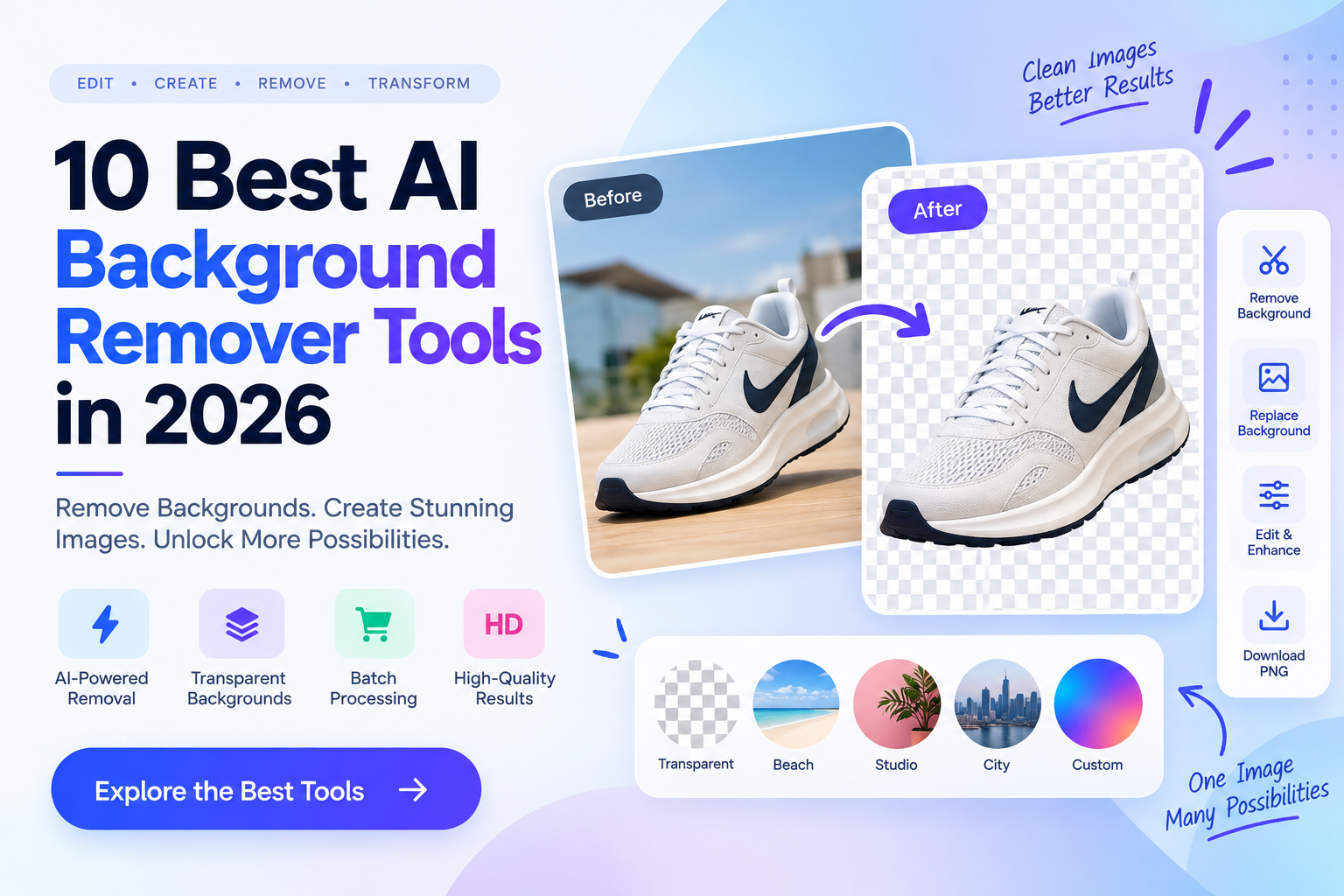
AI has changed that workflow. Modern background removers can detect the main subject automatically and separate it from the background in seconds. Some also let you replace the background, generate a new scene, process hundreds of images, or connect background removal directly to an application through an API.
But these tools are not interchangeable.
A simple free background remover may be enough for a profile picture. An eCommerce business processing thousands of product images needs something very different: batch processing, consistent results, high-resolution exports, and potentially an API.
I analyzed the AI background-removal tools in the supplied Toolify research and compared them based on their primary use case, background-removal capabilities, editing features, batch workflows, integrations, pricing, and limitations.
1. remove.bg
Best for: Fast, dedicated AI background removal for individuals, businesses, developers, and high-volume workflows.
remove bg is one of the most focused products in this category. Instead of trying to be a complete graphic-design application, it concentrates heavily on automatically separating foreground subjects from backgrounds.
The supplied research describes it as an AI-powered tool that can remove backgrounds from people, products, animals, cars, graphics, and other subjects.
Key features
Automatic AI background removal
Transparent PNG output
High-resolution image processing
API access
Apps and integrations
Batch workflows
Commercial-use options
The current official documentation says free website previews support images up to 0.25 megapixels, while paid plans provide full-resolution images up to 50 megapixels. Paid access also includes API access beyond the free preview allowance and commercial-use permission.
What makes it different
Its specialization is the advantage.
If you don't need a full design editor and simply want a reliable background-removal workflow, remove.bg keeps the experience focused.
It also makes more sense for developers and businesses because its API and integrations allow background removal to become part of another workflow.
Pros
Dedicated background-removal workflow
High-resolution output
API and integrations
Pay-as-you-go option
Free previews
Suitable for business workflows
Cons
Free output is limited in resolution
High-volume usage requires credits or a subscription
Not designed as a full graphic-design platform
Pricing
The current pricing page supports pay-as-you-go credits and subscription plans. The official help documentation confirms free previews, subscription credits, and pay-as-you-go credits.
The current localized pricing page shows 3 credits for $3 as a pay-as-you-go entry point and a 40-credit subscription at $9/month.
Our take
Choose remove.bg when background removal itself is the main job rather than one feature inside a much larger design application.
2. Photoroom
Best for: eCommerce sellers, product photographers, marketplaces, and social-commerce teams.
Photoroom takes a broader approach than remove.bg.
It combines background removal with product photography, background generation, retouching, templates, and other tools designed around commercial visual content.
The supplied source describes Photoroom as an all-in-one photo-editing platform for creating professional designs, removing and changing backgrounds, retouching images, and creating product and portrait pictures.
Key features
AI background removal
Background replacement
AI backgrounds
Object removal
Batch editing
Product photography tools
Templates
Retouching
eCommerce-focused workflows
The current pricing page includes Background Remover as a core tool across its Pro, Max, Ultra, and Enterprise offerings.
What makes it different
Photoroom is particularly focused on commercial product imagery.
That matters if you're not merely trying to create a transparent PNG. You might want to remove a product's background, generate a new environment, adjust the image, and prepare the result for an online store.
Pros
Strong eCommerce focus
Background replacement
Product photography features
Batch workflows
AI-generated backgrounds
Web and mobile accessibility
Cons
Free plan has limits
Advanced features require paid plans
More functionality than needed for simple background removal
Pricing
Photoroom currently offers a free plan alongside paid Pro, Max, Ultra, and Enterprise plans. Paid plans include different AI-credit and export limits.
Our take
If you're selling products online, Photoroom is better viewed as a product-image production platform rather than simply a background eraser.
3. EzRemove
Best for: Individuals, designers, eCommerce sellers, and creators looking for a low-cost way to remove backgrounds.
EzRemove focuses on AI-powered image editing and background removal.
The supplied source describes it as a free online background remover that can automatically remove image backgrounds, create transparent backgrounds, support batch processing, and work across multiple formats and devices.
Key features
AI background removal
Transparent backgrounds
Batch image processing
Object removal
Image editing
Multiple formats
AI-generated image tools
Its current pricing page also offers 10 free credits per day and paid one-time or monthly credit packages.
What makes it different
The biggest attraction is its low barrier to entry.
Rather than requiring a subscription immediately, users can access daily free credits and purchase additional credits when needed.
Pros
Free daily credits
No mandatory subscription for one-time credit packages
Batch-oriented features
Additional AI editing tools
Useful for occasional users
Cons
Credit-based usage can become harder to compare across tools
More than a pure background-removal product
Heavy users may need a paid credit plan
Pricing
The current official pricing offers a free plan with 10 credits per day. One-time packages start at $7 for 70 credits, while monthly plans start at $7 for 100 credits.
Our take
EzRemove is worth considering if you want to experiment with background removal without immediately committing to a recurring subscription.
4. Airbrush
Best for: Creators who need background removal alongside broader photo and video editing.
Airbrush is more than a background-removal tool.
Its background remover sits inside a broader AI photo and video editing platform that includes retouching, object removal, face editing, AI replacement, and other creative features.
The supplied research specifically highlights background removal for both photos and videos, transparent PNG creation, background color switching, batch processing on desktop, and other generative AI tools.
Key features
Photo background removal
Video background removal
Transparent PNG creation
Background color changes
Batch processing
AI retouching
Object removal
AI Replace
Desktop and mobile apps
What makes it different
Airbrush is useful when background removal is only one part of your editing workflow.
The current official pricing also confirms support for both photo and video workflows and a credit-based system.
Pros
Photo and video support
Broad AI editing toolkit
Desktop and mobile availability
Batch processing
Credit packs available
Useful for creators
Cons
Credits are required for many exports
Subscription credits expire
The web workflow can be more limited than desktop workflows
Pricing
Current Airbrush pricing includes a 10-credit pack for $9 and a Web Plus subscription at $15.95/month with 80 credits. An annual option is currently listed at $95.95 promotional pricing versus $159.95 regular annual pricing.
Our take
Airbrush makes more sense for creators who need an AI editing suite, not just a single background-removal button.
5. Removal.AI
Best for: Businesses and publishers processing large numbers of images.
Removal.AI is focused specifically on automated background removal, with additional editing and developer functionality.
The supplied source highlights automated removal in three seconds or less, bulk processing of more than 1,000 images, hair and fur edge detection, manual erase/restore tools, an online editor, and API integration.
Key features
Automatic background removal
Hair and fur edge handling
Bulk processing
Manual erase and restore
Online photo editor
API
Transparent backgrounds
High-resolution processing
What makes it different
Scale and flexibility are the main differentiators.
The ability to process more than 1,000 images in a batch makes it much more relevant to catalog managers, eCommerce operations, and agencies than a tool intended only for individual edits.
Pros
Bulk processing
API access
Manual refinement
Handles complex edges
Flexible credit options
No signup required for basic low-resolution use
Cons
High-resolution downloads require credits
Maximum input size restrictions apply
Advanced workflows can become credit-dependent
Pricing
The current official pricing offers lifetime credit packs and monthly subscriptions. Lifetime packs start from $1.89 for 1 credit, while larger packs reduce the per-image cost. Monthly pricing starts at $5.99 for 40 credits, with larger plans reducing the effective per-image cost.
Our take
Removal.AI is particularly relevant when the job involves hundreds or thousands of images, rather than occasional personal editing.
6. BeFunky
Best for: Users who want background removal as part of a broader photo-editing and design workflow.
BeFunky combines photo editing, graphic design, collage creation, templates, stock assets, and AI-powered editing.
The supplied source highlights background removal alongside batch editing, portrait retouching, templates, stock images, and graphic-design tools.
Key features
AI background removal
Batch editing
Batch background removal
Photo editor
Collage maker
Graphic designer
Templates
Stock images
Portrait retouching
The current Background Remover can automatically separate the subject and create transparent or solid backgrounds.
What makes it different
BeFunky is less specialized than remove.bg and more useful as an all-in-one online creative editor.
Its Pro plan now supports batch background removal, making it relevant for users who need to process many images.
Pros
Full creative editor
Background removal
Batch background removal
Templates and stock assets
Easy online workflow
Mobile support
Cons
Background Remover requires Plus or higher
Some advanced AI features require credits
More tools can mean a broader learning curve
Pricing
BeFunky currently offers a free plan. Plus is $6.99/month when billed annually, while Pro is $12.49/month billed annually and includes batch AI tools and batch background removal.
Our take
BeFunky is a good fit if you want to remove a background and continue editing the image without switching applications.
7. PixelBin
Best for: Developers, digital asset teams, and businesses managing image transformations at scale.
PixelBin is different from most tools on this list.
It is positioned more as an image transformation and digital asset platform than a simple consumer background remover. The supplied research highlights image optimization, digital asset management, bulk transformations, API integration, and CDN delivery.
Key features
AI image transformations
Background removal
Image optimization
Digital asset management
APIs
CDN delivery
Bulk transformations
Image storage
The current pricing page lists 250 credits/month for $15, with background removal consuming one credit per transformation.
What makes it different
PixelBin is aimed more at image infrastructure than individual photo editing.
For a company managing thousands of product images or integrating image processing into an application, its transformation and delivery infrastructure can be more important than having a sophisticated manual editor.
Pros
API-friendly
Image transformation infrastructure
Digital asset management
CDN
Bulk processing
Background removal included
Cons
More complex than a simple background remover
Credit usage matters
Better suited to businesses and developers than casual users
Pricing
The current Creator plan is $15/month for 250 credits, with higher plans at $30 and $60 per month. Background removal currently costs one credit per operation.
Our take
PixelBin should be considered when background removal is part of a larger image-processing infrastructure, especially for developers and businesses.
8. Cutout.Pro
Best for: eCommerce, agencies, developers, and users who need both image and video background removal.
Cutout.Pro provides AI-powered image and video editing, including background removal, image restoration, object removal, enhancement, and API access.
The supplied research describes it as an all-in-one visual design platform with AI background removal for images and videos.
Key features
Image background removal
Video background removal
API
Batch processing
Image enhancement
Object removal
Passport photo creation
AI art generation
Manual refinement
The current service provides a free preview and five free HD credits after signup. It uses a credit-based system rather than requiring a subscription.
Its API documentation states that a successful background-removal API call costs one credit, while a preview can cost one-quarter credit.
What makes it different
The combination of image + video background removal + API access makes Cutout.Pro particularly versatile.
It also supports multiple platforms and image formats, with current documentation specifying JPG, PNG, WEBP, and BMP inputs and up to 4096 × 4096 resolution for the documented image workflow.
Pros
Image and video background removal
API
Free previews
Five free HD credits after signup
Batch workflows
Multiple editing tools
Cons
Credit system requires monitoring
Broader platform can be more complex than a dedicated remover
High-volume usage requires paid credits
Pricing
Cutout.Pro currently uses a credit-based model rather than requiring a subscription. A free preview is available, and new accounts receive five free HD credits.
Our take
Cutout.Pro is particularly useful when your workflow extends beyond still images into video, batch processing, or API-based background removal.
9. Picsart
Best for: Creators, marketers, social media teams, and users who want to replace removed backgrounds with AI-generated scenes.
Picsart combines AI background removal with a large creative editing ecosystem.
Its current background-removal workflow automatically isolates the subject and then lets users keep the background transparent, choose a solid color, use stock imagery, or generate an AI background.
Key features
AI background removal
Background replacement
AI-generated backgrounds
Object removal
Photo editing
Templates
Image generation
Batch editing
Mobile and web access
What makes it different
Picsart connects background removal directly to creative generation.
For example, after removing a product's background, you can generate a new environment rather than simply downloading a transparent PNG. Picsart's current AI Background Creator supports text prompts for generating custom scenes.
Pros
One-click background removal
AI-generated backgrounds
Large creative toolkit
Web and mobile
Templates and stock assets
Useful for social and marketing content
Cons
Some features require paid plans
Generative AI uses credits/usage limits
More complex than a dedicated background remover
Pricing
Picsart's current background-removal page lists a Pro plan at $10.50/month when billed yearly, reduced from a $15 monthly reference price. Its Ultra plan is listed at $24.50/month when billed yearly.
Our take
Picsart is a strong choice when the objective isn't simply remove the background, but turn the resulting cutout into finished creative content.
10. Fotor
Best for: Beginners, freelancers, small businesses, and users who want background removal inside a broader AI photo editor.
Fotor positions itself as an AI photo-editing toolbox rather than a dedicated background remover.
The supplied research lists background removal alongside AI photo generation, image unblurring, and other editing tools.
Key features
AI background removal
AI photo editing
Image generation
Image enhancement
Portrait retouching
Templates
Batch editing
Transparent PNG exports
Fotor's current Pro and Pro+ plans include advanced AI editing tools, while Pro+ adds features such as batch editing and batch background removal/replacement.
What makes it different
Fotor is designed for users who want one general-purpose image editor instead of a specialist background-removal service.
Its broader toolkit makes it useful for people who need to remove a background, retouch a portrait, create a design, or generate an image in the same application.
Pros
Broad AI photo-editing suite
Background removal
Batch editing on higher plans
Templates and design assets
Web and desktop/mobile availability
Free plan
Cons
Advanced features require a paid plan or credits
More general-purpose than specialist tools
Pricing is increasingly credit-based
Pricing
Fotor currently offers a free Basic plan. Its Pro and Pro+ plans provide substantially more AI and editing capabilities, with Pro+ adding exclusive AI batch editing including background removal and replacement.
Fotor's current help documentation states that Pro receives 100 credits per month and Pro+ receives 300 credits, while Max receives 1,000 monthly credits.
Our take
Fotor is a sensible option if background removal is just one part of a wider photo-editing workflow.
How to Choose the Right AI Background Remover
The right tool depends heavily on what you're removing, how many images you process, and what you want to do afterward.
For simple background removal
Look at remove.bg.
It is purpose-built around automatic background removal and offers both free previews and paid high-resolution workflows.
For eCommerce product photos
Consider Photoroom.
Its product-photo workflow goes beyond removing backgrounds and includes AI backgrounds, retouching, and other commercial visual tools.
For free or low-cost experimentation
EzRemove is worth considering because its current plan provides 10 free credits per day.
For high-volume processing
Look at Removal.AI, BeFunky Pro, or Cutout.Pro.
Removal.AI supports large batch workflows, while BeFunky provides batch background removal through its Pro plan. Cutout.Pro uses credits and supports batch/API workflows.
For developers
Consider remove.bg, PixelBin, or Cutout.Pro.
All three have infrastructure/API capabilities, although their approaches differ significantly. remove.bg is specialized around background removal, PixelBin is broader image infrastructure, and Cutout.Pro provides a wider range of image/video APIs.
For social media creators
Picsart or Airbrush may make more sense because they combine background removal with broader creative editing.
Picsart can generate replacement backgrounds from text prompts, while Airbrush combines removal with AI photo and video editing. What Is an AI Background Remover?
An AI background remover is software that automatically identifies the main subject in an image and separates it from the surrounding background.
Instead of manually tracing the subject, the AI analyzes visual information such as edges, shapes, colors, and foreground/background relationships.
The output is commonly a transparent PNG, although many modern tools can also replace the original background with a color, another image, or an AI-generated scene.
What Can You Use an AI Background Remover For?
Background removal is useful across several common workflows:
eCommerce
Remove distracting backgrounds from product images and create consistent product catalogs.
Social media
Create profile images, thumbnails, promotional graphics, and branded social posts.
Photography
Separate people, products, pets, or other subjects from unwanted backgrounds.
Marketing
Create advertising graphics without manually cutting out every subject.
Real estate
Prepare property images and marketing materials.
Graphic design
Extract subjects and combine them with new layouts, backgrounds, or compositions.
Web development
APIs can automate background removal when users upload images to an application.
Is AI Background Removal Better Than Photoshop?
For simple background removal, AI tools can be significantly faster because they automate the initial subject-selection process.
However, Photoshop and other advanced editors still provide much more manual control.
The choice depends on the workflow.
If you need to remove 500 product backgrounds, an automated tool with batch processing may be more practical. If you're working on a single complex composition that requires detailed masking and manual adjustments, a full image editor may provide more control.
Several tools on this list now combine both approaches by offering automatic removal plus manual refinement.
Can AI Background Removers Handle Hair and Fur?
Many can, but results depend on the image.
Hair, fur, transparent objects, shadows, low contrast, and subjects with similar colors to the background are among the situations where automated segmentation can become more difficult.
Removal.AI specifically documents edge detection for hair and furry textures, while Picsart recommends using its Erase and Restore tools for detailed edges.
For professional work, always inspect the edges before publishing the final image.
FAQ
What is the best AI background remover in 2026?
There isn't one tool that fits every workflow. Dedicated tools such as remove.bg focus heavily on background removal, while Photoroom, Picsart, Fotor, and BeFunky combine removal with broader creative editing.
The right choice depends on whether you prioritize simplicity, eCommerce, batch processing, APIs, or broader editing capabilities.
What is the best free AI background remover?
Several tools offer free usage, including remove.bg, Photoroom, EzRemove, Cutout.Pro, Picsart, BeFunky, and Fotor. However, their free limits differ.
For example, remove.bg's free website workflow provides low-resolution previews, while EzRemove currently provides 10 free credits per day.
Can AI remove backgrounds from product photos?
Yes. Product photography is one of the most common use cases.
Photoroom specifically focuses on product imagery, while remove.bg, Removal.AI, Cutout.Pro, Picsart, Fotor, and BeFunky can also be used for product-image workflows.
Can I remove a background from multiple images at once?
Yes. Several tools support batch processing.
Removal.AI documents bulk processing of more than 1,000 images, BeFunky Pro supports batch background removal, and Cutout.Pro provides batch/API workflows.
Do AI background removers support transparent PNGs?
Yes. Transparent PNG output is a standard use case for background-removal tools.
The transparent format allows you to place the extracted subject over another background without carrying the original background with it.
Are AI background removers free?
Many offer a free tier or free preview, but high-resolution downloads, commercial usage, batch processing, APIs, and advanced features often require credits or a paid plan.
For example, remove.bg offers free low-resolution previews, while Cutout.Pro offers free previews and five free HD credits after signup.
Conclusion
AI background removal has become much more than a one-click editing trick.
The important difference between tools is now the workflow surrounding the removal itself.
remove.bg focuses heavily on dedicated background removal and API workflows. Photoroom is particularly oriented toward product photography and eCommerce. EzRemove provides an accessible credit-based option. Airbrush combines background removal with broader AI photo and video editing.
For high-volume work, Removal.AI, BeFunky, and Cutout.Pro offer batch-oriented workflows. PixelBin is more relevant when image transformation becomes part of a technical asset pipeline. Picsart and Fotor are broader creative platforms where background removal sits alongside many other editing capabilities.
The best choice ultimately depends on your workload.
If you're removing a few backgrounds, prioritize ease of use and free limits. If you're managing an eCommerce catalog, look at batch processing and product-photo features. If you're building software, pay close attention to API access, credit costs, supported formats, and processing limits.
And before committing to any paid plan, test the tool on the actual types of images you work with—especially hair, fur, transparent objects, shadows, and low-contrast subjects. That's where the practical differences between AI background removers become much more noticeable.