
Today's assistants can research topics, analyze files, write content, generate images, browse the web, help with coding, summarize meetings, interact with applications, and in some cases perform multi-step tasks on a user's behalf.
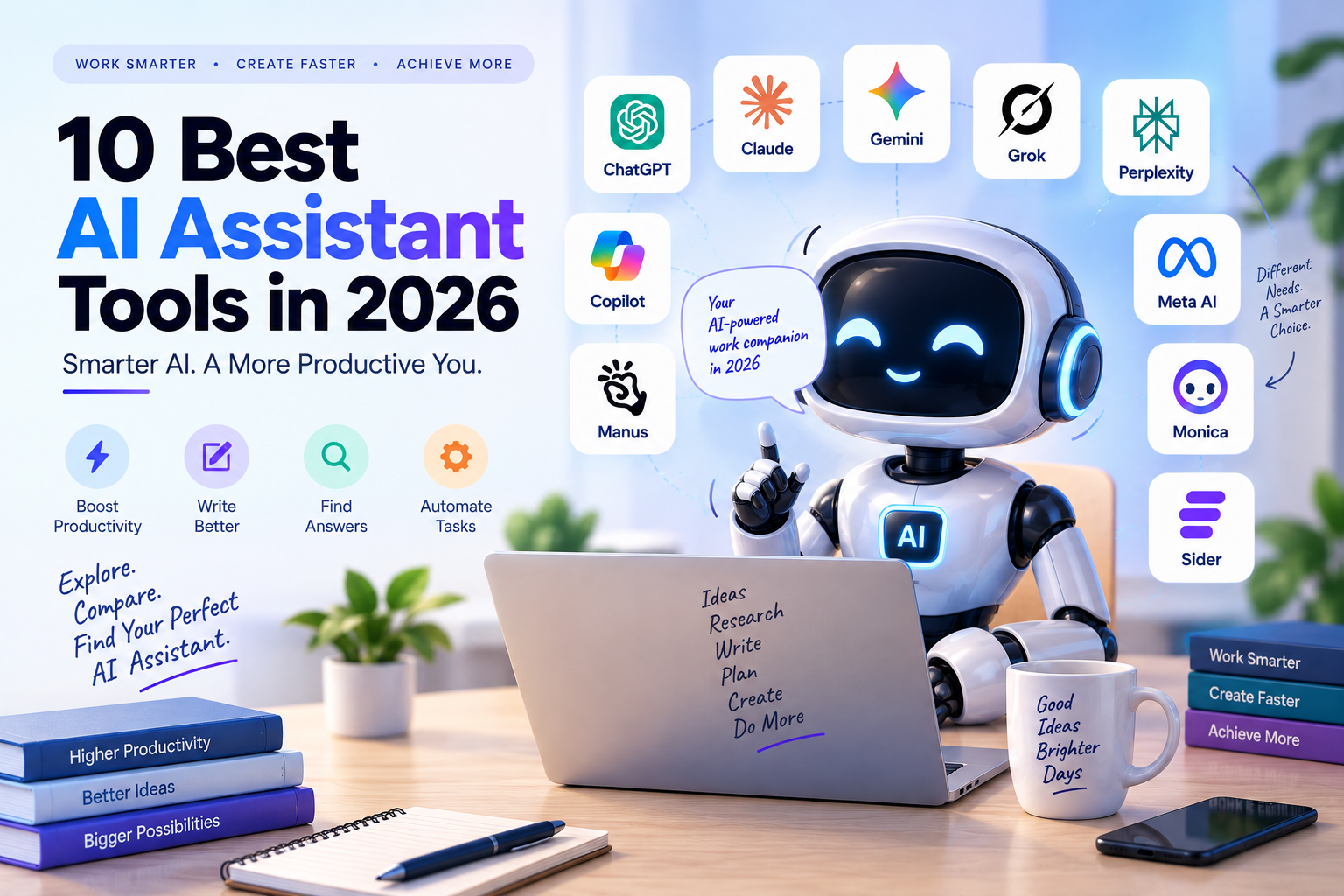 The challenge is choosing the right one.
Some assistants are designed primarily for general-purpose work. Others specialize in research, real-time information, browser automation, productivity, or working inside existing business software.
For this comparison, I looked at the tools based on their core assistant capabilities, research and reasoning features, automation, integrations, file handling, multimodal capabilities, pricing, and practical use cases.
1. ChatGPT
Best for: General-purpose work, writing, research, analysis, coding, file processing, and creative tasks.
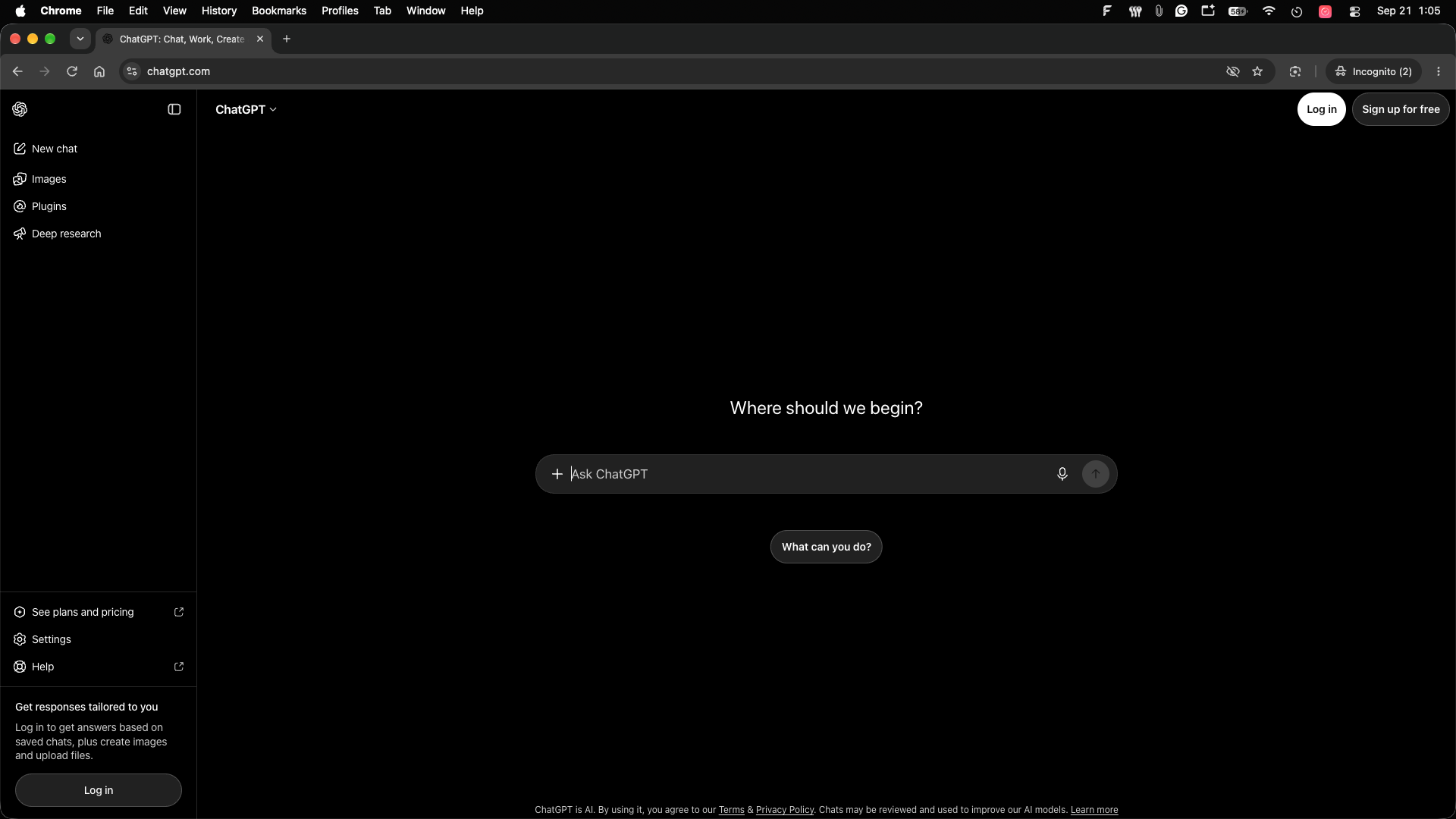
ChatGPT is one of the broadest AI assistant platforms available in 2026. It can be used for everyday questions as well as more structured work such as writing, research, coding, data analysis, image creation, and document workflows.
Its biggest advantage is breadth. Rather than being designed around a single task, ChatGPT has become a general-purpose workspace where different AI capabilities can be combined.
 Key features
Natural-language conversations
Writing and editing
Coding assistance
Research and analysis
File uploads
Image generation
Data analysis
Voice interaction
Custom GPTs and specialized workflows
Agentic and productivity features
OpenAI currently offers Free, Go, Plus, and Pro consumer tiers, with Go starting at $8/month in the U.S., Plus at $20/month, and Pro tiers at higher usage levels. Go pricing can be localized by market.
What makes it different
The main differentiator is the breadth of the ecosystem.
You can use one assistant for writing an email, analyzing a spreadsheet, researching a topic, debugging code, generating an image, or working through a complex project.
Pros
Very broad use cases
Strong multimodal capabilities
Useful for both beginners and professionals
Extensive ecosystem
Free option available
Strong file and data workflows
Cons
Usage limits vary by plan
Advanced features may require a subscription
The broad feature set can take time to learn
Pricing
OpenAI currently lists ChatGPT Go at $8/month in the U.S., Plus at $20/month, and Pro at $200/month, with localized pricing available in some markets.
Our take
If you want one AI assistant that can cover many different types of work, ChatGPT is the most natural starting point.
2. Claude
Best for: Long-form writing, document analysis, coding, research, and complex knowledge work.
Claude from Anthropic is positioned as a general-purpose AI assistant, but it has become particularly useful for long-form writing, reasoning, coding, document analysis, and structured knowledge work.
The current Claude product supports web, mobile, and desktop access, content creation, code generation, data visualization, text and image analysis, web search, research, projects, and integrations. 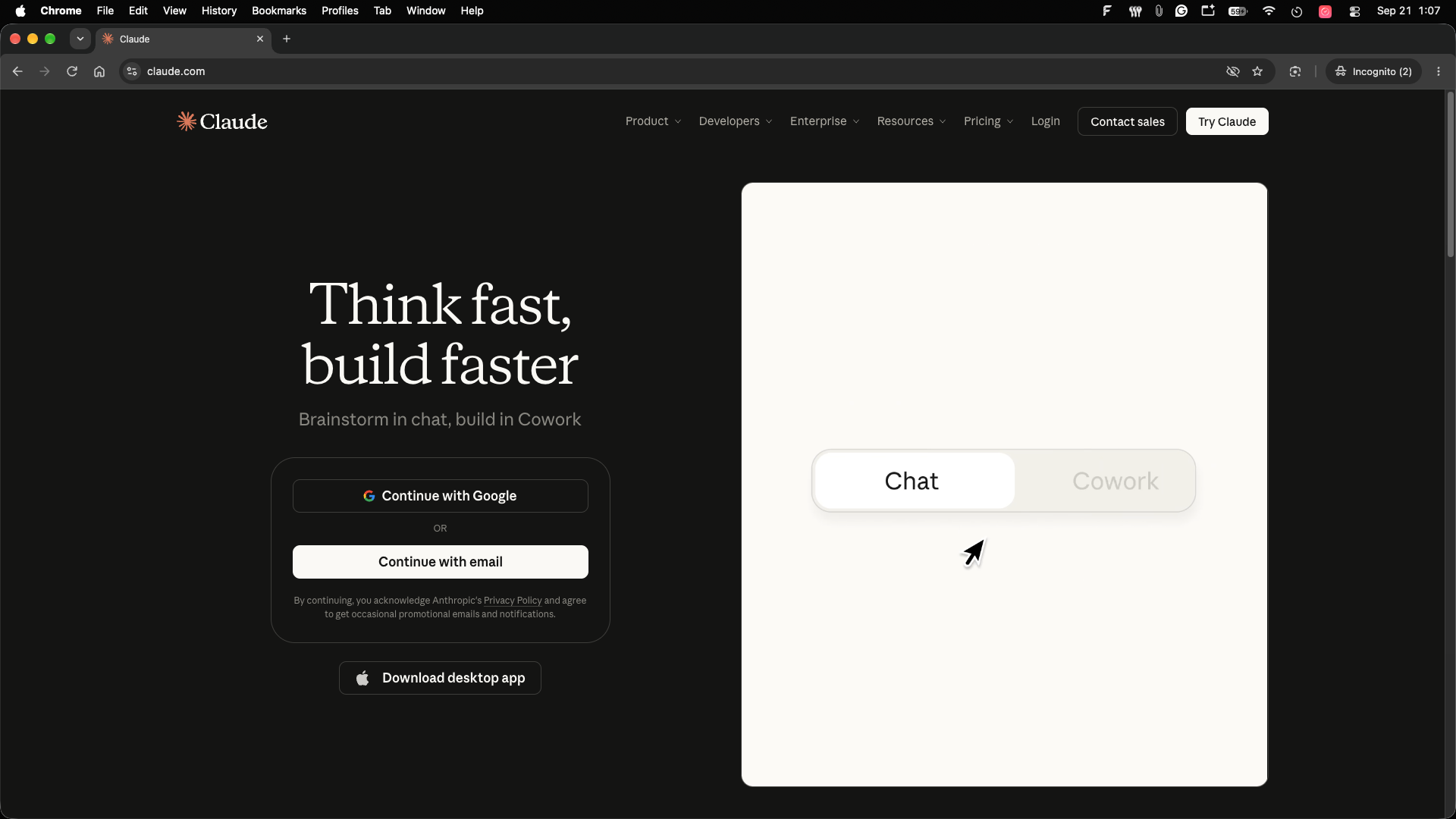 Key features
Writing and editing
Code generation
Document analysis
Image and text analysis
Web search
Research
Projects
Extended thinking
Google Workspace connections
Claude Code
What makes it different
Claude is particularly well suited to workflows where the assistant needs to work through a large amount of information and maintain context across a project.
Its Projects feature lets users organize conversations and documents, while paid plans add research, integrations, and extended thinking.
Pros
Strong long-form writing workflow
Useful for coding and analysis
Projects for organizing work
Research functionality
Free tier
Google Workspace integrations
Cons
Usage limits depend on the plan
Some advanced capabilities require paid access
API and developer usage is separate from the consumer subscription
Pricing
Claude has a free plan. Claude Pro is currently $20/month when billed monthly, or $17/month equivalent with annual billing. Max plans start at $100/month, while Team is $25 per person/month with annual billing.
Our take
Claude is especially useful when your work involves writing, documents, research, coding, and extended conversations rather than quick one-line questions.
3. Google Gemini
Best for: Google users, research, productivity, and people working heavily inside Google's ecosystem.
Google Gemini is Google's AI assistant and is increasingly integrated across Search and Google productivity applications.
Google's current AI plans include Gemini access alongside tools such as Gmail, Docs, Sheets, Gemini Notebook, Google Search, and other Google AI products.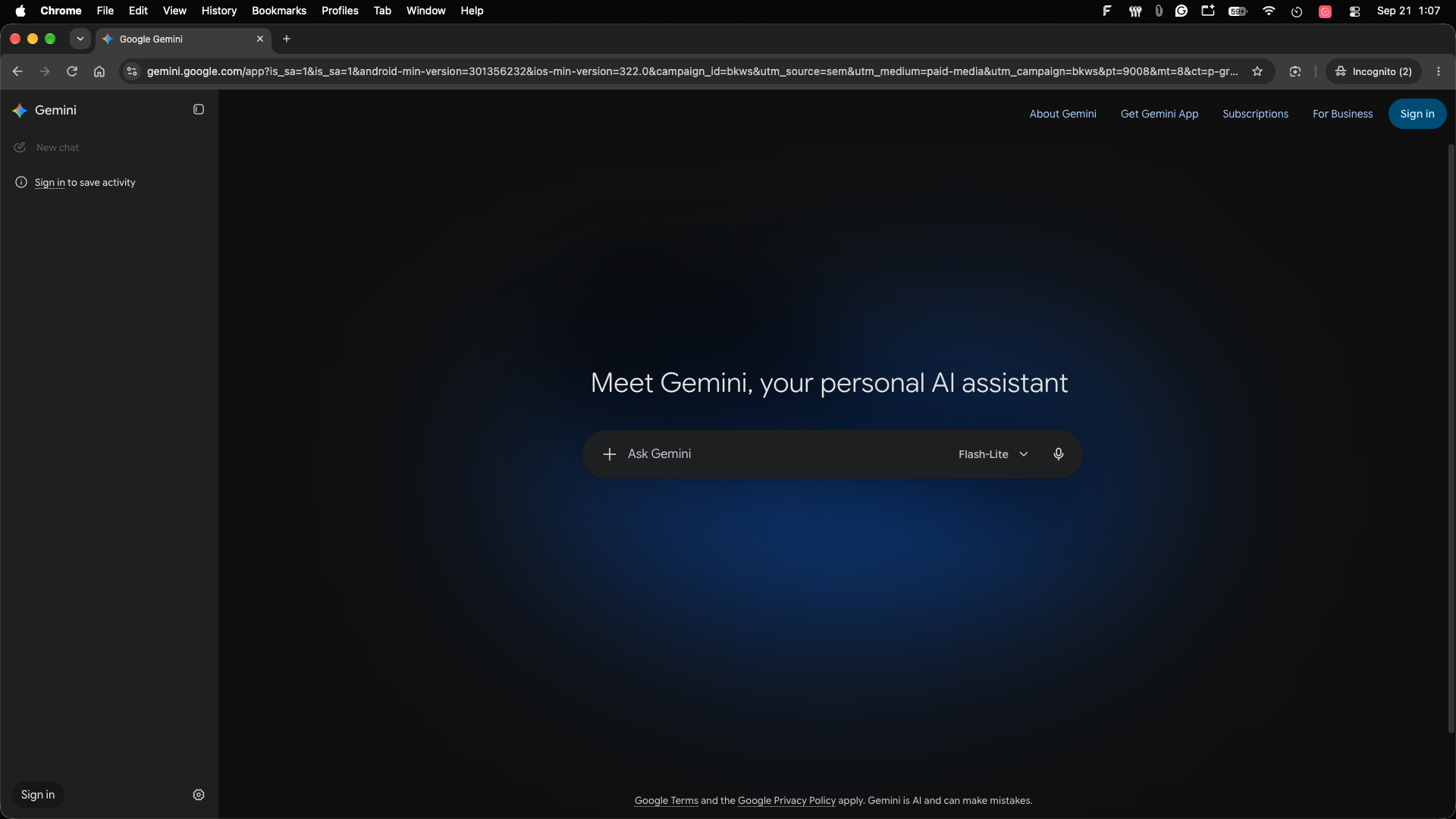 Key features
AI chat
Deep Research
Google Search integration
Gmail assistance
Google Docs assistance
Google Sheets assistance
Gemini Notebook
Image generation
Video and creative AI tools
Agentic capabilities on supported plans
What makes it different
The biggest advantage is the Google ecosystem.
If your work already happens in Gmail, Docs, Drive, Search, and other Google products, Gemini can operate closer to the tools where your information already lives.
Google's current AI Pro offering includes expanded Gemini access, Deep Research, Gemini in Gmail and Docs, Gemini Notebook, Google Search capabilities, and 5 TB of storage. (Google One)
Pros
Strong Google integration
Deep Research
Useful for Gmail and Docs users
Multimodal capabilities
Large Google ecosystem
Free access available
Cons
Some advanced features vary by country
Premium capabilities require paid plans
Feature availability changes frequently
Pricing
Google currently offers Google AI Plus, Pro and Ultra plans. Google One's current U.S. pricing lists AI Plus at $9.99/month and AI Pro at $19.99/month, although regional pricing varies. (Google One)
Our take
Gemini becomes particularly compelling when your existing workflow already runs on Google.
4. Grok
Best for: Real-time information, X/web search, voice conversations, and creative AI tasks.
Grok is xAI's AI assistant and is available through web and mobile applications.
Its current capabilities include natural-language conversations, real-time web and X search, voice, image and video generation, file analysis, and connectors that can bring external tools and data into conversations. 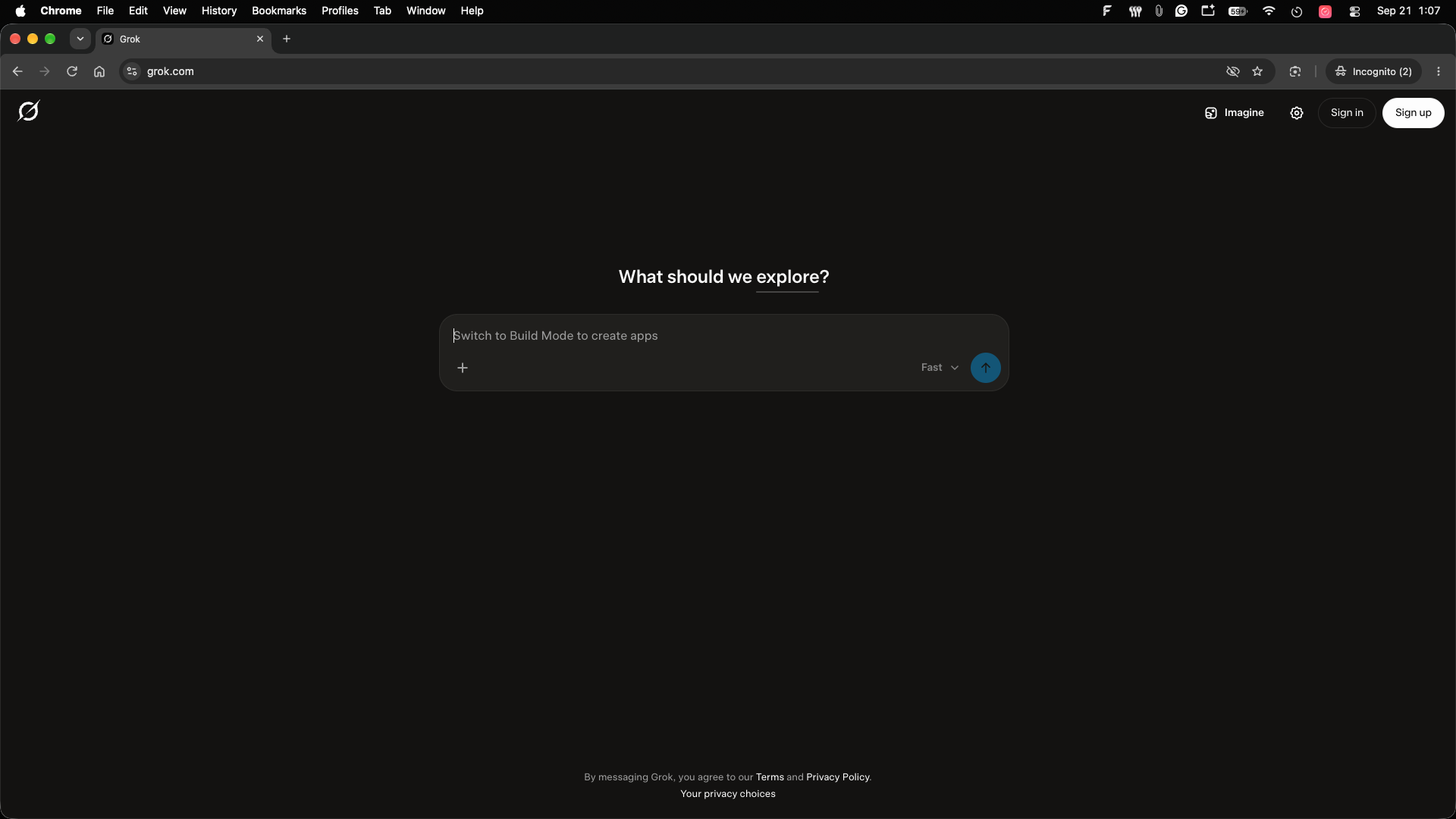 Key features
Real-time web search
X search
Voice mode
Image generation
Video generation
File analysis
Connectors
Coding and problem solving
Grok Build
What makes it different
Grok's strongest differentiator is its real-time information access and connection to X.
That makes it useful for users who want an assistant that can work with current online information rather than relying only on a static knowledge base.
Pros
Real-time web and X search
Voice
Image and video generation
File uploads
Free tier
Connectors
Cons
Usage limits vary by plan
Some advanced capabilities require paid access
Real-time information still needs source verification
Pricing
xAI currently lists Grok as free to start. SuperGrok is $30/month, while SuperGrok Plus is $100/month.
Our take
Grok makes the most sense if current information, X content, voice, and generative media are important parts of your workflow.
5. Perplexity
Best for: Research, fact-finding, web search, and source-backed answers.
Perplexity takes a search-first approach to AI assistance.
Instead of treating the chatbot as a standalone knowledge source, Perplexity is designed around retrieving information from the web and presenting answers with citations.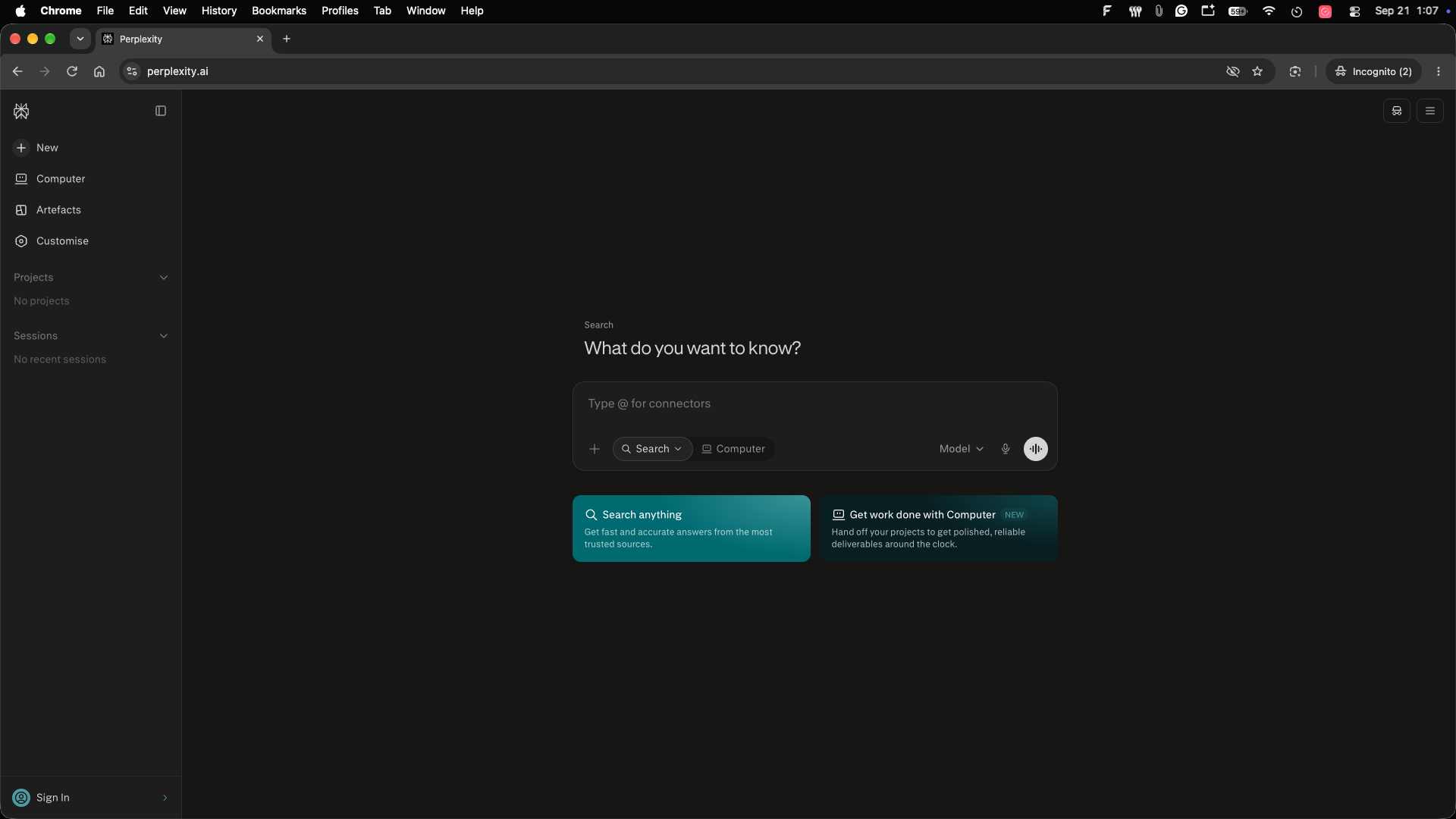 Key features
AI-powered web search
Source citations
Research
File uploads
Multiple AI models
Pro Search
Deep research workflows
Image and video generation on paid plans
Perplexity's current free Standard plan includes practically unlimited basic searches, although Pro searches and advanced models are limited.
Perplexity Pro adds more advanced search and research capabilities, additional file and photo uploads, model switching, and image/video generation.
What makes it different
Perplexity is built around finding and synthesizing information, not simply generating an answer from a conversational model.
That distinction matters for research-heavy work where seeing the underlying sources is important.
Pros
Strong search workflow
Citations
Research-focused
Multiple models
Free plan
Useful for competitive research
Cons
Not necessarily the best choice for every creative workflow
Search results still require human verification
Advanced usage requires a paid plan
Pricing
Perplexity currently offers a free Standard plan and paid Pro and Max plans. Its Education Pro plan is listed at $10/month for verified students.
Our take
For research and web-based information gathering, Perplexity is one of the most purpose-built options in this list.
6. Microsoft Copilot
Best for: Professionals who already work with Word, Excel, PowerPoint, Outlook, Teams, and Microsoft 365.
Microsoft Copilot becomes most useful when integrated into Microsoft's productivity ecosystem.
Current Microsoft 365 Copilot offerings bring AI into applications including Word, Excel, PowerPoint, Outlook, and Teams. Business plans also provide AI chat connected to work data and reasoning capabilities for research and analysis.  Key features
Word assistance
Excel analysis
PowerPoint creation
Outlook assistance
Teams integration
AI chat
Work-data grounding
Research and analysis
Agents
Enterprise security
What makes it different
Copilot's key advantage is where it operates.
Instead of copying information into a separate AI chatbot, Microsoft users can work with AI directly inside the applications they already use.
Pros
Deep Microsoft 365 integration
Useful for business workflows
Work-data grounding
Excel and document workflows
Enterprise controls
Agents and automation
Cons
Most advanced business features require paid Microsoft plans
Licensing can become complicated
Most useful for people already using Microsoft 365
Pricing
For individuals in India, Microsoft 365 Personal currently costs ₹689/month or ₹6,899/year and includes Microsoft Copilot in Word, Excel, PowerPoint and Outlook.
For businesses, Microsoft 365 Copilot Business currently starts at ₹1,495.73/user/month when paid yearly under a promotional price listed for 2026.
Our take
If your company lives inside Microsoft 365, Copilot can be more useful than a standalone assistant because it works inside the business workflow itself.
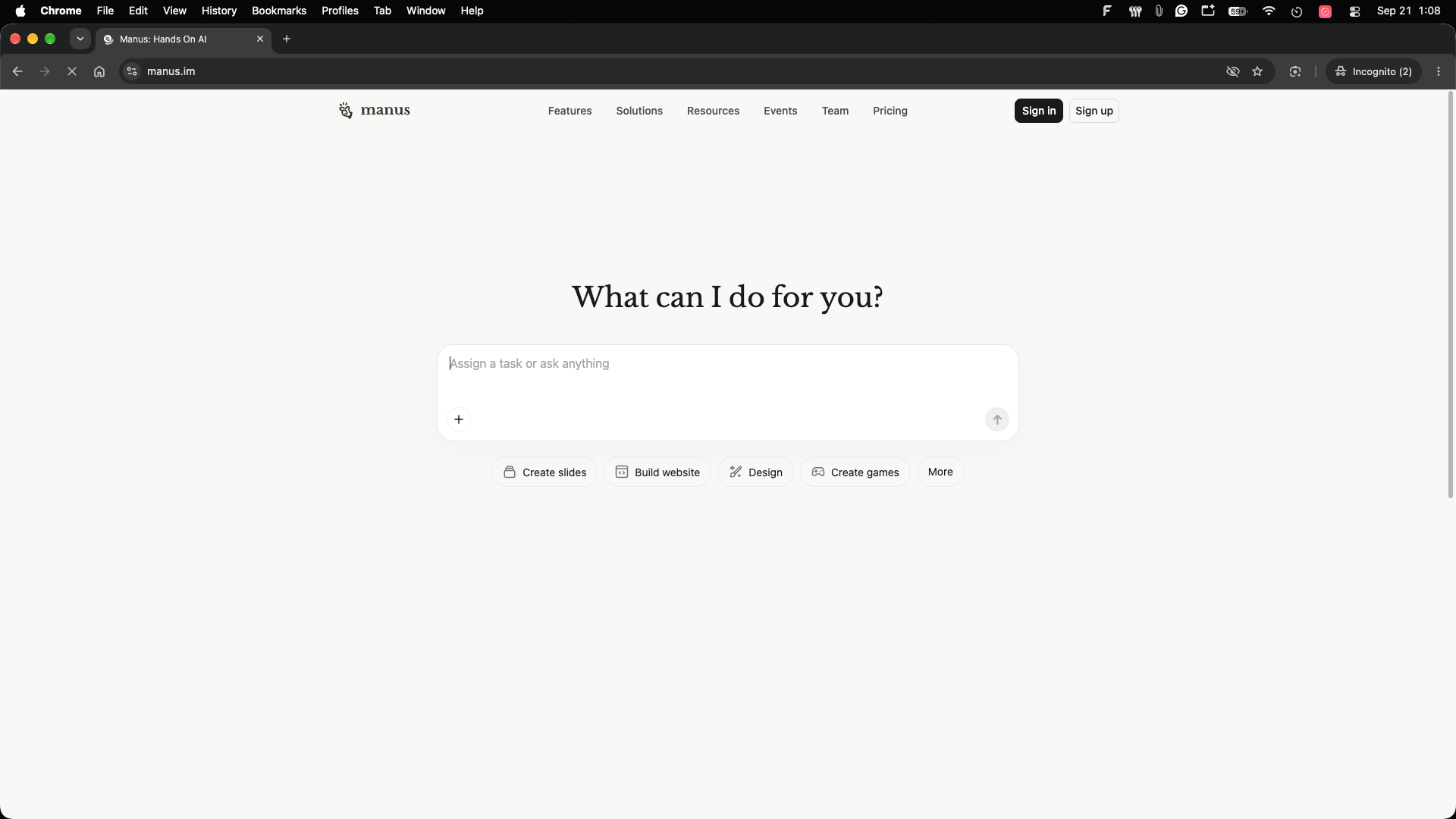
7. Manus
Best for: Multi-step tasks, research, automation, and agent-style workflows.
Manus takes a more agentic approach to AI assistance.
Rather than only responding to prompts, Manus is designed to take on tasks and execute multiple steps toward an outcome.
The current Manus plans include Agent Mode, advanced research, website deployment, slide generation, wide research, scheduled tasks, and concurrent tasks.
 Key features
AI agent workflows
Advanced research
Website deployment
Slide generation
Scheduled tasks
Multiple concurrent tasks
Chat mode
Browser-based task execution
What makes it different
Manus focuses on task execution rather than just conversation.
For example, instead of asking for individual steps of a research project, users can assign a broader task and let the agent work through the required stages.
Pros
Agent-style task execution
Advanced research
Website creation/deployment
Scheduled tasks
Free plan
Useful for complex workflows
Cons
Credit-based usage requires monitoring
Agent workflows can consume more resources
Advanced features are primarily aimed at users with substantial workloads
Pricing
Manus currently has a free plan with daily refresh credits. Its Pro plan starts at $20/month, with higher-credit plans available.
Our take
Manus is worth considering when you want an assistant to work through a multi-step task instead of simply answering questions.
8. Meta AI
Best for: Everyday users, voice interaction, image creation, and Meta-platform users.
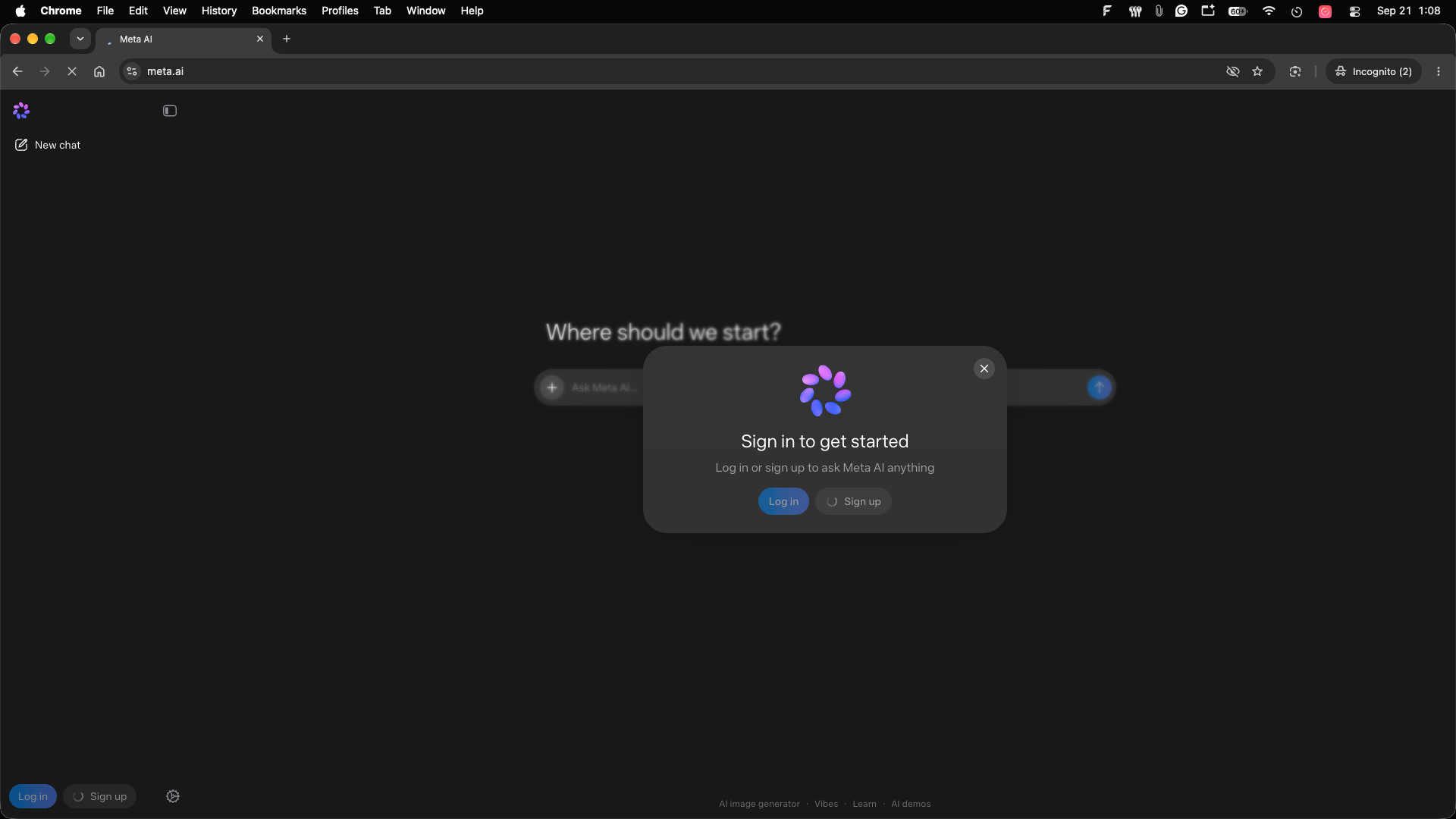
Meta AI is Meta's consumer AI assistant.
Toolify's current category describes Meta AI as an assistant for tasks, answering questions, image generation, and voice conversations, built around Meta's Llama models.
 Key features
AI conversations
Voice interaction
Image generation
Question answering
Writing assistance
Learning assistance
Meta ecosystem integration
What makes it different
Meta AI's biggest differentiator is distribution across Meta's consumer ecosystem.
For people already using Meta products, an assistant integrated into familiar services can be more convenient than opening a separate AI application.
Pros
Easy entry point
Free access
Voice interaction
Image generation
Consumer-focused experience
Meta ecosystem
Cons
Advanced business workflows are less central
Feature availability can vary by market
AI responses still require verification
Pricing
Meta AI is available without a traditional paid subscription for its core assistant experience according to the Toolify category description.
Our take
Meta AI is most interesting for people who want a convenient everyday assistant rather than a specialized professional AI workspace.
9. Monica
Best for: Browser productivity, writing, translation, summarization, and accessing multiple AI models.
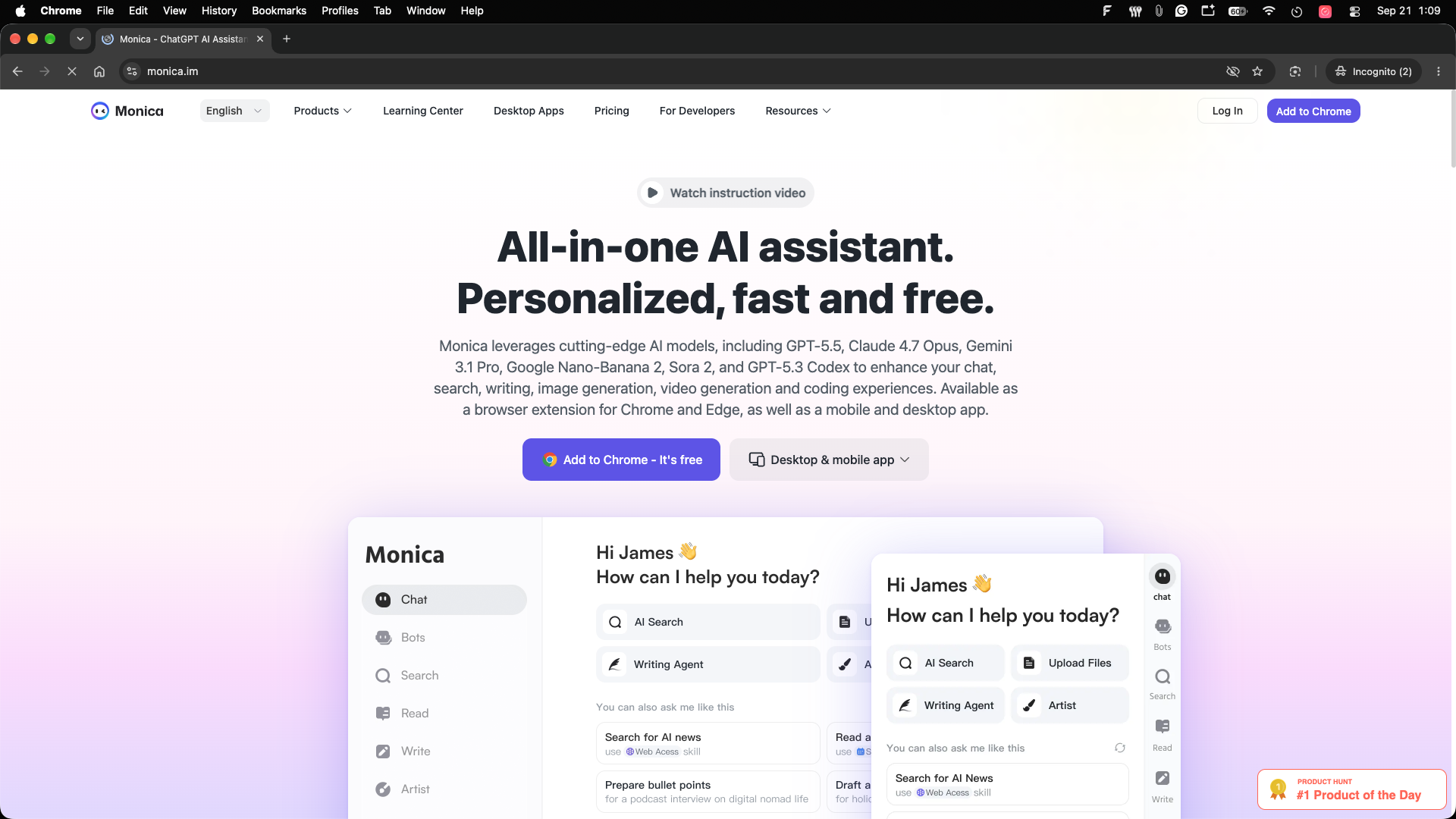
Monica is a browser-based AI assistant that brings several AI capabilities into the user's everyday web workflow.
Toolify describes Monica as a Chrome extension for chatting, copywriting, translation and more, with tools for image, video and PDF processing.
 Key features
AI chat
Copywriting
Translation
Rewriting
Text explanation
Image processing
Video processing
PDF tools
Browser extension
What makes it different
Monica focuses on bringing AI to the webpage you're already using.
Instead of switching between an AI assistant and your browser, users can access its tools while browsing.
Pros
Browser-based workflow
Multiple AI capabilities
Writing and translation
PDF processing
Image and video tools
Free tier
Cons
Advanced features require credits
Browser-centric workflow isn't ideal for every user
Usage limits vary by subscription
Pricing
Toolify lists a free plan with 40 basic-model accesses per day, while paid plans provide advanced credits.
Monica's 2026 credit policy lists Free, Pro, Max and Ultra tiers, with advanced-credit allowances increasing substantially on paid plans.
Our take
Monica is a useful choice if your main requirement is having AI available while browsing rather than inside a separate chat window.
10. Sider
Best for: Browser-based AI assistance, webpage analysis, multi-model workflows, and lightweight automation.
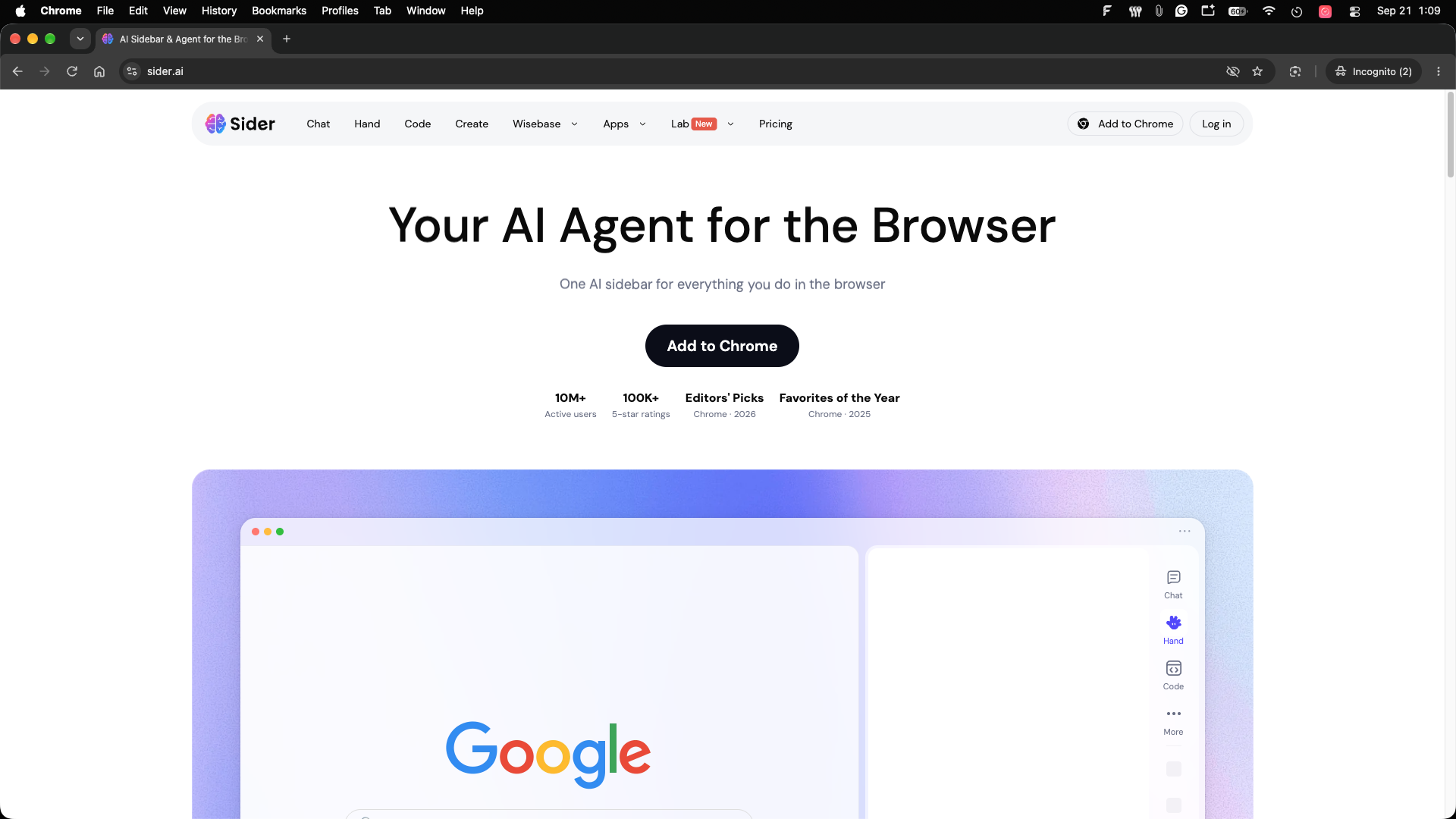
Sider is another browser-first AI assistant, but it puts a stronger emphasis on combining multiple AI models with tools that operate directly on webpages.
Toolify describes Sider as a Chrome/Edge AI sidekick supporting ChatGPT, Claude and Gemini for reading, writing, PDFs, images and group AI conversations.
 Key features
Multiple AI models
Webpage reading
AI writing
PDF analysis
Image tools
Group AI chat
Browser automation
AI-generated images and videos
Data analysis
The current Sider product also includes Hand, which can automate browser tasks such as researching websites, filling forms, comparing prices, and triaging Gmail.
What makes it different
Sider combines multi-model access with browser automation.
That makes it more than a sidebar chatbot. It can help users understand the page they're viewing and, with its automation tools, perform certain browser-based tasks.
Pros
Multiple frontier models
Browser integration
Webpage and PDF analysis
Image and video creation
Browser automation
Free option
Cons
Credit usage varies by feature
Advanced automation requires paid access
Browser extensions can be more complex than standalone chat applications
Pricing
Sider's current pricing page confirms free and paid plans, with higher tiers providing more credits and stronger cloud-computer access. Its feature set includes Chat, Hand browser automation, Code, Create, PDF tools, data analysis and AI writing. )
Our take
Sider is particularly interesting for people who want AI embedded directly into their web browsing workflow.
How to Choose the Right AI Assistant
The best AI assistant depends heavily on what you actually need it to do.
For general-purpose AI work
ChatGPT is a practical starting point because it combines writing, coding, analysis, file handling, image generation, research, and other workflows in one platform.
For writing and long-form analysis
Claude is worth considering if your work involves lengthy documents, writing, coding, research, and extended reasoning workflows.
For Google users
Gemini makes particular sense if you already rely on Gmail, Docs, Drive, Search, and other Google services.
For web research
Perplexity is designed around search and source-backed answers, making it useful when citations and current web information matter.
For Microsoft 365 users
Copilot is particularly relevant for people working in Word, Excel, PowerPoint, Outlook and Teams. (Microsoft)
For autonomous task execution
Manus is the more agent-oriented option in this comparison, with research, scheduled tasks, website deployment and multi-task capabilities.
For real-time information
Grok combines web and X search with voice, image and video capabilities.
For browser-based AI
Monica and Sider are worth considering when you want AI directly inside your browser. Sider goes further with browser automation features.
What Is an AI Assistant?
An AI assistant is software that uses artificial intelligence to understand natural-language instructions and help users complete tasks.
Depending on the product, that can include answering questions, writing content, researching information, analyzing documents, generating images, managing information, automating repetitive work, or interacting with other applications.
Toolify describes four common capabilities of AI assistants: natural-language processing, task automation, personalization, and integrations.
The important difference between modern assistants is therefore not simply whether they can chat. It is what they can do after you give them a request.
Are AI Assistants Worth Paying For?
It depends on how frequently you use them.
A free assistant may be enough for occasional questions, basic writing, summaries, and simple research.
A paid plan becomes more useful when you need:
Higher usage limits
Advanced models
Deep research
Larger file uploads
Longer context
Image or video generation
Business integrations
Automation
Team administration
Higher reliability or priority access
For example, Claude Pro adds research, Projects, integrations and extended thinking, while Microsoft 365 Copilot connects AI directly to business applications and work data.
Can AI Assistants Automate Tasks?
Yes, but the level of automation varies significantly.
Traditional assistants mainly respond to requests.
Agent-oriented products increasingly attempt to execute multi-step workflows.
Manus, for example, offers scheduled tasks, concurrent tasks, advanced research and website deployment.
Sider's Hand feature can perform browser-oriented tasks such as research, form filling, price comparison and inbox triage.
Microsoft's Copilot ecosystem also includes agent-building capabilities through Copilot Studio.
For business automation, however, users should pay attention to permissions, data access, auditability and the consequences of automated actions.
FAQ
What is the best AI assistant in 2026?
There is no single assistant that is ideal for every workflow.
General-purpose assistants such as ChatGPT and Claude cover a wide range of tasks, Gemini is deeply connected to Google's ecosystem, Copilot works closely with Microsoft 365, Perplexity focuses on research, and Manus emphasizes agent-style task execution.
The right choice depends on the applications you already use and the work you want the assistant to perform.
What is the best free AI assistant?
Several major assistants provide free access, including ChatGPT, Claude, Gemini, Grok, Meta AI, Perplexity and Manus.
The important difference is what each free plan limits. Some restrict model access, others limit advanced searches, file uploads, agent usage, or daily messages.
Which AI assistant is best for research?
Perplexity is specifically designed around AI-powered web search and source-backed answers. Gemini and Claude also provide research capabilities, while Grok emphasizes real-time web and X search. (Perplexity AI)
Which AI assistant is best for business?
That depends on the existing software stack.
Microsoft-heavy organizations may benefit from Copilot's integration with Microsoft 365. Google Workspace users may prefer Gemini. Teams looking for a general-purpose AI workspace may consider ChatGPT or Claude.
Can AI assistants access my files?
Some can analyze files that you upload or connect.
The exact capabilities depend on the product and subscription. Grok, for example, supports uploads including PDFs, images, spreadsheets, code and audio. (X.ai Documentation)
Always check the provider's privacy and data-handling policies before uploading confidential business information.
Are AI assistants replacing traditional software?
Not completely.
The direction is increasingly toward AI being integrated inside existing software rather than replacing every application.
Microsoft Copilot works inside Microsoft 365, Gemini works across Google products, and browser assistants such as Sider operate alongside websites and other applications. (Microsoft)
Conclusion
AI assistants in 2026 are becoming less about simple chat and more about getting work done.
ChatGPT offers a broad general-purpose workspace. Claude is particularly suited to writing, analysis and coding. Gemini fits naturally into Google's ecosystem, while Copilot does the same for Microsoft 365.
For research, Perplexity takes a search-first approach. Grok emphasizes real-time web and X information alongside creative capabilities. Manus moves further toward agent-style task execution.
For browser-centric workflows, Monica and Sider bring AI directly into the webpages users work with, with Sider adding browser automation capabilities.
The most important factor isn't which assistant has the longest feature list. It's whether the tool fits your actual workflow.
Before paying for an AI assistant, test it with the tasks you perform regularly: research a real topic, analyze one of your documents, write something in your preferred style, connect the tools you use, and check how quickly you reach a useful result.
That practical test will usually tell you more than a long feature comparison.