

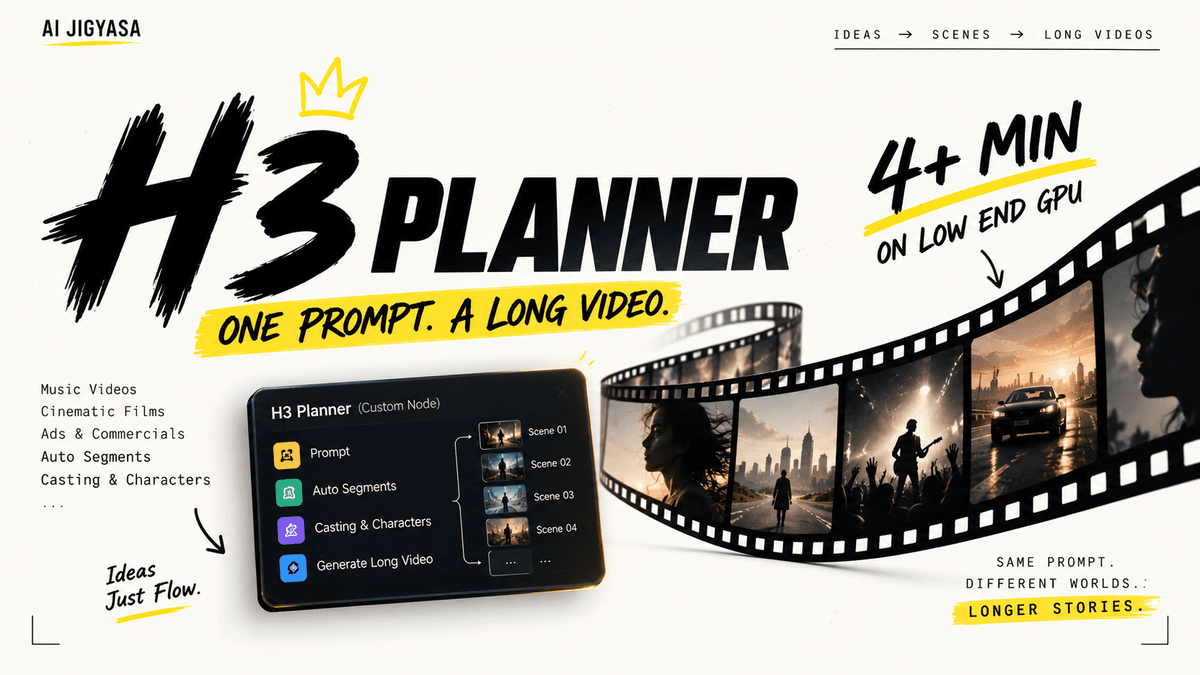
🎬 H3 Planner — Long-Form AI Music Video Pipeline
$6
14 Personen haben dies gekauft
A complete custom node suite for creating multi-minute AI music videos with MiniMax H3 — even on 8GB–12GB VRAM. This is the exact system used to build full-length AI music videos from a single prompt or lyric sheet, without hitting memory limits or losing character consistency across shots.
What's included:
🎭 CastBoard & Consistency
Load, manage, reorder, and tag reference images and audio so your characters stay identical across every generated shot — no drift, no re-uploading references per scene.
✍️ Automated Prompt Slicing & Planning
H3 Segment Prompter — turns a text idea into structured, time-sliced segments using local LLMs (Ollama/Qwen VL) or APIs
H3 Segment Slicer — a lightweight, code-only alternative that slices existing prompts without extra VRAM overhead
🎵 Audio Sync & Beat Mapping
H3 Beat Map (powered by Librosa) — detects audio energy shifts and snaps cuts directly to the beat
Set performance roles (on-camera lip-sync vs. voiceover/background) and auto-slice audio to segment length with H3 Track Slice
🗂️ Timeline Management & Dispatching
H3 Timeline — organize, duplicate, lock, and refine individual clips
H3 Shot Dispatcher — manage queue generation via manual index, next-pending, or range modes
⚡ Draft vs. Final Upscaling
Generate fast low-res drafts (0.5MP) to iterate quickly, then run a final high-res pass using the MiniMax H3 Latent Upscaler 3D with FP16 temporal chunking.
🔄 Batch Stitching & Auto-Advance
H3 Vault — automates queue workflows end to end
H3 Timeline Stitch — stitches all segmented clips with synced audio using background FFmpeg
What you need:
ComfyUI installed
H3 Planner node suite: https://github.com/AIJigyasa/ComfyUI-H3-Planner
MiniMax H3 base models (free — links in the YouTube tutorial)
Optional: Ollama + Qwen VL for auto-prompting
Who this is for:
Creators making AI music videos, lyric videos, or long-form narrative content
Anyone hitting VRAM/length walls trying to generate multi-shot videos locally
Users who want beat-accurate cuts without manual editing
🎬 Watch the full tutorial on AI Jigyasa before buying — it walks through every node, every group, and a complete demo from prompt to finished video.
$6
14 Personen haben dies gekauft
Gib einen fairen Preis ein
$
Nur $4 für Mitglieder
Werden Sie Mitglied, um einen Rabatt und andere exklusive Vorteile zu erhalten.
$6