

MiniMax H3 Latent Upscaler Workflow (Free)
Free
265 people bought this
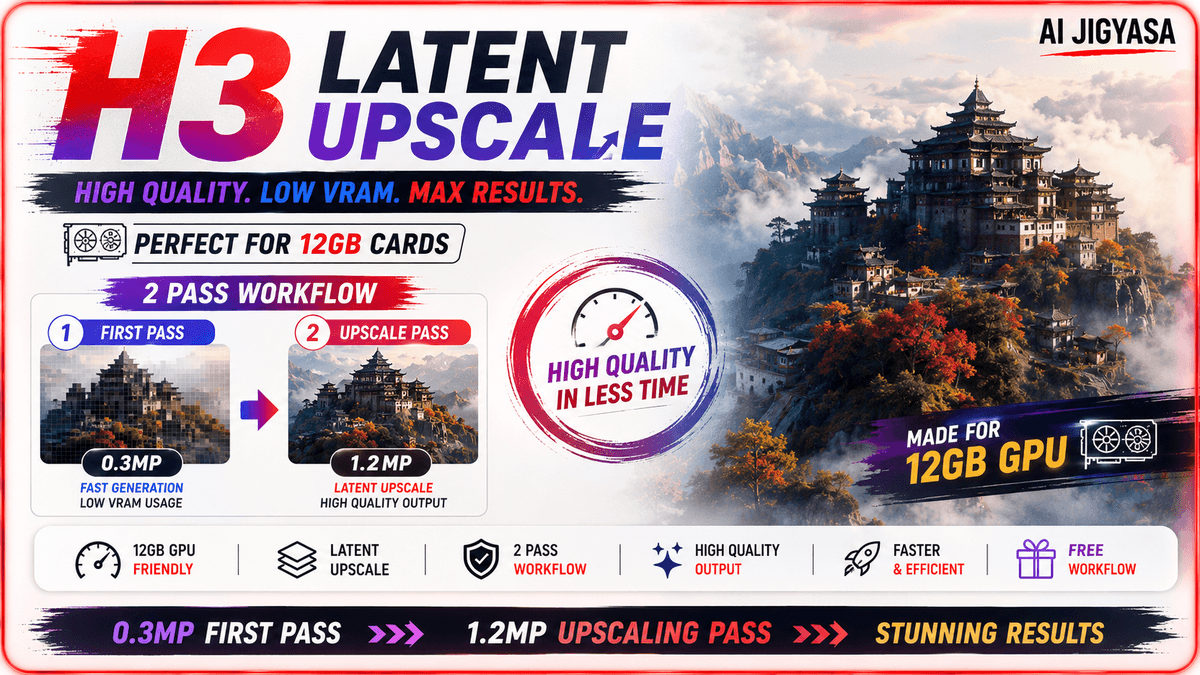
A two-pass ComfyUI workflow for generating higher-resolution MiniMax H3 videos on 12GB VRAM GPUs, without running into memory errors.
How it works:
The workflow generates a first pass at a lower resolution (around 0.3 megapixels), then upscales directly in latent space to roughly 1.2 megapixels — before decoding to pixels. This avoids the memory spikes that come with generating at high resolution from the start.
Included:
Two-pass generation and latent upscale setup
Same prompt and reference image carried through both passes for consistency
H3 Prompt Creator and Resolution Selector nodes pre-wired
Video/audio latent separation handled automatically
Kitchen Attention enabled for faster processing on consumer GPUs
What you need:
ComfyUI installed
Upscaler model (BF16/FP16/FP32): https://huggingface.co/LBH-123-AI/Minimax_h3_latent_Upscaler/tree/main
MiniMax H3 base models (links in the YouTube video description)
Who this is for:
MiniMax H3 users on 12GB VRAM who want higher-resolution output
Anyone who's hit memory errors trying to upscale H3 video directly
The full walkthrough — installation, node setup, and side-by-side comparisons — is in the YouTube video. This workflow is free; if it's useful, a coffee is always appreciated.-taking with this extensive guide. Available in PDF format.
Free
265 people bought this
Enter a fair price
$
Free