
MiniMax H3 — Full ComfyUI Workflow (Free)
Frei
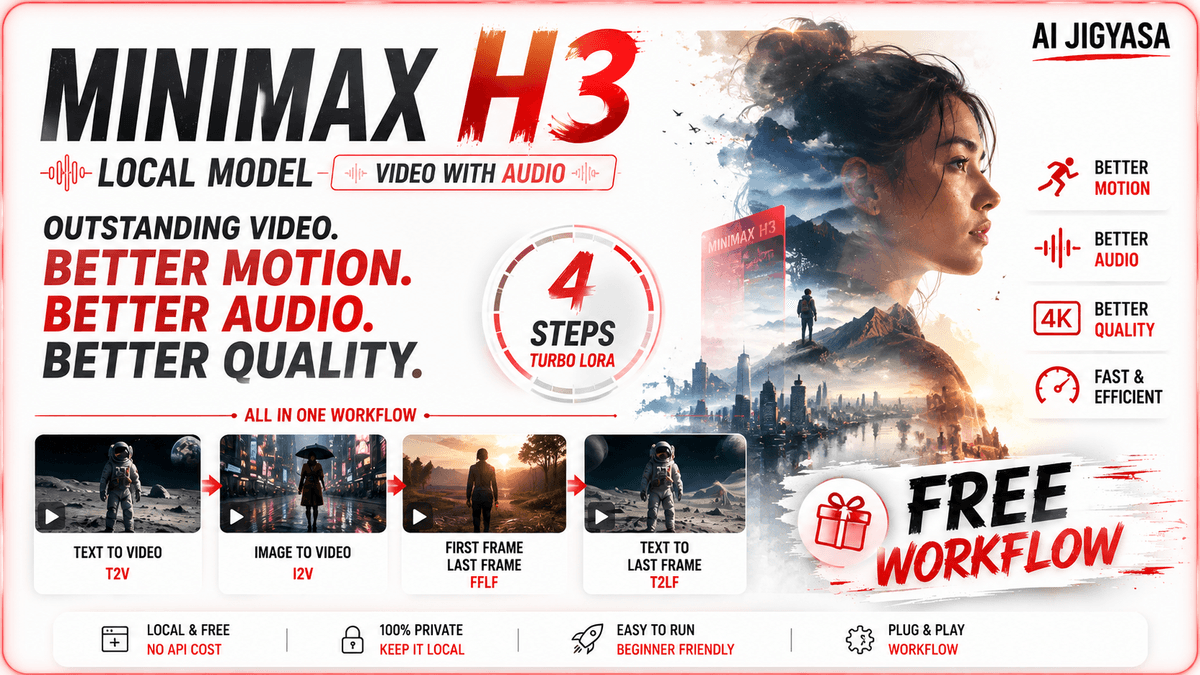
Run one of the most advanced open-source video models locally — with native stereo audio, multi-shot consistency, and in-video text rendering — on a 12GB GPU. This workflow covers every MiniMax H3 use case in one place, plus the H3 Turbo LoRA integration for 6-step high-quality generation.
Watch the full tutorial on AI Jigyasa before loading the workflow — it walks through every section, every model, and every use case step by step.
What's inside:
🎯 Every Use Case — One Workflow
Text-to-Video (T2V)
Image-to-Video (I2V)
First Frame + Last Frame (FFLF)
Text-to-Last-Frame (T2LF)
⚡ H3 Turbo LoRA Integration (by Larry VR)
High-quality results in just 6 steps using the community Turbo LoRA and custom ComfyUI node. Dramatically faster generation without sacrificing quality.
🧠 Optimized for 12GB VRAM
Uses the pruned int8 convrot model to run the normally 40GB H3 model on consumer GPUs. Alternative model links included for 8GB VRAM users via Kijai's experimental repo.
🔊 Native Audio Generation
MiniMax H3 generates voice, sound effects, and music in a single forward pass — no separate audio pipeline needed. The workflow handles both video VAE and audio VAE decoding out of the box.
📐 Resolution & Aspect Ratio Control
Built-in resolution selector and aspect ratio guide — from 480p all the way up to 720p/1080p. The Math Expression node auto-snaps your duration to H3's 17-frame-per-block grid at 24fps so you never hit generation errors.
✍️ In-Video Text Rendering
H3 natively renders legible, smooth text inside video frames — demonstrated in the workflow with real examples.
🎬 Multi-Shot & Character Consistency
Generate multi-cut scenes and consistent characters within a single prompt — no prompt relaying or complex stitching required.
What you need:
ComfyUI installed (latest nightly recommended)
MiniMax H3 INT8 model (free — link in the YouTube video)
H3 Turbo custom node: https://github.com/Larryvrh/ComfyUI-MiniMax-H3-Turbo
All model links in the YouTube video description
Frei
Frei