

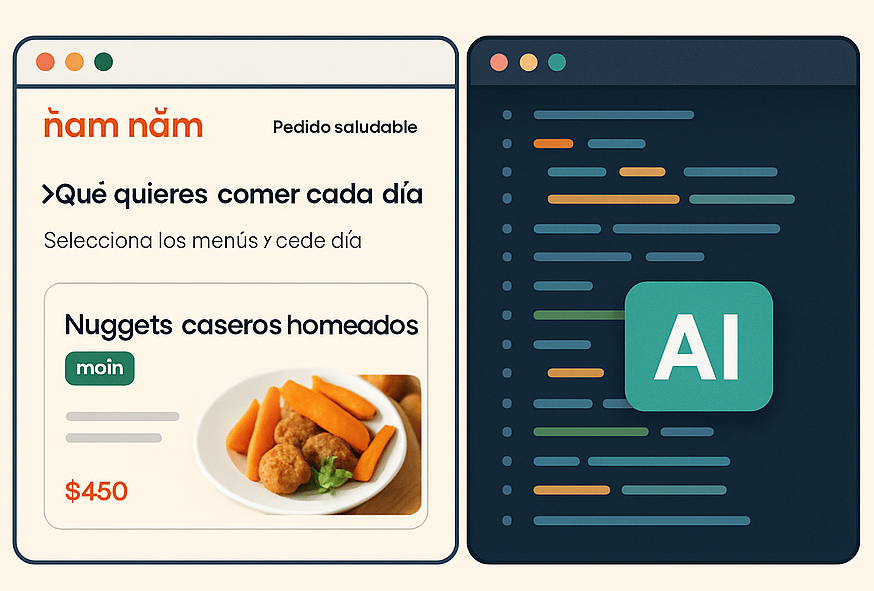
Shipping a fully functional web application in just 10 hours might sound impossible, but with the right AI tools it became a reality. In this post, I’ll share how I went from idea to production in less than a day, using AI not as an autopilot but as a coding partner I guided at every step. The result is Ñam Ñam, a platform where users can browse menus, schedule orders, and walk through a checkout flow for healthy meals.
The Workflow
Here is the process that made Ñam Ñam possible in such a short time:
1. Crafting the Prompt
I worked with Gemini to design an optimized prompt. This provided a solid foundation for Lovable, which generated the first version of the landing page.
2. Generating the Landing Page
Using the prompt, Lovable built a responsive landing page. This quickly established the structure and design now visible at namnam.com.uy.
3. Code Management with GitHub
I stored the generated code in GitHub for version control, making it easier to manage updates and track issues.
4. Integrating Claude Code
To accelerate development, I integrated Claude Code into the workflow. Claude generated clean snippets and boilerplate code, which I then reviewed and refined.
5. Creating a Task List
I used Claude to produce a detailed feature list, covering core functionality such as menu browsing, extras selection, and a checkout flow.
6. Generating GitHub Issues
Claude converted the feature list into GitHub issues, mapping tasks into actionable tickets that I could address one by one.
7. Implementing Features
I coded each functionality with Claude’s assistance. For example, handling Supabase queries and building the ordering process were accelerated through AI code generation while I focused on architecture and usability.
8. Configuring Vercel and Supabase
With Claude’s guidance, I configured Vercel for deployment and Supabase for database operations such as storing menu data and order information.
9. Deploying to Production
After only 10 hours of focused work, the project was live at namnam.com.uy.
A Quick Anecdote
At one point, Claude generated a backend function that looked correct but silently failed during execution. This reminded me that AI cannot replace human oversight. Treating Claude as a fast junior developer allowed me to spot the issue quickly, patch the logic, and move forward.
Responsible AI Use
The 10-hour delivery was possible because I guided AI through every step. I verified output and avoided common pitfalls by:
Reviewing code for performance and scalability
Validating Supabase queries for order and menu data
Testing ordering and checkout flows end-to-end
Ensuring deployment on Vercel was stable and reproducible
By combining AI speed with human judgment, I ensured Ñam Ñam was not only delivered fast but also stable and production-ready.
Why This Matters
10 Hours to Production: From idea to a live demo in one workday
AI as Partner: Used for scaffolding and acceleration, with human guidance
Modern Tech Stack: React, Node.js, Supabase, Vercel
Responsible AI: Code reviewed and tested to avoid silent failures
Live Example: Visit namnam.com.uy to see the prototype in action
Final Thought
Building a web app in 10 hours was not about cutting corners. It was about combining AI acceleration with engineering discipline. By staying in the loop and directing AI carefully, I reduced weeks of work to a single day without sacrificing reliability or scalability.
This is the future of development: AI as your fastest coding partner, and you as the engineer responsible for turning generated code into a production-ready system.
⚠️ Disclaimer: namnam.com.uy is a demo project. Payment flows are currently mocked and it is not operating as an active business (at least not yet).