



MountBatten
$2.99
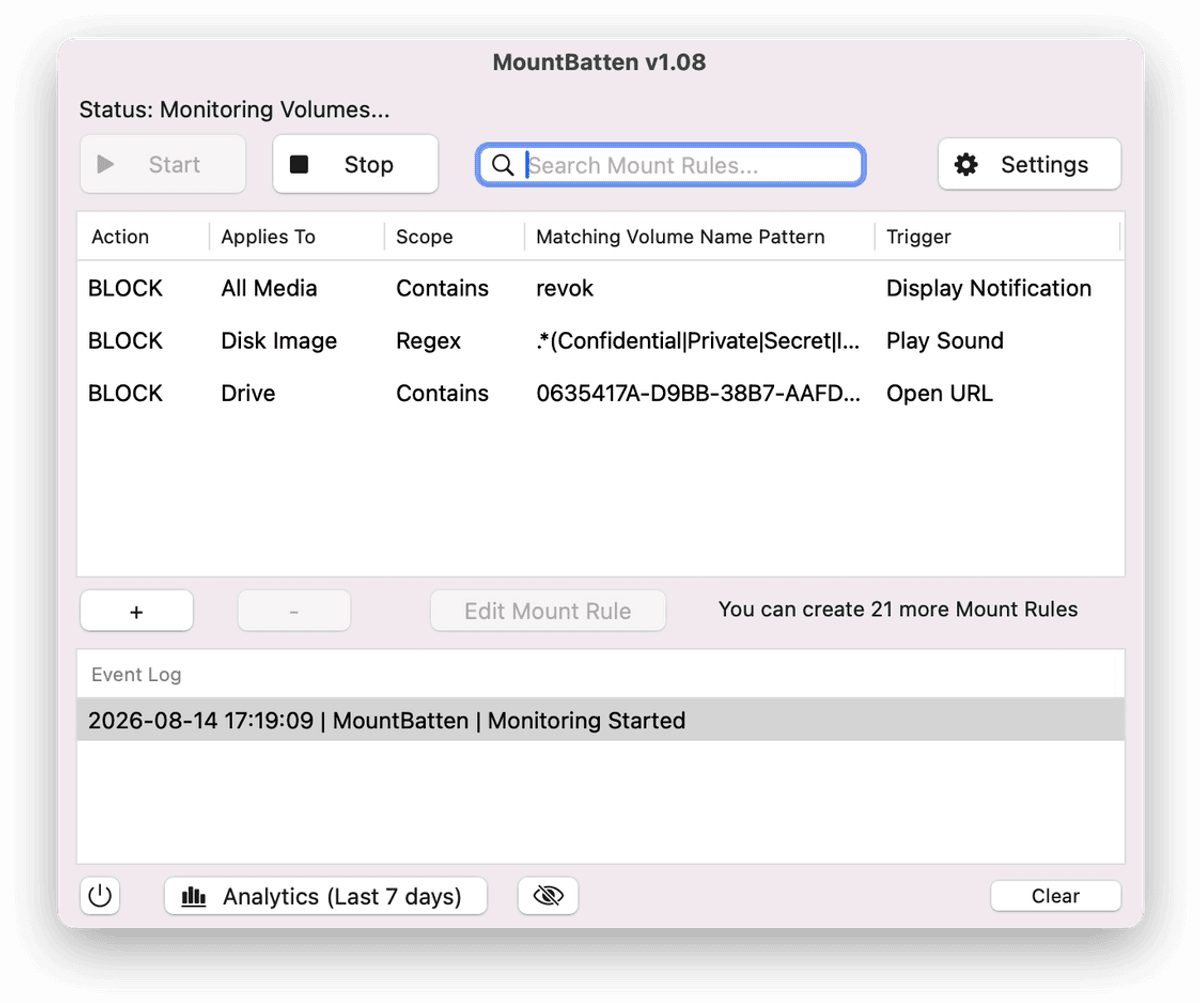
MountBatten is a lightweight menu bar application for macOS that acts as firewall for storage devices and disk images.
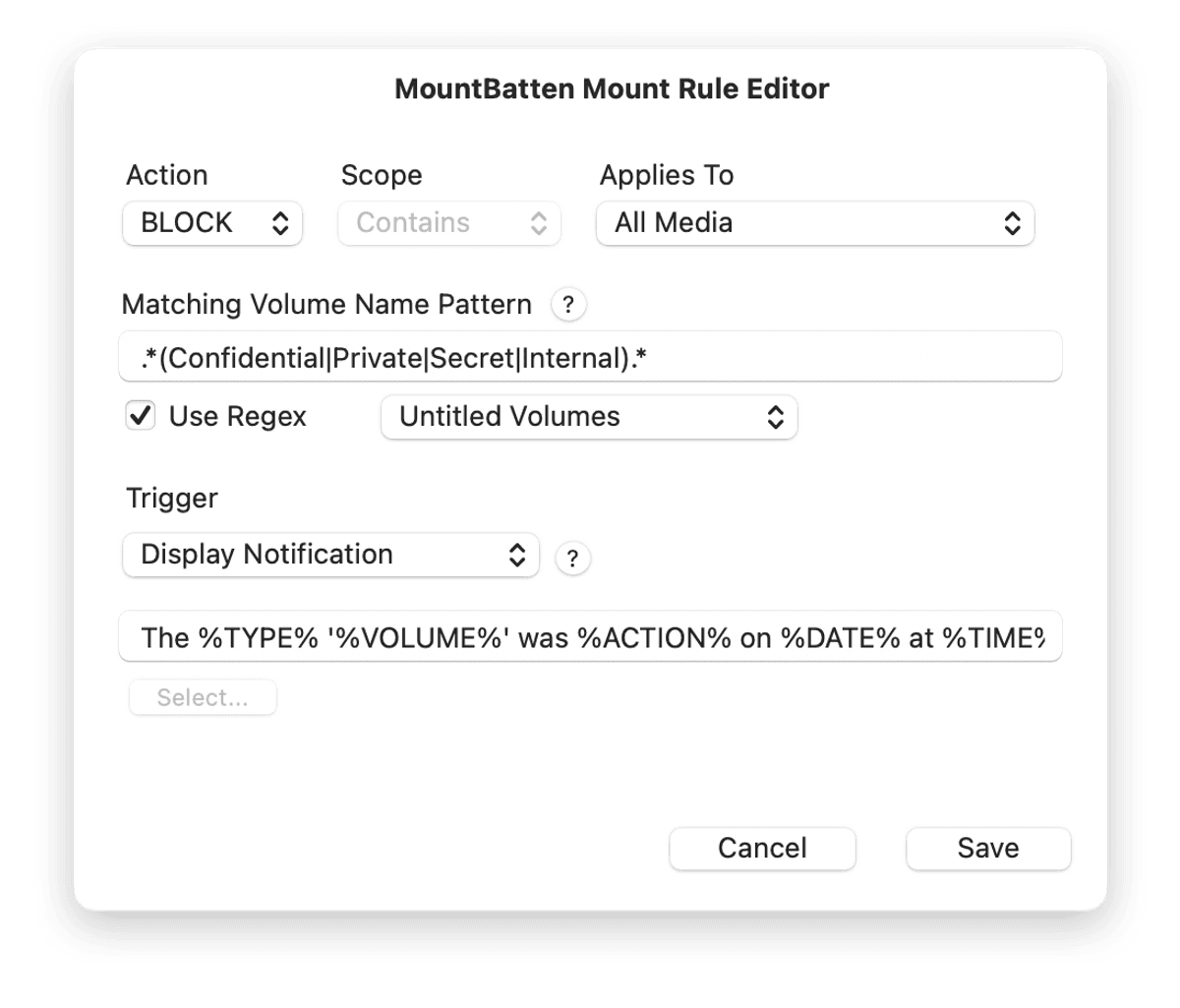
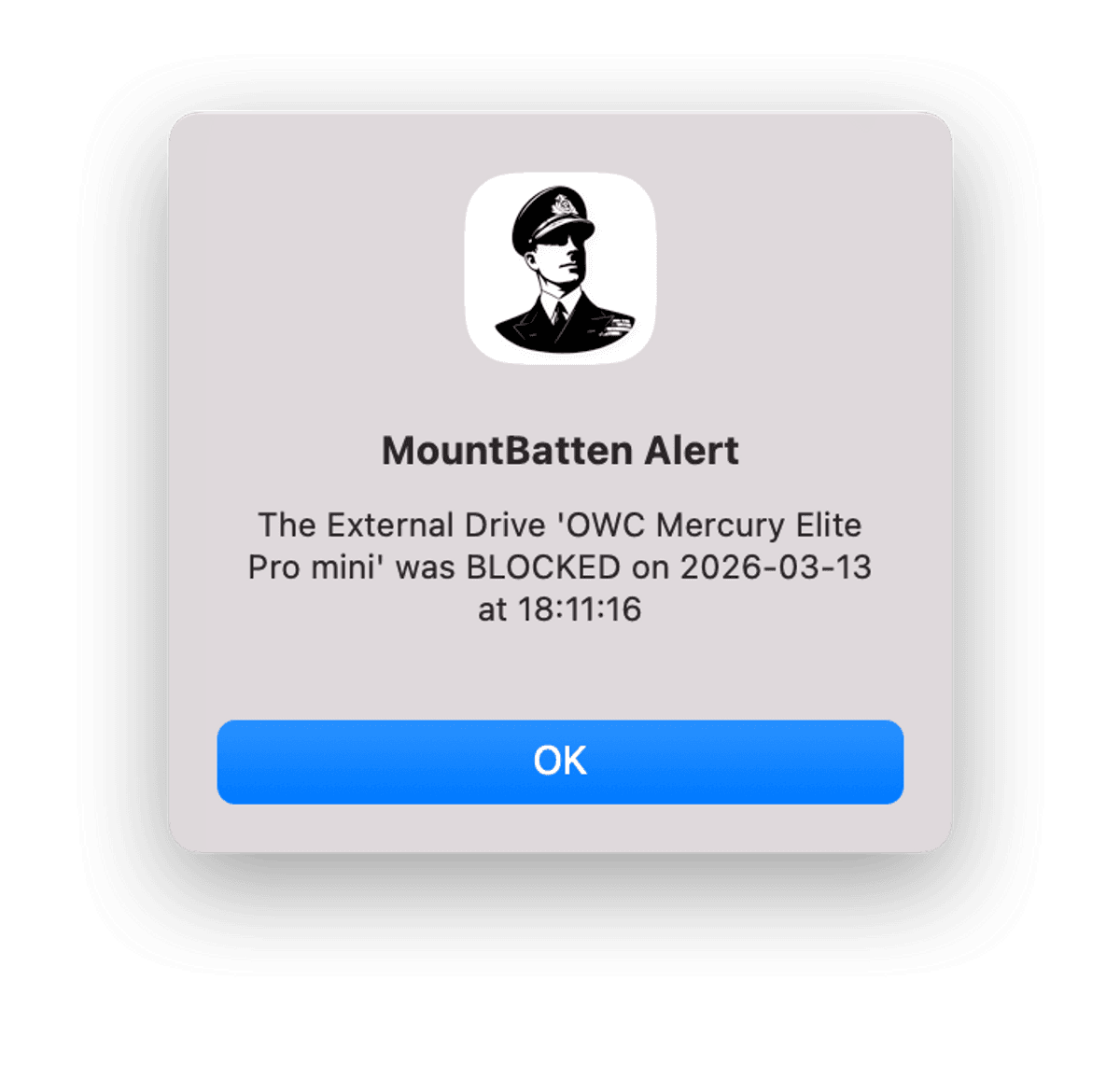
With it, you can create specific rules to either BLOCK or ALLOW a disk volume or disk image from mounting while triggering a variety of different responses ranging from display alerts, notifications, playing alarm sounds, launching Apps, Flashing the screen, opening a URL, or running a shell script.
Potential Uses
- Block Unwanted Software Installations: Stop users from installing software distributed on .dmg images.
- Basic System Automation: Set rules to automatically launch a specific application whenever a trusted drive is connected.
- Prevent Data Exfiltration: Automatically block even trusted USB or Thunderbolt drives from mounting and being used for unauthorized data transfers.
Key Features
- Create up to 24 rules: Manage drives, SD cards, and disk images.
- Dual-Layer Verification: Validate devices based on both Volume Name and Hardware Protocol (USB, Thunderbolt, Virtual, etc.).
- Zero-Trust Architecture: Block all unknown devices by default while whitelisting only your trusted storage devices.
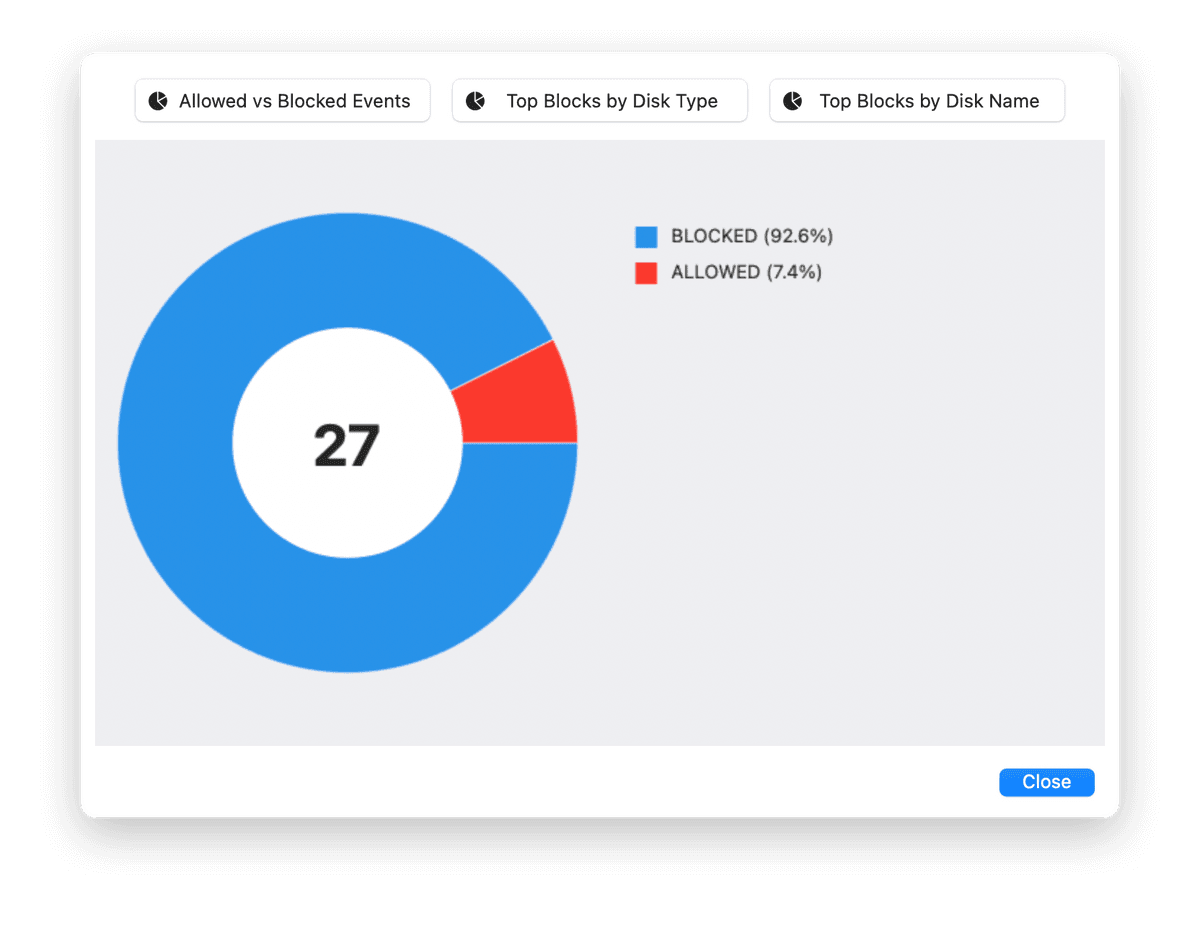
- Live Status Monitoring: See at a glance which rules are active and how your system is being protected.
- Smart Filtering: Use "Contains", "Is Exact", "Is Not" or Regular Expressions in your rules for maximum flexibility.
- Flexible Scoping: Apply rules to physical external drives, virtual disk images (.dmg), or both!
- Lean Footprint: Optimized to run with a minimal memory footprint and no impact on system speed.
- 100% Local Processing: Your rules and data never leave your machine.
- Hide It: One click will hide its menu bar icon to allow it to work invisibly and prevent users from interfering with its operation.
NOTE: Your purchase entitles you to a lifetime license key.
$2.99
Seulement 1.50 $ pour les membres
Devenez membre pour bénéficier d'une réduction et d'autres avantages exclusifs.
$2.99