

Return to Part 1
Documenting your progress is extremely important, especially in 3D where you can download free and buy commercial models. And when someone accuses you of using other people's works it's great to have some proofs. I've seen a lot of this stuff in BJD community, so I want to be prepared))
Also it's always fascinating to see how a bunch of spheres becomes something else, something lifelike. I'll be adding comments, so you could learn my approach.
You can add reference pictures in Blender. I already have front and side blueprints, so I added them.
I also work in a real scale, so 1 cm in reality = 1 cm in 3D.
In the most of 3D software you start sculpting with primitives.
I added a sphere (you see it on the bottom of my workspace), applied Subdivision Surface to it to create more polygons, then copied and pasted it to a different body parts, adjusting their size.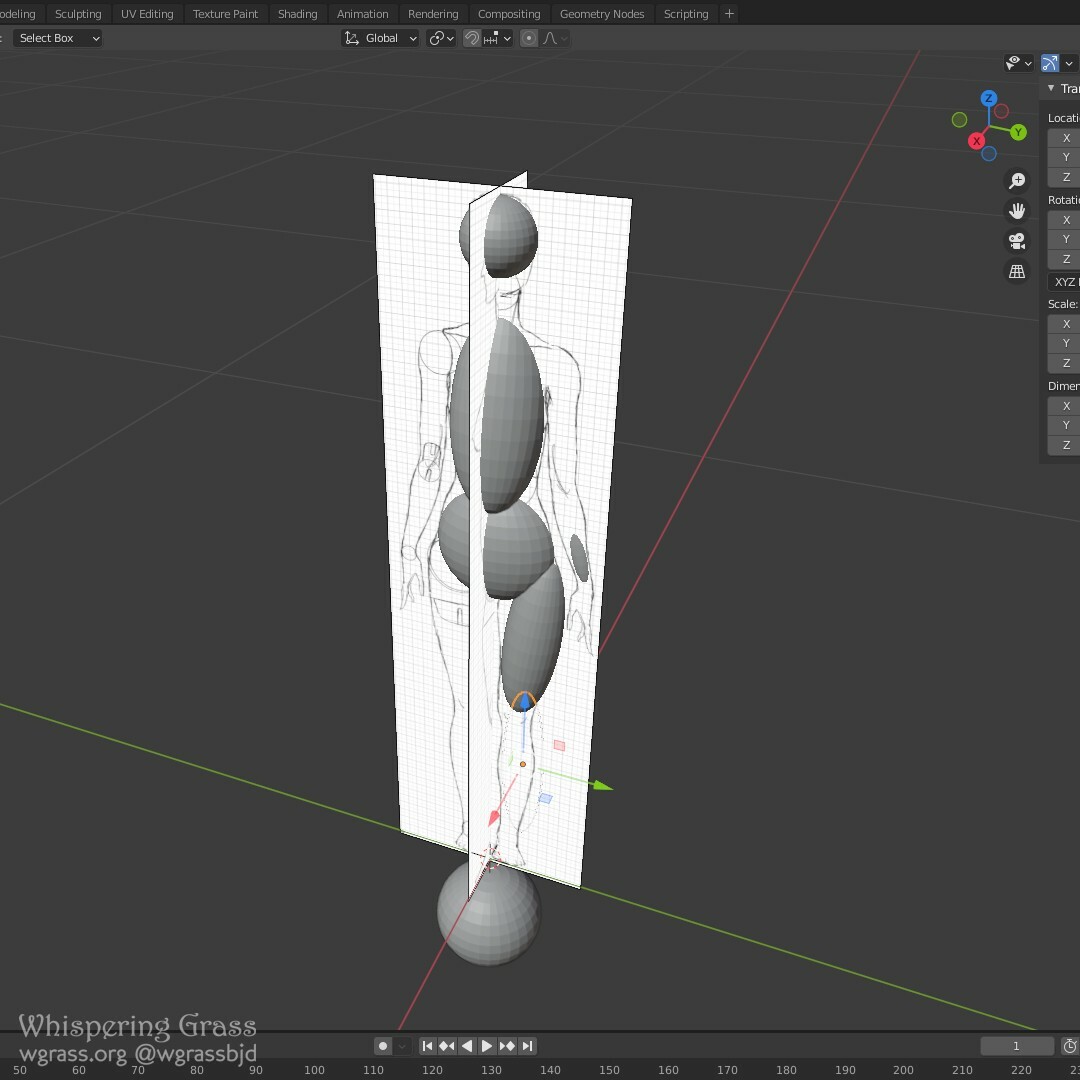
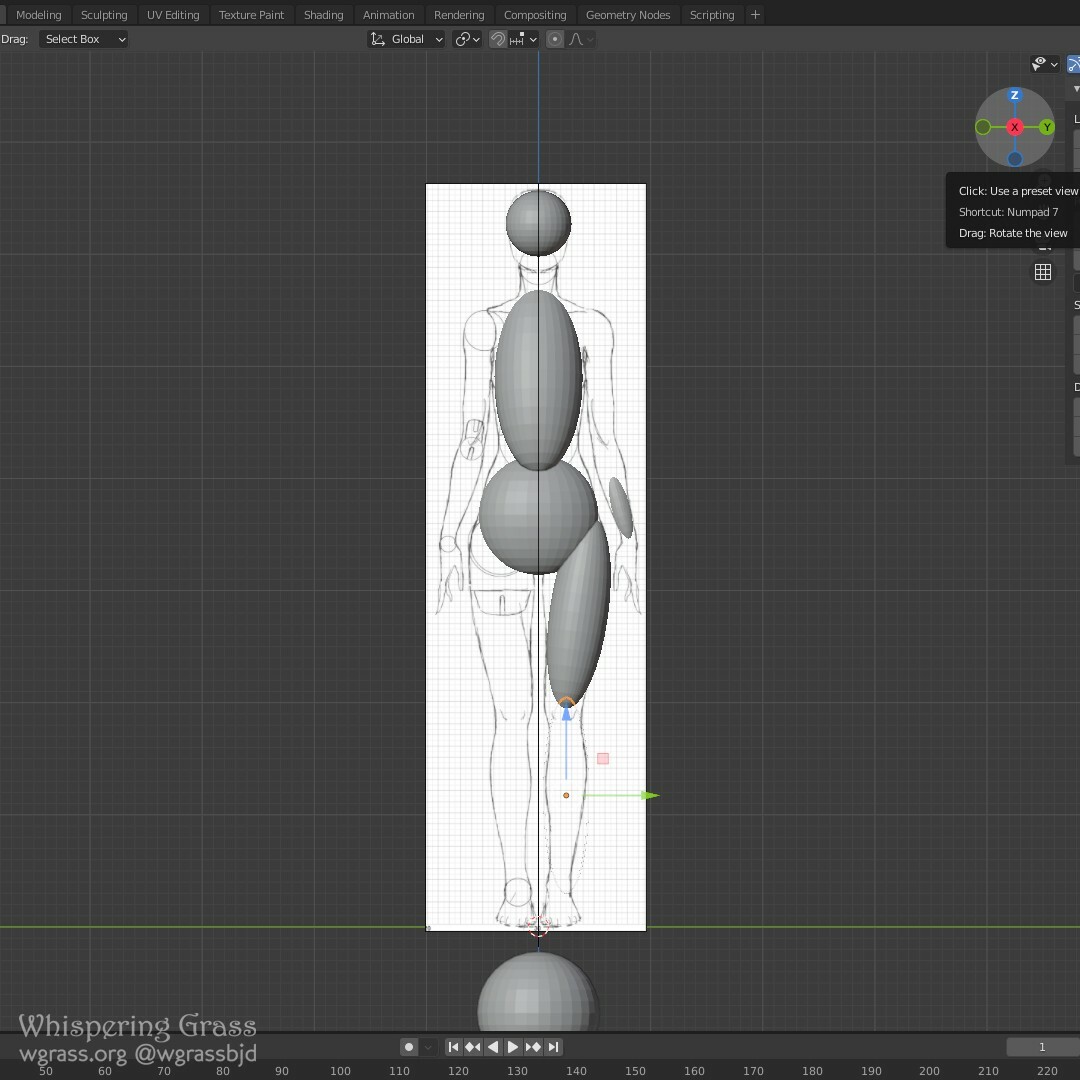 I slightly rotated the ovals so they fit the body shapes better.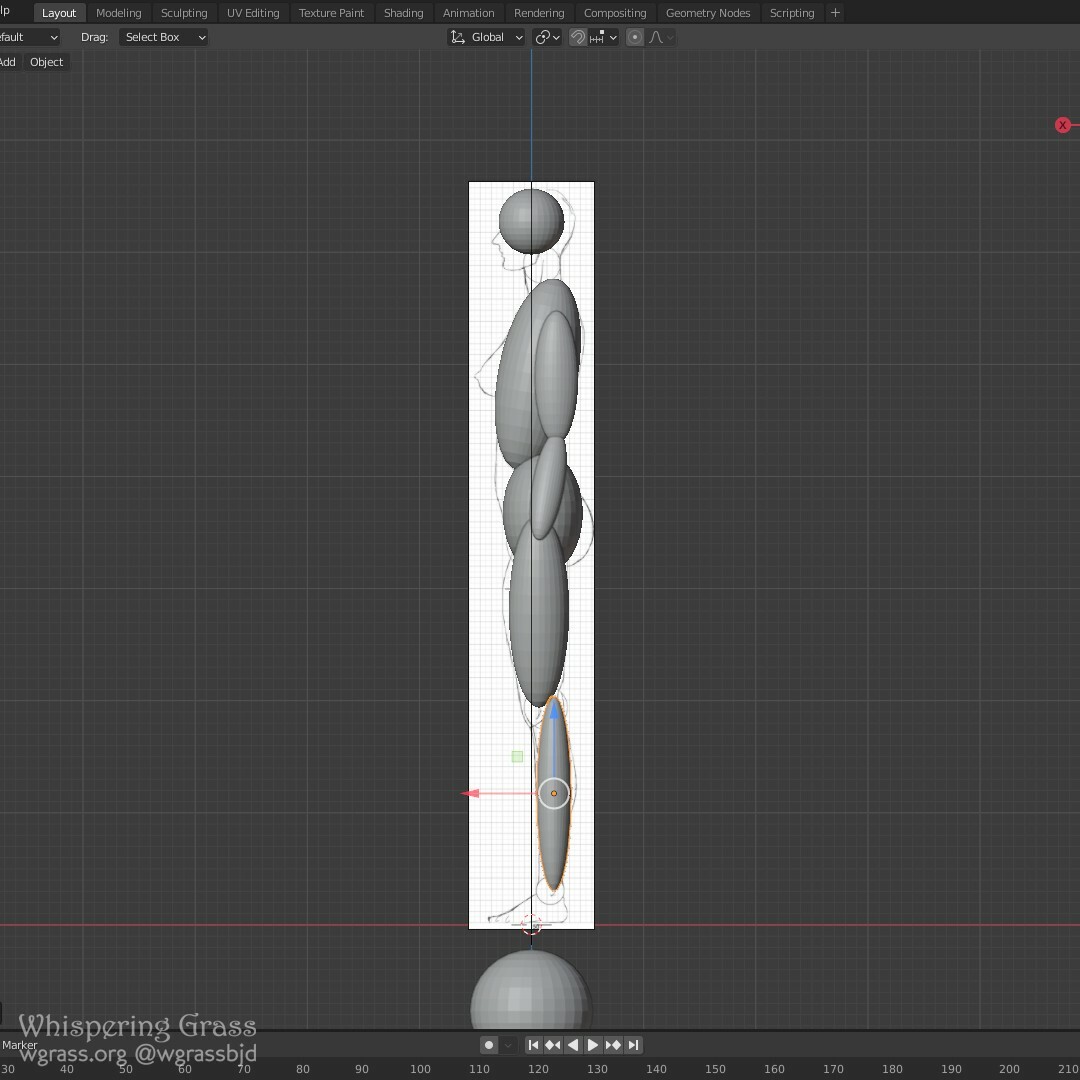
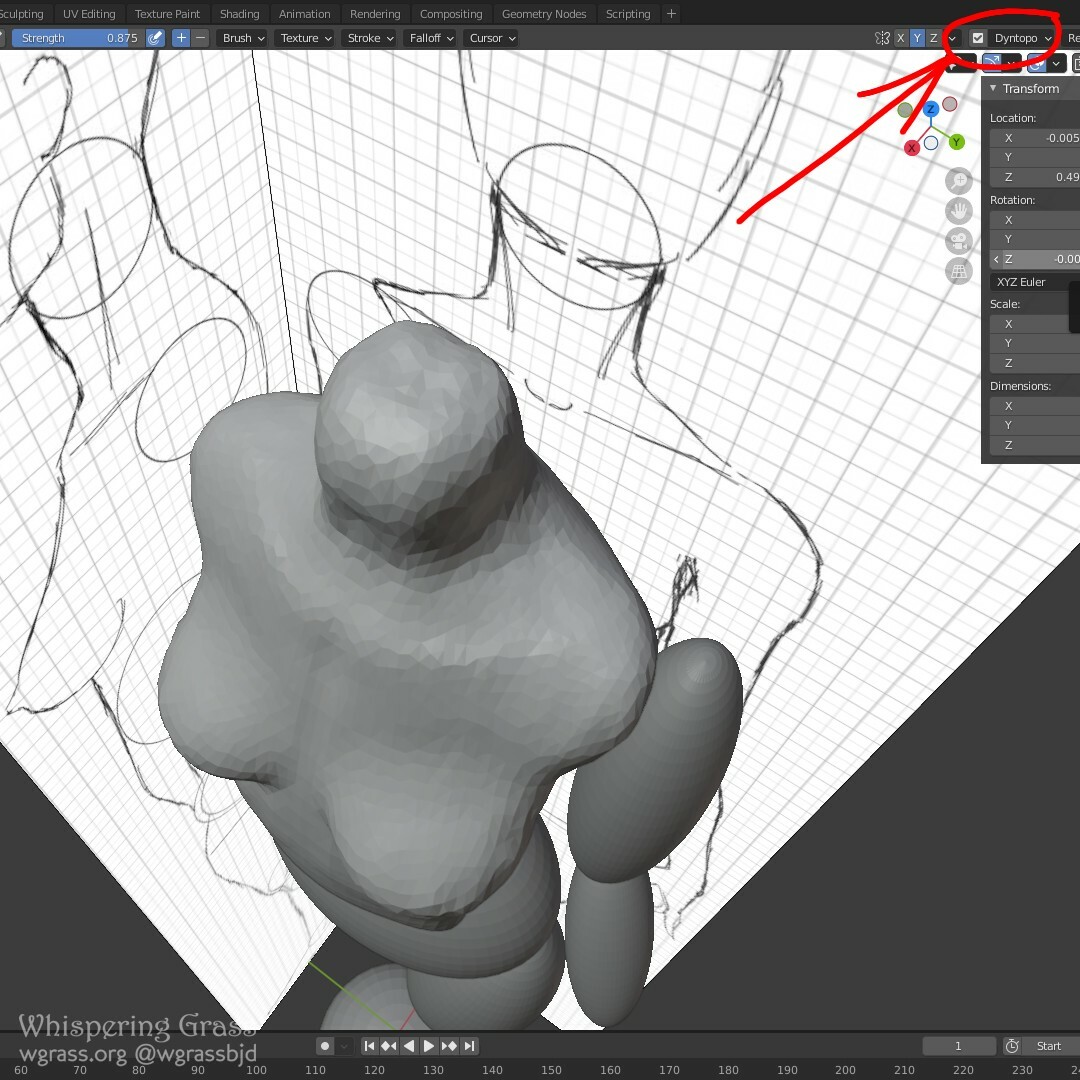
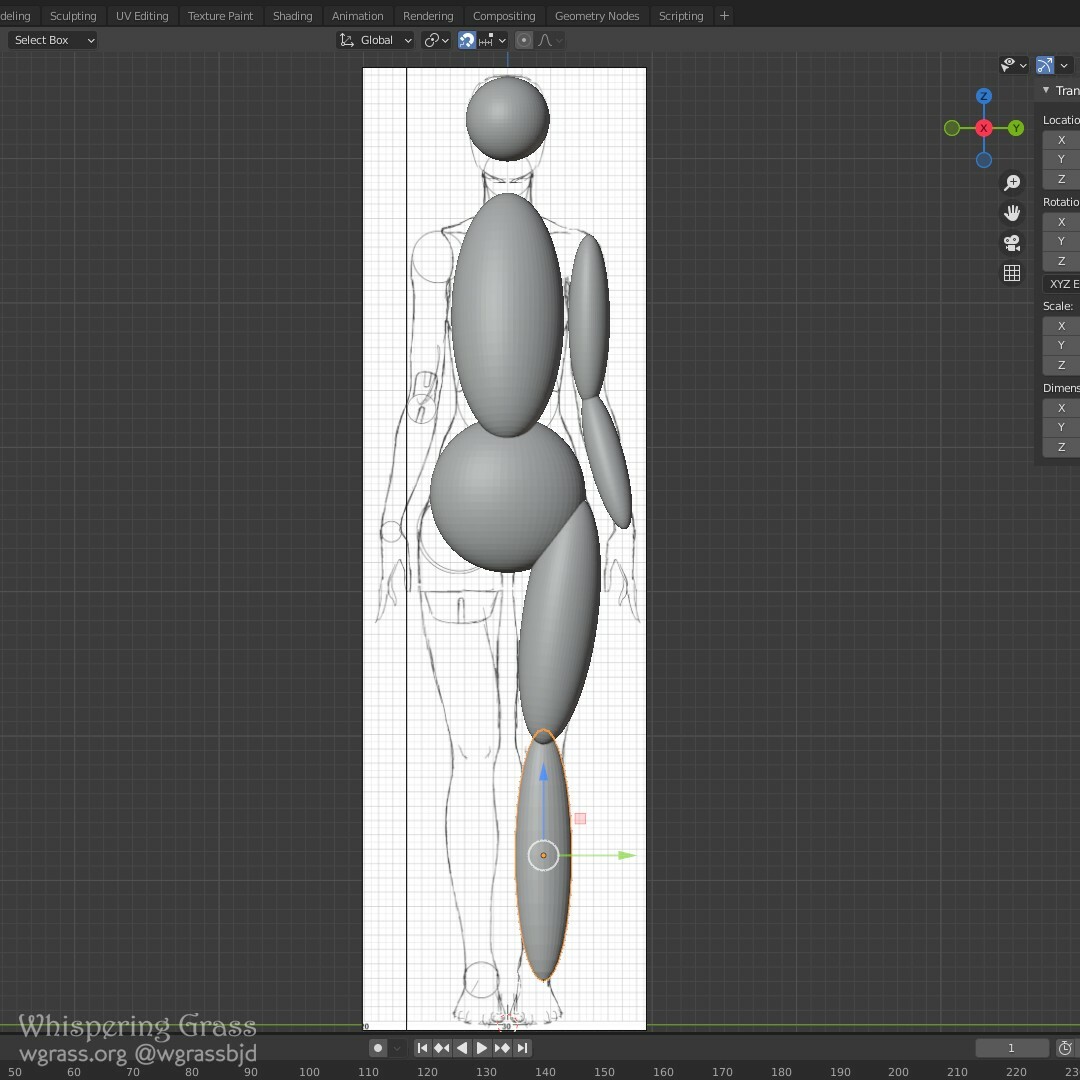 Then I switched from Object mode to Sculpting mode and started sculpting on the upper torso part with Dyntopo checkbox on. Dyntopo not just transforms the mesh, but adds more polygons.
 The lower body part is modified with Grab brush here, when you just pick a part of the mesh and elastically pull it to desired direction.
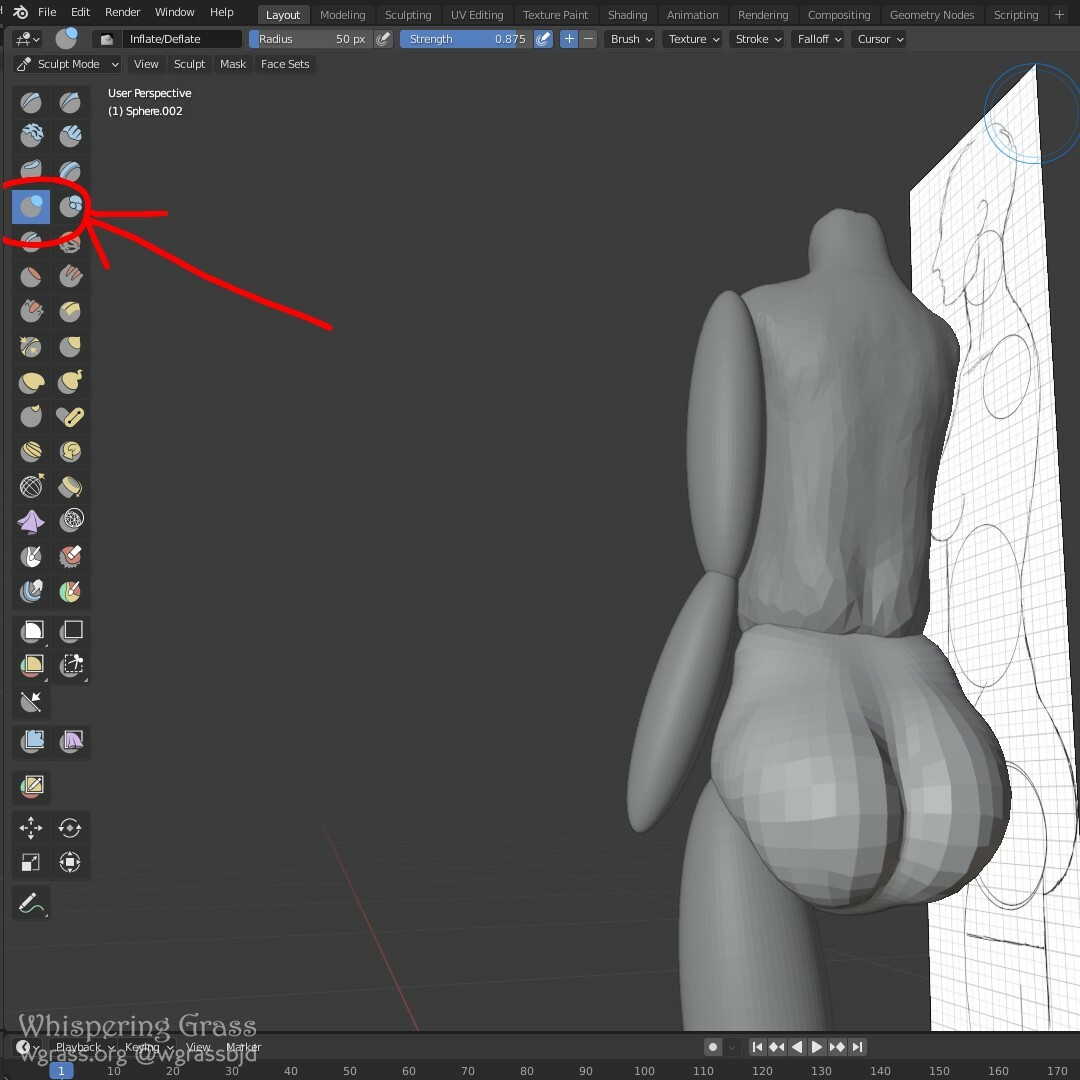
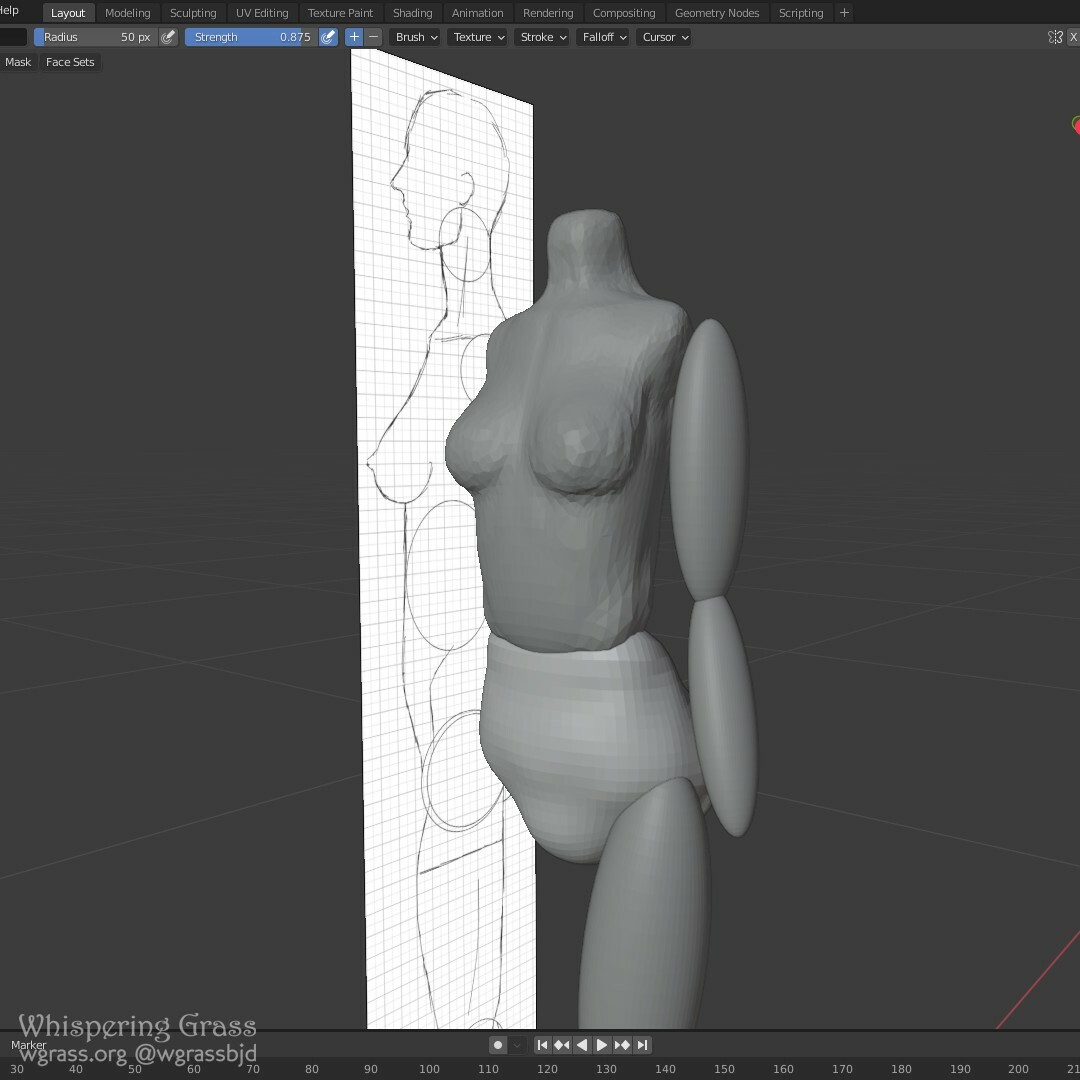 The lower body part is modified with Inflate brush here.
 I joined both body parts together.
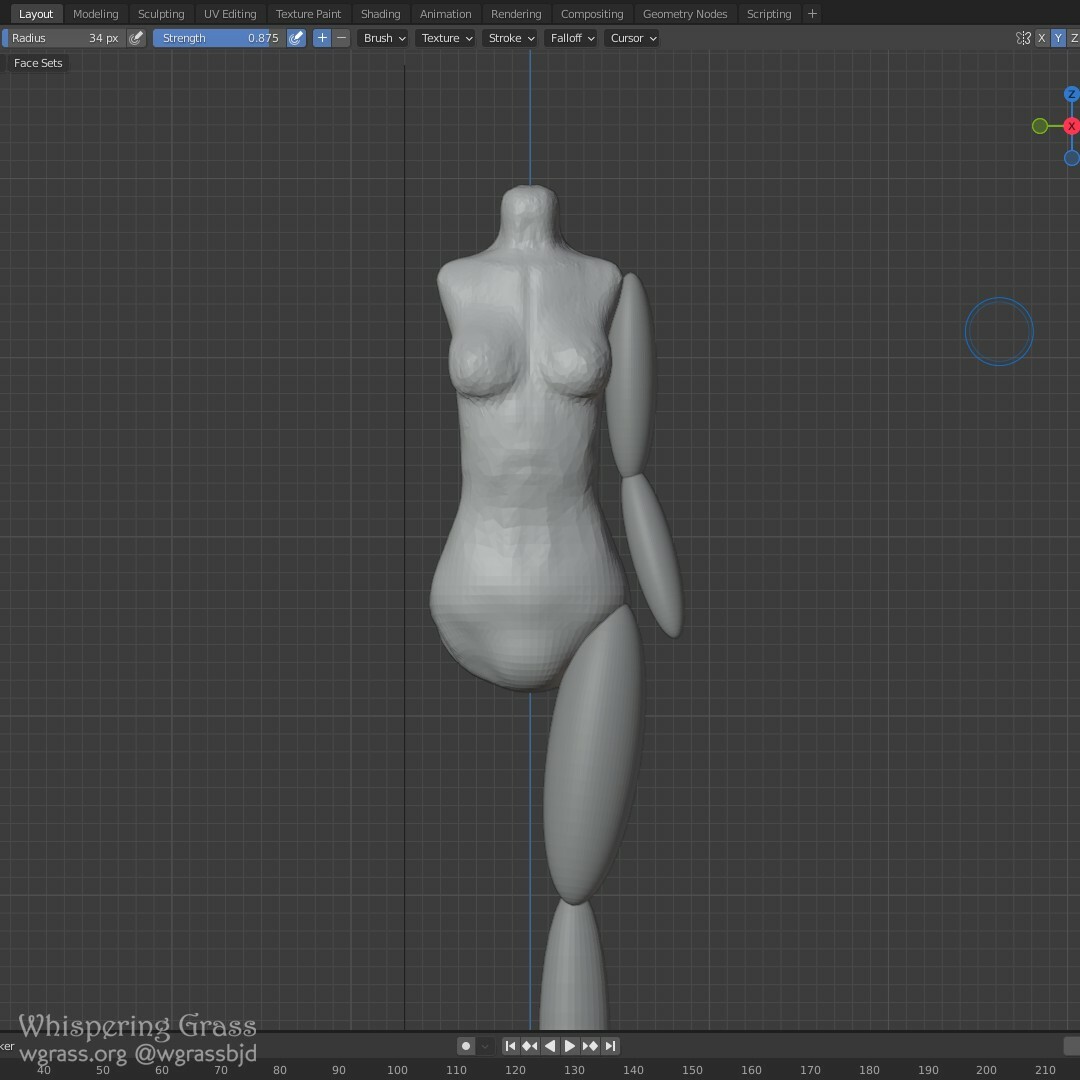 Worked here and there, added ribs, worked on the arm.
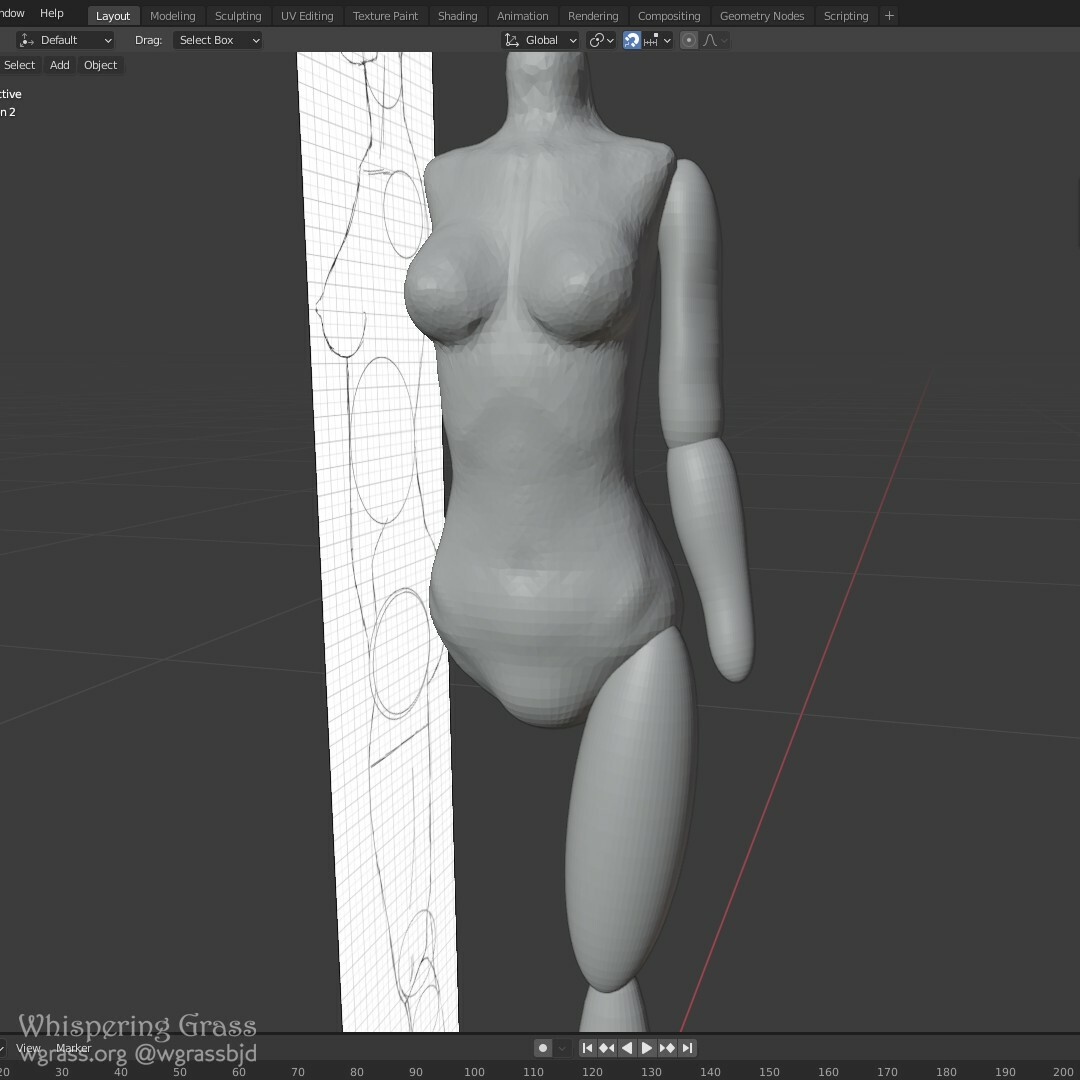 Made the arm a single piece and slightly moved it forward.
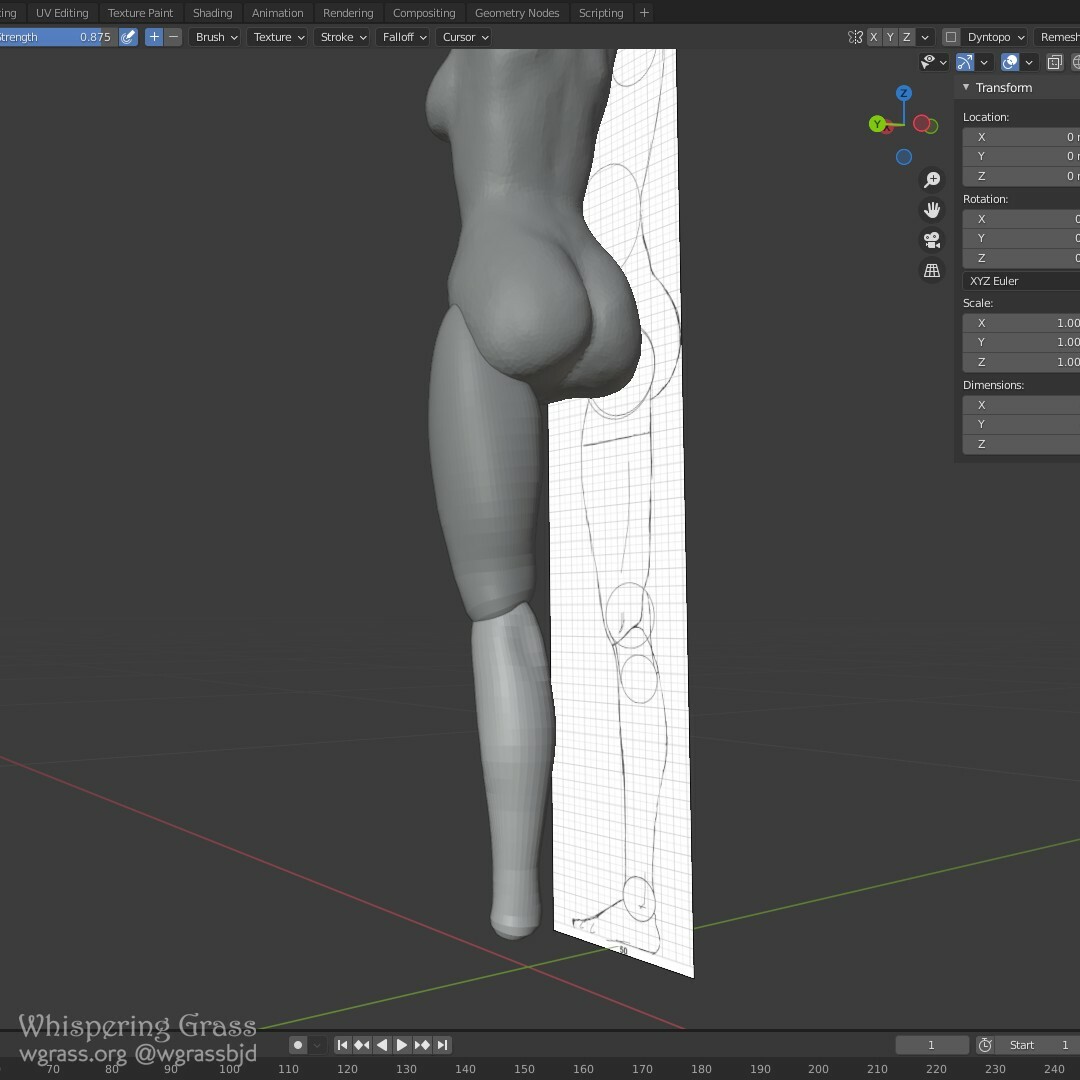
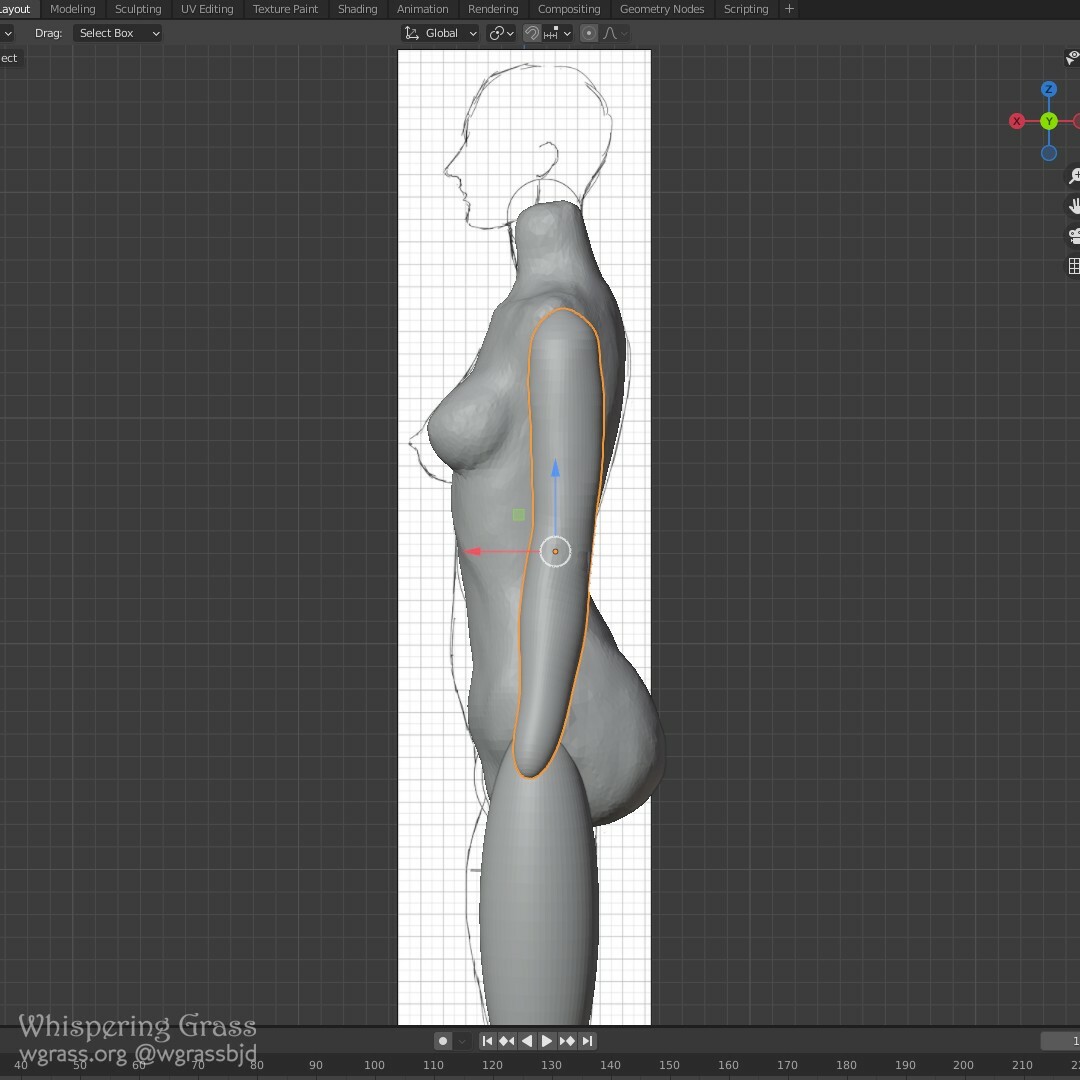 Refined shapes... Working on the leg so it's not just two ovals anymore.
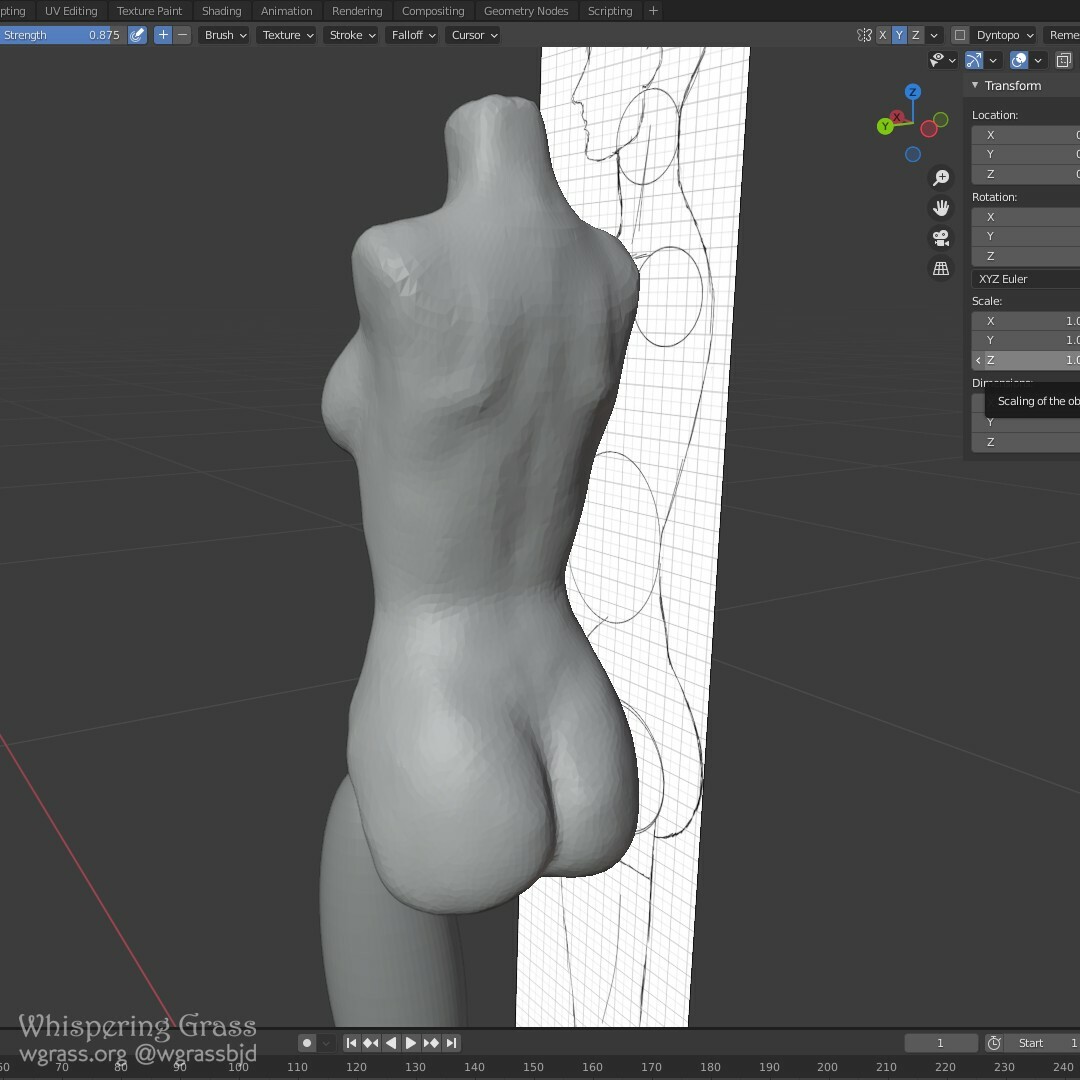 I like how the leg goes inside the pelvis, but we'll see how it would look with joint added.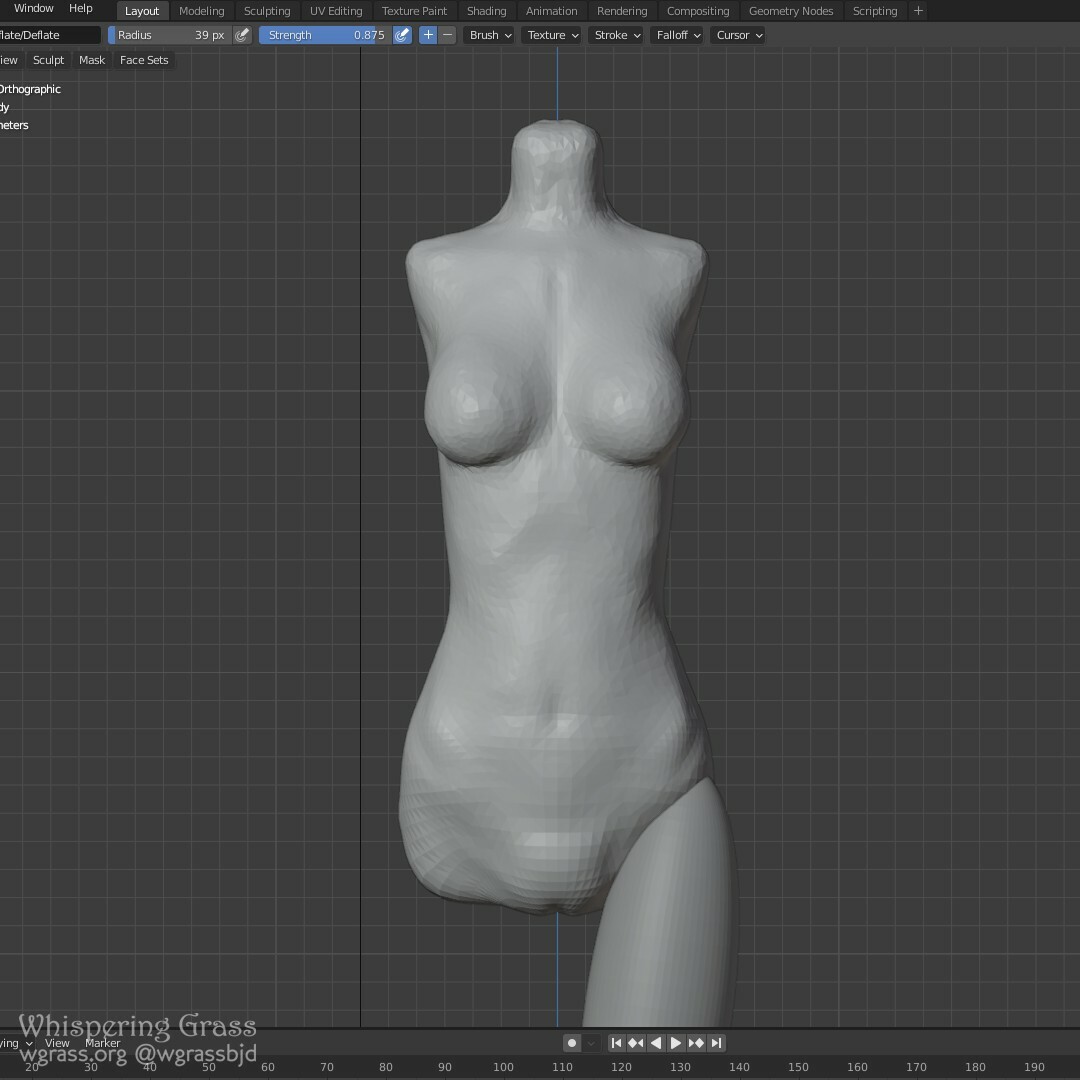
 Go to Part 3
Female body creation - Part 2
Nov 08, 2022
Подобається цей допис?