
When you forward a booking email, Wayloom reads it in the background and turns it into a plan for you to check. Until now you had to open the app and look at the Import tab to find out if it was done.
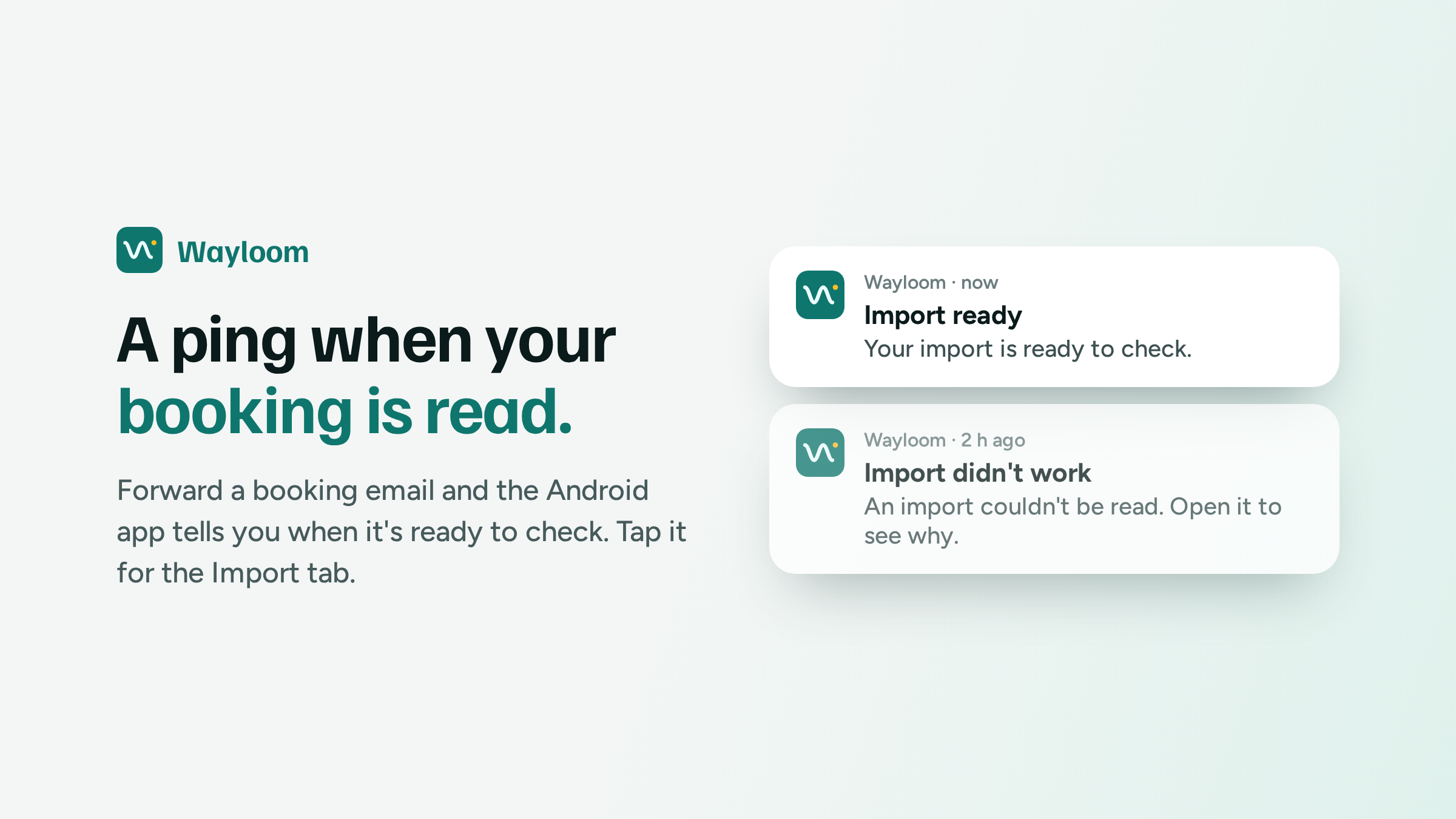
Now the Android app tells you. When an import is ready you get a notification that says "Your import is ready to check". If Wayloom couldn't read it, the notification says that too, and opening it shows why. Either way a tap takes you to the Import tab. It usually arrives a couple of seconds after the reading is done.
The text is vague on purpose. A notification travels through Google's servers to reach your phone, so I keep everything personal out of it: no file name, no trip and no email address. Before you've checked an import there's no trip or plan to name anyway.
If you have the app open you won't get one, because the Import tab already shows it.
The first version had a bug I'm a little embarrassed about. Tapping the notification sent you to a page for that one import, and the app has no such page, so you got "page not found". It goes to the Import tab now, which is where you'd want to be anyway.
You can turn it off in Settings → Notifications with Tell me when an import is ready.
This one is Android only. Web apps can send notifications too, but they don't reach iPhones reliably, so in the web app the Import tab keeps updating by itself while it's open.
Still free, still one person building it. Coffee pays for the server your trips sync to and the AI that reads your booking emails.