

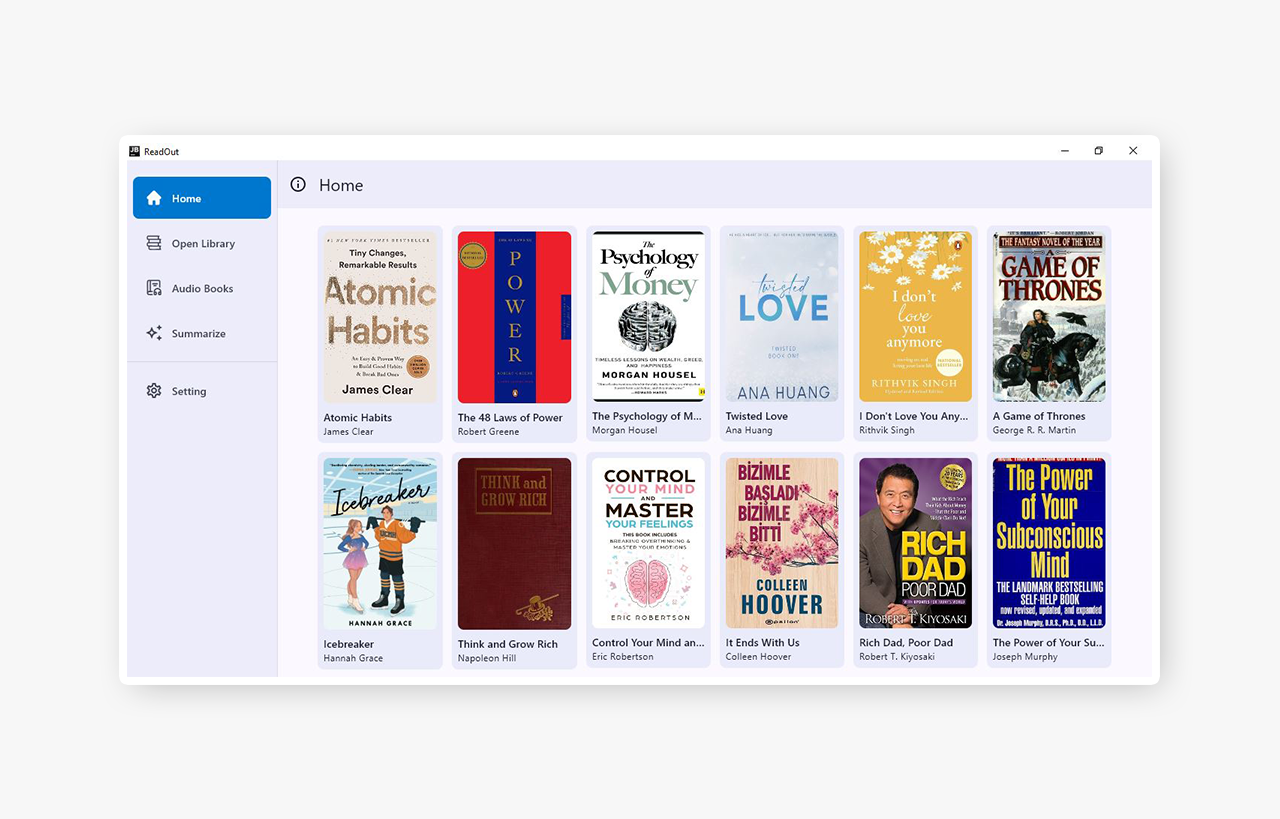
ReadOut is a cross-platform app for Android and Desktop, built with Kotlin Multiplatform. It seamlessly integrates book discovery, audiobook playback, and AI-powered summaries in both text and audio formats. Discover new books, enjoy a diverse library of audiobooks, and access concise, insightful summaries — all designed to save your time and keep you informed.
App Features
The ReadOut app offers 28 million books, 20,000+ audiobooks, and features like AI-powered insights, personalized book searches, favorite book saving, dual themes, and seamless audio playback on both desktop and mobile. It's currently in the early stages of development, so feel free to report any issues or suggestions.
Audiobook Playback (Desktop and Mobile)
Extensive Book Browsing
AI-Powered Book Insights
Book Insight by User Input
Save Favorite Books
Search Books by Title, Author, or Genre
Dual Themes (Dark and Light)
Audio Background Playback Support
User-Friendly Interface with Easy Navigation
User Guide
Discover Books
Open the app and navigate to the OpenLibrary section.
Use the search bar to find books by title, author, or genre.
Browse curated recommendations and popular titles.
Play Audiobooks
Go to the Audiobooks section and select a book.
Tap the Play button to start listening.
Use the playback controls to pause, rewind, or fast-forward.
Generate Summaries
Open the details page of any book.
Tap the Summarize button to generate an AI-powered text or audio summary.
Alternatively, navigate to the Summarize section.
Enter the required details and tap the Summarize button.
Save Books
Tap the Save icon on any book to add it to your saved list.
Access your saved books in the Saved section.
Switch Themes
Open the app’s settings.
Toggle between Light and Dark themes to customize the app’s appearance.
Clear Data
Open the app’s settings.
Tap Clear all data to remove any saved books or cache from the app.
Download app | Source Code | Author: Tawhid Monowar