

Hello, fellow tech enthusiasts! I'm thrilled to share with you my latest project - the UFW (Uncomplicated Firewall) Status Indicator!
Picture this: you're working on your Linux system, and a nagging question arises, "Is my firewall active? Is my system secure?" Surprisingly, finding a straightforward answer wasn't as easy as expected. It seemed that a simple firewall status indicator for Linux was nowhere to be found. In a tech-savvy world like ours, this lack of accessibility just didn't feel right.
Determined to fill this gap, I set out to create the UFW Status Indicator - a sleek, modern, and reliable visual indicator that nests comfortably on your GNOME status bar. Its mission? To provide you with a quick and effortless way to check the status of your firewall. No more digging through system settings or resorting to command-line tools.
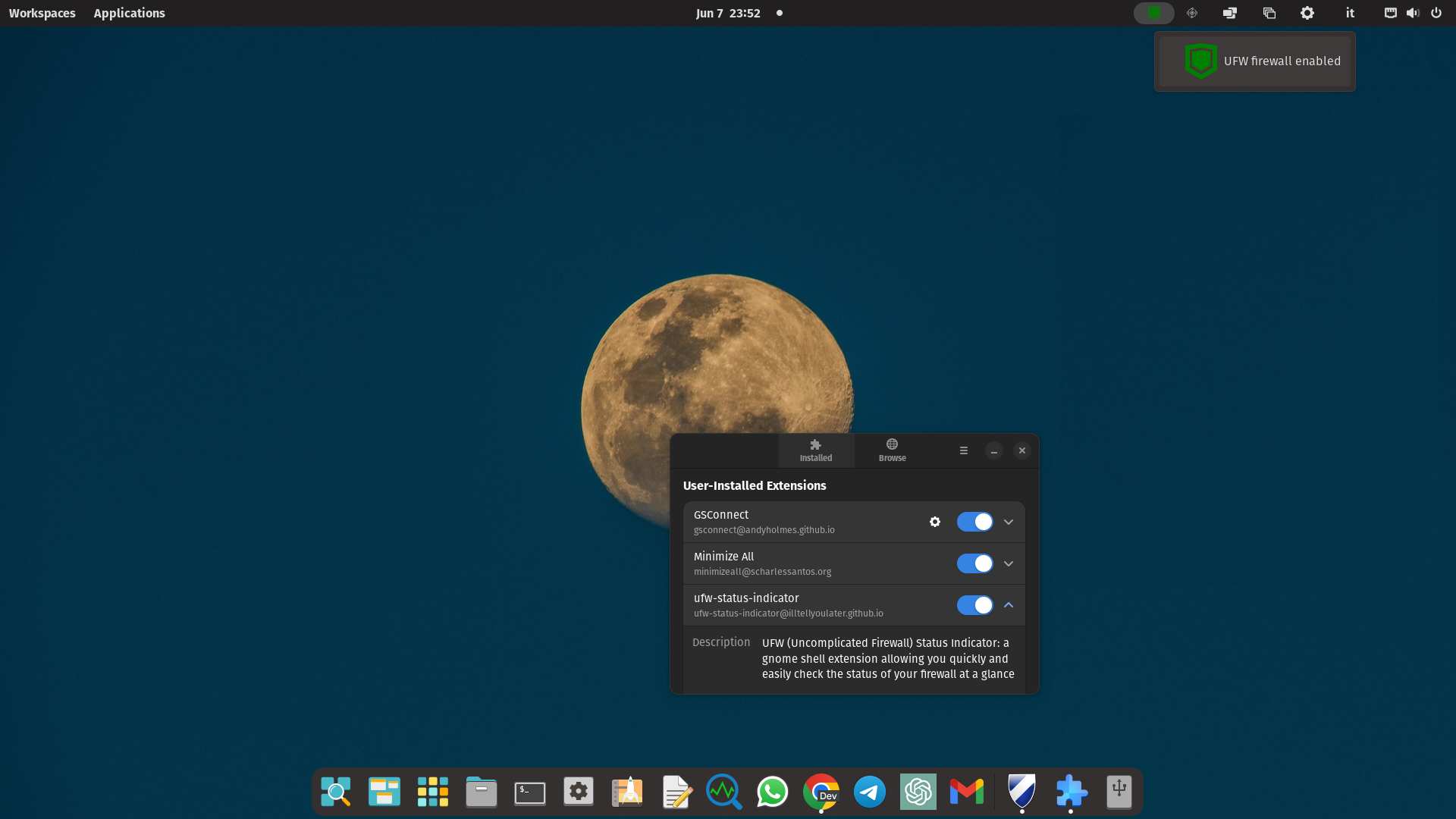
Despite its seemingly simple task, the UFW Status Indicator is a powerful ally in your pursuit of system security. It may be small in size, but its impact is significant. It ensures that you're always aware of your firewall's status, giving you peace of mind in an increasingly interconnected world.
Installing the UFW Status Indicator is a breeze. Just add a root cron job and install the extension as you would any GNOME Shell Extension. It's designed to be lightweight and seamlessly integrate into your Linux workspace, enhancing your overall experience.
But this project is about more than just a piece of software. It's about the collective effort to bridge a technological gap and bring essential tools to Linux users in 2023. Your support, feedback, and contributions are what make this journey worthwhile.
If you find value in the UFW Status Indicator and would like to support its development, please consider buying me a coffee. Your generous contribution will fuel future enhancements and allow me to dedicate more time and resources to this project.
Together, let's embrace the spirit of Linux and ensure that no one has to settle for technological limitations.