


Pinterest is not just a visual discovery platform; it's a powerful tool for driving traffic to your website or store. Let’s explore how you can leverage Pinterest to boost your online presence and sales!
1. Create Engaging Pins 🎨
Tip: Use high-quality images that are vertical (2:3 ratio is ideal). Bright, eye-catching colors attract more attention.
Use numbers
Using numbers in your pin titles can really boost engagement for a few reasons:
1. Grab Attention: Numbers stand out in a sea of text, making your pins more eye-catching! 👀✨
2. Promise Specificity: Titles with numbers suggest clear, specific content (like "5 Tips" or "10 Recipes"), which can entice users to click. 🔢

3. Create Curiosity: People love lists and frameworks! Using numbers makes them curious about what’s included and encourages them to explore further. 🤔💡
4. Easier to Digest: Numeric lists are easier to skim, helping users quickly understand what they’ll gain from your pin. 📋👍
Tips for creating engaging pins about beauty products: 💄✨
1. Use High-Quality Images: Showcase your products with stunning visuals! Bright, clear photos grab attention and make your pins irresistible. 📸🌟
2. Add Numbers: Create list-style pins like "Top 5 Must-Have Beauty Products" or "3 Steps to Flawless Skin." Numbers attract clicks! 🔢💖
3. Include Tips and Tricks: Share useful beauty hacks or application tips in your pin descriptions to provide value. People love learning something new! 💡💅
4. Engage with Questions: Encourage interaction by asking questions like, "What’s your favorite beauty product?" or "Have you tried this?" 🗣️🤔
5. Use Rich Pins: If possible, use Rich Pins to give more context about your products, like pricing and availability. It makes your pins more informative! 🛍️✨
6. Create Seasonal Content: Tailor your pins to seasonal trends, like summer skincare or holiday beauty looks. It keeps your content fresh and relevant! 🎉🌼
7. Show Real Results: Use before-and-after photos or testimonials to build trust and show the effectiveness of your products. 📈❤️
Example: A beauty product brand could create a stunning pin featuring a before-and-after image of a makeup look.

Implementing these tips can help boost engagement and make your beauty pins pop! 💖
2. Optimize Your Profile 🛠️
Tip: Ensure your profile is complete. Use a recognizable profile picture, add a keyword-rich bio, and link to your website.
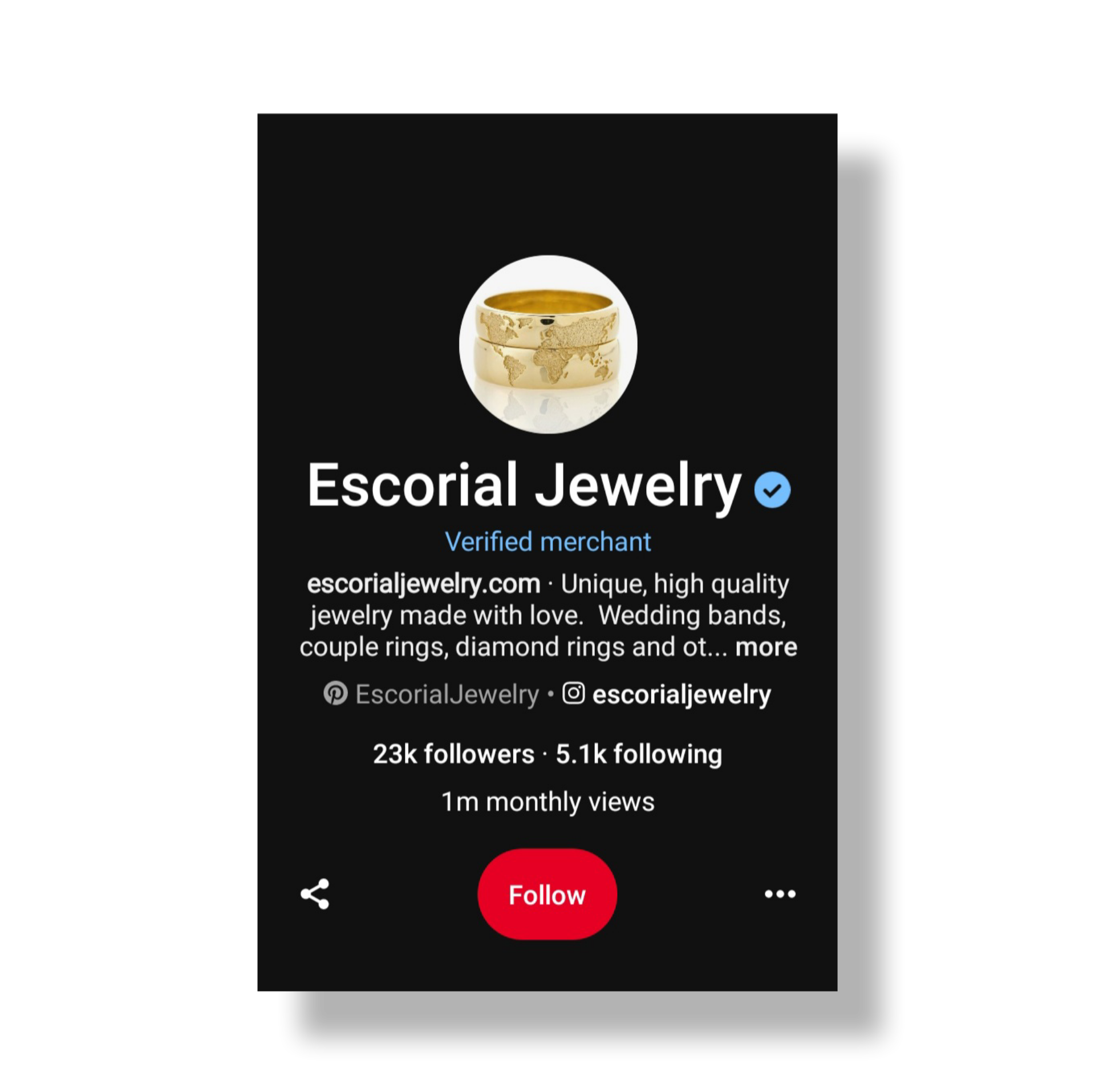
Example: If you run a handmade jewelry store, describe your unique style and link directly to your online shop.
3. Use Keywords Strategically 🔍
Tip: Research popular keywords related to your niche and incorporate them into your pin descriptions, titles, and boards.
Example: If you sell fitness equipment, include keywords like “home workout gear” or “best resistance bands” in your pins.
4. Create Themed Boards 📚
Tip: Organize your pins into boards that reflect specific themes or categories. This helps users find content easily.
Example: A food blog could have boards like “Healthy Dinner Ideas” or “Quick Breakfas
When you create boards on Pinterest, it automatically generates a description based on the title you choose. This helps to provide context and makes your boards more discoverable! 📚✨
5. Pin Regularly 📅
Tip: Consistency is key! Aim to pin at least once a day. Use scheduling tools like Tailwind to automate your posting.
Related: A daily pinning strategy
Example: If you have a seasonal product, start pinning related content a few weeks before the season begins.
6. Make Use of Rich Pins 📈
Tip: Enable Rich Pins to provide more context about your products. They automatically sync information from your site.
Example: A recipe site could use Rich Pins to show ingredients and cooking times directly on the pin.
7. Engage with the Community 🤝
Tip: Follow other users, repin their content, and leave thoughtful comments to build relationships and increase visibility.
Respond comments
Comments can really amp up engagement on Pinterest for a few reasons:
1. Community Building: When users comment, it creates a sense of community. Others feel more inclined to join the conversation and share their thoughts! 🗣️
2. Increased Visibility: More comments can lead to your pins being shown to a wider audience. The Pinterest algorithm loves active posts! 📈
3. Feedback and Ideas: Comments provide valuable feedback. Users often share tips, ideas, or related content, making your pins even more useful! 💡
4. Encouragement to Save: Engaging discussions can encourage others to save your pins, leading to more repins and broader reach! 🔄
So, encouraging comments is a great way to boost your Pinterest presence! 🎉
Example: If you're in the fashion niche, engage with fashion influencers by commenting on their pins.
8. Analyze Your Performance 📊
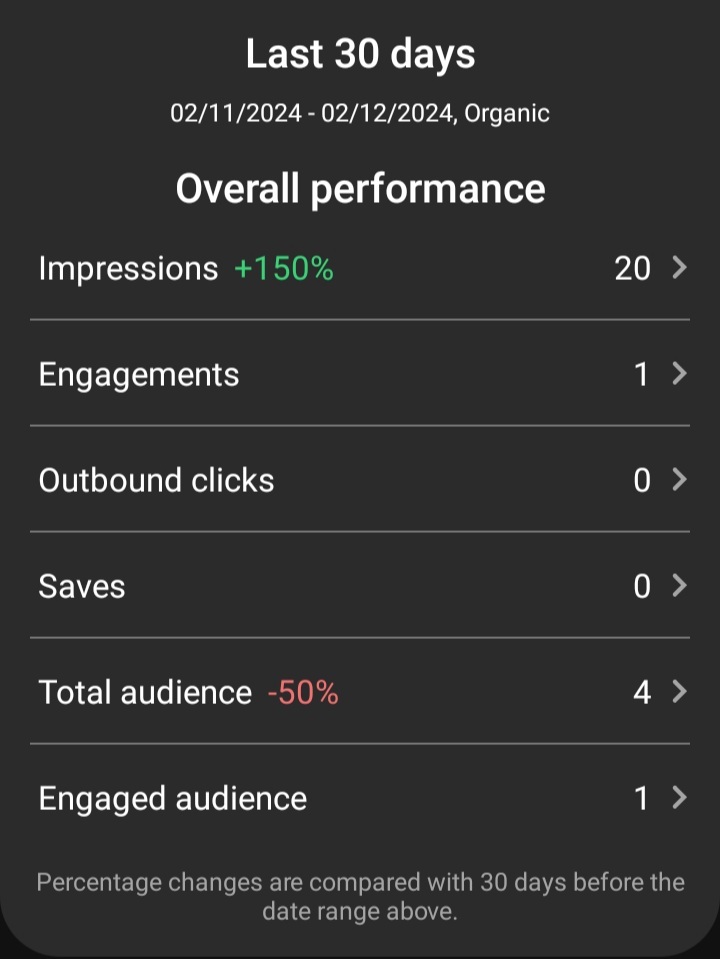
Tip: Use Pinterest Analytics to track which pins drive the most traffic and adjust your strategy accordingly.
Example: If a certain type of pin (like infographics) performs well, create more of that content.
9. Promote Your Pins 🎯
Tip: Consider using Pinterest Ads to reach a larger audience. Promoted pins can significantly increase visibility.
Example: A new product launch can be supported with a targeted ad campaign to reach potential customers.
10. Link Back to Your Content 🔗

Always ensure your pins link back to relevant content on your website. This could be product pages, blog posts, or landing pages.
Example: A travel blog pin showcasing a beautiful destination should link to a comprehensive guide about that location.
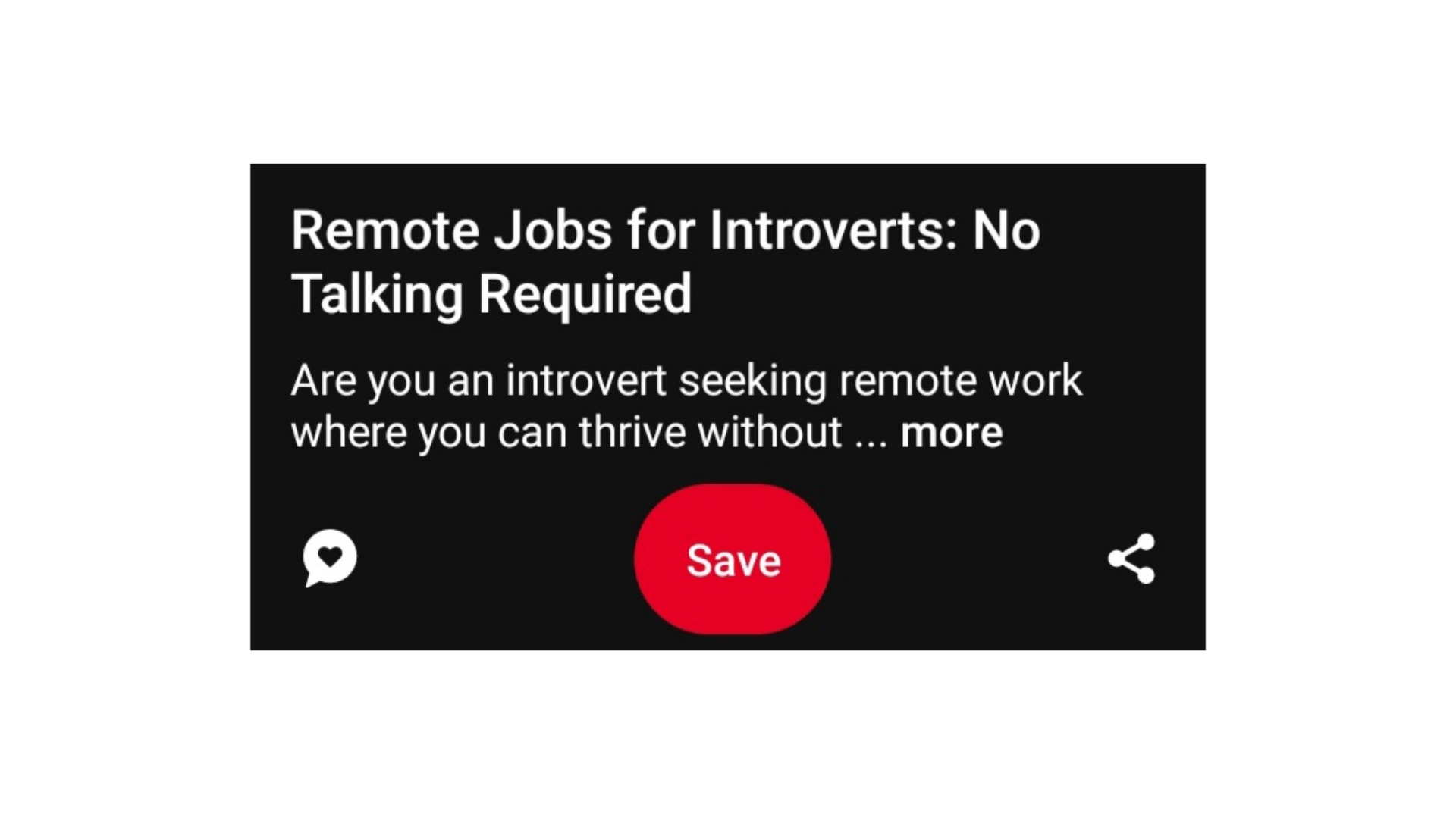
When posting pins on Pinterest, ensure that each pin links to a specific page you want to drive traffic to, such as a landing page, blog post, or product page.
Once a pin is published, Pinterest provides actionable buttons like:
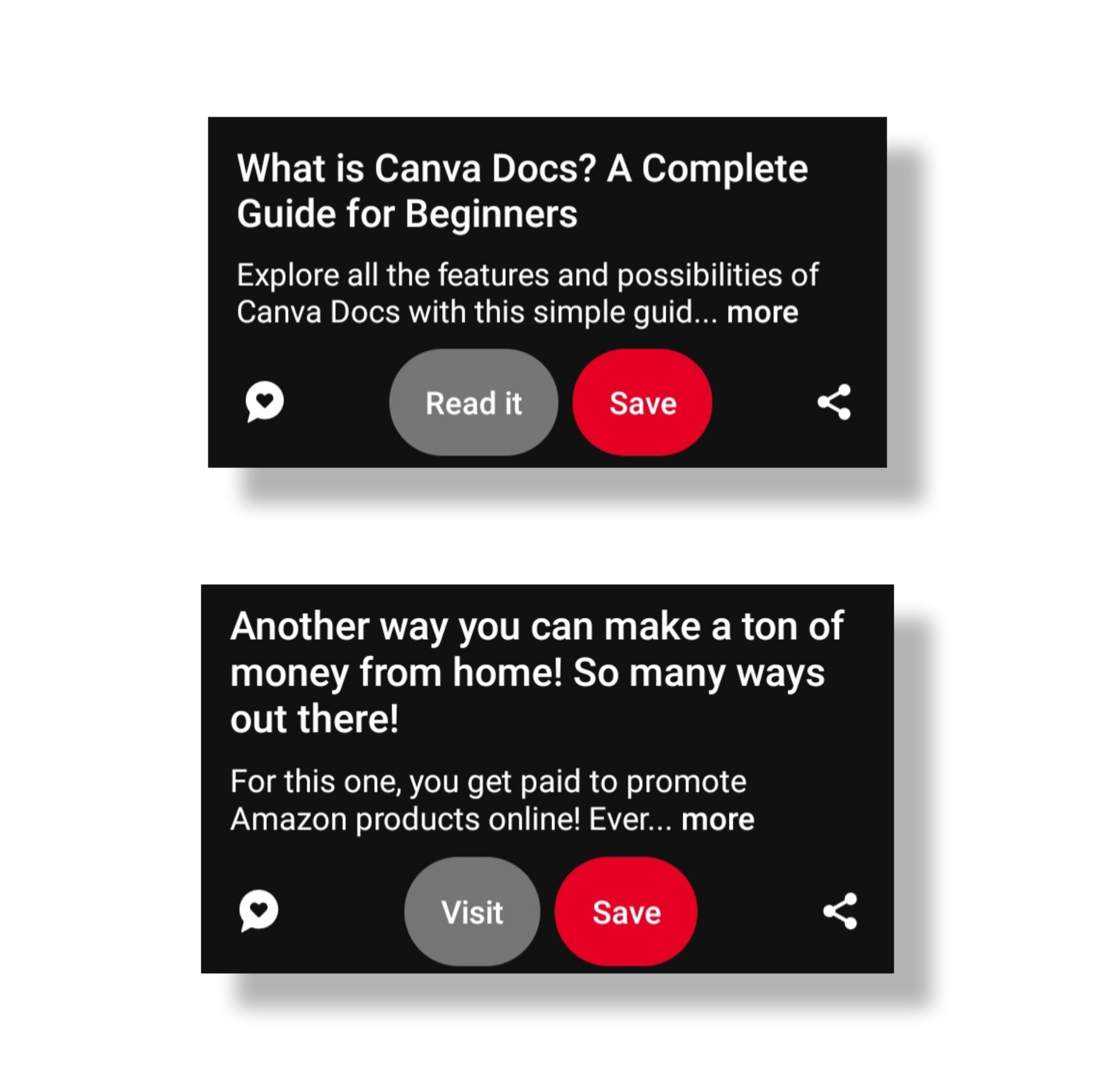
Read It: Often drives traffic to blog posts or articles.
Visit: Typically points to product pages, but its functionality depends on the type of account, like merchant or eCommerce-based profiles.
Important Tip: Never replace a link after publishing a pin. Doing so can lead to your account being flagged, or worse, your website being blocked.
This happened to me in 2023 when I attempted to replace a link for my blog, laptopbooth.online. At the time, I had two domains—one on Blogger (.net) and another on Systeme.io (.online)—and replacing the link caused significant issues.
Start pinning today and watch your online presence grow! 🚀✨
"Pin Your Way to Success: Drive Traffic, Boost Sales!"