

Store : https://store.rexshack.dev/category/free-redm-scripts
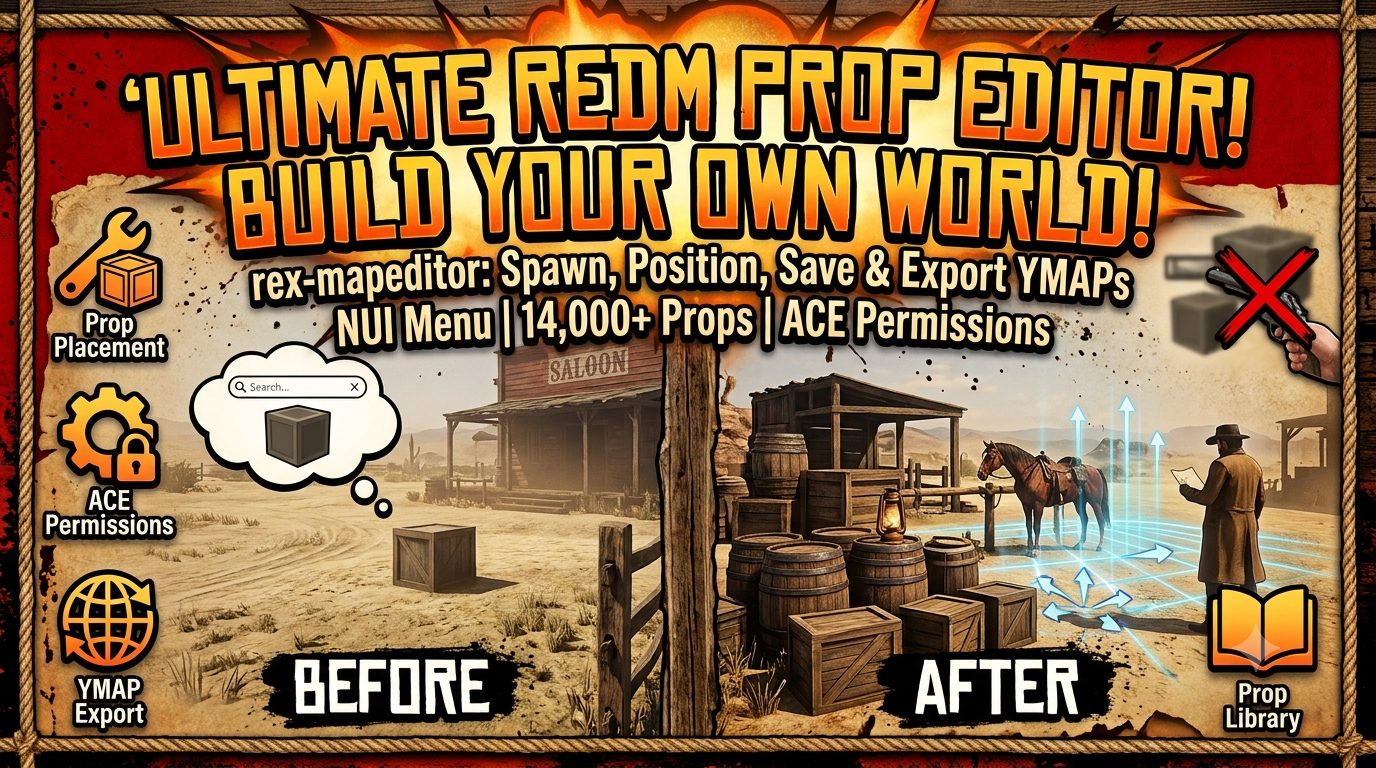
An in-game prop placement tool for RedM/RSG-Core servers. Browse and spawn static props from an NUI menu, position them with keyboard controls, save your layout, and export it to a YMAP / XML
NUI prop browser — searchable, categorized list of common RDR2 static props, plus a free-text field to spawn any model by name/hash.
Full prop library — ships all 14,856 props from grouped by category/subcategory. Type 2+ characters in the search box to search across it (results are capped at 250 matches at a time to keep the UI responsive); it's not shown by default to keep the menu fast on open.
In-world placement controls — newly spawned props enter a "placement mode": arrow keys move, Page Up/Down adjust height, Q/E rotate yaw,
[/]fine-tune pitch, Enter confirms, Backspace/Esc cancels. Hold Shift for faster movement/rotation. Bindings use RDR3's real named controls (INPUT_FRONTEND_*,INPUT_CREATOR_LT/RT, etc.) rather than GTA V's numeric control IDs, which don't map correctly in RedM.Placement Panel (click-based alternative to keybinds) — while placing a prop, a small, semi-transparent, draggable panel appears with buttons for every placement action (move, height, yaw, pitch, a Fast-movement toggle, Confirm, Cancel). Click once to nudge, or click-and-hold to repeat, same as holding a key. Drag it by its header to keep it clear of the prop you're positioning — it never takes over the screen: uses
SetNuiFocusKeepInputso camera look and all the keybinds above keep working at the same time, letting you freely mix mouse clicks and keys.Character locked during placement — the player ped is frozen in place and every normal movement/combat/interaction control (walking, jumping, firing, reloading, melee, mounting, whistling for a horse, etc.) is disabled for the duration of placement mode, so the character can't wander off, get shoved around, or accidentally do something else while you're positioning a prop. Everything is restored the moment you confirm or cancel.
Placed prop list — every prop you've placed shows in the menu with its coordinates, a teleport-to button, and a delete button.
Aim-and-delete, dual purpose — aim your camera at anything and press Delete:
If it's a prop this tool placed, it's removed from the saved map as usual.
If it's an existing base-game world prop, it's added to a persistent per-map removal list instead (see below), deleted immediately, and broadcast so it disappears for every connected player too. This listens to RDR3's native
INPUT_FRONTEND_DELETEcontrol directly, so it works even ifRegisterKeyMappingisn't available on your server build.
Aim-and-fire delete mode — press B (or run
/propdeleteaim) to toggle a mode where you point a drawn weapon at a prop and pull the trigger to delete it, using the weapon's own sight as a clear visual preview of what will be removed. Targeting uses RDR3's real free-aim natives (IsPlayerFreeAiming/GetEntityPlayerIsFreeAimingAt) rather than a plain camera raycast, so it tracks whatever the weapon's reticle is actually locked onto. The weapon is prevented from actually discharging while this mode is active (no bullet, no ammo used, no damage/noise) — firing is only read as a confirm gesture. Uses the same placed-prop/world-prop deletion logic as the Delete-key shortcut above. Auto-disables if you start placing/grabbing a prop.Persistent world-prop removal — removed base-game props are stored in
data/.removed.json(model + coordinates). On resource start, and whenever a map is loaded, the full removal list is sent to clients and enforced by a background loop that re-deletes matching entities if the game respawns them when the area streams back in. This is a runtime removal, not a file edit — see the note below on why that's the right approach here.Save / Load maps — persist your current layout to a named JSON file on the server, and reload it later (also restores the props in the world and re-applies that map's world-prop removals).
Export to ymap XML — generates a CodeWalker-compatible CMapData XML file with accurate positions, rotations (converted to quaternions), and streaming extents for every saved prop, plus an XML comment block listing any world-prop removals for that map (model + coordinates) for manual cross-referencing in CodeWalker.
Permission-gated — save/load/remove/export/world-prop-removal actions are re-checked server-side via ACE permission, independent of the client. Reading back removal lists (so every player sees a consistent world) is not permission-gated, since it's read-only.