

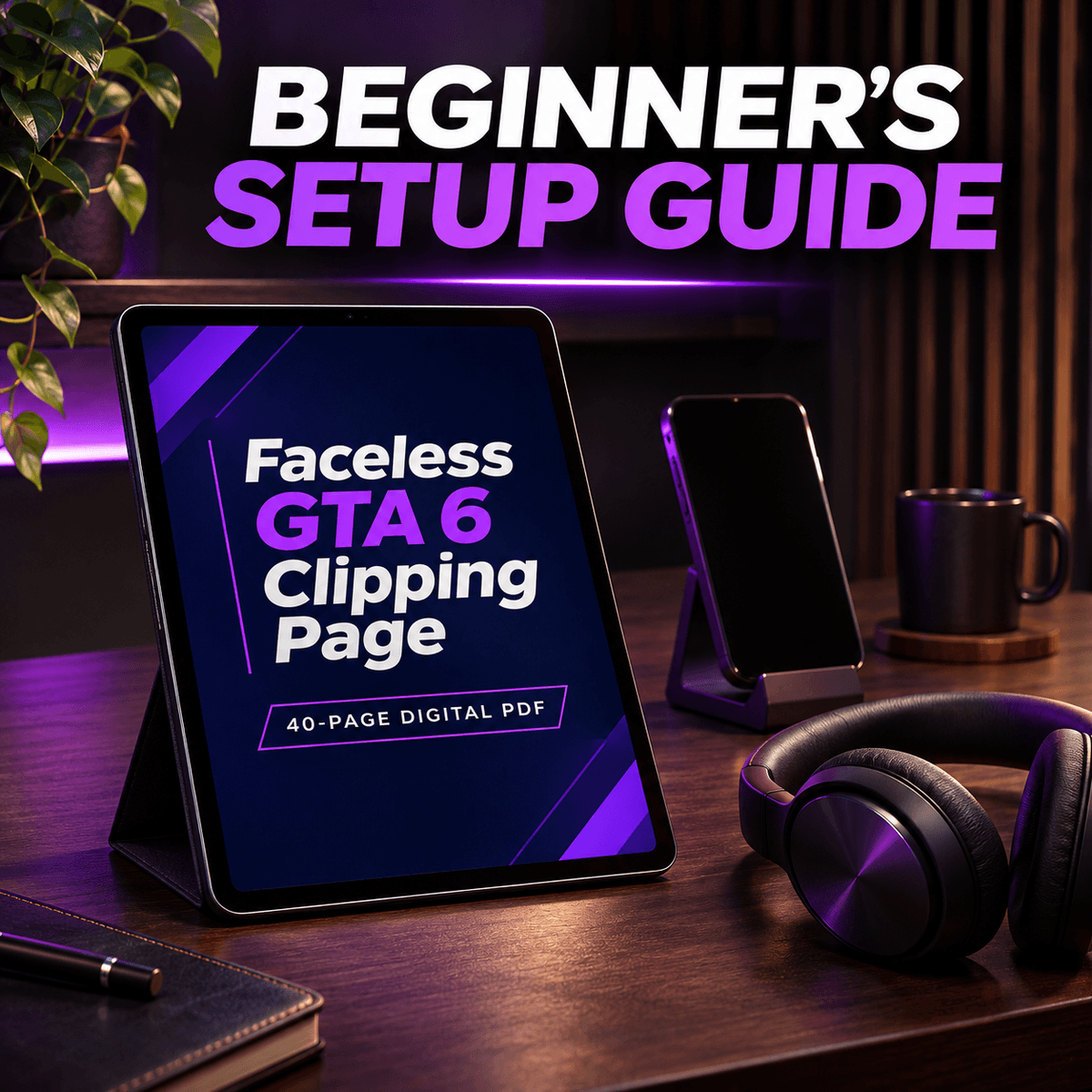
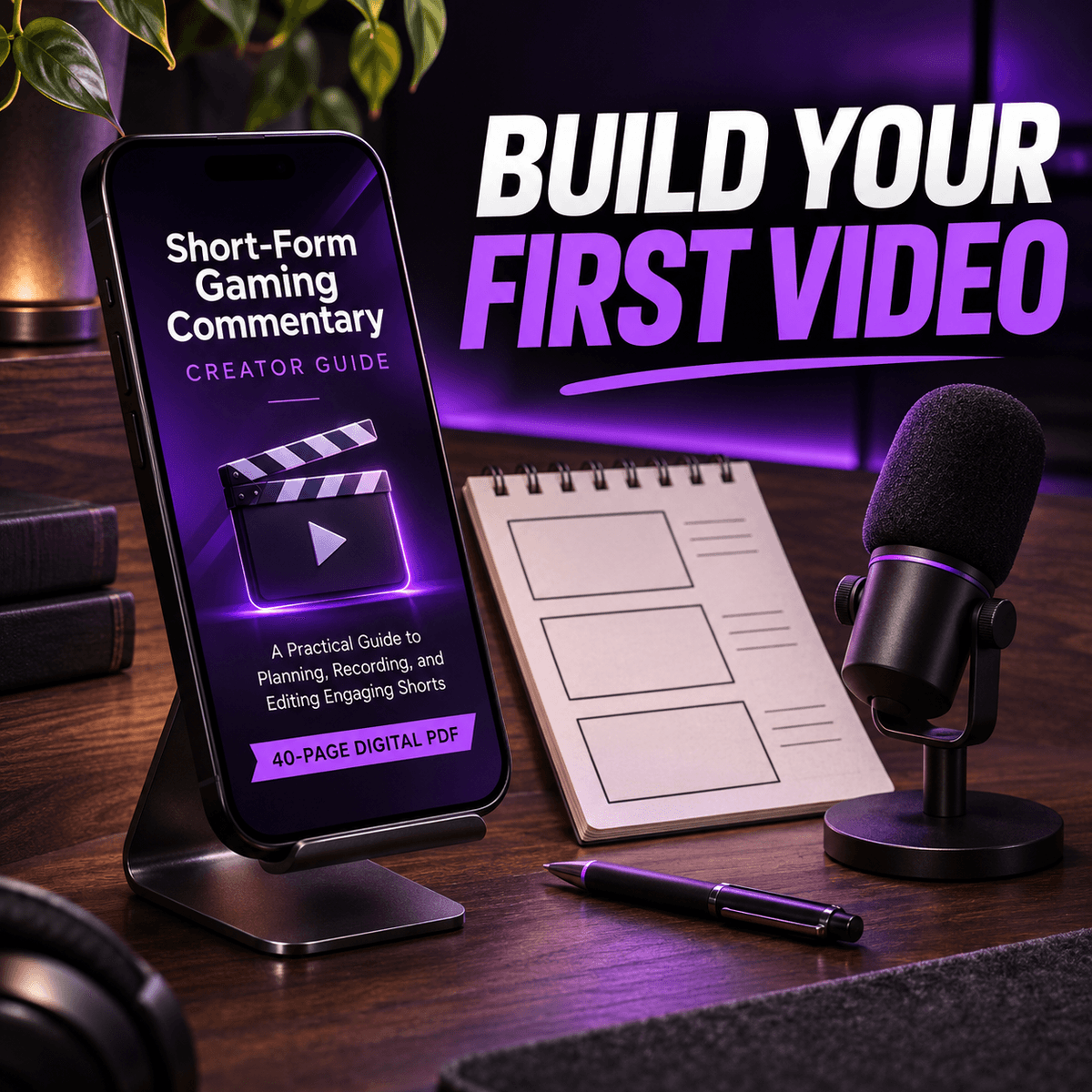
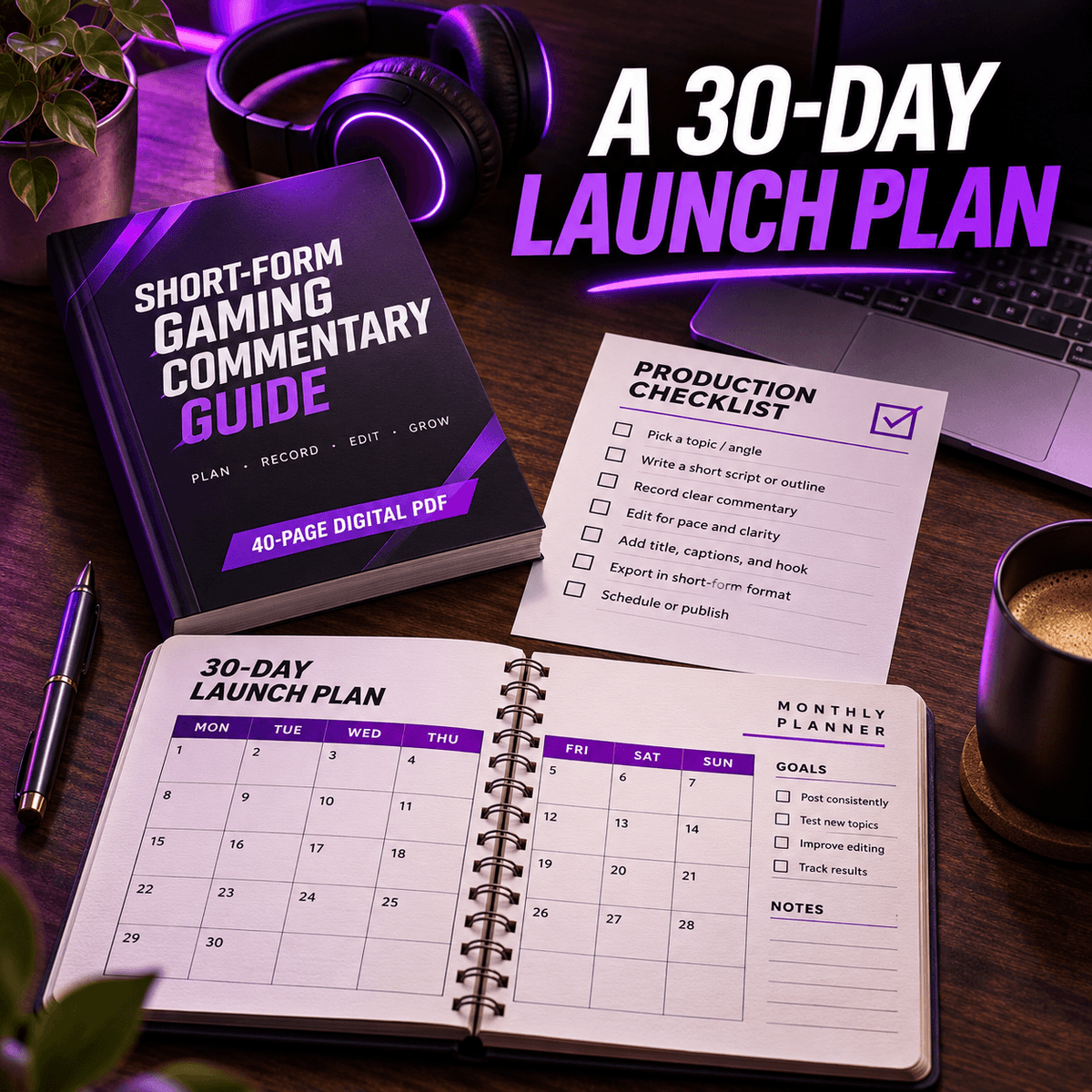
The Faceless GTA 6 Clipping Page — 40-Page Beginner’s Setup Guide
$5
Start a faceless GTA 6 commentary page from an empty profile. This illustrated beginner’s guide walks through the setup, the first 30-second edit and a realistic month of short-form publishing.
WHAT YOU’LL LEARN
• Choose a focused niche, name the page and build a small brand kit. Set up TikTok, Instagram Reels and YouTube Shorts with a consistent identity.
• Learn how to record the source and permitted use of each asset. The rights worksheet covers footage, music and the questions worth asking before you edit.
• Build a first 30-second source-check explainer with original typography and simple shapes. Learn timeline basics, captions, export checks and how to adapt your master video for each platform.
• Follow a daily 30-day checklist that builds toward 15 distinct videos. Use the planning worksheet and quick-start page to work through one video at a time.
• Read analytics in context and learn how platform payout eligibility and other creator income routes fit into a sustainable publishing routine.
WHAT YOU RECEIVE
One illustrated 40-page PDF with a clickable chapter map and a linked source directory. This edition is sold separately. Open the chapter map first, choose a task and use the examples and checklists as you work through your first month.
This independent guide is for creating your own commentary. Your purchase includes the study guide as a digital download. Footage and music permissions depend on the assets you choose. The guide is unaffiliated with Rockstar Games or the platforms discussed.
$5
Введіть справедливу ціну
$
$5