


Make Social Media Post Drafts from Links
€3
This is a downloadable Windows PC program.
It scrapes the website links you provide for metadata and automatically turns each link into social media posts, letting you turns hundreds of items into clean CSV sheet that you can use in social media posting automation.
It saves you hours of time from needing to do this manually for every item you're selling.
More detailed info below:
# Make Social Media Post Drafts from Links
Instantly mass-produce many social media posts using just your links!
## About:
Turn a big list of website links into ready-to-use social media post drafts. It automatically scrapes each link and generates a suitable title and 5 hashtags.
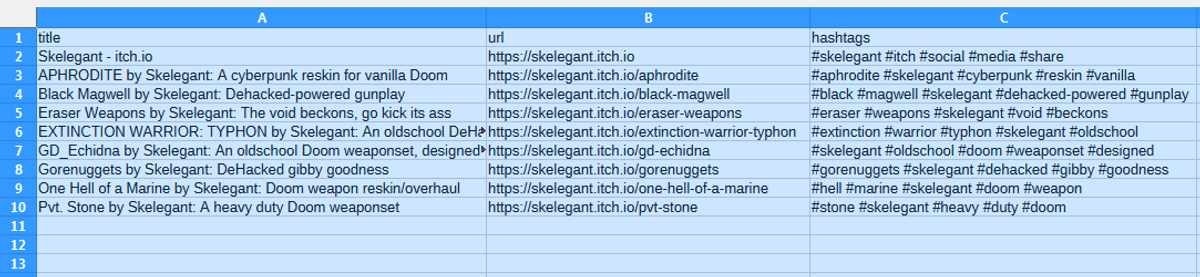
Here's a sample of results:
title,url,hashtags
Skelegant - itch.io,https://skelegant.itch.io,#skelegant #itch #social #media #share
APHRODITE by Skelegant: A cyberpunk reskin for vanilla Doom,https://skelegant.itch.io/aphrodite,#aphrodite #skelegant #cyberpunk #reskin #vanilla
Black Magwell by Skelegant: Dehacked-powered gunplay,https://skelegant.itch.io/black-magwell,#black #magwell #skelegant #dehacked-powered #gunplay
"Eraser Weapons by Skelegant: The void beckons, go kick its ass",https://skelegant.itch.io/eraser-weapons,#eraser #weapons #skelegant #void #beckons
Such results are saved as a CSV spreadsheet where each row is an individual social media post draft, intended for platforms like X/Twitter and Bluesky. It can save you a lot of time to instantly create hundreds if not thousands of valid social media posts from anything you've ever published, be it products, services, creations, blog articles, videos, resources, websites, galleries, profiles... anything!
They'll have all the necessary basic components right away: a catching title, the link itself, hashtags for searchability. You can also use it as an easy starting point to customize the posts further to your liking or even let an AI enhance them further!
## Companion Tools:
I have a free tool on my itchio page to automatically gather links, as well as another tool to auto schedule and post rows directly into your own social media account on X/Twitter or Bluesky, run locally from your own PC!
Find them both here:
https://reactorcore.itch.io/
Stay visible, save time, and let your content work for you!
## How to Use:
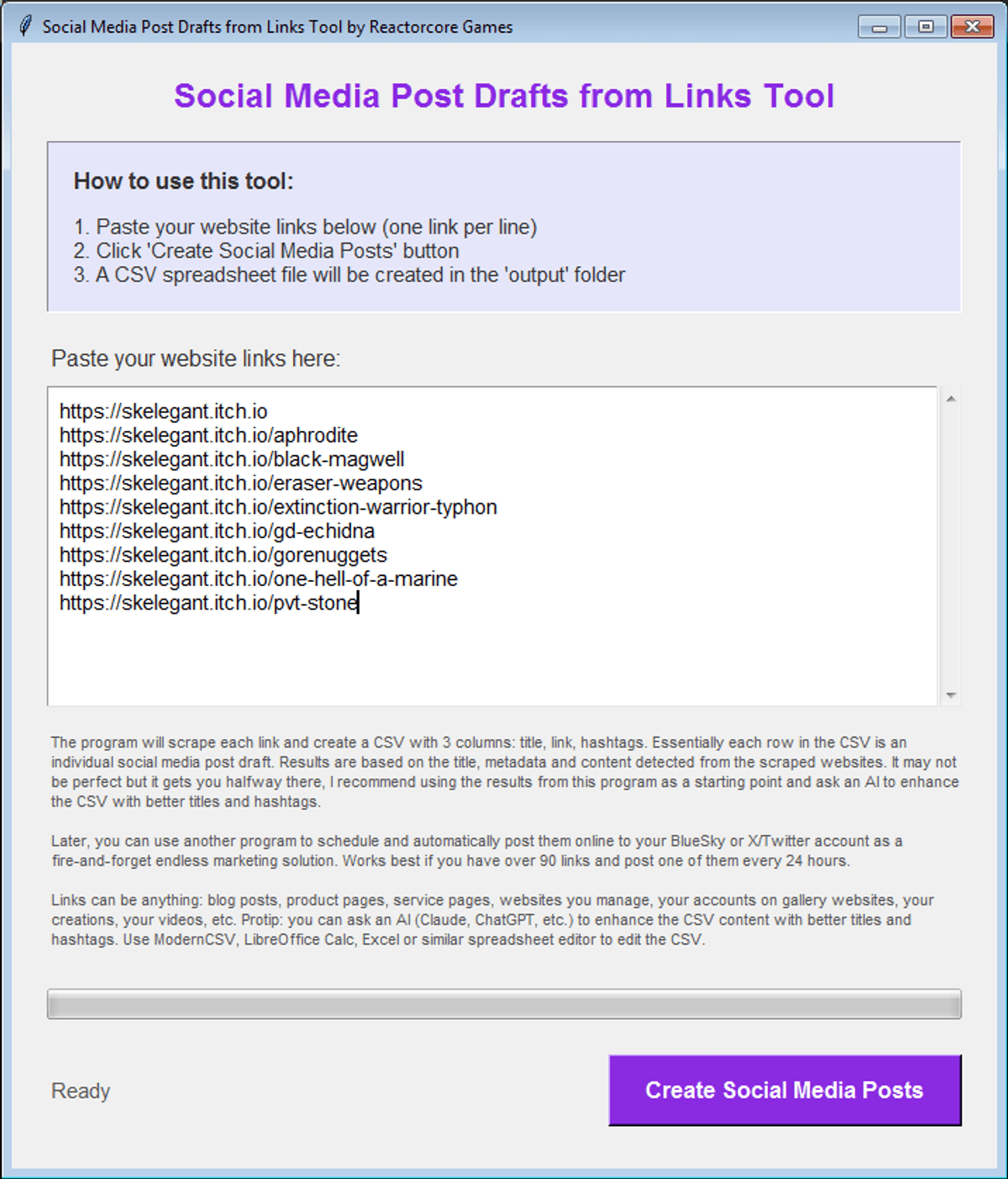
1. Run the .exe
2. Paste your website links into the text box, one link per line, like this:
www.example1.com
www.example2.net/u/
www.example3.org/stuff
Remember, one link per line!
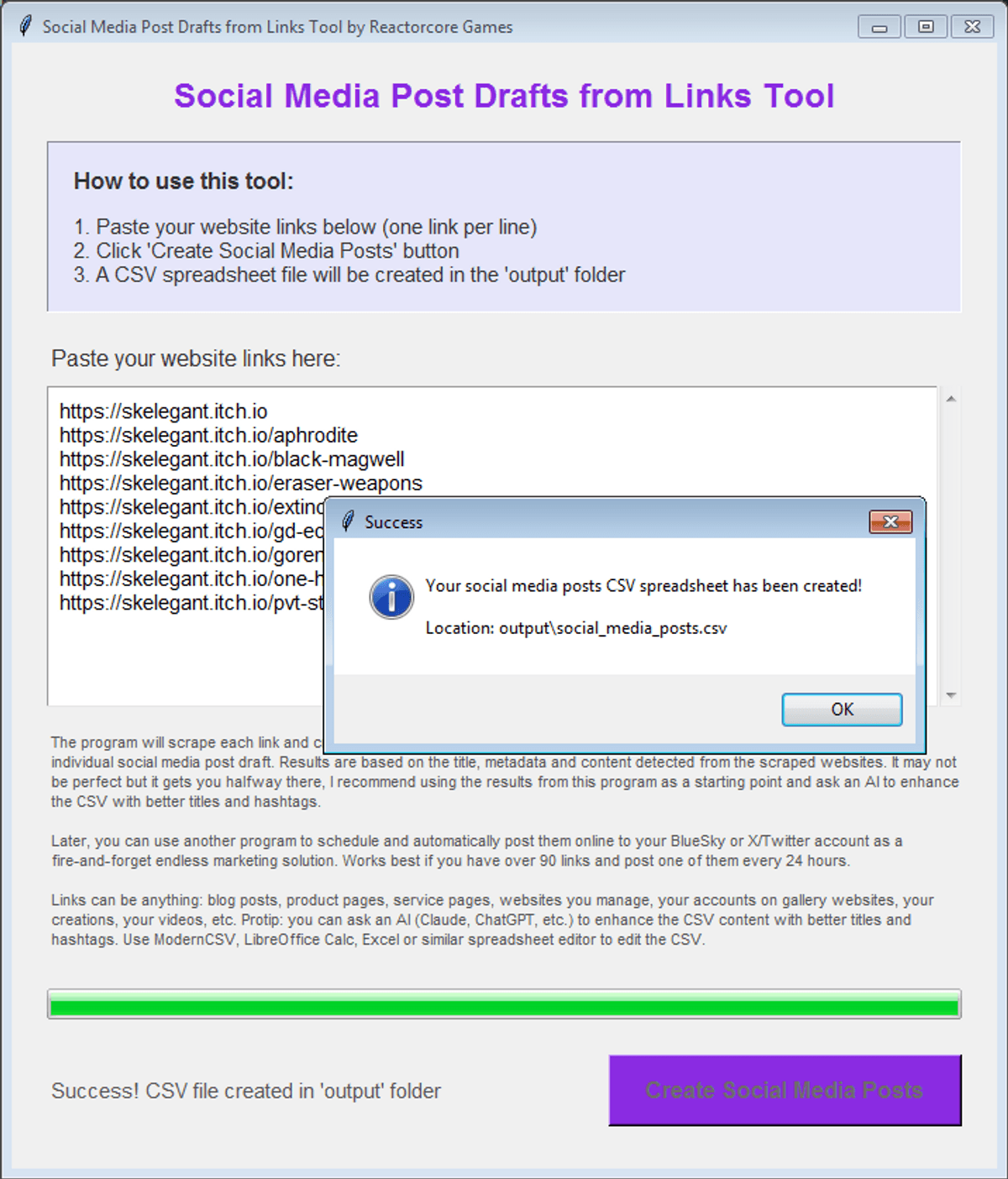
3. Click the **Create Social Media Posts** button.
4. Wait and once its done, find your fresh CSV file in the **output** subfolder near the .exe.
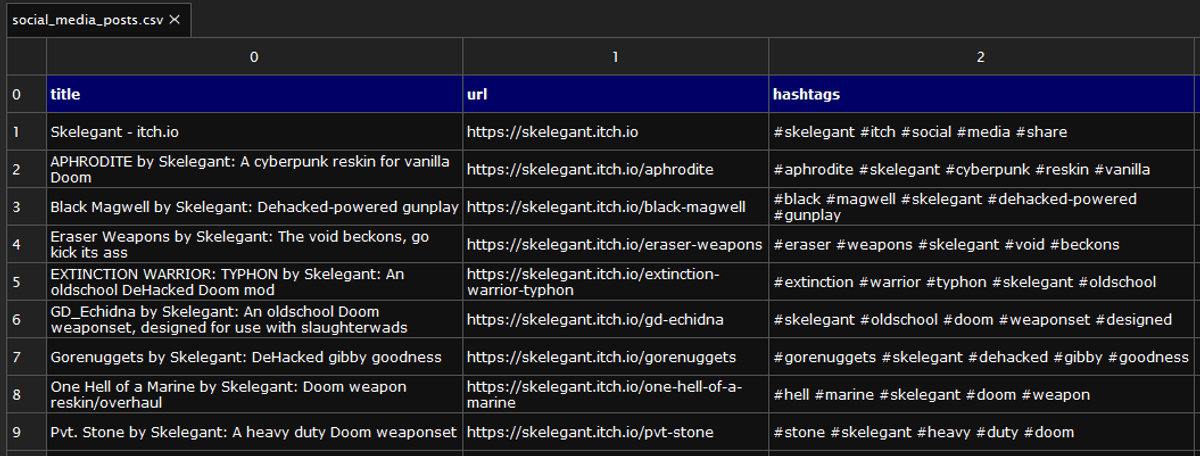
You can edit the CSV using Excel, LibreOffice Calc, ModernCSV, or any spreadsheet editor. Even Notepad++ works too.
Works on Windows 7 and above.
## Juicy Information & Hints:
The program will scrape each link and create a CSV with 3 columns: title, link, hashtags. Essentially each row in the CSV is an individual social media post draft. Results are based on the title, metadata and content detected from the scraped websites. It may not be perfect but it will get you halfway there and save you a ton of time; I recommend using the results from this program as a starting point and ask an AI to enhance the CSV with better titles and hashtags while keeping every row under 280 characters in lenght.
Later, you can use another program to schedule and automatically post them online to your BlueSky or X/Twitter account as a fire-and-forget endless marketing solution that loops through all your links, posting them forever yet slowly at regular intervals. Works best if you have over 90 links and post one of them every 24 hours. This estimate is based on the idea of reposting old links should be done at minimum 3 months apart, preferably even longer like 6 months or even 12 months. That way you won't be too repetitive or spammy. 90 posts provides enough variety that it'll feel ok to loop a list again without bumping into the same link in your feed too often. 60 posts could be low.
Links can be anything: blog posts, product pages, service pages, websites you manage, your accounts on gallery websites, your creations, your videos, etc. Protip: you can ask an AI (Claude, ChatGPT, etc.) to enhance the CSV content with better titles and hashtags. Use ModernCSV, LibreOffice Calc, Excel or similar spreadsheet editor to edit the CSV. You can also promote your friends or other pages you're excited about if you don't have that many individual links to schedule as posts.
## Cool Features
- Automatic title & description scraping via BeautifulSoup (a Python code library).
- Smart hashtag generation (5 per link) based on content and domain.
- Progress bar and status messages to track large batches.
- Lightweight and doesn't rely on AI, able to produce pretty good results nonetheless as long as target pages have their metadata set up correctly.
- Results are saved in a simple spreadsheet CSV file for easy editing, for use with AI, or uploading for automation tasks as is. CSVs can be opened and edited in Notepad too.
## Advanced Tips for Social Media Marketing
Once you’ve generated your CSV of post drafts, you’re holding the raw material for weeks (or even months, years) of consistent social media presence. Here’s some useful tips to make your marketing work a bit better:
### Check the CSV data that its good enough:
- Review title: If a title seem too weak, lame, vague or lacking, then improve them, either manually or use an AI. (see prompt below)
- Review hashtags: Are they specific enough? Do they target the right community? Consider replacing generic ones with more relevant or trending alternatives. Again, AI can help improve them.
- Remember the character limit! 280 for X/Twitter and 300 for Bluesky. Don't go over it. Every row in the CSV should aim for a total characters of 270 just to be safe.
---
Made by Reactorcore
https://linktr.ee/reactorcore
(check out all my other cool stuff!)
€3
€3