

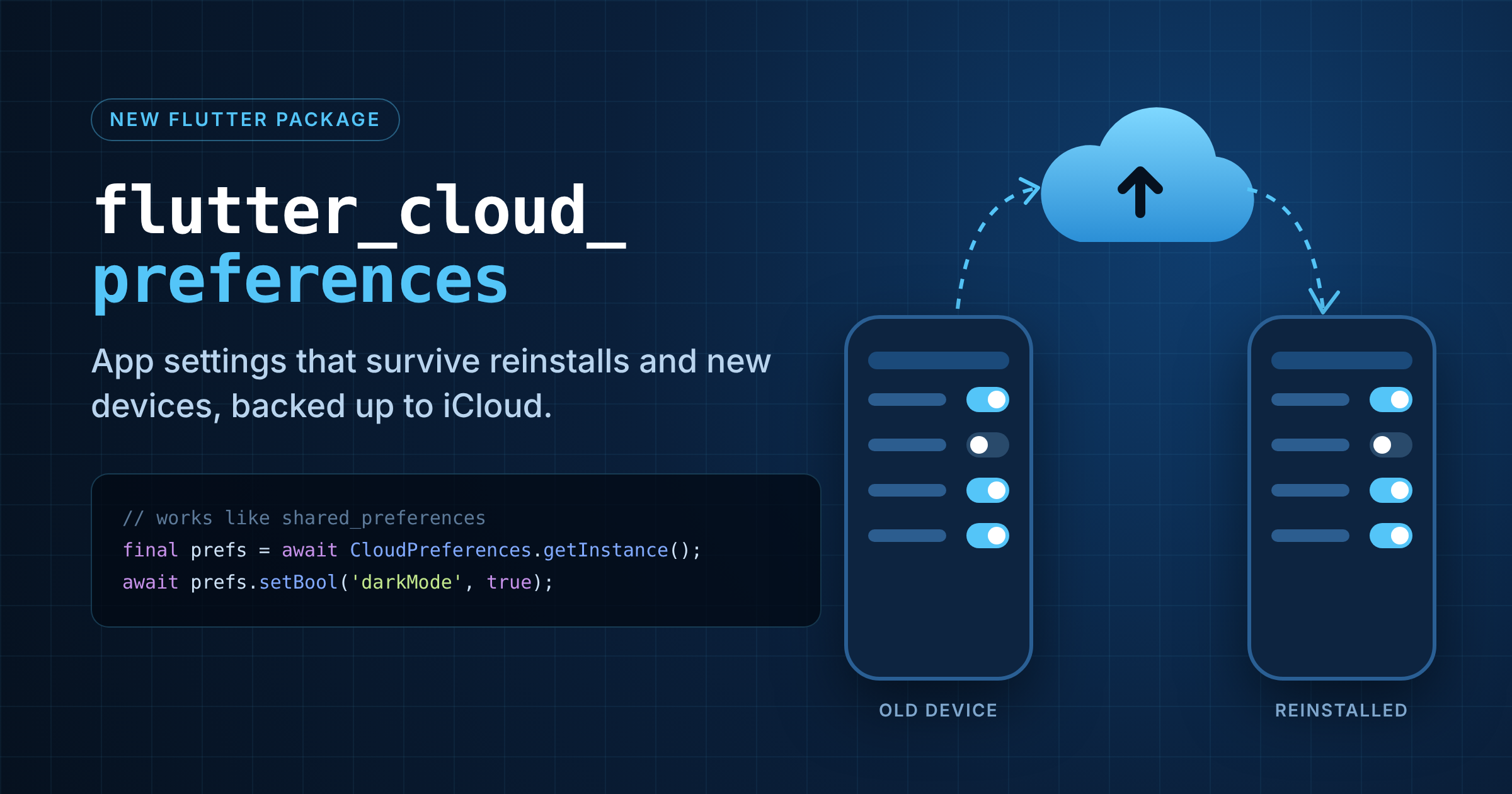
You reinstall an app, switch phones or set up a new iPad, and all your settings are gone. flutter_cloud_preferences is a small, free, open-source (MIT) Flutter package that fixes this.
It works like shared_preferences: you load once and then read synchronously. Every value is also backed up to the platform’s cloud.
How it works
iOS / macOS: stored in UserDefaults and backed up to iCloud key-value storage on every write. There’s optional live sync between running devices.
Android: stored in SharedPreferences and backed up with Android Auto Backup. Values are restored before your app starts.
The device stays the source of truth: a restored value never overwrites something the user has already changed.
Get started
flutter pub add flutter_cloud_preferencesdart
final prefs = await CloudPreferences.getInstance();
await prefs.setBool('darkMode', true);
final name = prefs.getString('username');
It supports String, bool, int, double, List and Uint8List. For maps, JSON-encode them.
Nice extras
Local-only keys:
configure(localOnlyKeys: ...)keeps things like auth tokens and device IDs on the device. They’re never backed up or synced.Live sync (iOS/macOS):
configure(liveSync: true), then listen tochanges.Late restores: on iOS/macOS, listen to
onRestoredto refresh your UI when iCloud data arrives.Testing:
setMockInitialValuesgives you an in-memory store.Migration: the README has a one-time copy pattern from shared_preferences.
Setup notes
iOS/macOS: you need a paid Apple Developer membership. Add the iCloud capability with Key-value storage in Xcode.
Android: Auto Backup is on by default. If you use custom backup rules, include
flutter_cloud_preferences.xml. Test with release builds, because debug builds can go over the 25 MB backup limit.Without platform setup, everything still works, but values are only stored locally.
Good to know: keys can be up to 64 bytes, with at most 1024 keys and 1 MB in total. Values aren’t encrypted, so keep secrets in a secure storage package. And it isn’t a database.
📦 pub.dev/packages/flutter_cloud_preferences
💻 github.com/nvanderwaal/flutter_cloud_preferences
If it saved you from building your own sync layer, a coffee is always appreciated ☕