
1. The Box Model
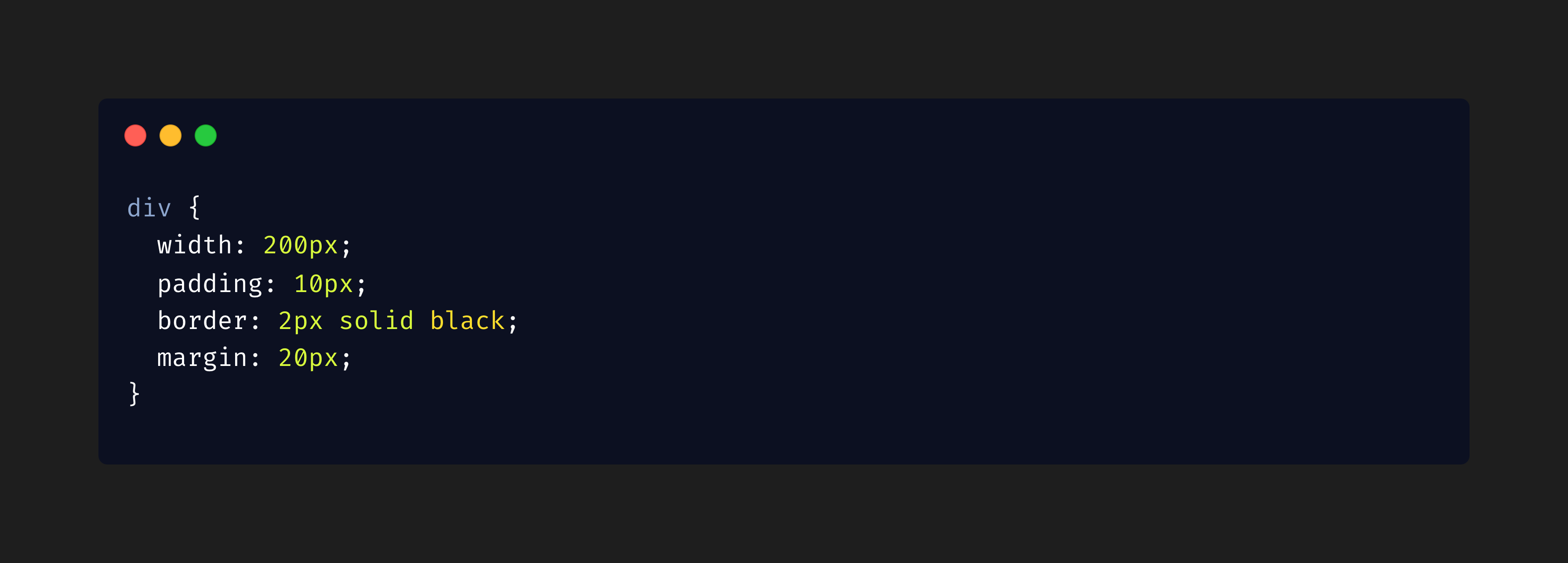
Every HTML element is treated as a rectangular box, consisting of:
Content: The text or media inside the element.
Padding: Space between the content and the border.
Border: A line surrounding the padding.
Margin: Space between the element and its neighbors.
Example:
Selectors
Selectors target specific elements for styling:
Universal Selector:
*targets all elements.Type Selector:
h1,p, etc.Class Selector:
.classnametargets elements with a class.ID Selector:
#idnametargets elements with a specific ID.Attribute Selector:
[type="text"]targets input fields withtype="text".
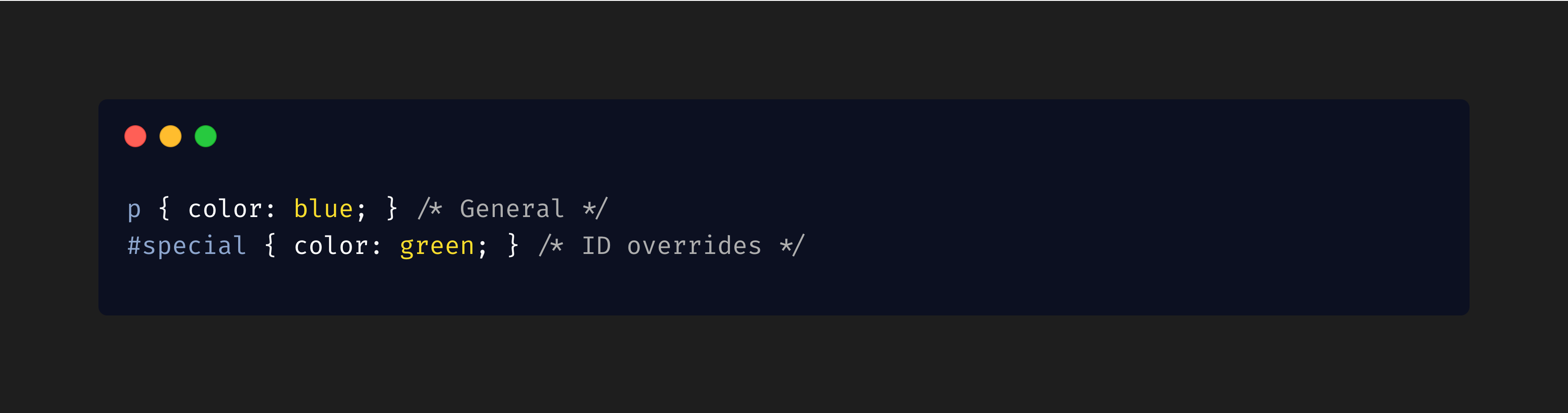
3. Specificity
When multiple rules apply to the same element, specificity determines which one is used. Specificity hierarchy:
Inline styles: Highest specificity.
IDs: Higher specificity than classes.
Classes, attributes, and pseudo-classes: Lower specificity.
Element types: Lowest specificity.
Example: