

 Your contact form says “Thanks, we’ll be in touch.” Then you open the inbox where the inquiry should land. Nothing. If you were the customer, you’d have every reason to think someone was about to call.
Before I call a launch done, I like to follow one promise from the visitor’s phone to the person who has to keep it. Here’s a five-minute version you can try on a site you run.
Try the driveway test
Start where a visitor would. Open a service page on your phone, in a fresh tab, with one hand free. Imagine you’re standing in the driveway and need a callback. What would you tap? If you have to go back to the homepage, write down where you got stuck.
Make the form help you recover. Leave a required field empty and try to continue. Can you tell which field needs work? When you fix it, is the rest of your message still there?
Follow one message all the way. On a test copy or with your team’s okay, send one clearly labeled test to an inbox you control. Read the success message. Open the receiving inbox and find that same inquiry. If the page promised a confirmation email, find that too.
Leave a note someone else can repeat. “On my phone, I requested a callback. The page said ‘sent.’ The office received it. The promised confirmation never reached my inbox.” Now the person fixing it knows which part to investigate.
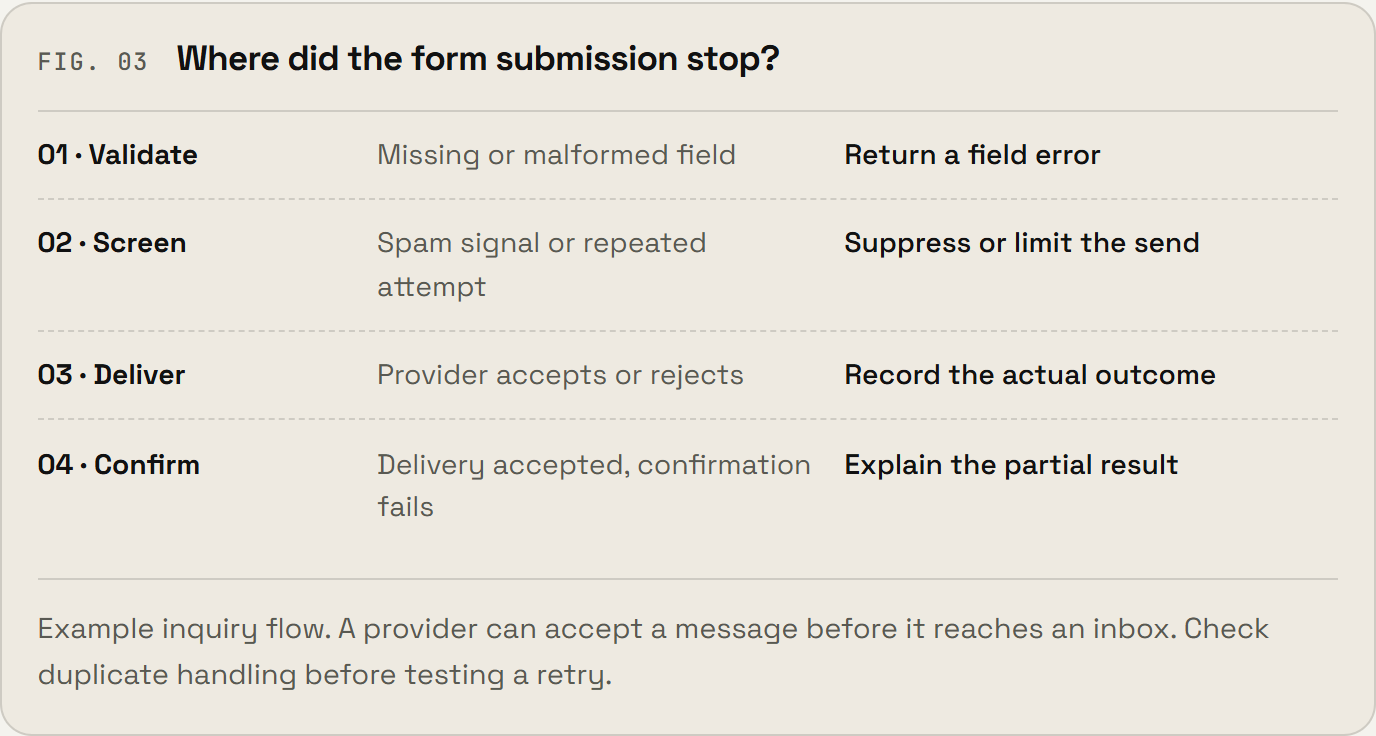 If a message goes missing, find the last place you can see it before you press Send again. The delivery diagram in the launch guide shows where to look. A mail service can accept a message before it reaches an inbox.
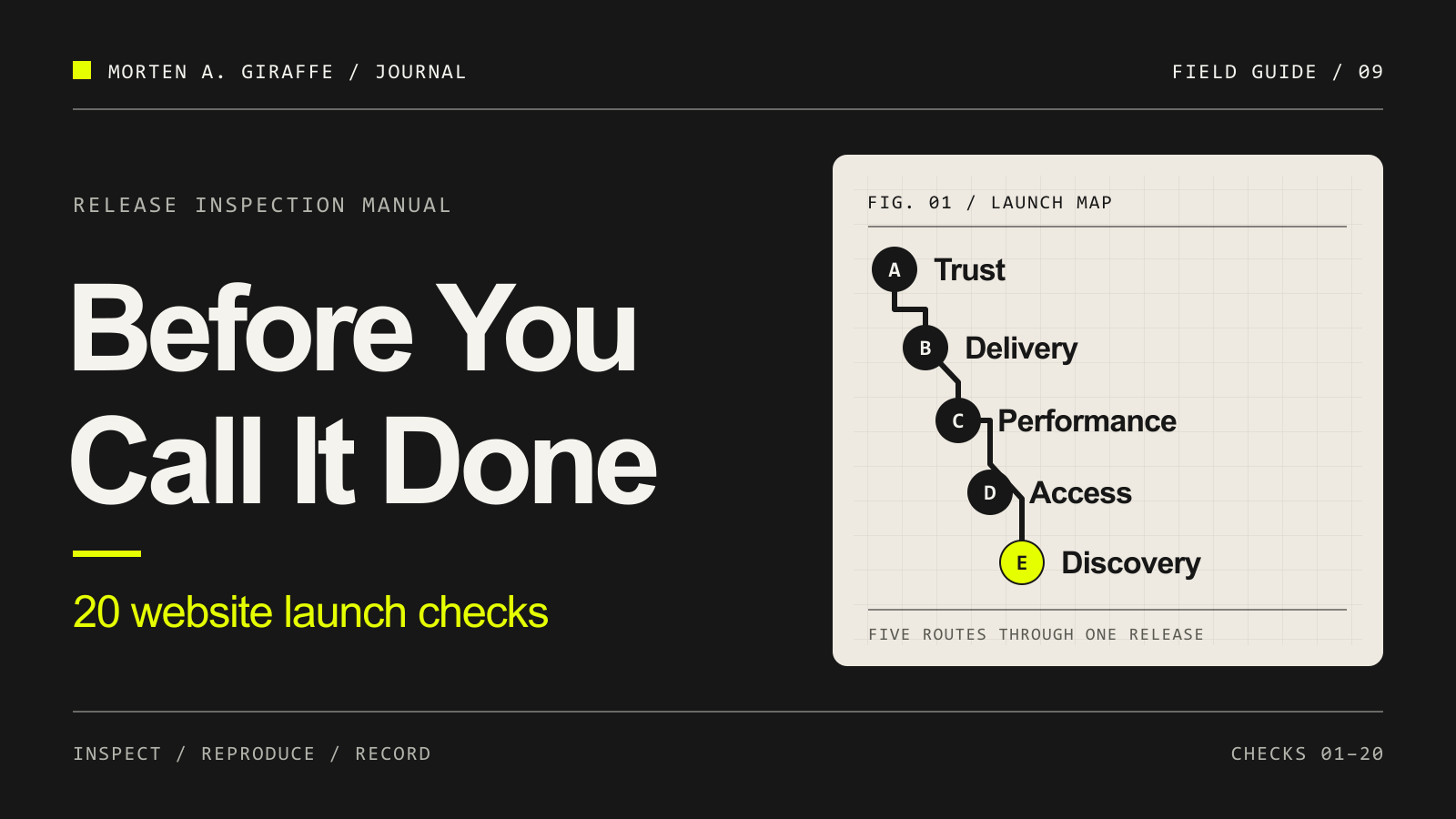
For the rest of the launch, I put together Before You Call It Done. It has 20 checks and three free working sheets. Start with the checklist, record one result on the evidence sheet, or use the prompt pack to walk through a check with an assistant.
Pick a guide for the thing that broke
The launch checklist is one of nine guides in my Journal. Here’s where I’d go next.
Someone couldn’t find the button. The UI/UX Field Guide helps you spot what competes for their attention. The UI Prompt Directory gives you layouts to try when the page needs a different structure.
The demo worked. The live page didn’t. Use the Product Audit Field Guide to trace what happened to the visitor’s data. If the page works by direct link but search engines struggle to find it, open the Technical SEO Field Guide.
An AI assistant is making the fix. The Context Engine helps you write down how the project works. The Agent Activation Guide helps you specify what the assistant can change and how it should verify the result.
The next version needs to look like it belongs. Use the Design Blueprint for type, spacing and reusable design rules. Use the AI Media Prompt Field Guide when the missing piece is a picture, diagram or shot you can describe.
What did your site promise, and what actually happened? Leave those two lines in the comments. I’d love to hear where your test took you.
For the next field note, open my profile and choose ⋯ → Follow. If a guide helped you catch something before a customer did, the Support button below is a way to buy me a coffee.