

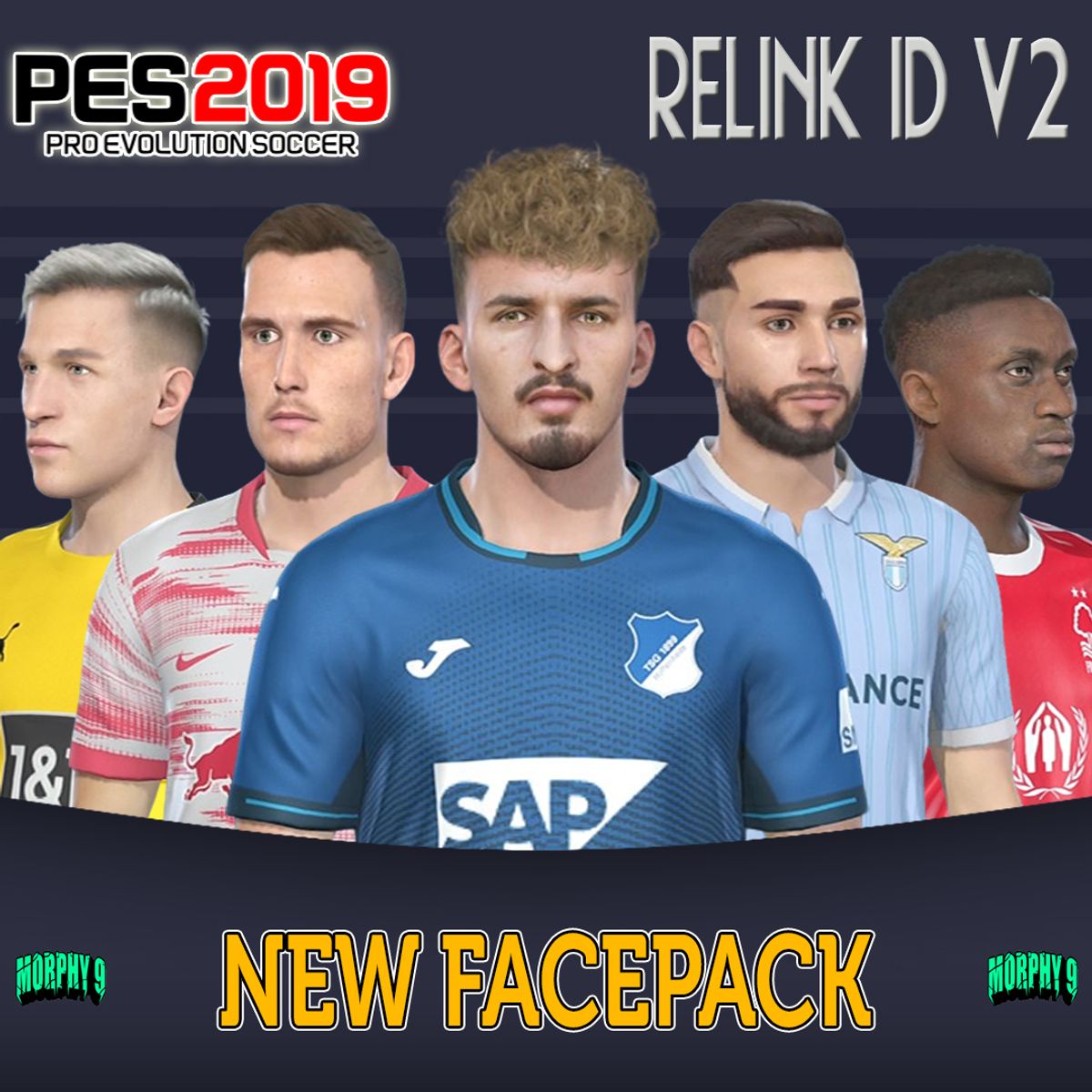
PES 2019 Facepack Relink Real ID v2
Free
▶ Via Sider
1. Extract the file with WinRAR
2. Copy or Cut the file and put it in the livecpk folder in the Sider folder
3. Config in Sider.ini cpk.root = ".\livecpk\Faces"
4. Save and Exit
5. Done ▶ Via CPK File1. Extract the file with WinRAR2. Copy or Cut files and put them in Download folder3. Generate with PES 2019 DpFileList Generator4. Done Preview : https://youtu.be/FleRUW1C26wCOMPATIBLE WITH MY PATCH
Free
Enter a fair price
$
Free