

I’ve prepared another update of my Capture One: Work Effectively e-book to fully cover the new features introduced in Capture One 16.7.
The latest version of Capture One finally brings a long-awaited feature: mask combining. You can now build a single adjustment layer containing several masks — for example, multiple radial filters, or a gradient filter combined with areas painted with a brush. You can also subtract masks, so you can, for instance, “erase” part of a gradient filter using an AI-based selection and still keep the ability to move the filter afterwards. There’s also an intersection mode that limits adjustments to the overlapping areas of masks only.
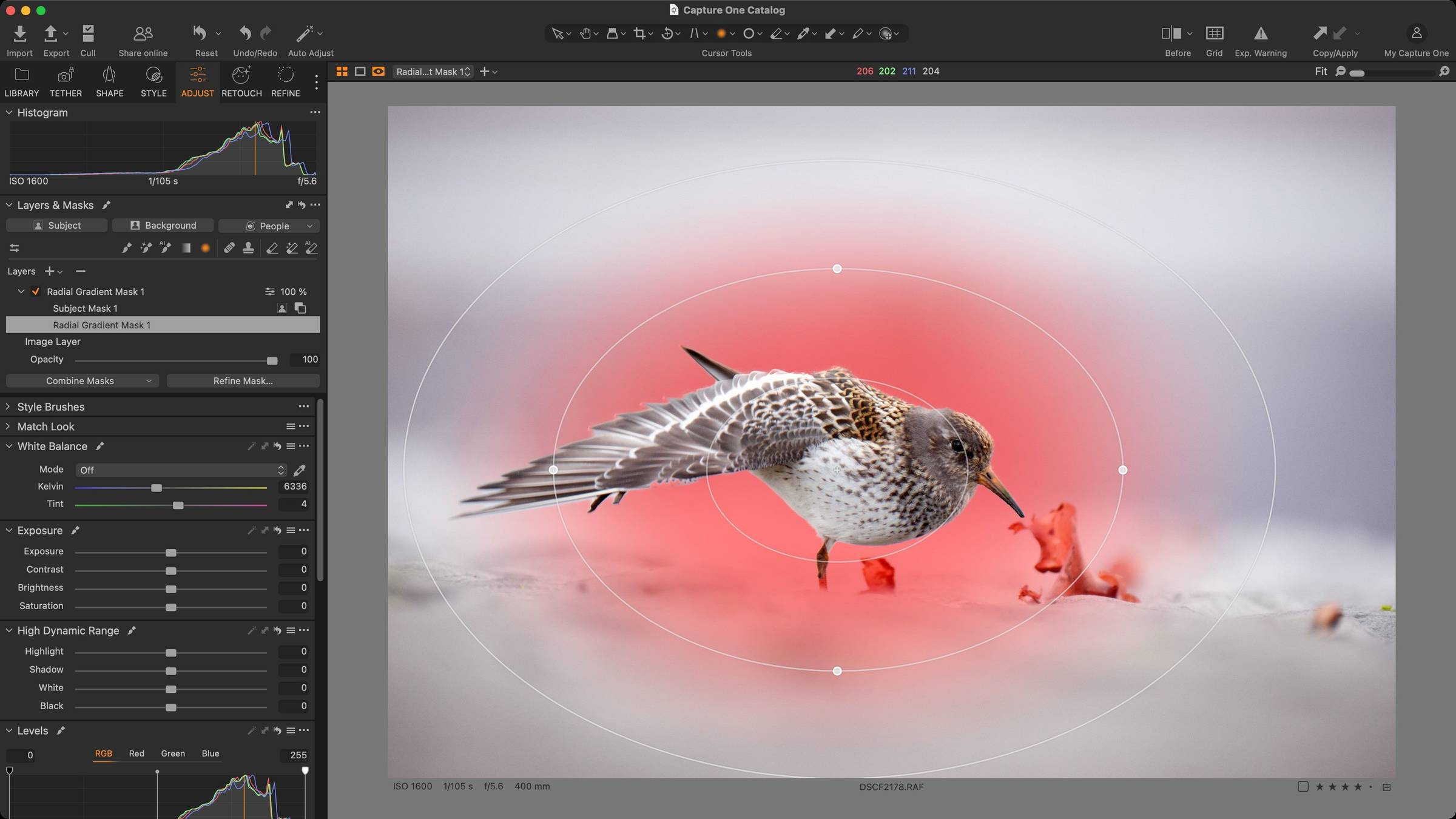 Combining two masks within a single layer – the Subject AI mask was subtracted from a radial filter.
But that’s not all. Portrait retouching has been redesigned and now includes two additional tools for enhancing eyes and teeth. The skin retouching tool can now include the neck area, and AI masking for people can also select clothing. Capture One 16.7 adds new camera and lens support, as well as several new tethering features for Fujifilm users.
I’ve described all the new features in detail in my latest article. If you already own my e-book, after downloading the update you’ll find the biggest changes in the chapters Local adjustments – Layers and Masks and Tools for Easy Portrait Retouching.
If you own my e-book already, you'll get the update to your mailbox for free!
Happy editing!
Michal Krause