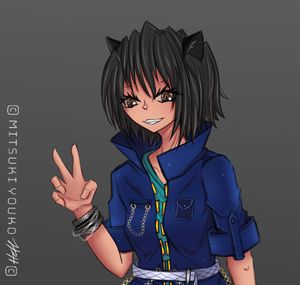

I'll be making a few "animation study" series of blogposts since I'm trying to get better at animating, music production, and lighting/compositing/video editing so that I can make nice trailers for my manga in the future :D
In this first part, Part 0, I won't actually be animating yet but I wanna look at some frames and study how it's done.
Baseline (Where I'm At Right Now)
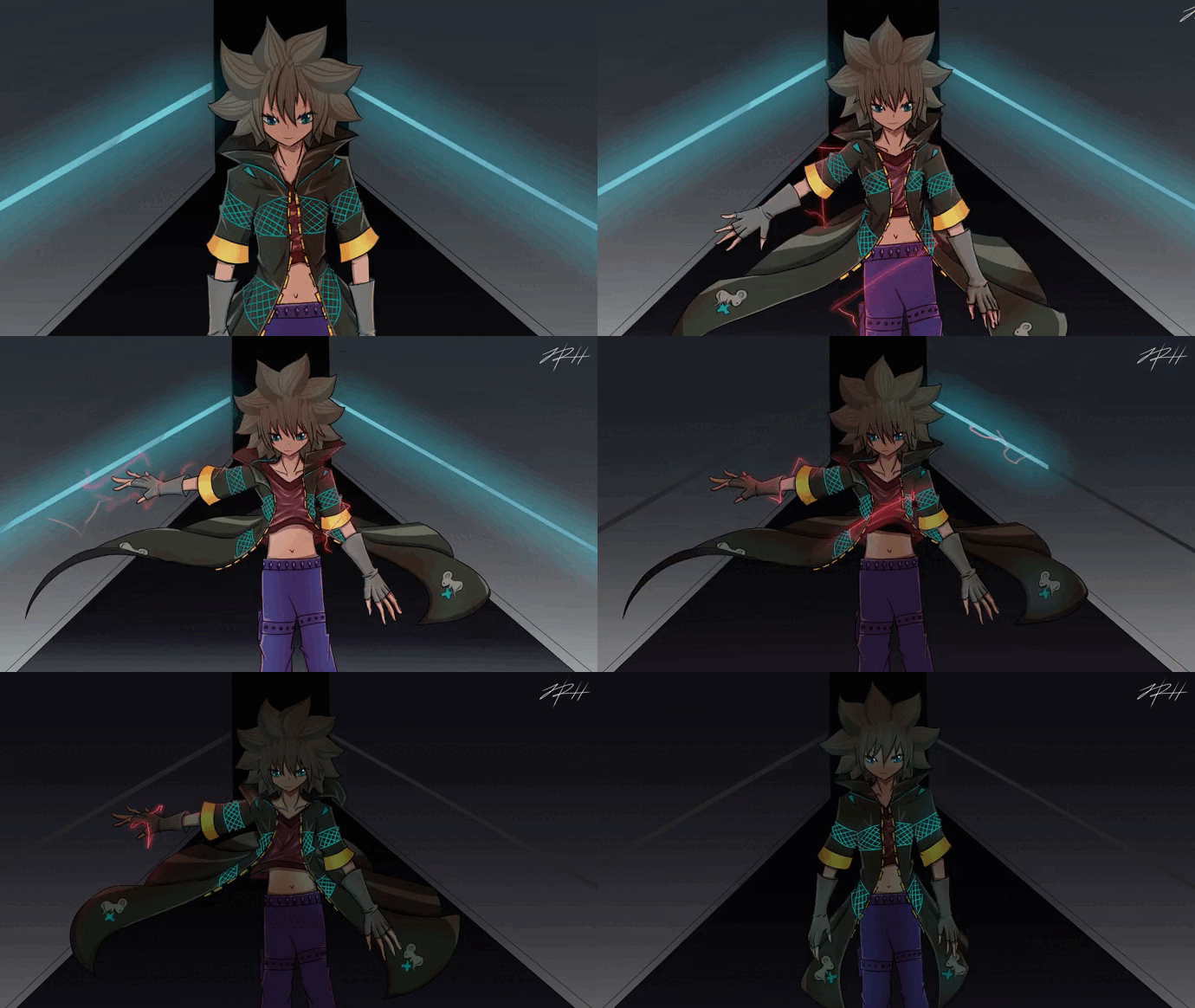
Here's where I'm at right now and I'm excited to see how my skills will improve by the time I finish the series of posts.
2023:
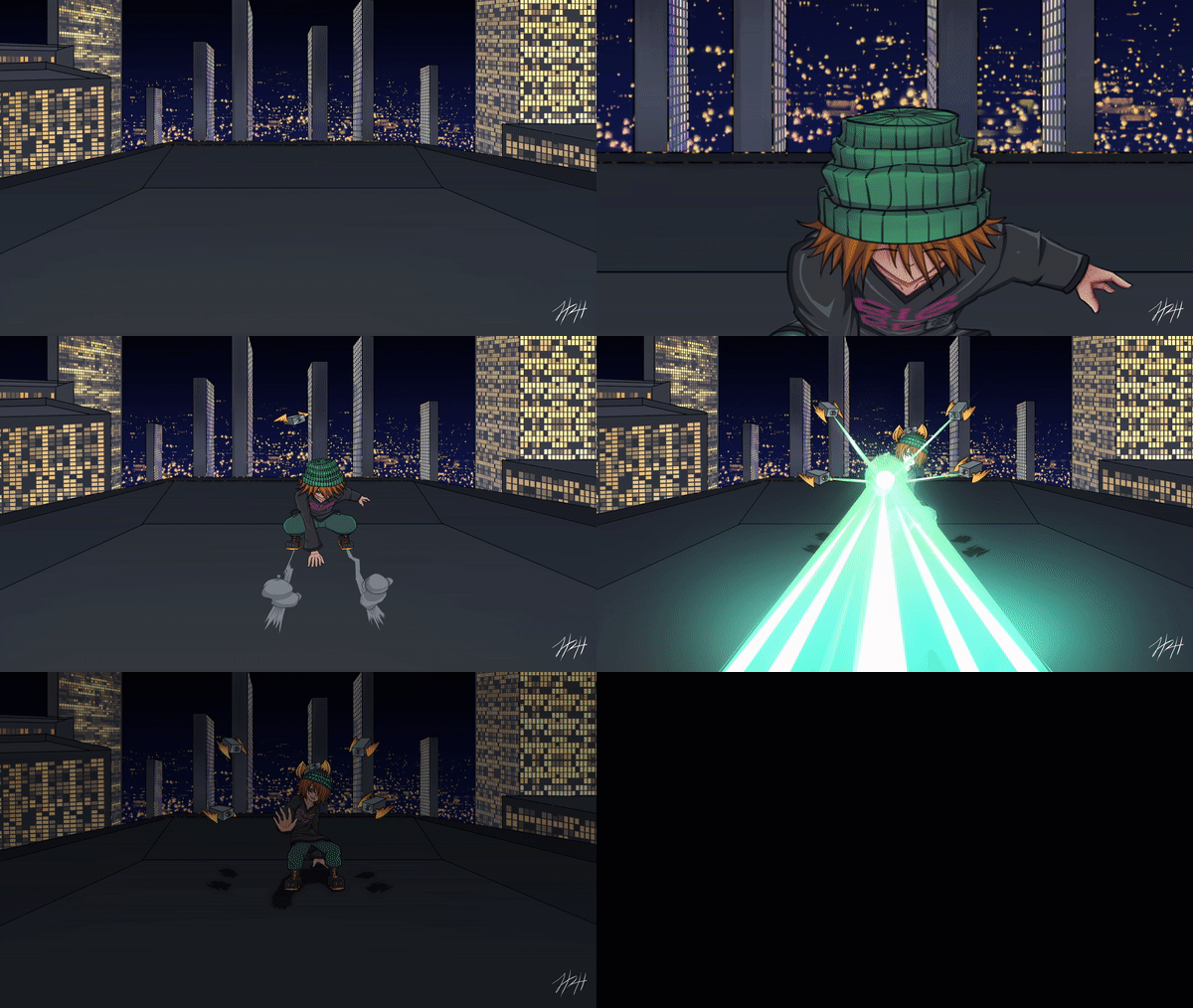
 2022:
2022: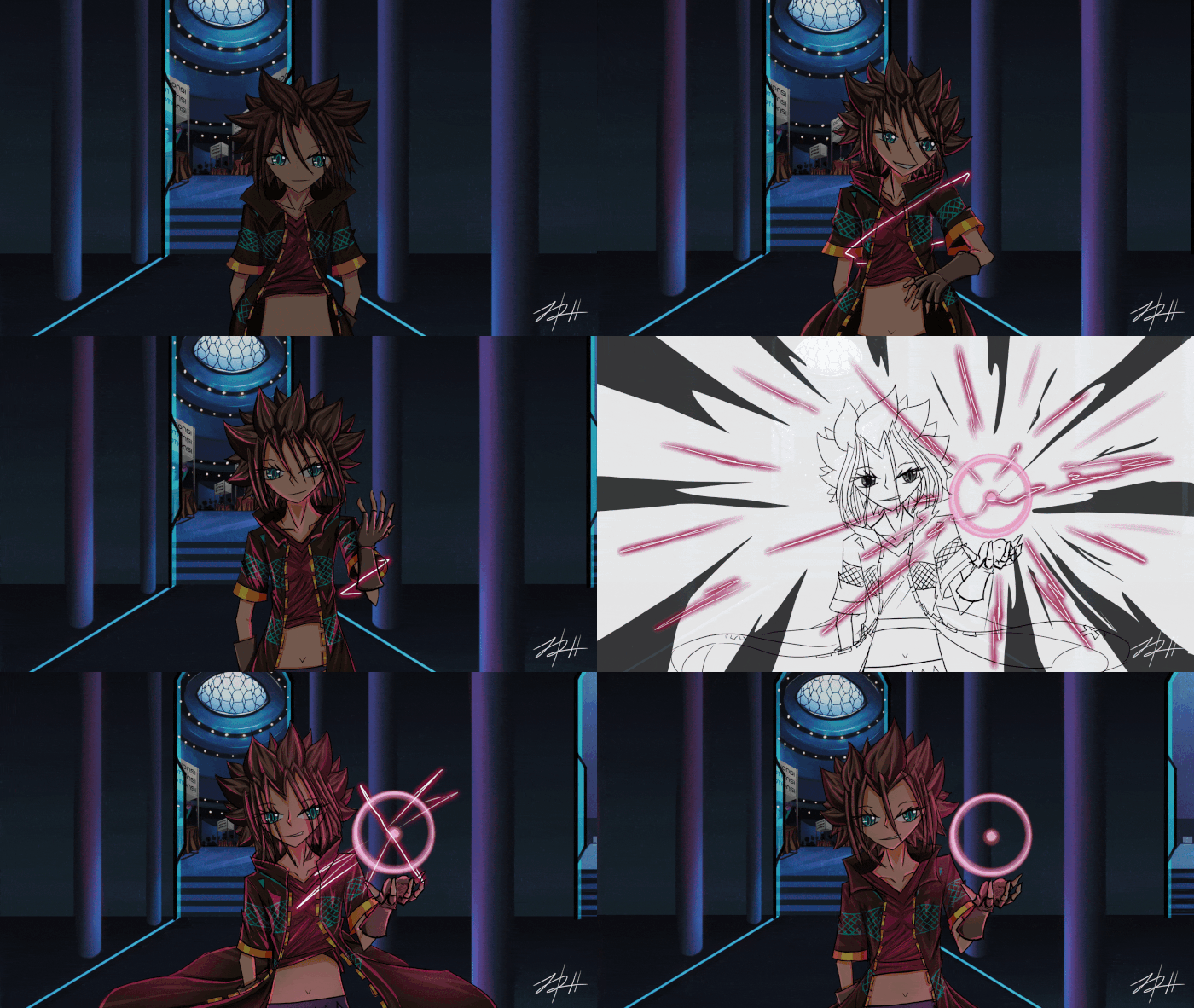
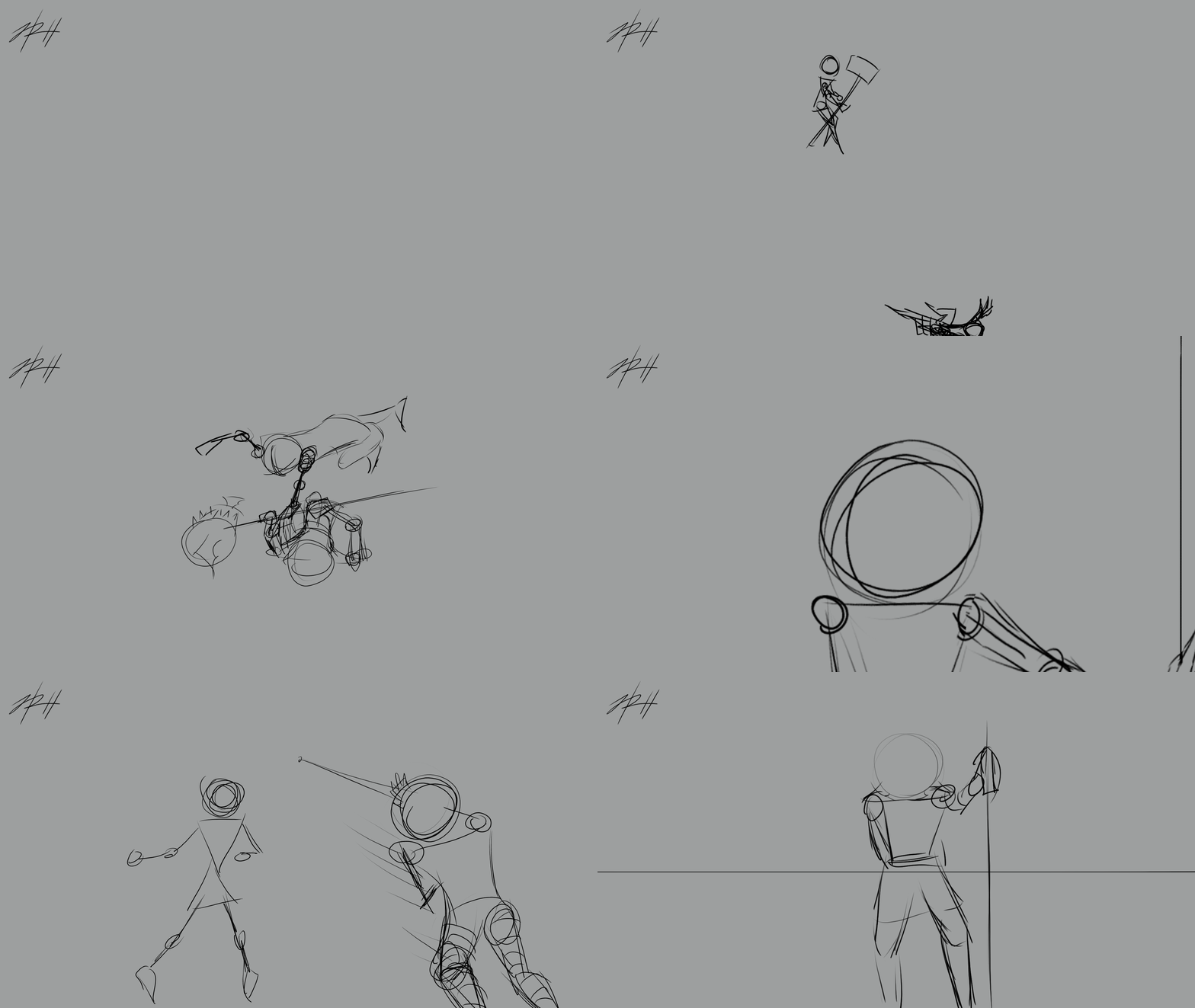 2021:
2021:
Study
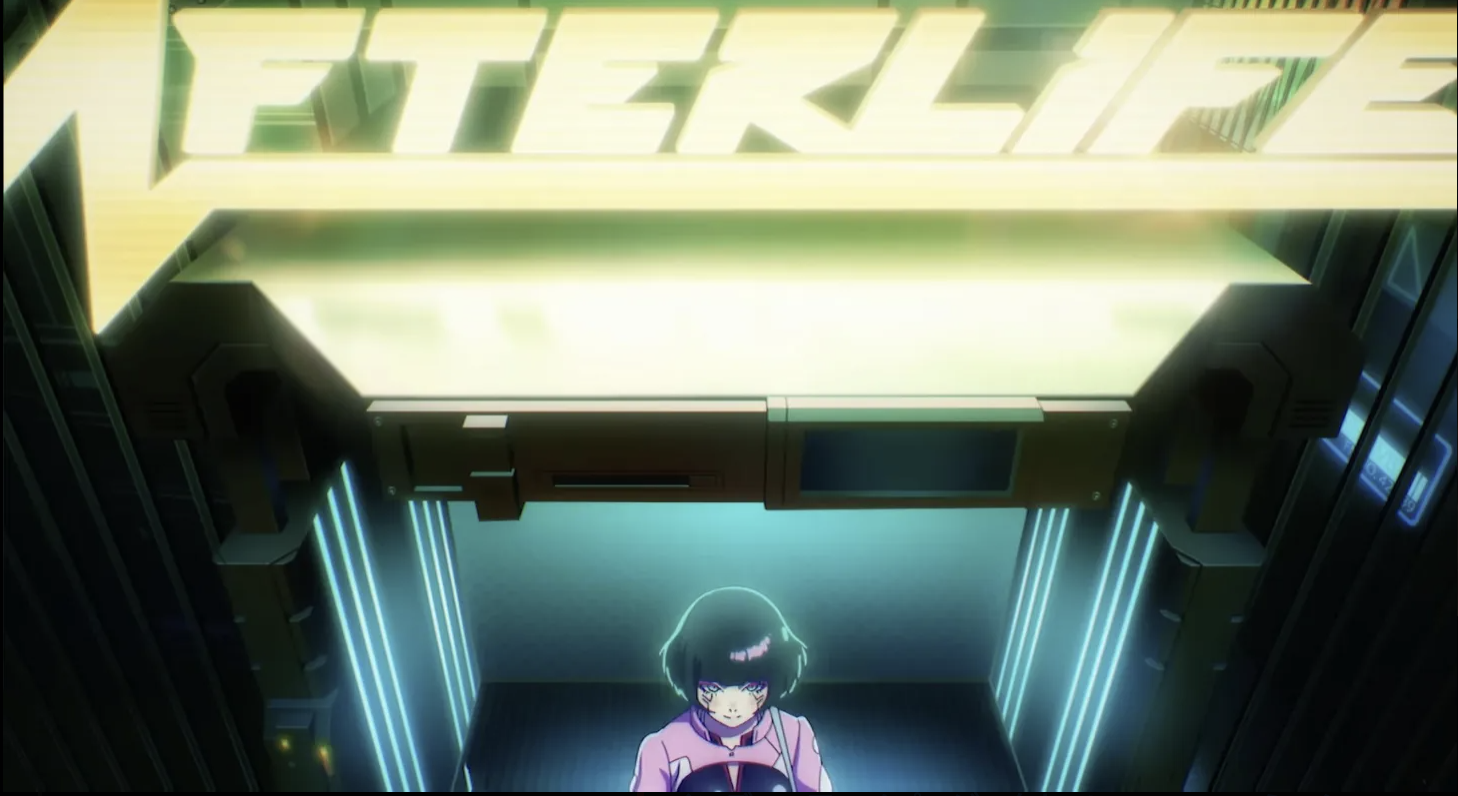
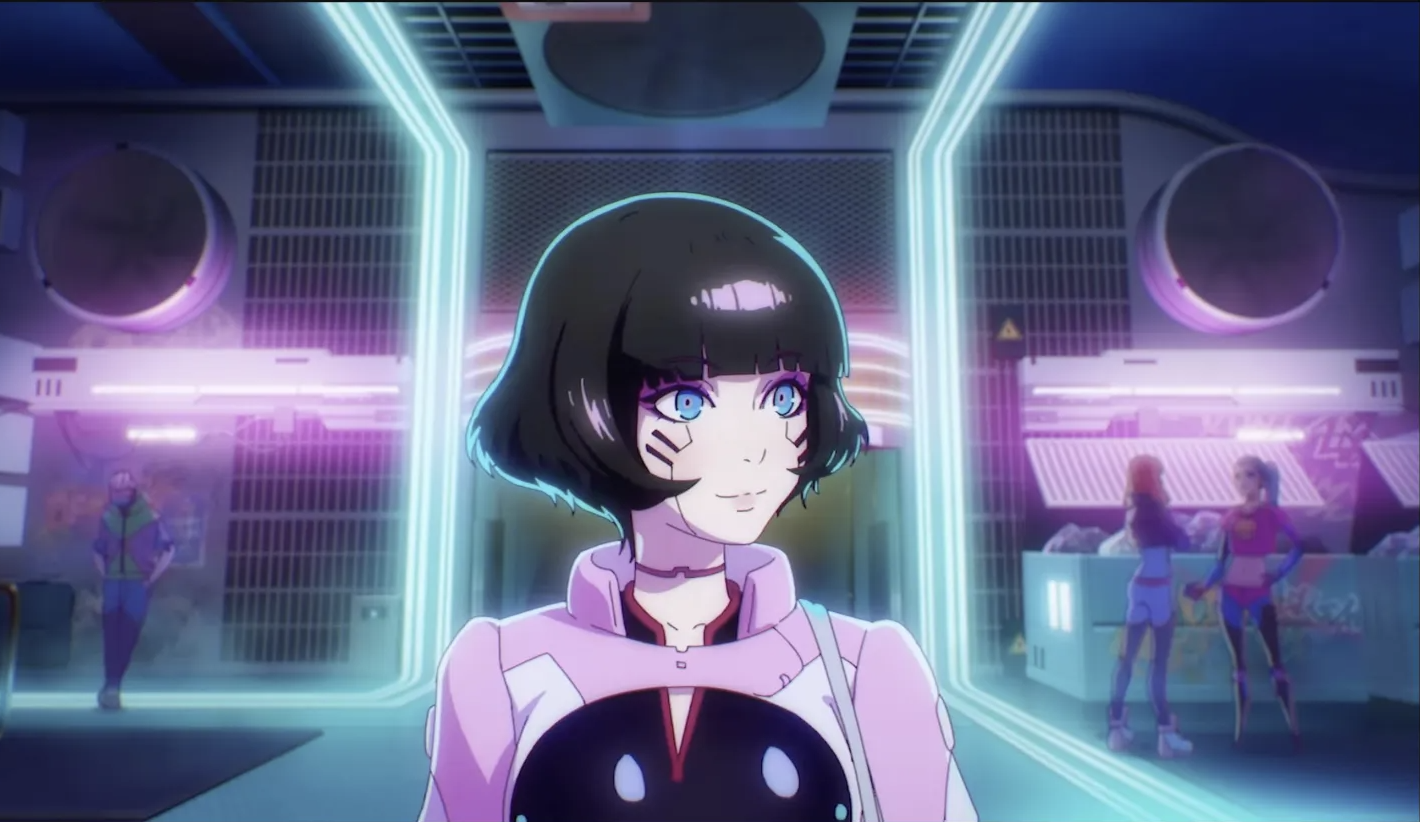
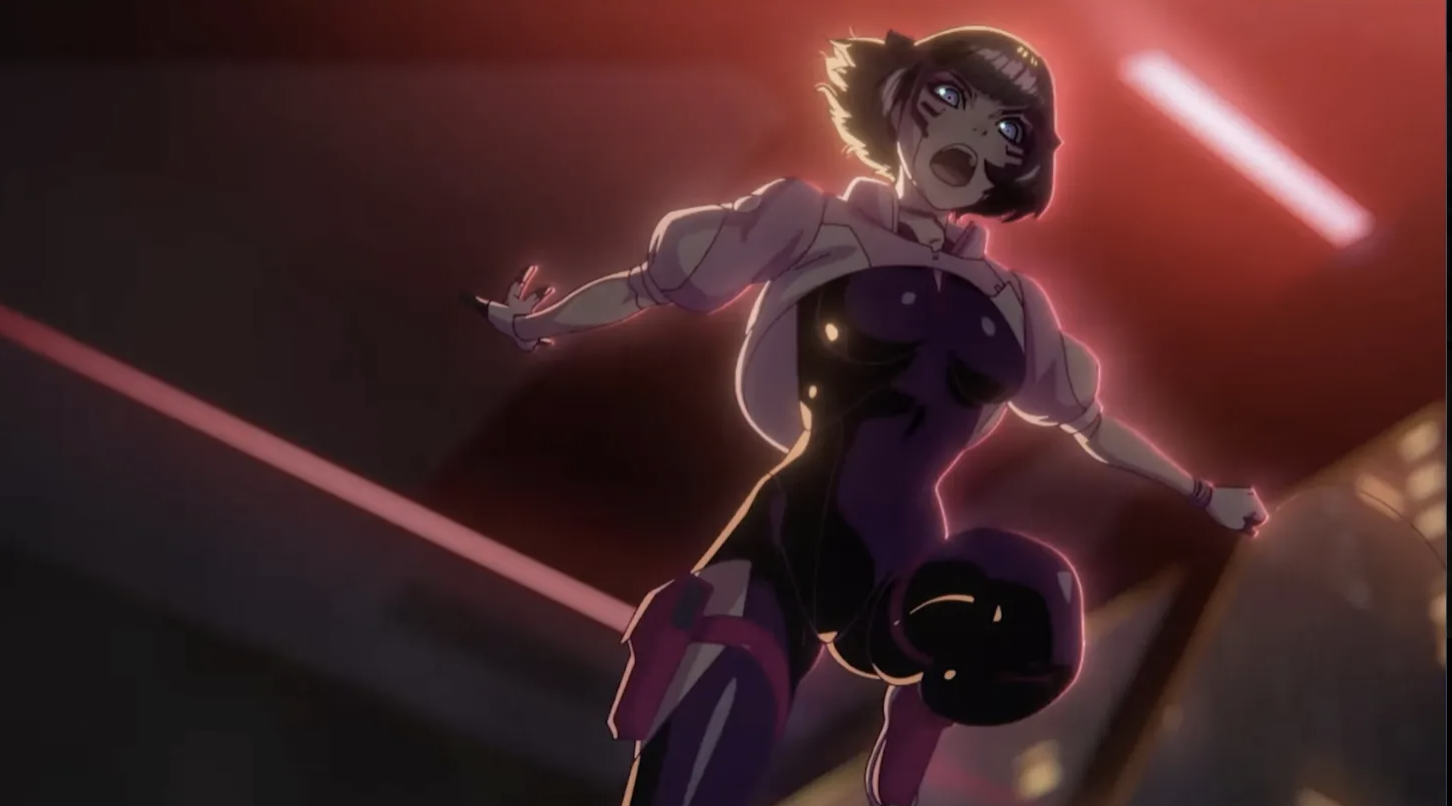
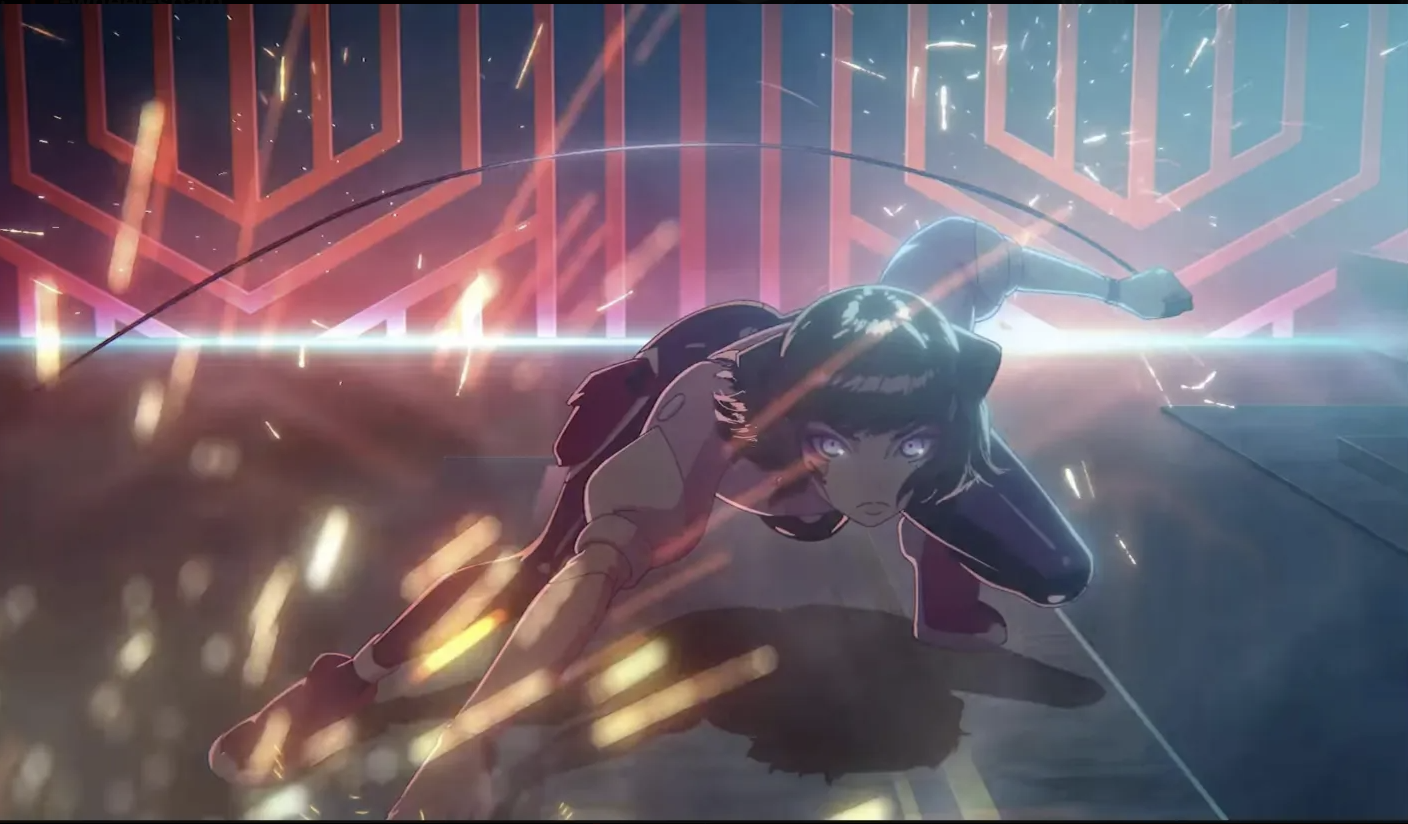
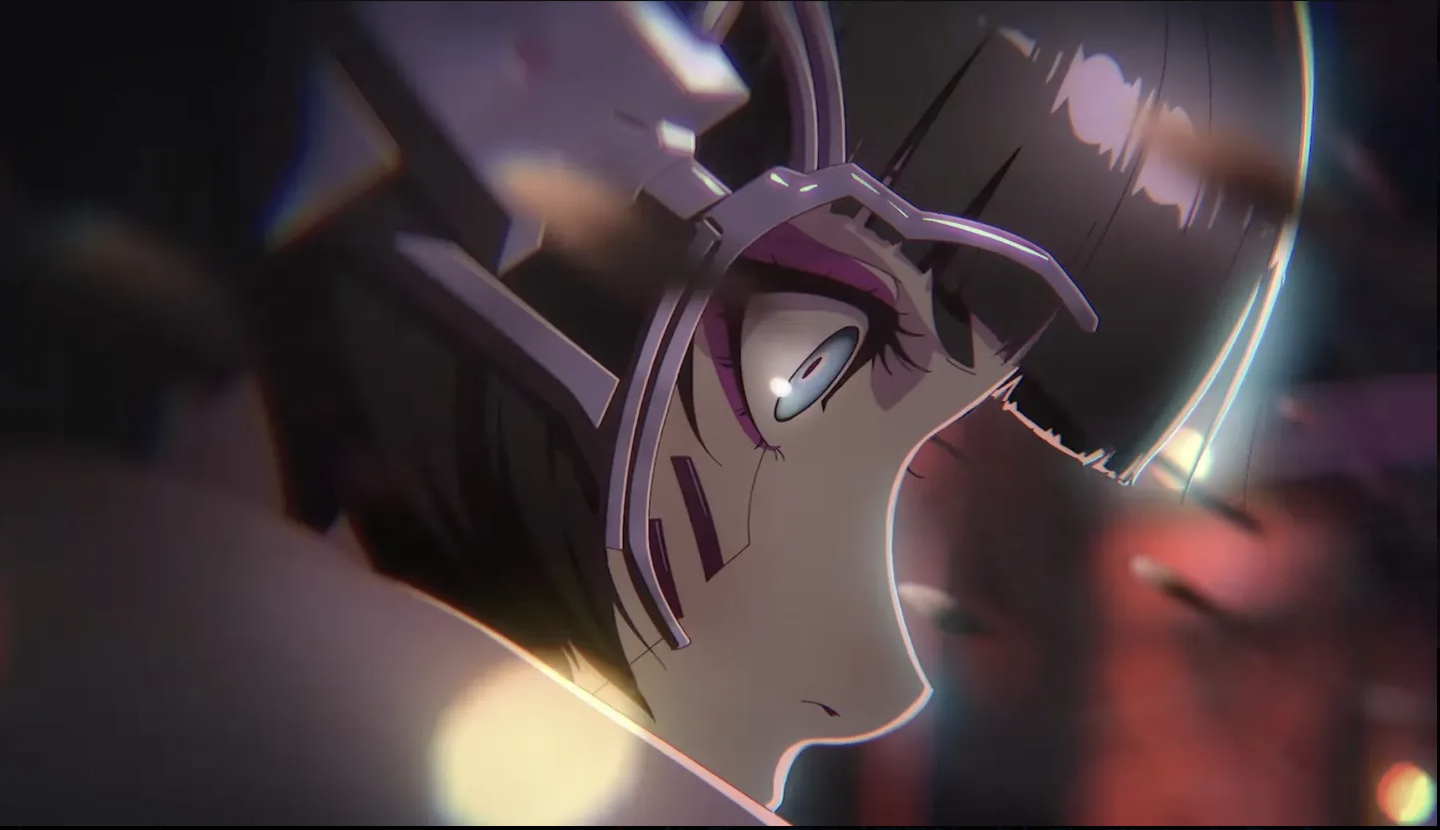
First up, is Cyberpunk Edgerunners!
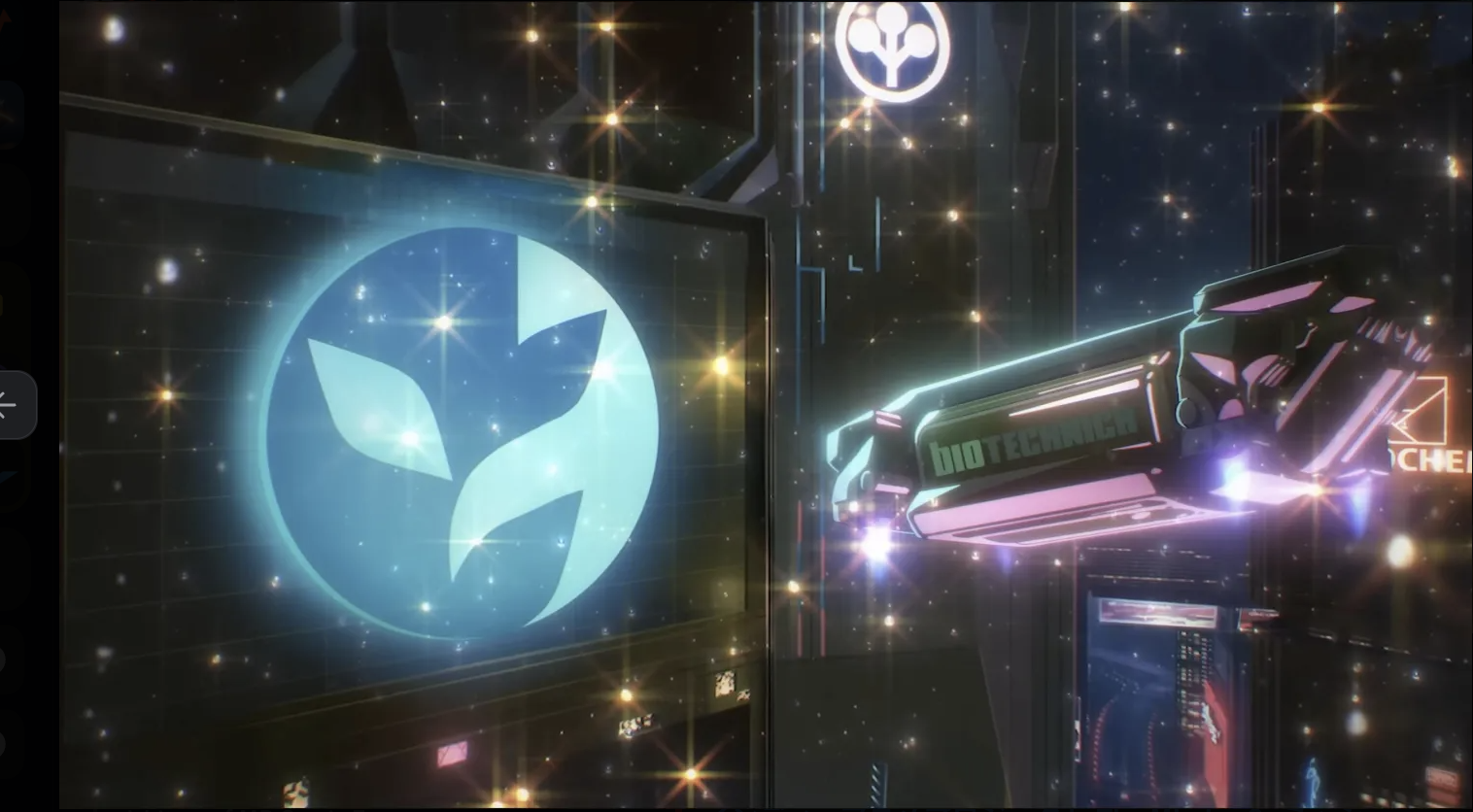
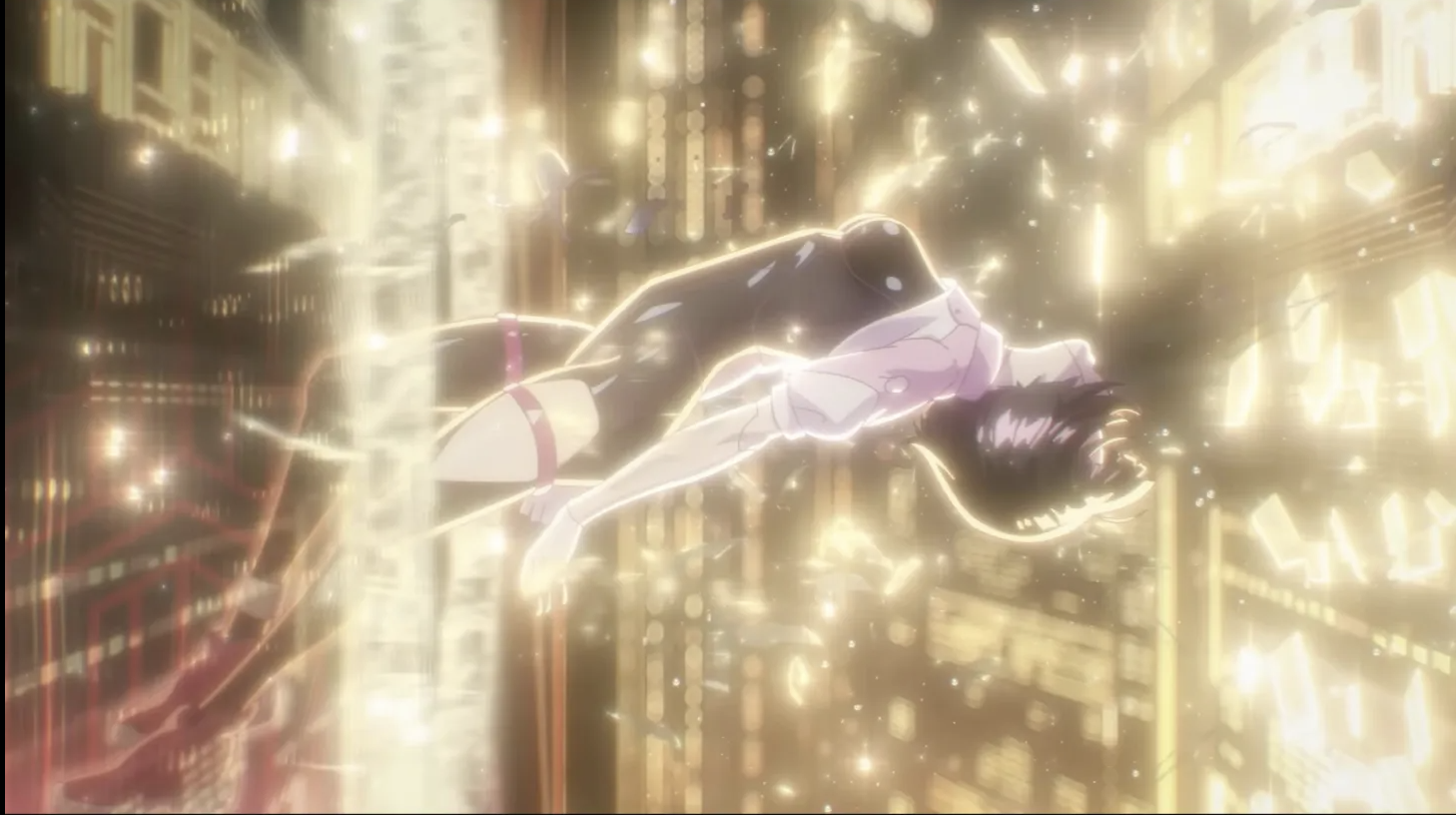
While I never watched the anime, I did watch this lil clip and really liked the aesthetics.
Here are some of my fav stills: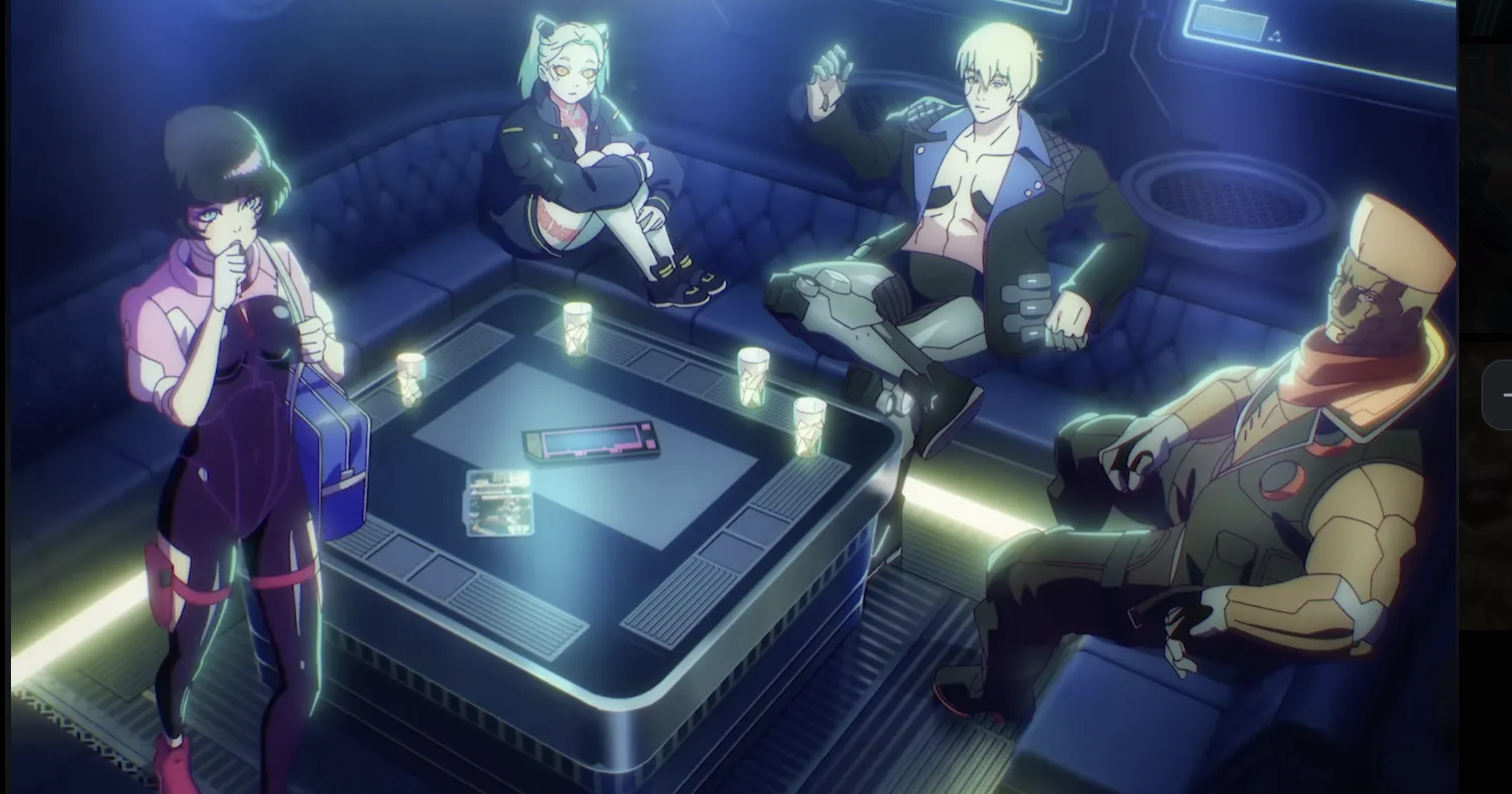
The Missing 8 Trailer - Fuzi
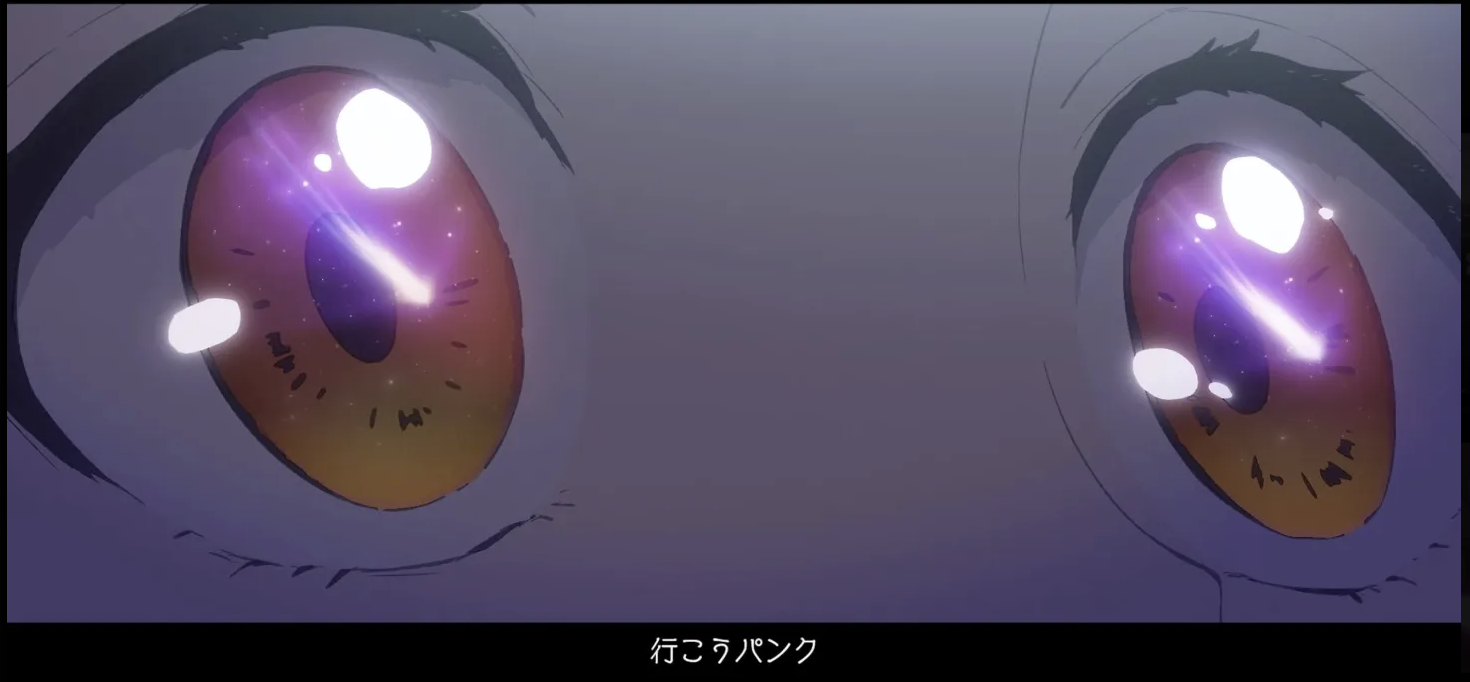
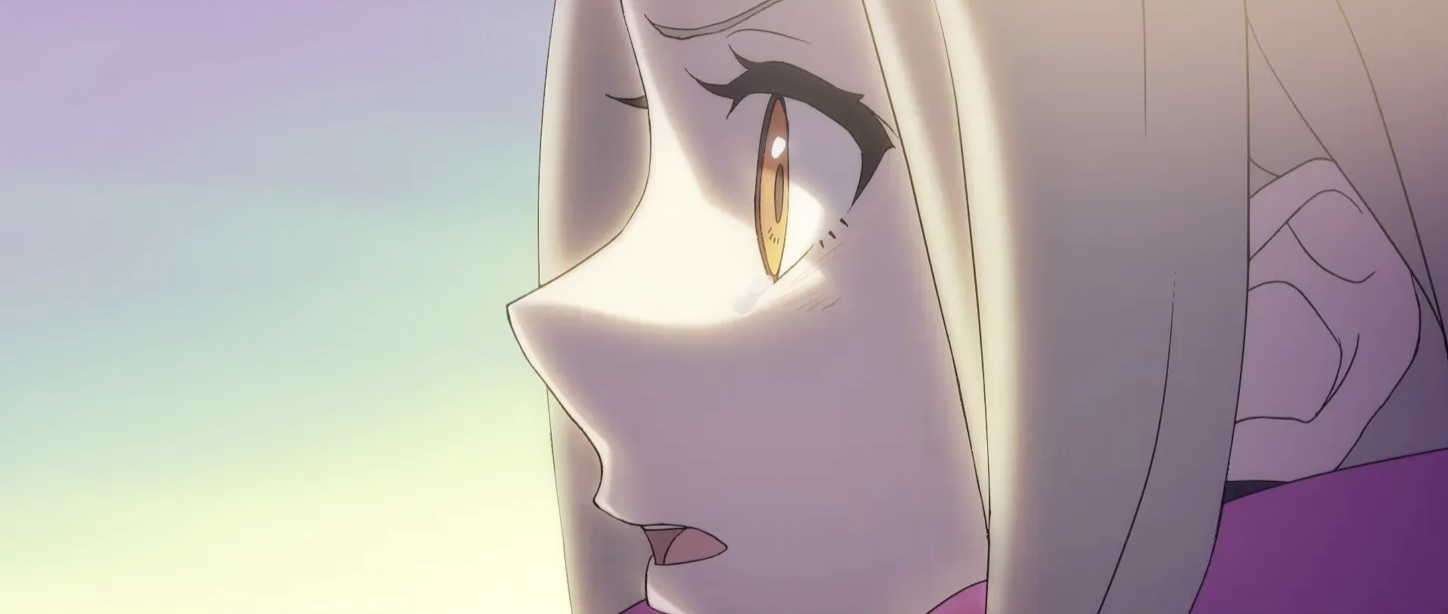
I loved watching this indie anime!
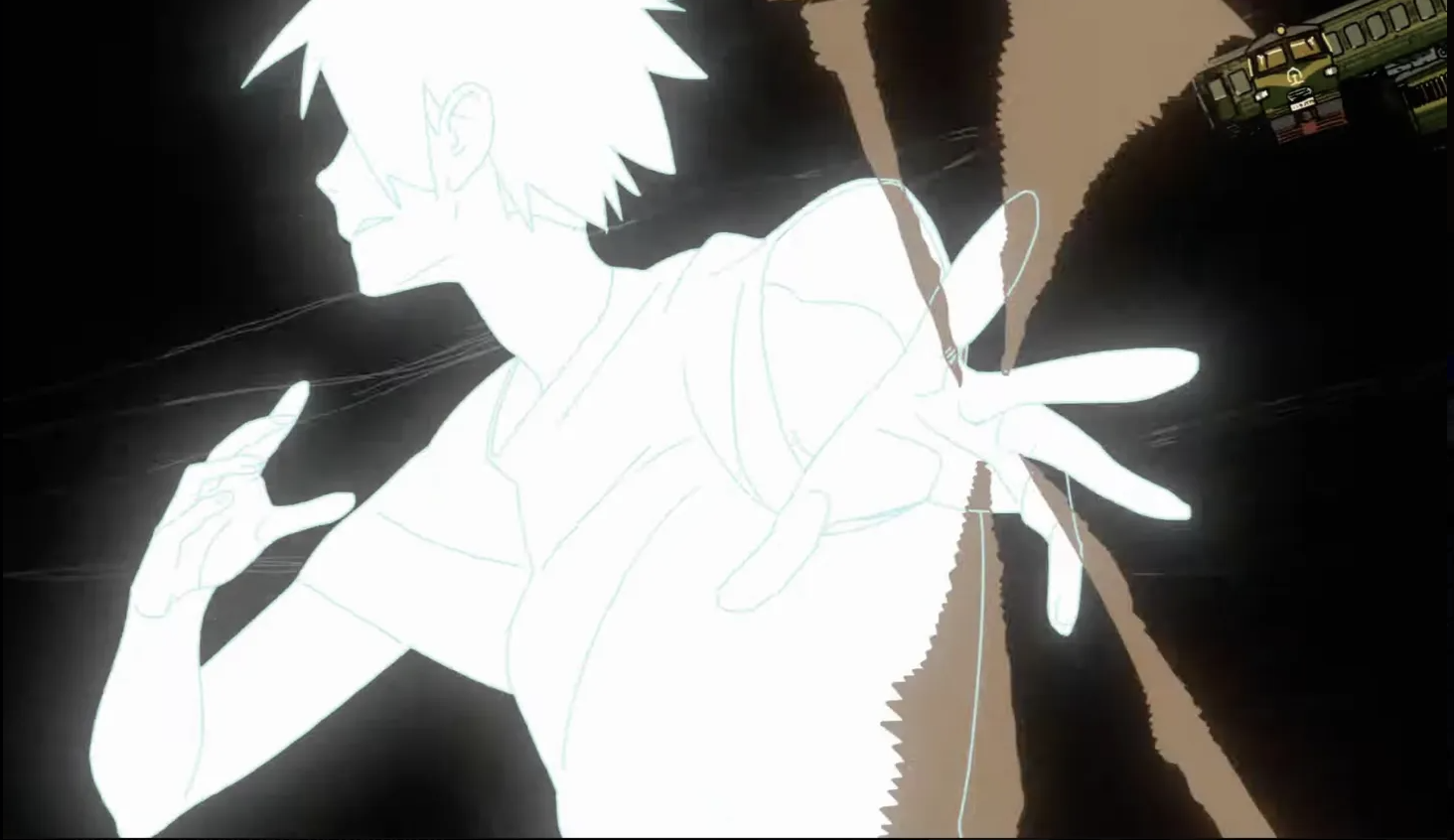
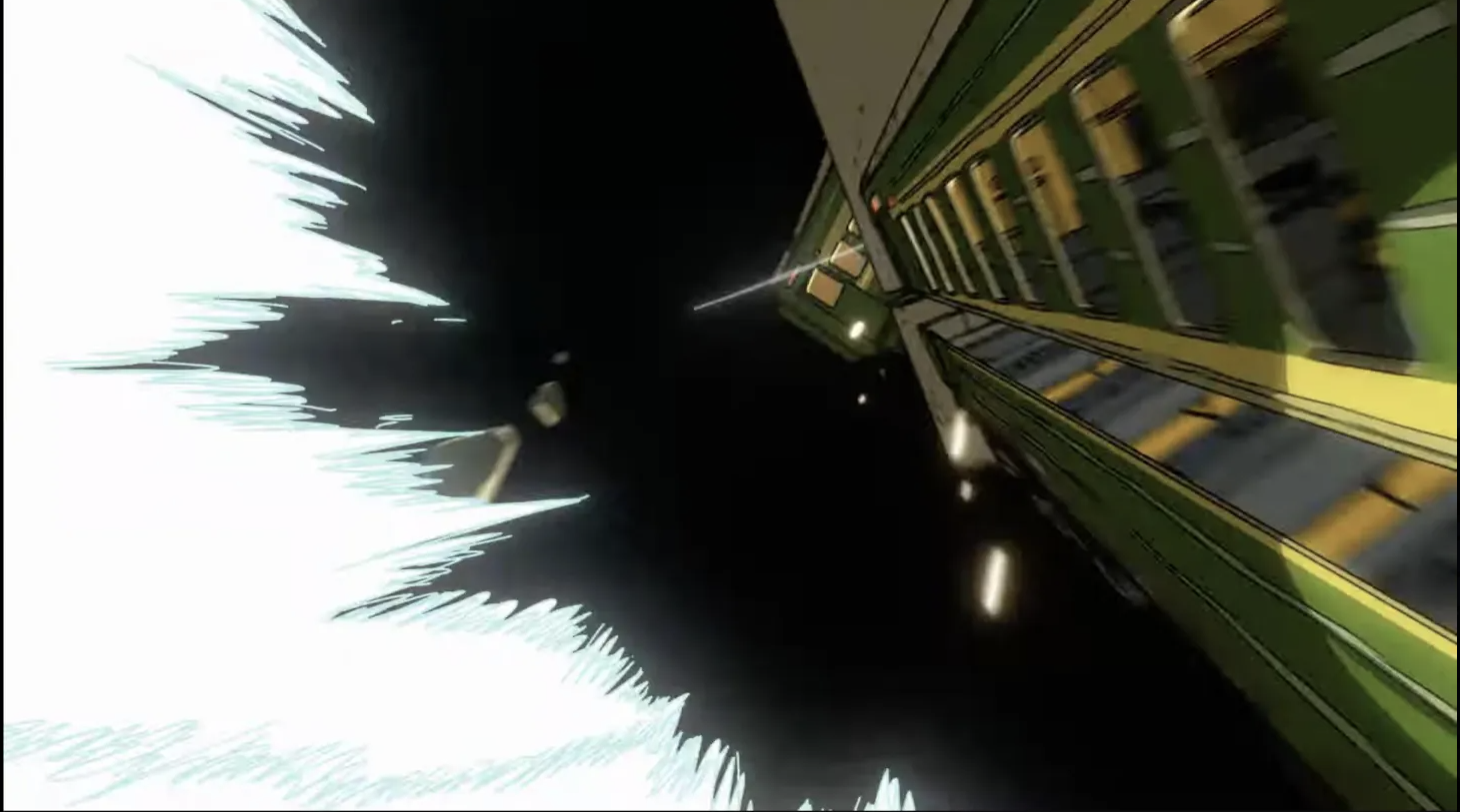
Here are some of my fav stills:
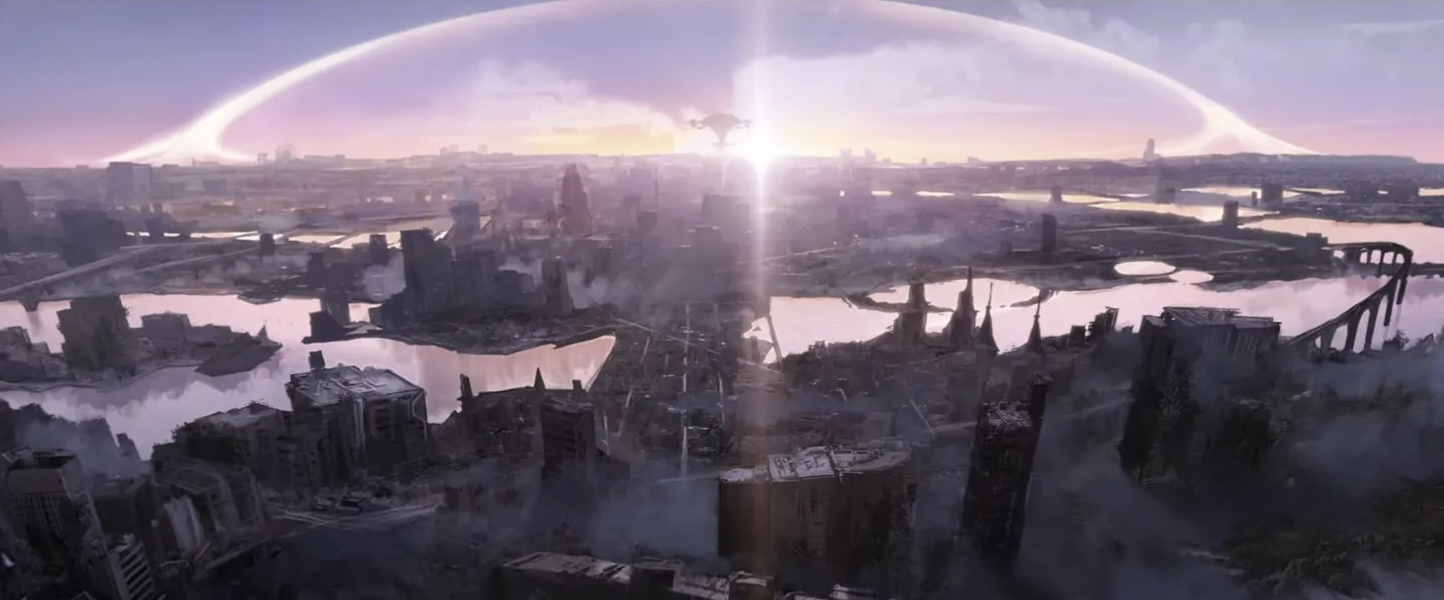
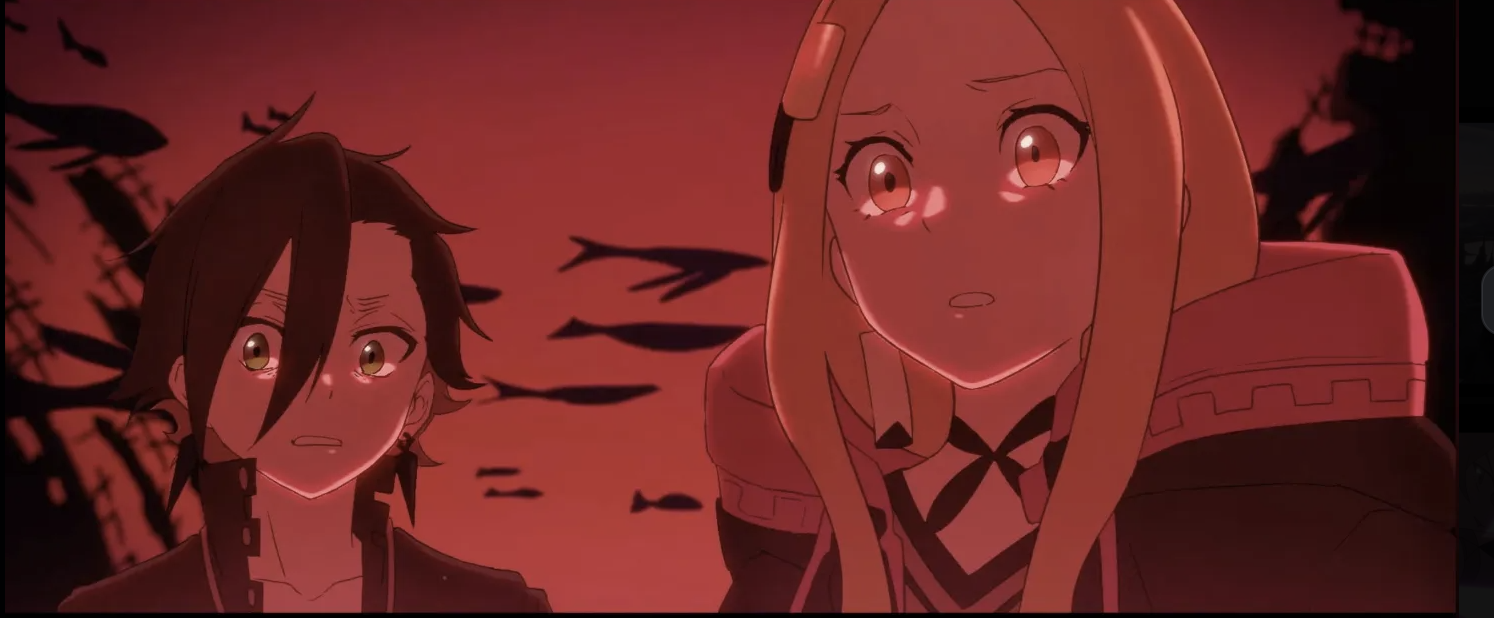
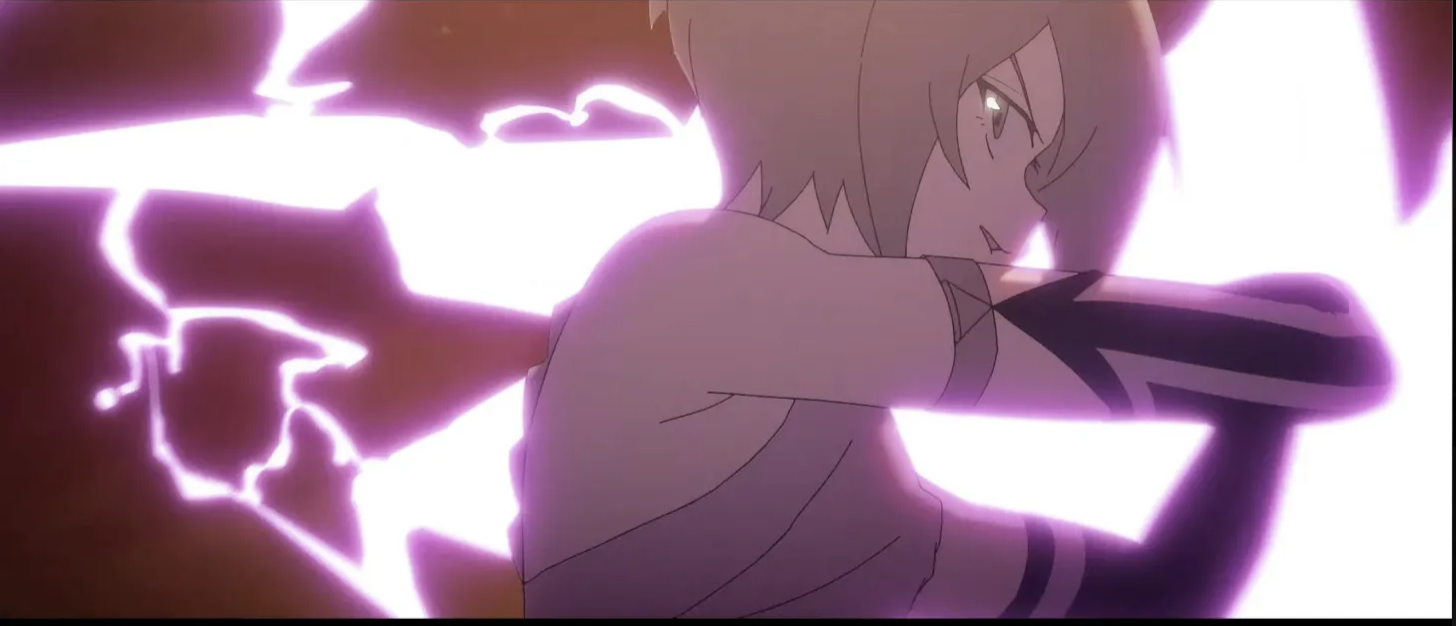
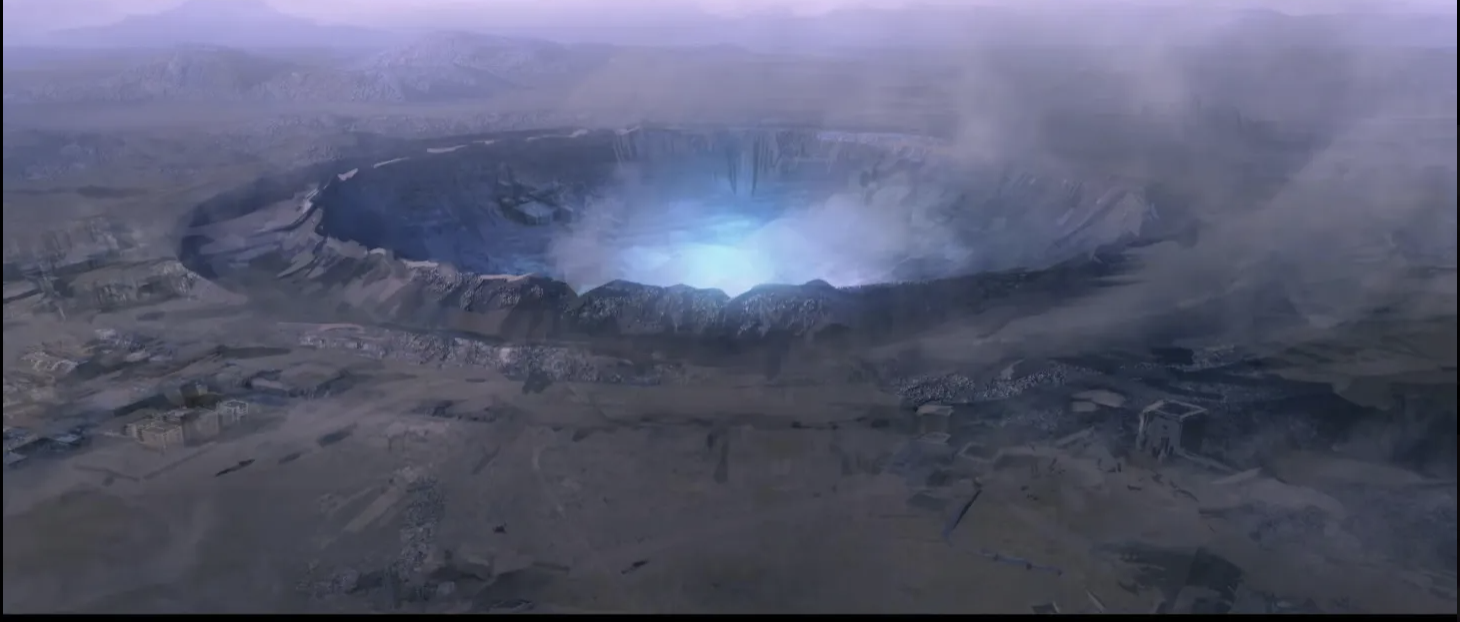
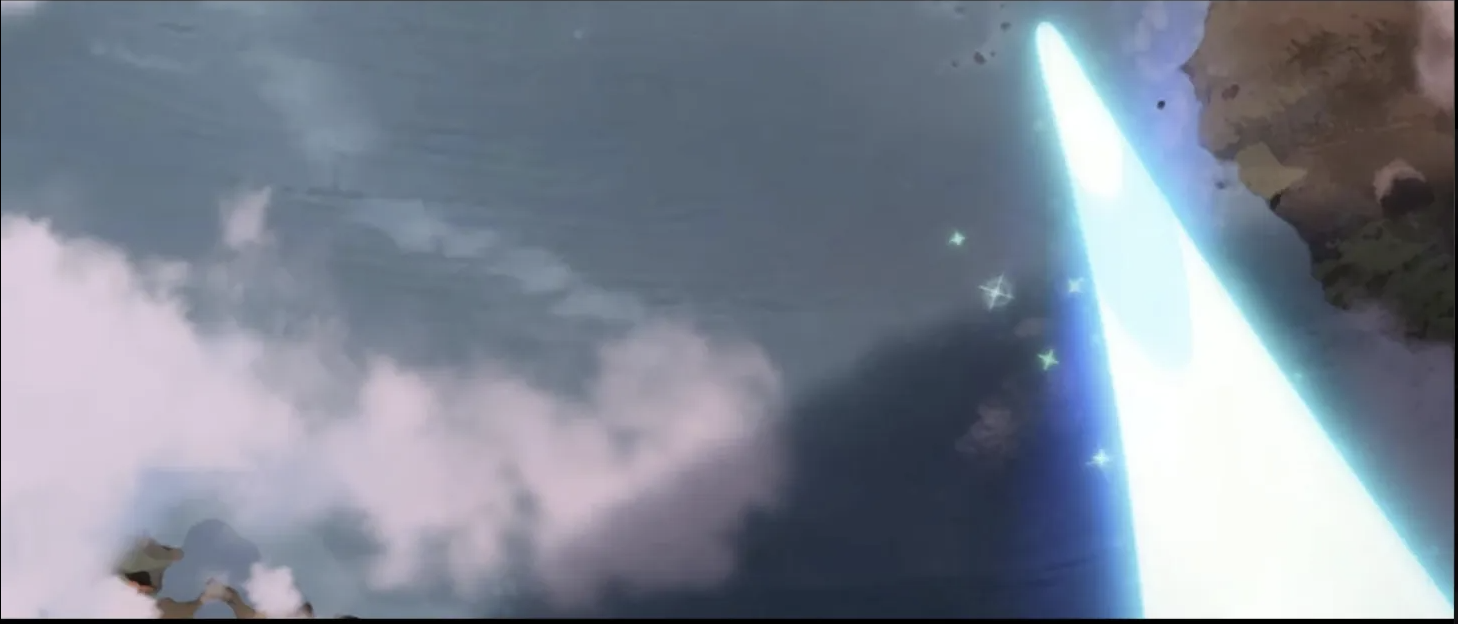
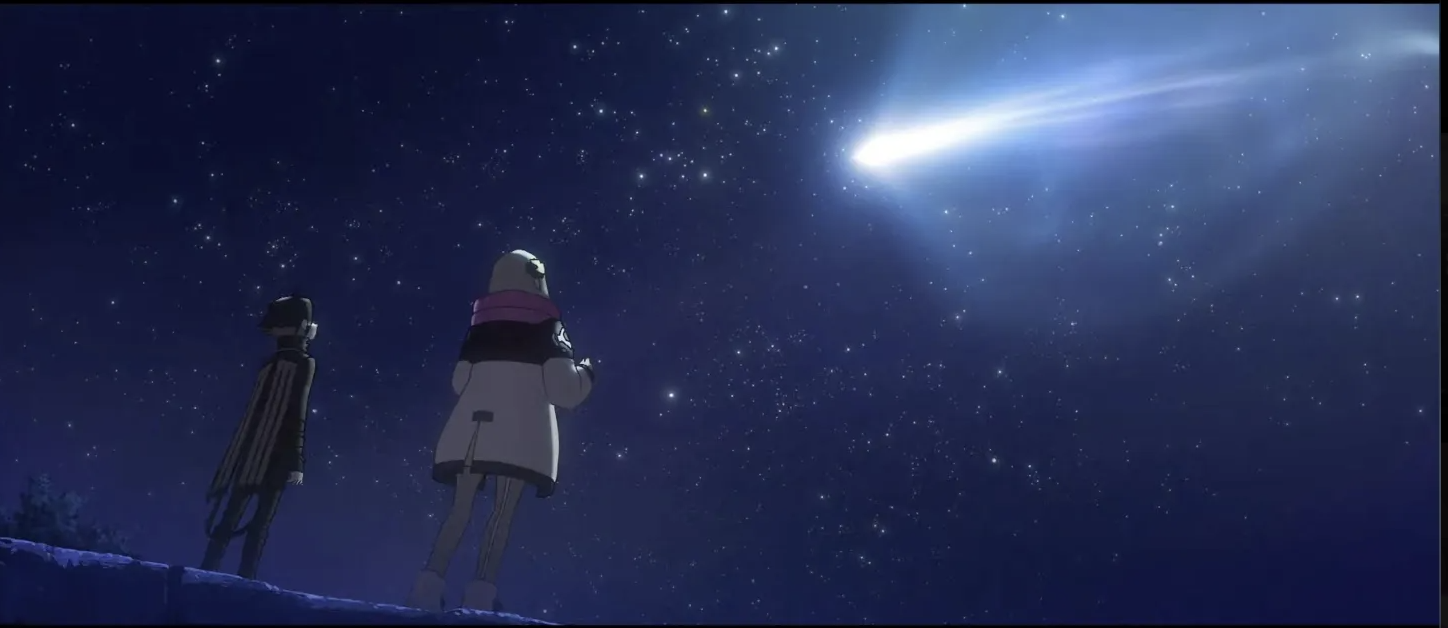
False Memory
After seeing the trailer on instagram, I reallllly wanted to watch this!
Like omg.. this looks EPIC! There are 3 trailers - some from a few years ago and one that is quite recent.
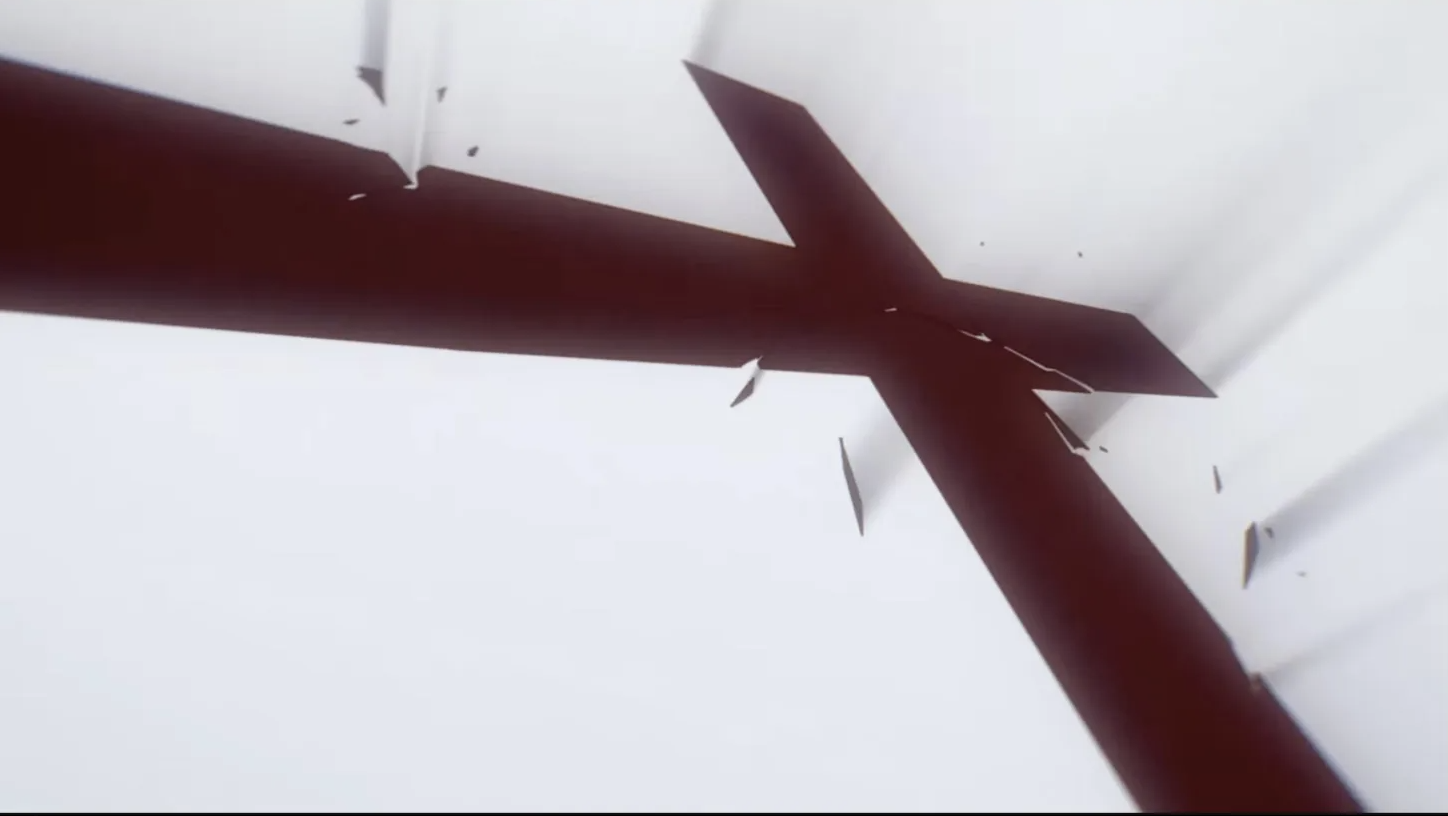
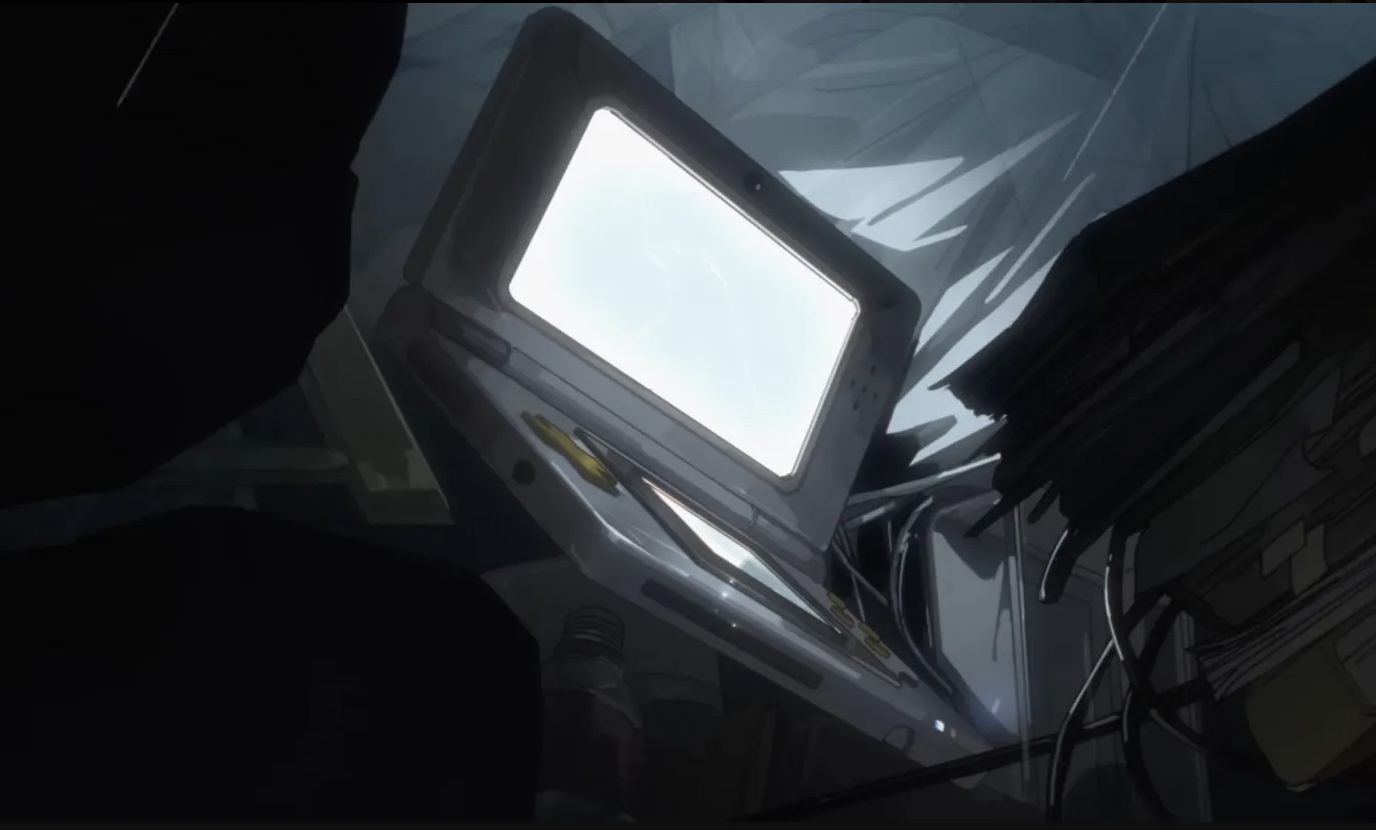
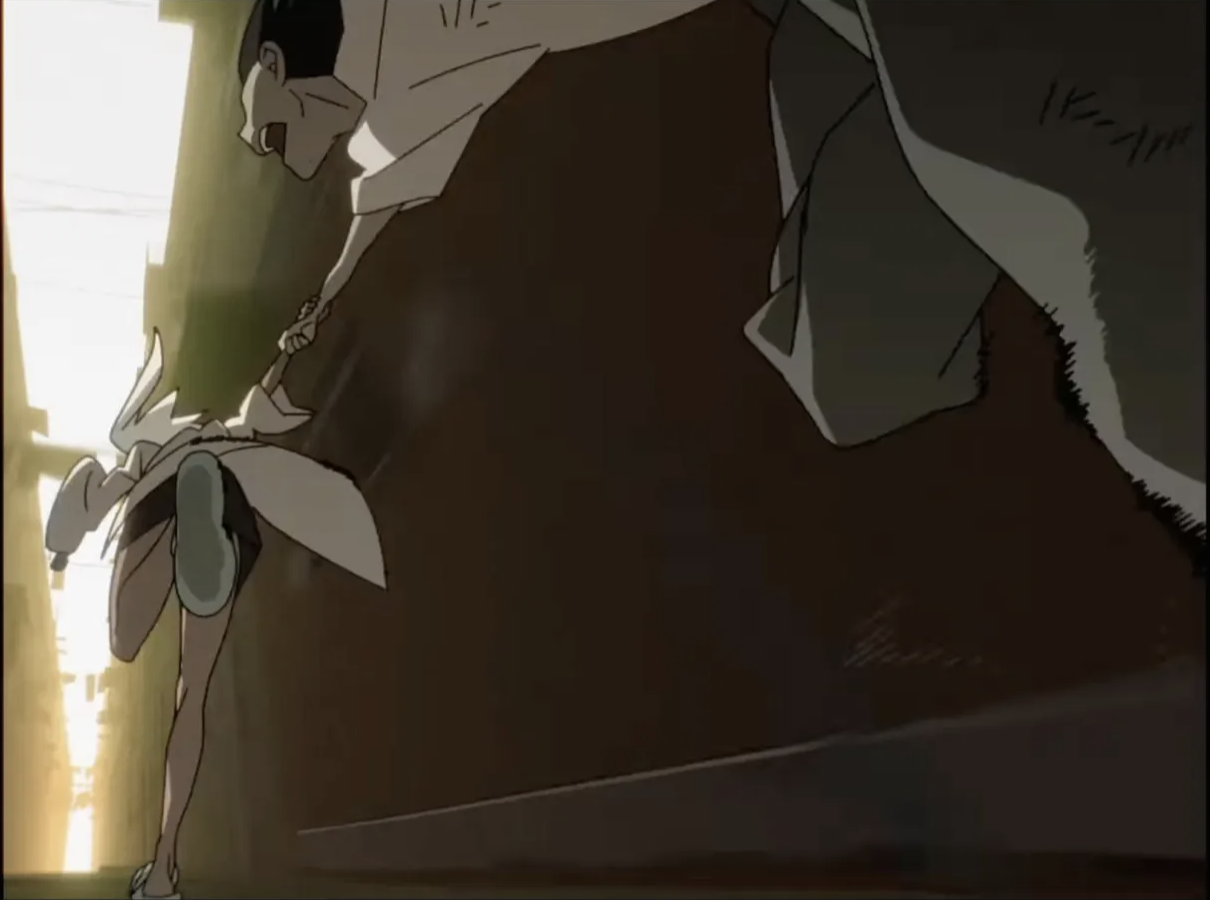
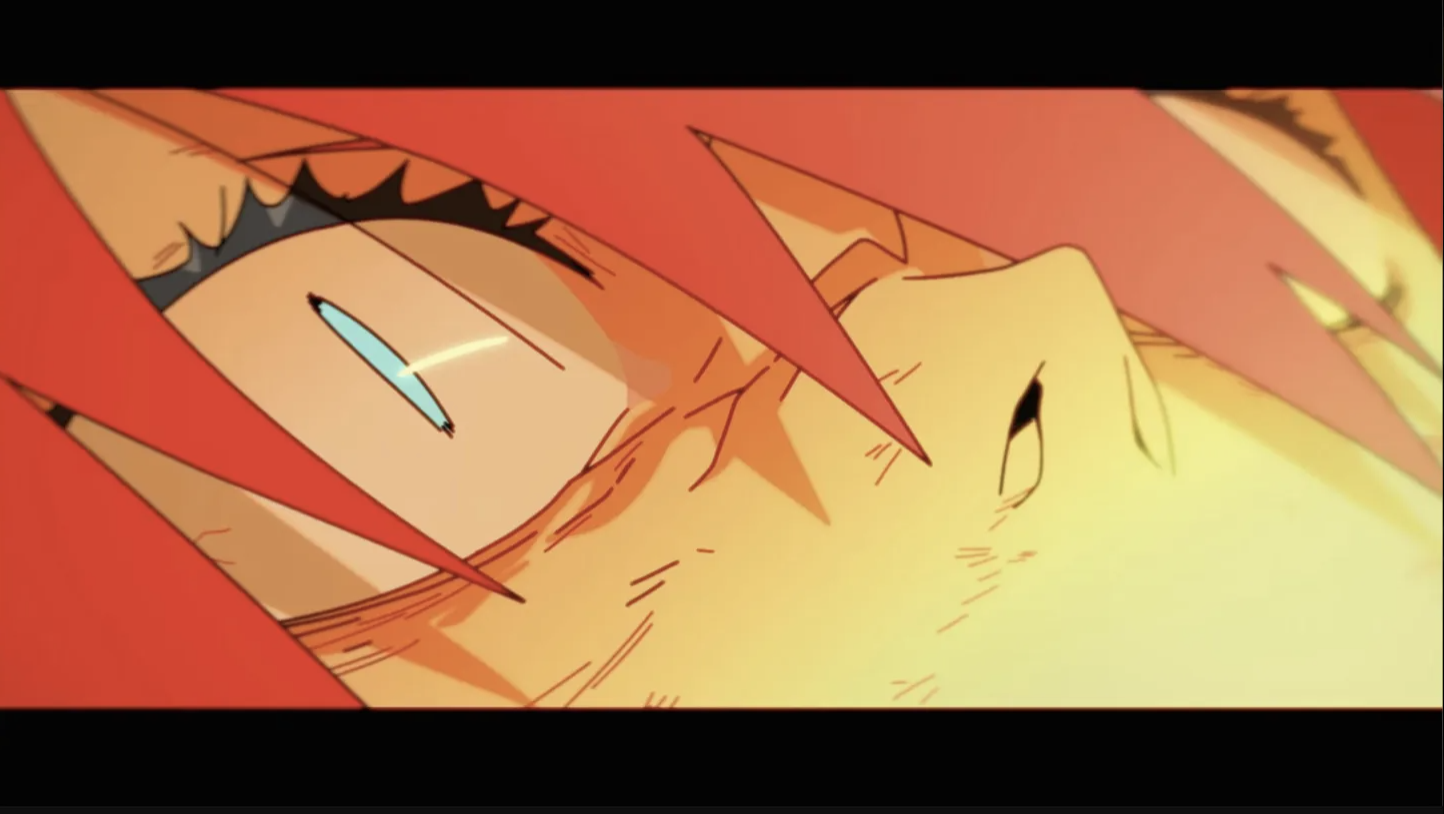
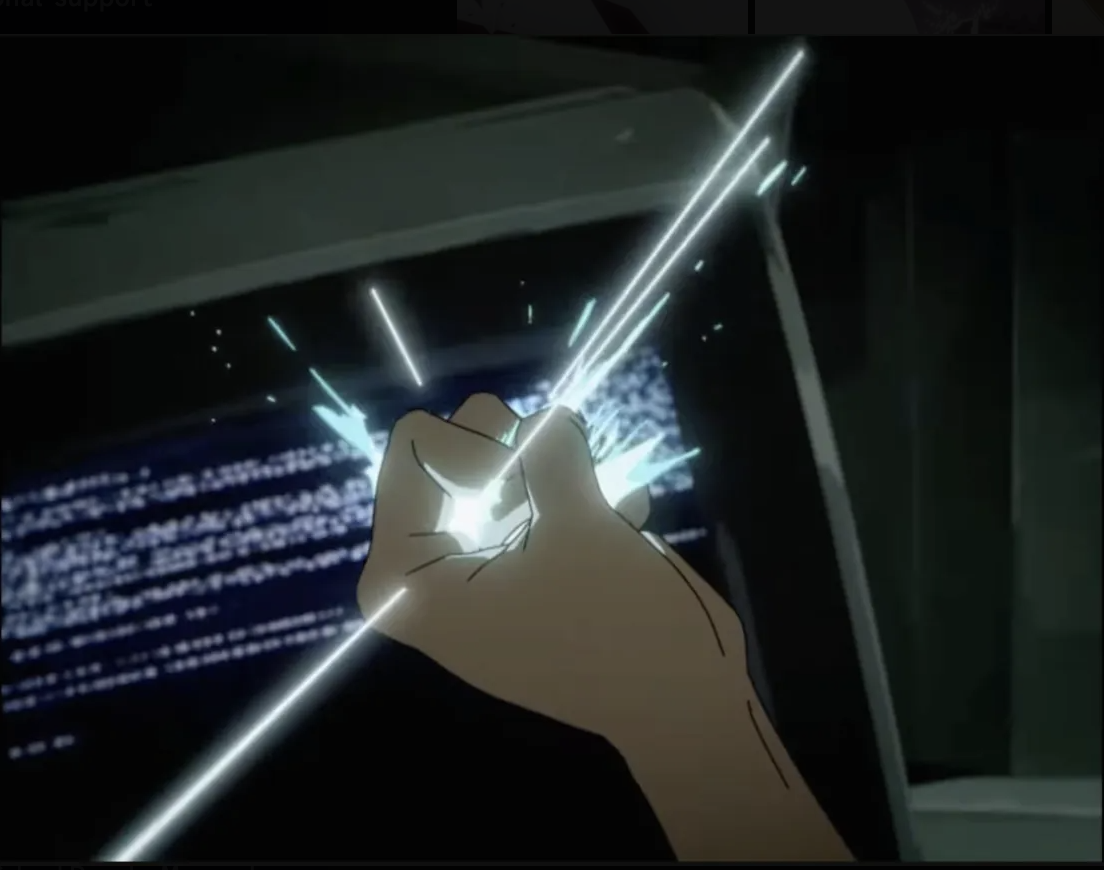
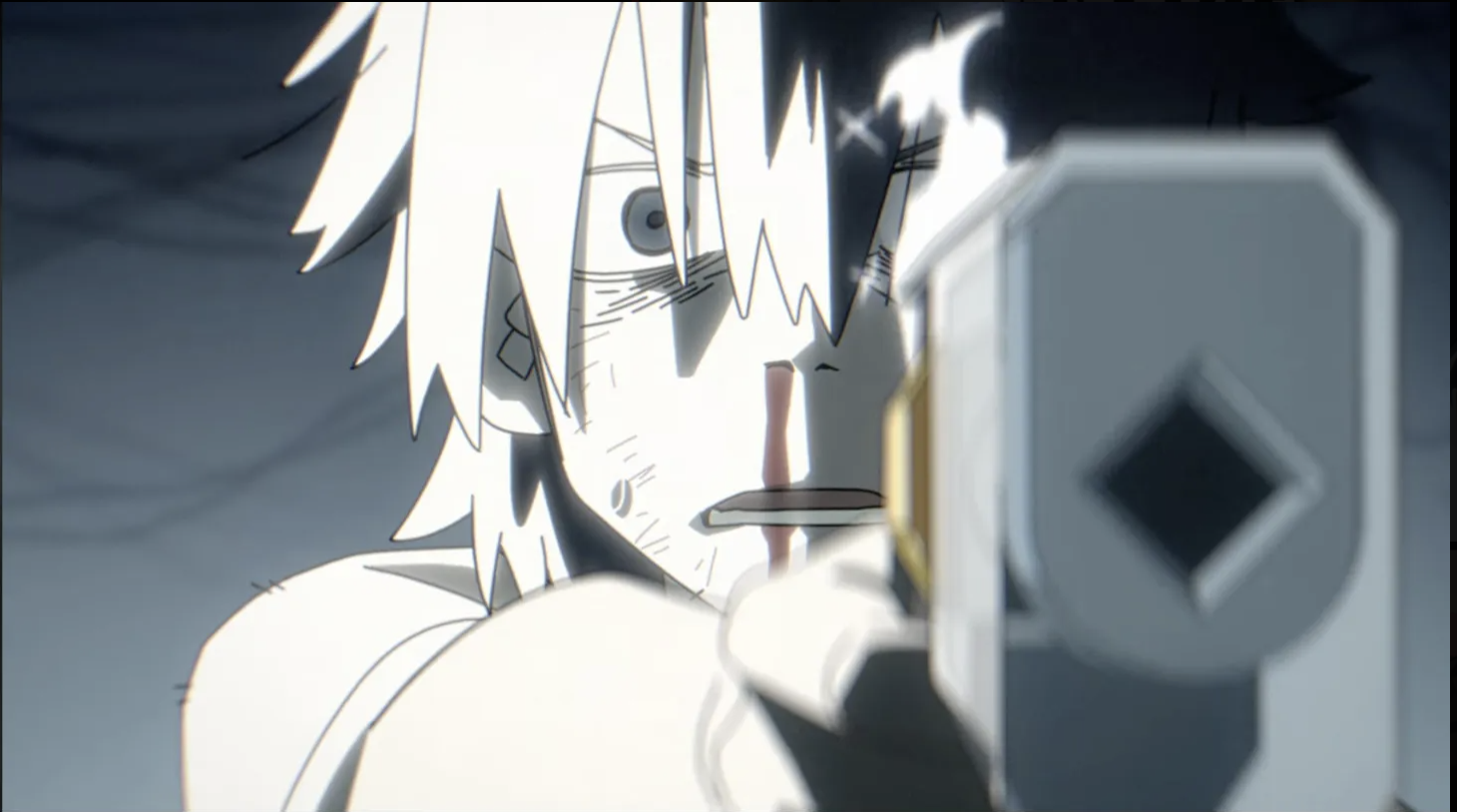
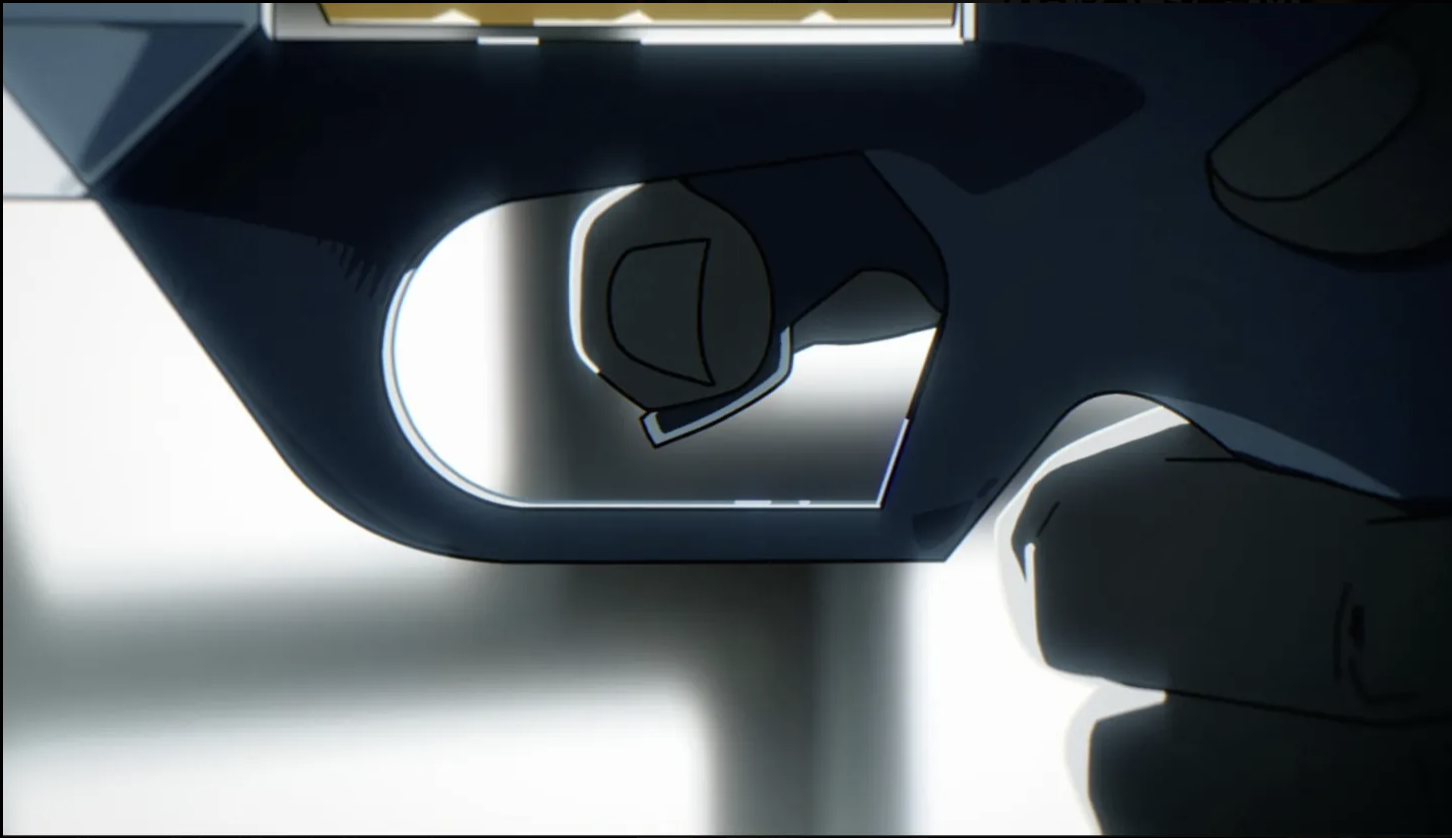
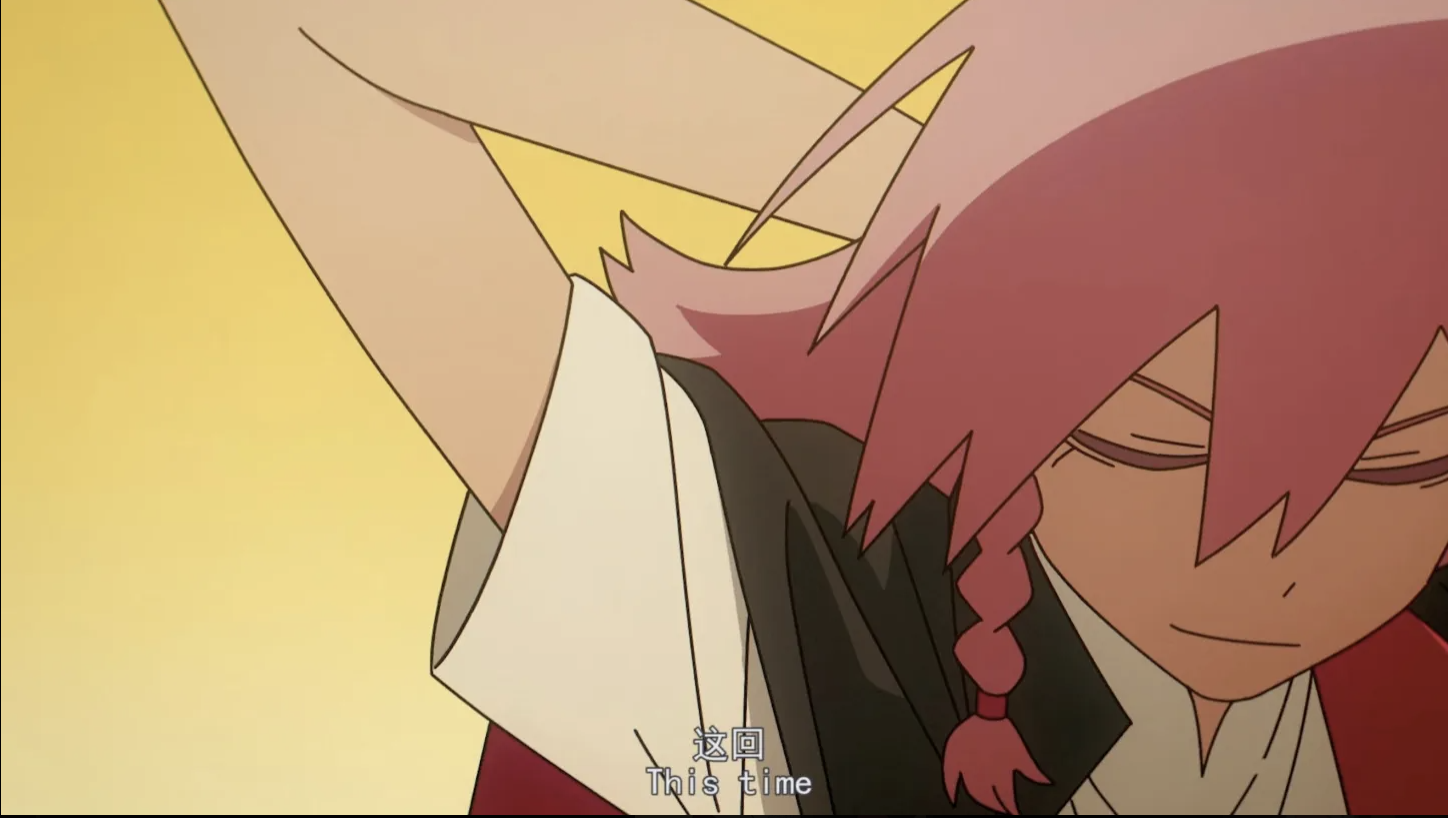
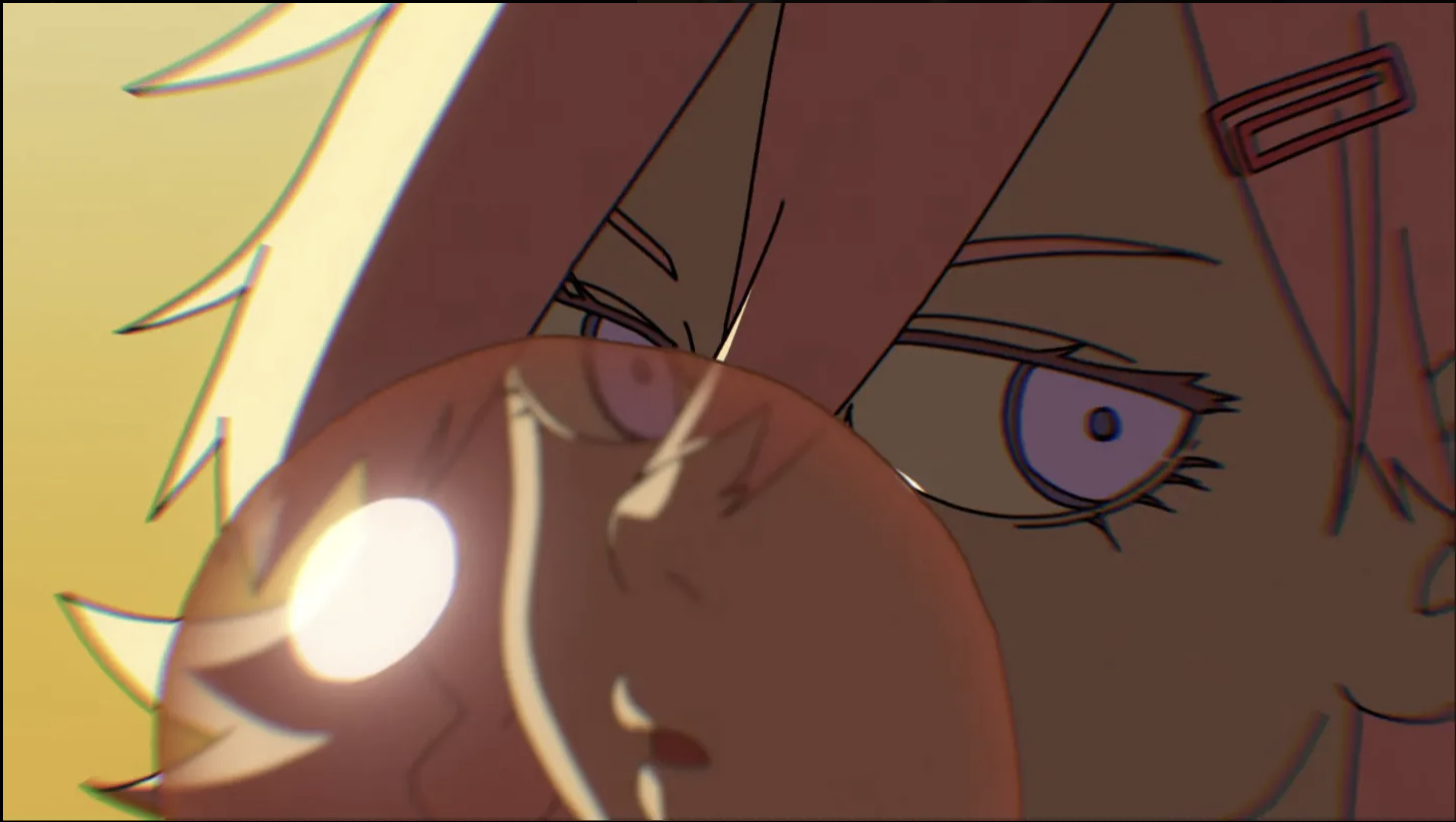
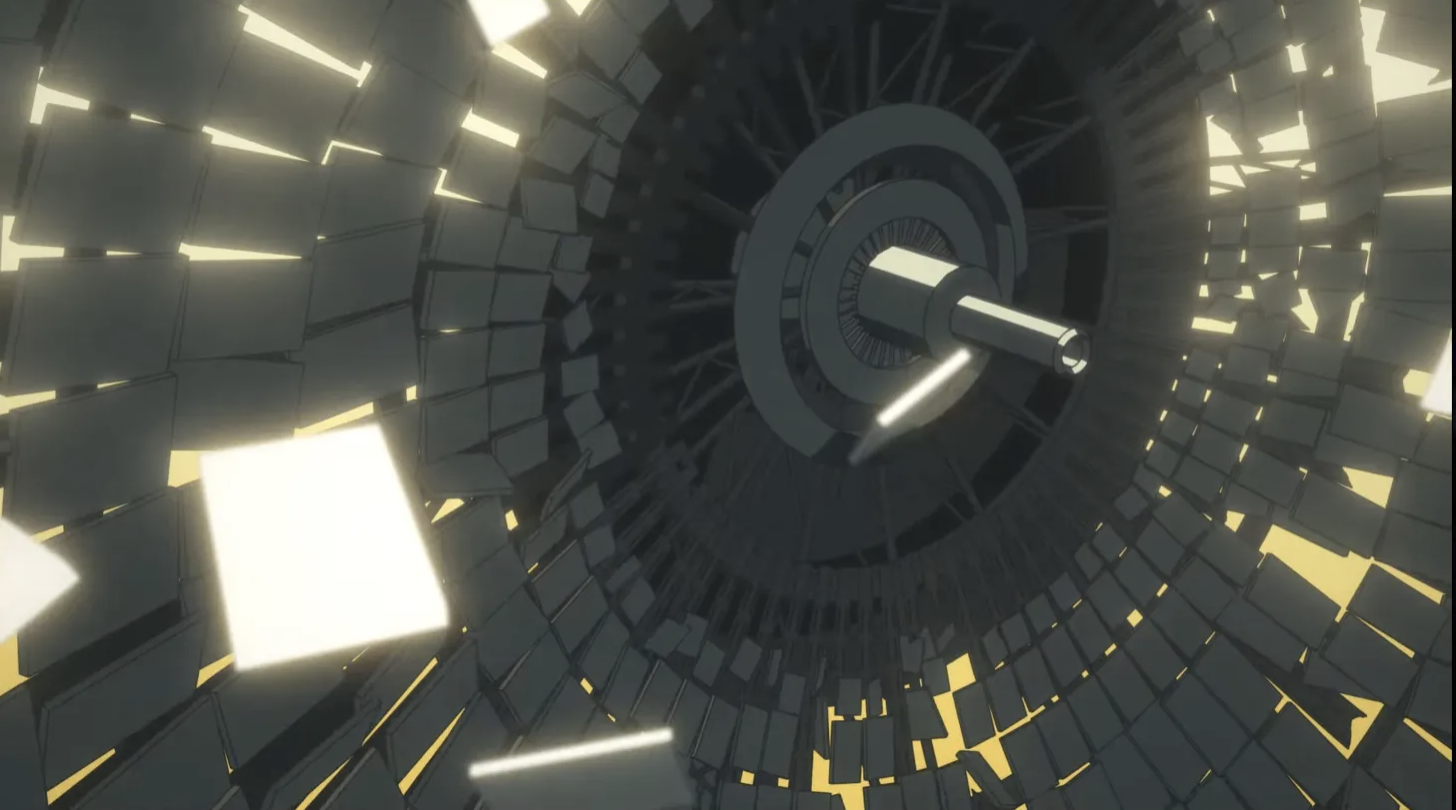
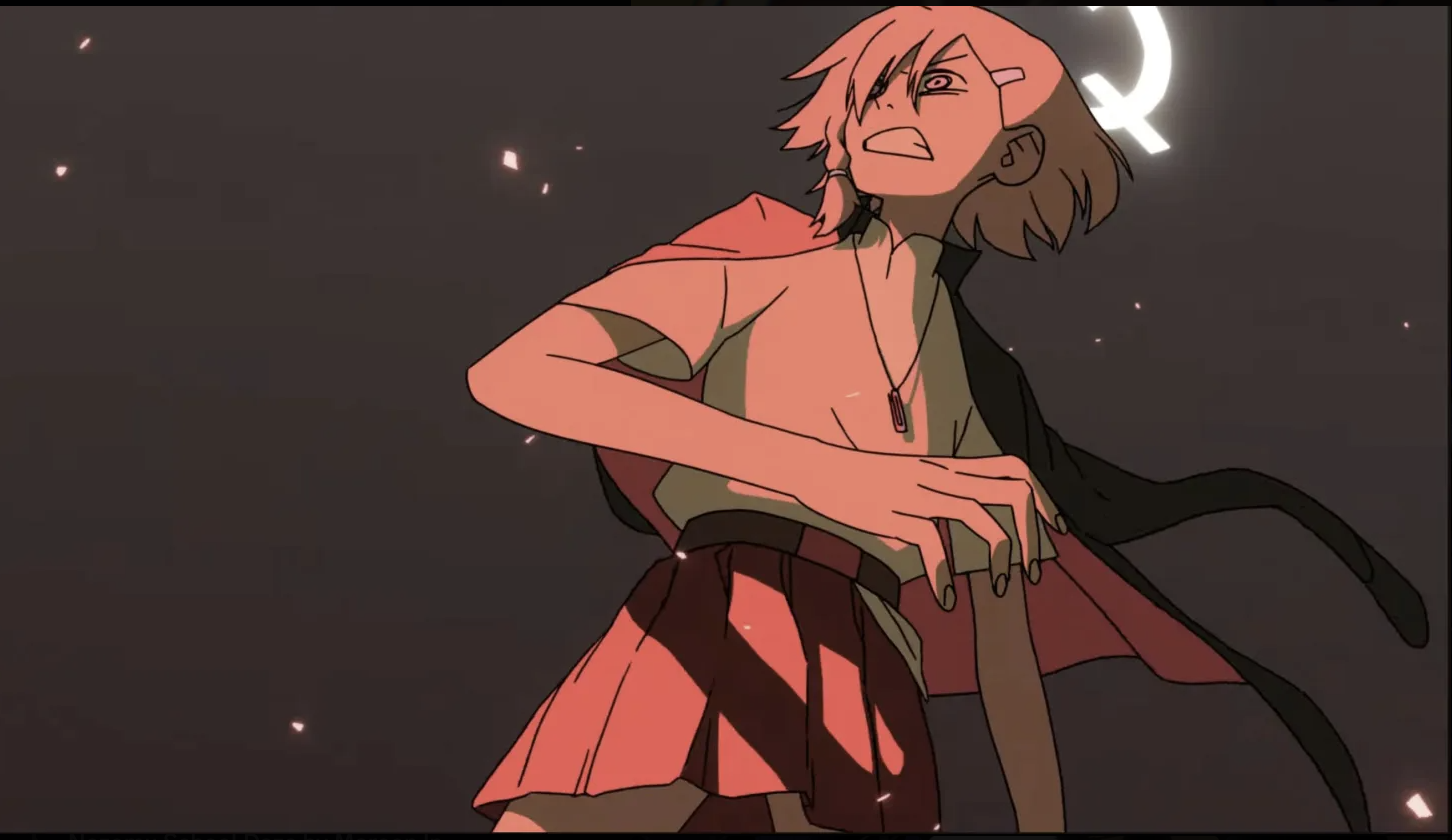
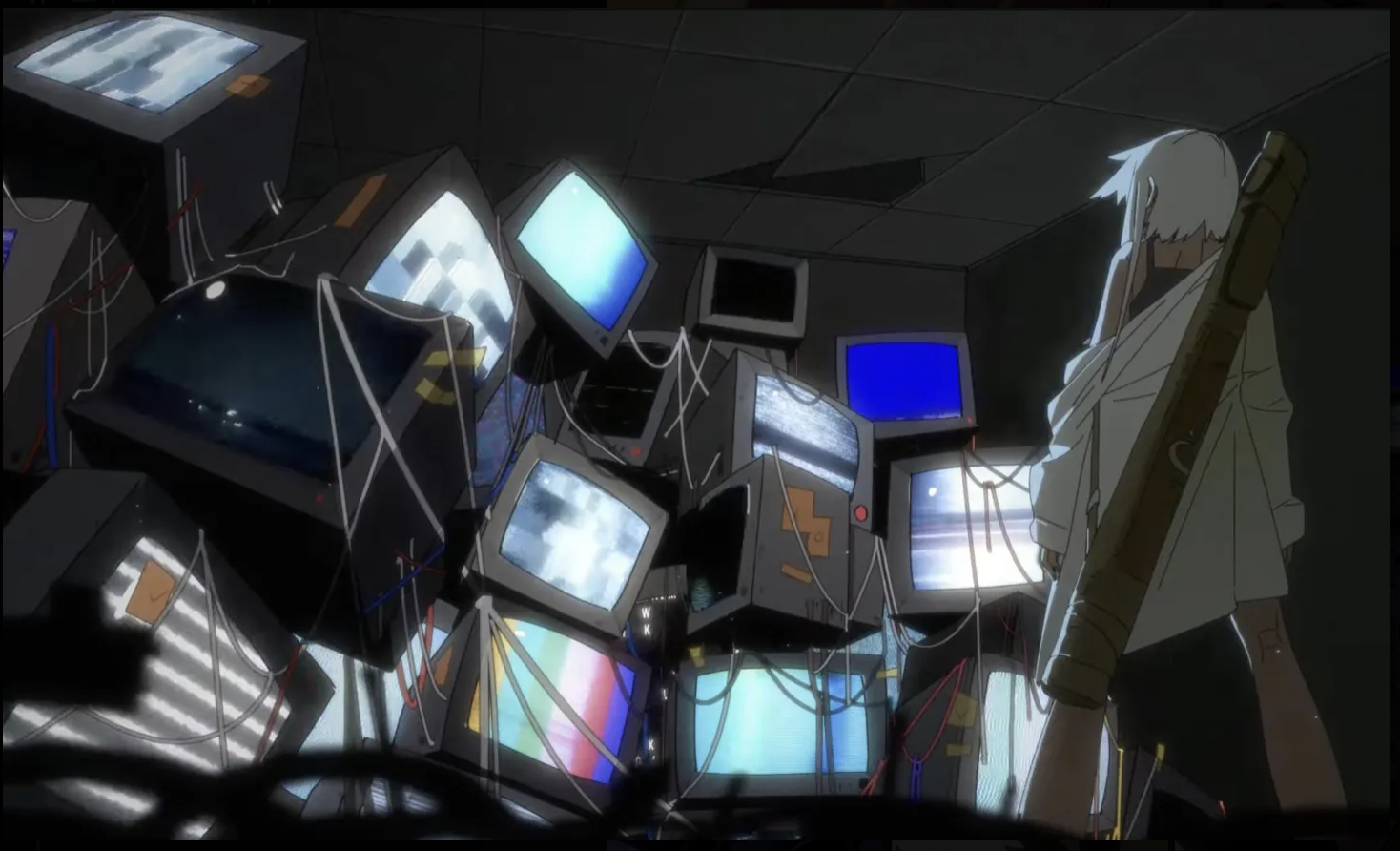
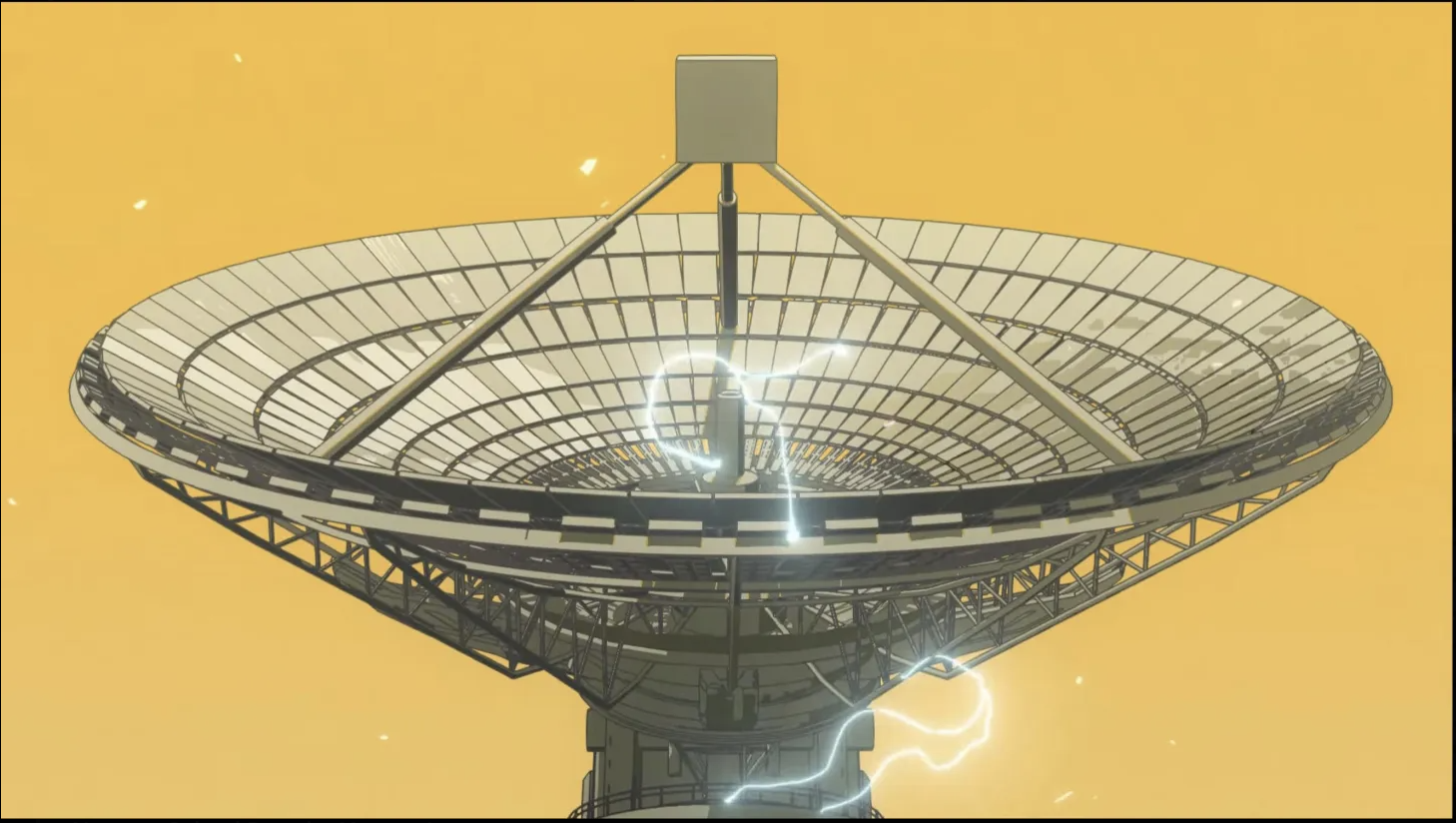
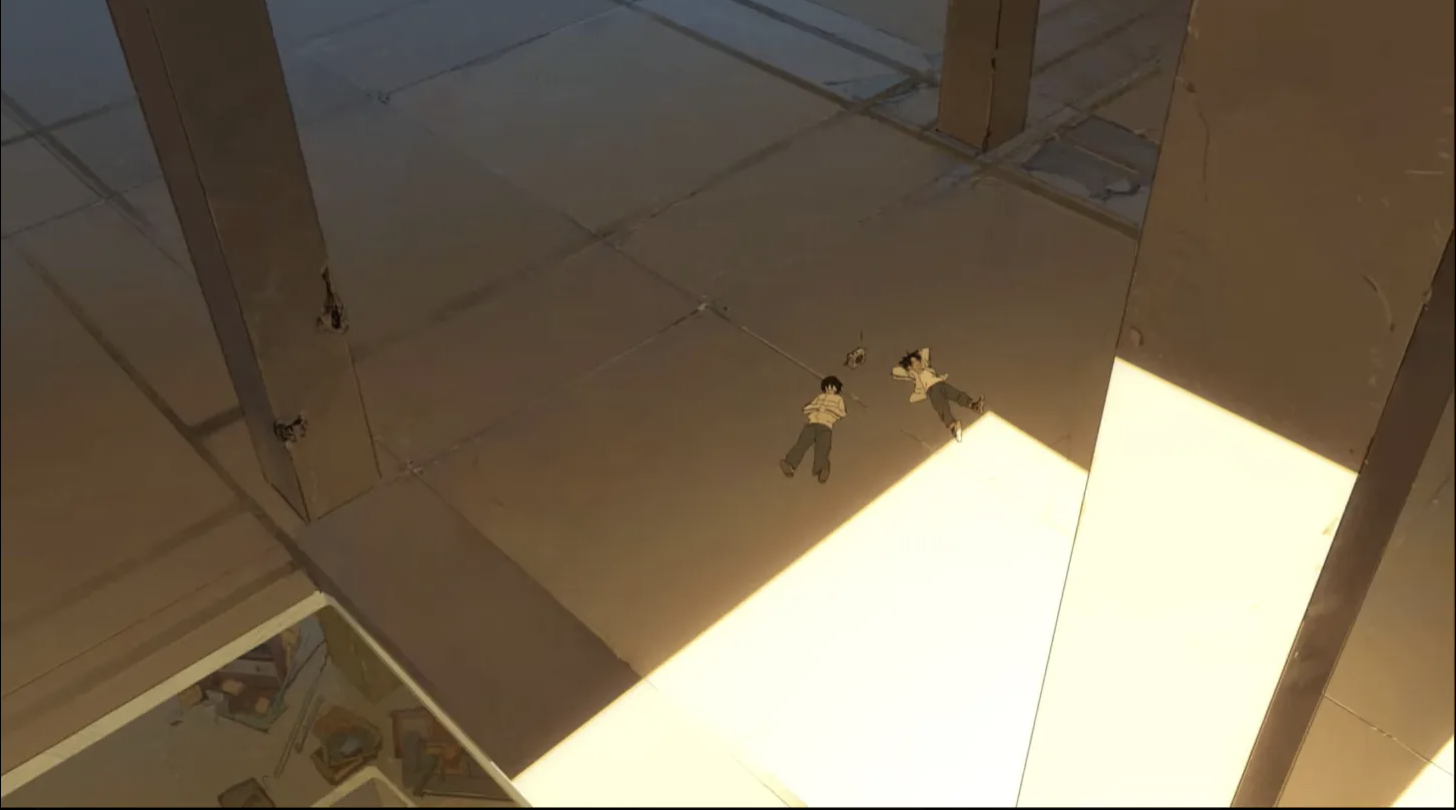
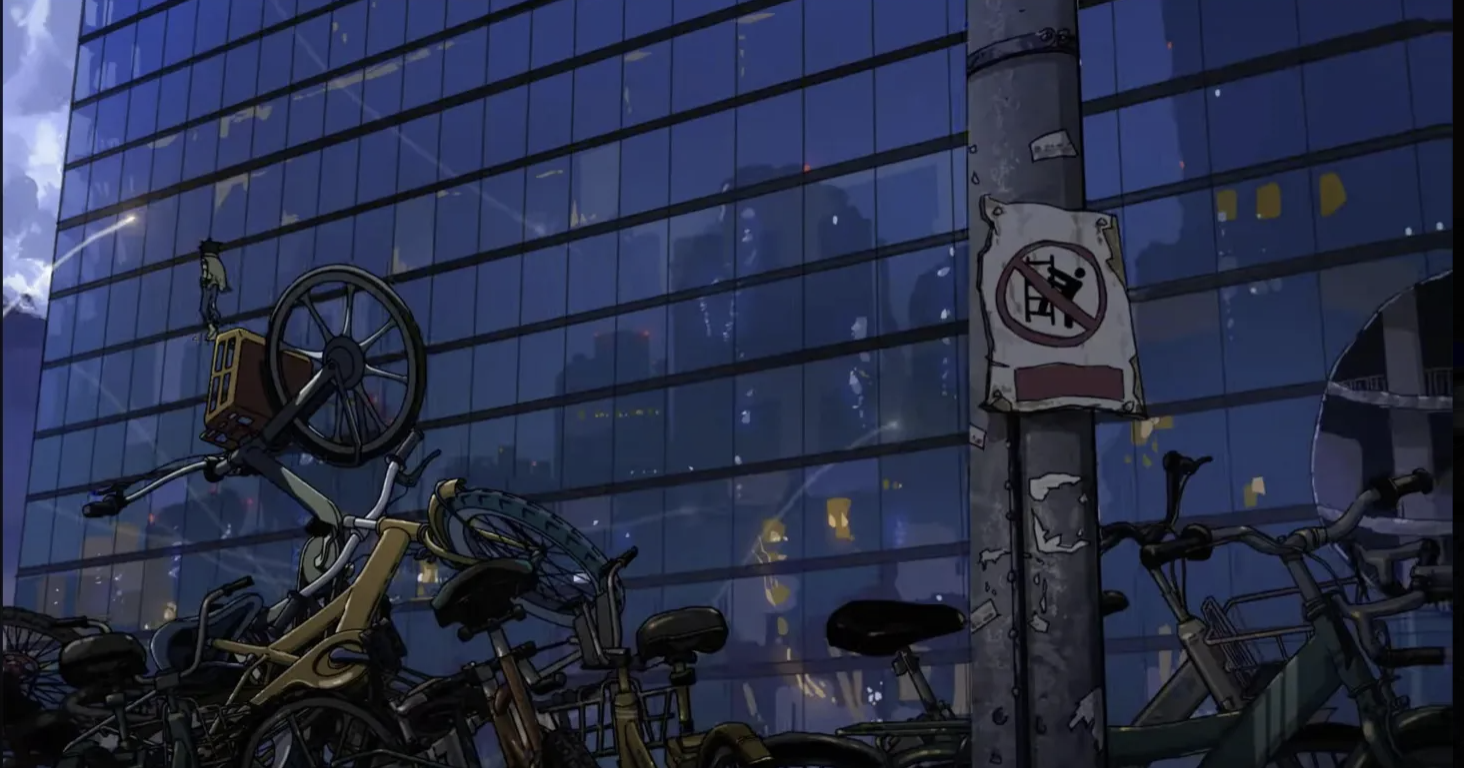
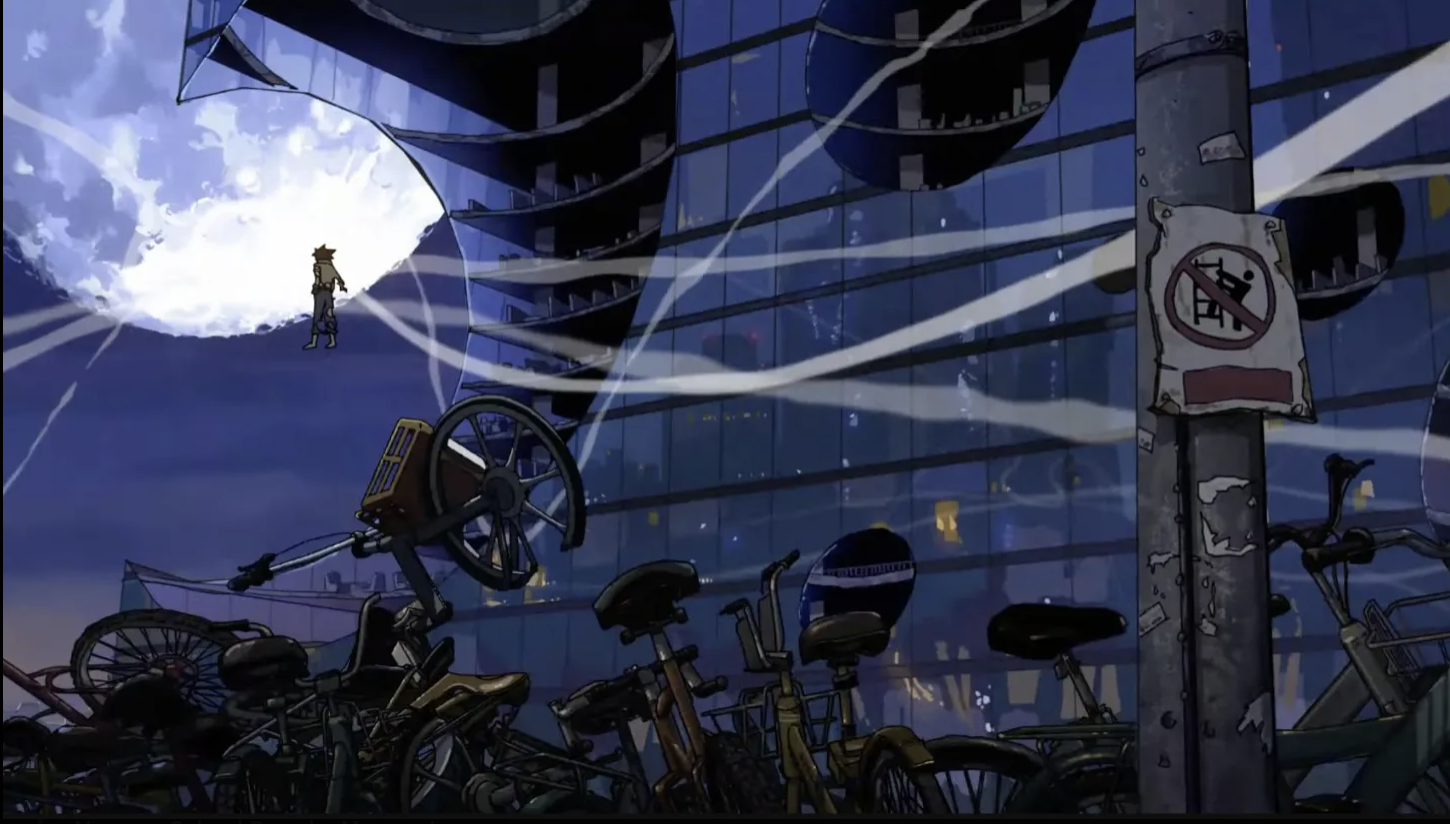
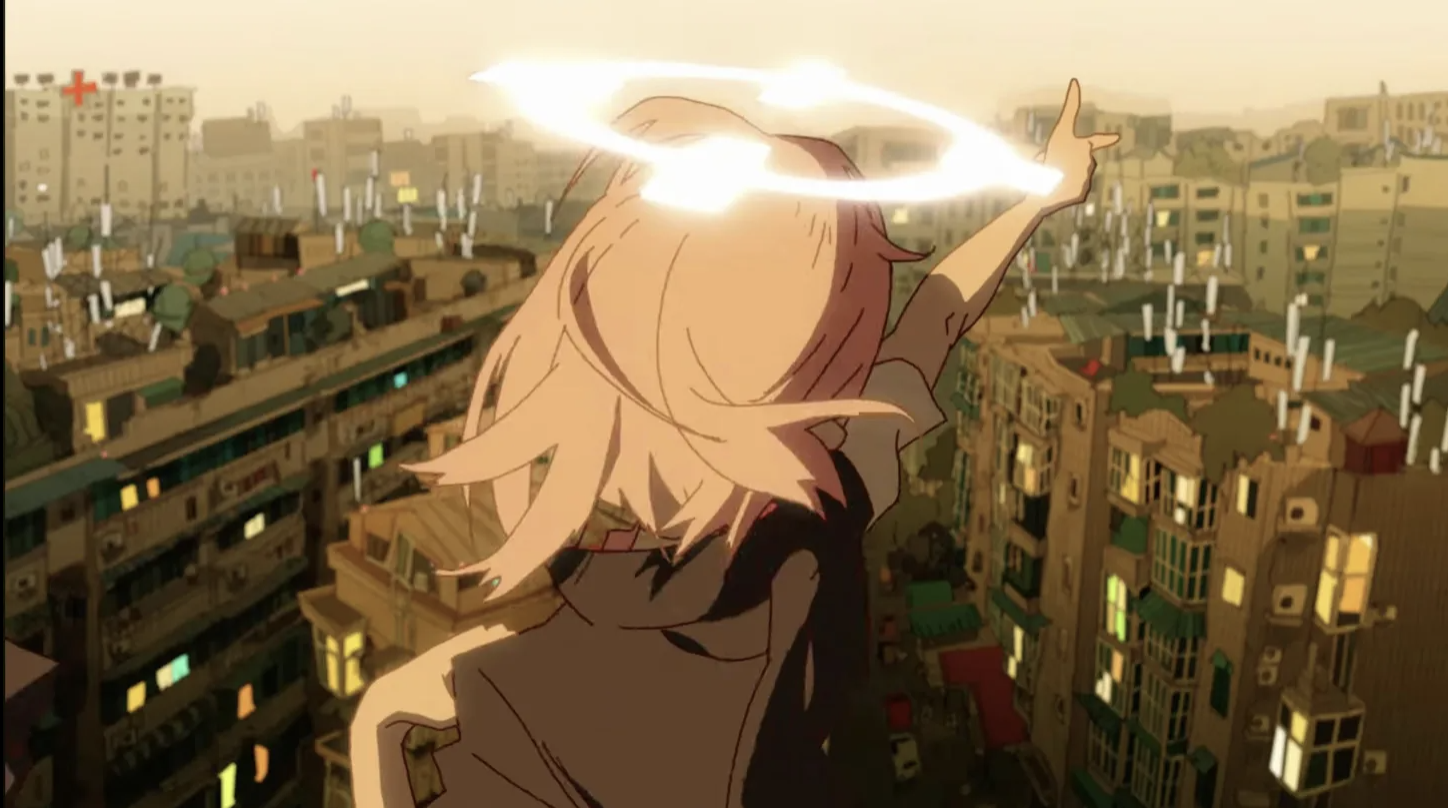
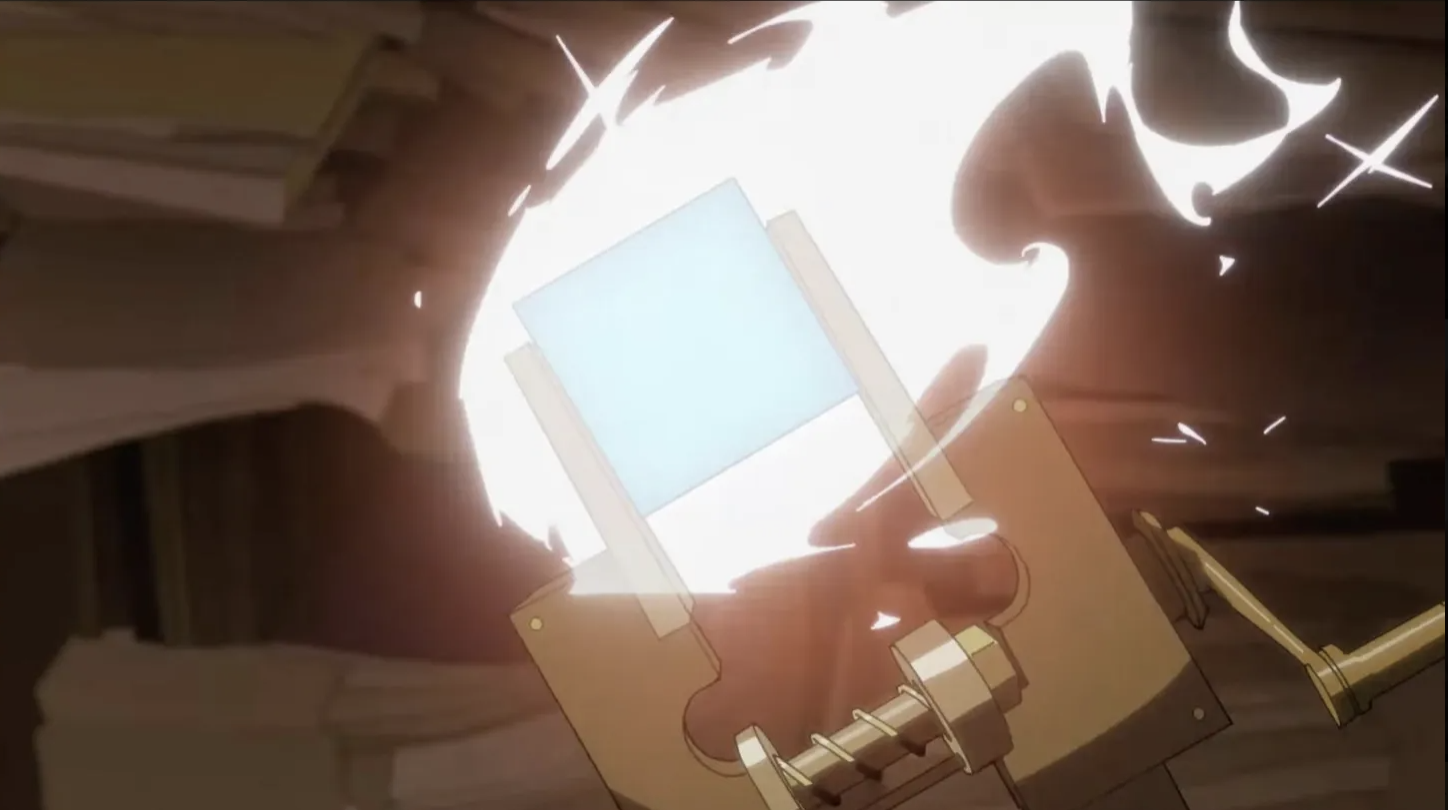
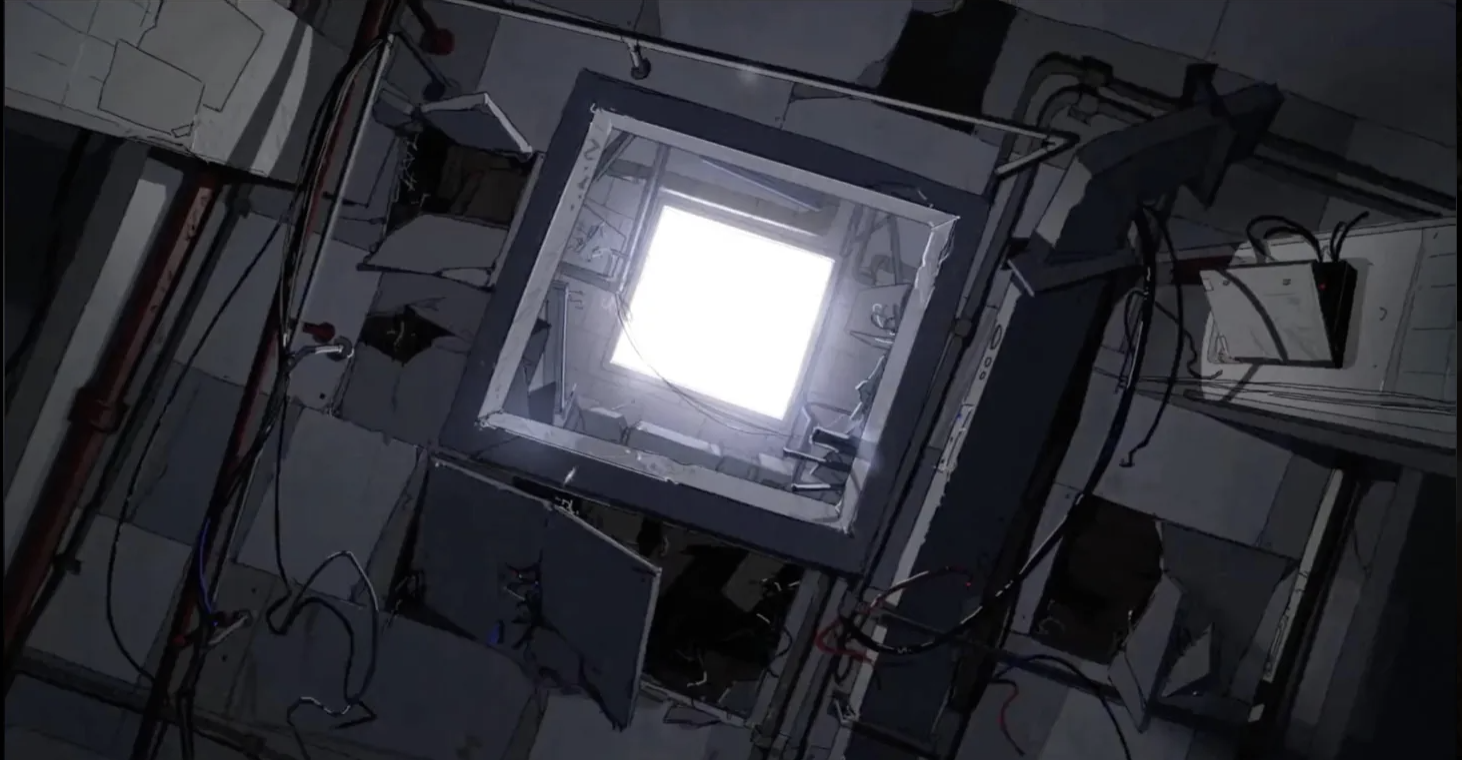
Here are my fav stills from each trailer/PV:
Main Trailer:
 PV
PV
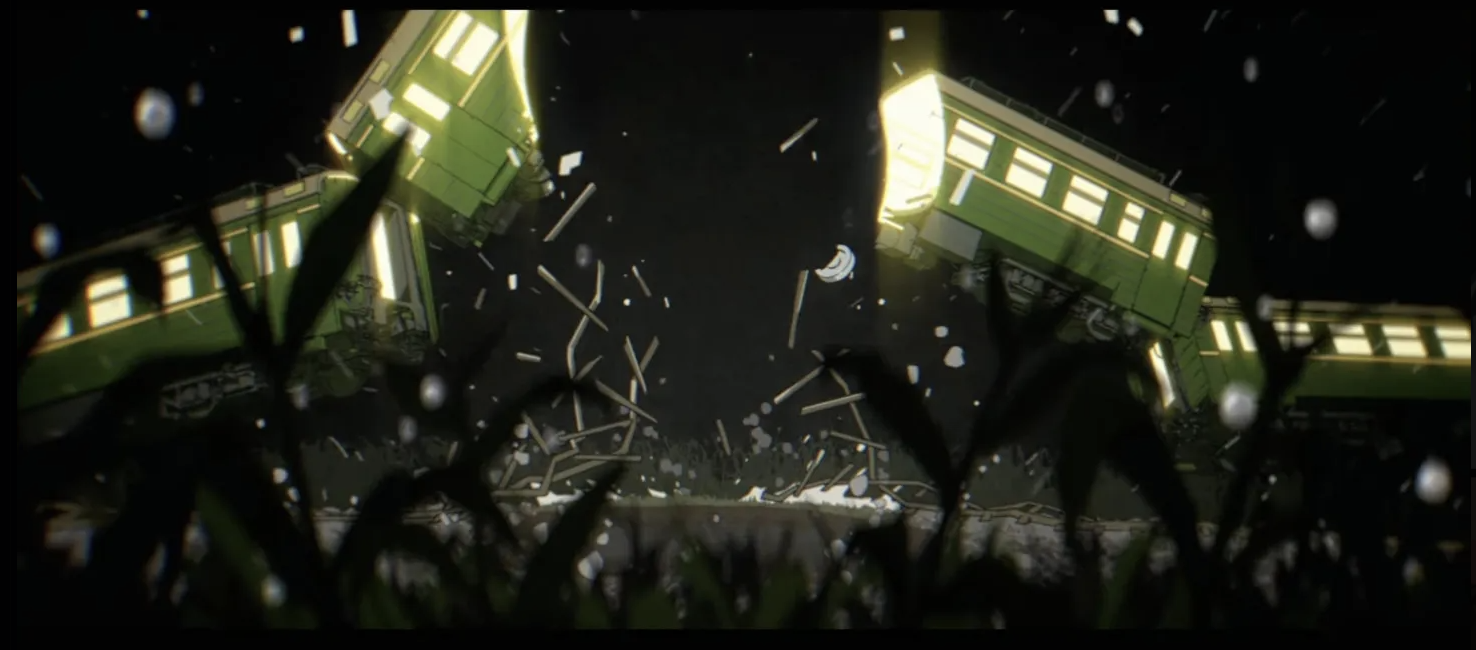
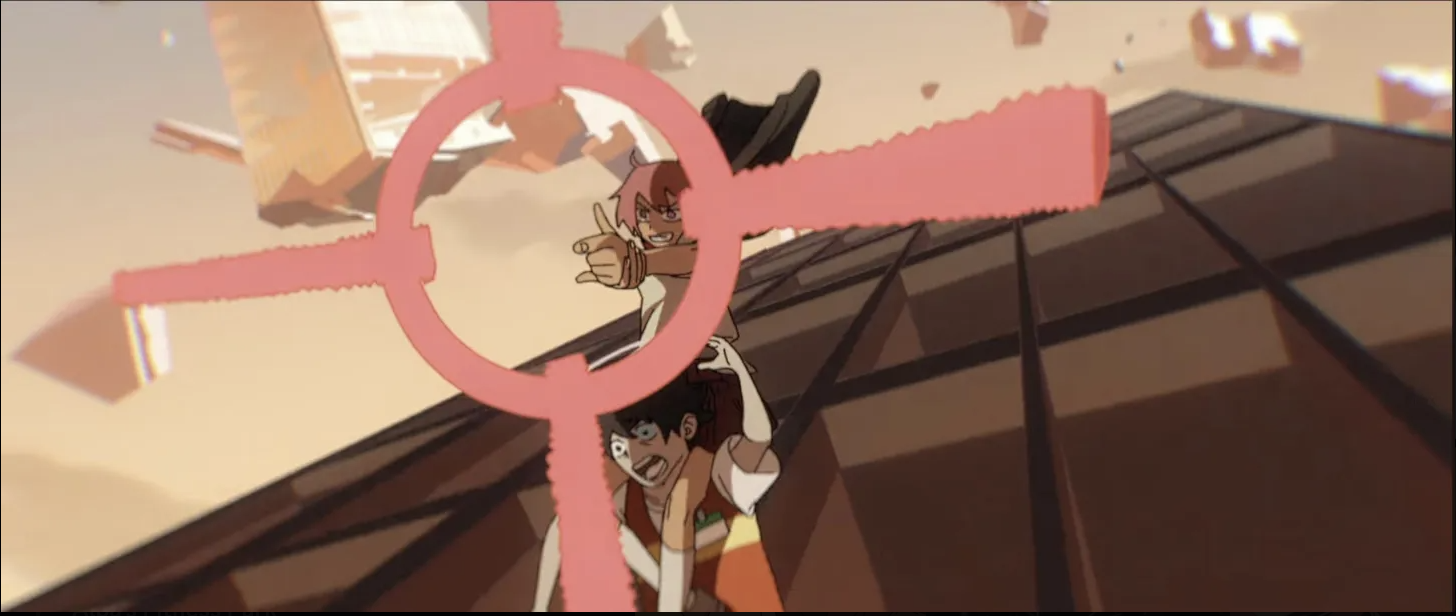
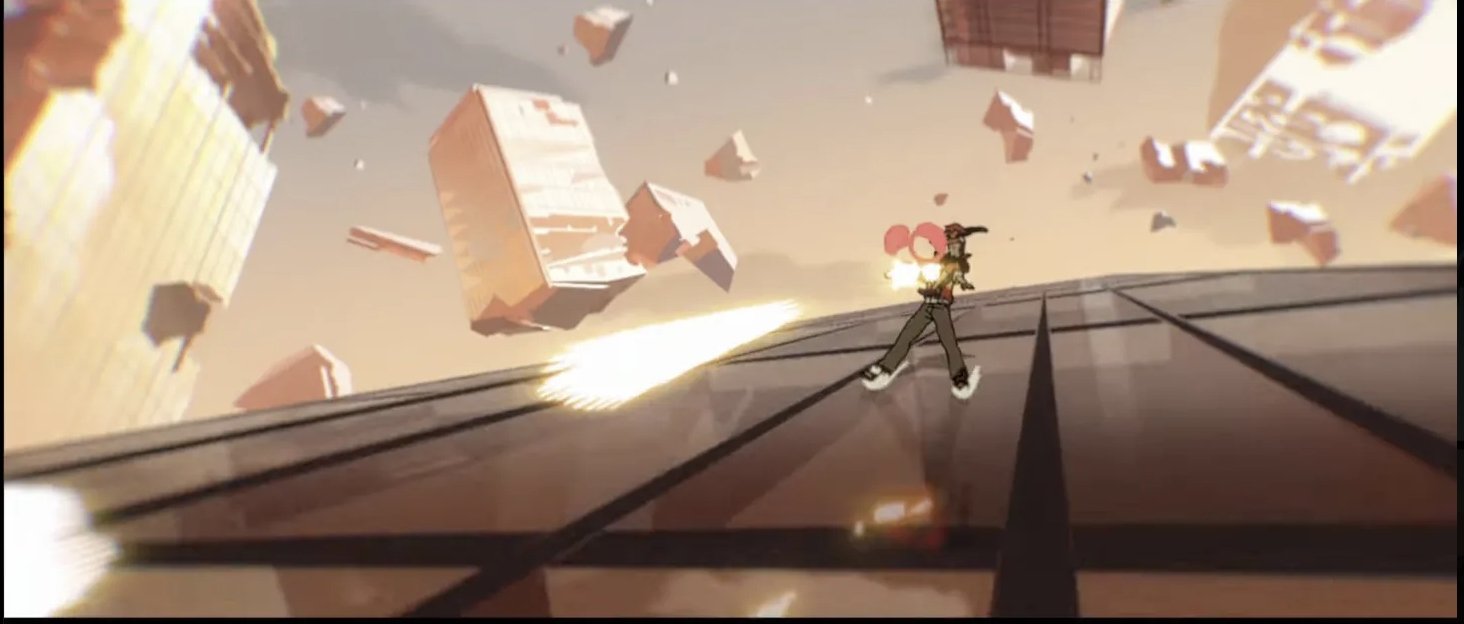
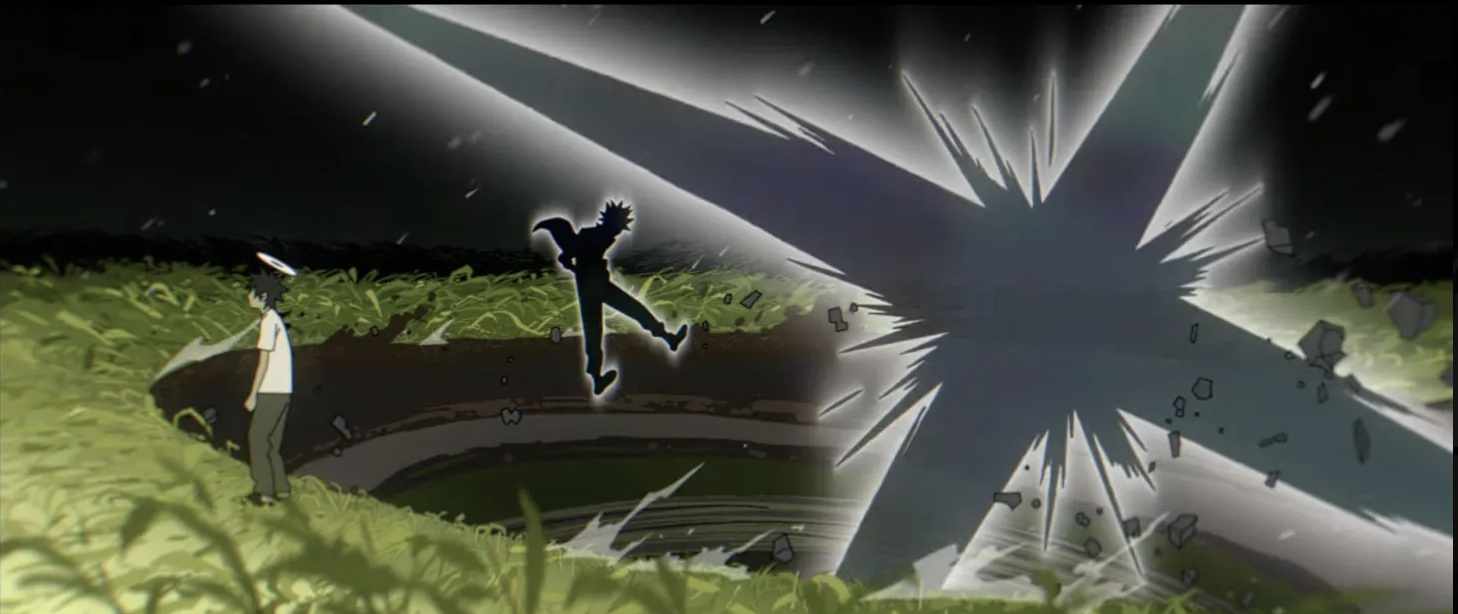
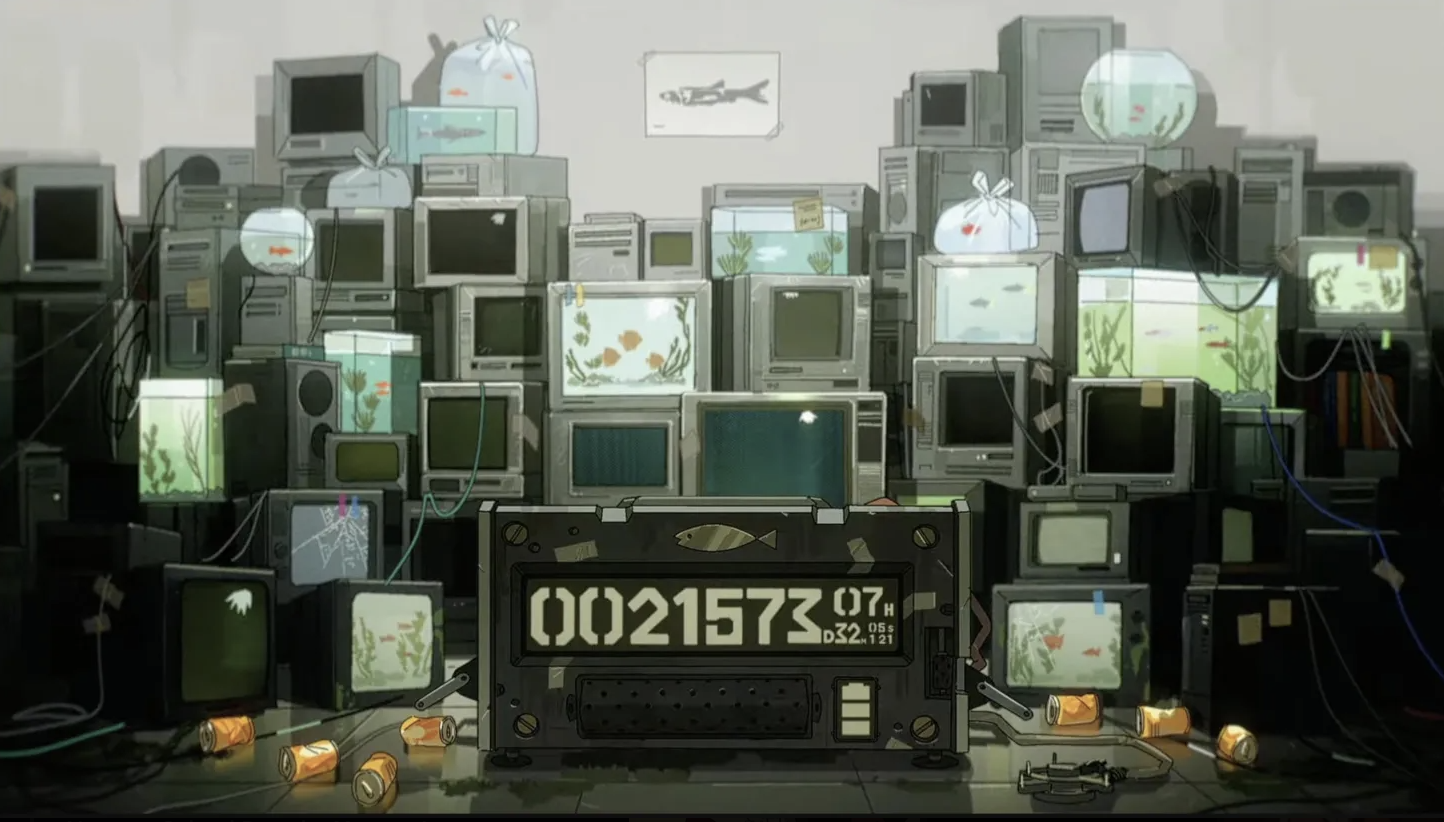 Another PV
Action Shot Breakdown Analysis!
Let's take some of the cool action shots and break them down :D
Cyberpunk Edgerunners
From half of 3:08 to half of 3:09 alone, lots of things happened!
There were about 35 frames if I counted it right and wow..
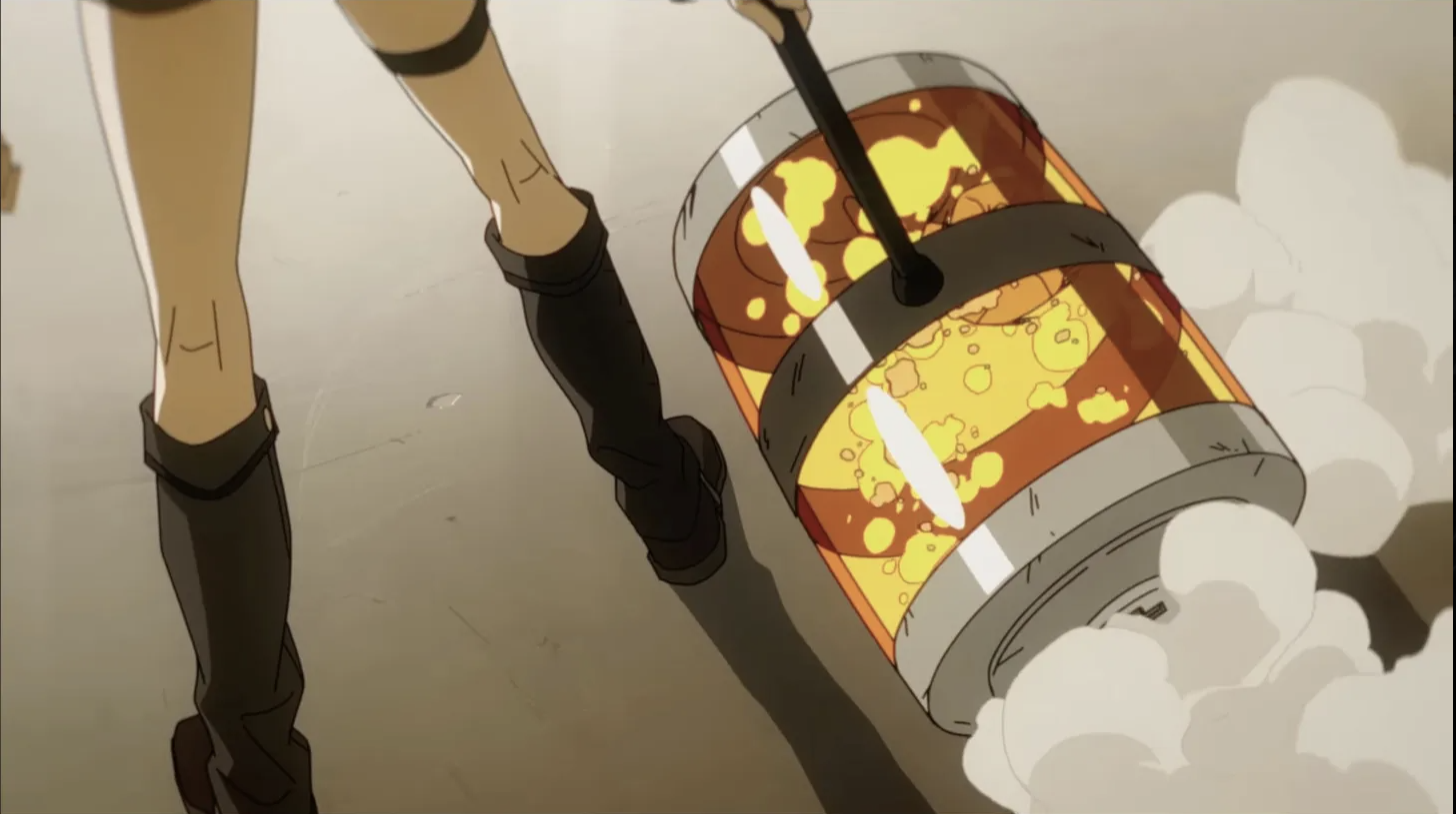
First frame we see Sasha's claws:
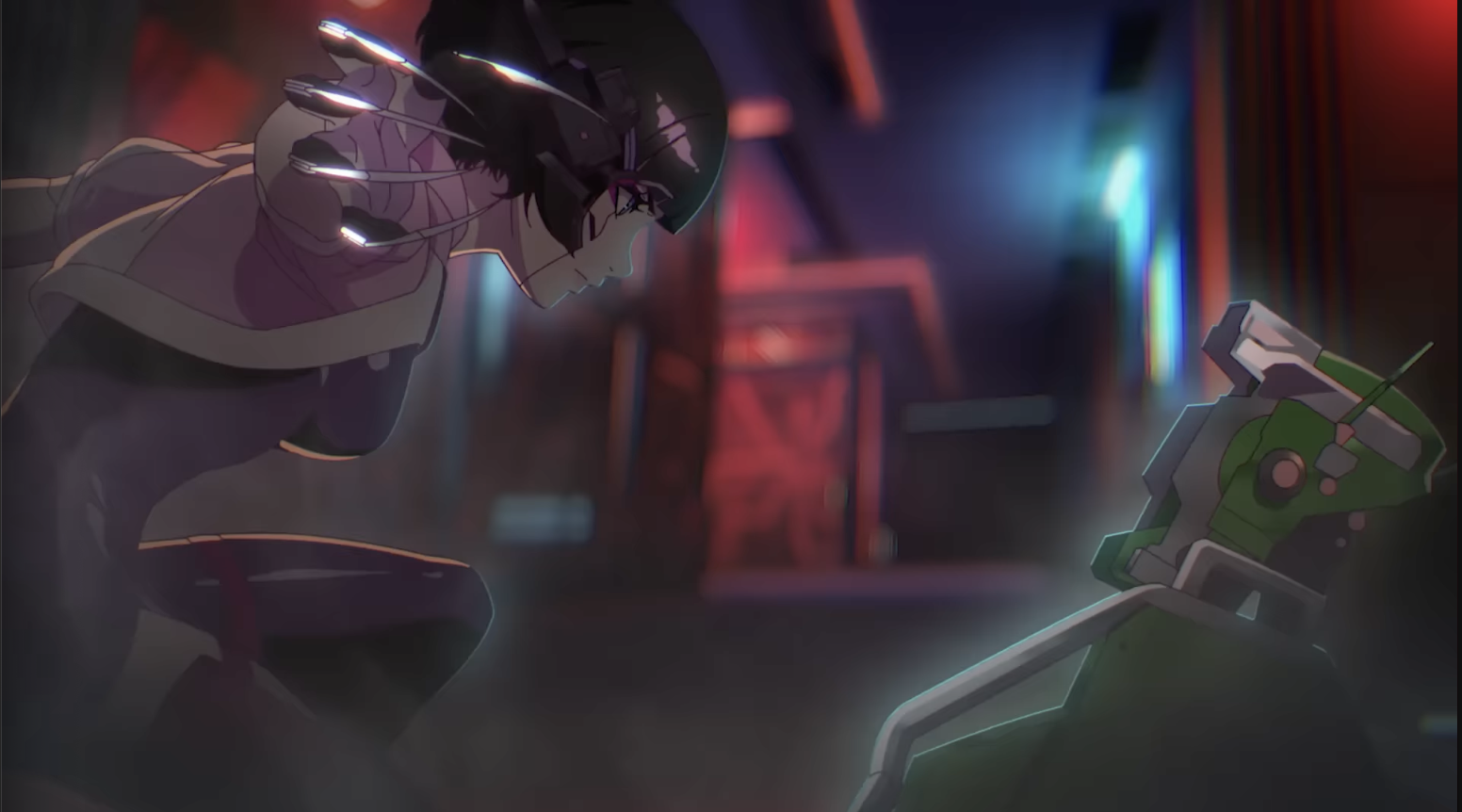 Then, no animation yet but the glow/glare on her claws move:
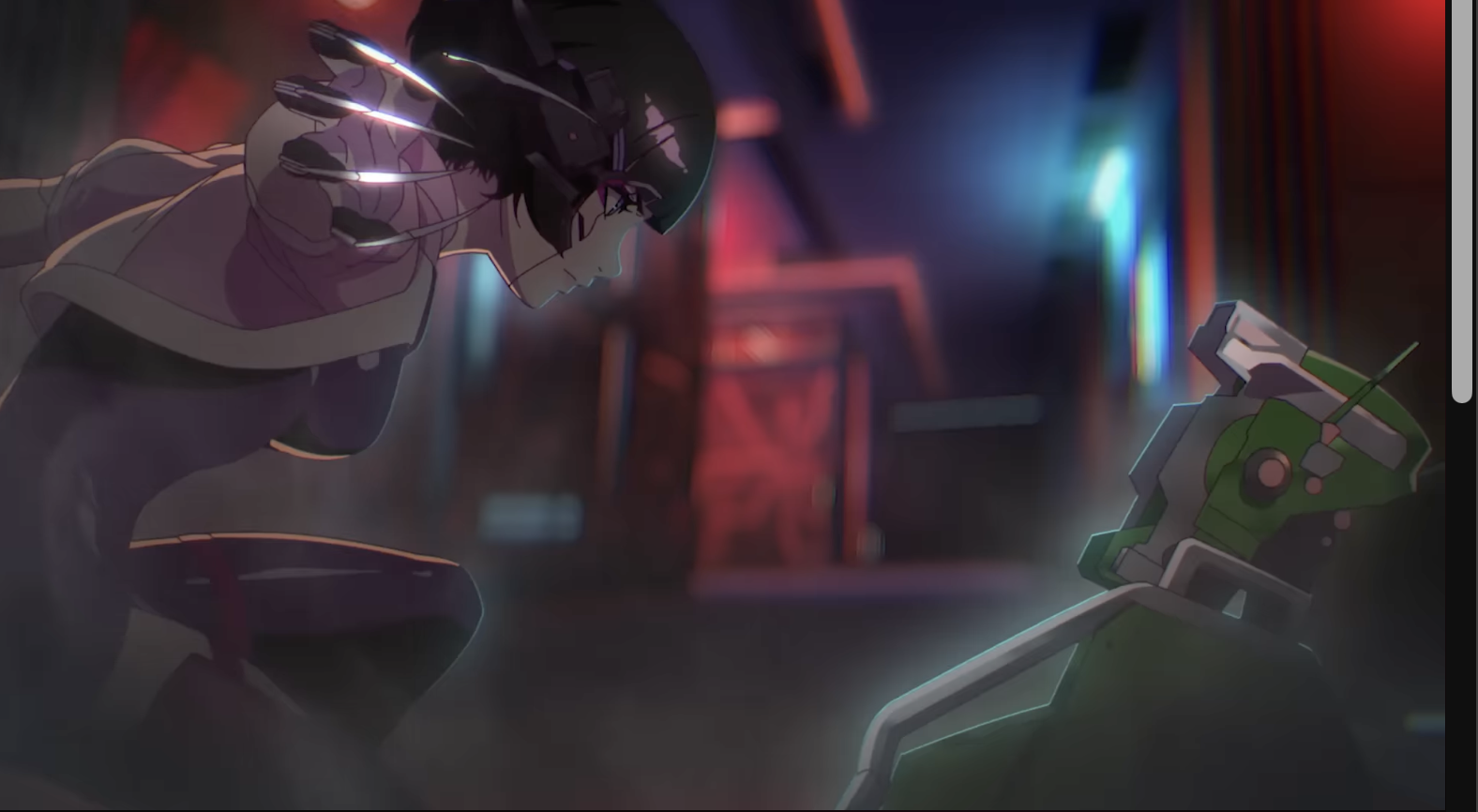 She opens her claws:
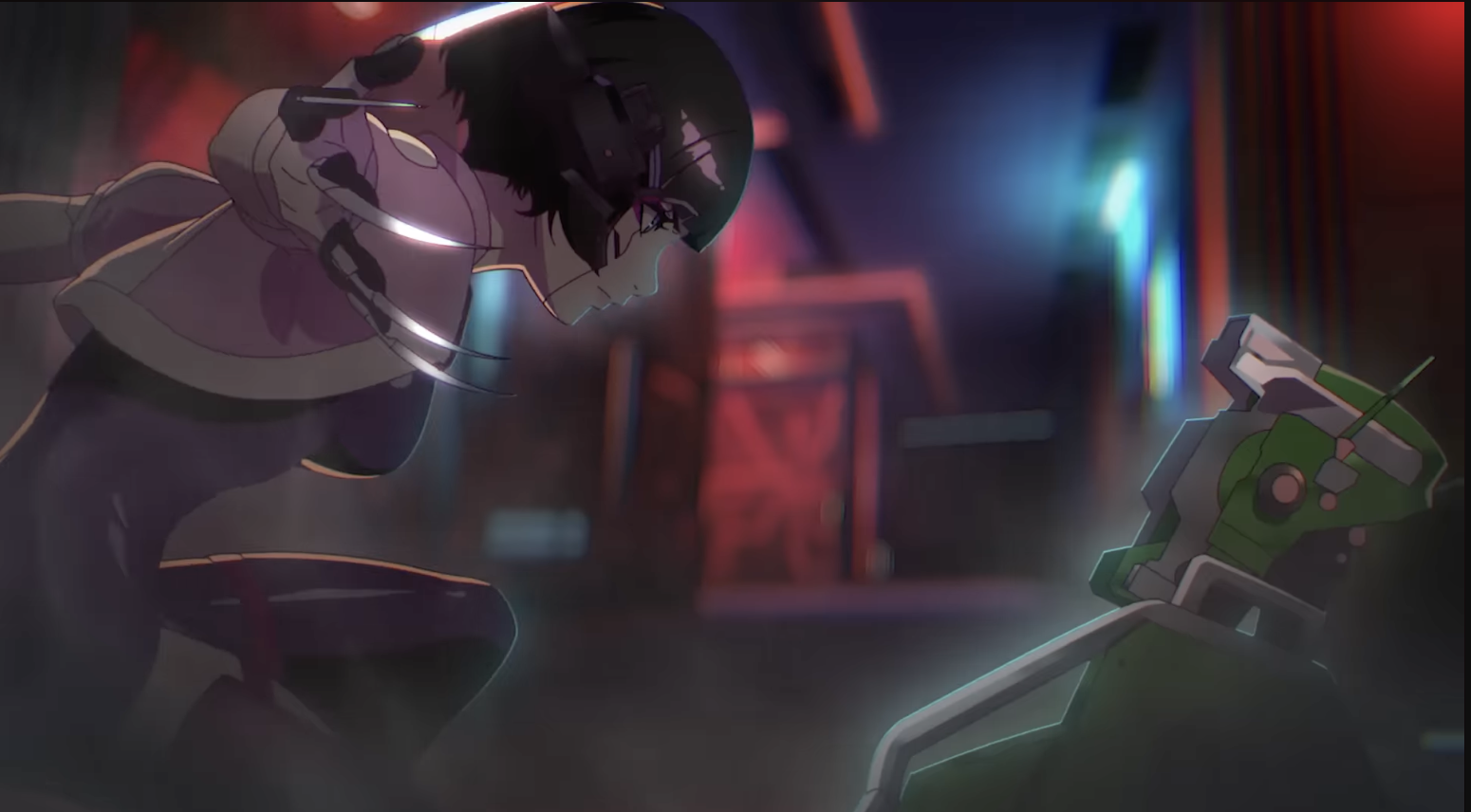 Movement holds on the frame after as well but the glare continues to move:
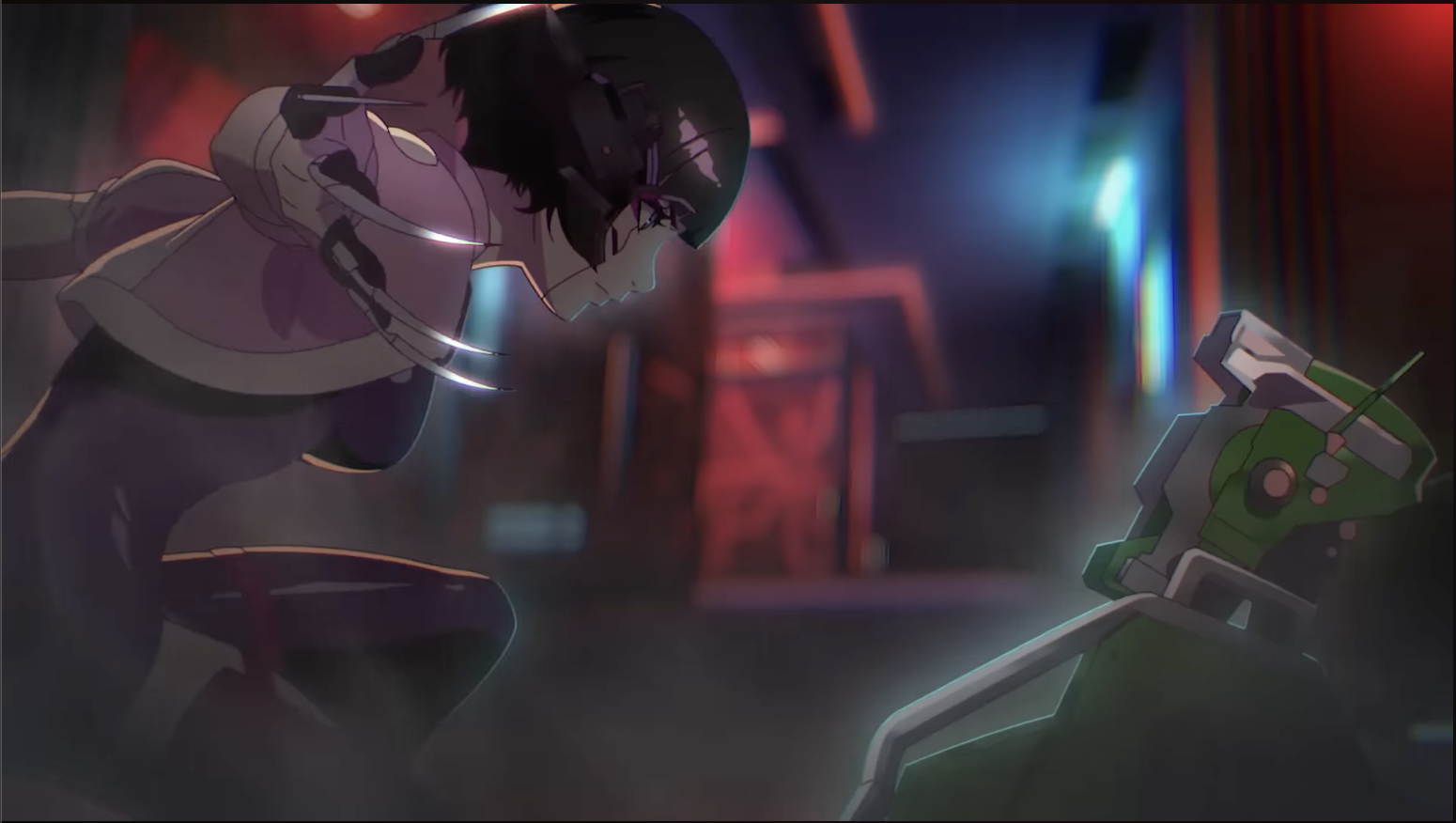 Her claws moved again.. looks like the first few movements are on 2's (ie. the movement is paused for 2 frames):
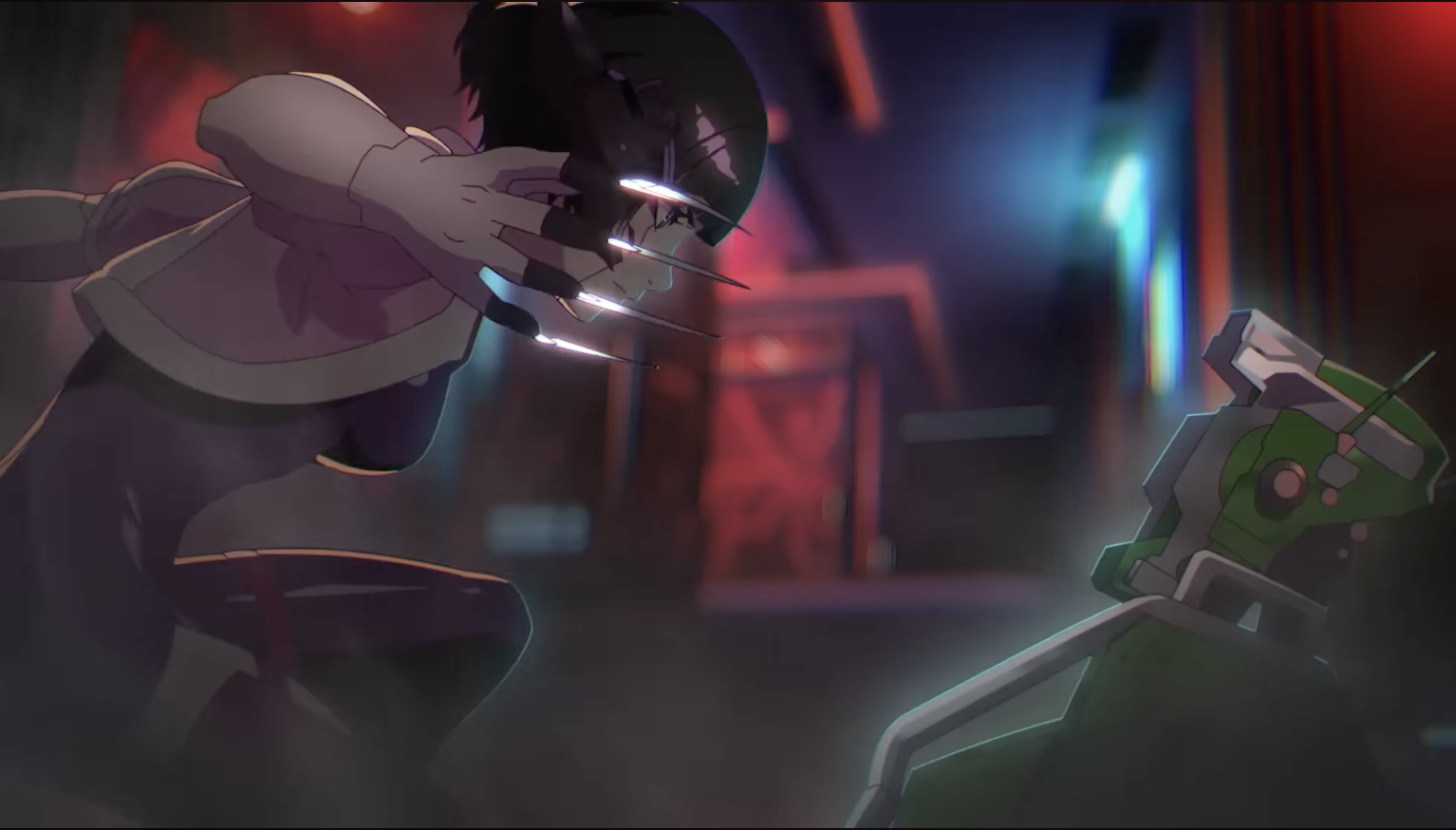 The next frame, as I suspected, was the same, no physical movement, only the glare on her claw moved:
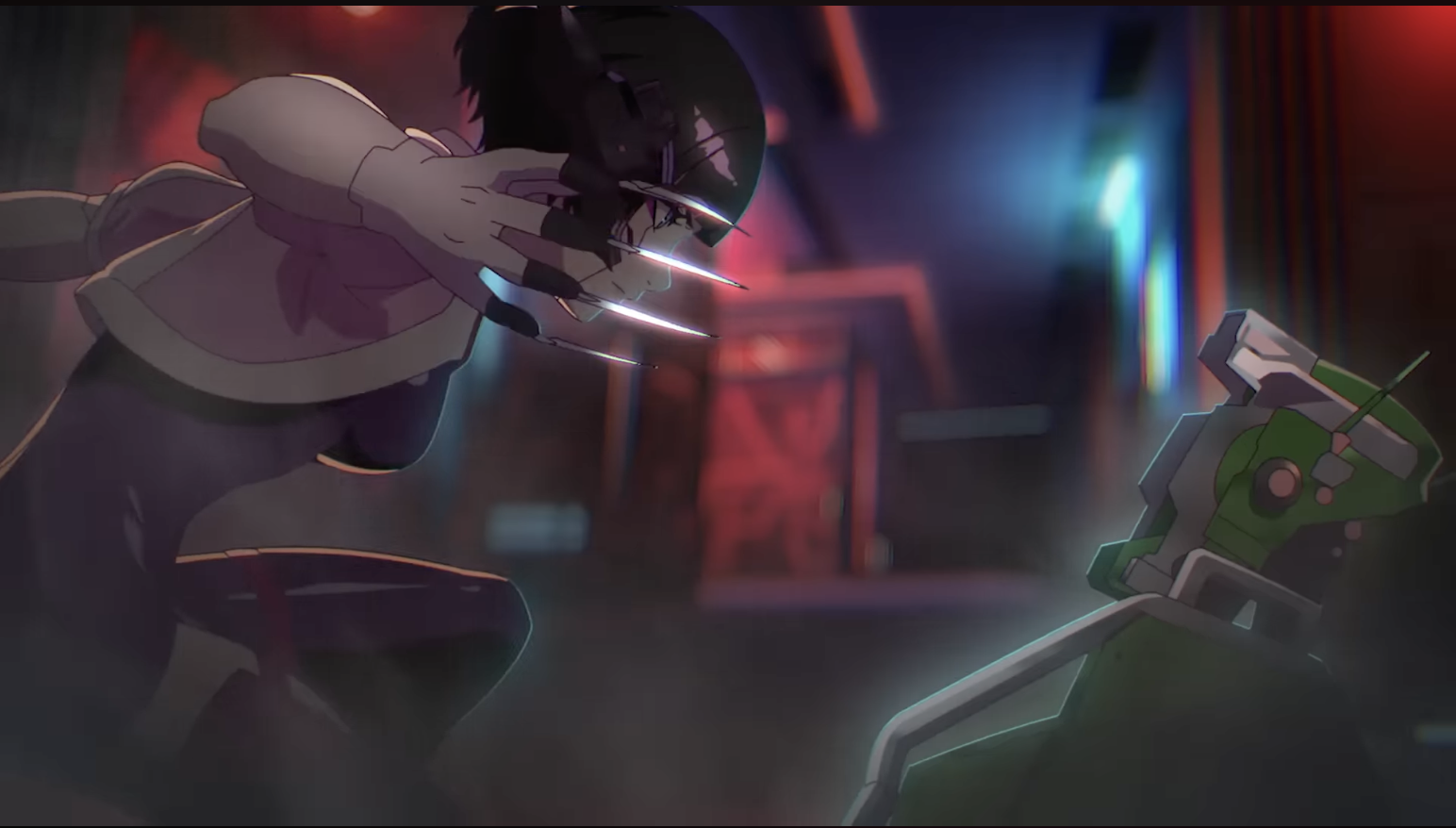 She turns her claws:
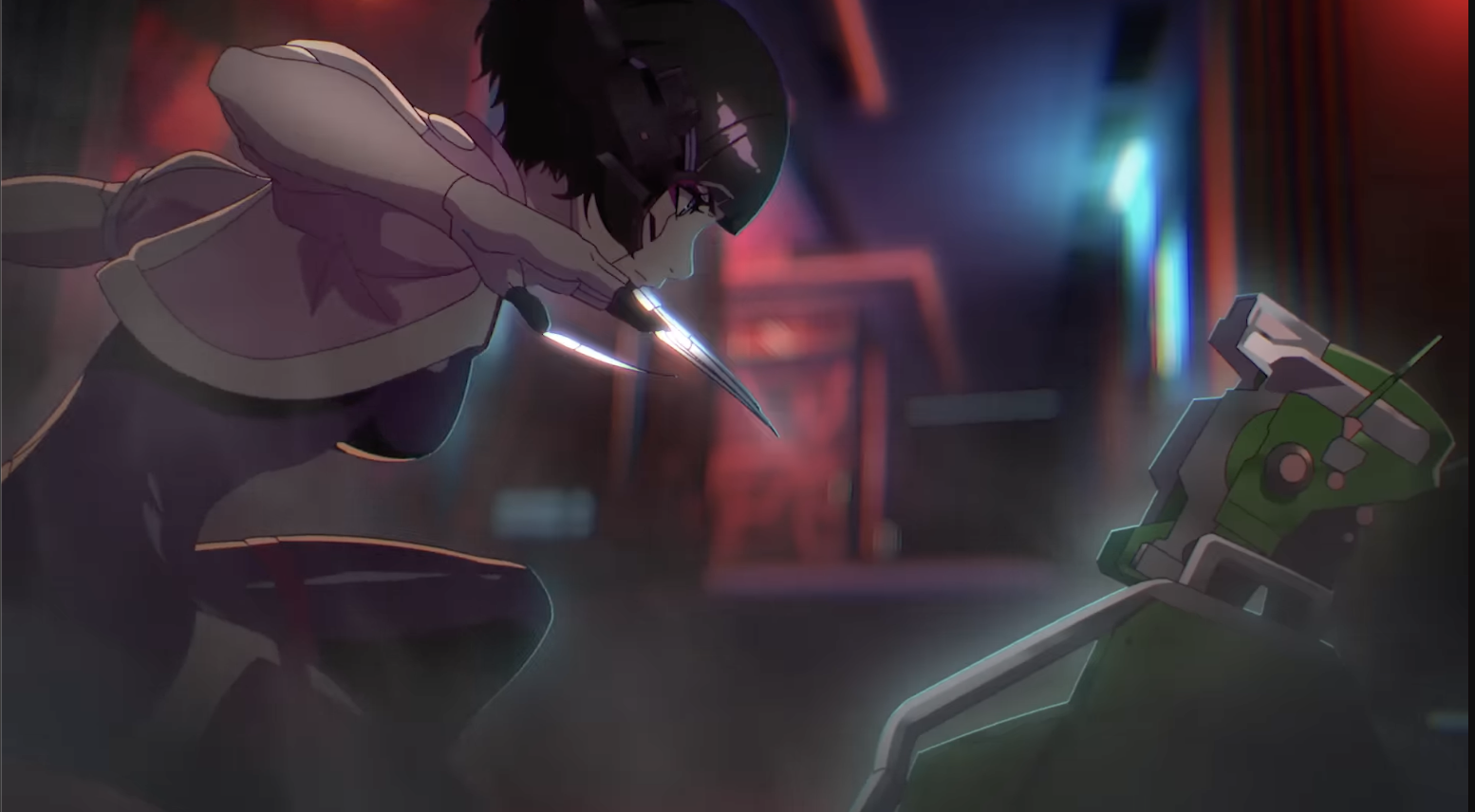 Again, no physical movement but the glow moved:
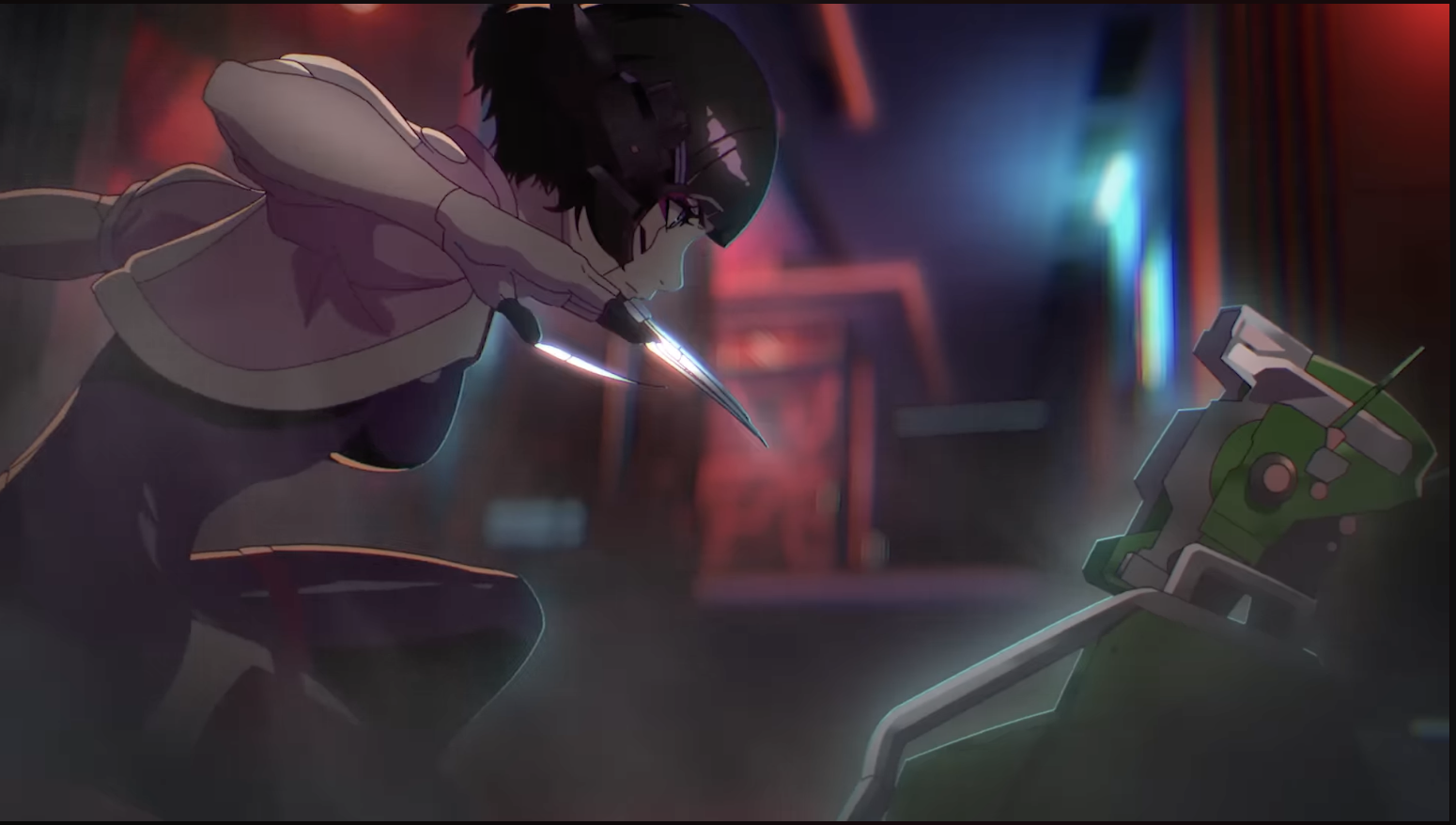 Motion blur (only she moved, not the camera):
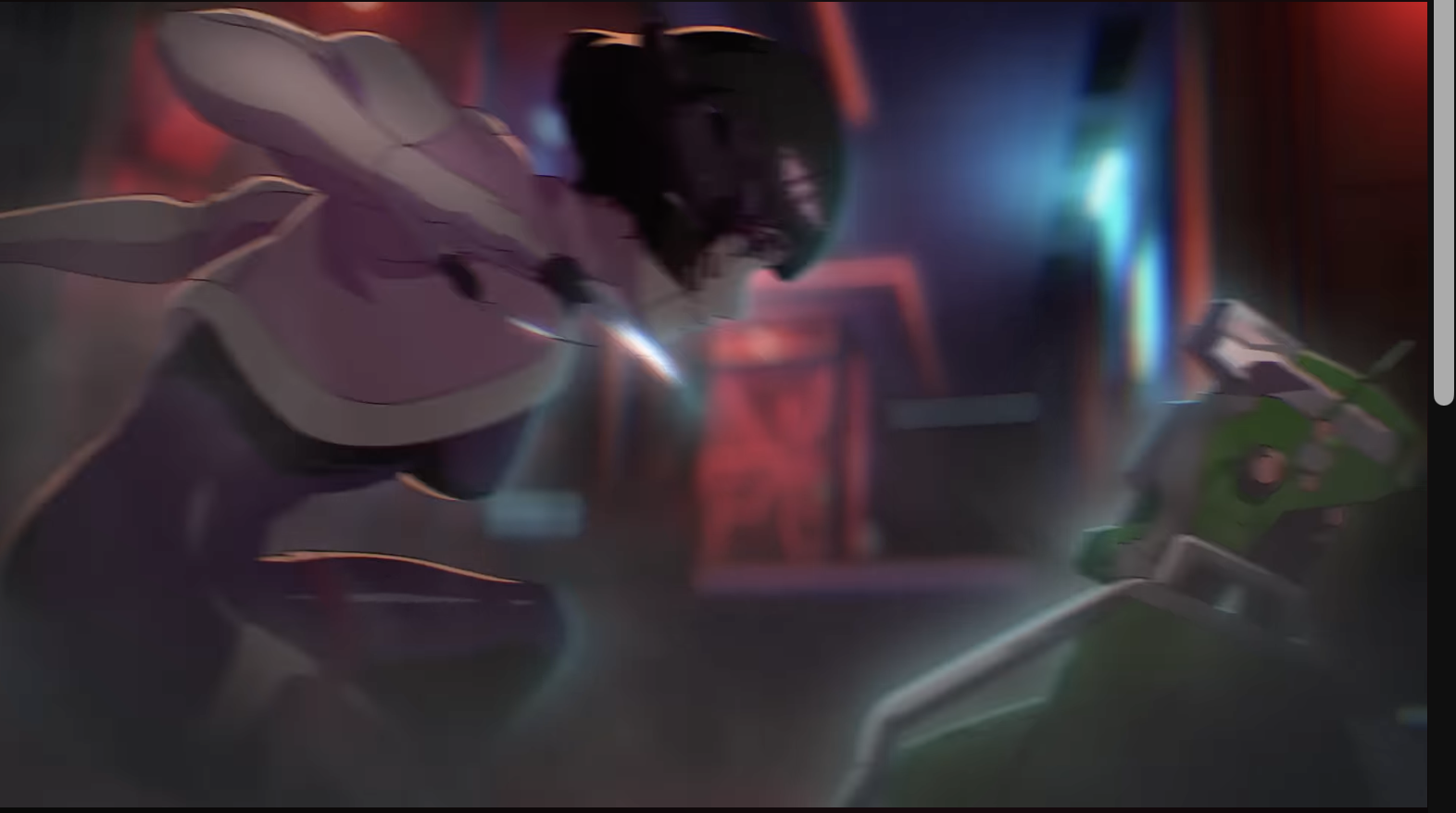 Camera Pans to the left slightly:
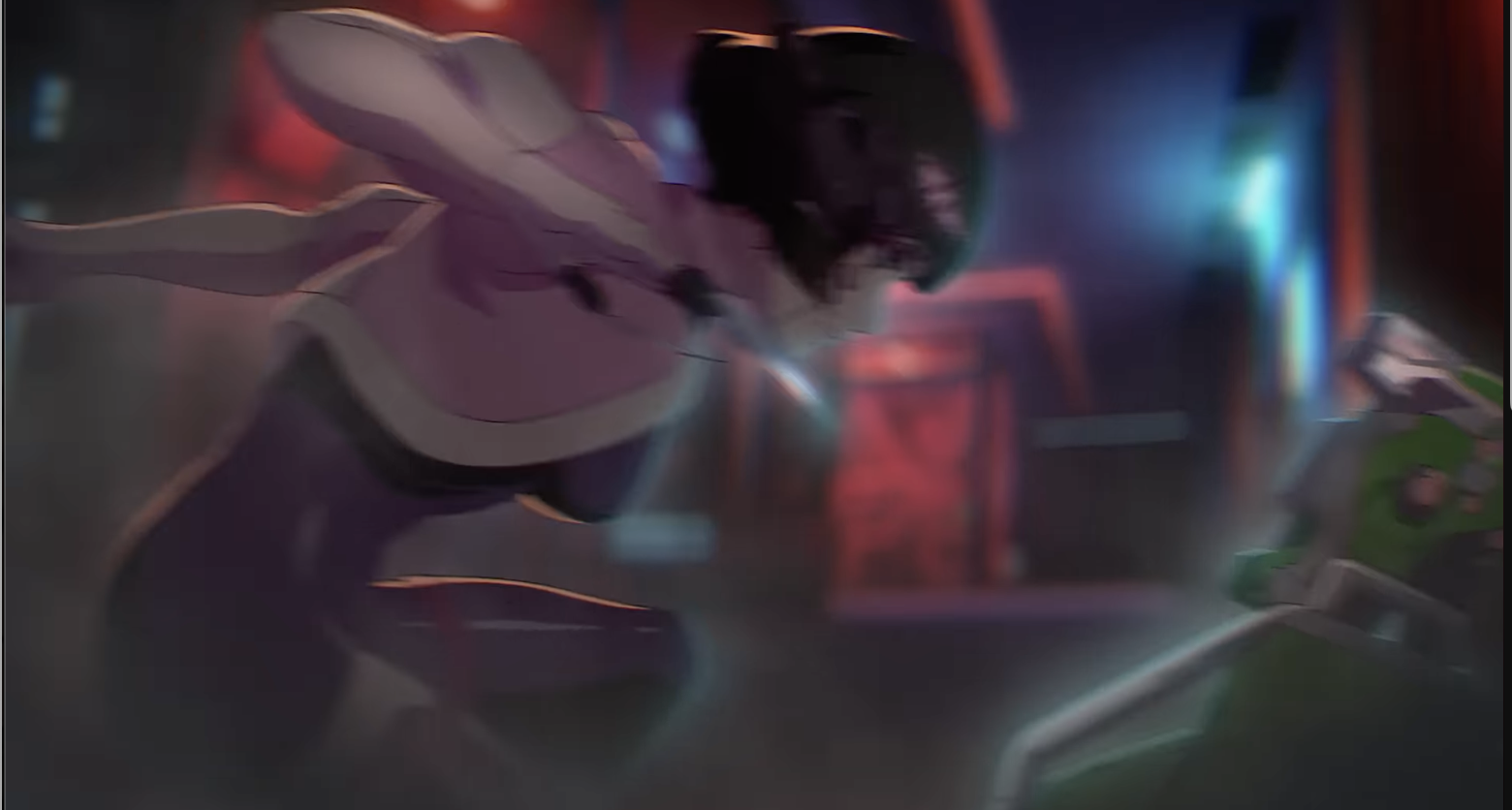 Camera Pans to the left some more.. In Anticipation for the attack..
TIL you can also use camera movement for anticipation too!
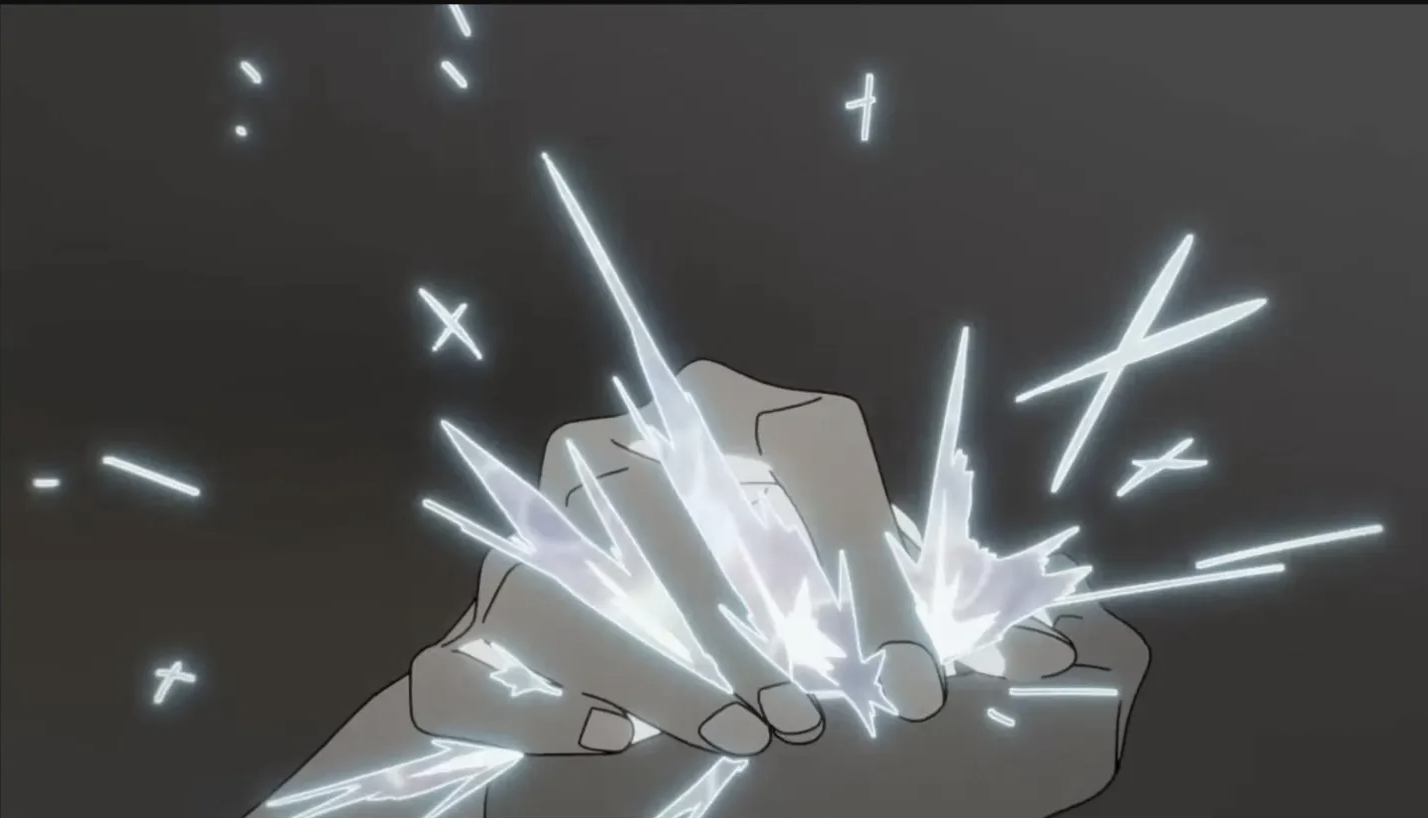
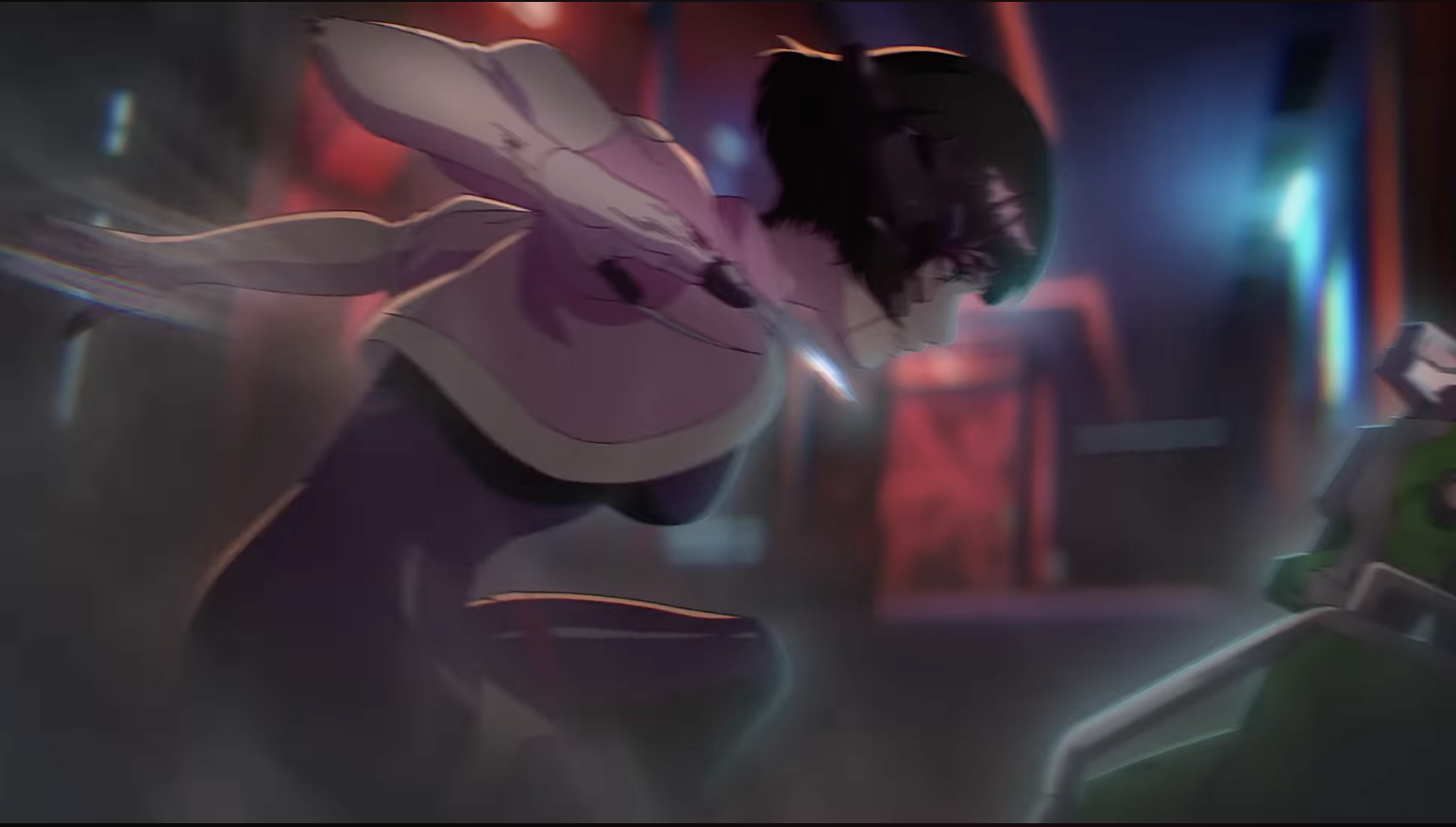 Slight more pan to the left but now there are some fx added on top.. which if you watched the video, it looks really fancy but if you stop it at that one frame, it's not that neat and tidy!
So I'm learning that its ok to be a bit messy in some frames XD
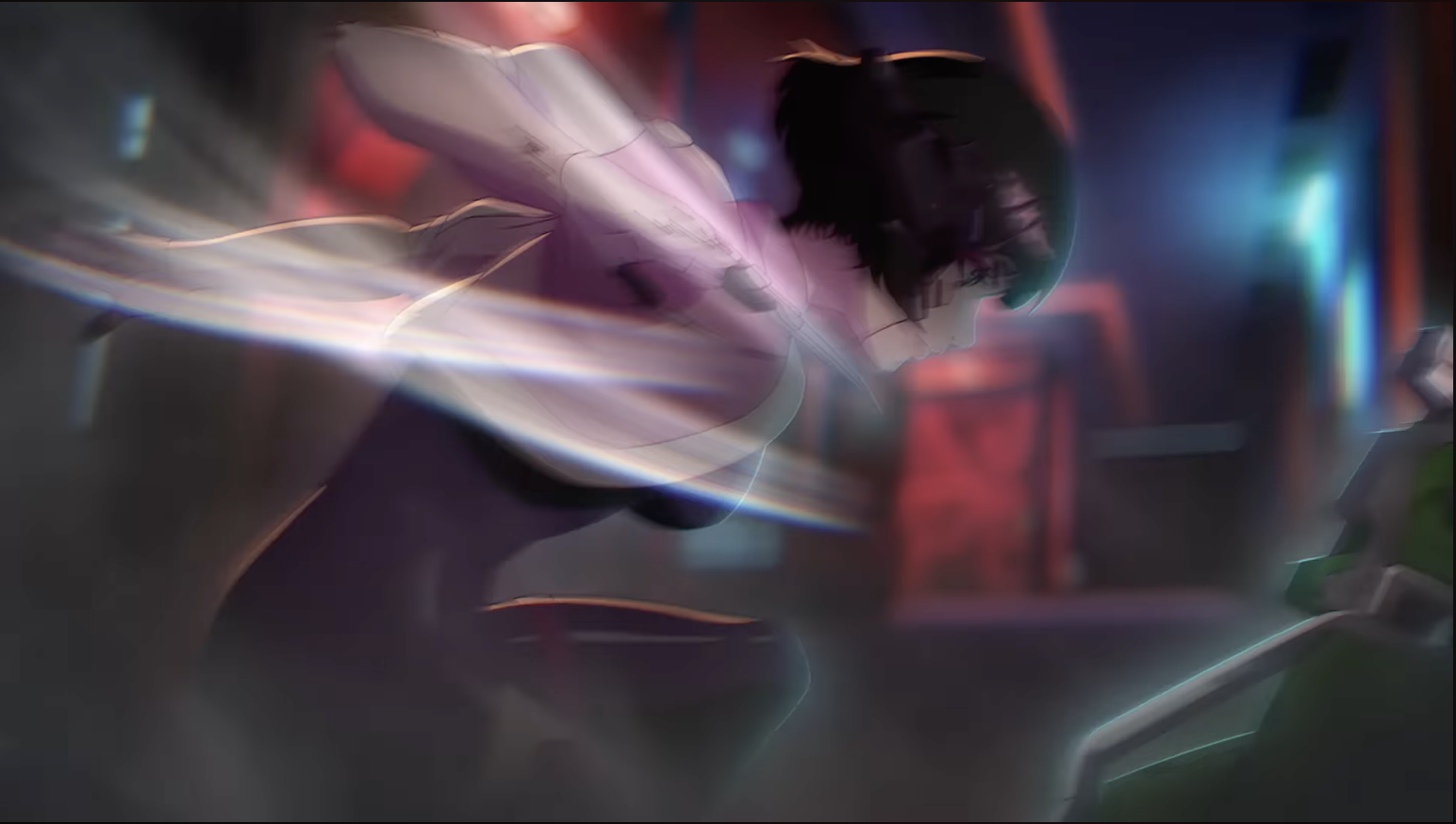 Dayum that went from 0 to 100 - At first I thought there might be one in between but nope.. Def good to know tho...
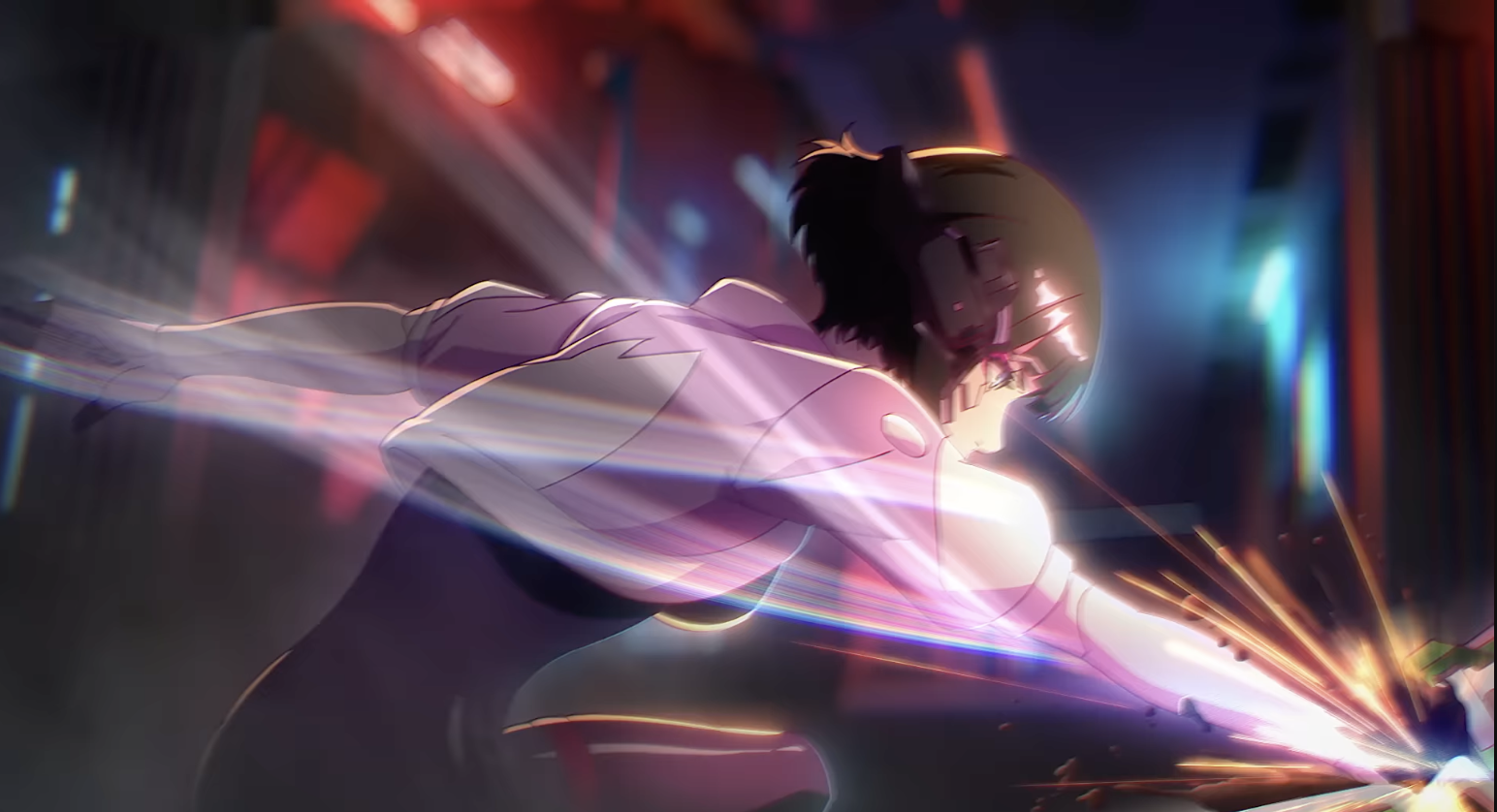 Camera pans to left + motion blur and probably lens flare too(?)
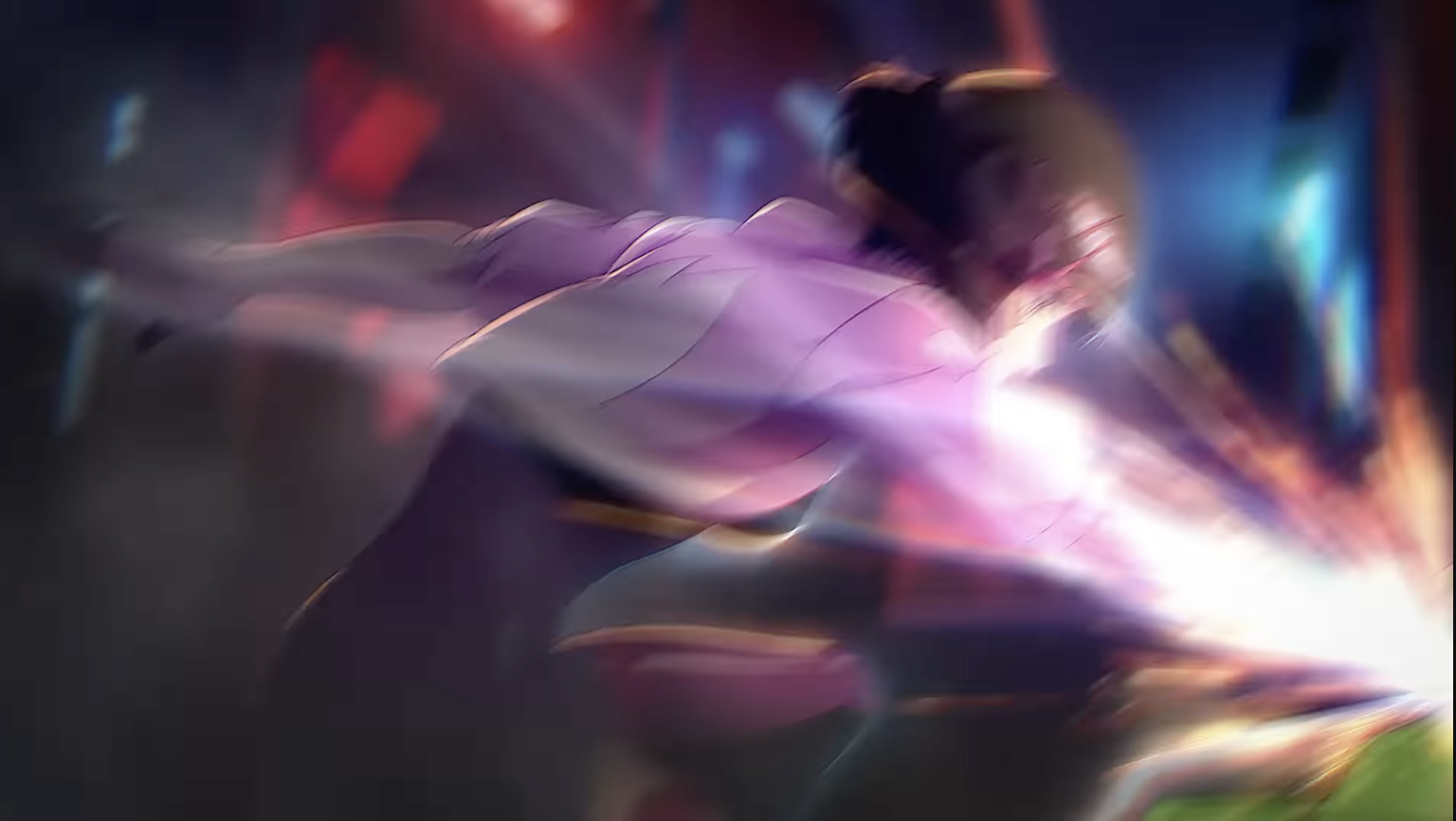 Suddenly no more blur... and the camera pans to the top left ever so slightly..
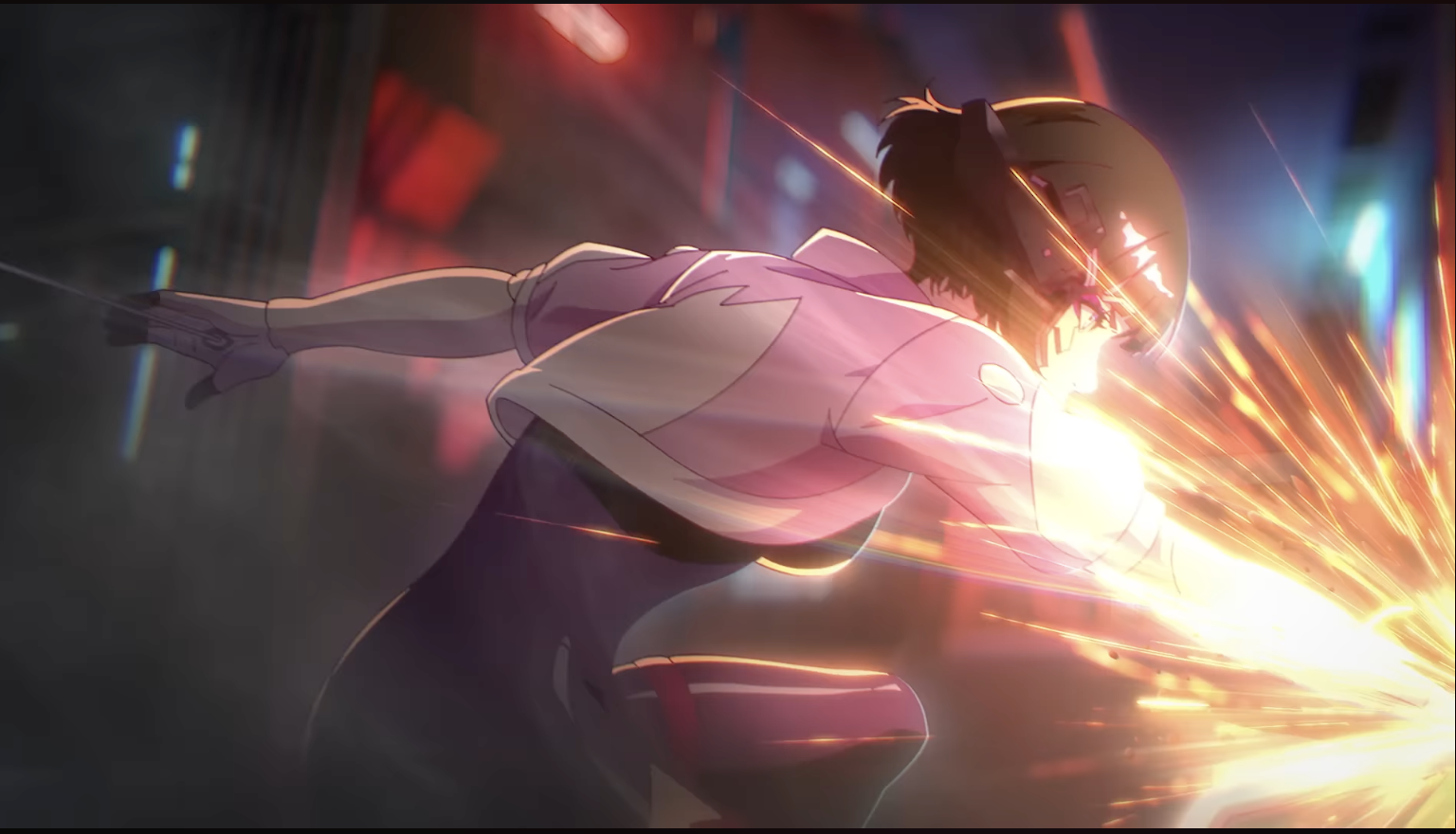 Blur again.. I think that's how you get the lens flare effect (?)
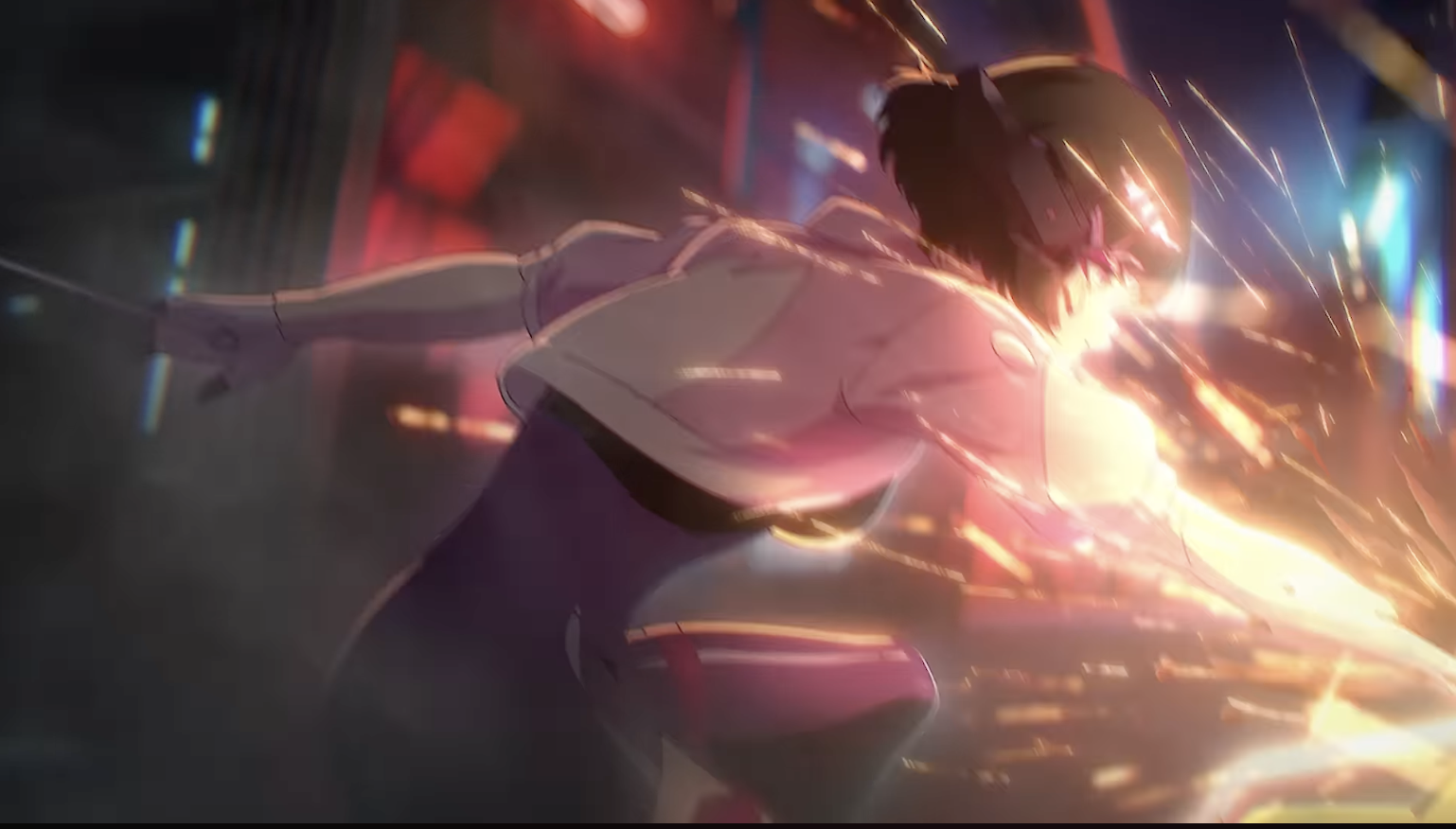 No blur again.. Hm I wonder how they blur just a single frame in comp.. I mean physically I know how to do that but its like hm.. that's a lotta work to selectively blur a single frame in a whole clip.. wonder if there are any shortcuts for that...
I'm a noob at comp so maybe its not as hard as I think it is XD
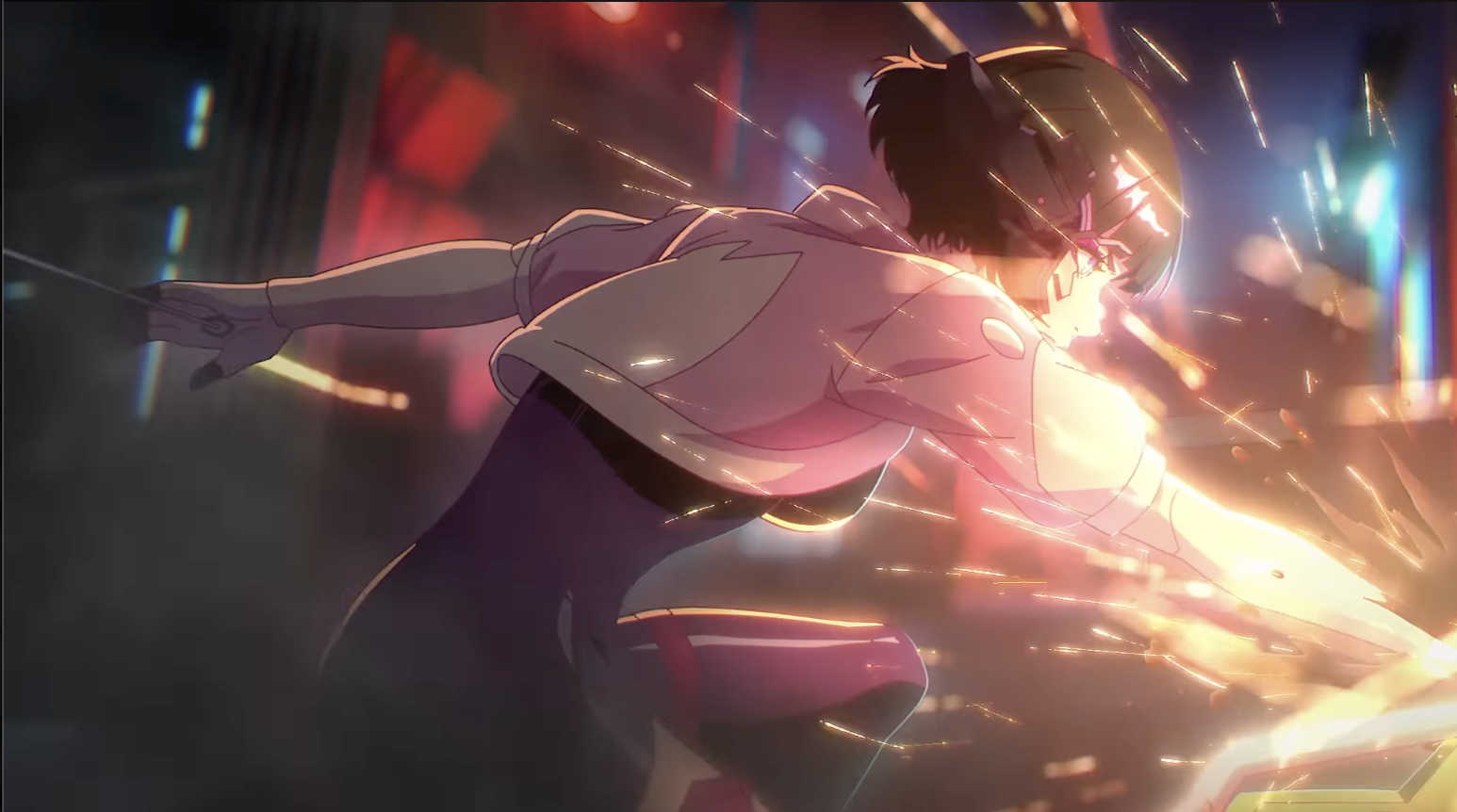 Crisp....
Oh meanwhile she hasn't really moved for a few frames.. She's just in the same pose with some camera movement so for all intents and purposes this could technically be a hold frame and all the work is on the comp and fx side. The sparks appear to be the only thing moving here..
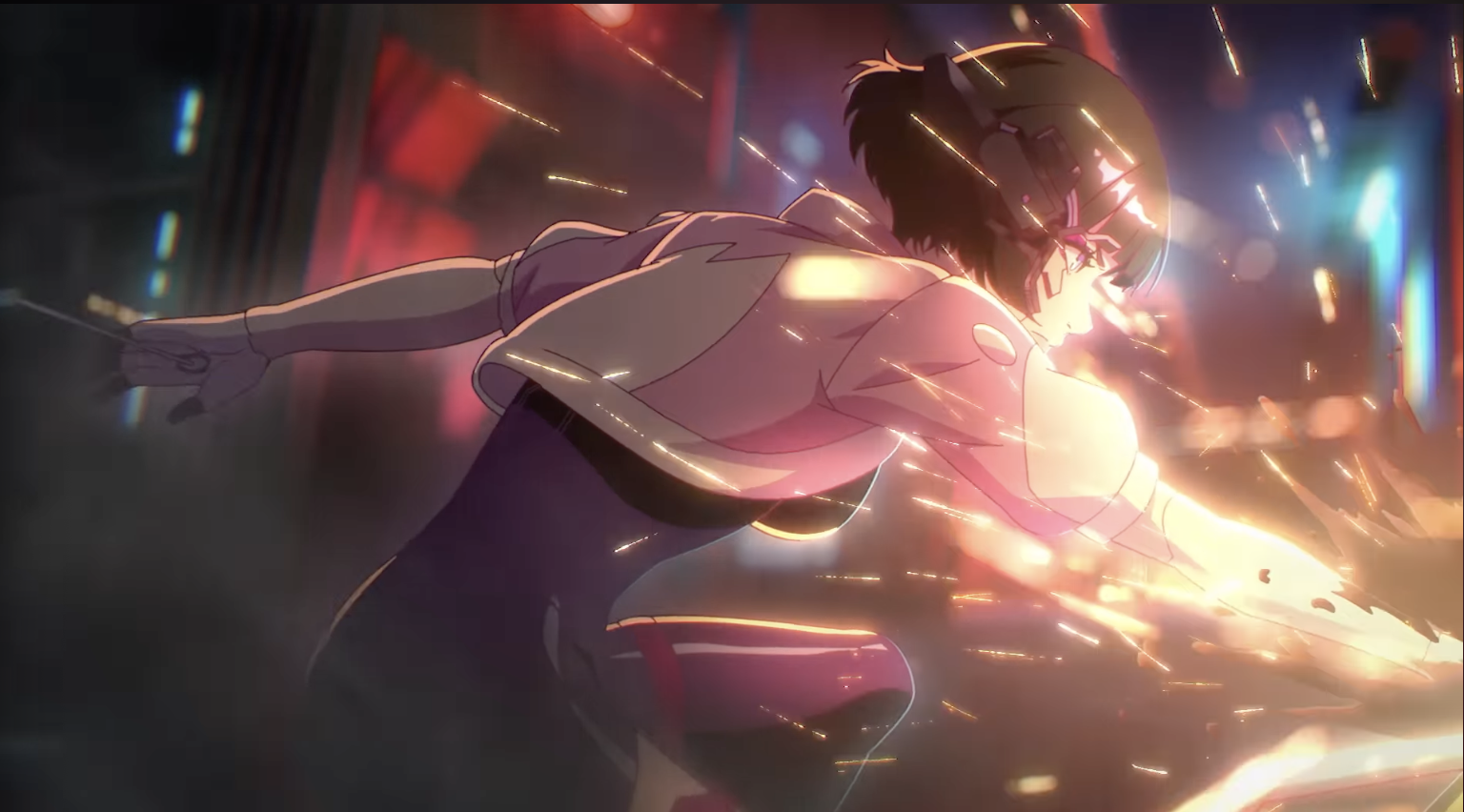 Camera panned down a bit
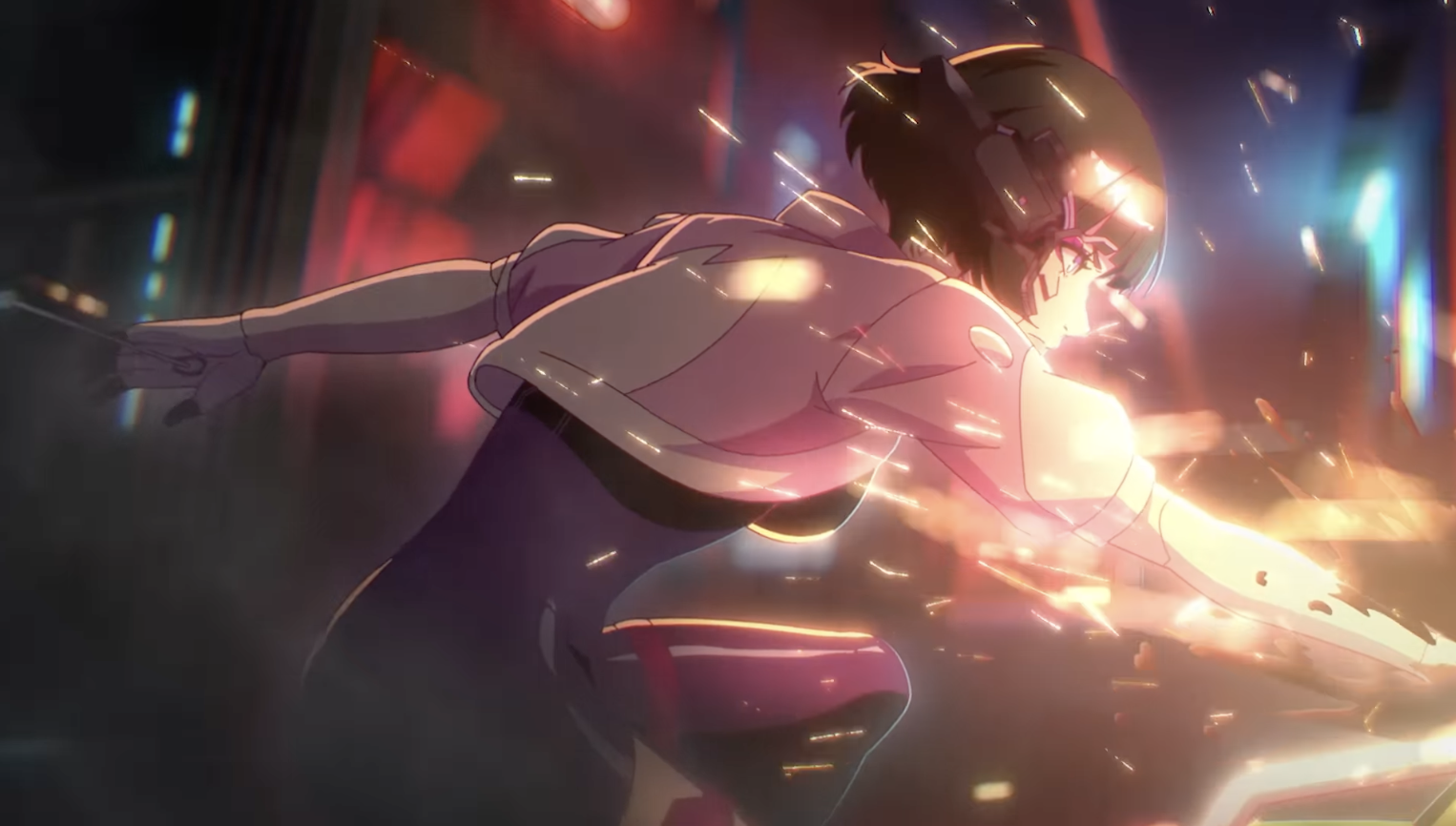 Now, she moved and pulled back a little bit
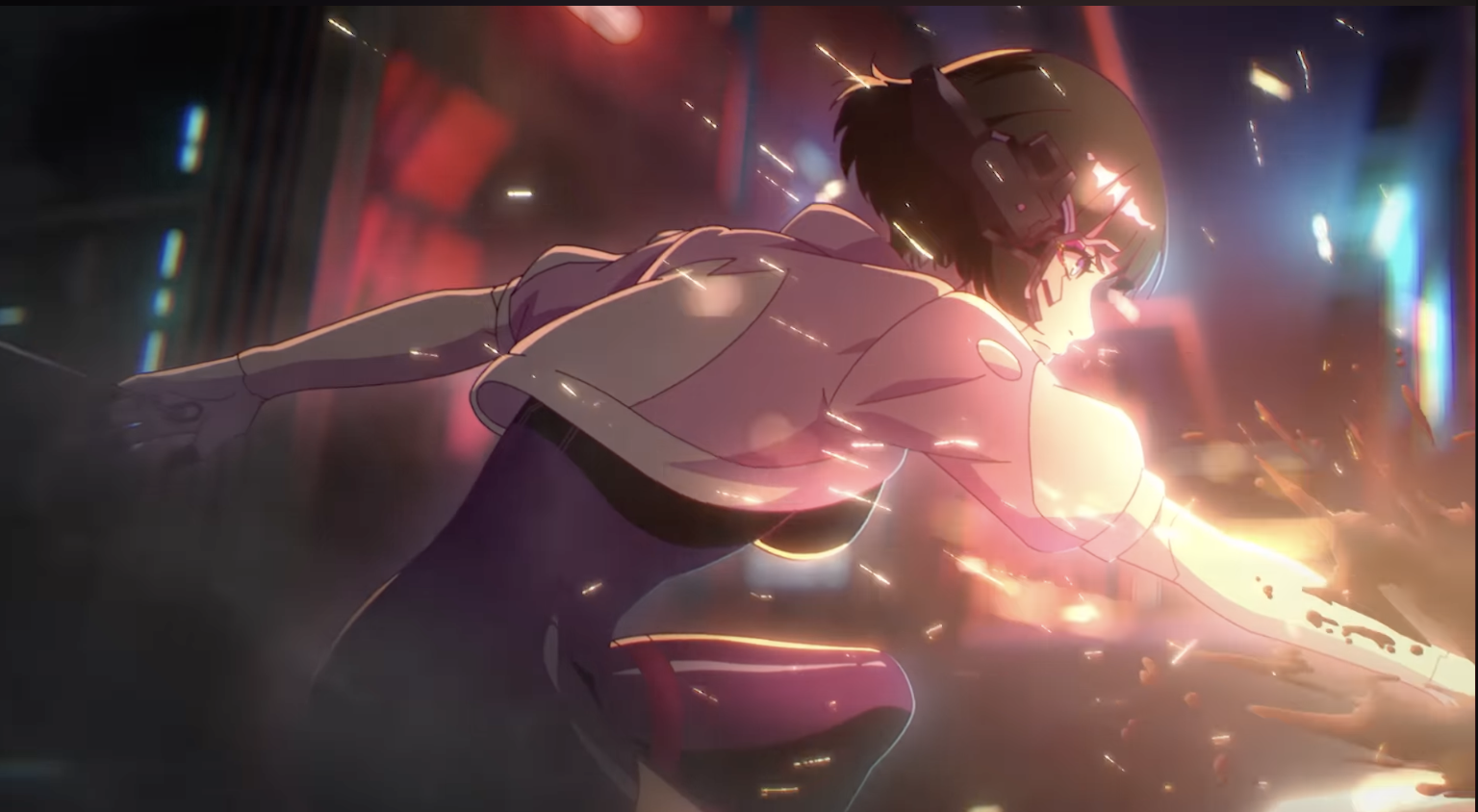 Camera pans up a little bit
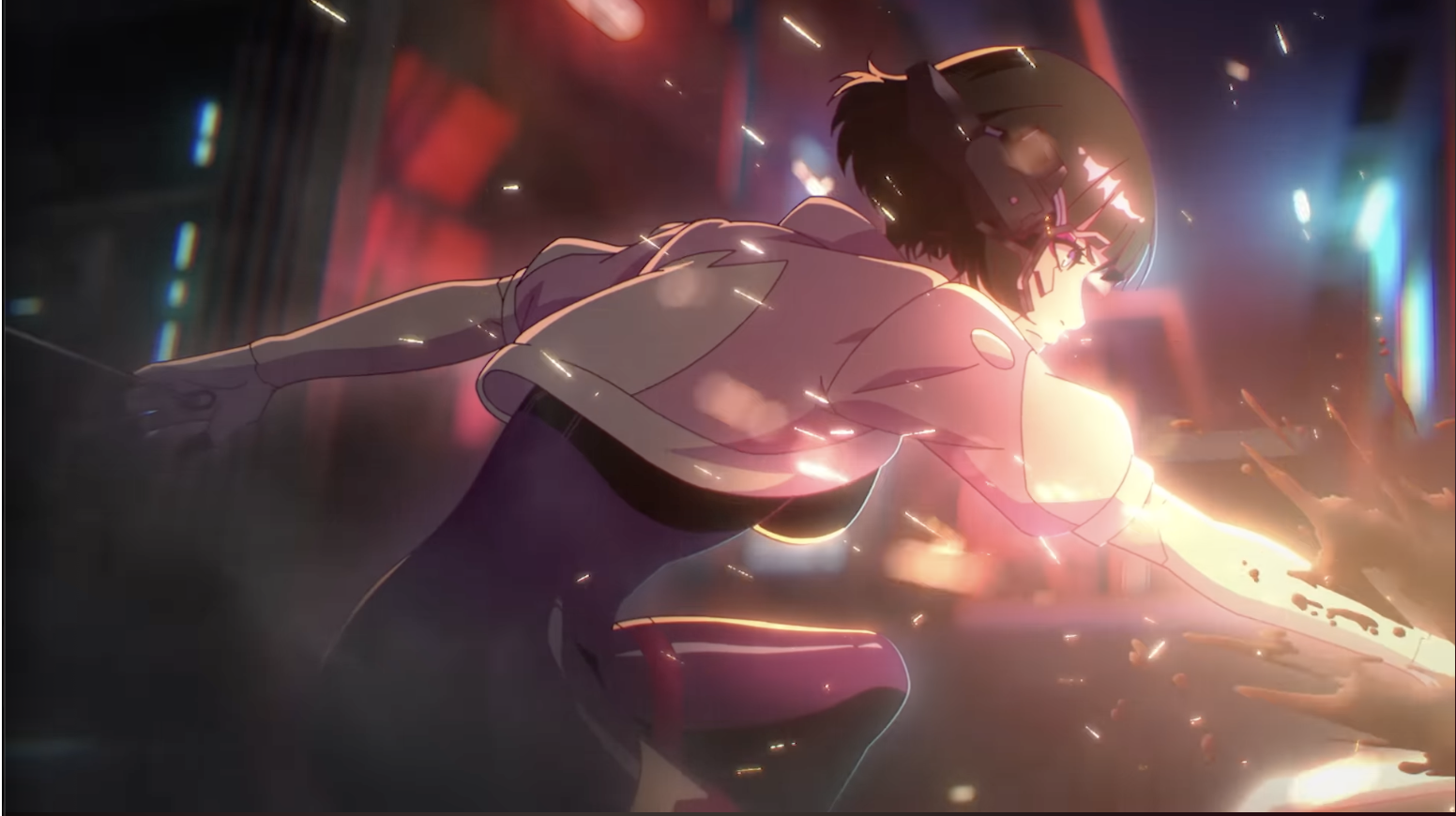 Slight camera pan and sparks/oil still splashing and she hasn't moved
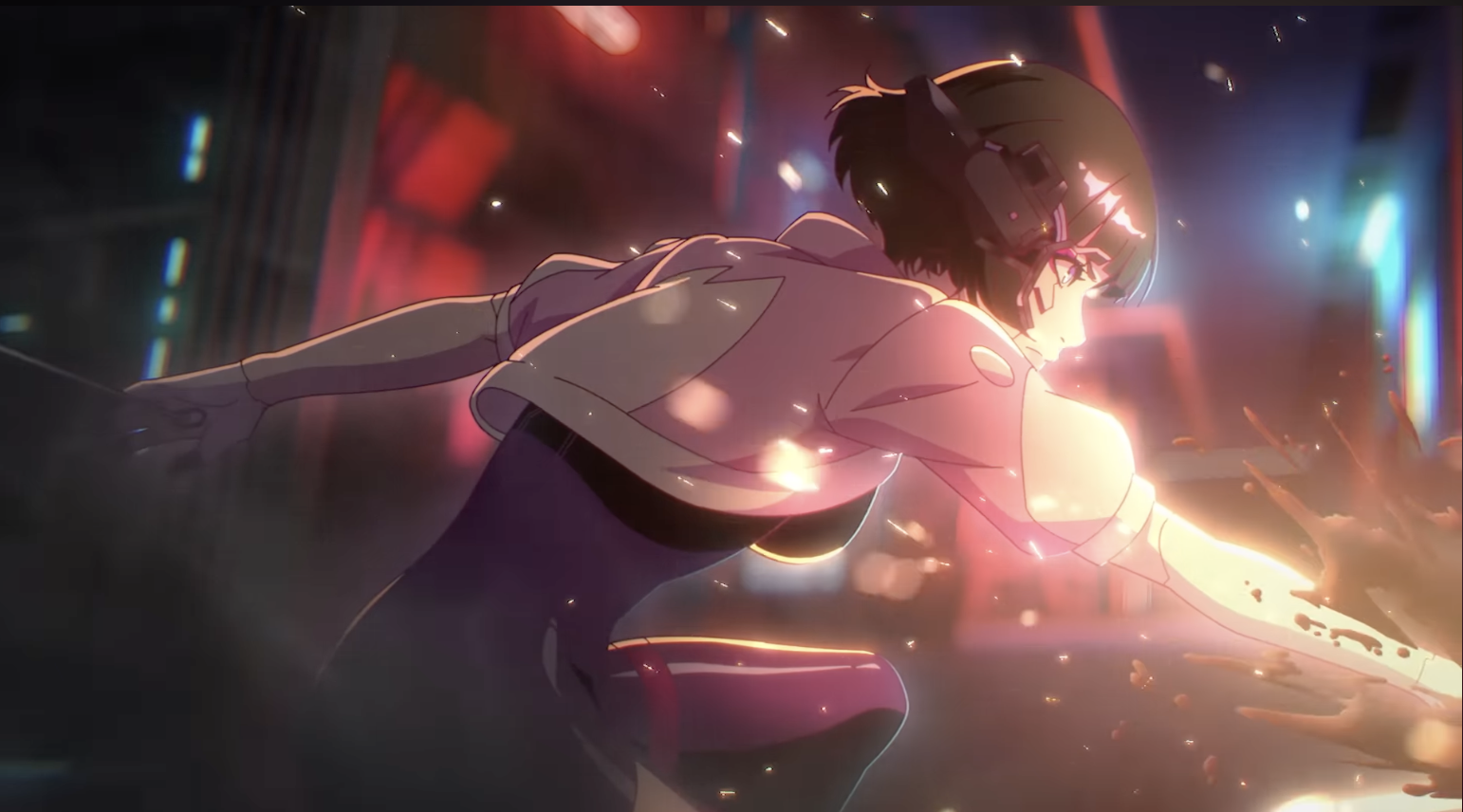 Same as last frame, she still hasn't moved, but it looks like the FX are on 1's but the splash of the oil itself looks like it is sometimes on 2's sometimes on 1's... This continues on for the next few frames..
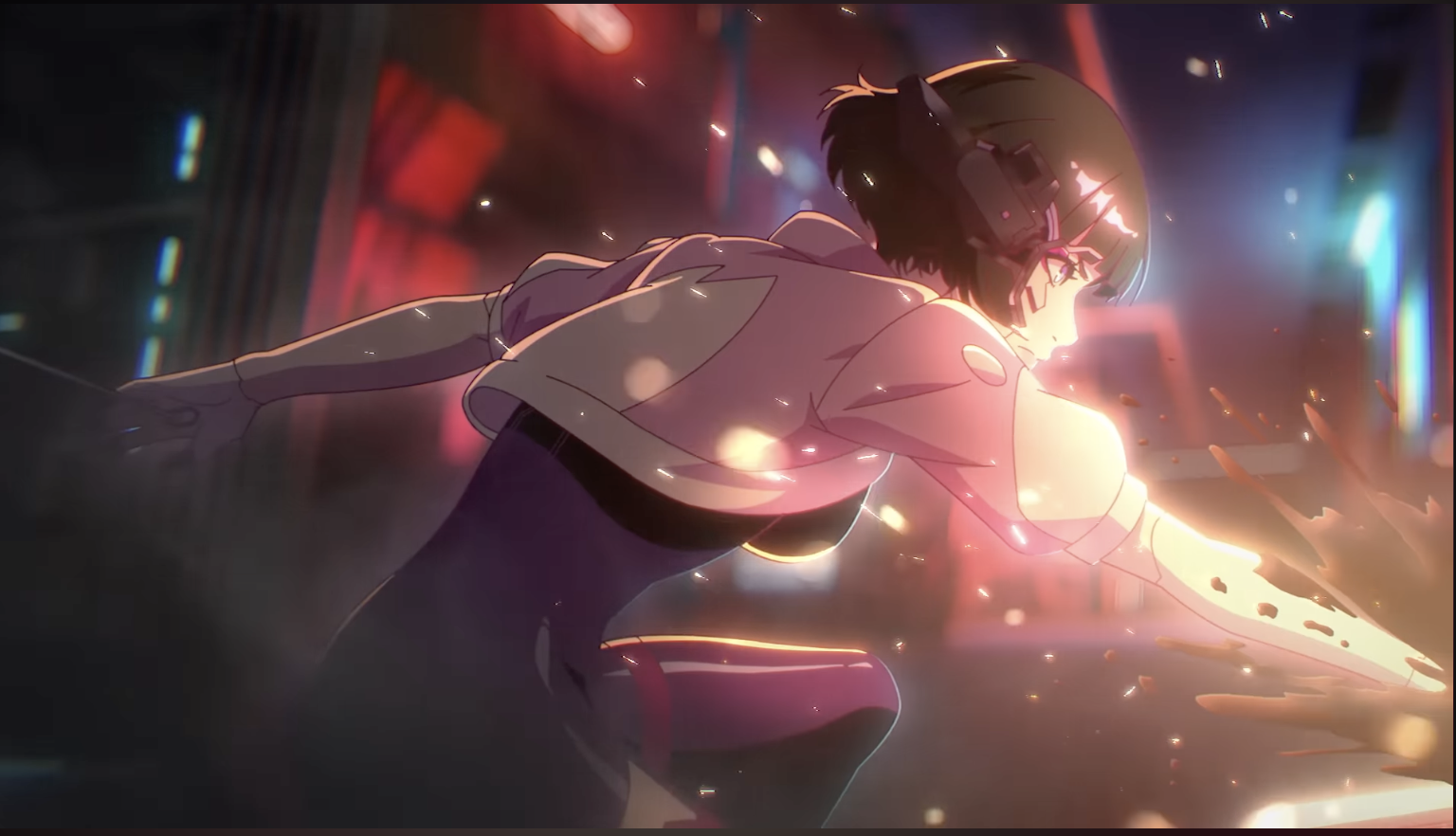
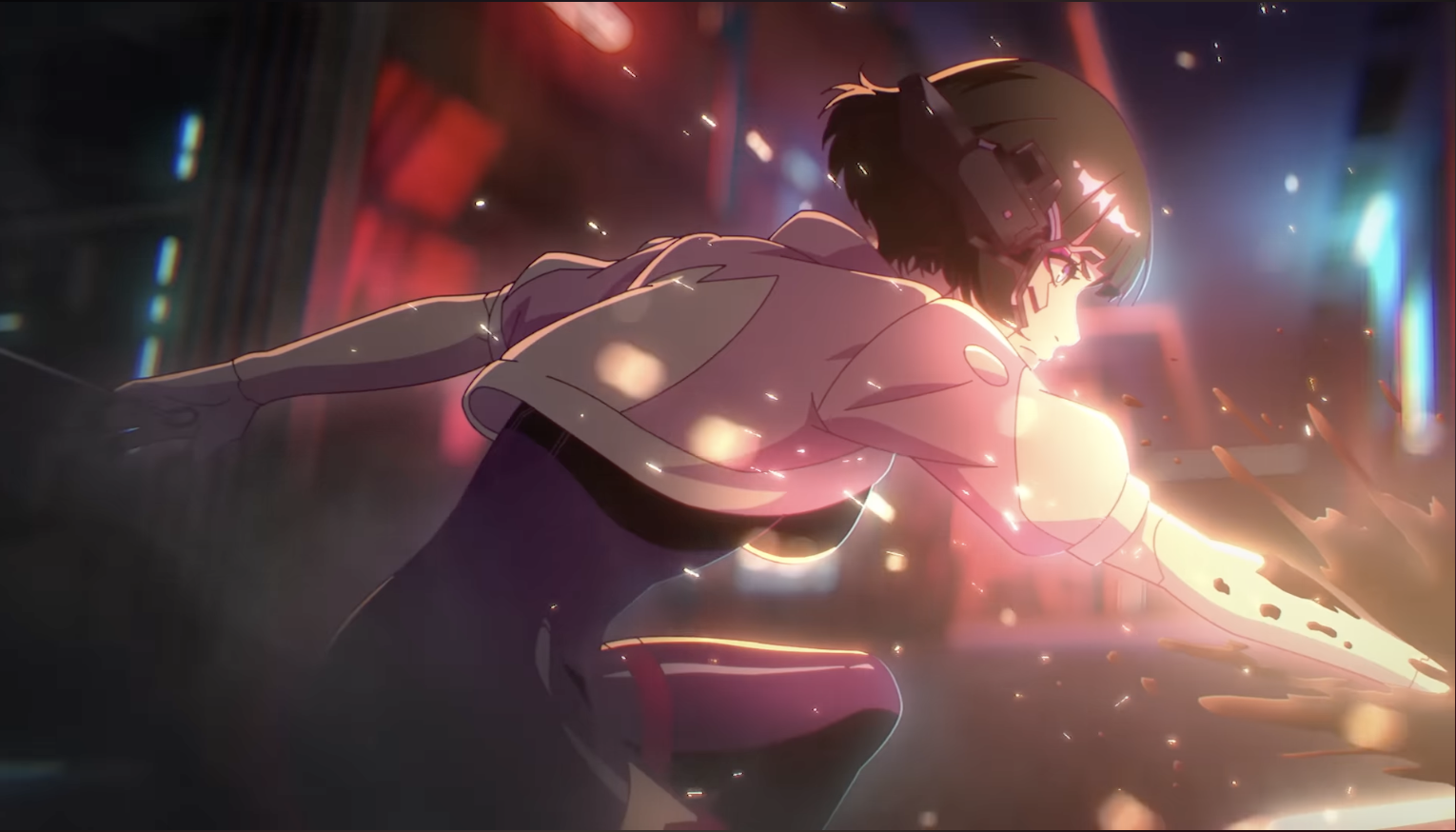
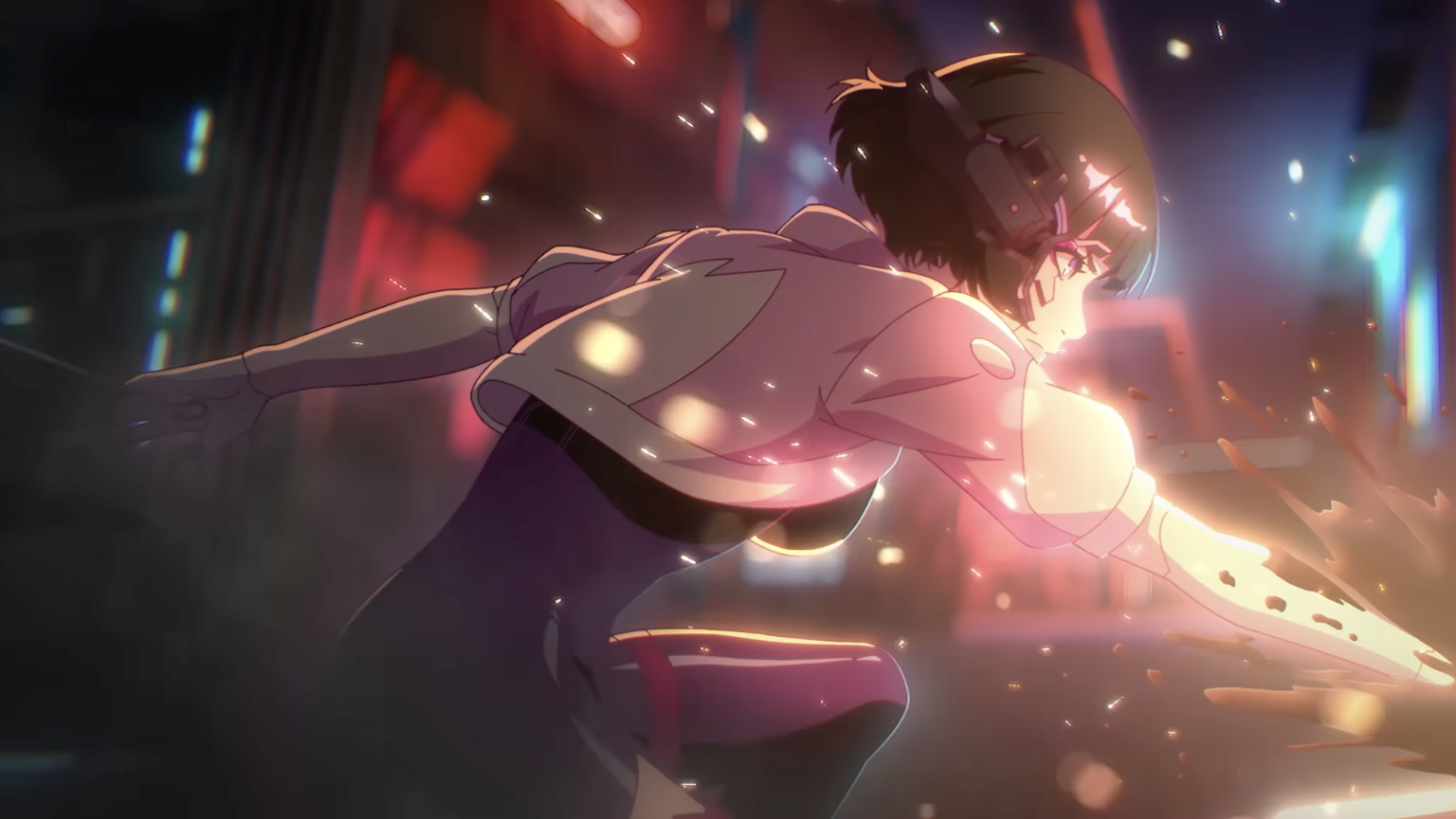
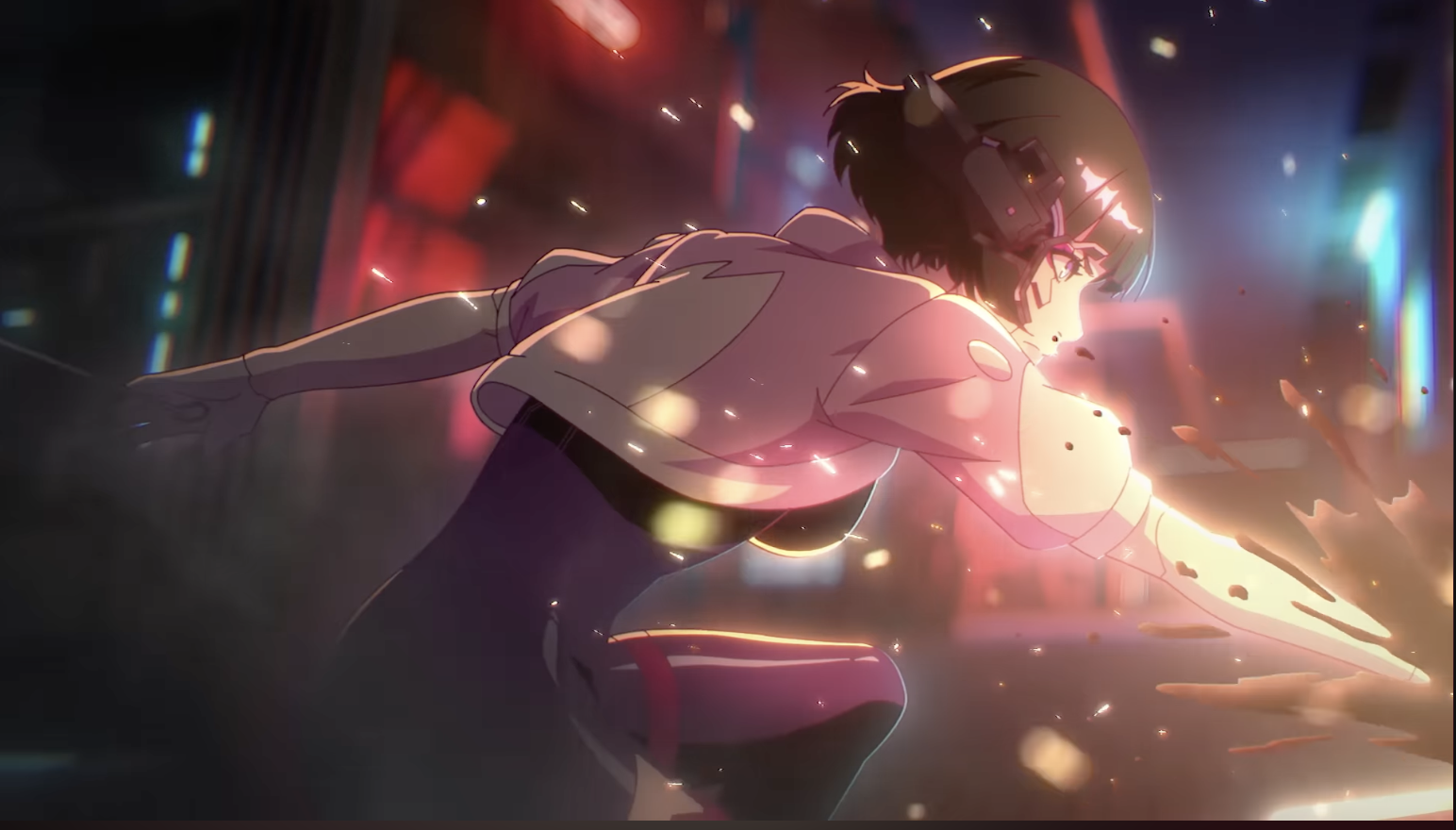
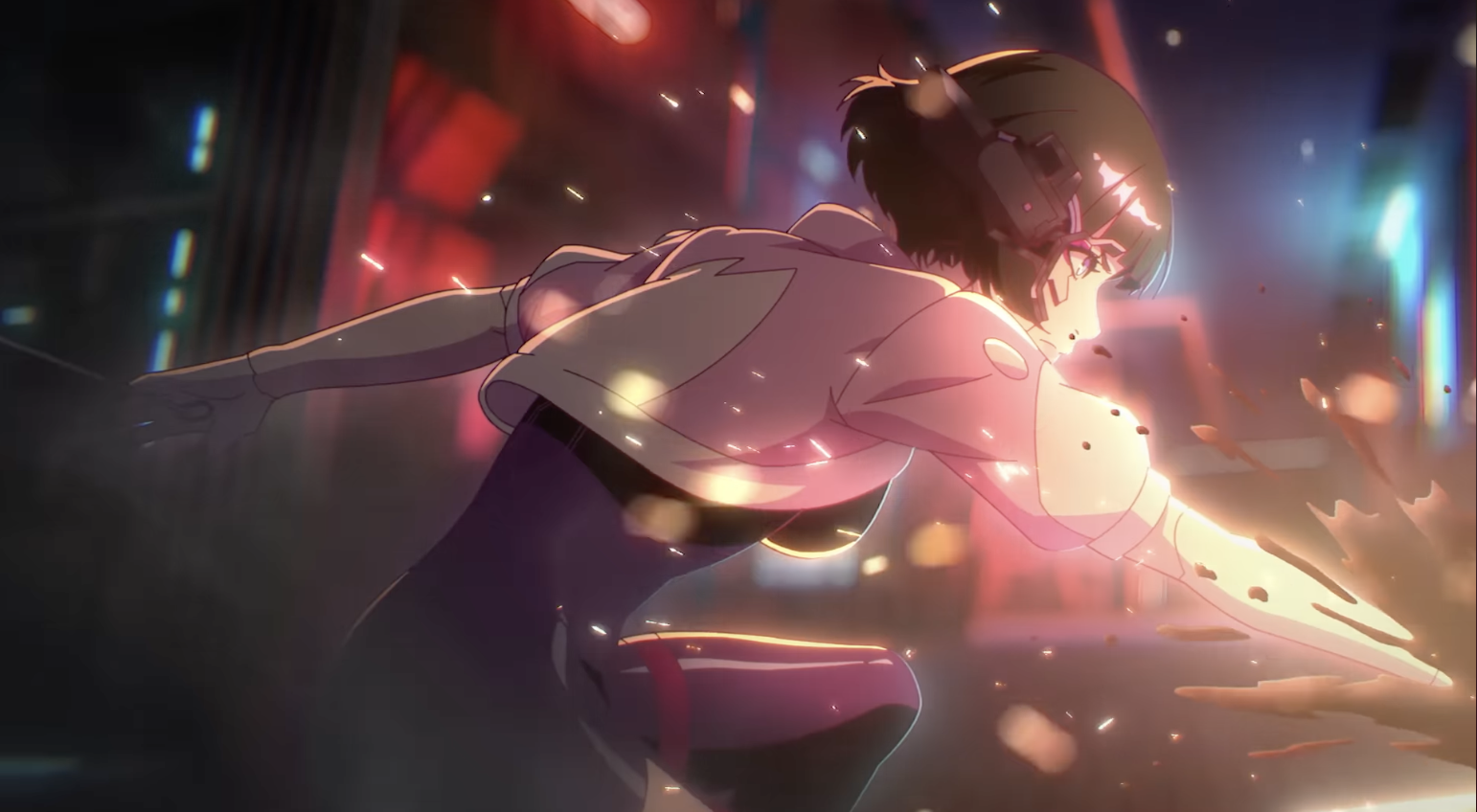
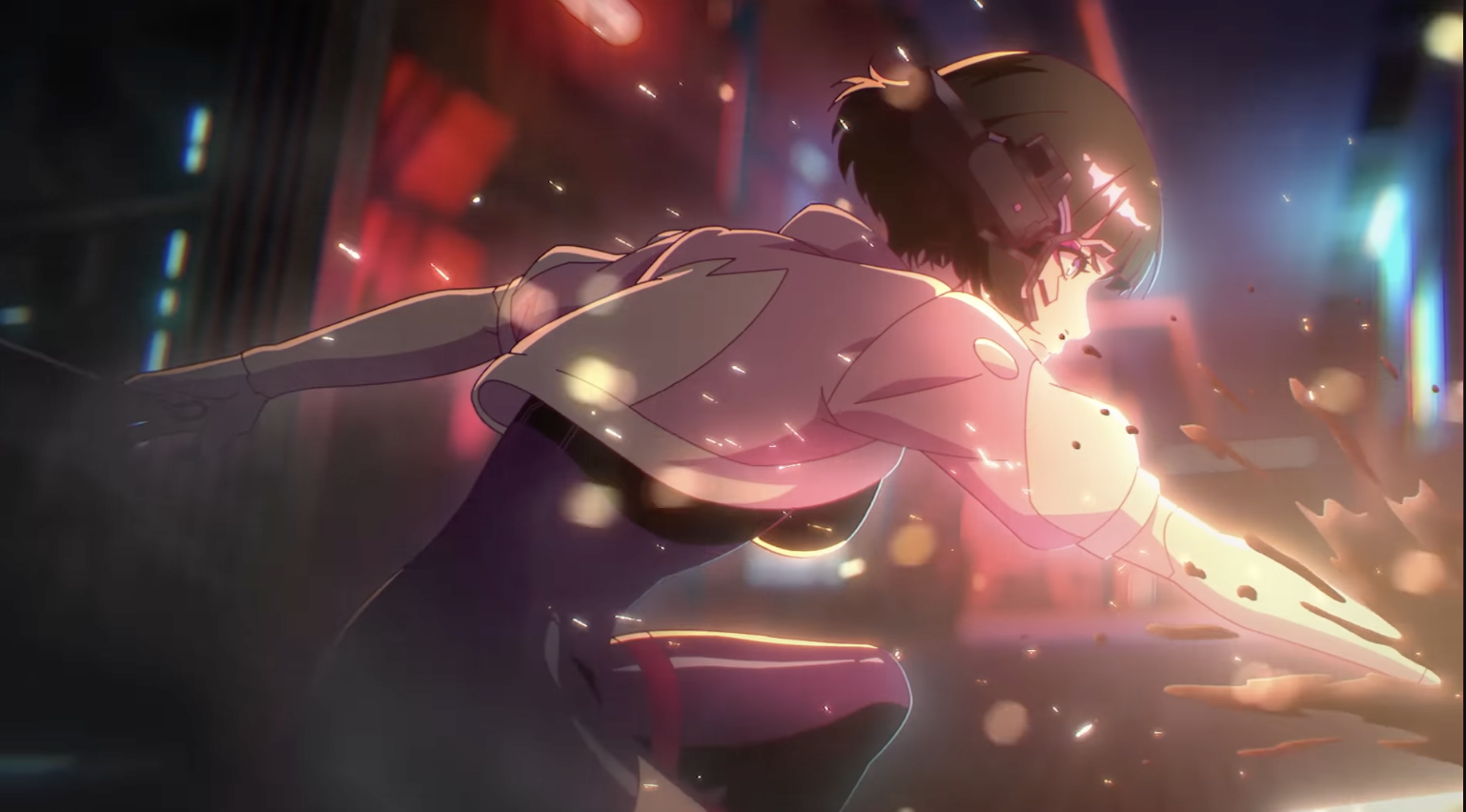
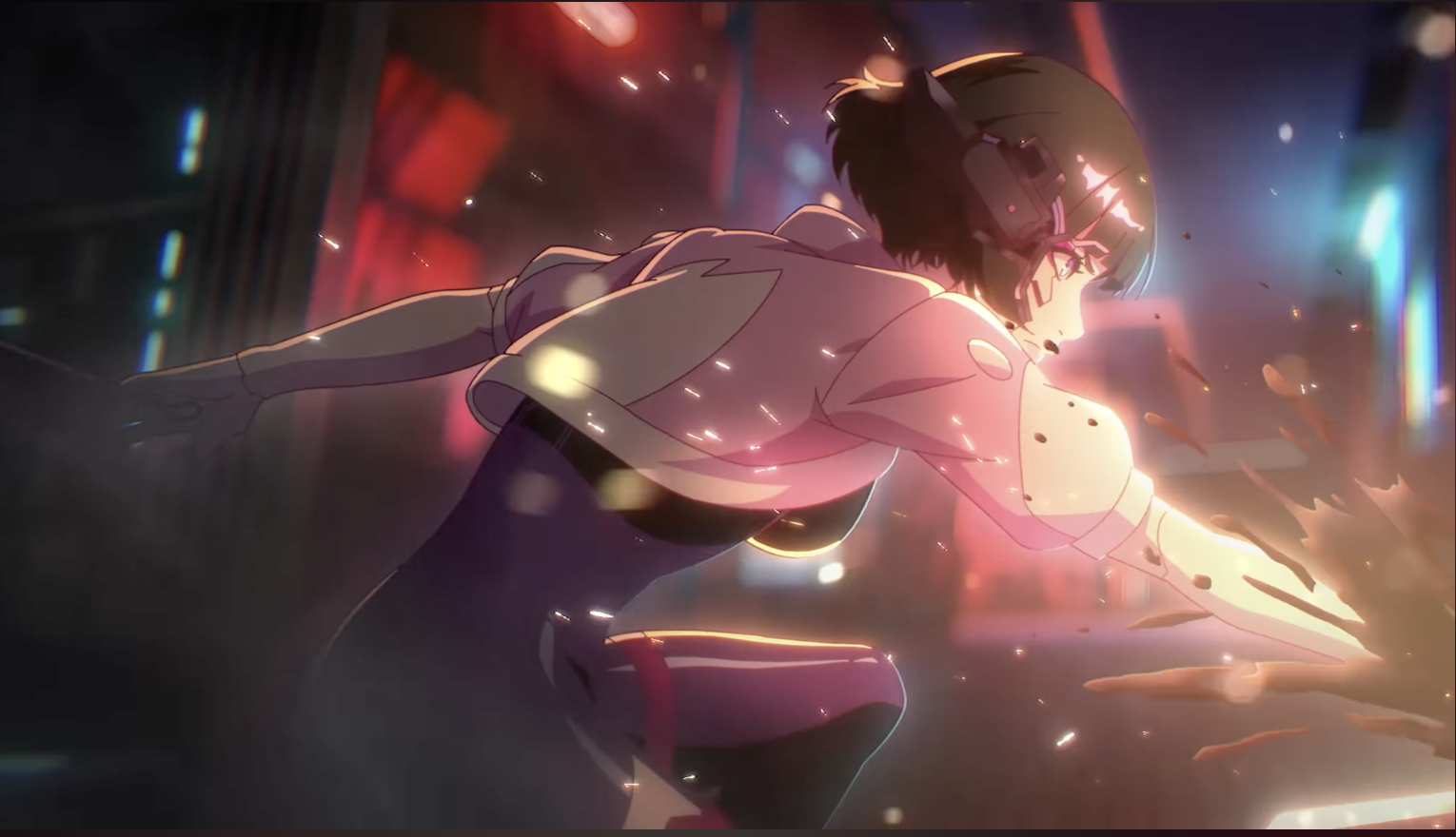
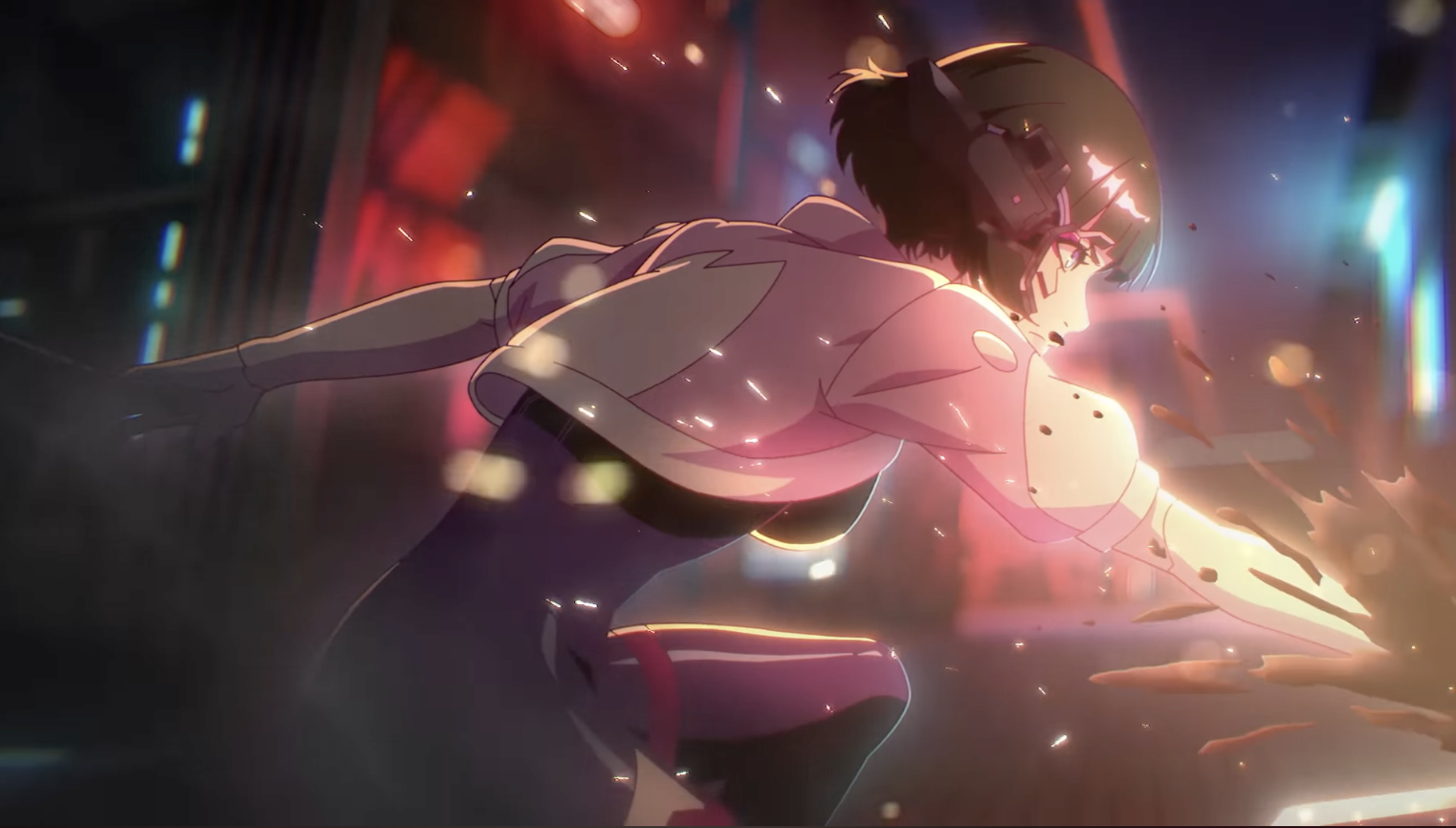
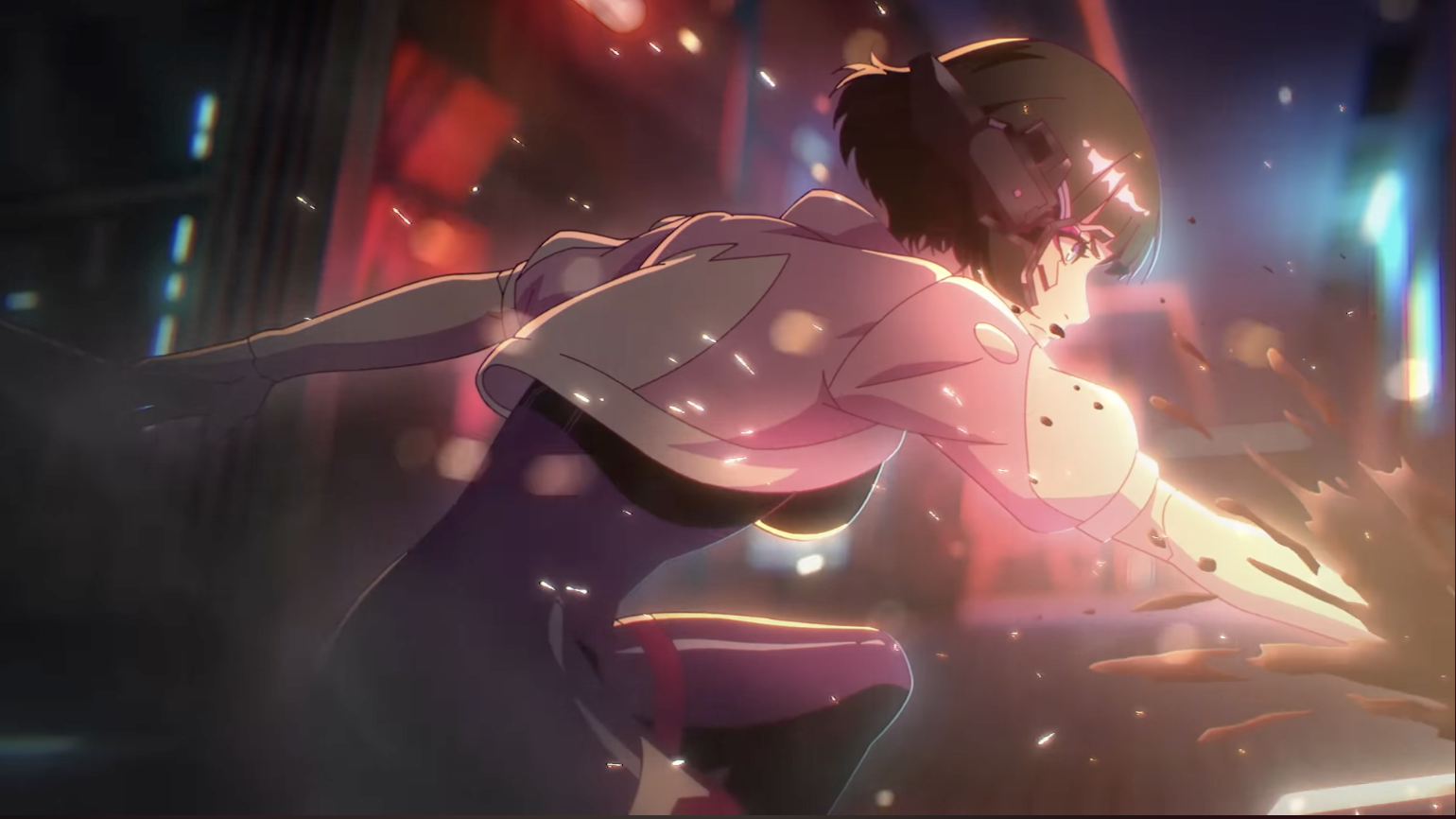
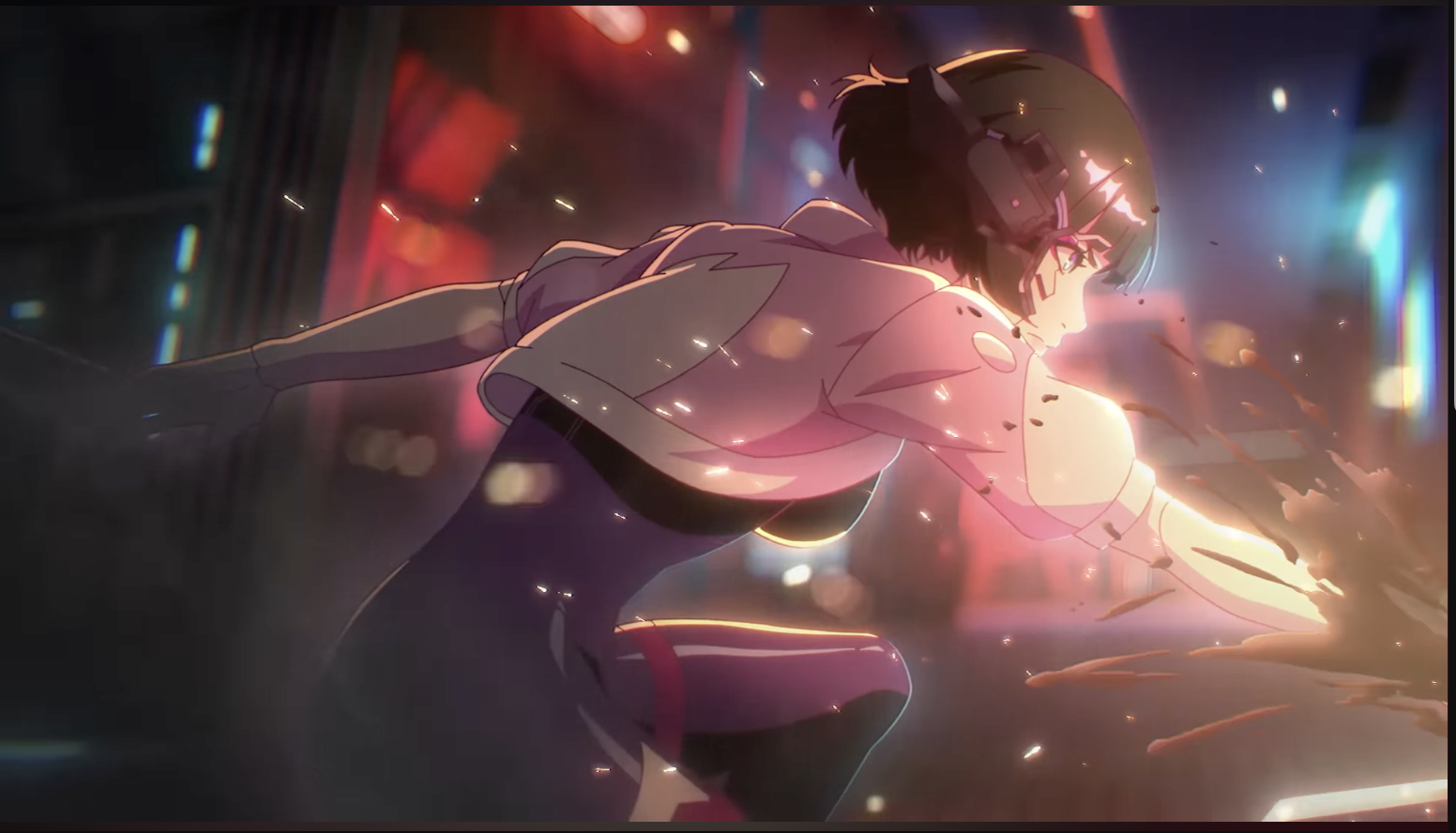
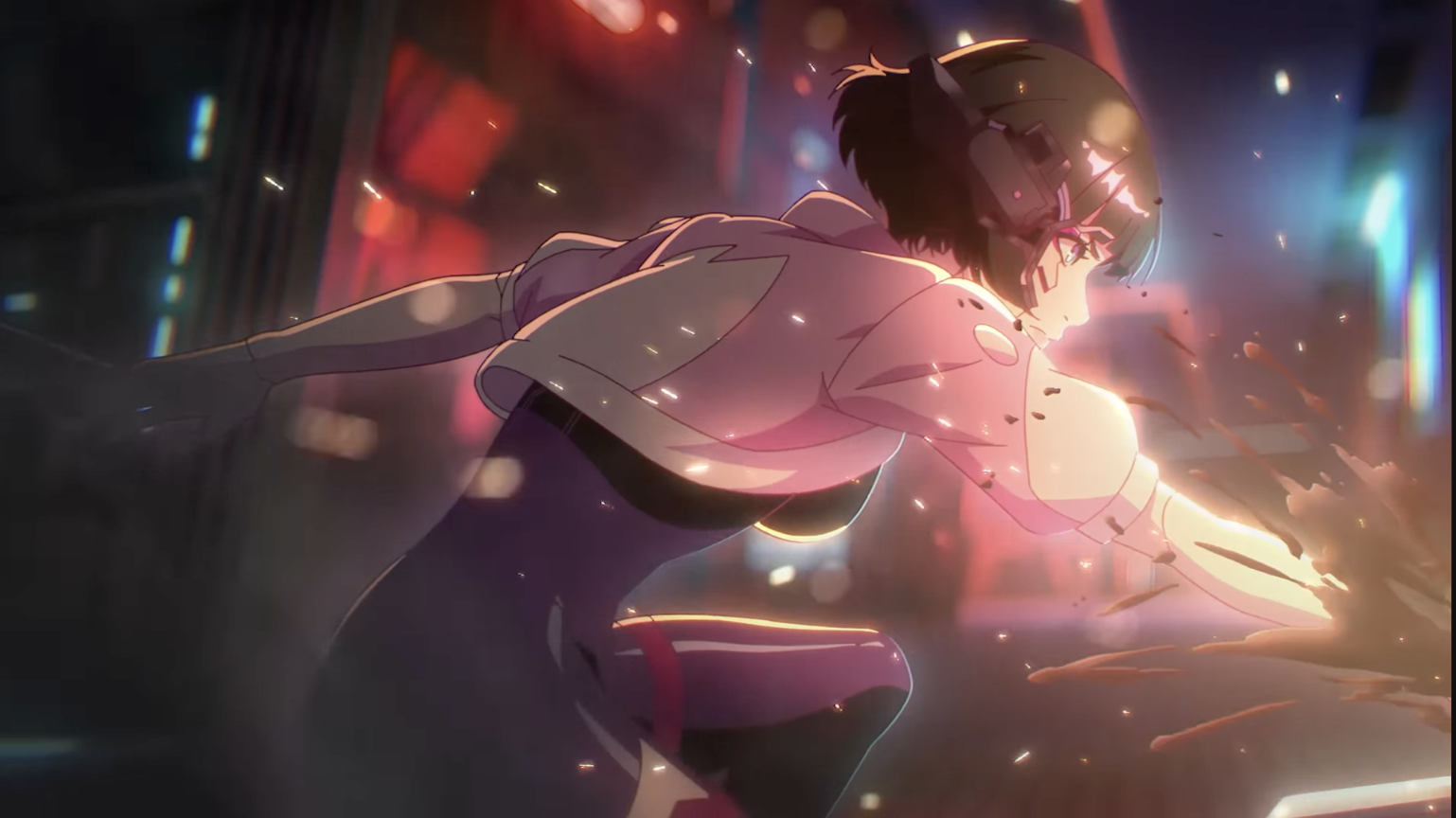 And this is the last frame before it cuts to another shot.
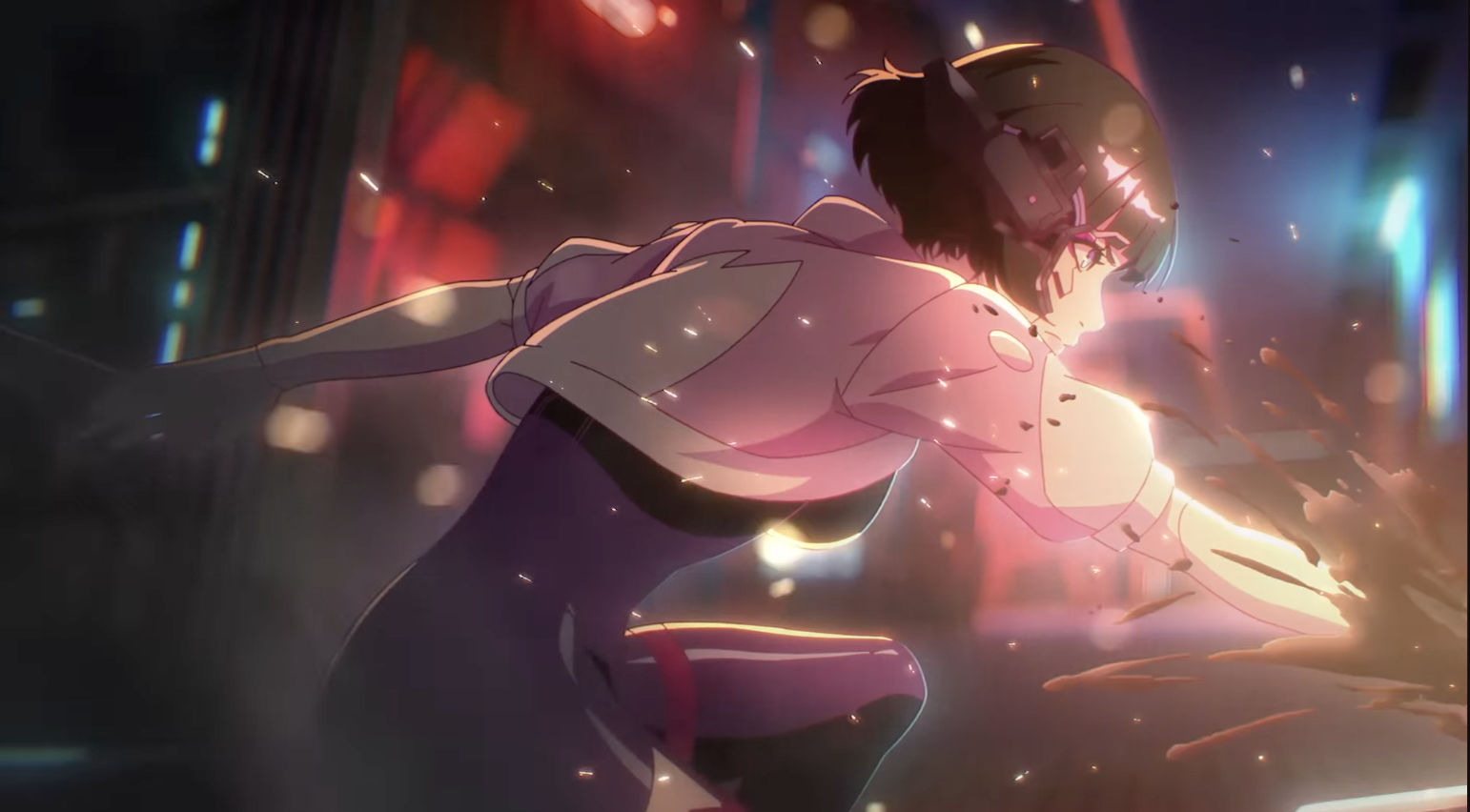 Next shot looks like this:
The Missing 8
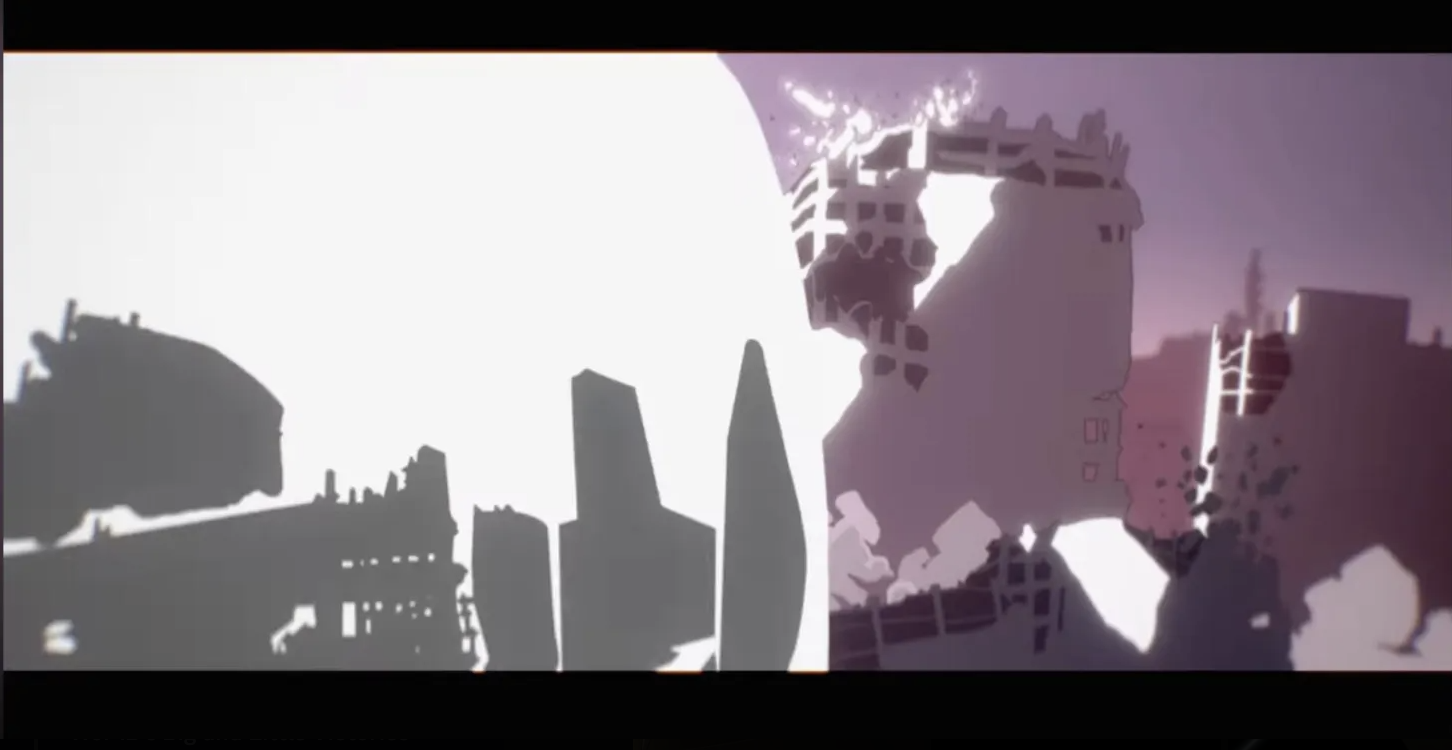
In the trailer, there is this scene where Pop flies through the air and does this little backwards/forwards spin thing (1:45-1:47).. That was really cool..
Let's take a closer look at how it works.
First frame in the shot looks like this:
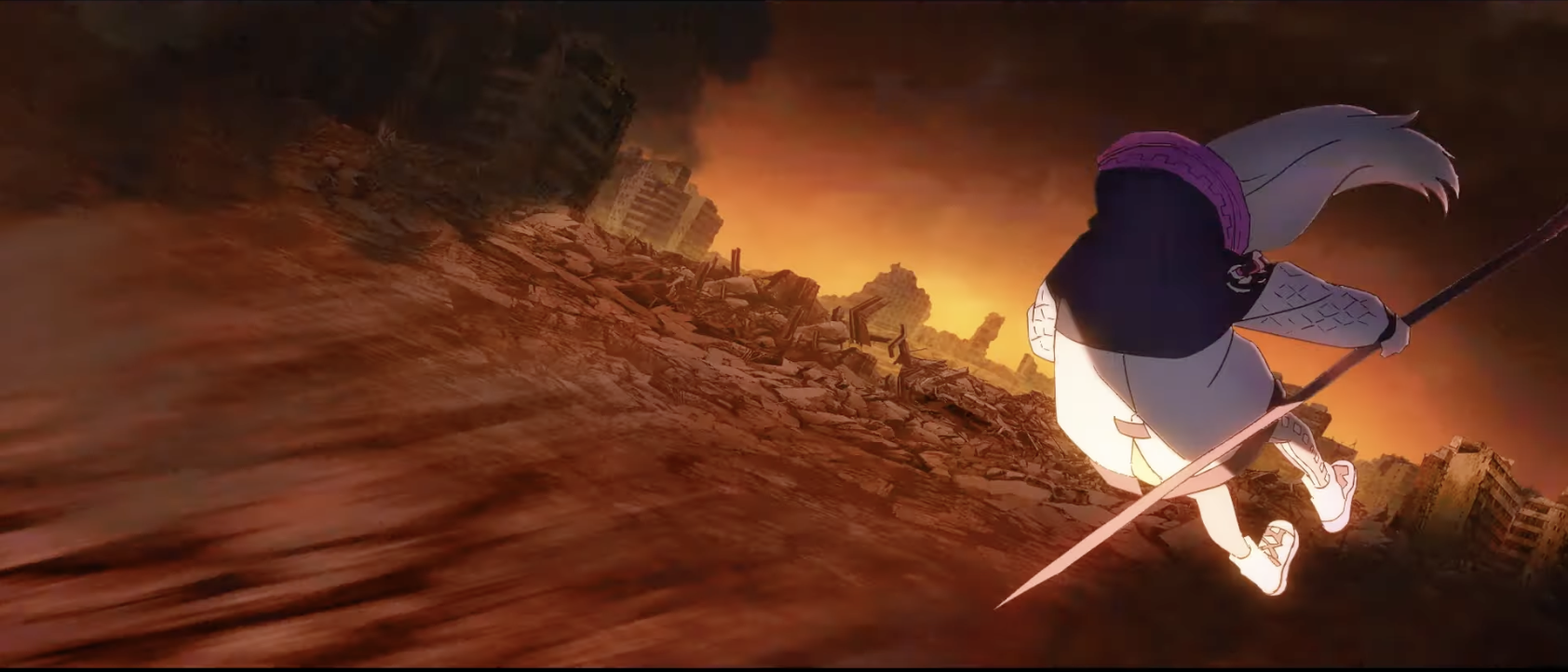 In the next frame, Pop doesn't move but the bg shifts, tilting upwards a bit.
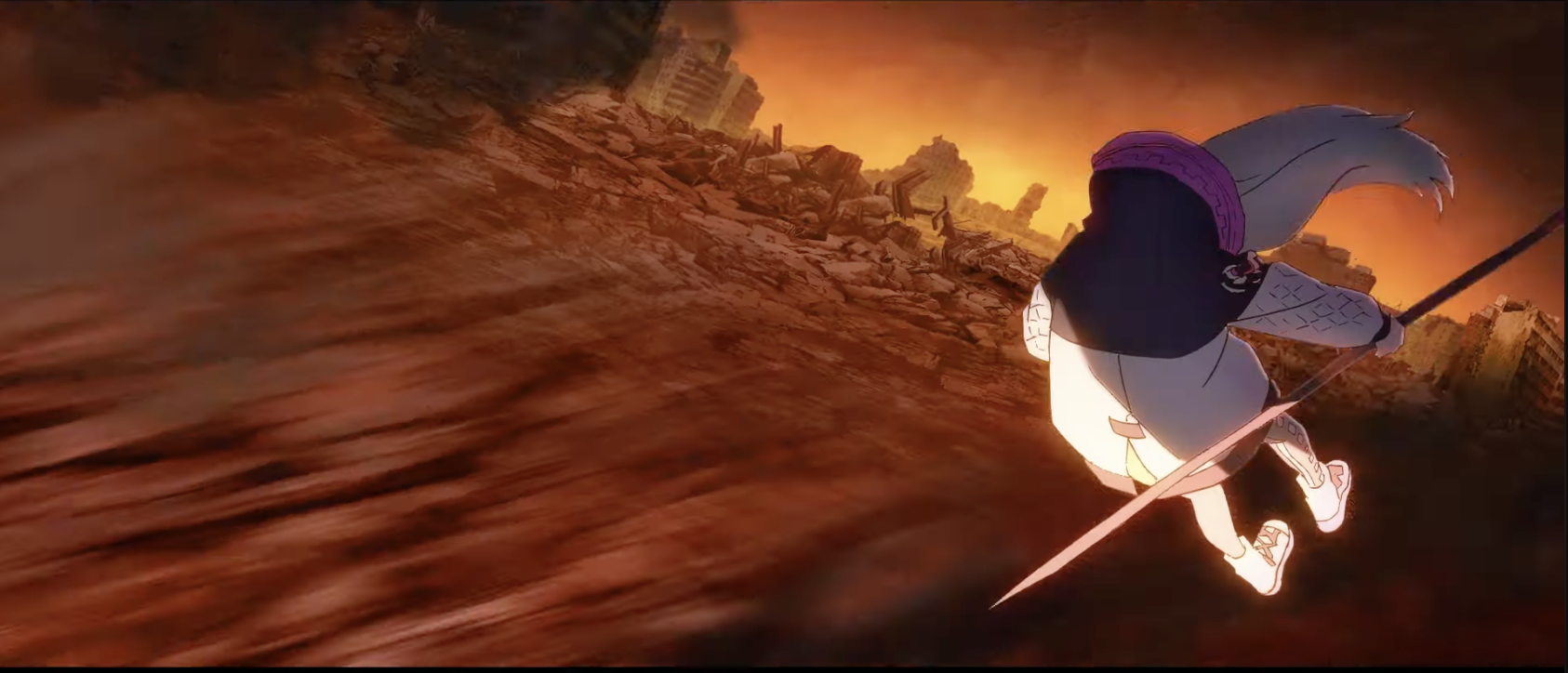 Then Pop spins upwards slightly, as does the background:
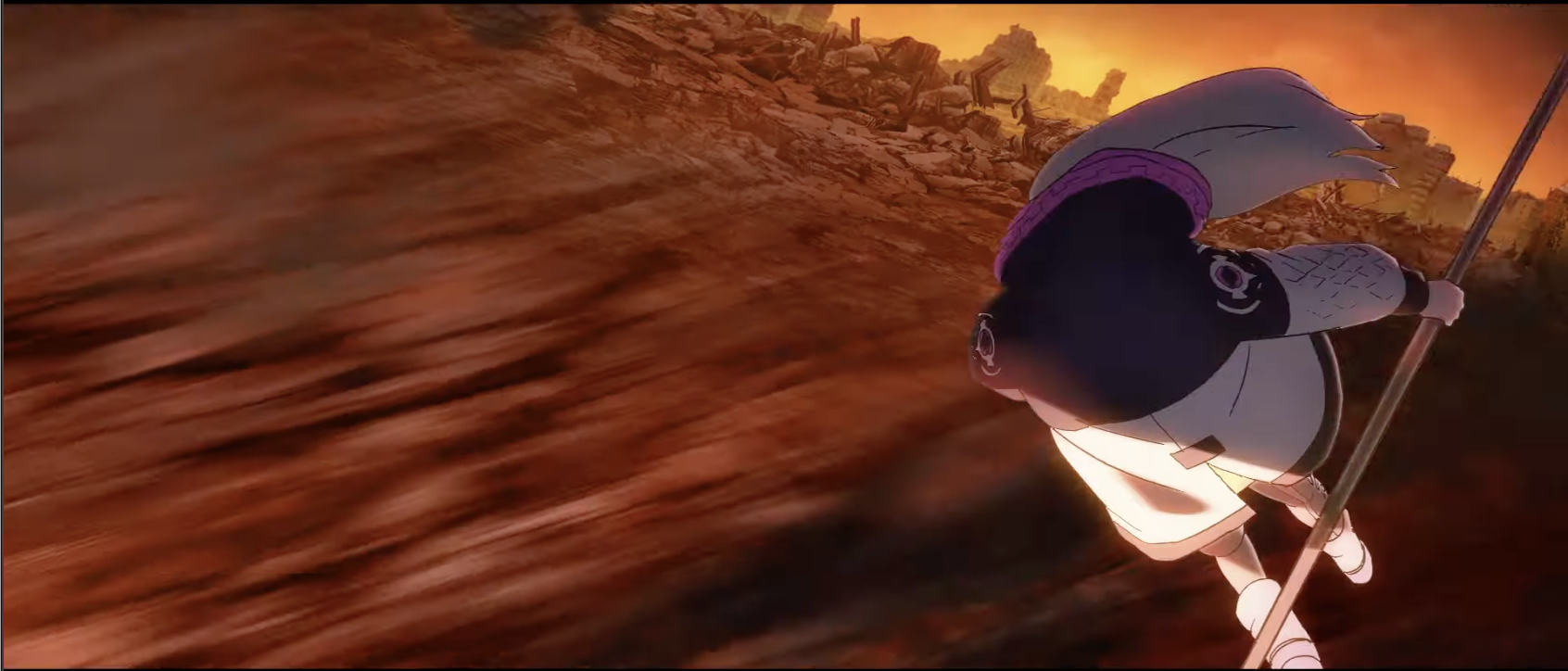 A sudden burst of something comes in as the bg moves out further to the right top corner of the frame:
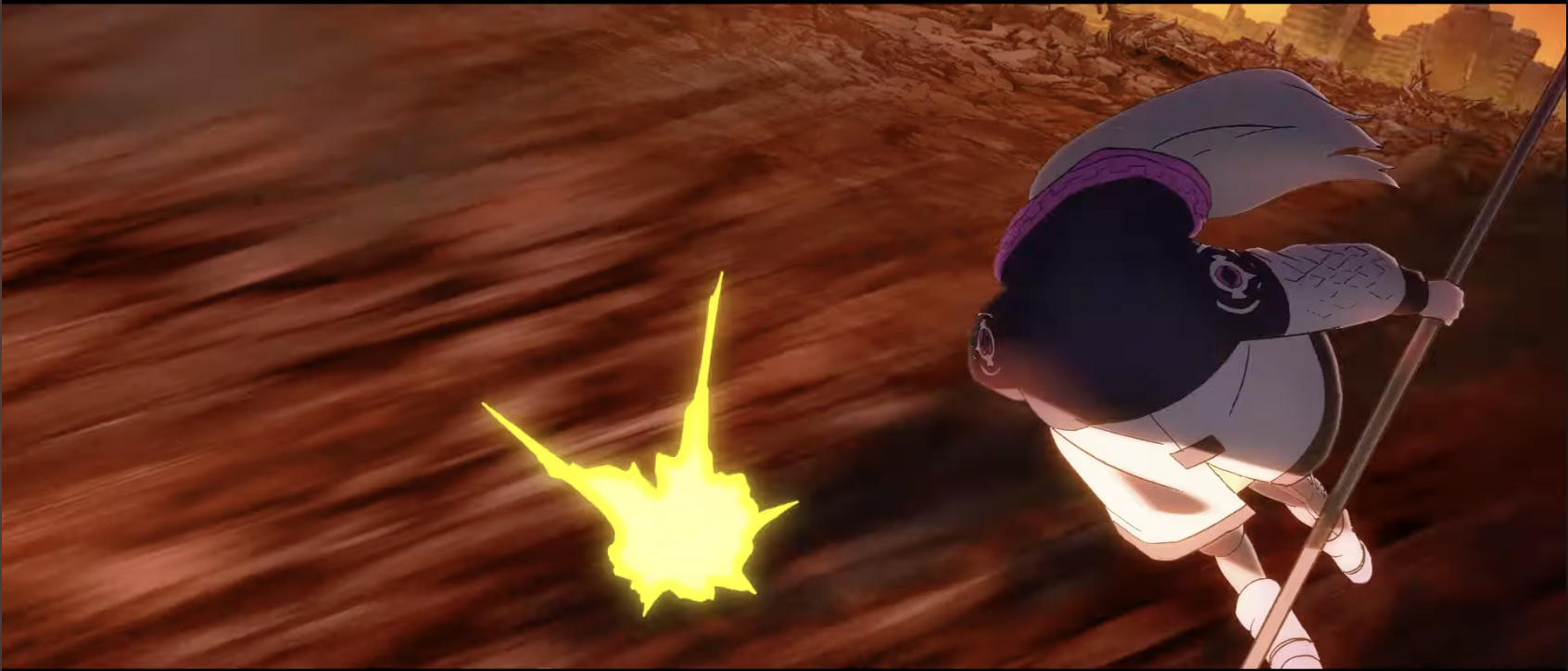 Pop actually hasn't moved since like 2 frames ago
But the blast grew bigger and the bg moved the right a bit more, giving us the illusion that Pop is flying through the air:
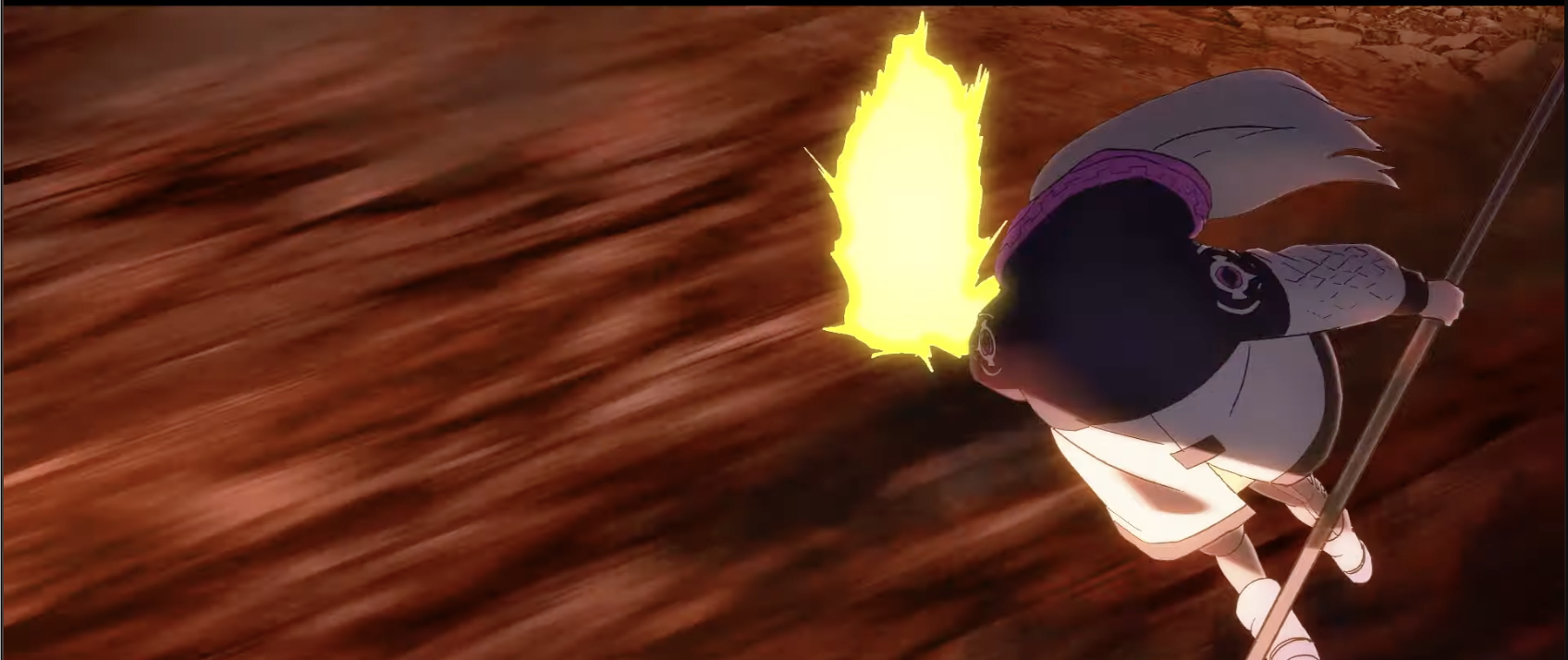 In this next frame, Pop appears to move closer to the camera while another blast shows up below her:
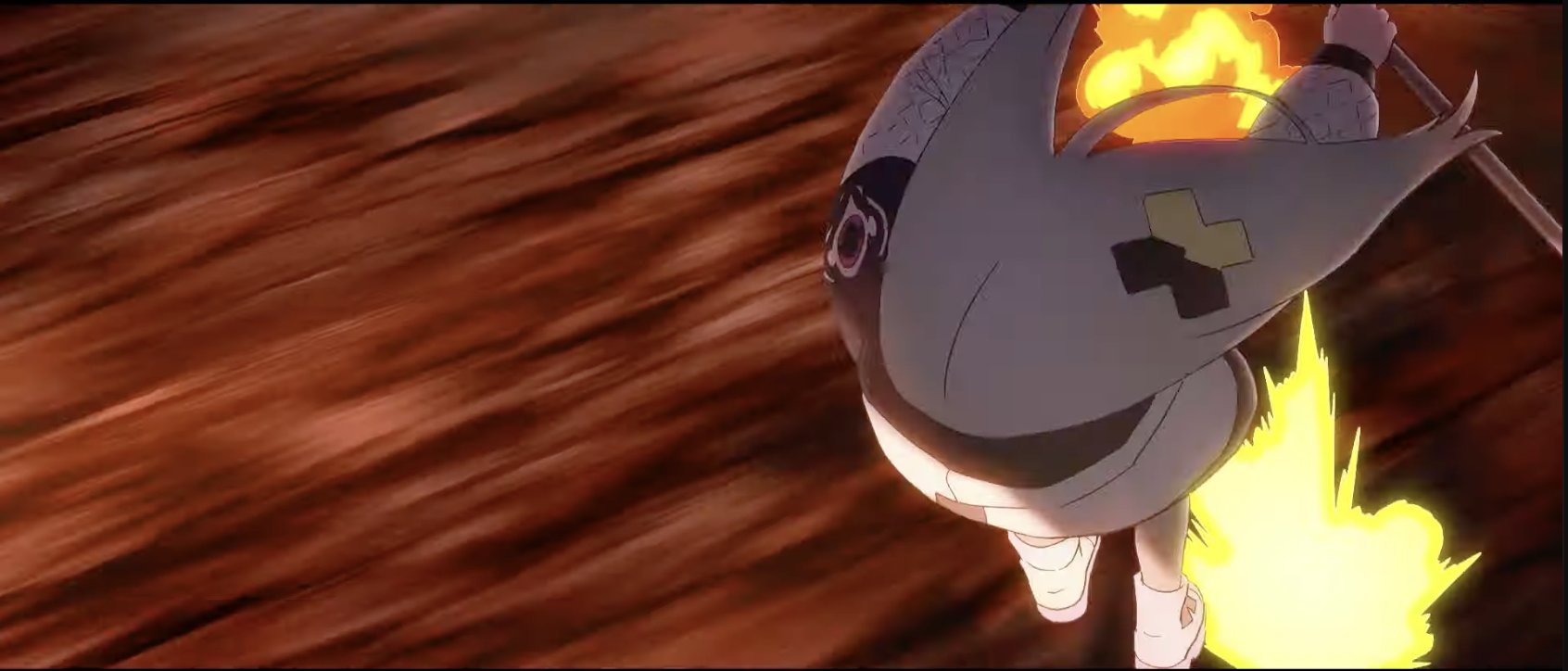 Pop doesn't move again, yet the bg does, moving to the right, as does the 2nd blast that showed up. The first blast, at this point, has already gone off the screen.
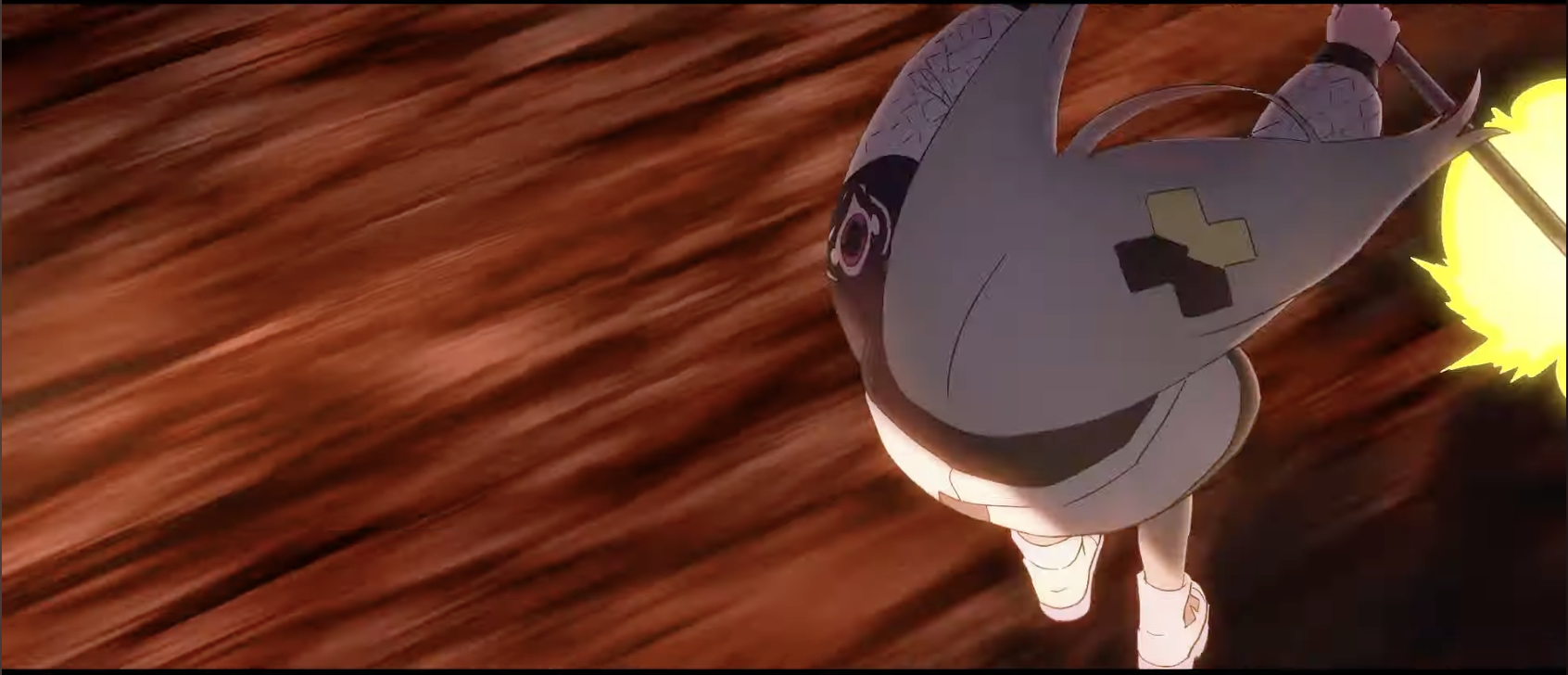 Pop remains still as the bg moves:
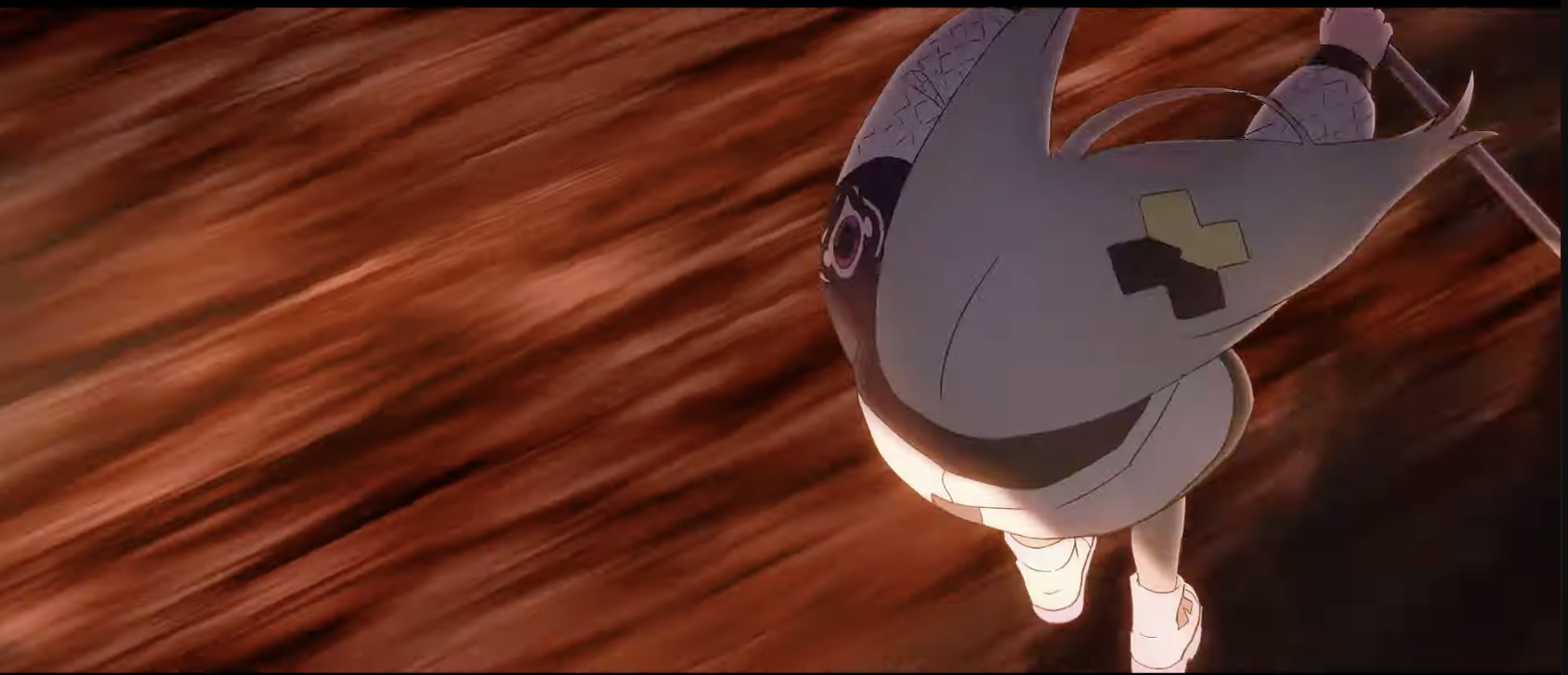 Pop flips upward.. I thought there would be more in-betweens here but intriguingly, there isn't!
Another blast also shows up
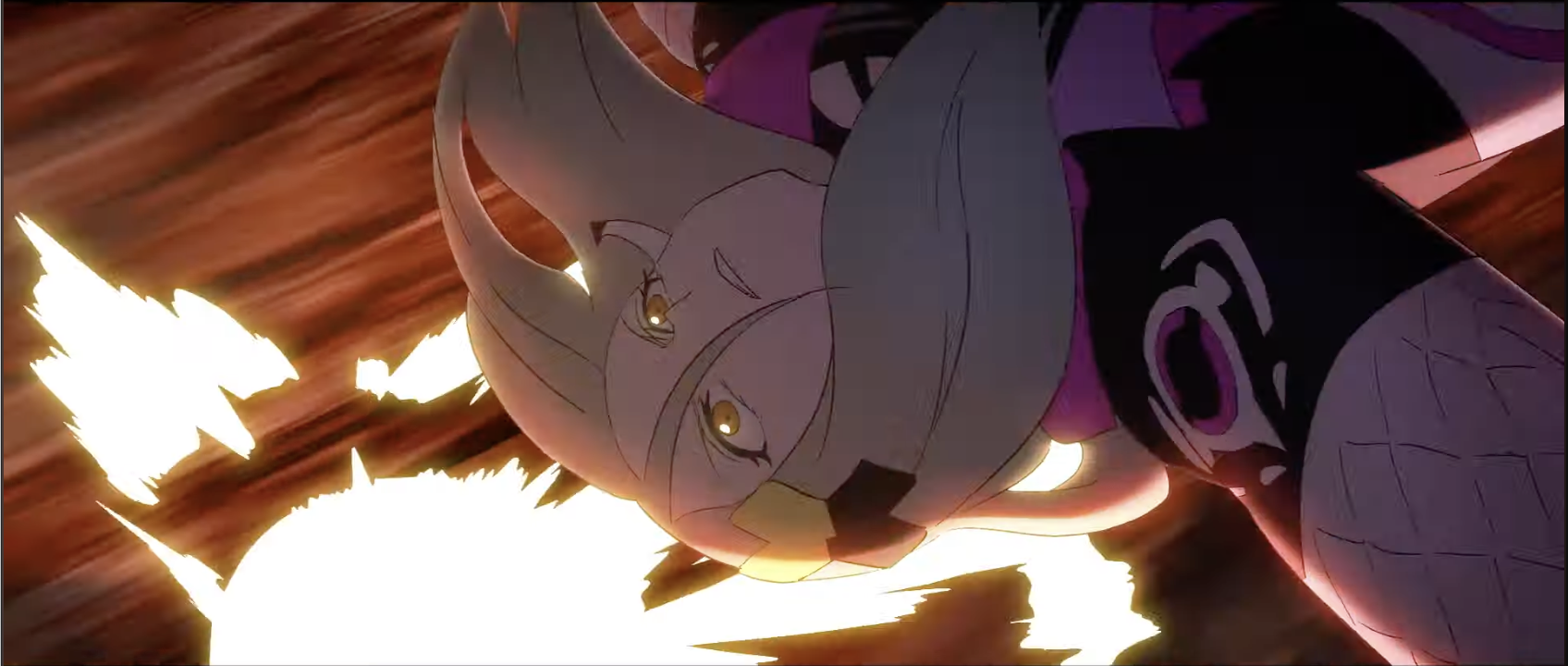 The blast is so big that the bg turns white:
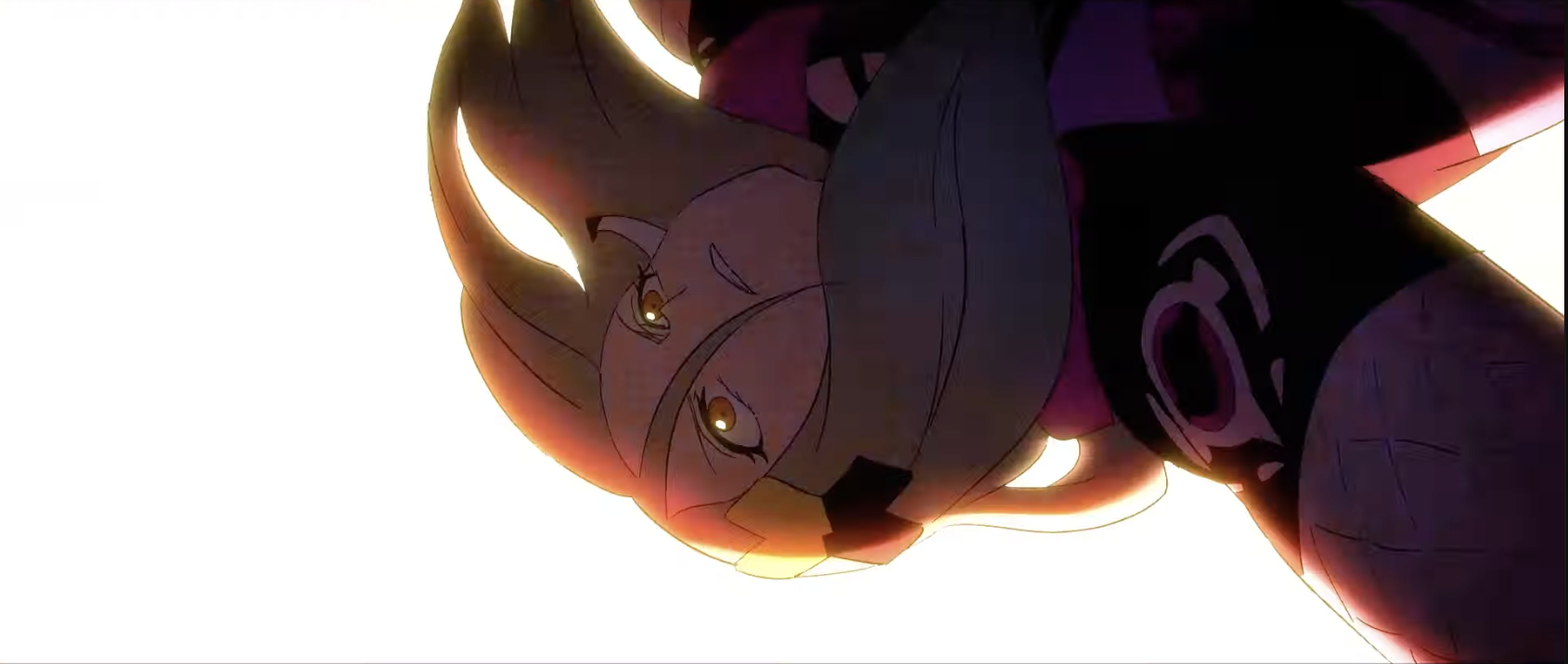 Now Pop flips in the air:
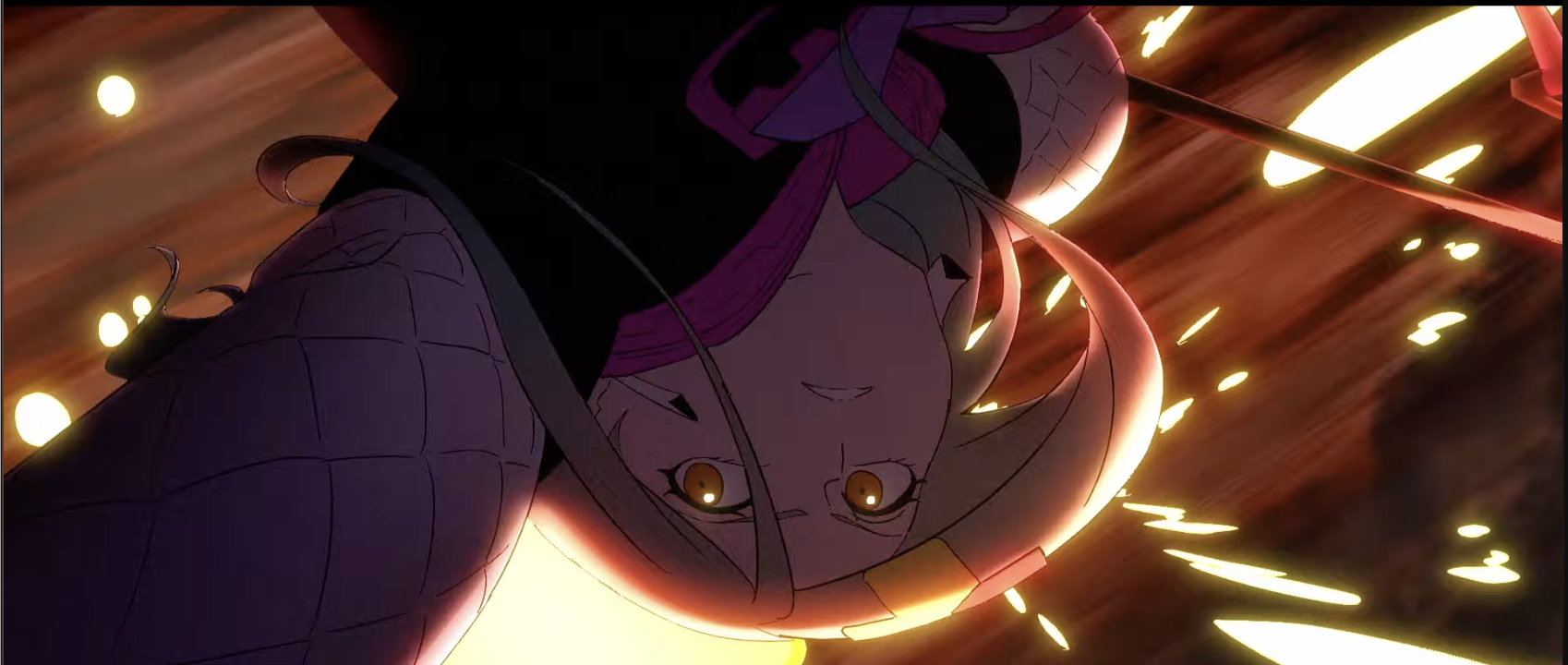 Interesting.. Neither the blast effect nor Pop move in this frame, only the bg.
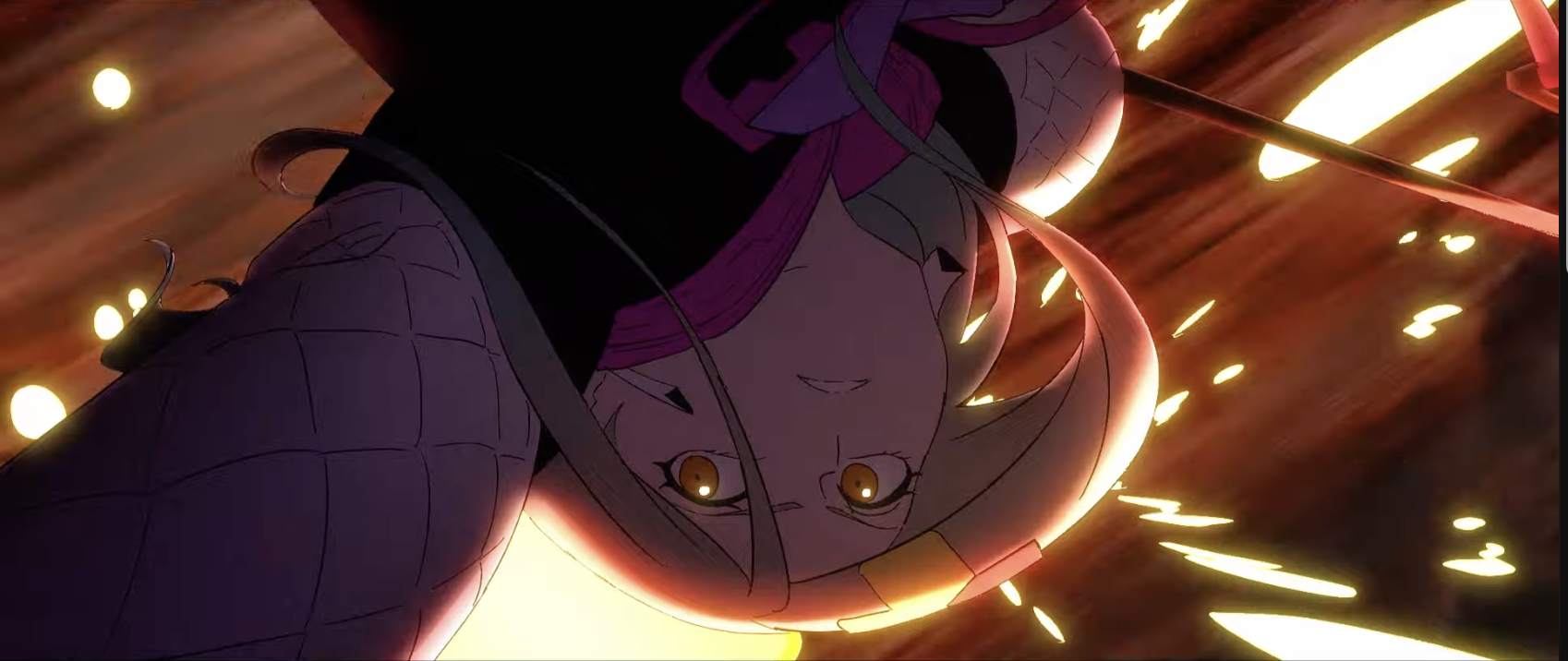 Pop continues to flip:
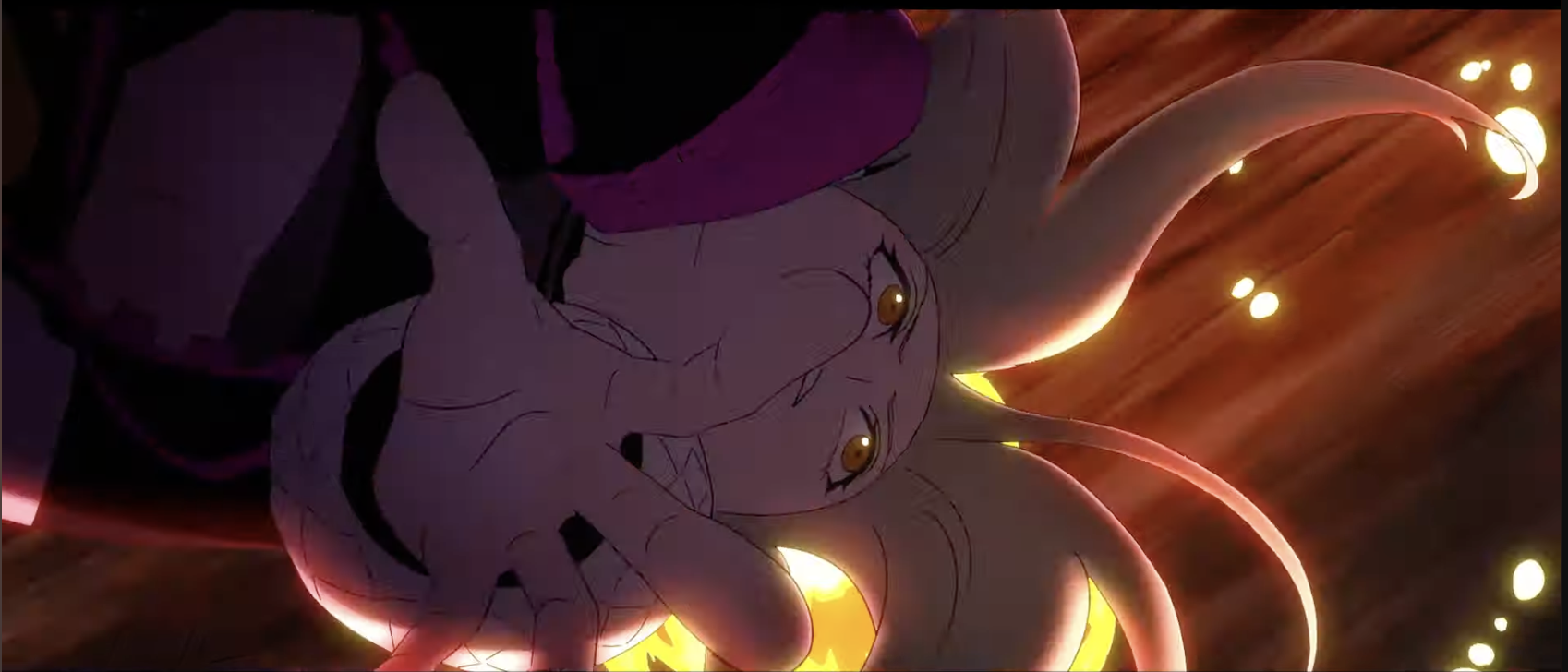 The bg turns white from the blast again:
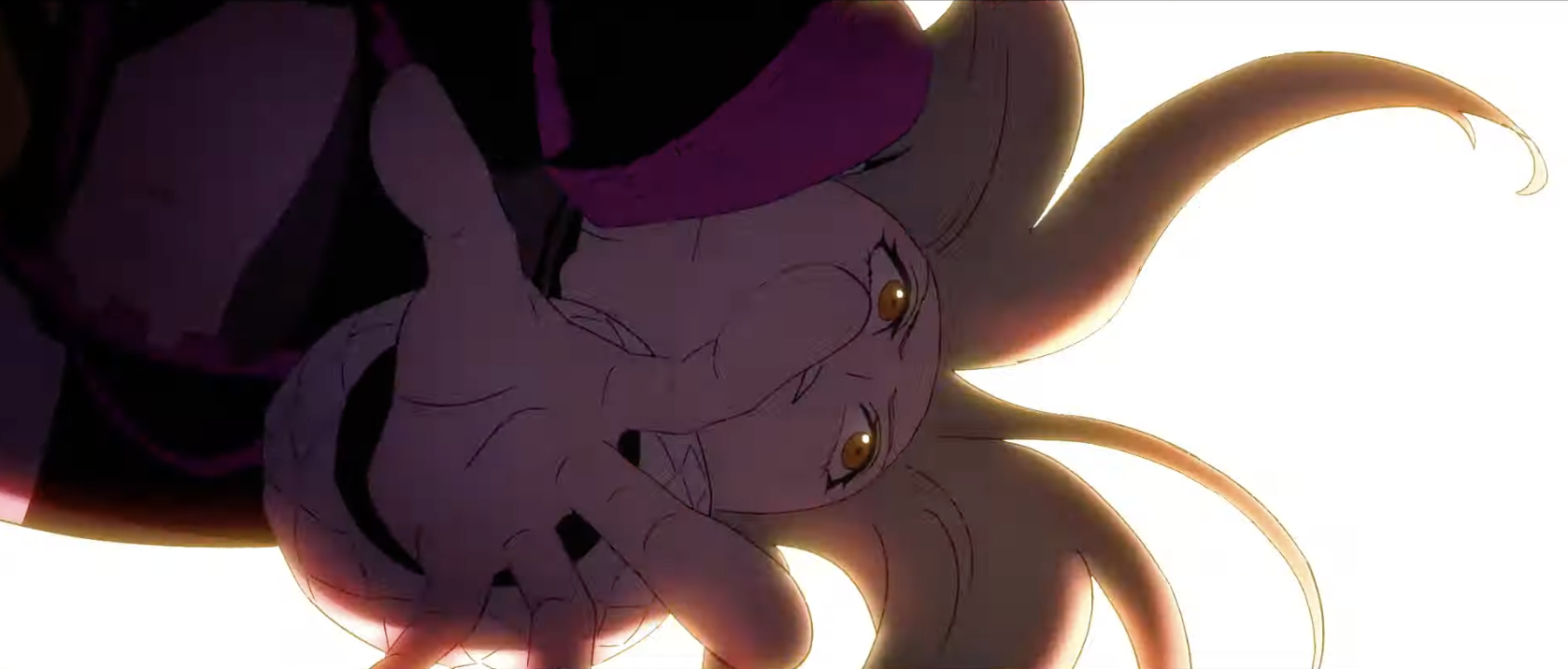 Pop turns counterclockwise a bit:
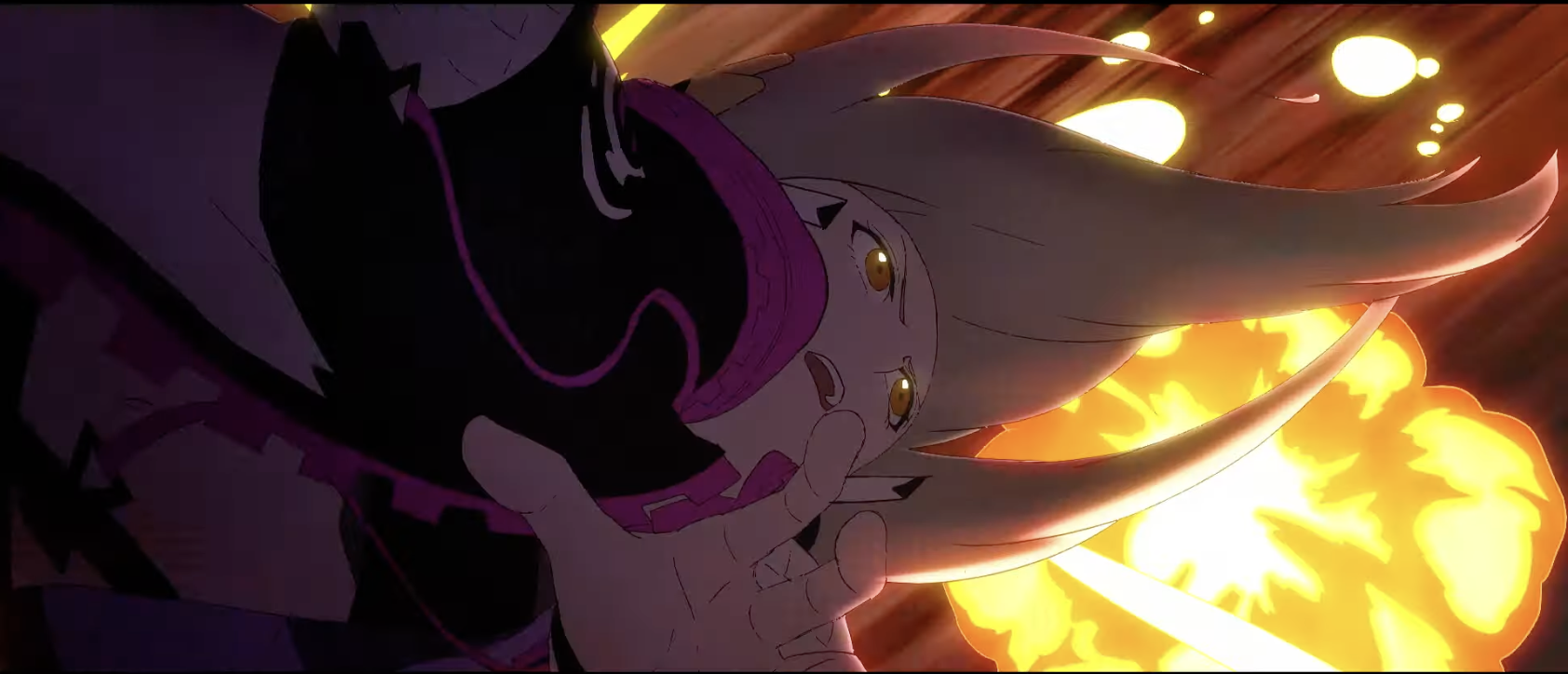 White bg again... I'm starting to see a bit of a pattern with these explosion effects...
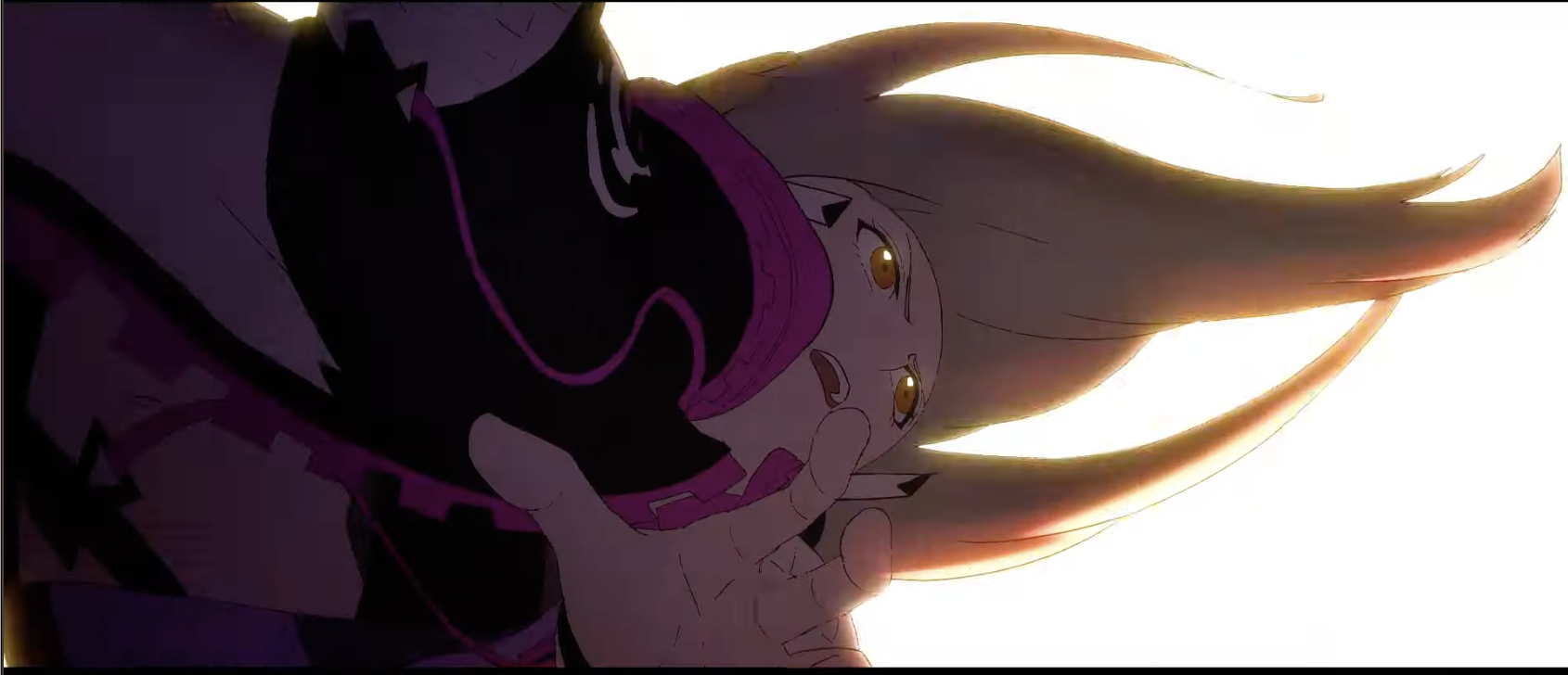 She turns a bit more:
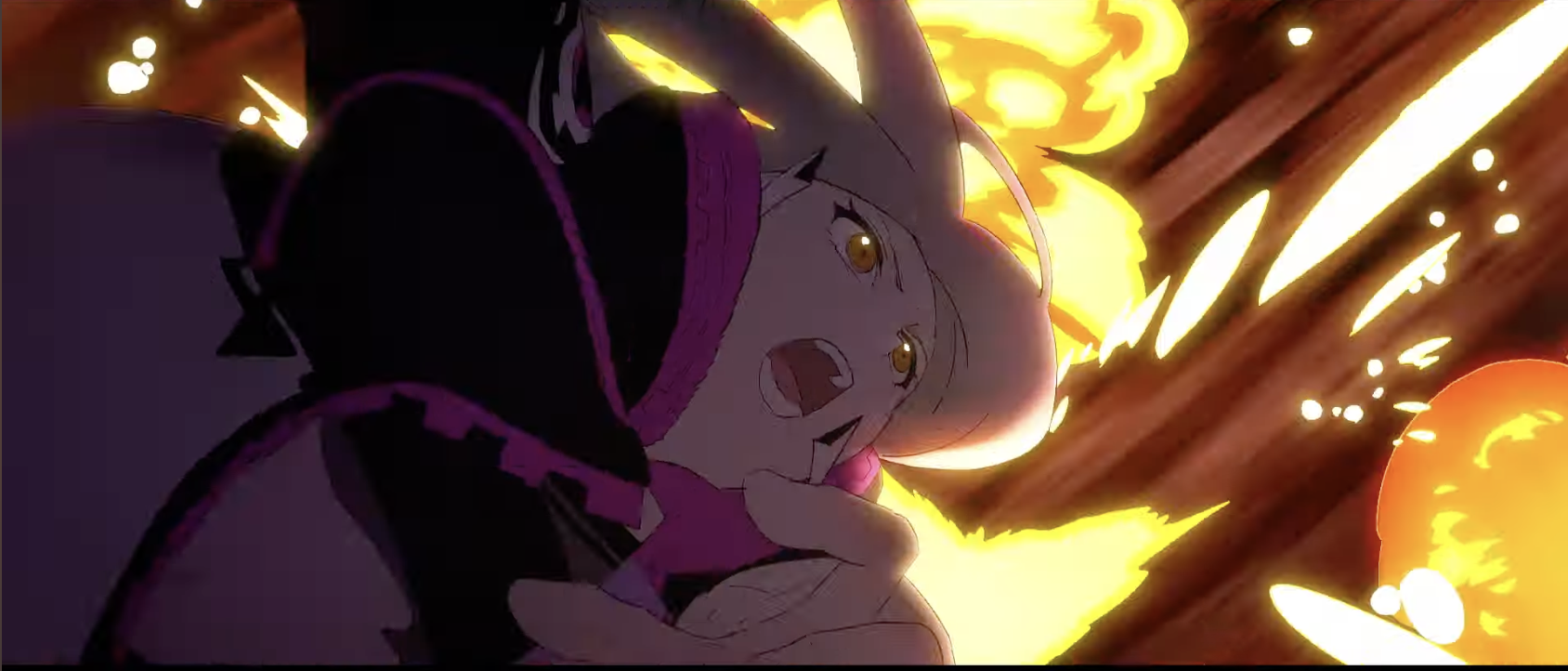 Another hold frame for Pop while the bg moves but the fx stay still:
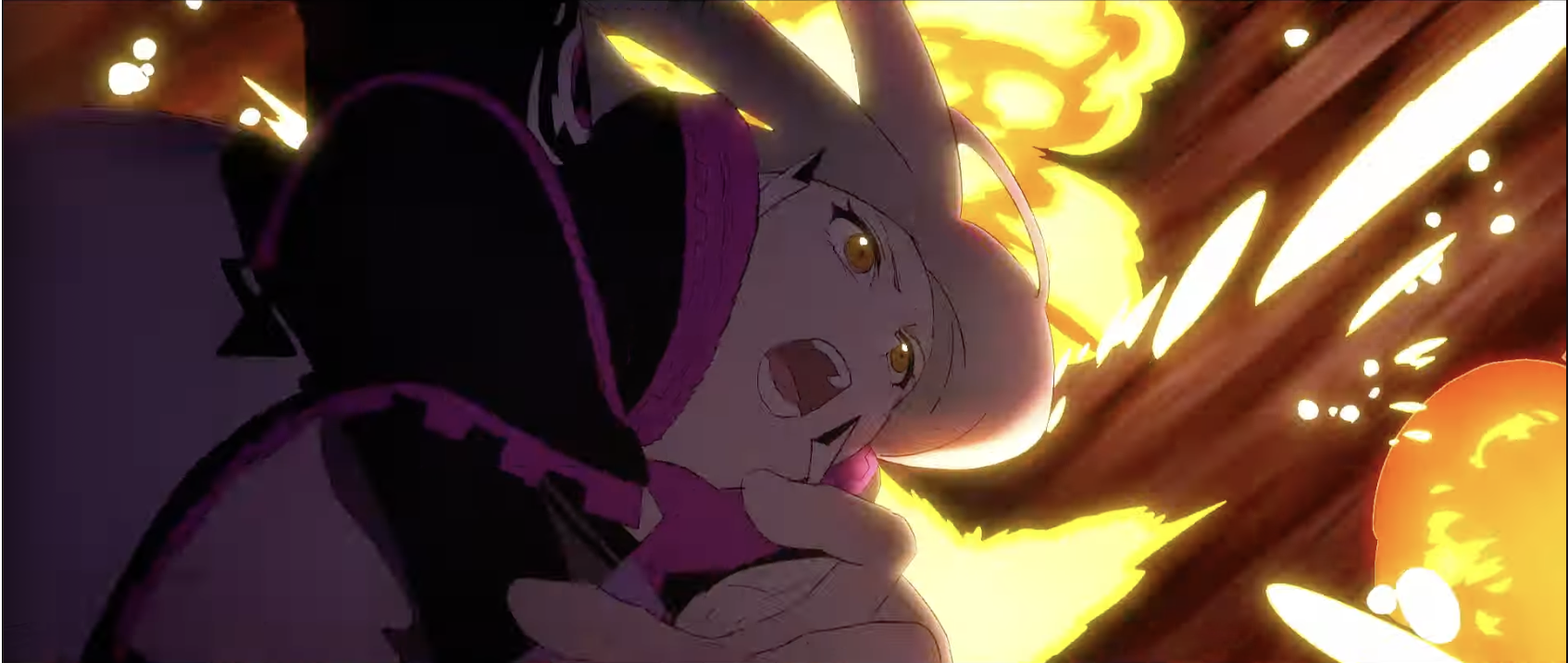 She turns some more as the explosions move to the right a bit:
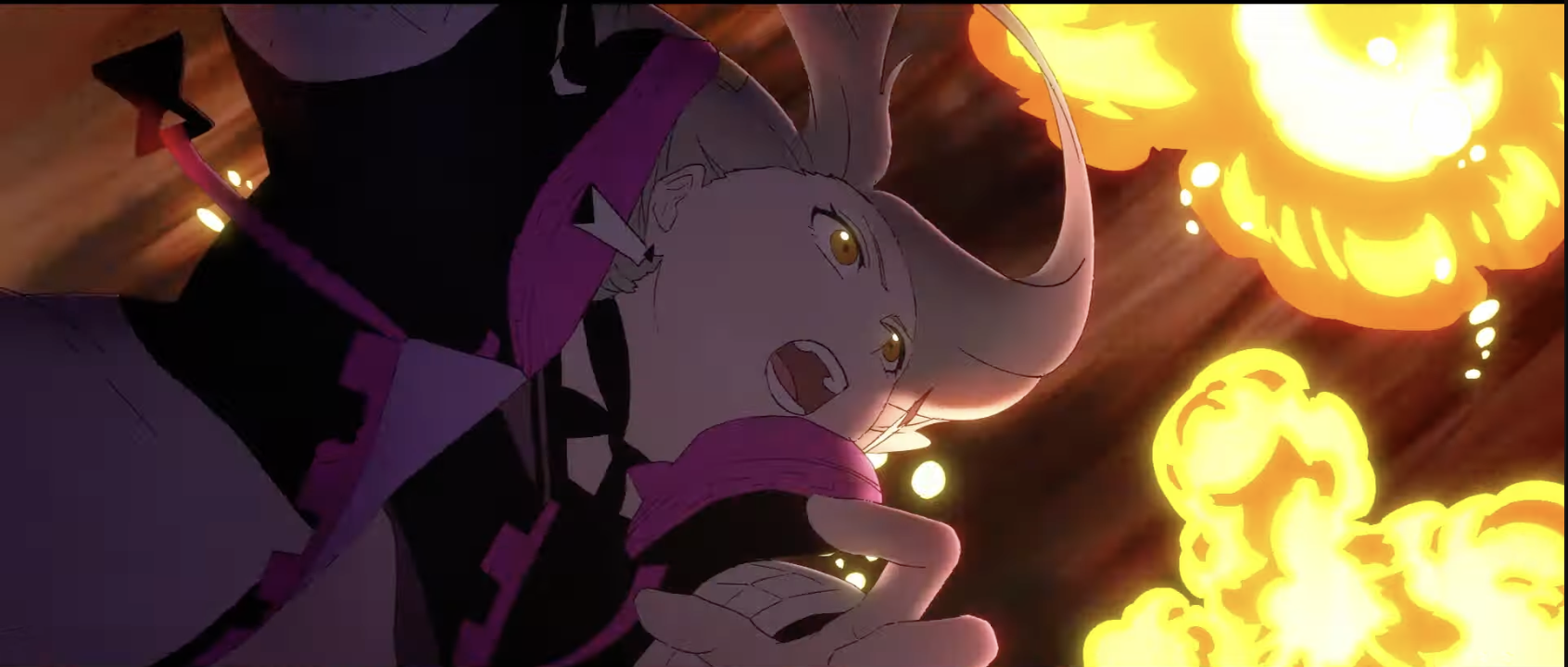 Another hold frame as the bg moves but not the fx nor Pop:
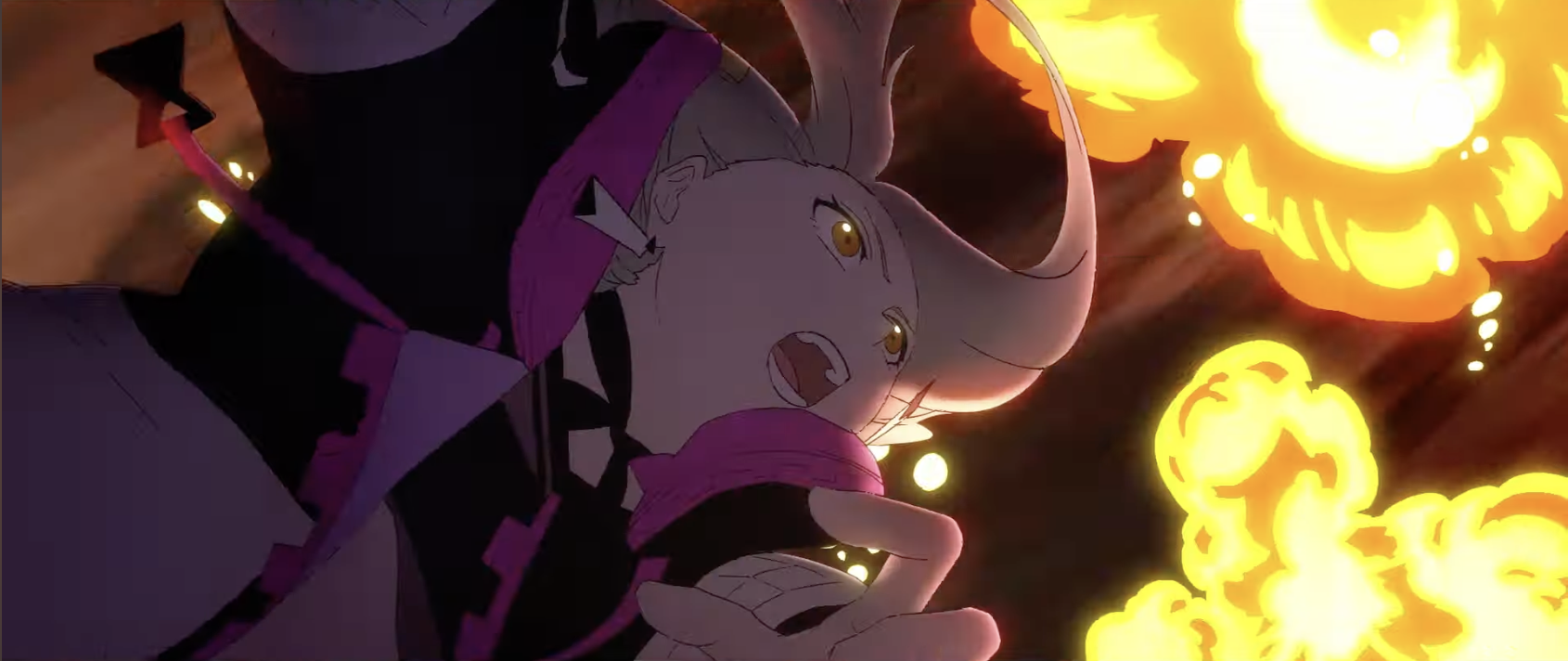 Pop turns some more:
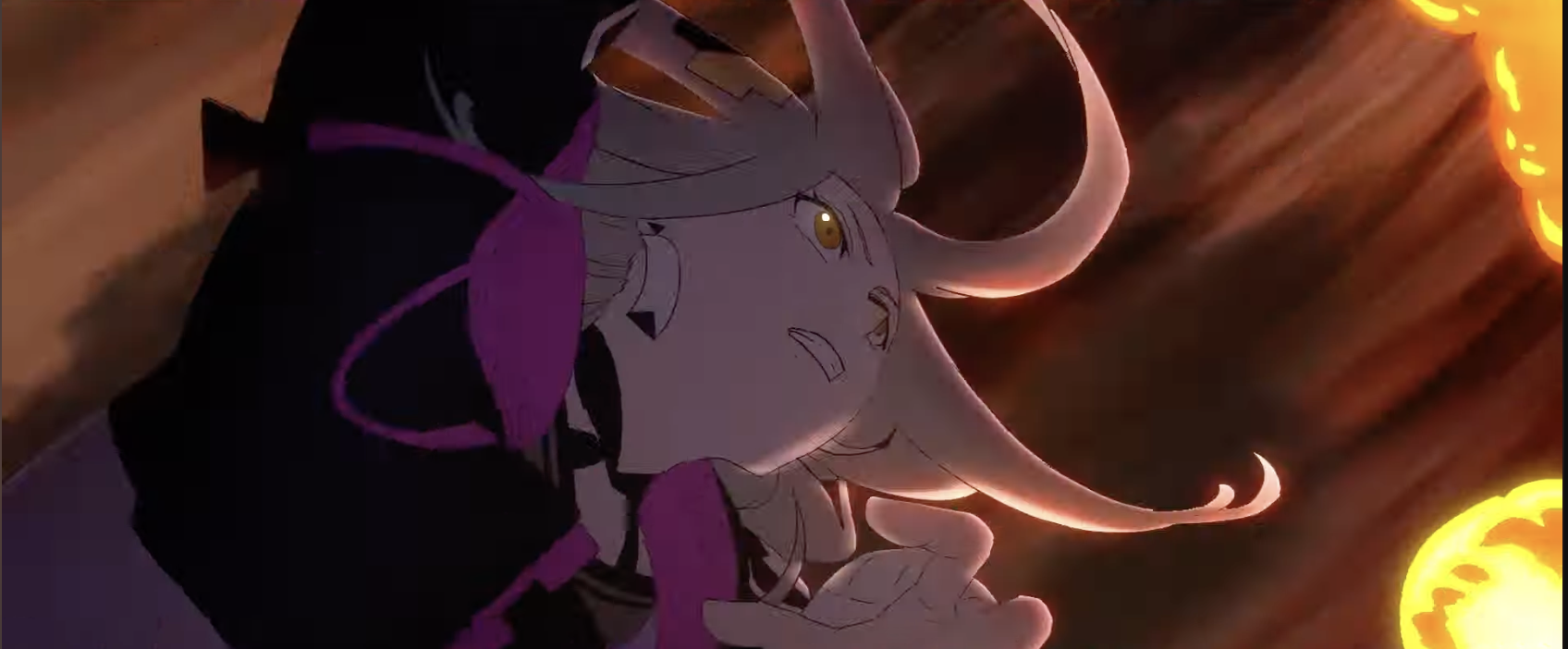 White bg again:
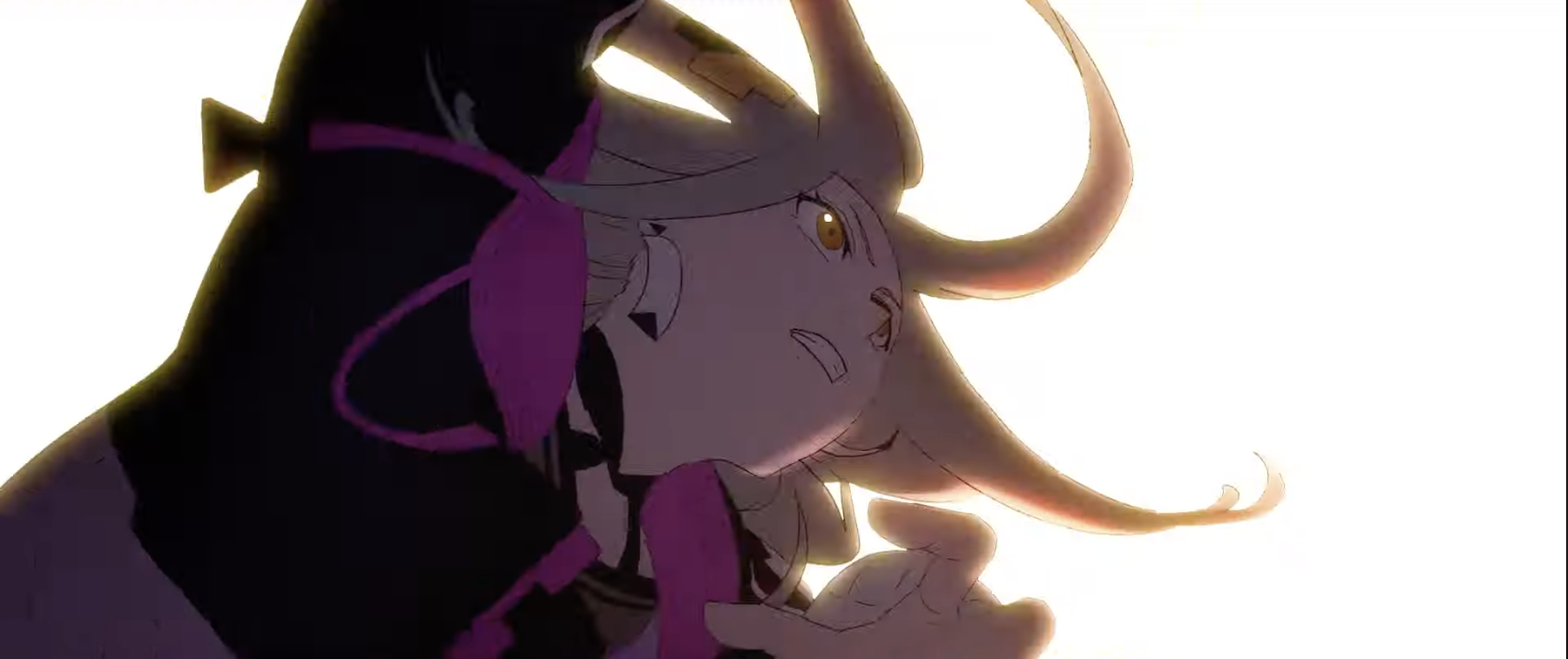 Her hair and clothes are blown around by the blast of the explosions:
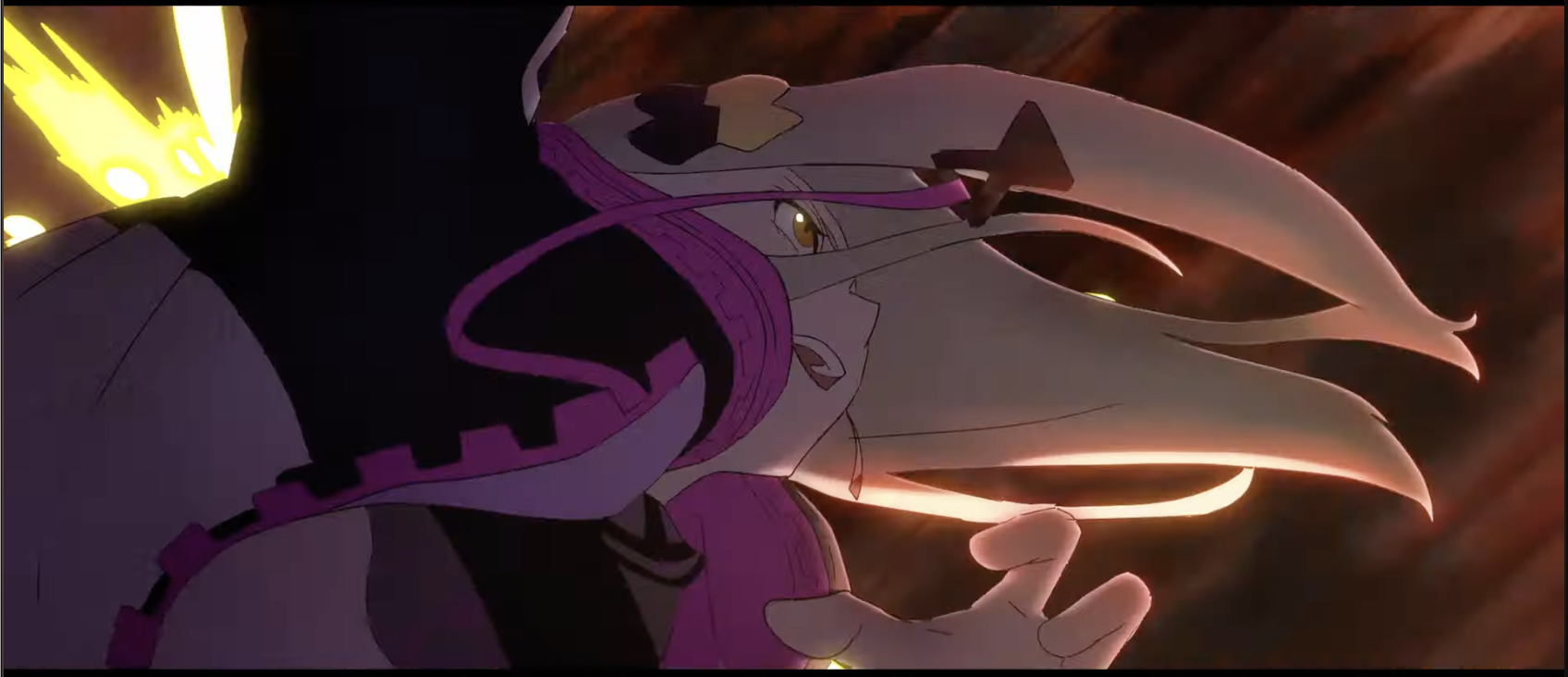 Hold frame on Pop while the bg moves to the top right some:
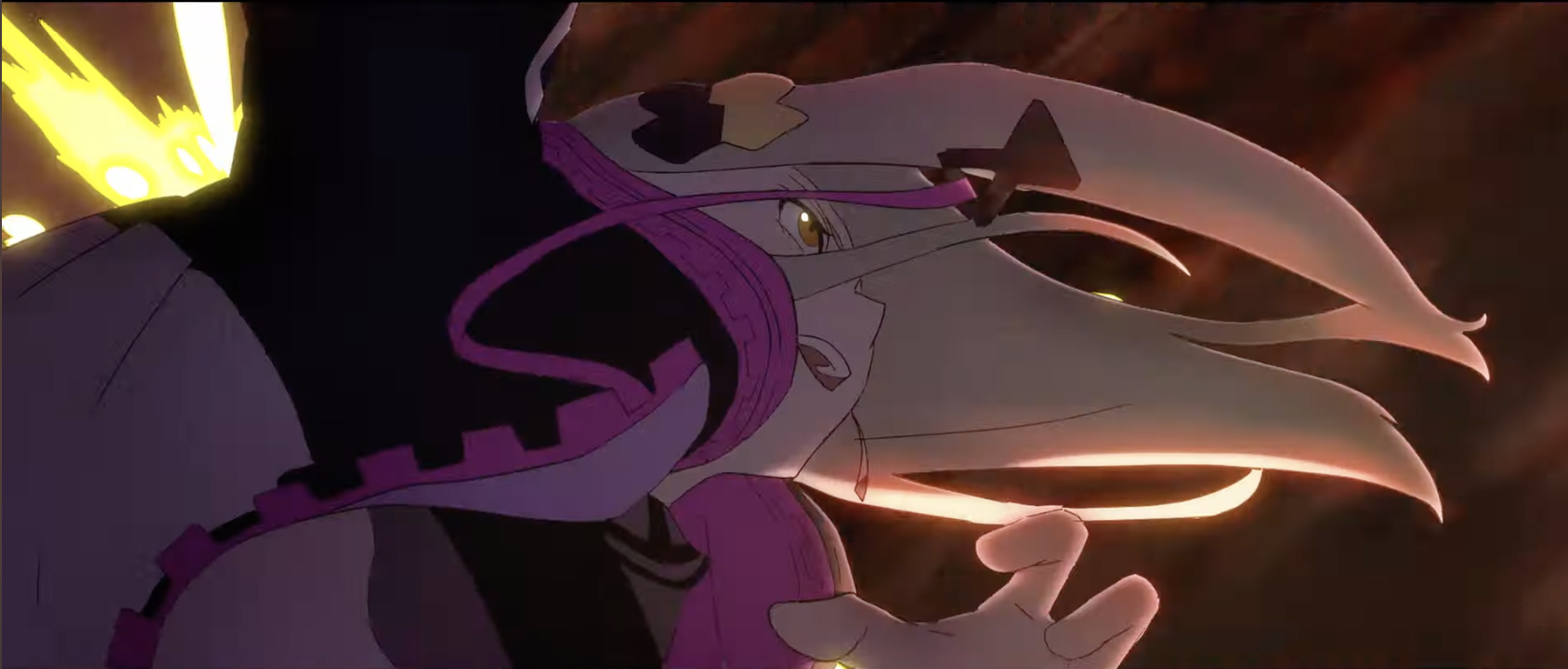 She flips a bit more:
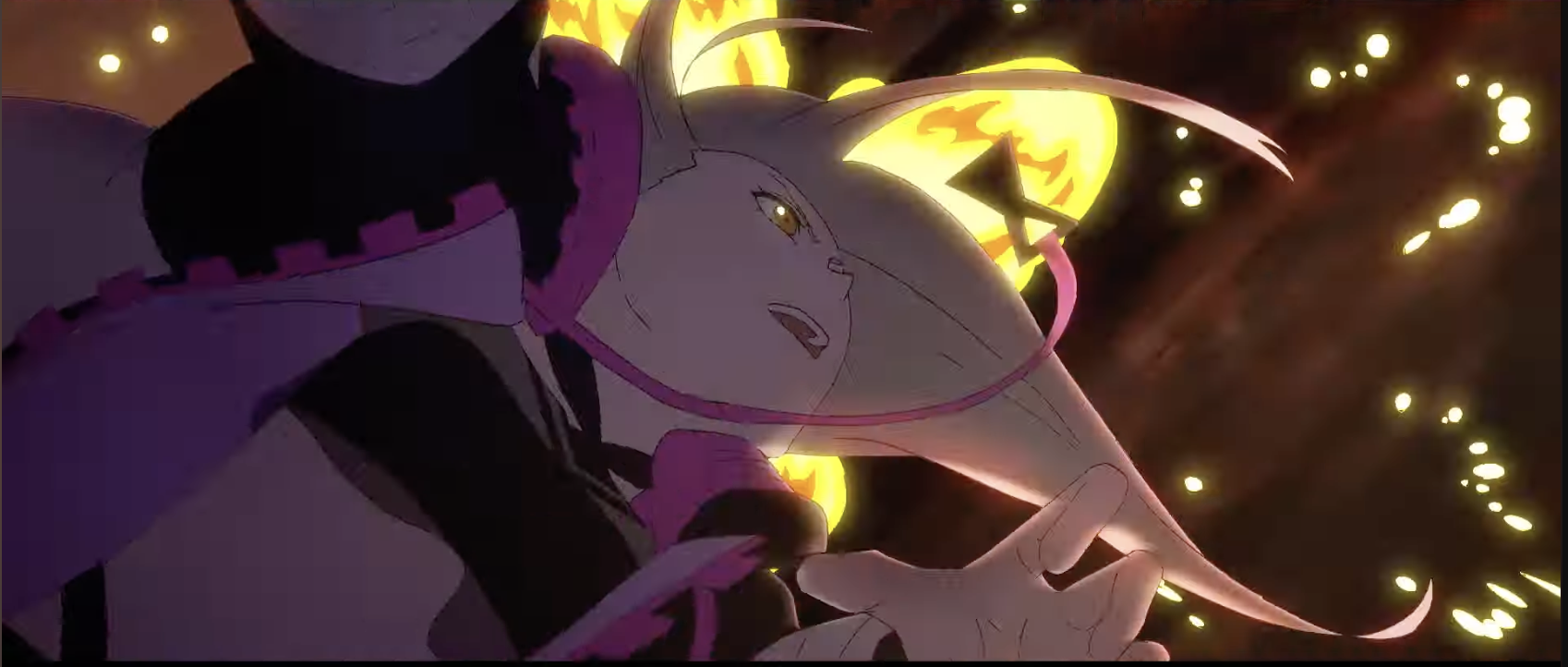 Pop and the fx are moved down ever so slightly but otherwise it's pretty much a hold frame still..
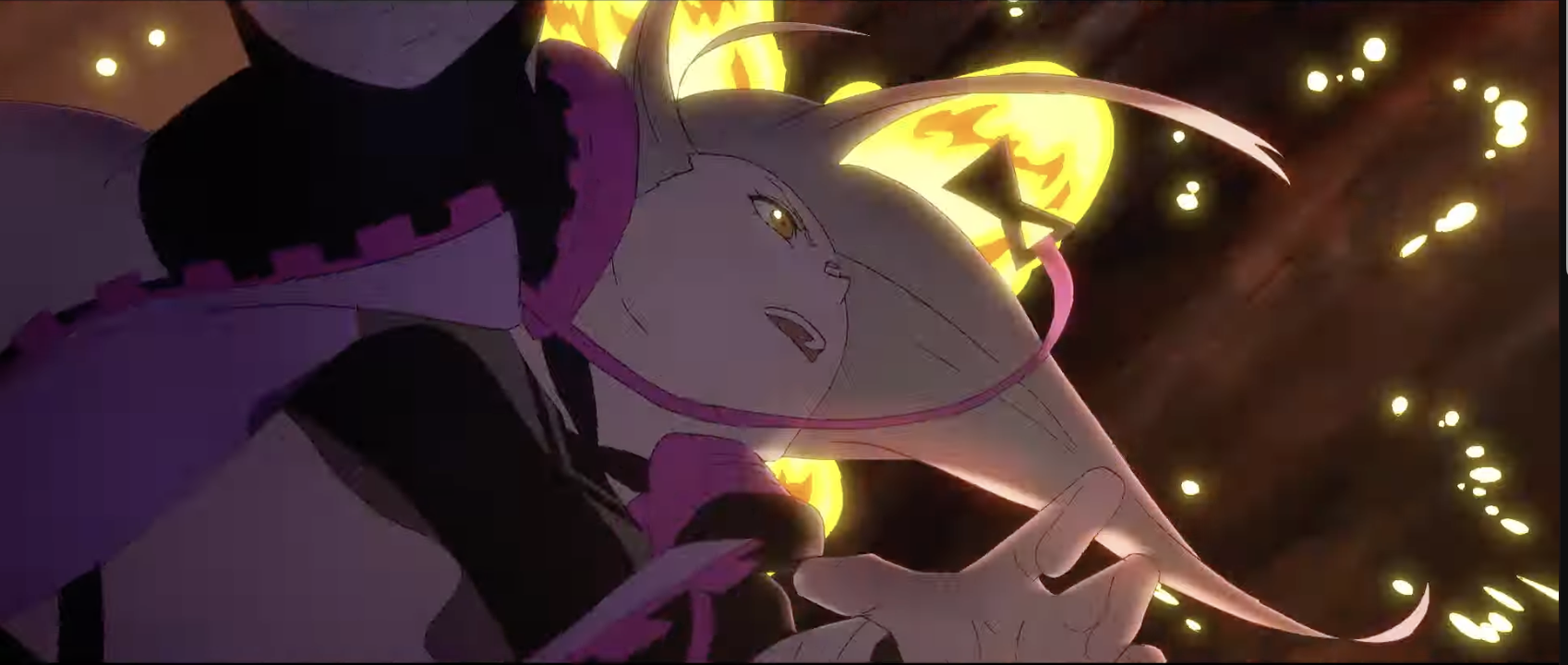 Haha never noticed how goofy this frame looks on its own XD
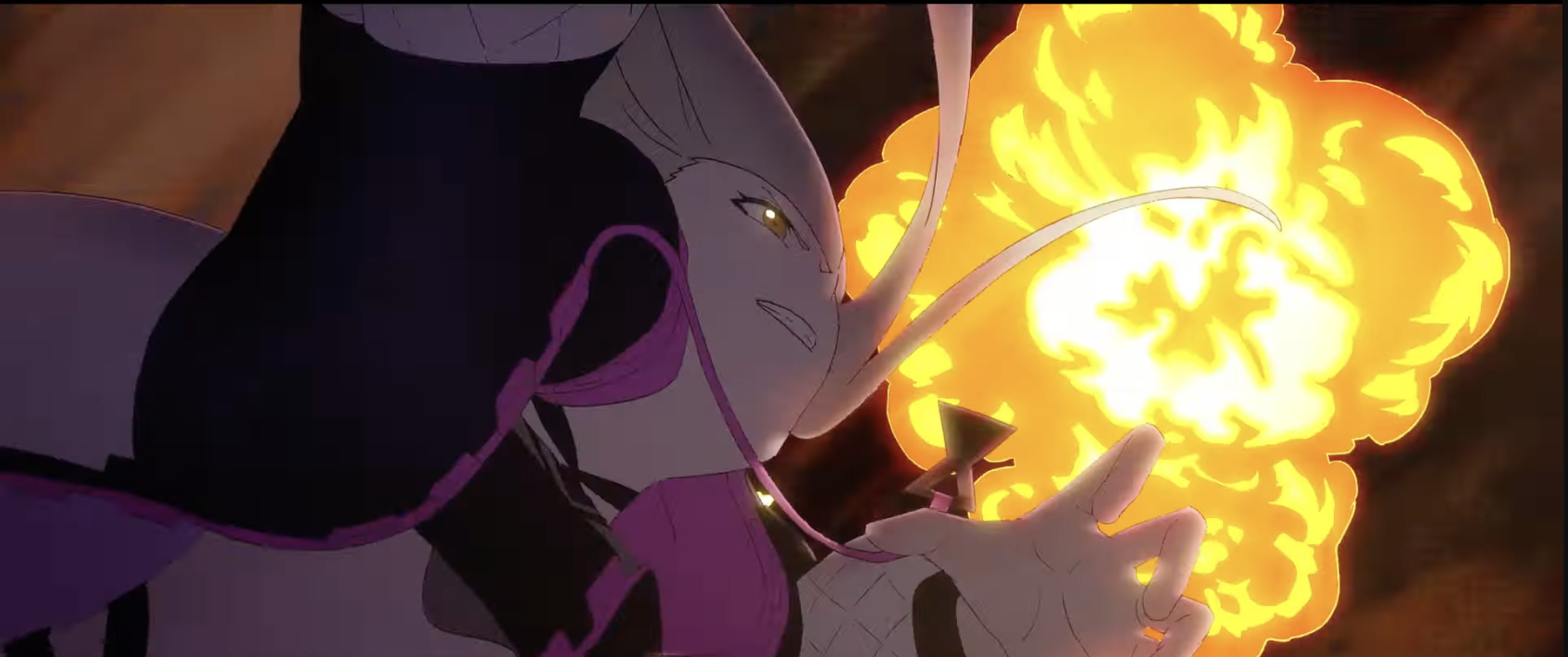 Nother white bg:
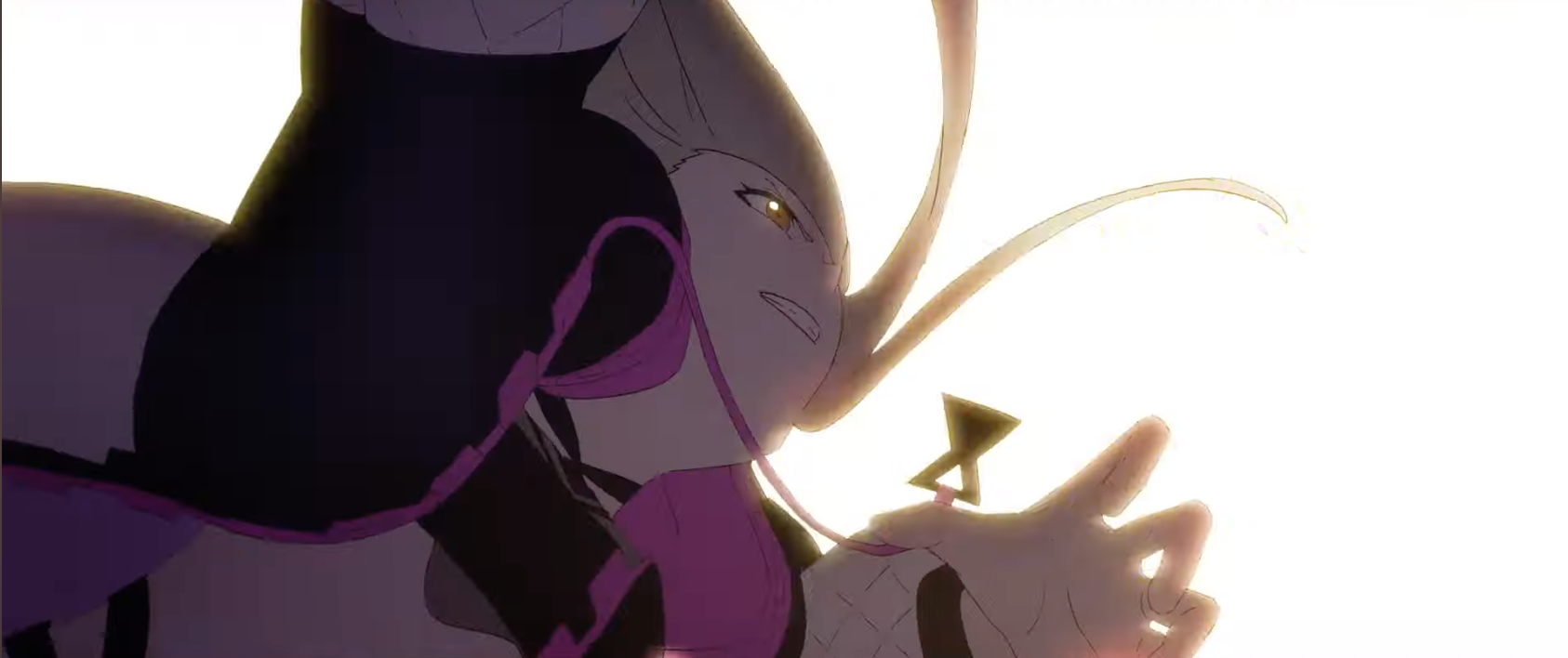 Slight turn:
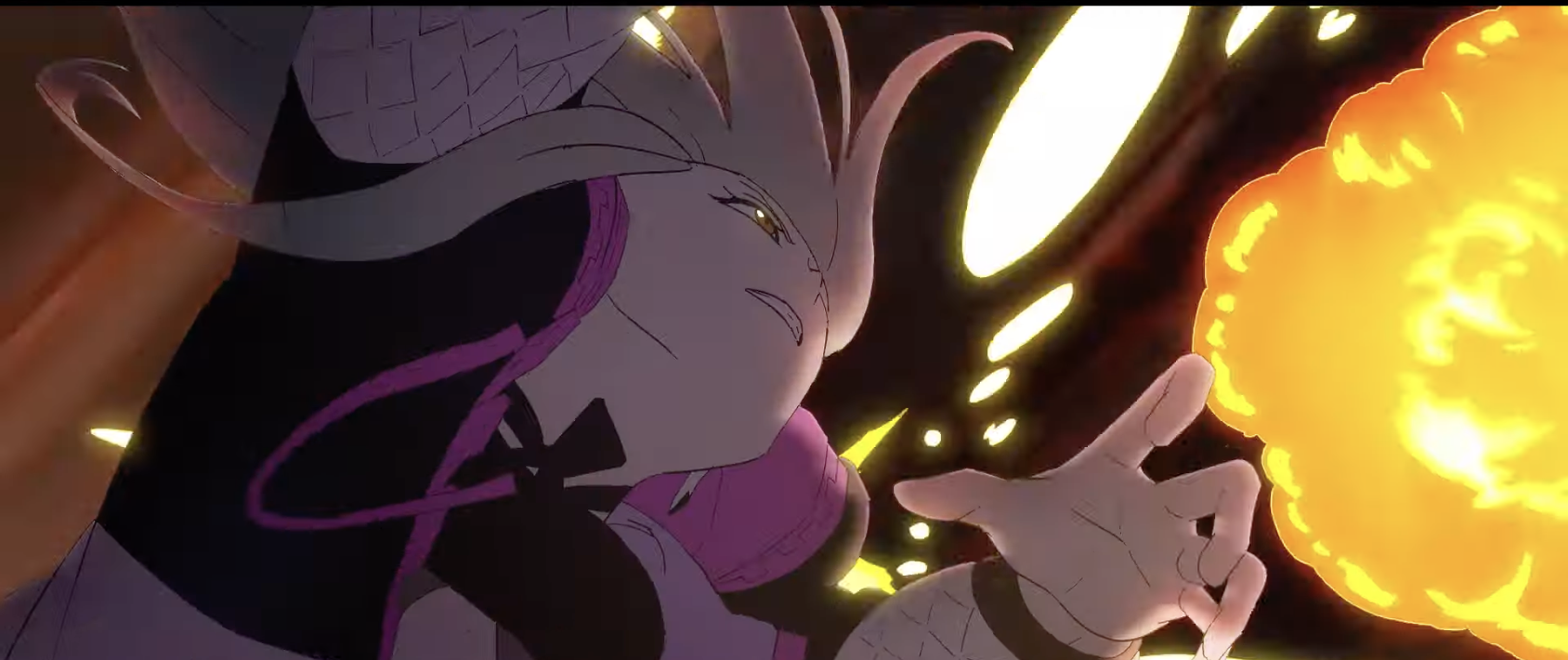 Oh! This is new, the bg turned yellow!
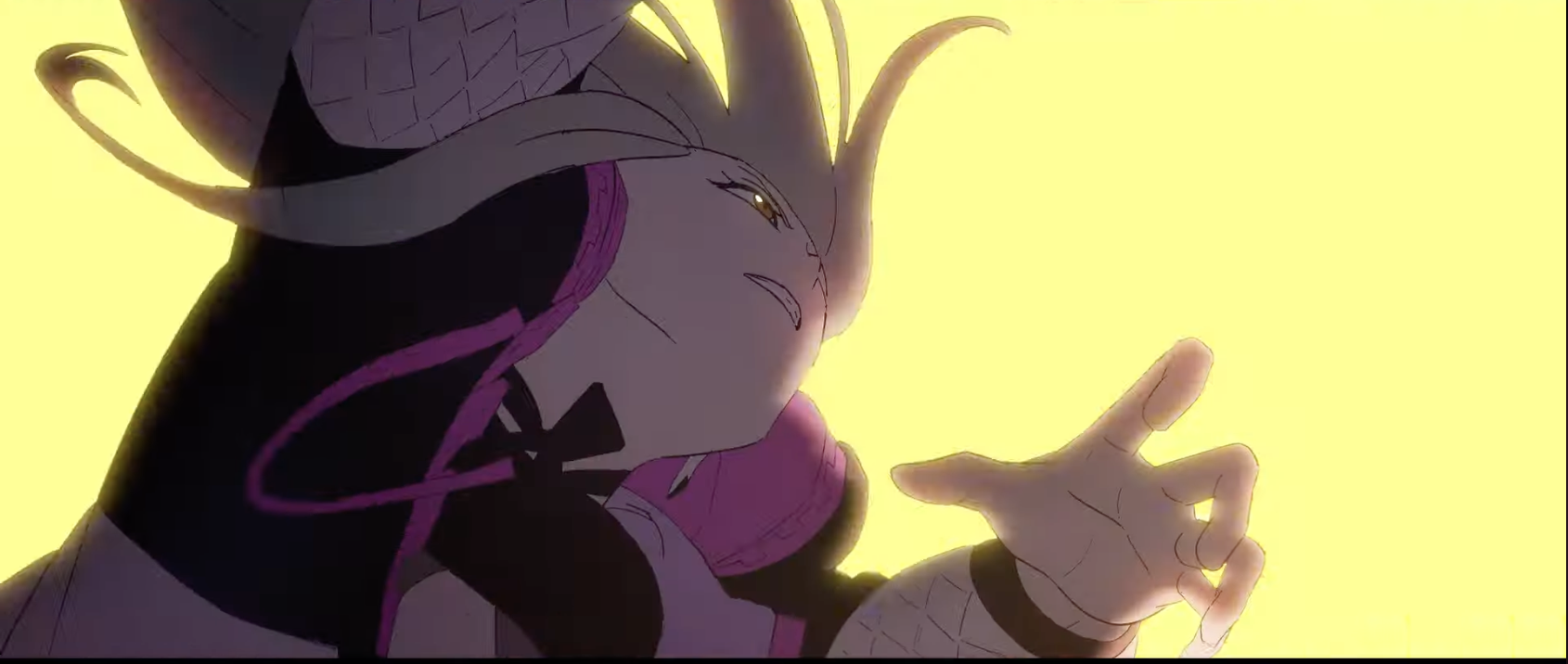 Bg comes back but has changed from 2 frames ago:
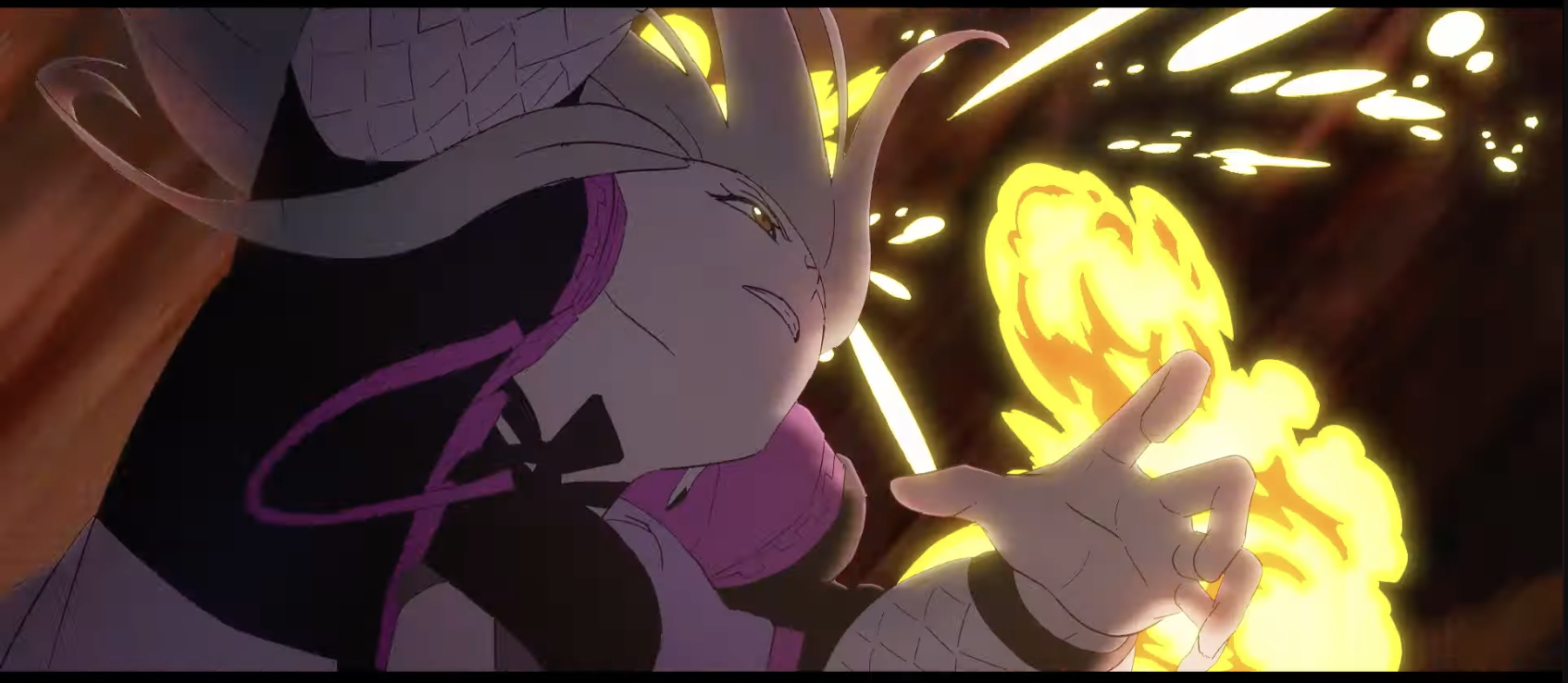 Pop starts to flip:
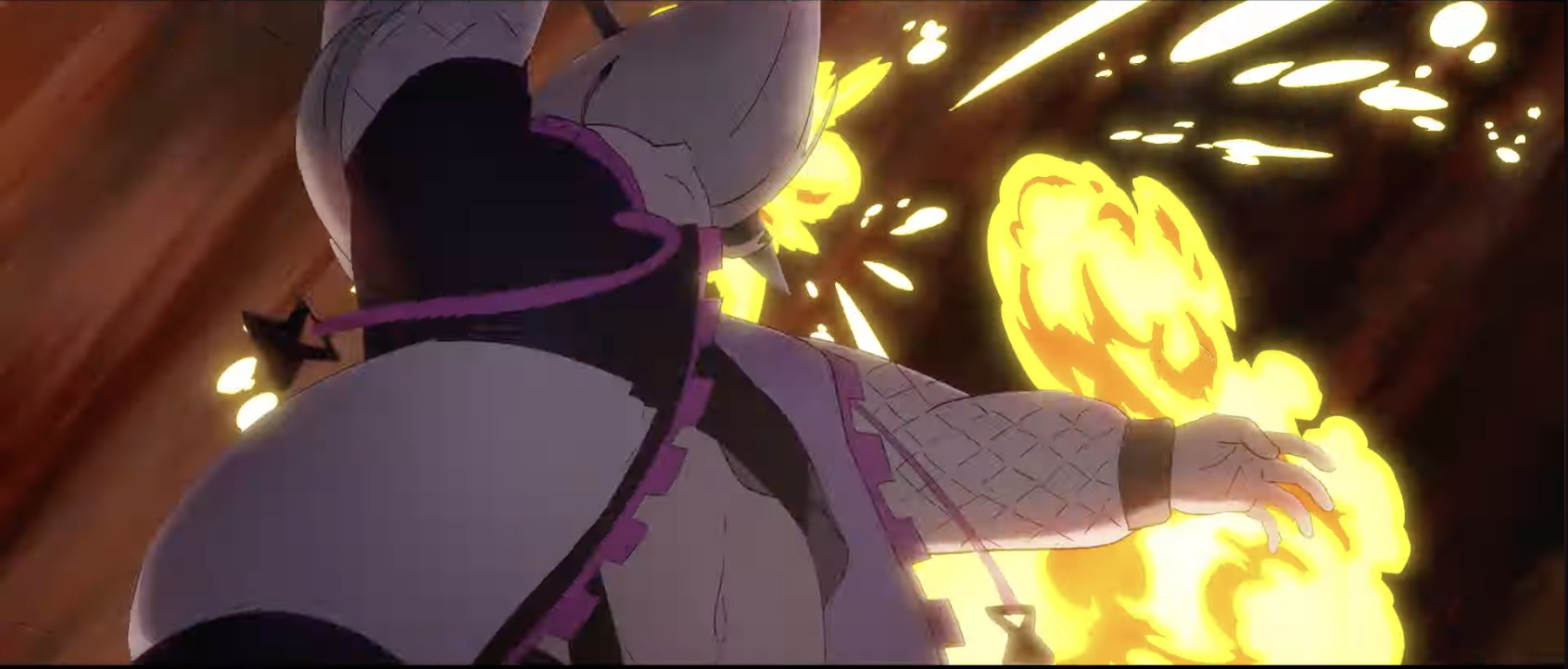 More explosions as the bg moves but Pop doesn't move:
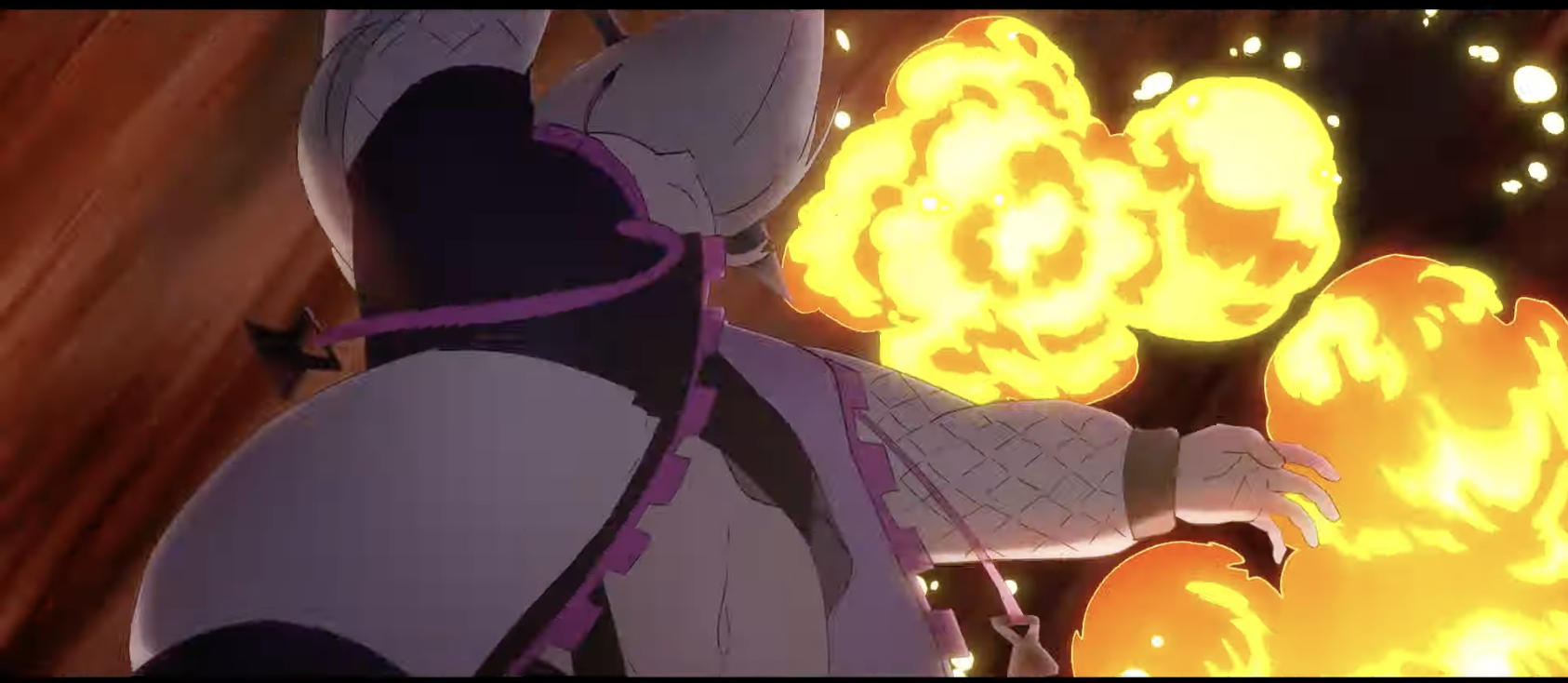 Bg moves but the explosion and Pop stay the same - though I think the orange in the explosion became slightly more saturated(?)
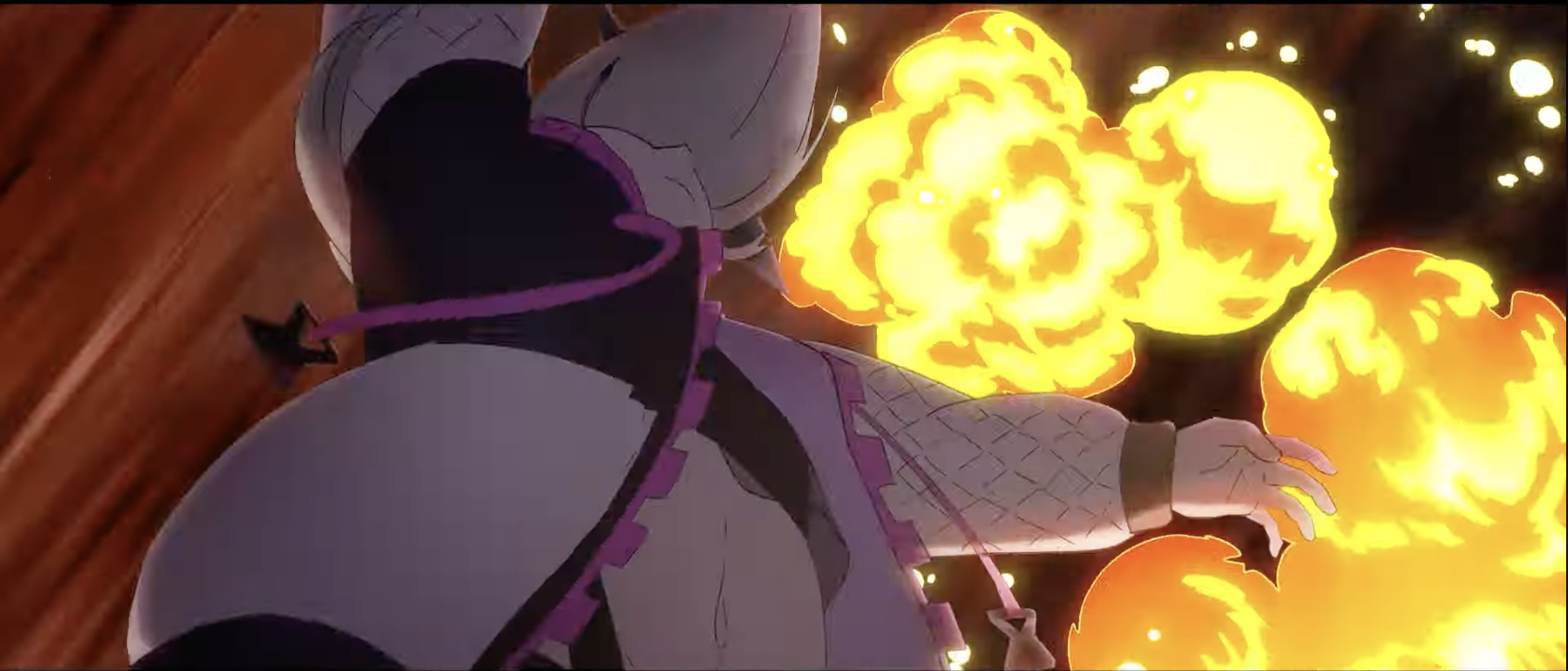 Flip:
Flip:
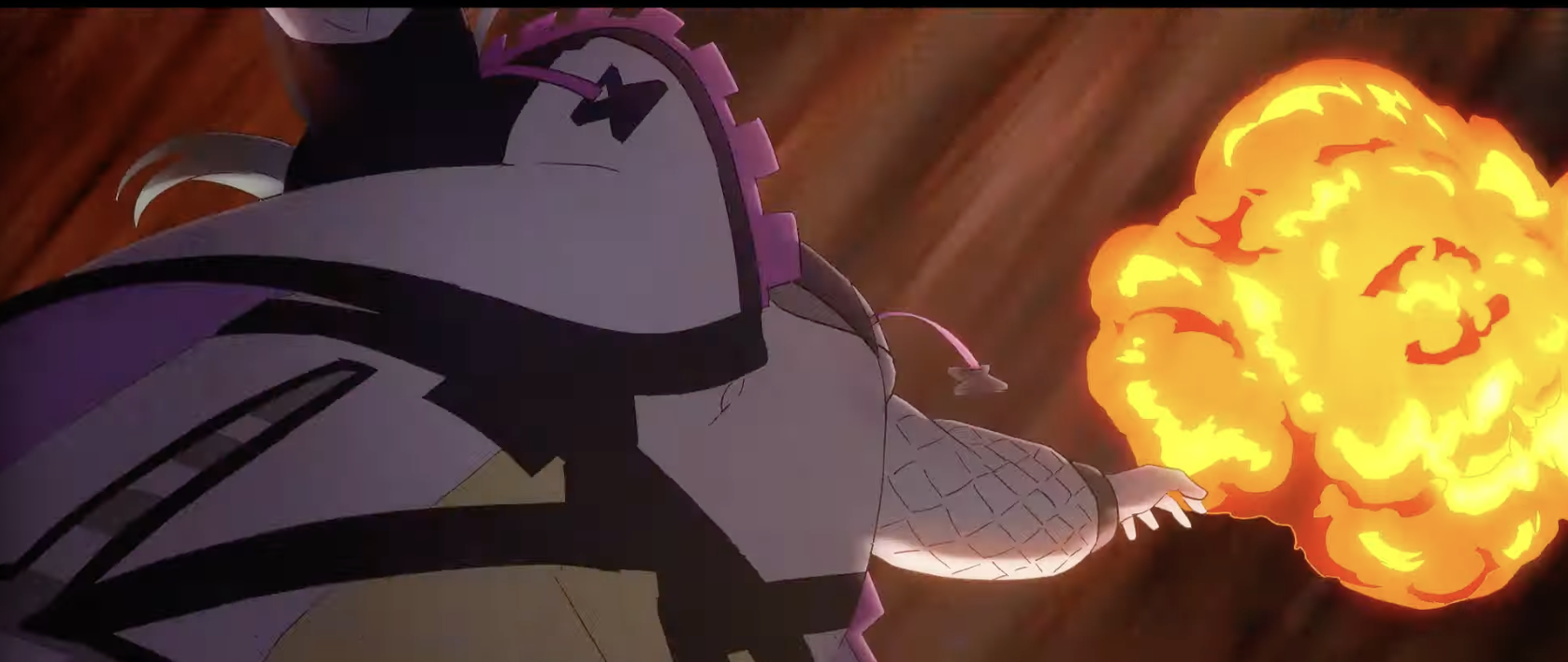 Another hold frame for Pop + FX but the bg moves:
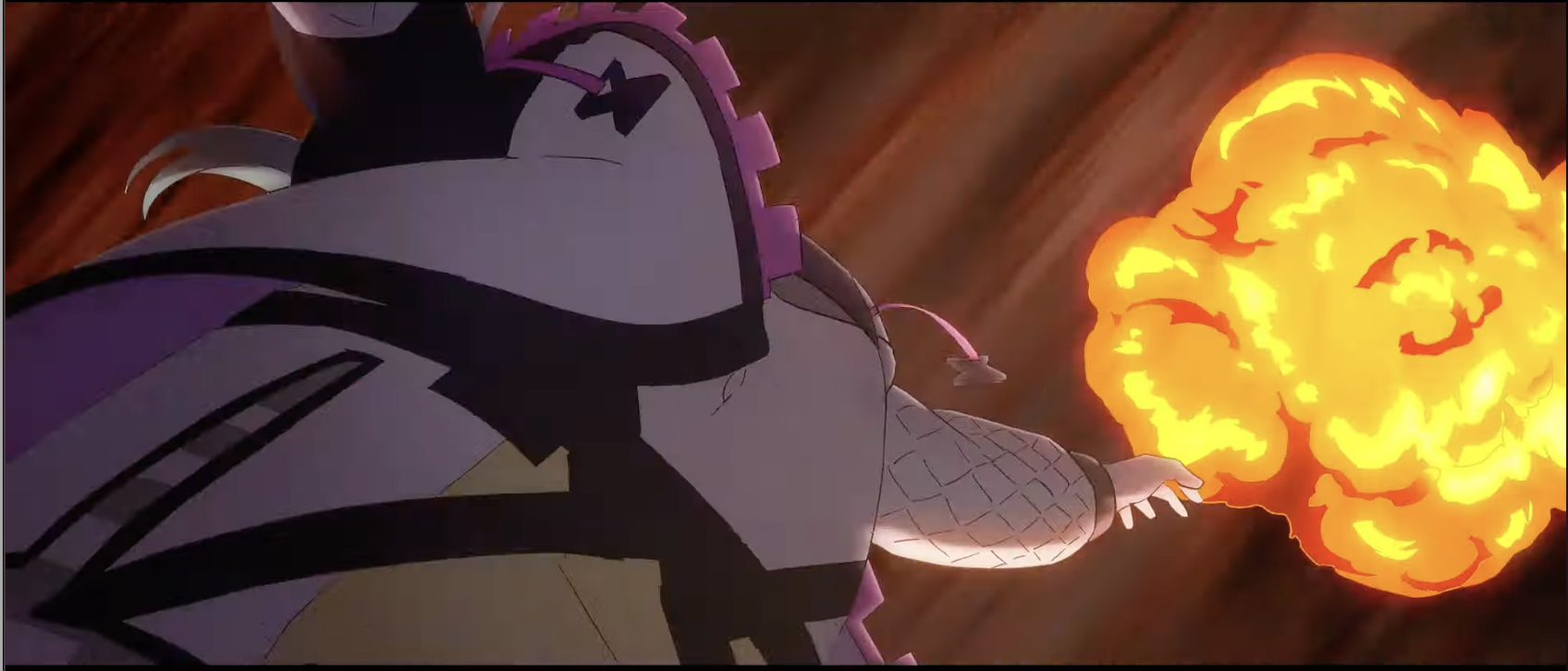
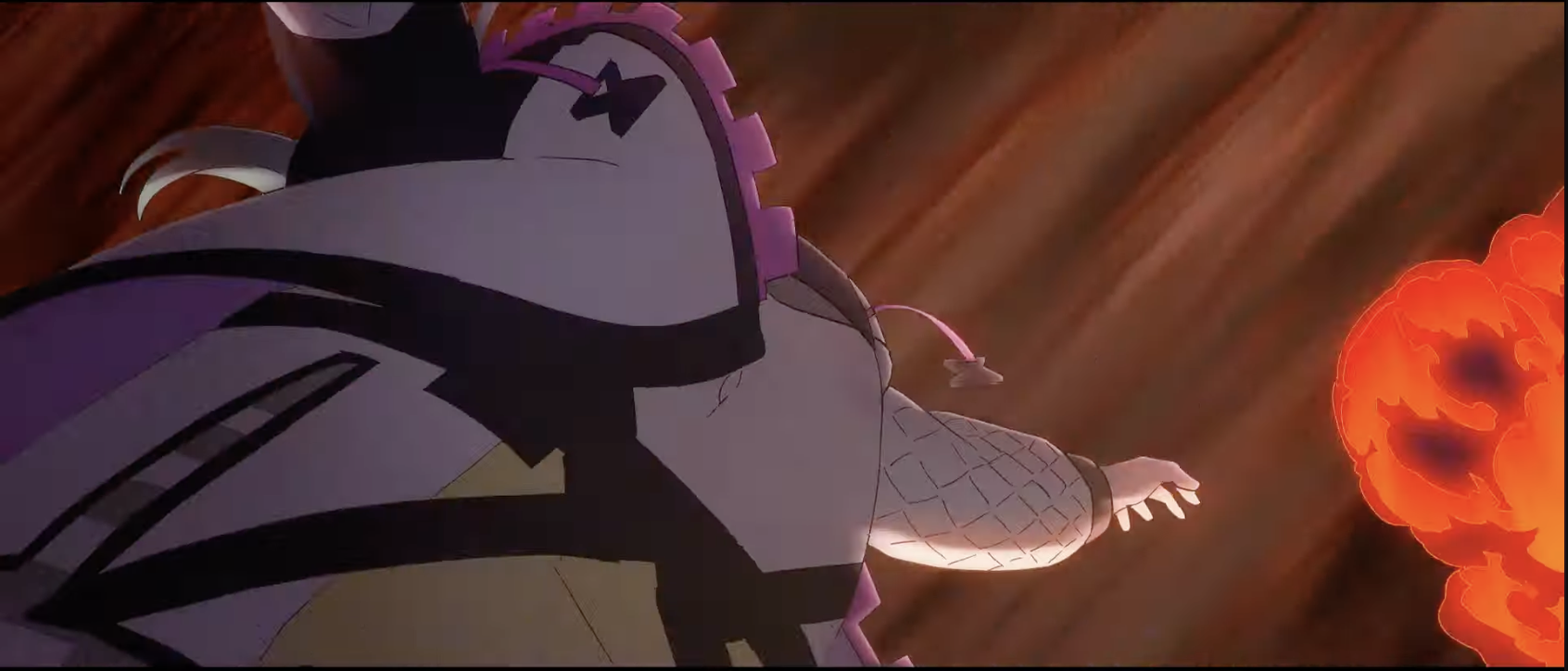 And finally the flip:
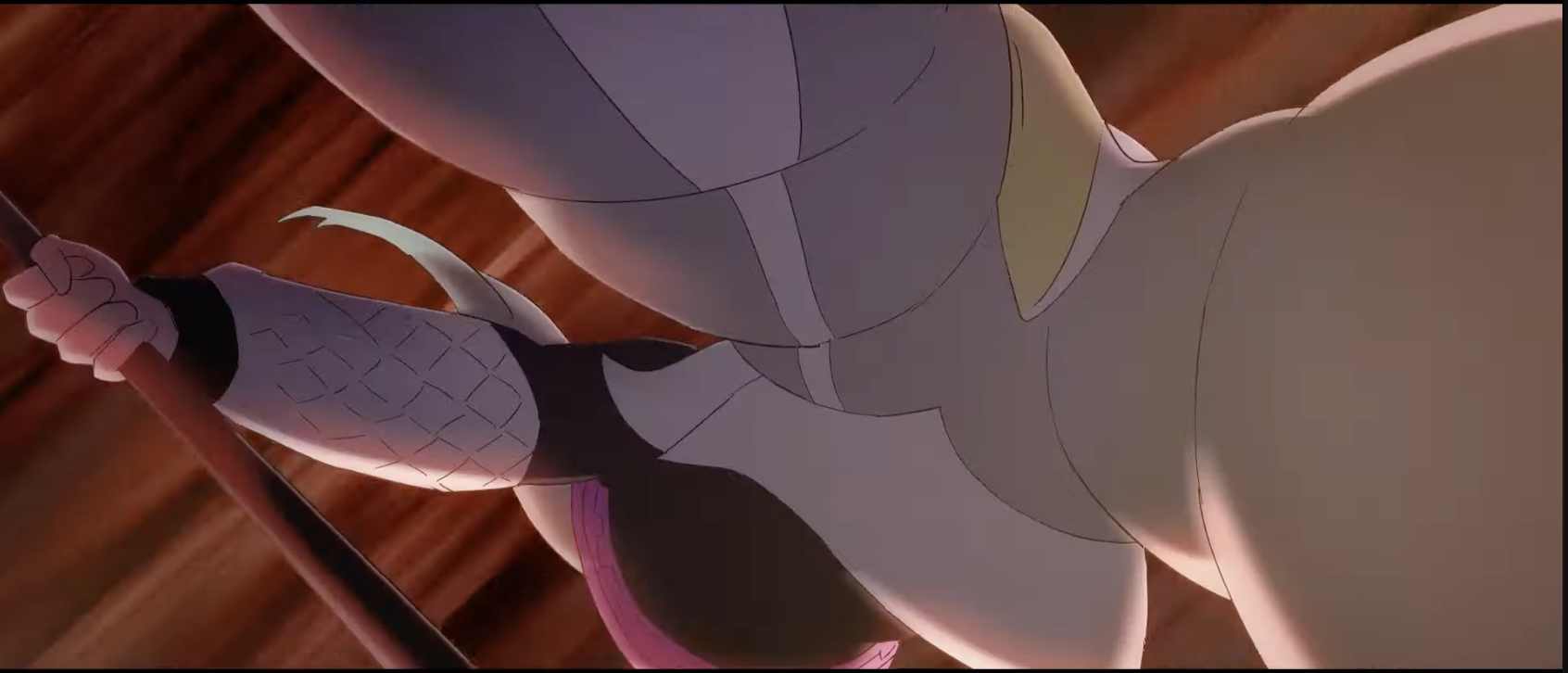 Another hold frame for Pop while the bg moves towards the top right:
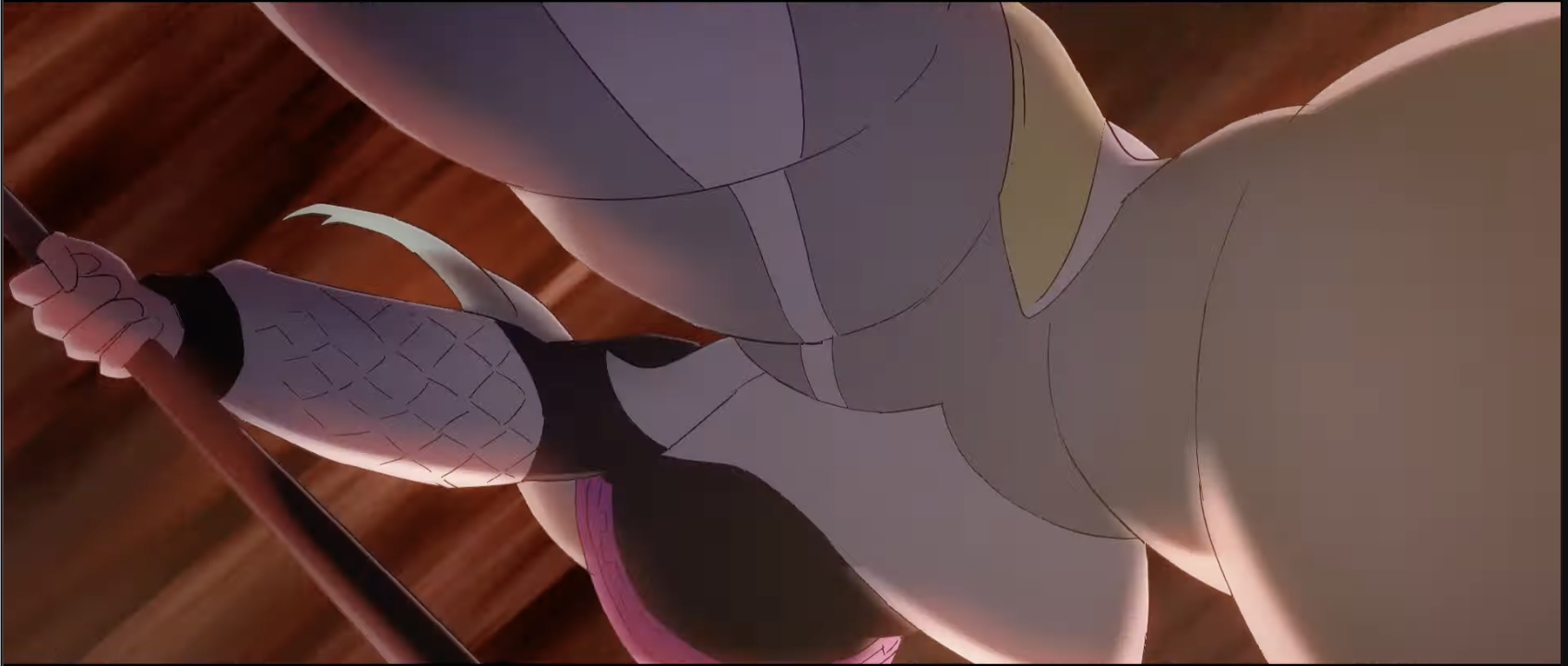 More flip... and that is the final frame in that shot.
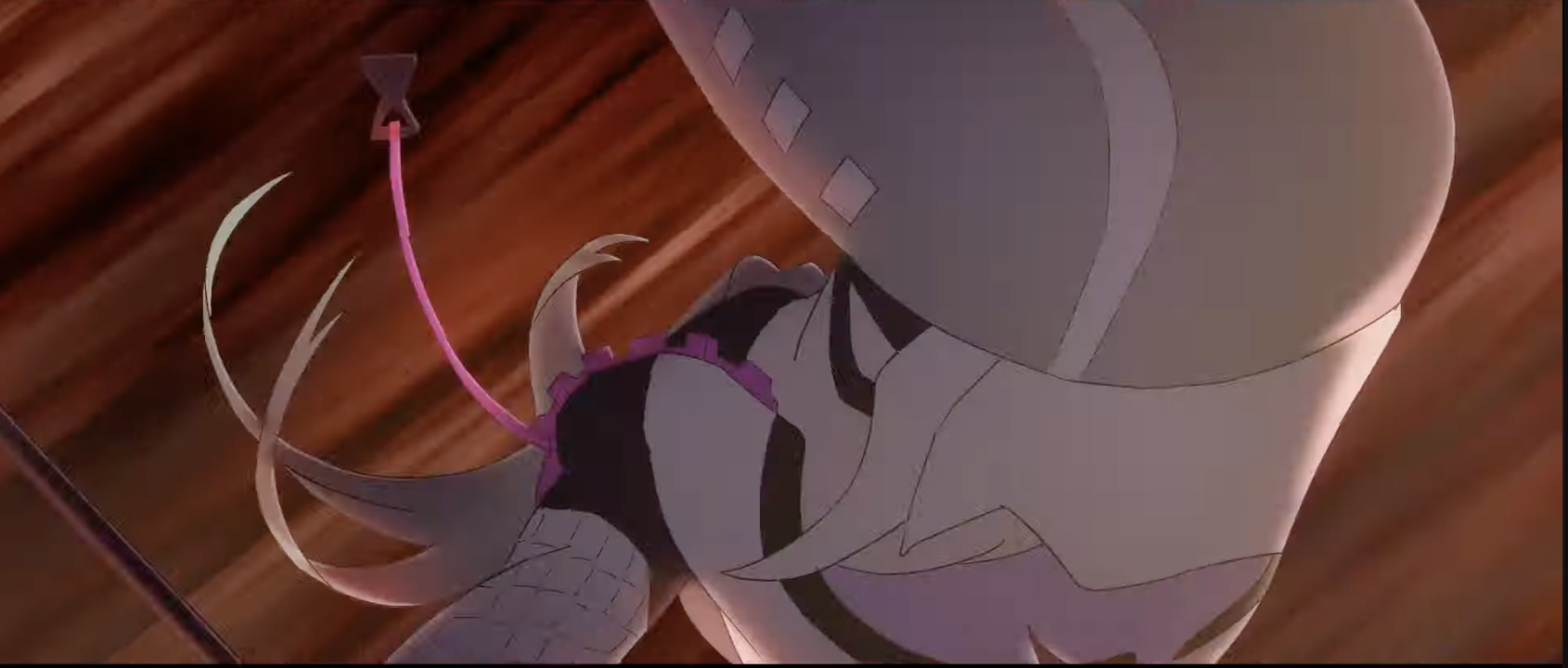
False Memory PV
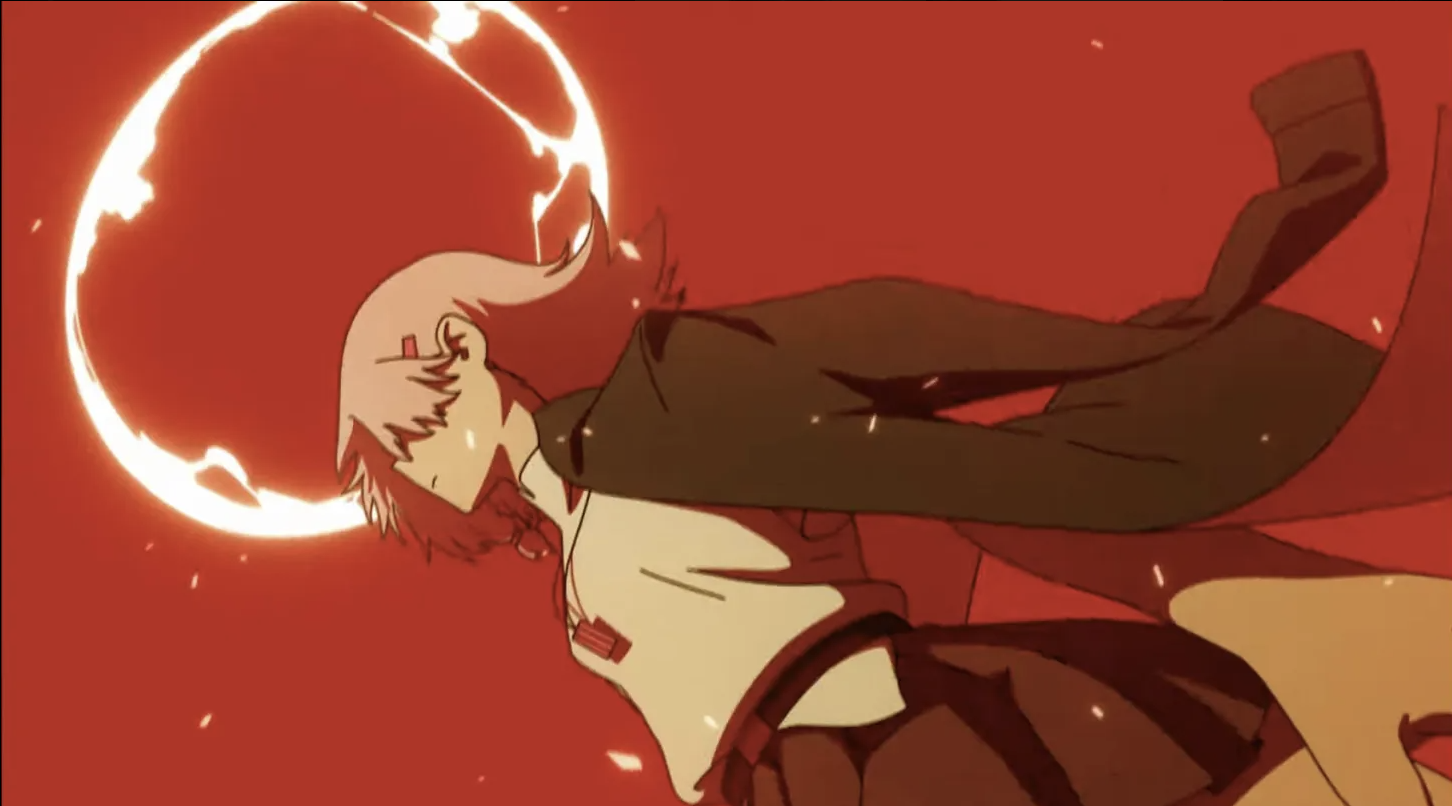
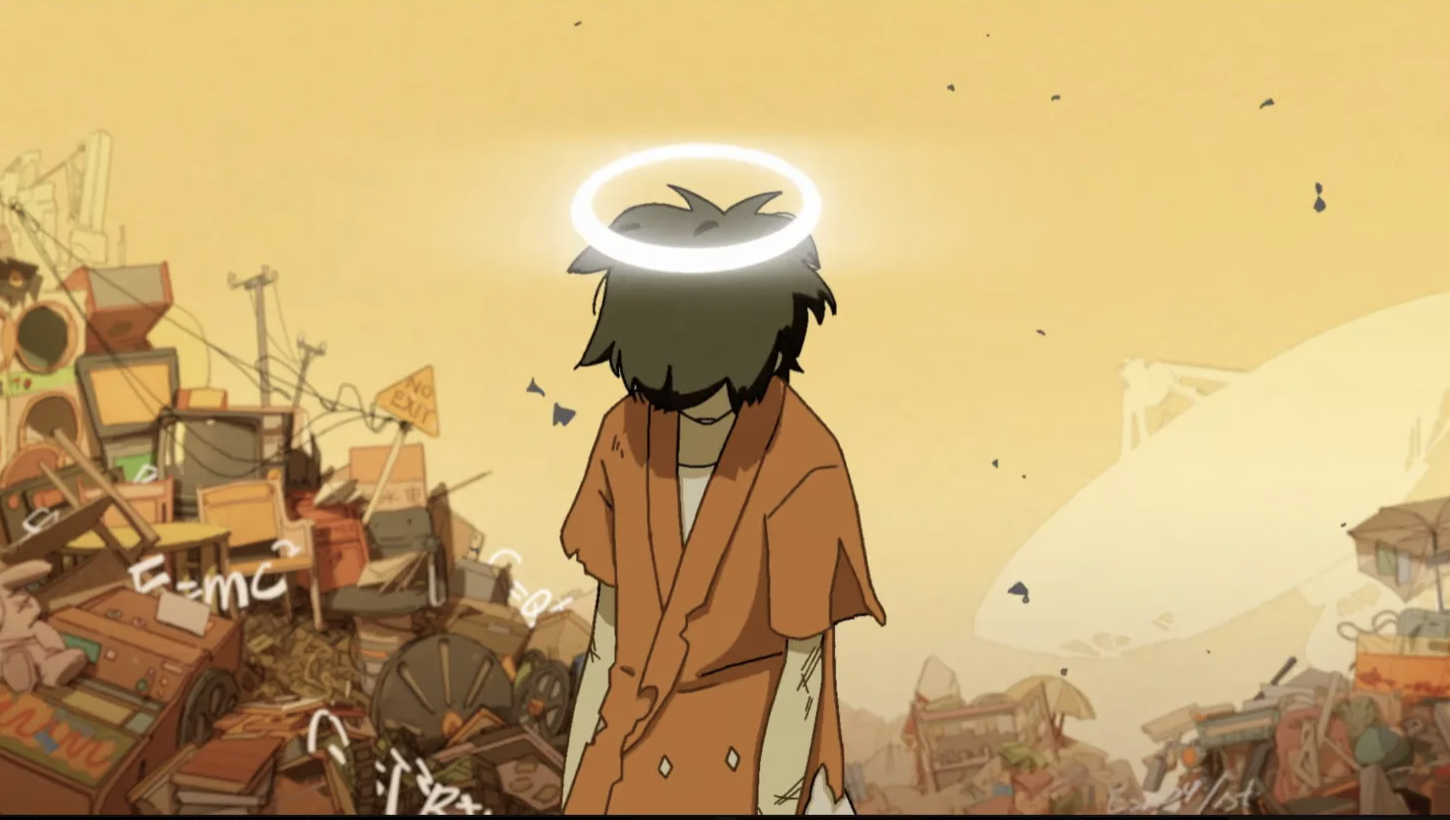
There is a cut at 1:02 in the PV where Bai Zhong's halo turns into some cool looking thing.. It looks like there is a good amount of camera shake involved too.
First frame is like this.. It pans upwards to her face
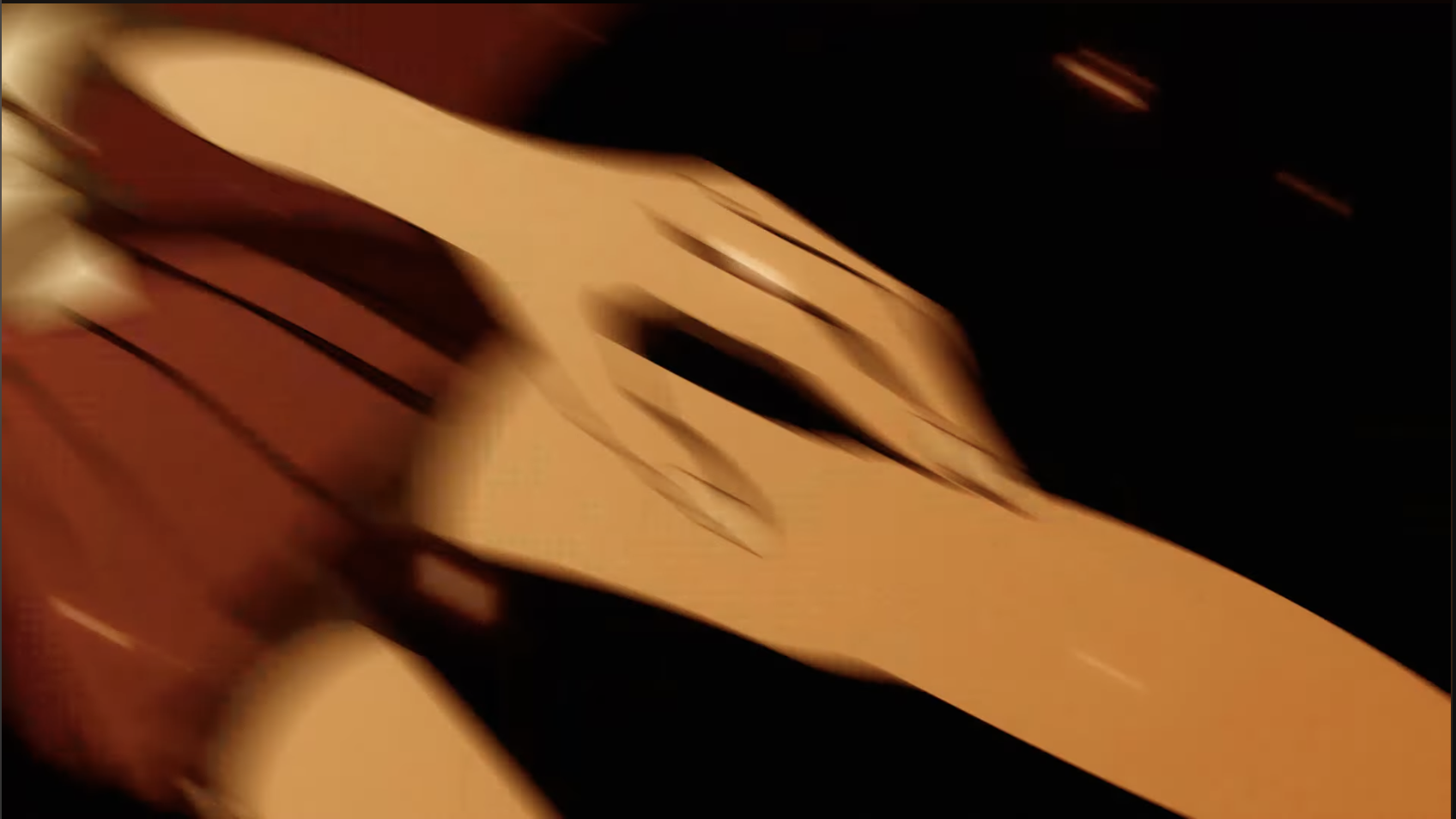 Lotsa motion blur going on.. I think the frame itself did not change but the amount of blur did.. I would imagine one would draw Bai Zhong's whole body and just move her with the transform tool into the frame.. so I will consider this a hold frame that has been moved with transform and altered with a LOT of blur.
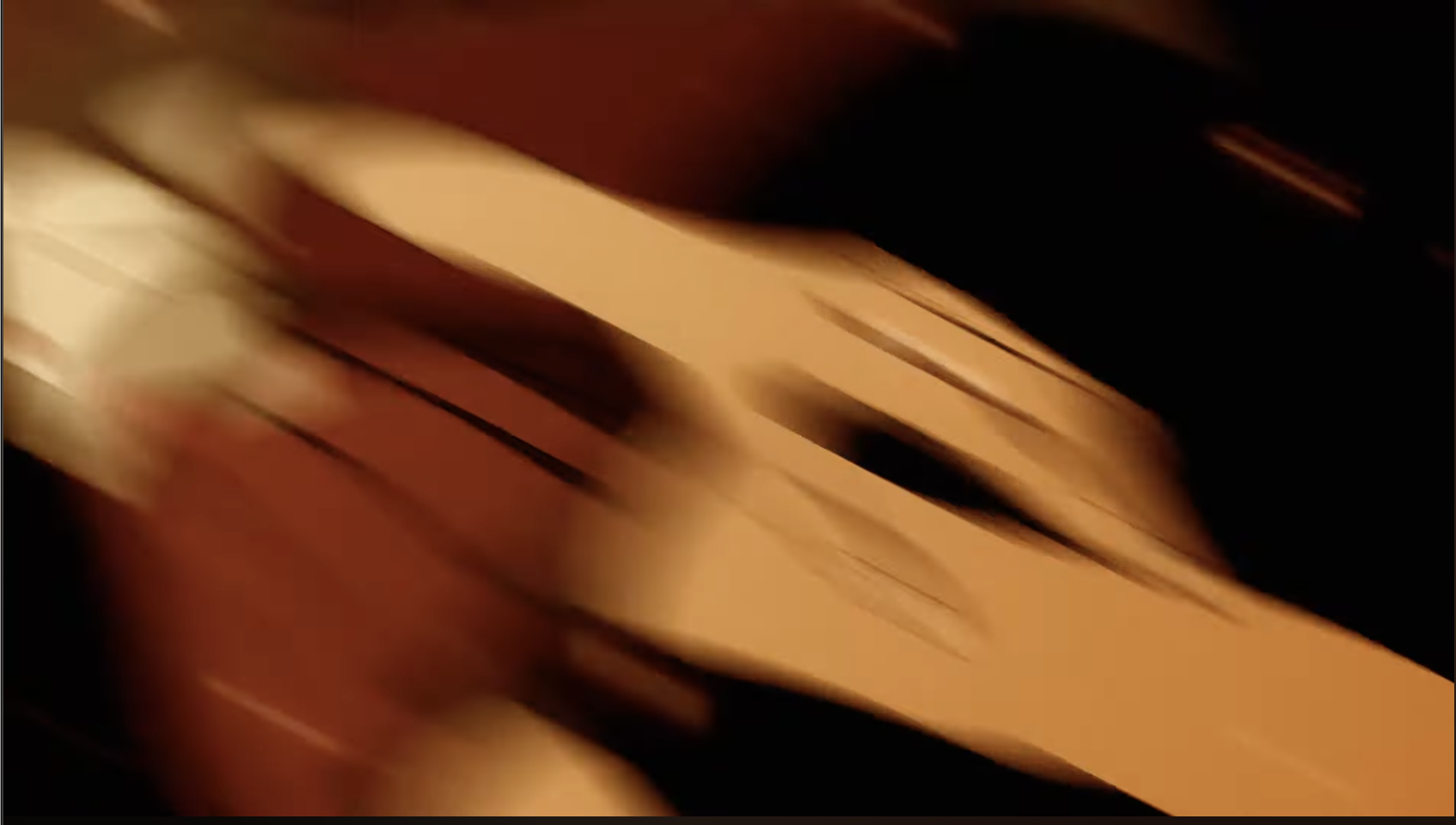 Pan up continues:
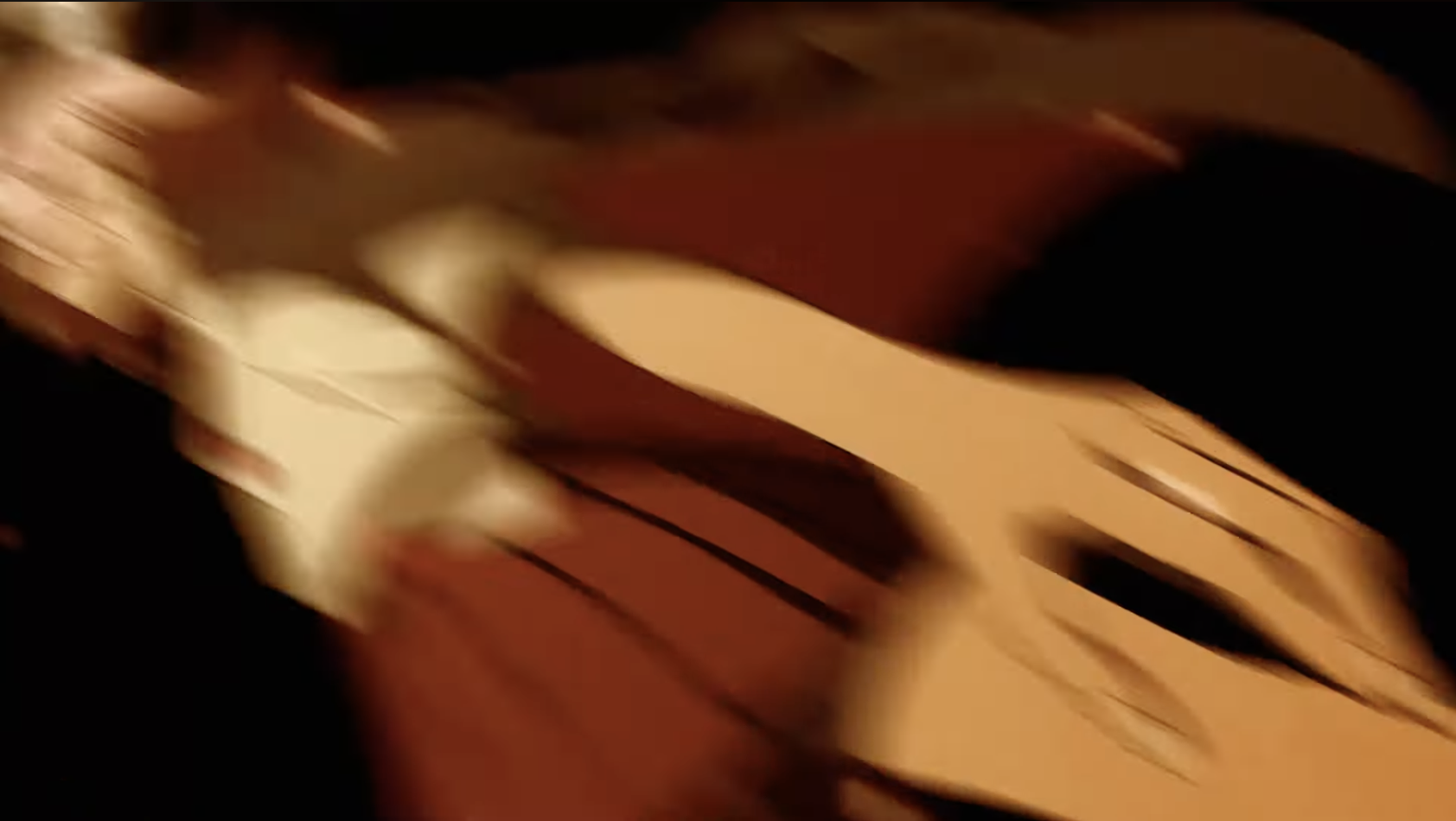 Now there is less blur on the arms/legs and the blur is more focused on her head:
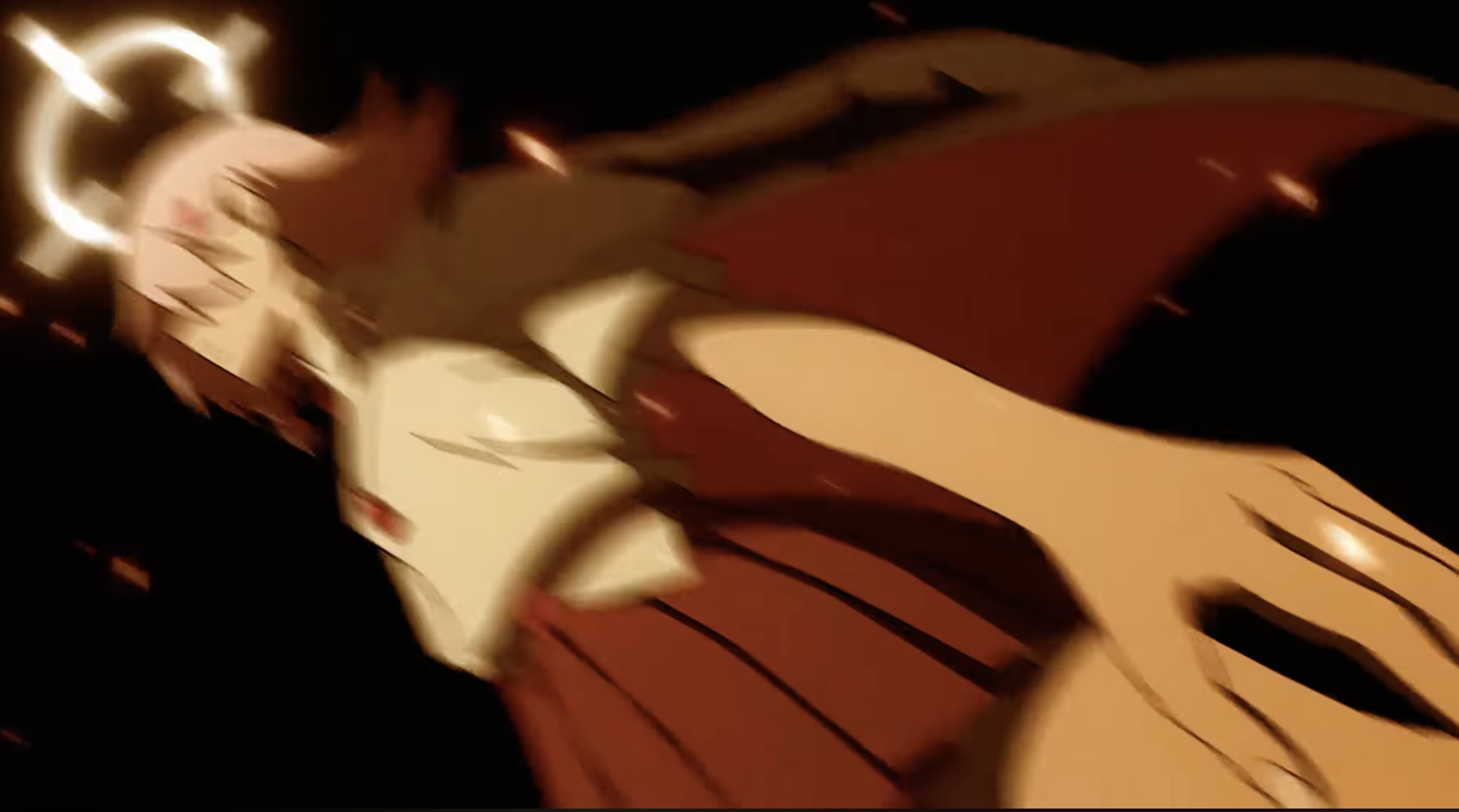 Pans up some more:
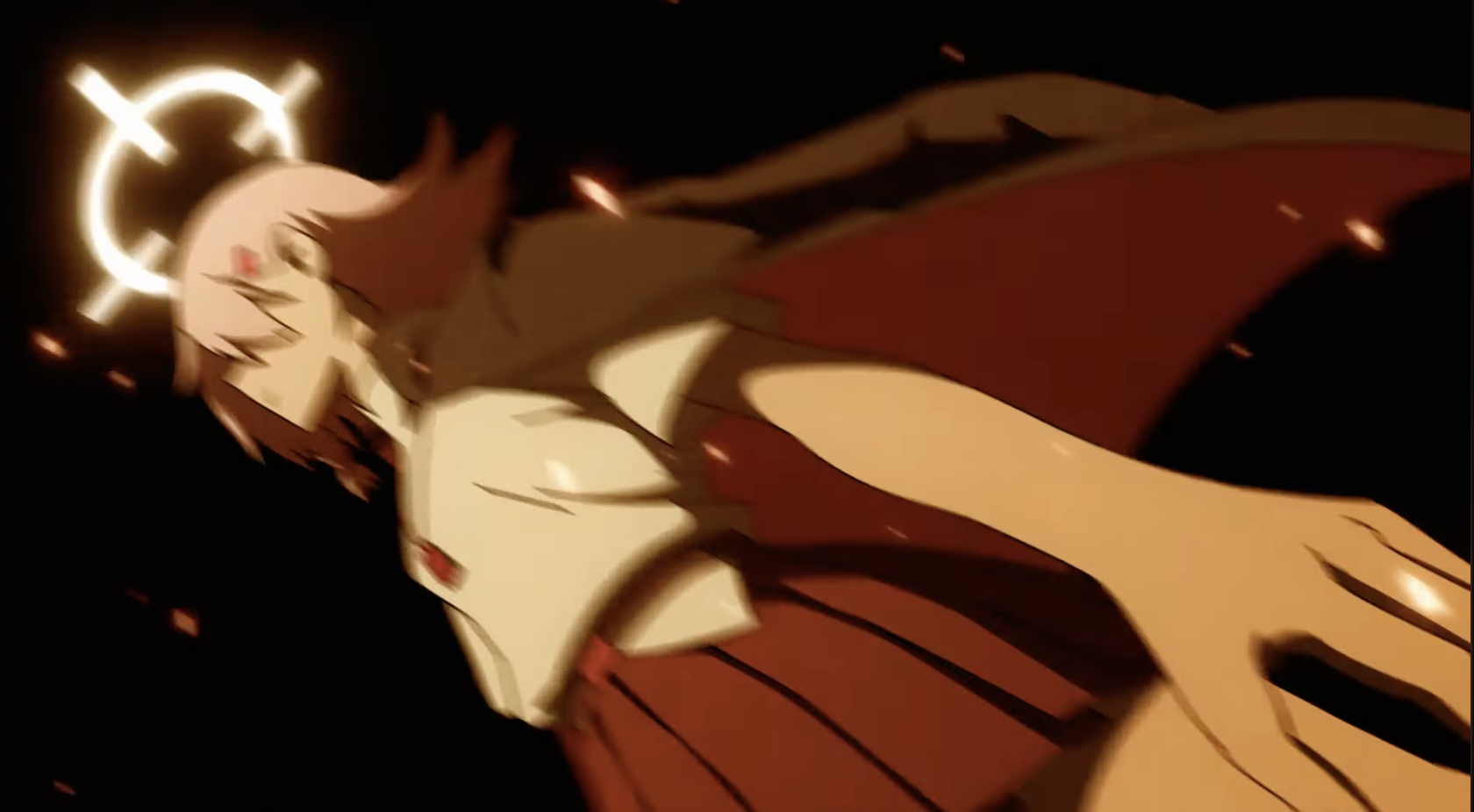
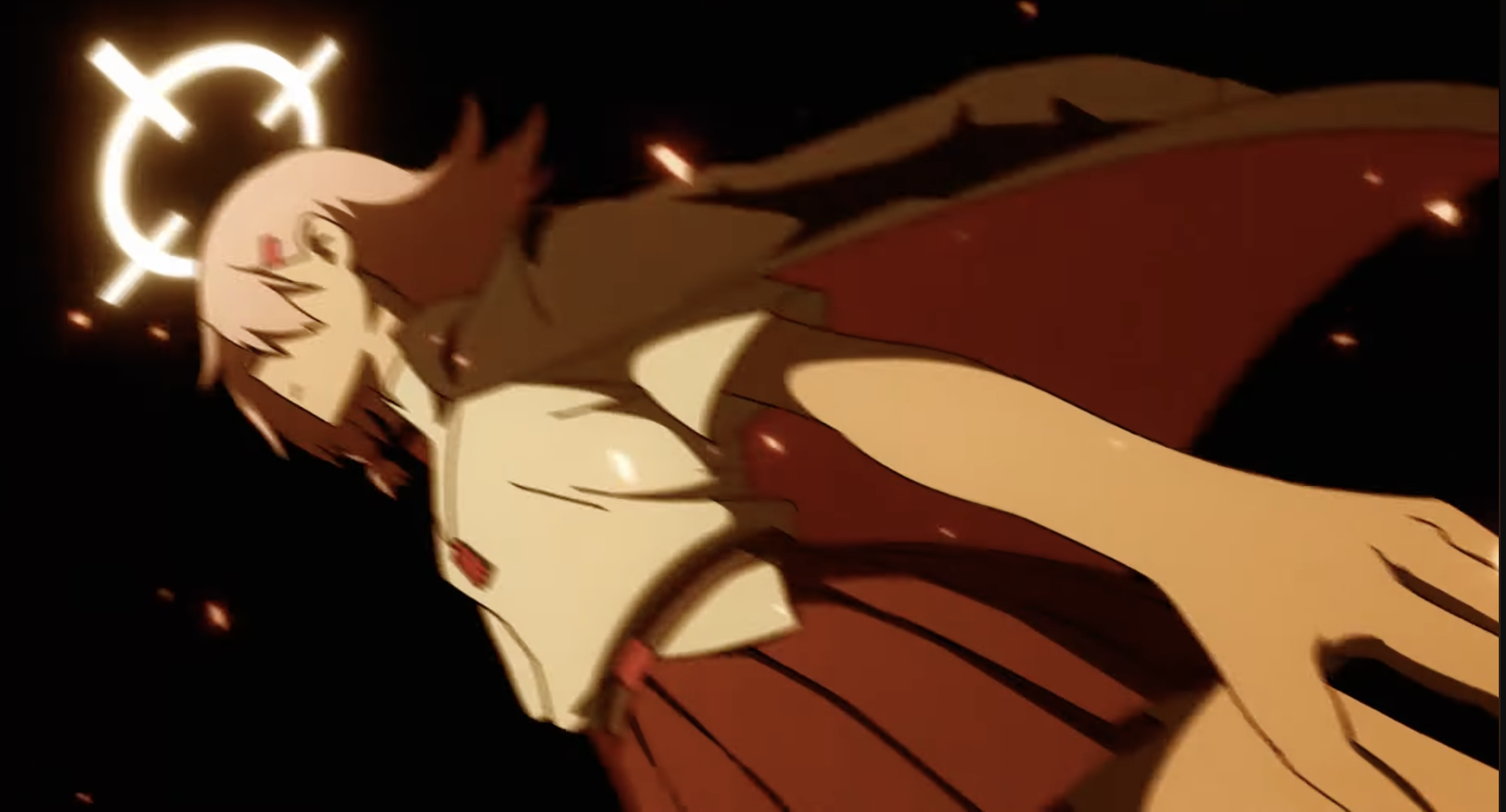 Less blur now:
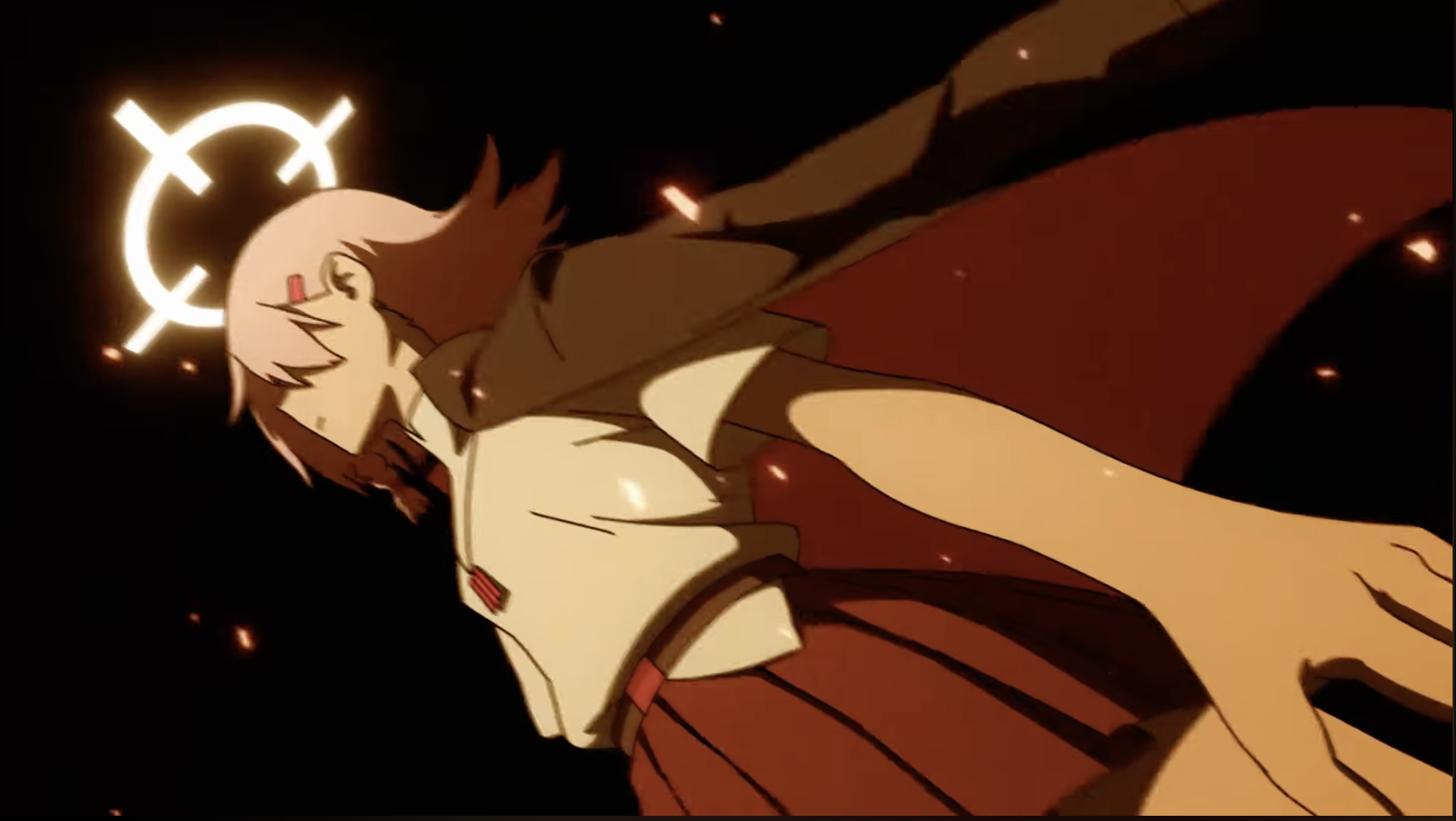 No Blur I think:
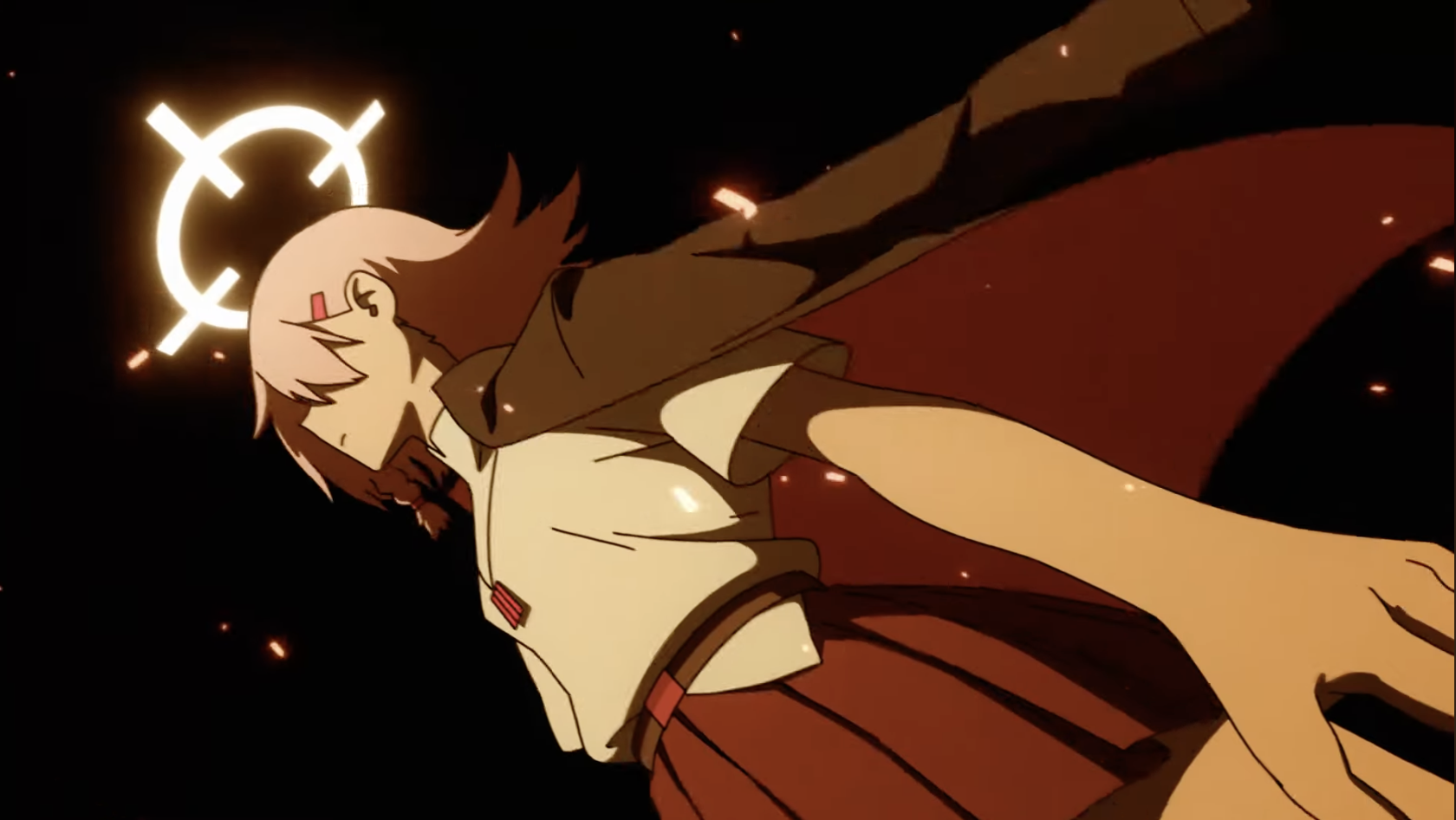 Her hair moves as the halo moves closer to her head:
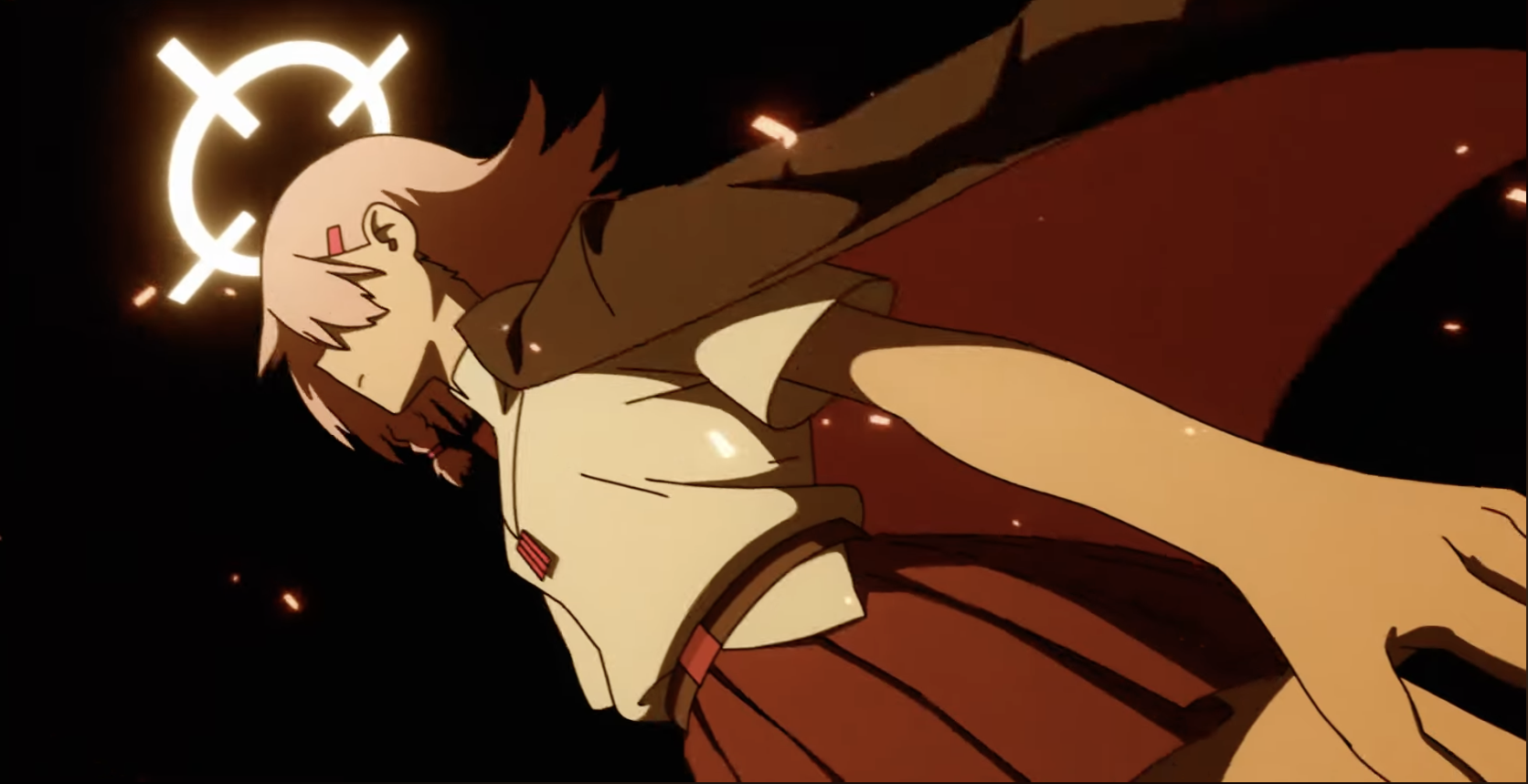 Halo floats a bit:
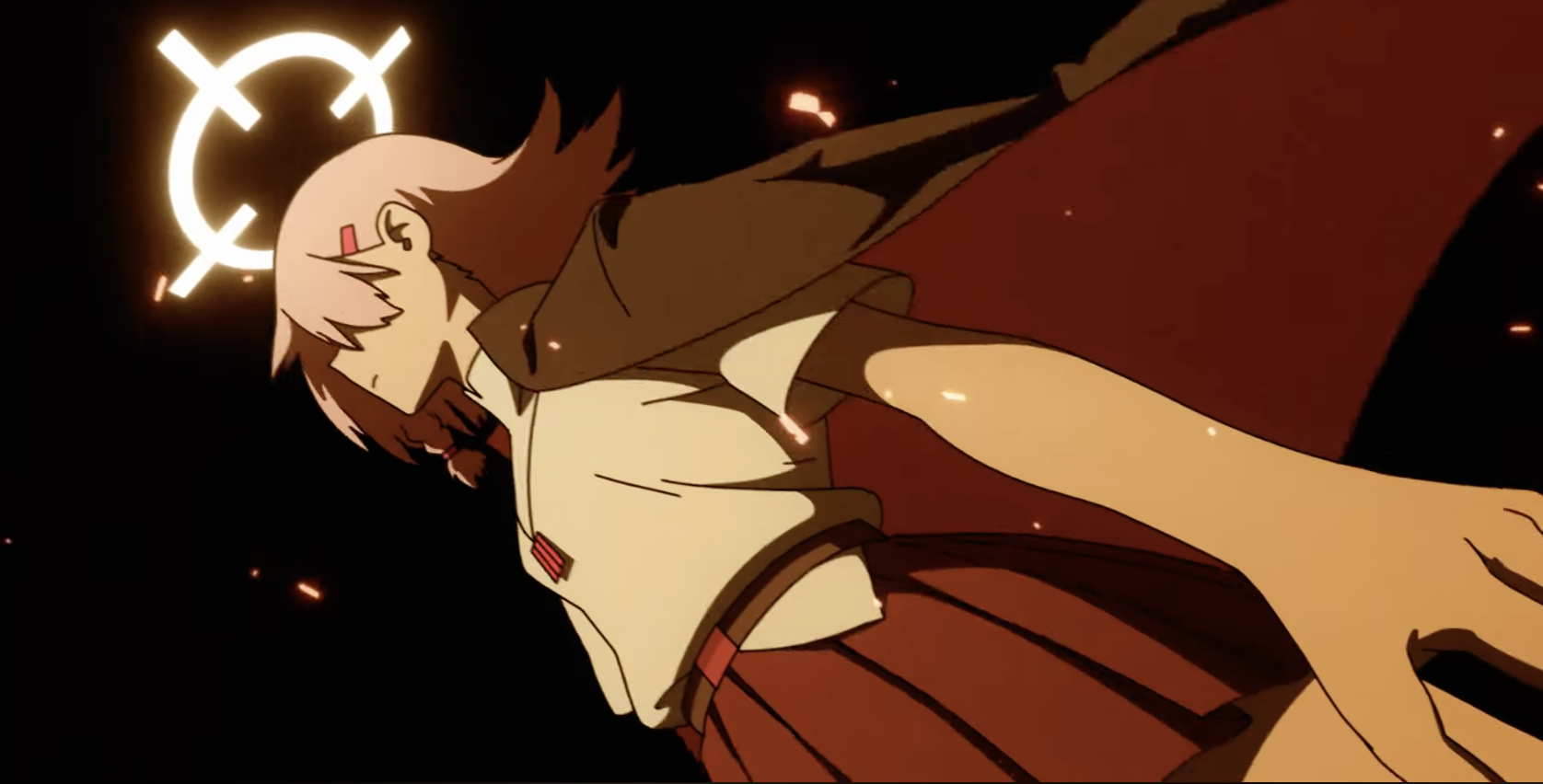 And comes down some more... and her cloak floats a bit.
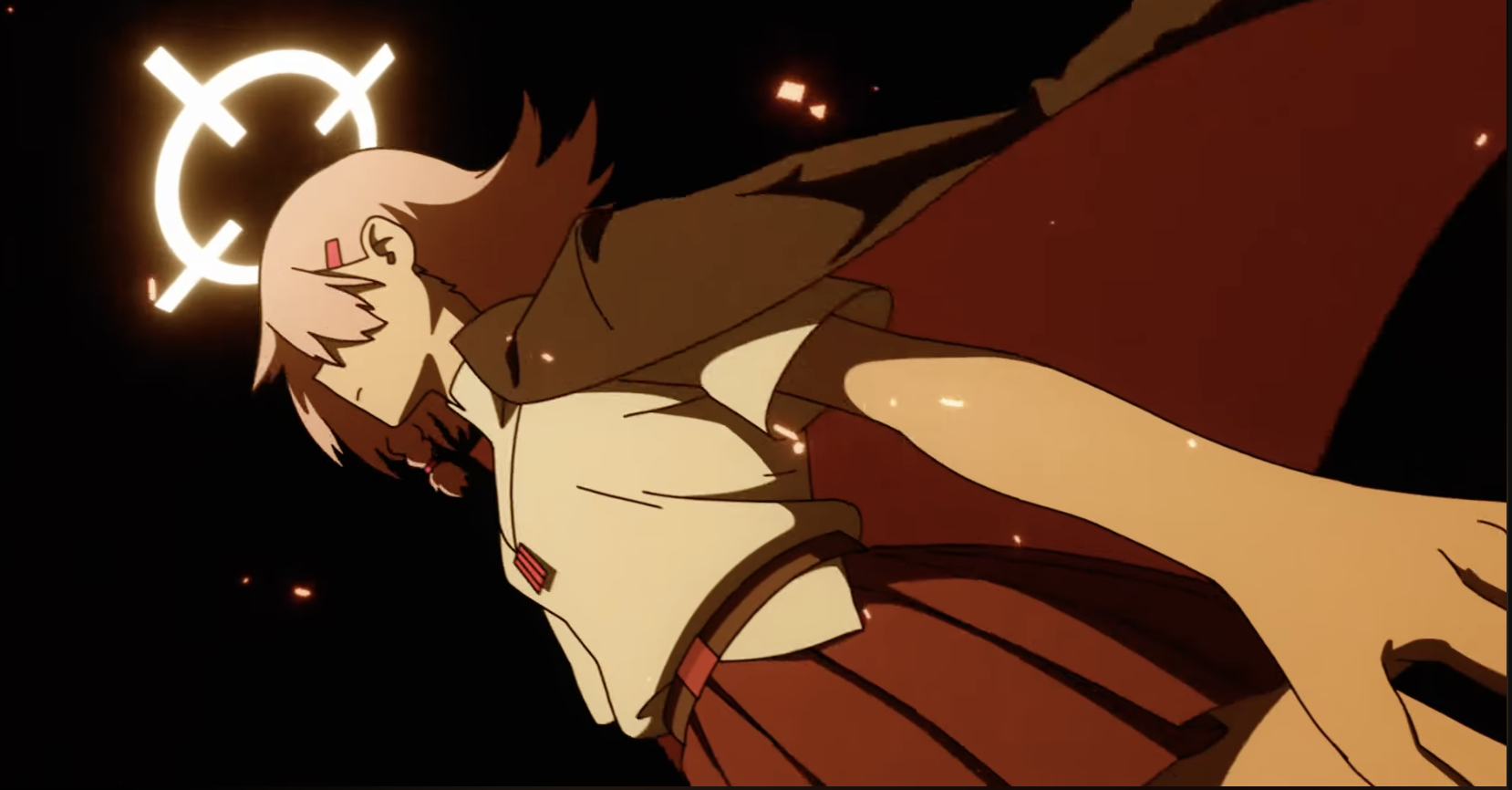 Cloak floats a bit more but she also moves downards to the right side a bit.. or you could say that the camera pans up a bit more too..
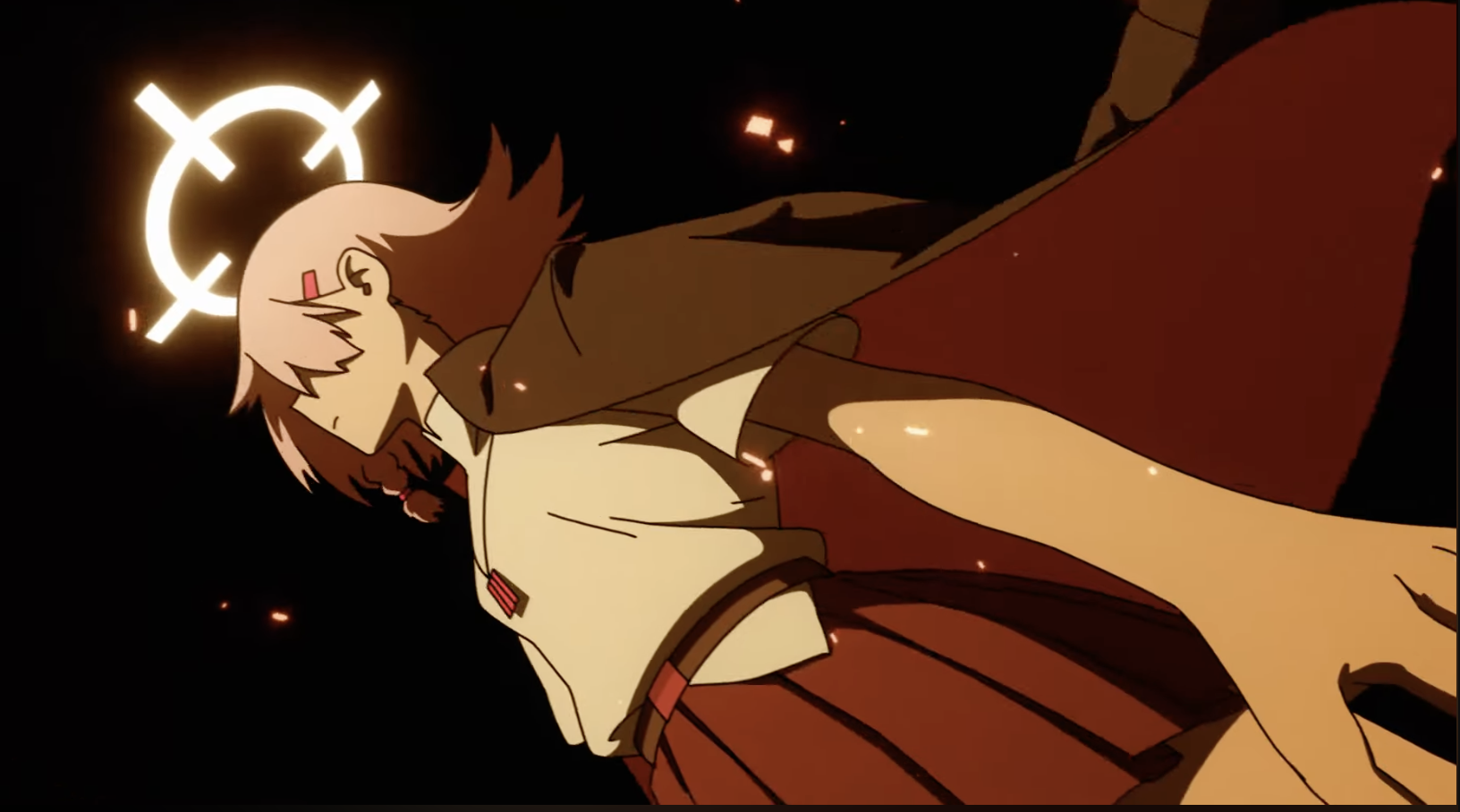 Halo floats again:
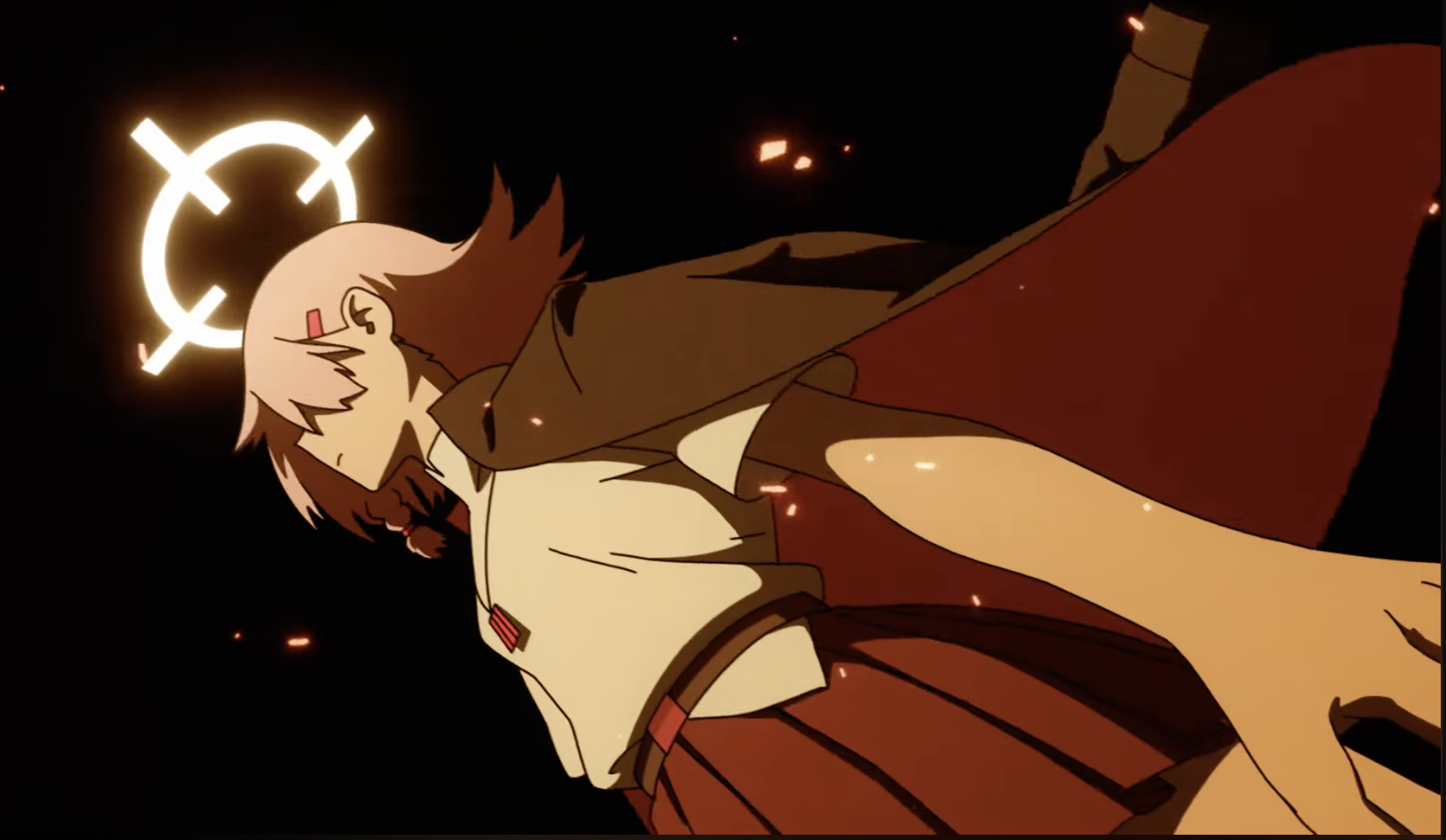 Oh just noticed that the cloak changes every 2 frames so the cloak movement is on 2s - except for this part which is on 3's I guess.
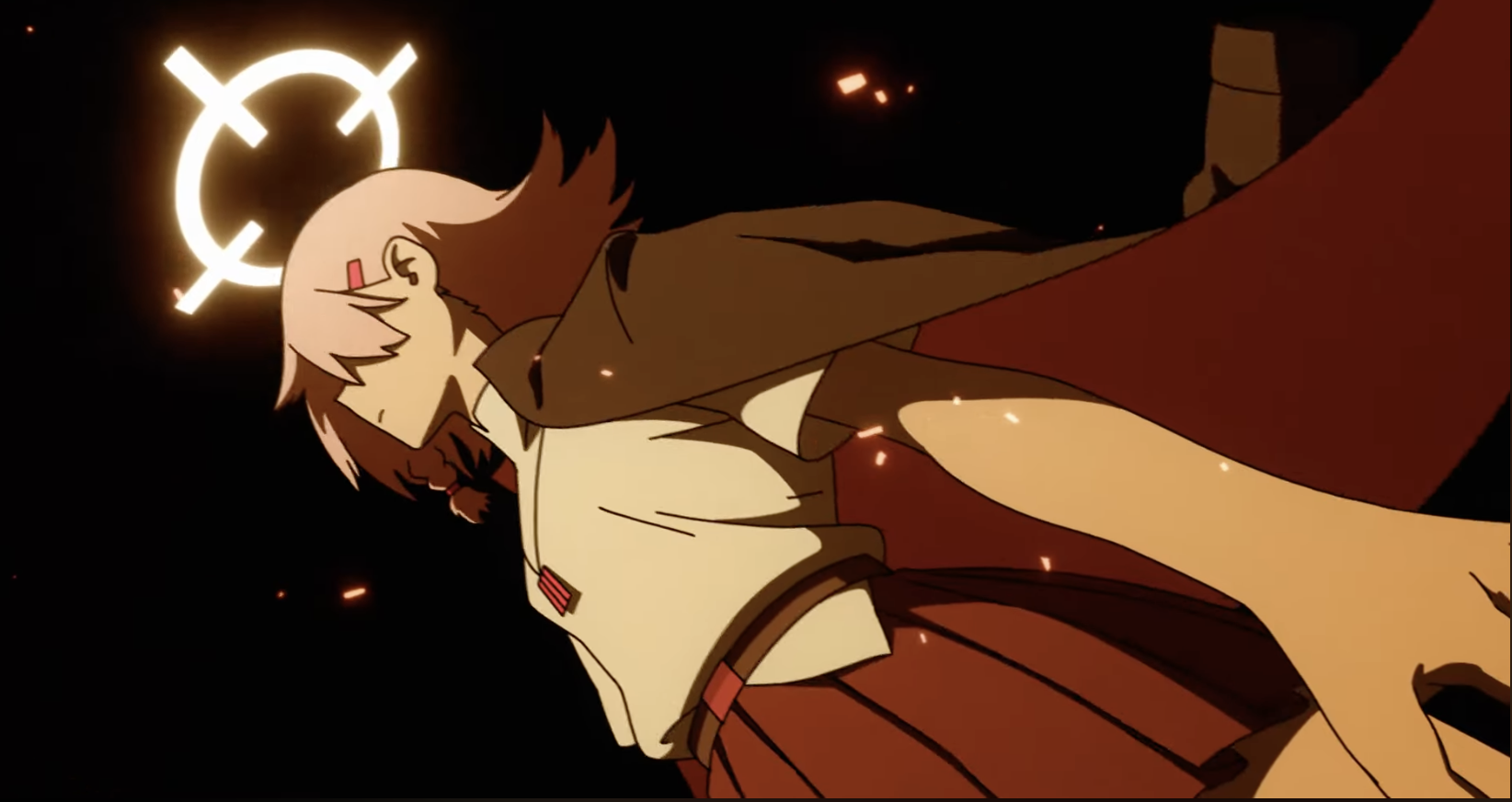
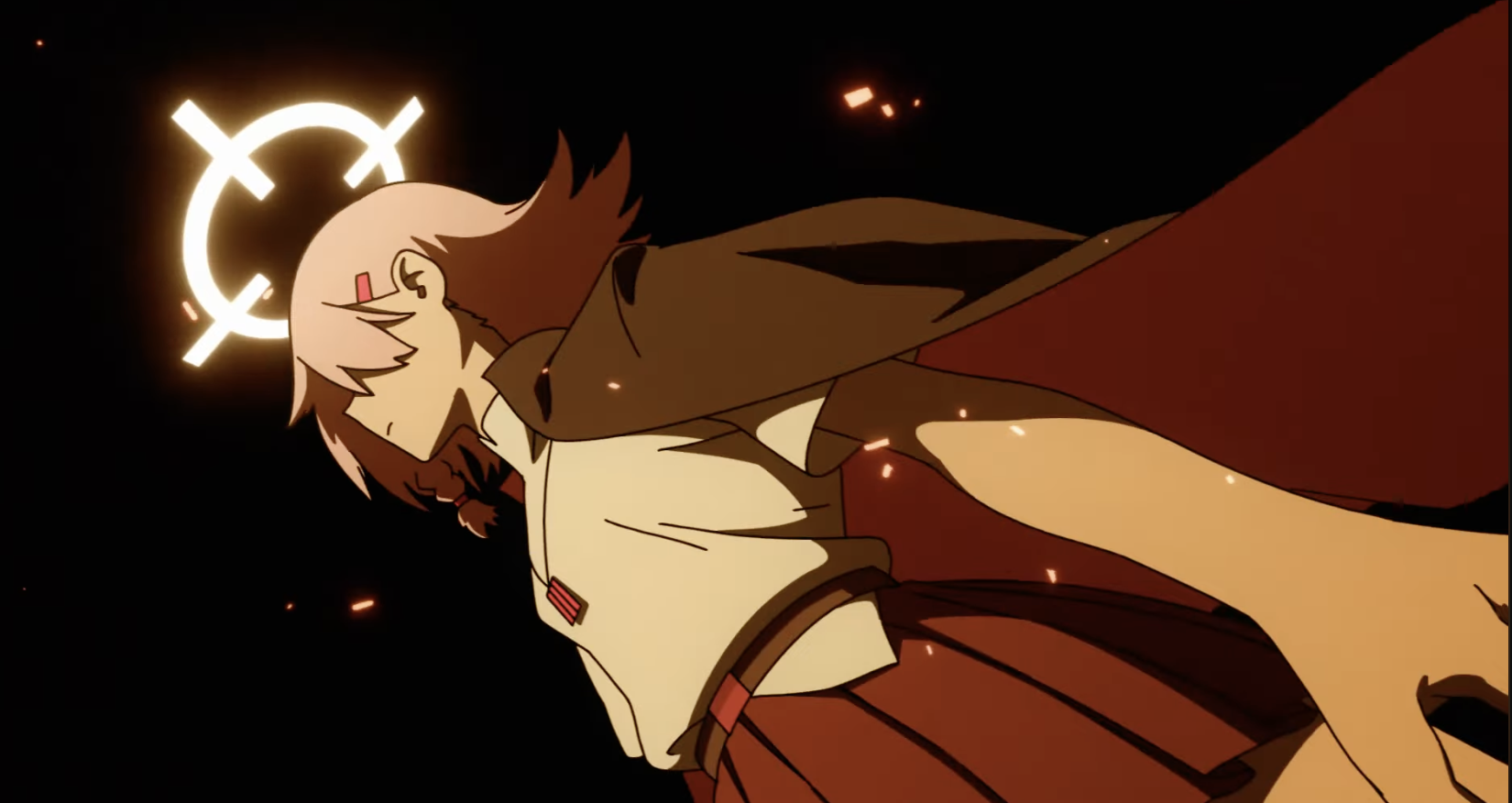 FX continue to move:
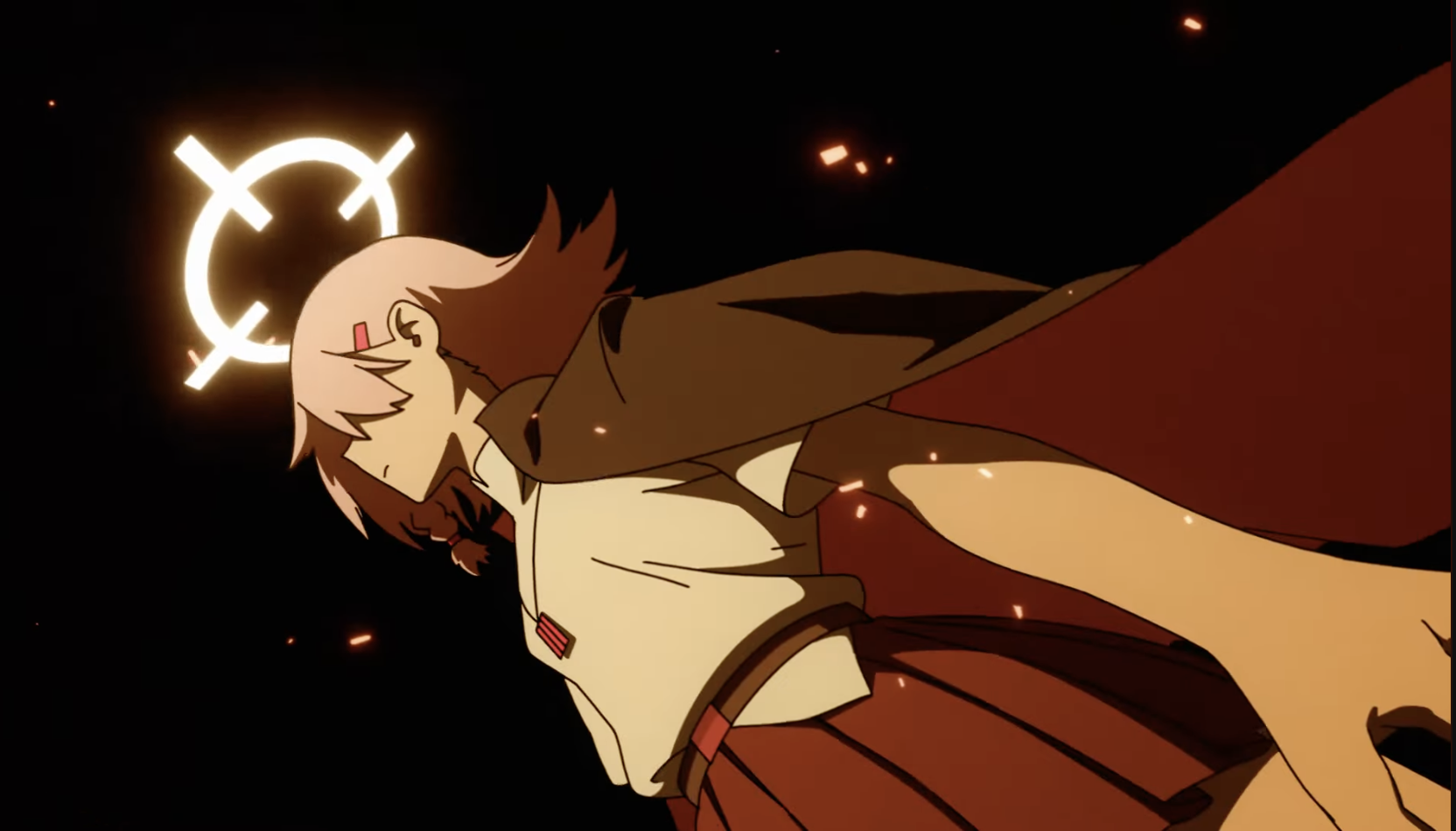
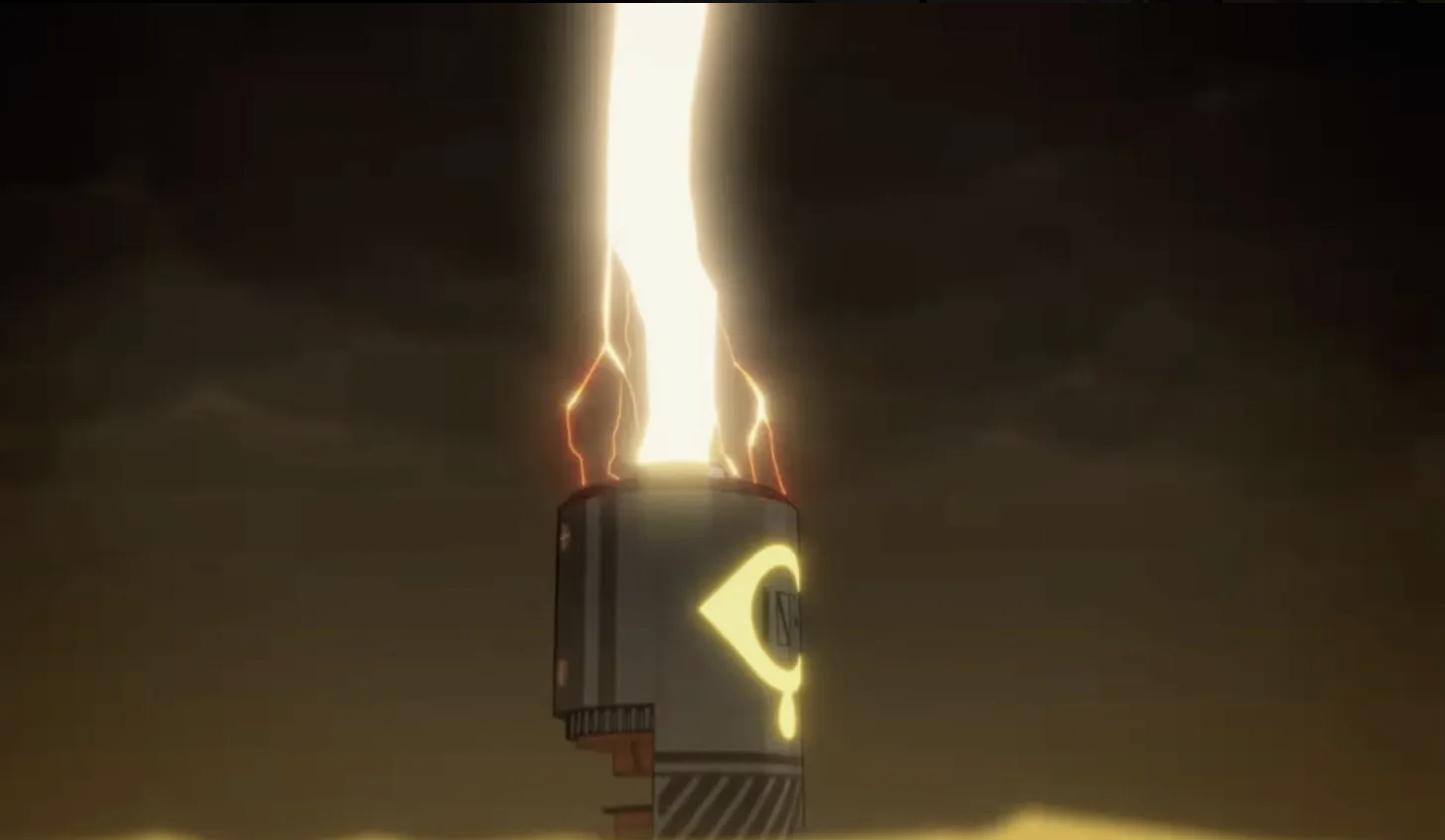
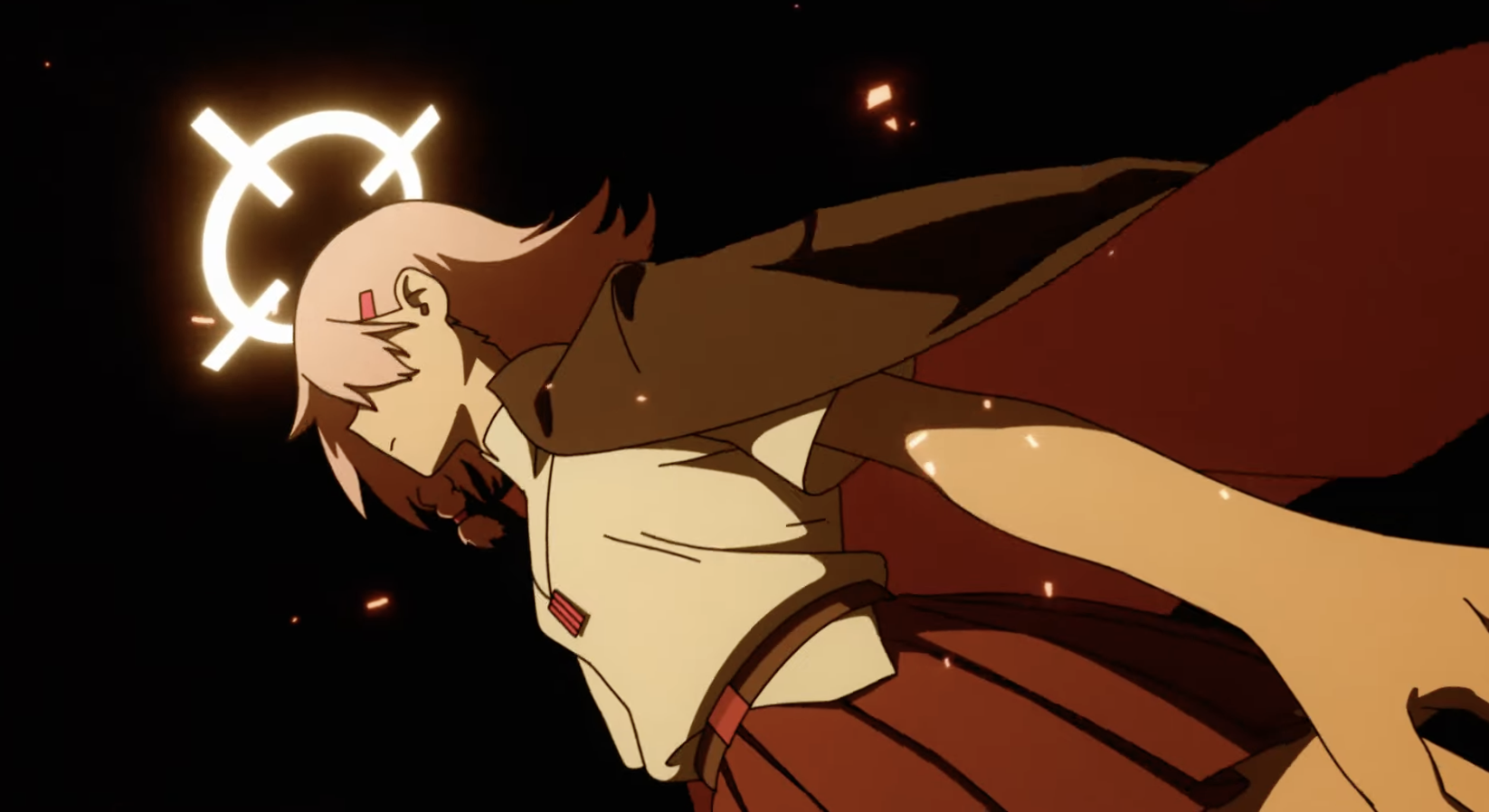 Impact frame:
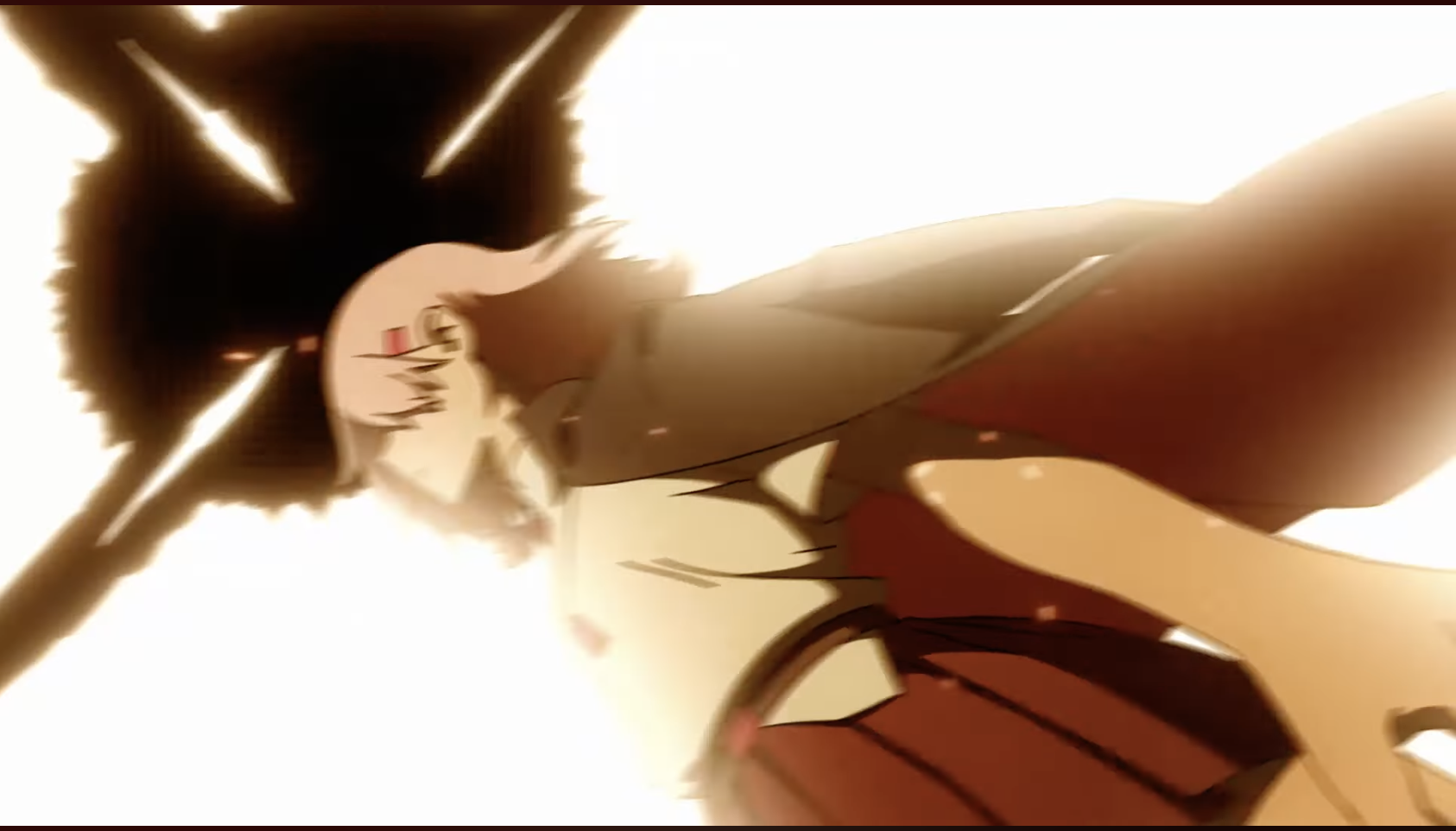 Ooh.. Red bg - a special kinda impact frame!
The shadows also all changed to red.
Pretty sure her cloak is just moving in a repeated loop.
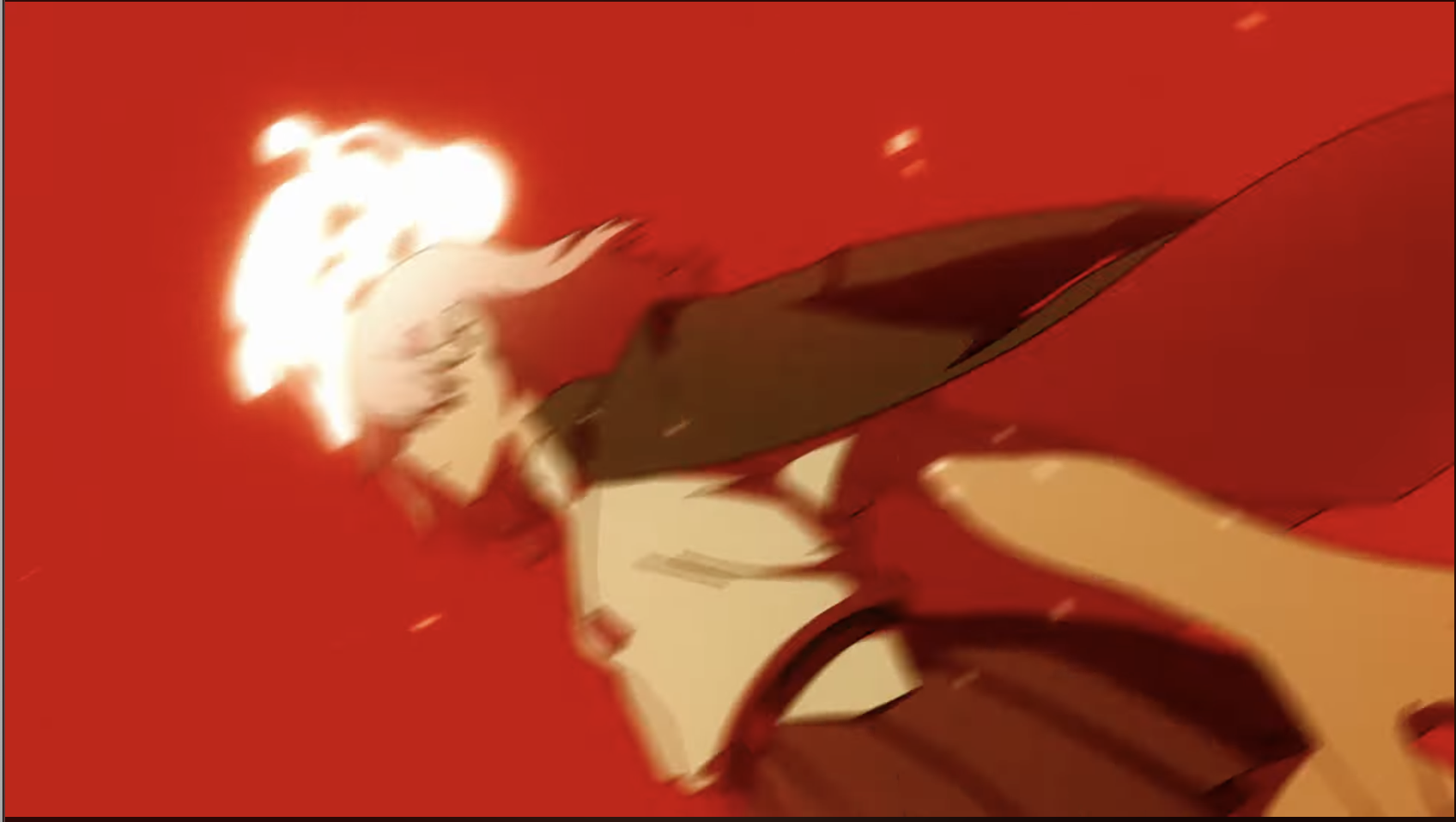
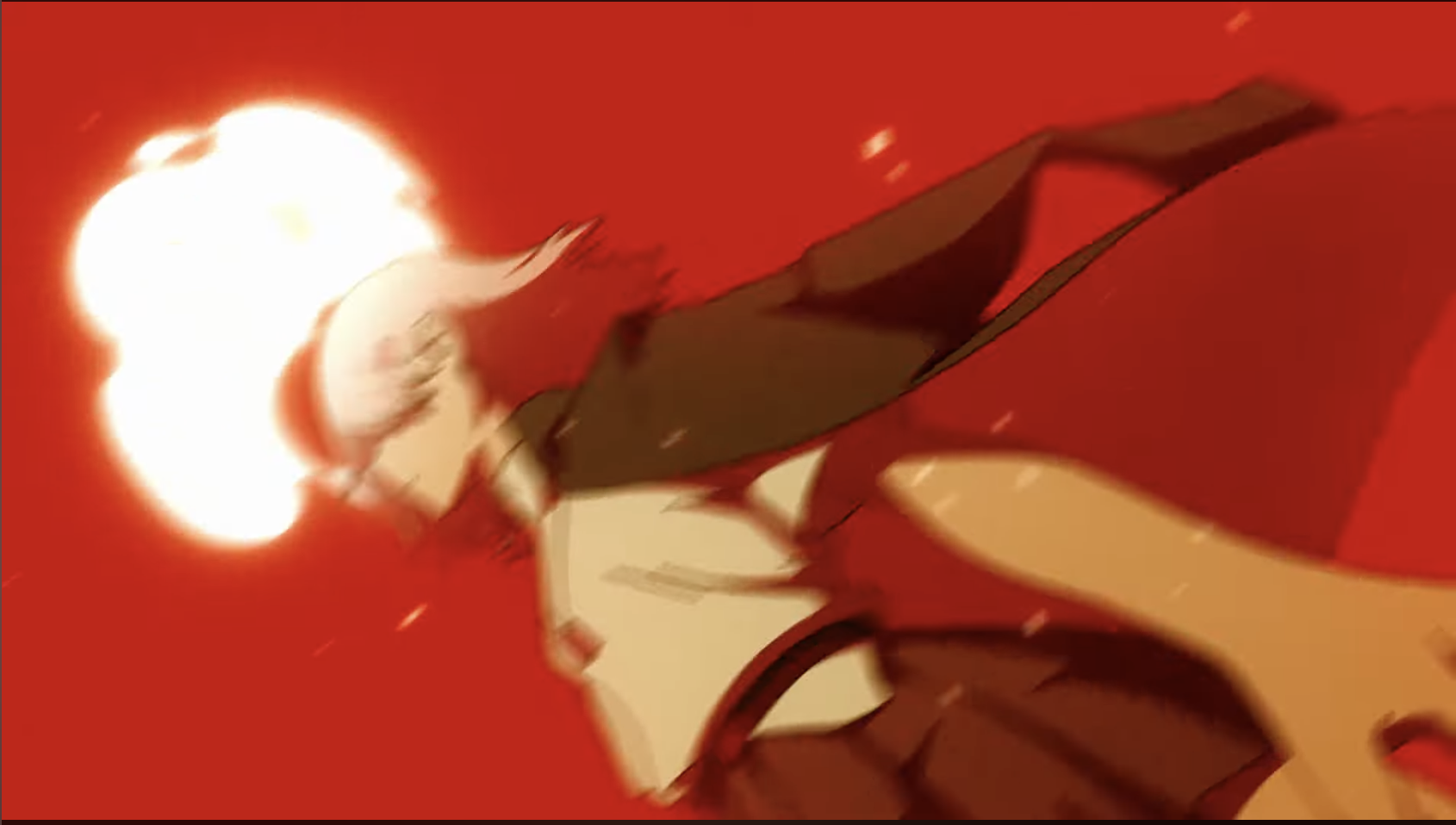
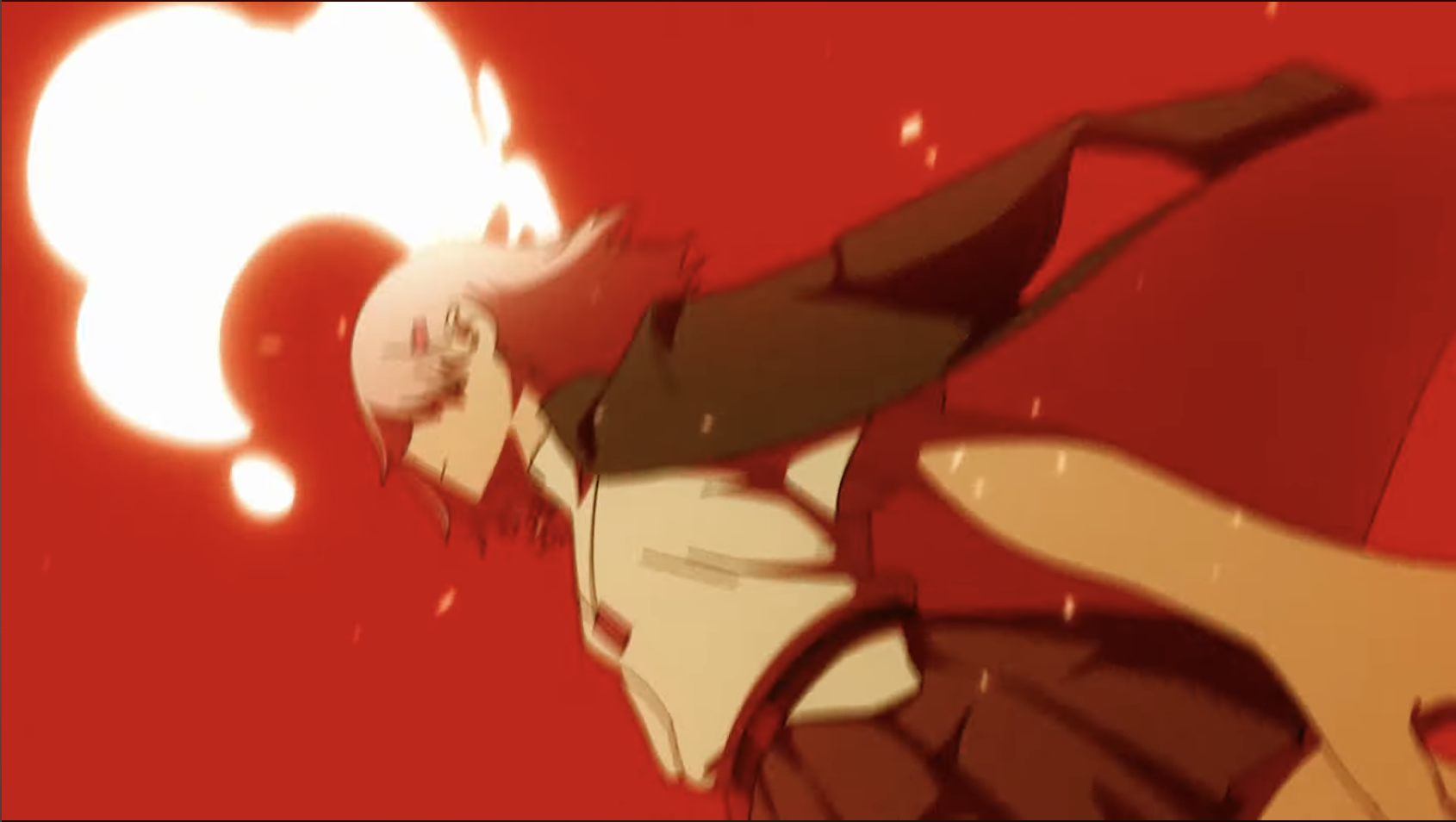
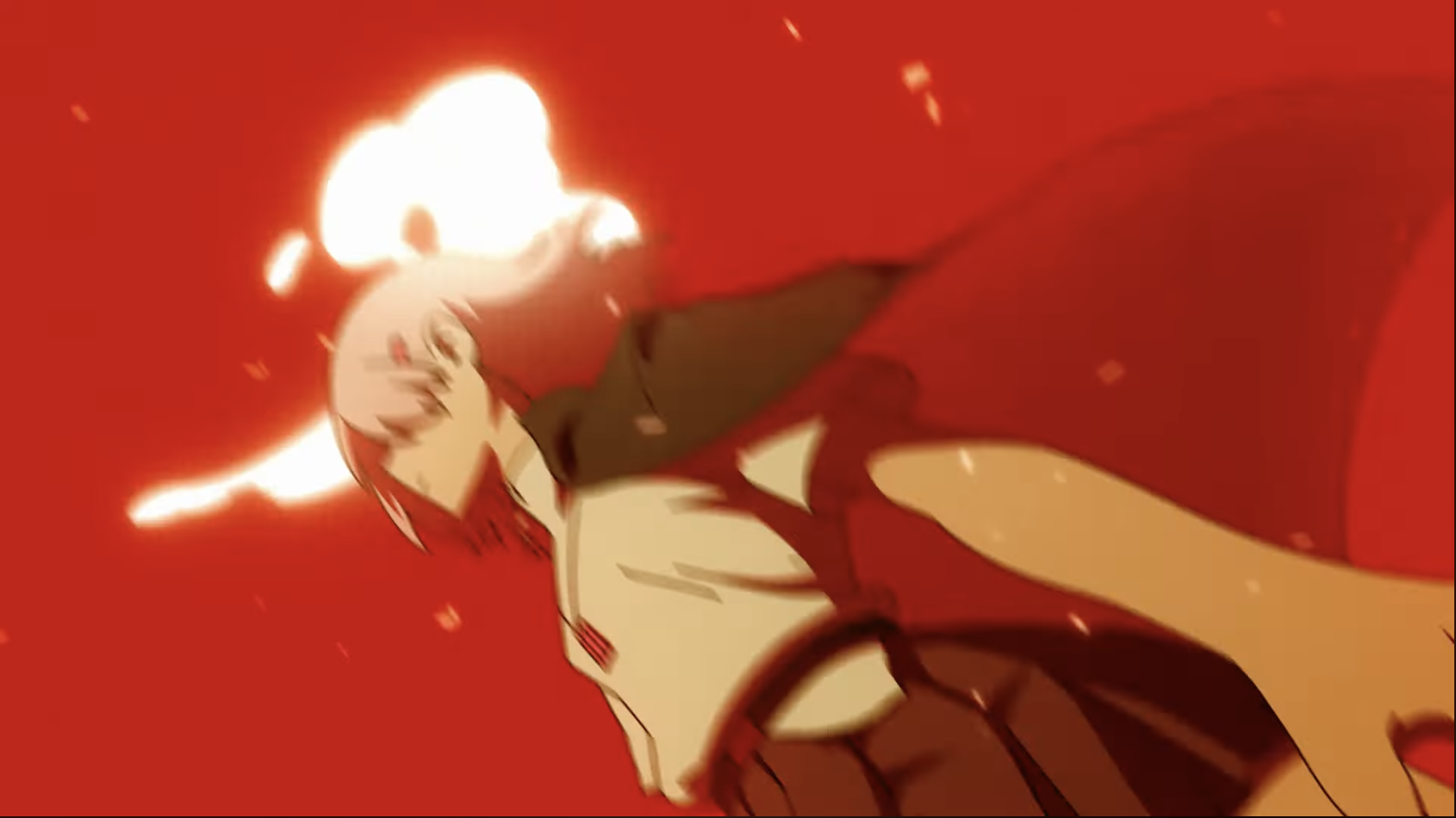
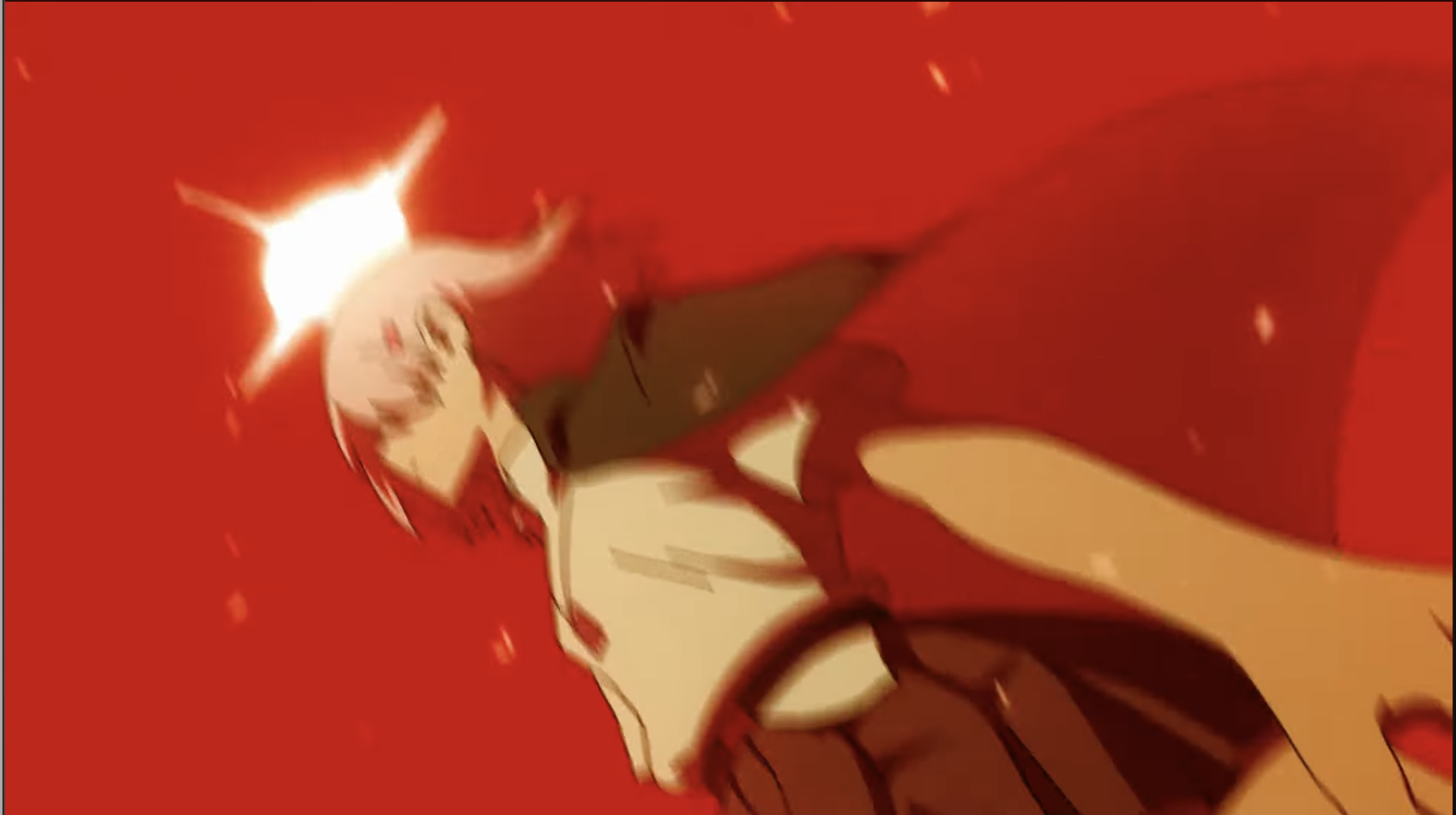
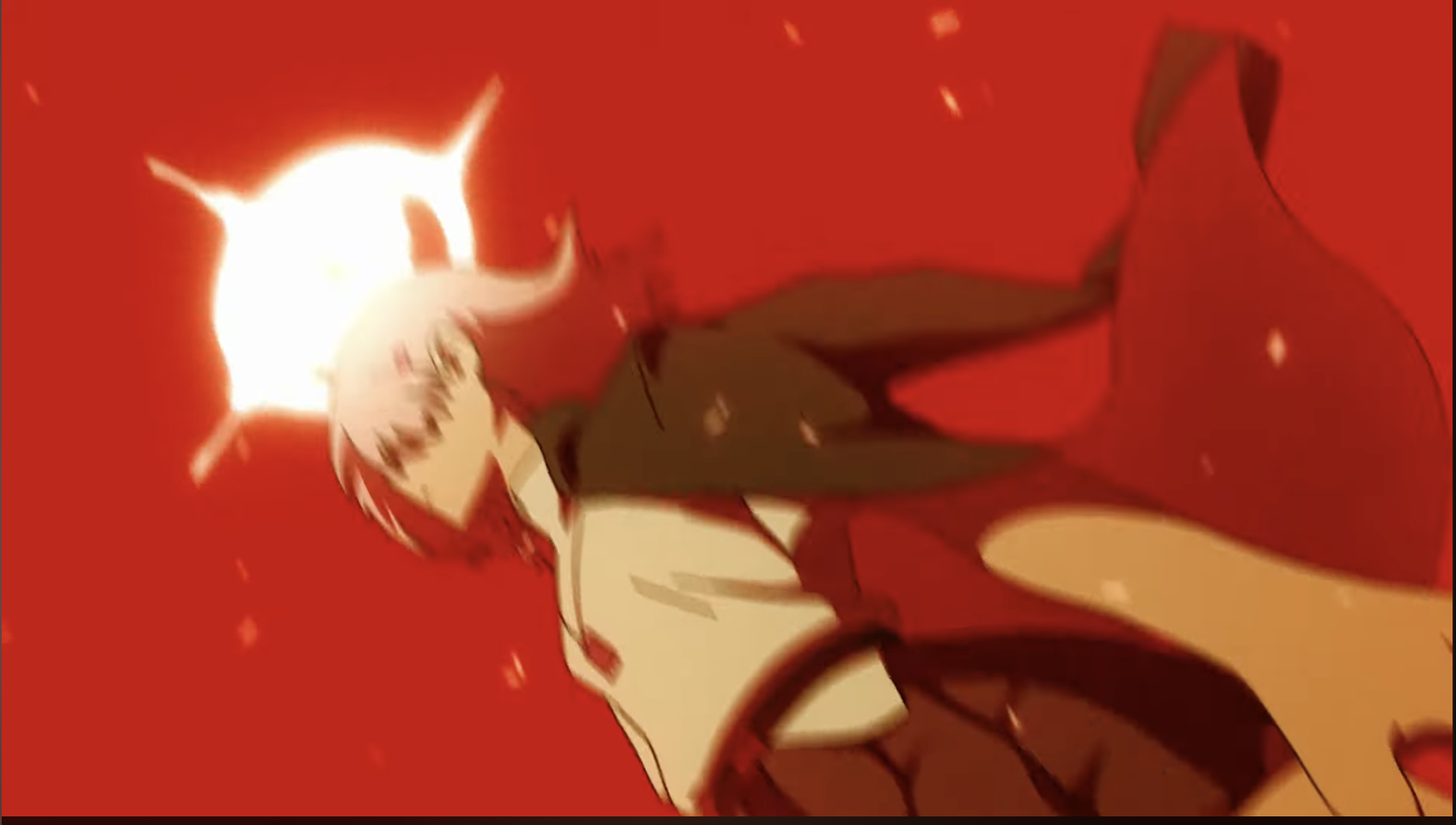
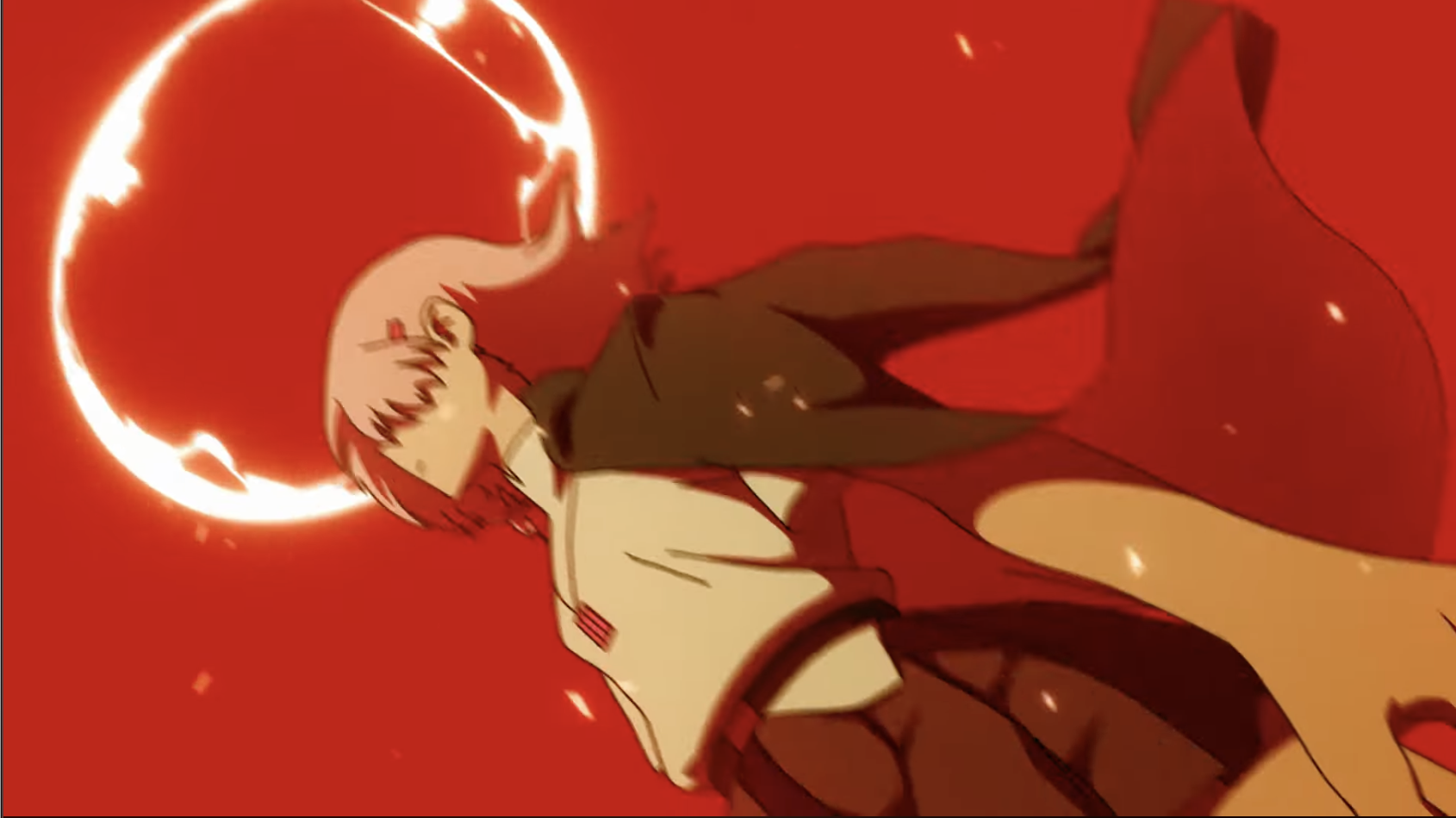
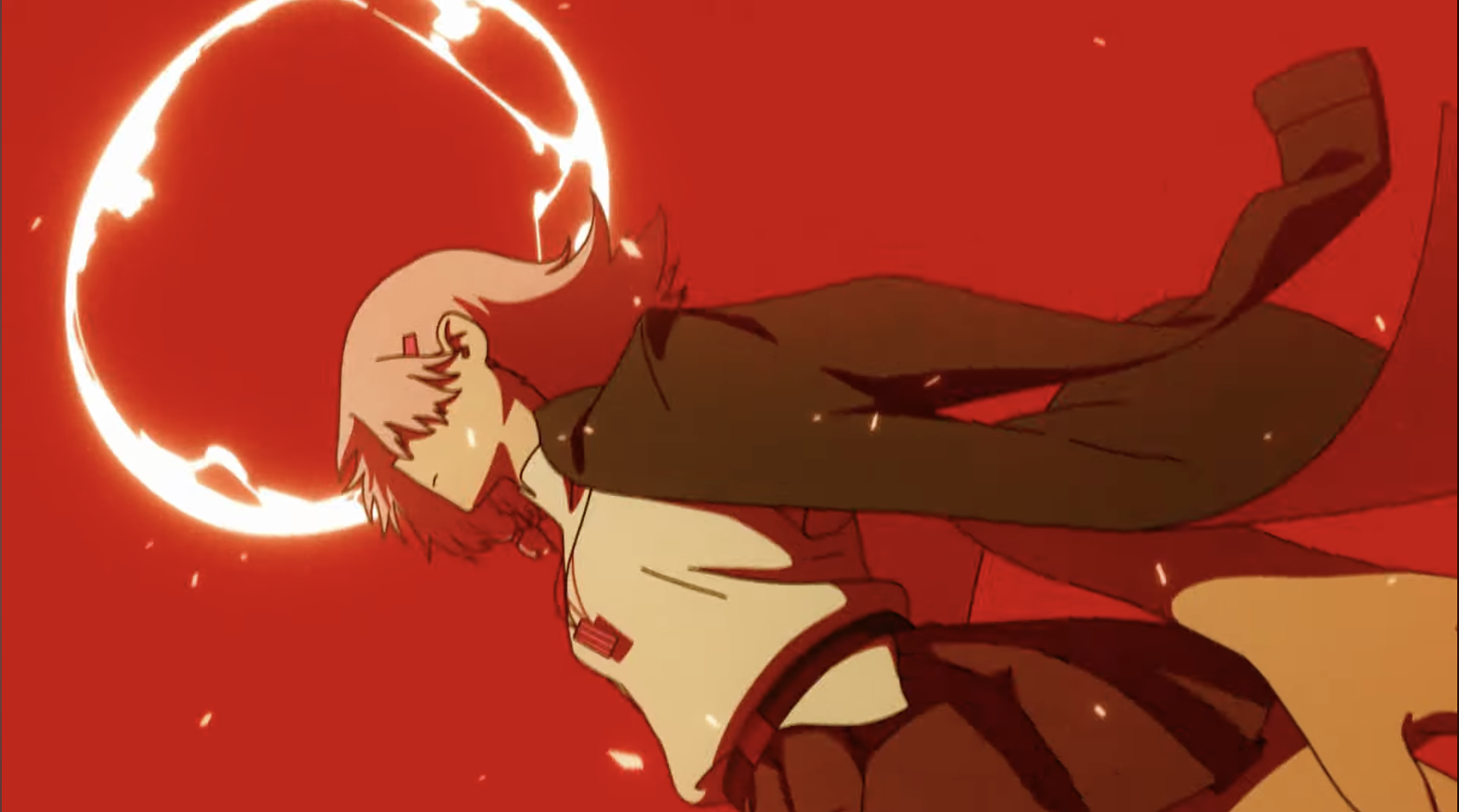
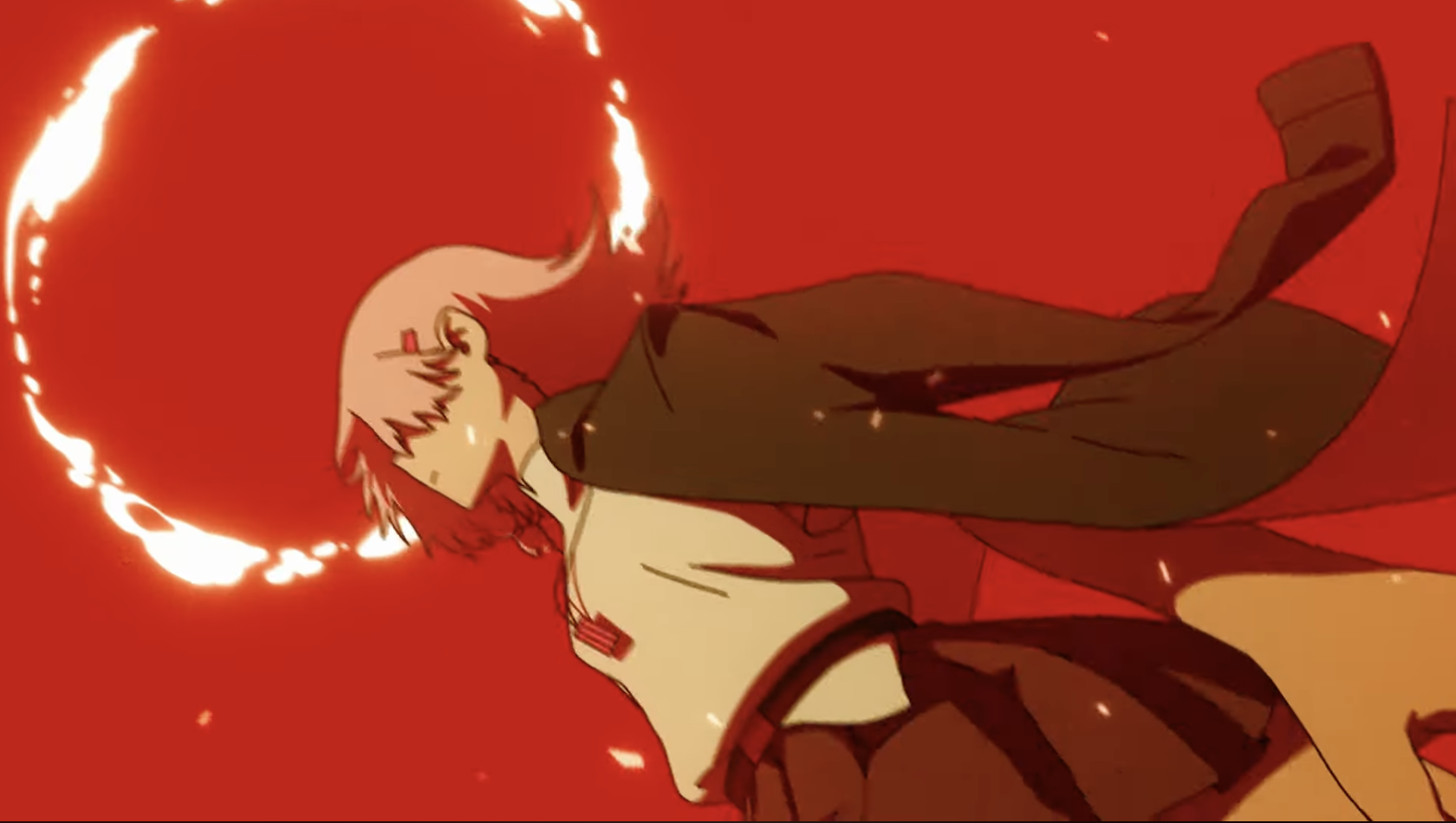
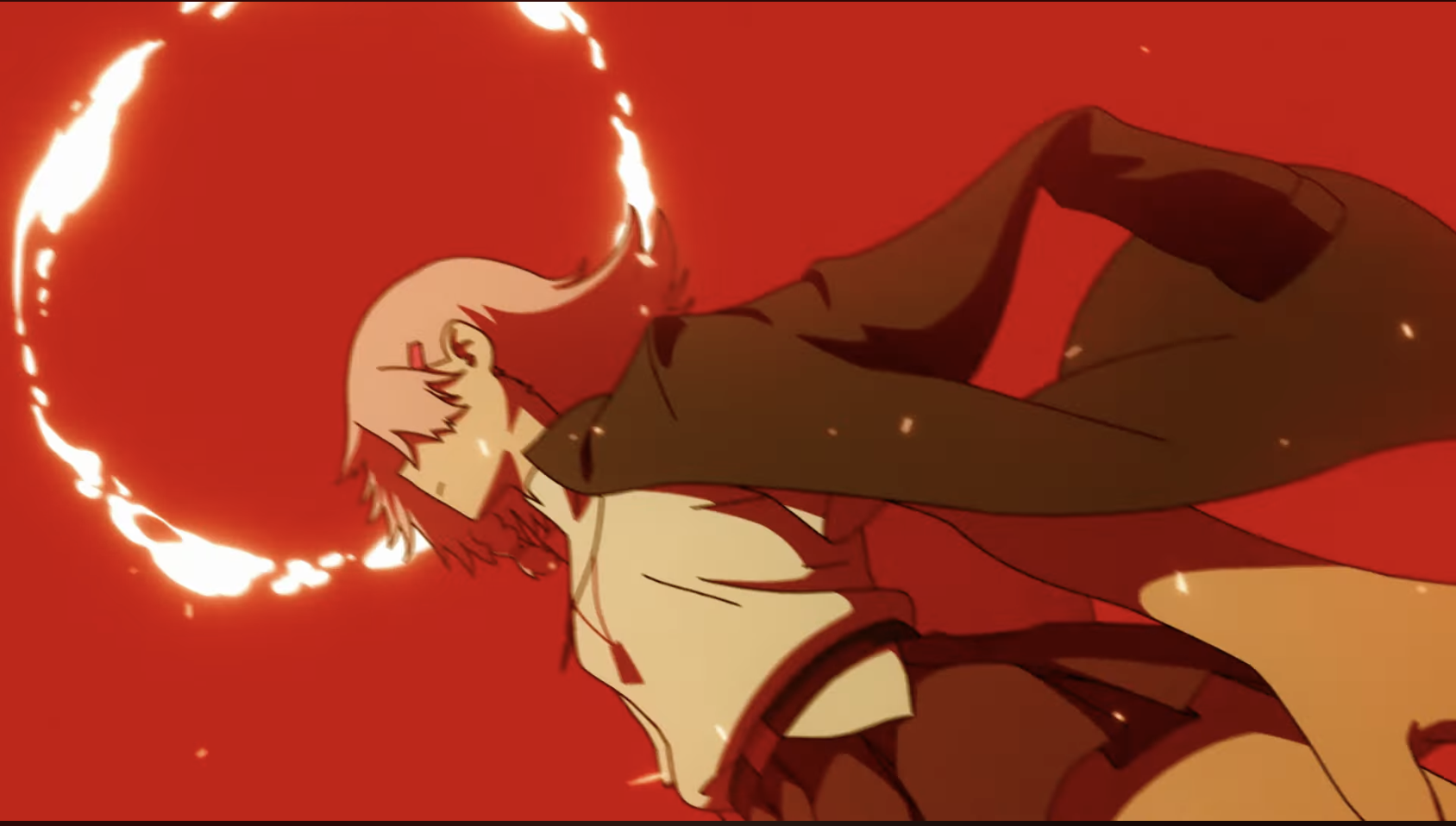
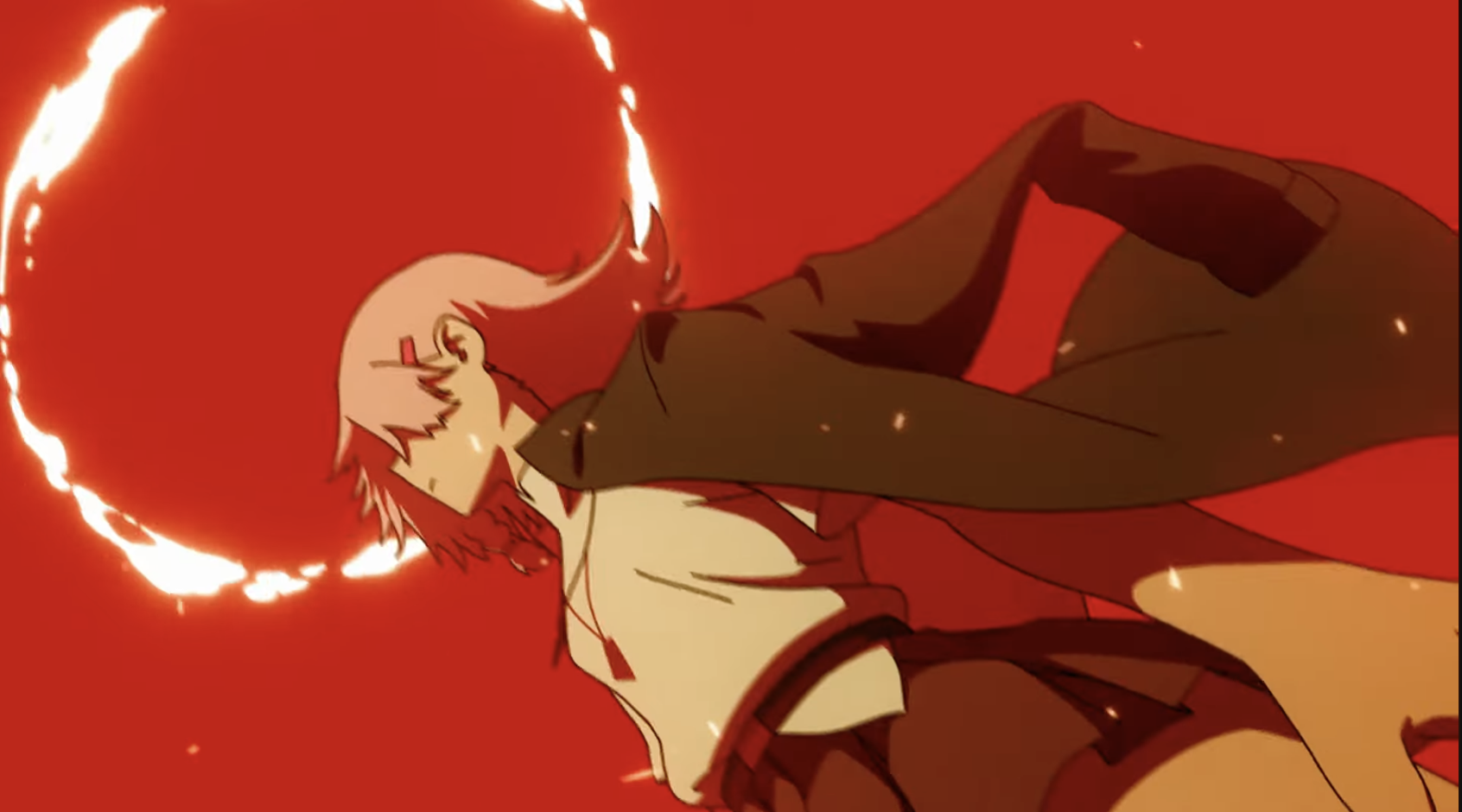
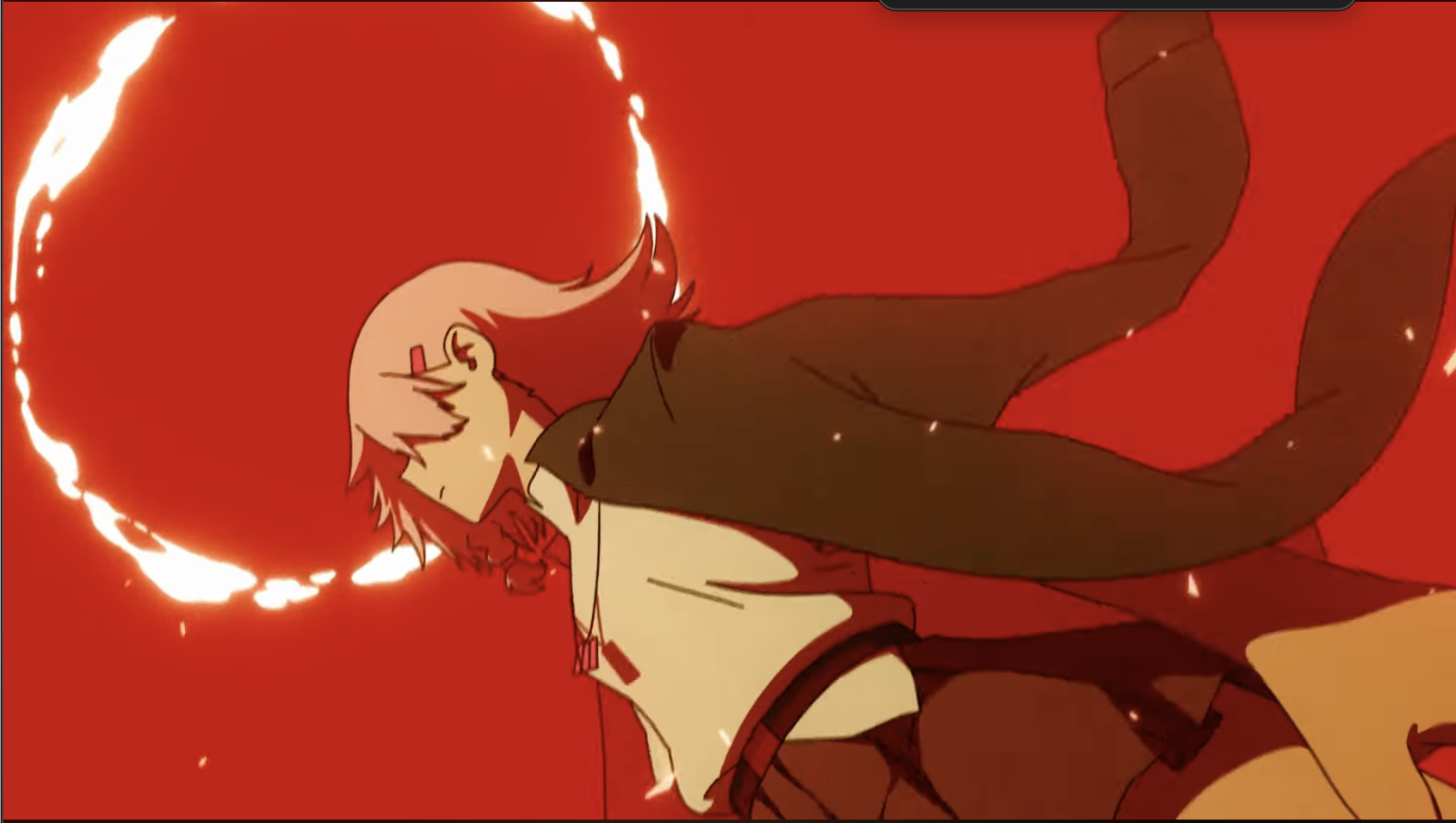
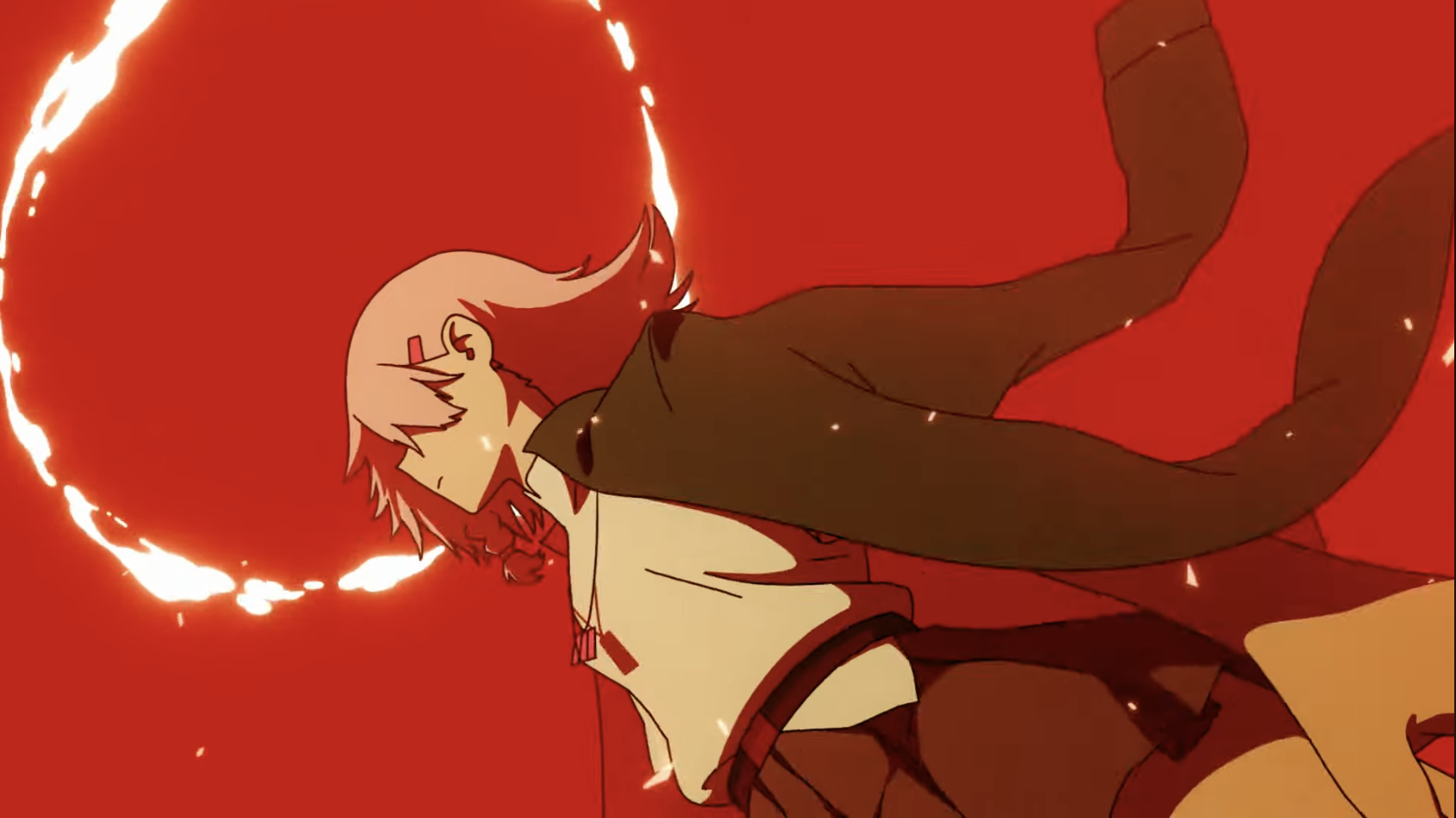
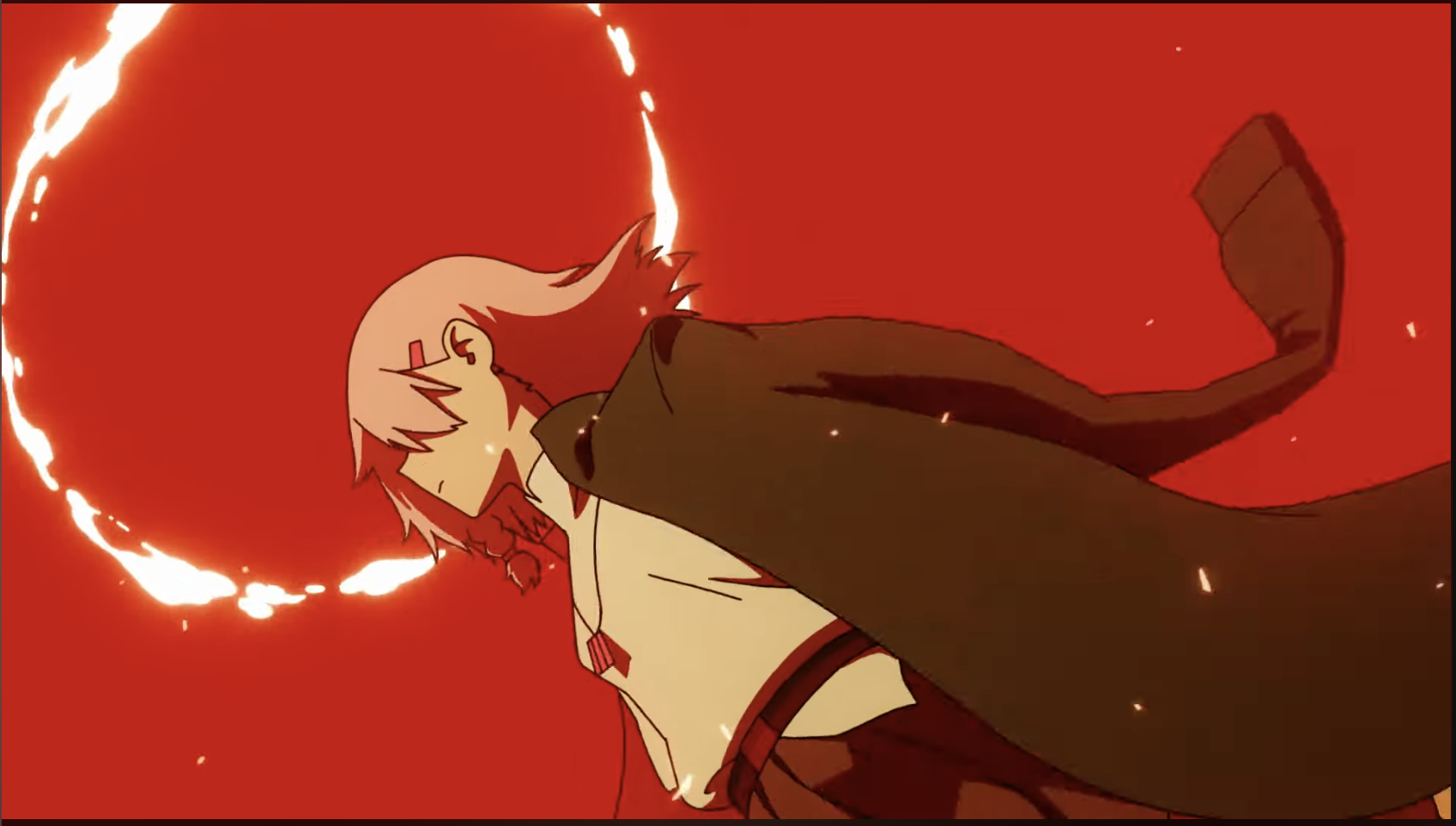 Looks like the halo stayed the same for about 6 frames.
It's expanding a bit more now:
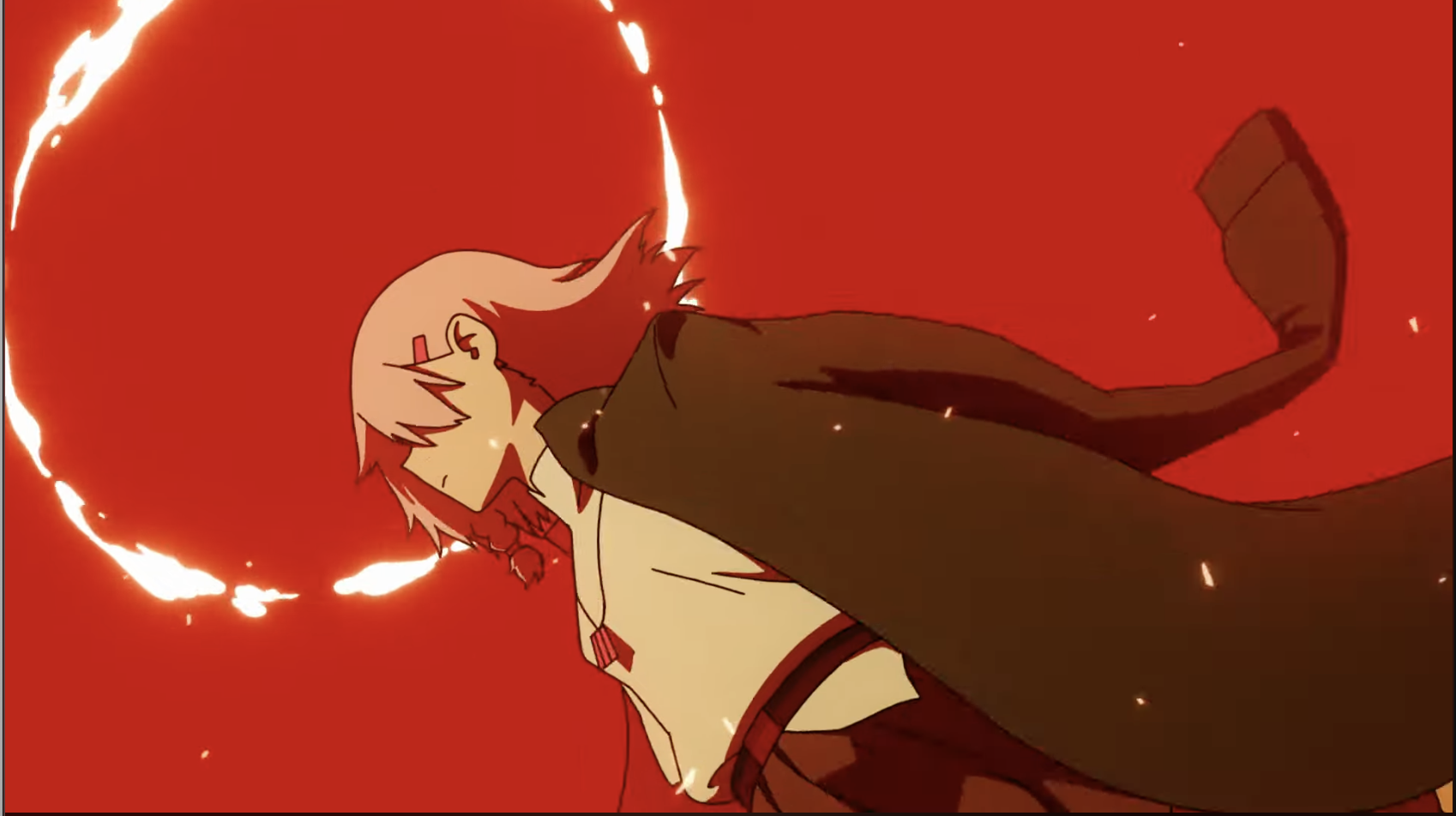 The fx moved a bit:
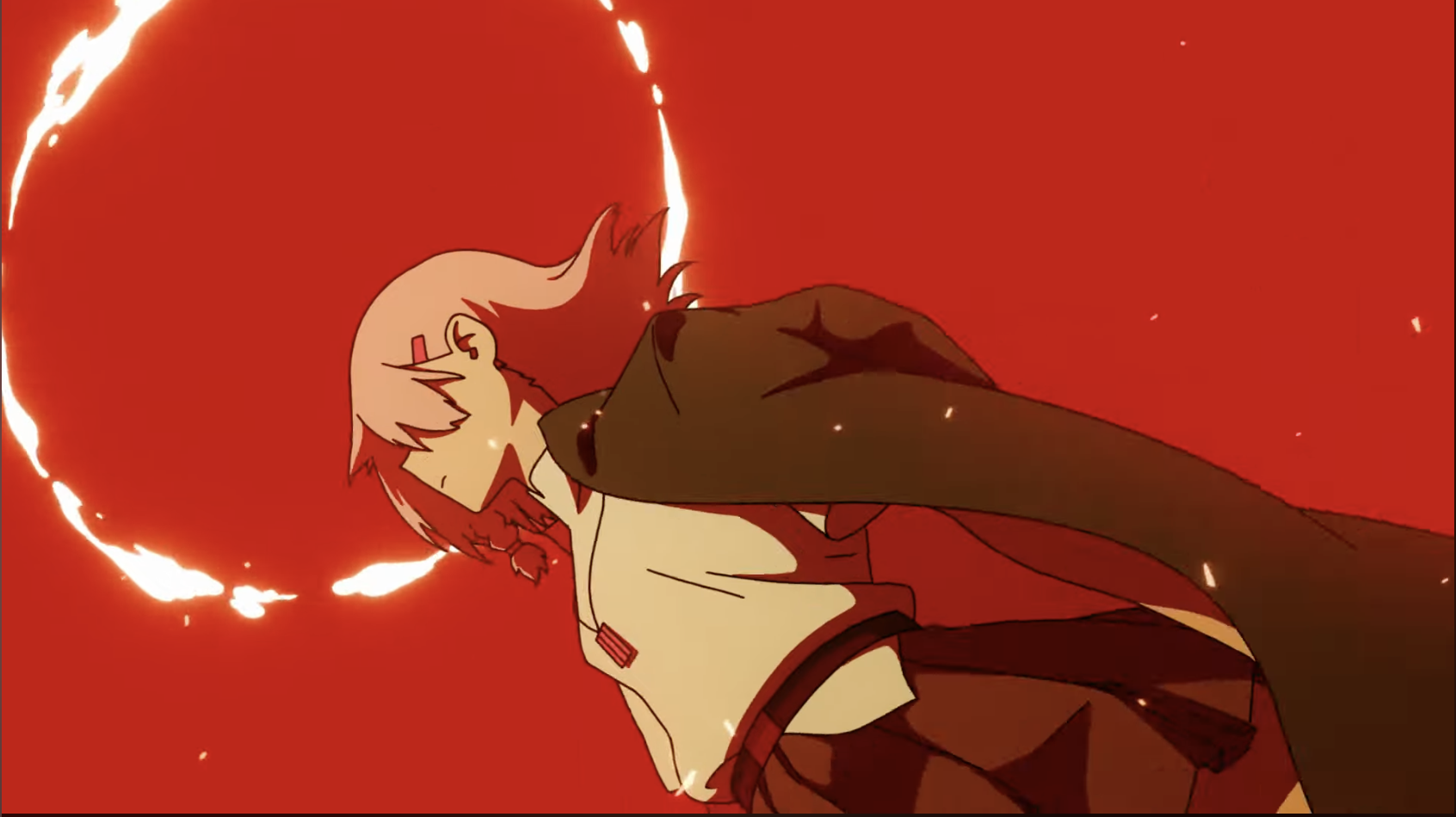
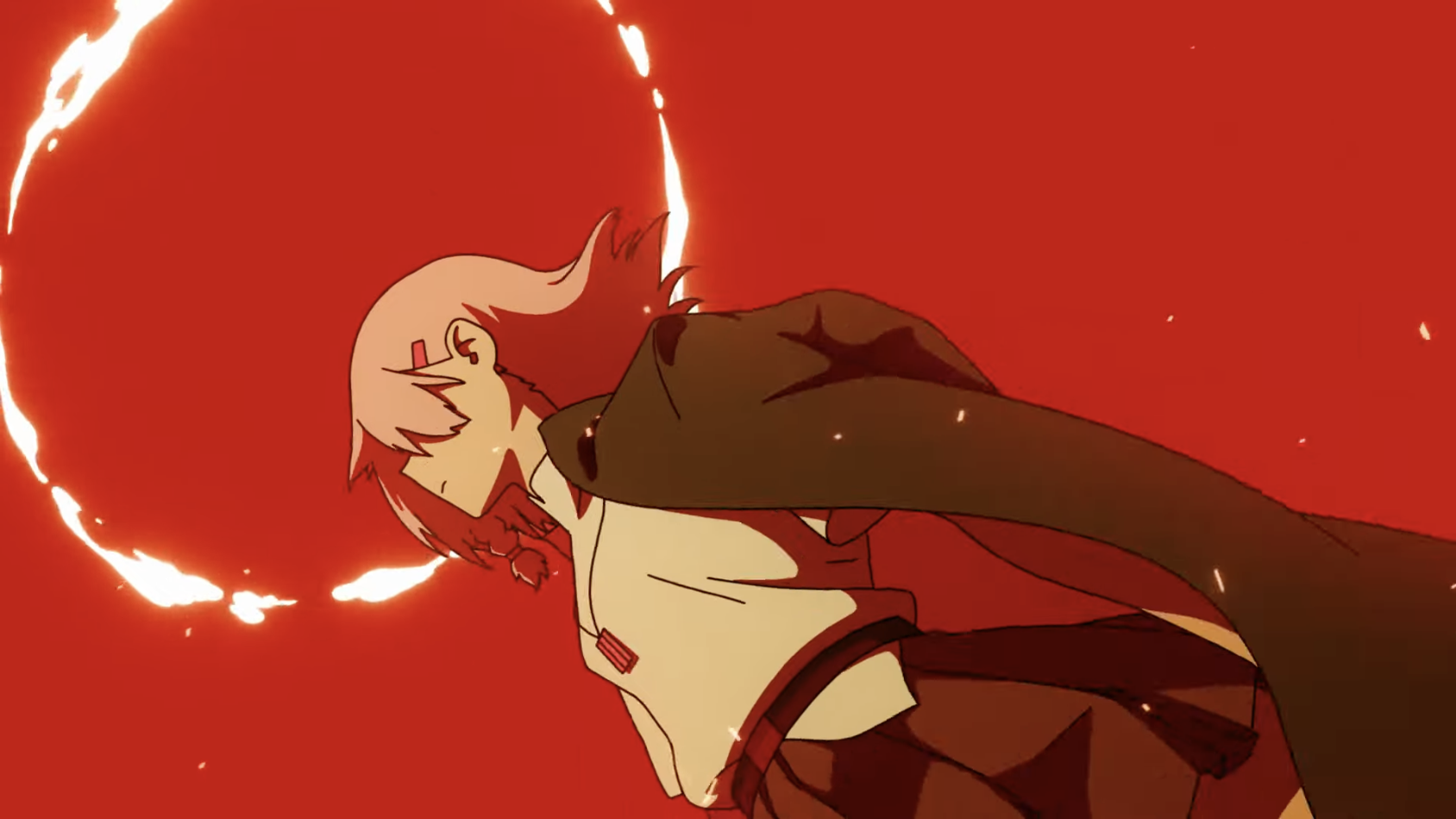 The halo expanded some more:
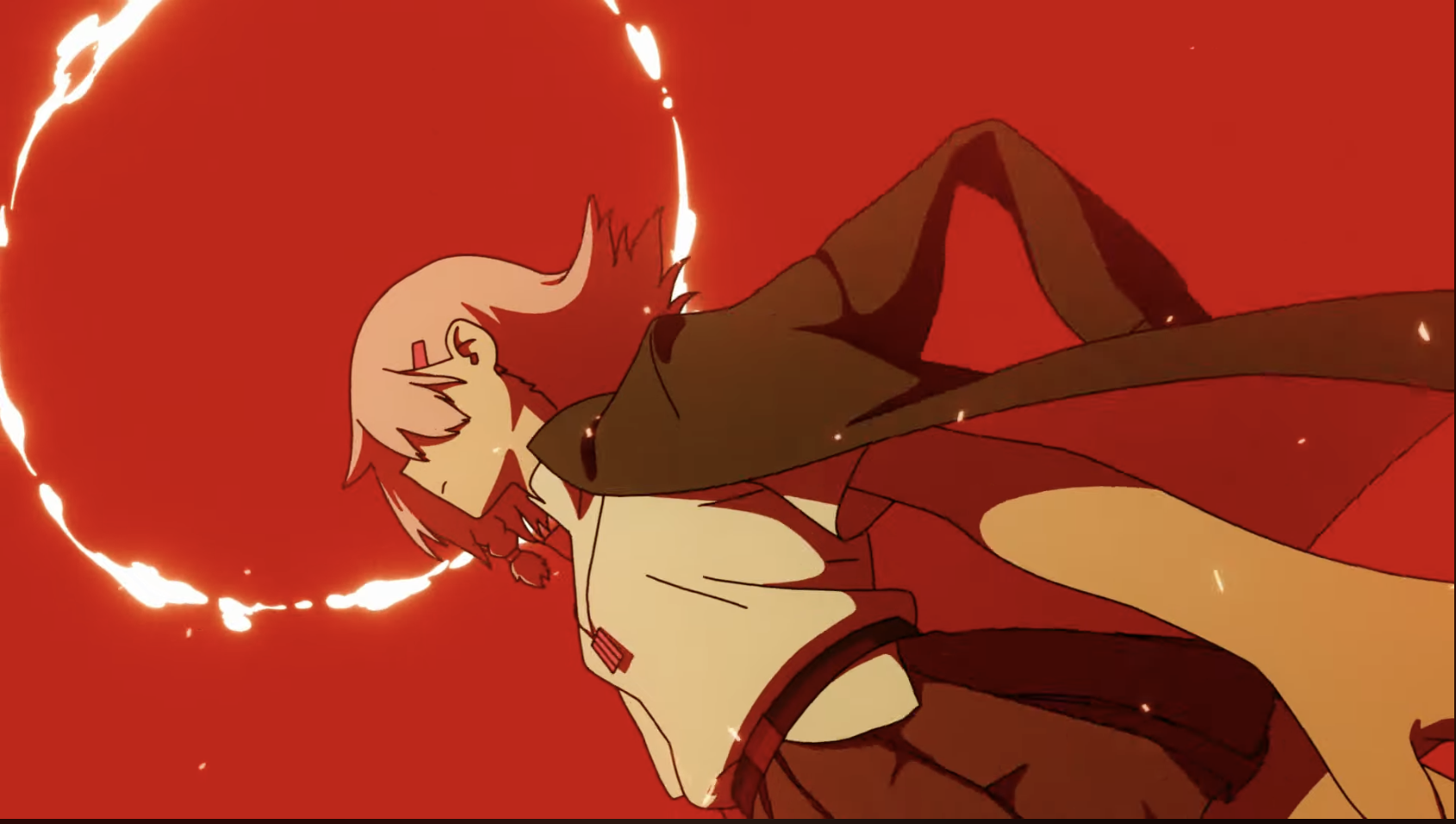
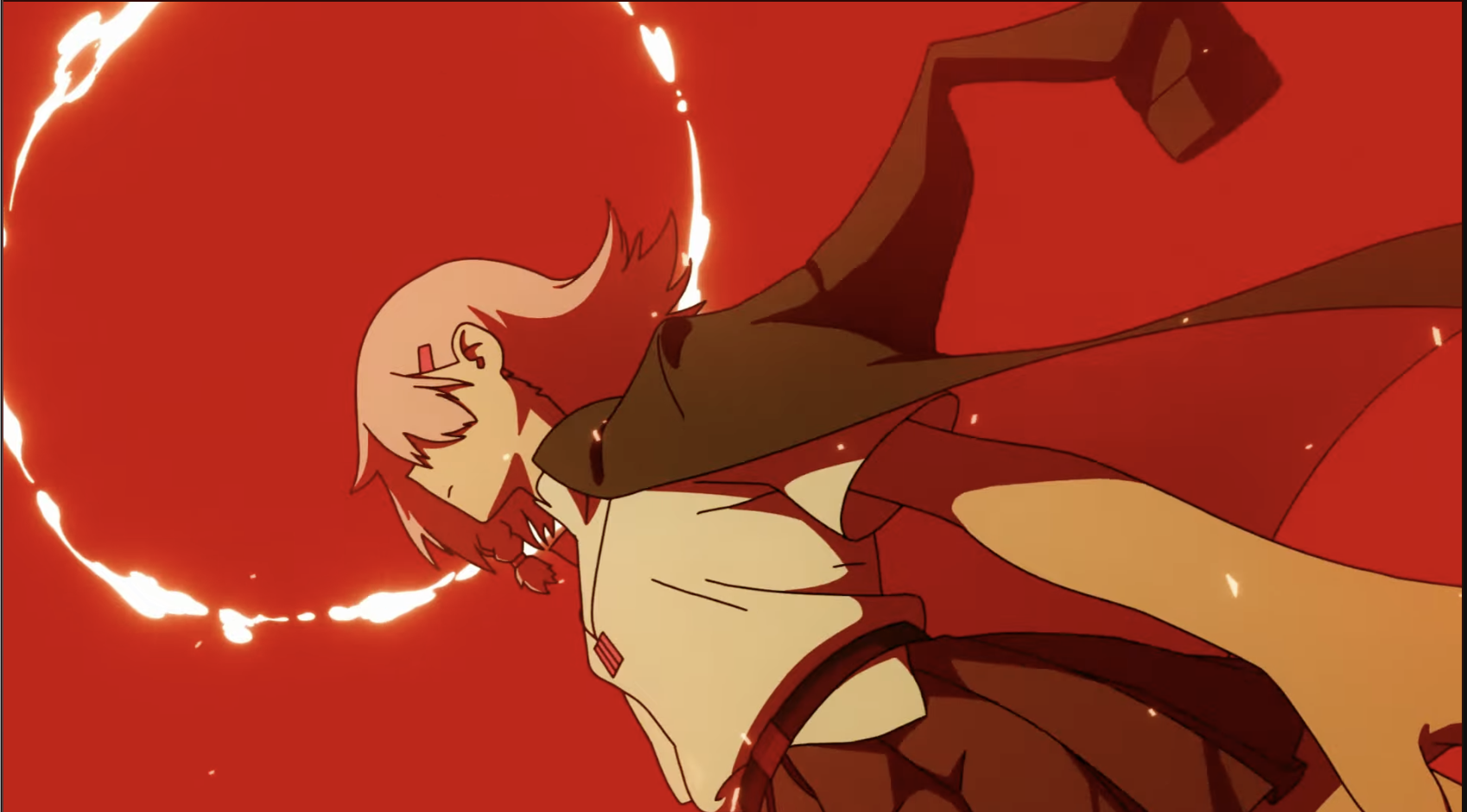 The halo changed!
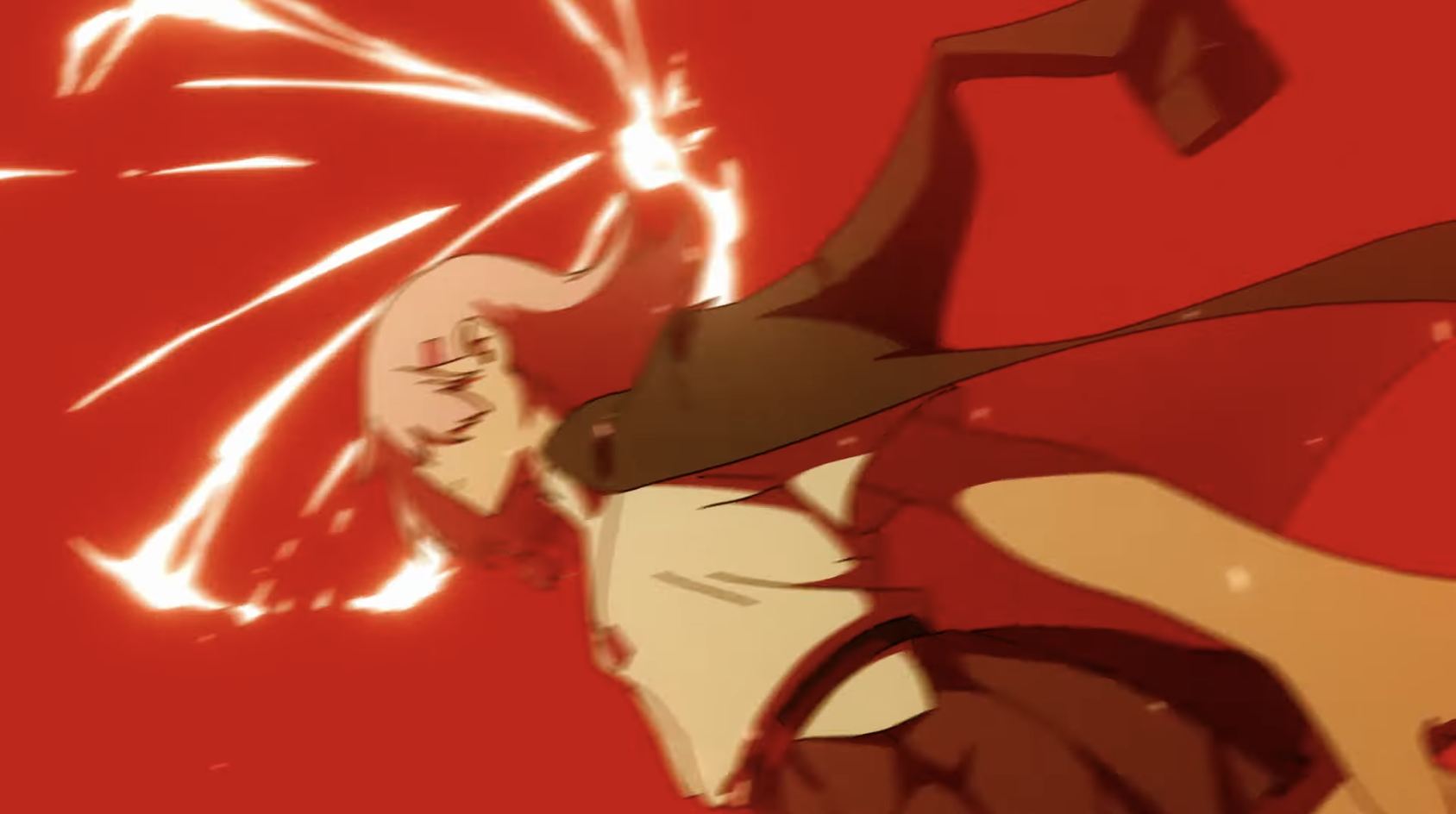
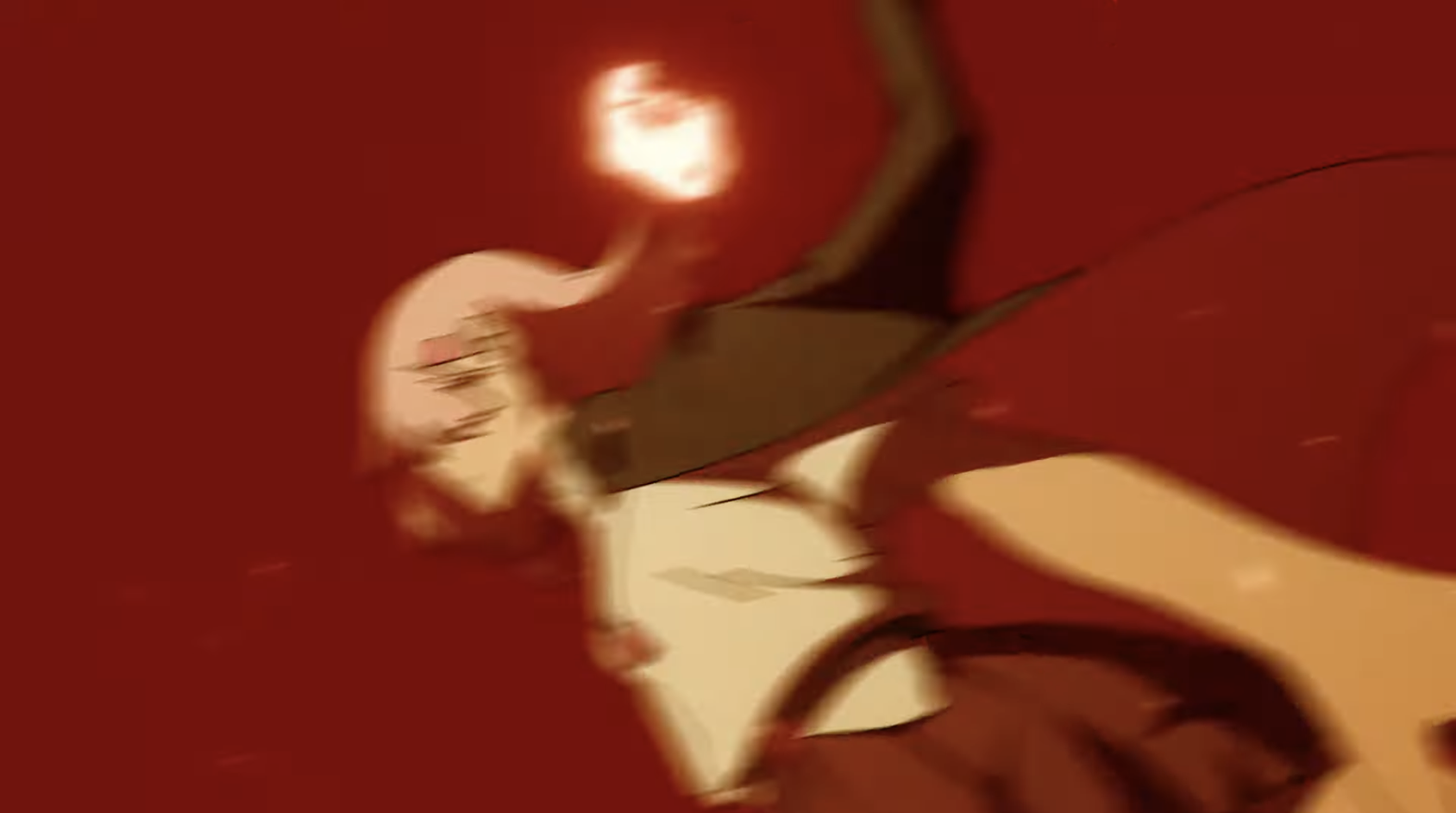 The bg changed too.. Sorta like an impact frame for the impact frame.. Such an interesting way of doing things!
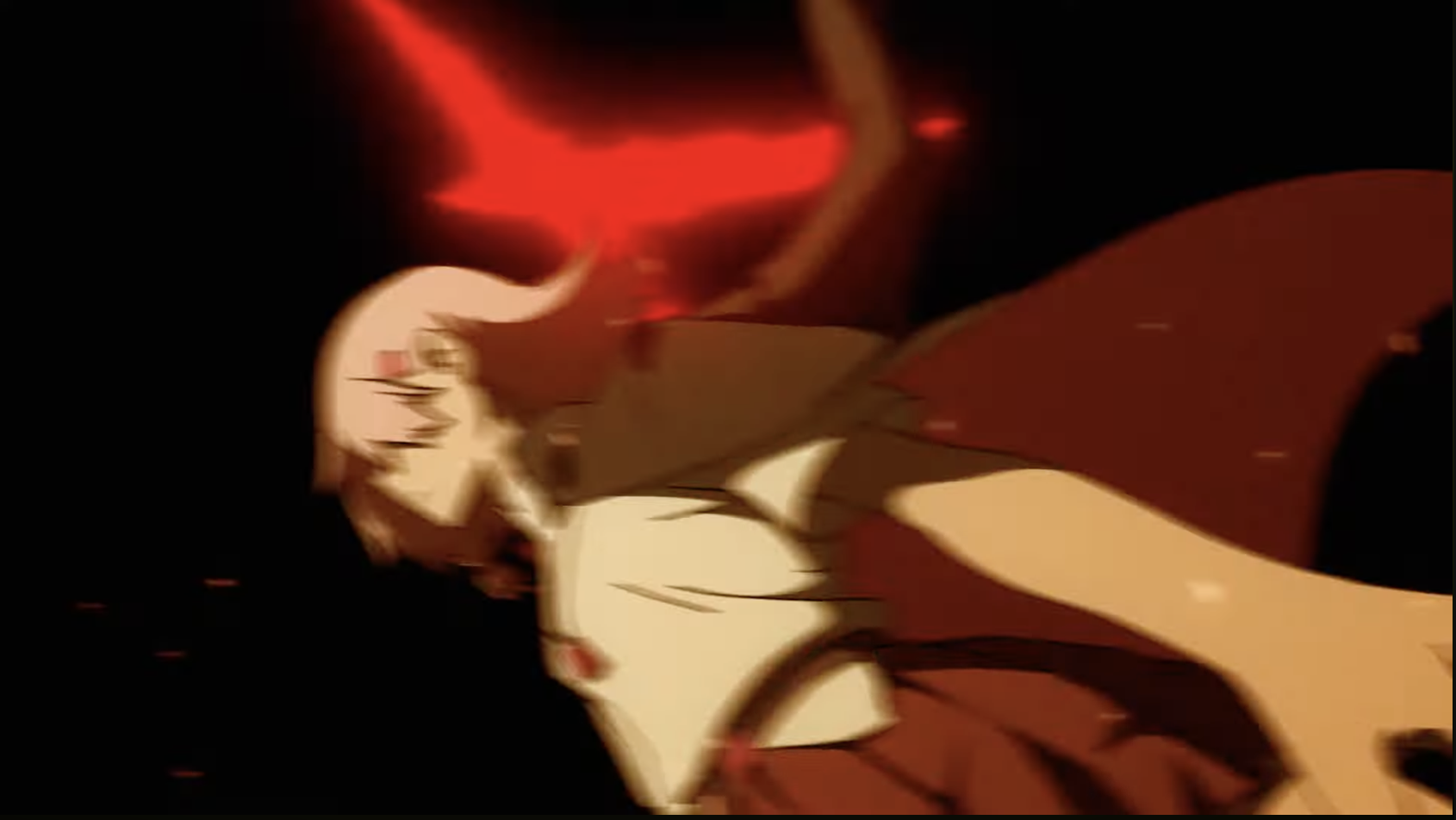 Pans to the left a bit:
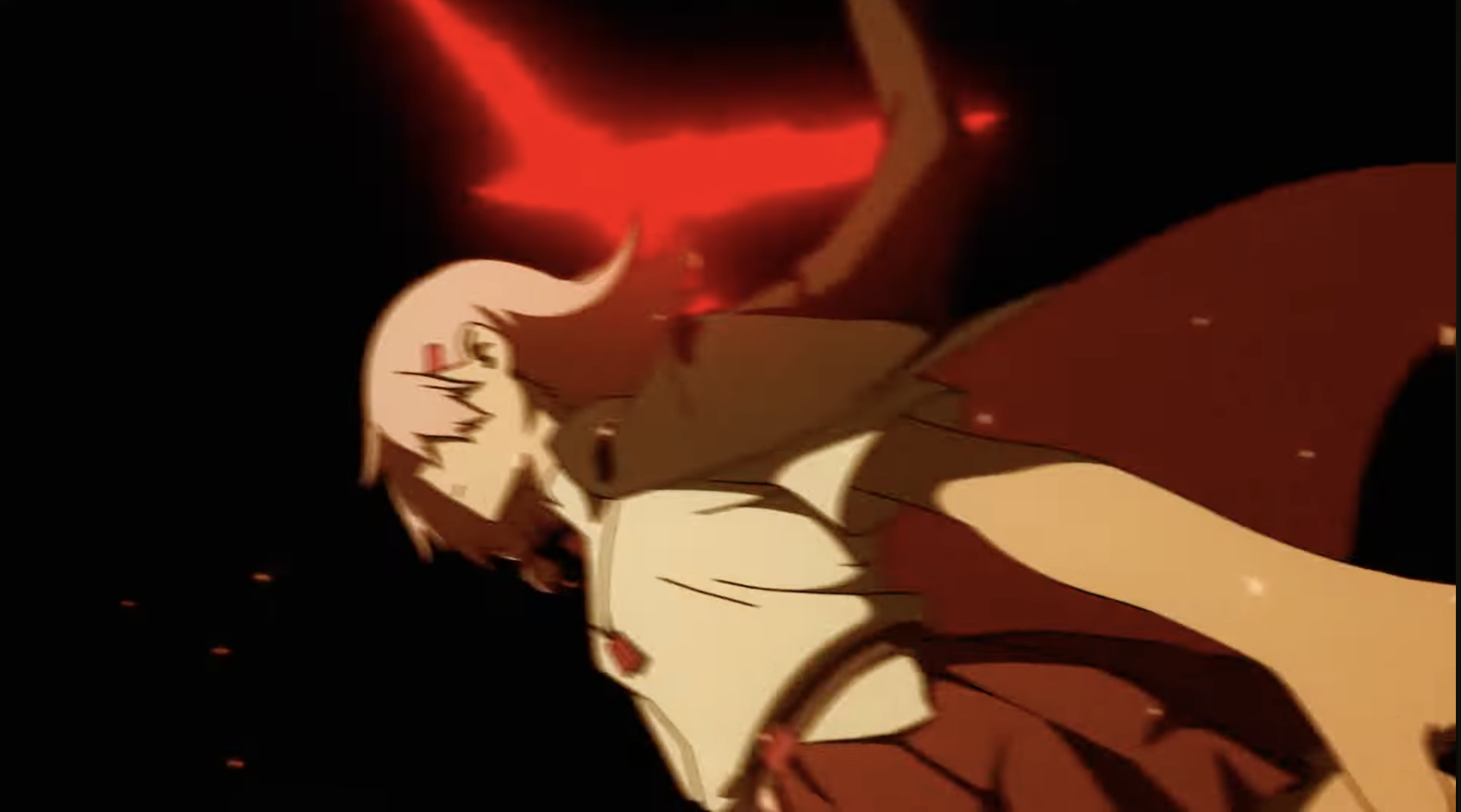 Pans to the right a bit:
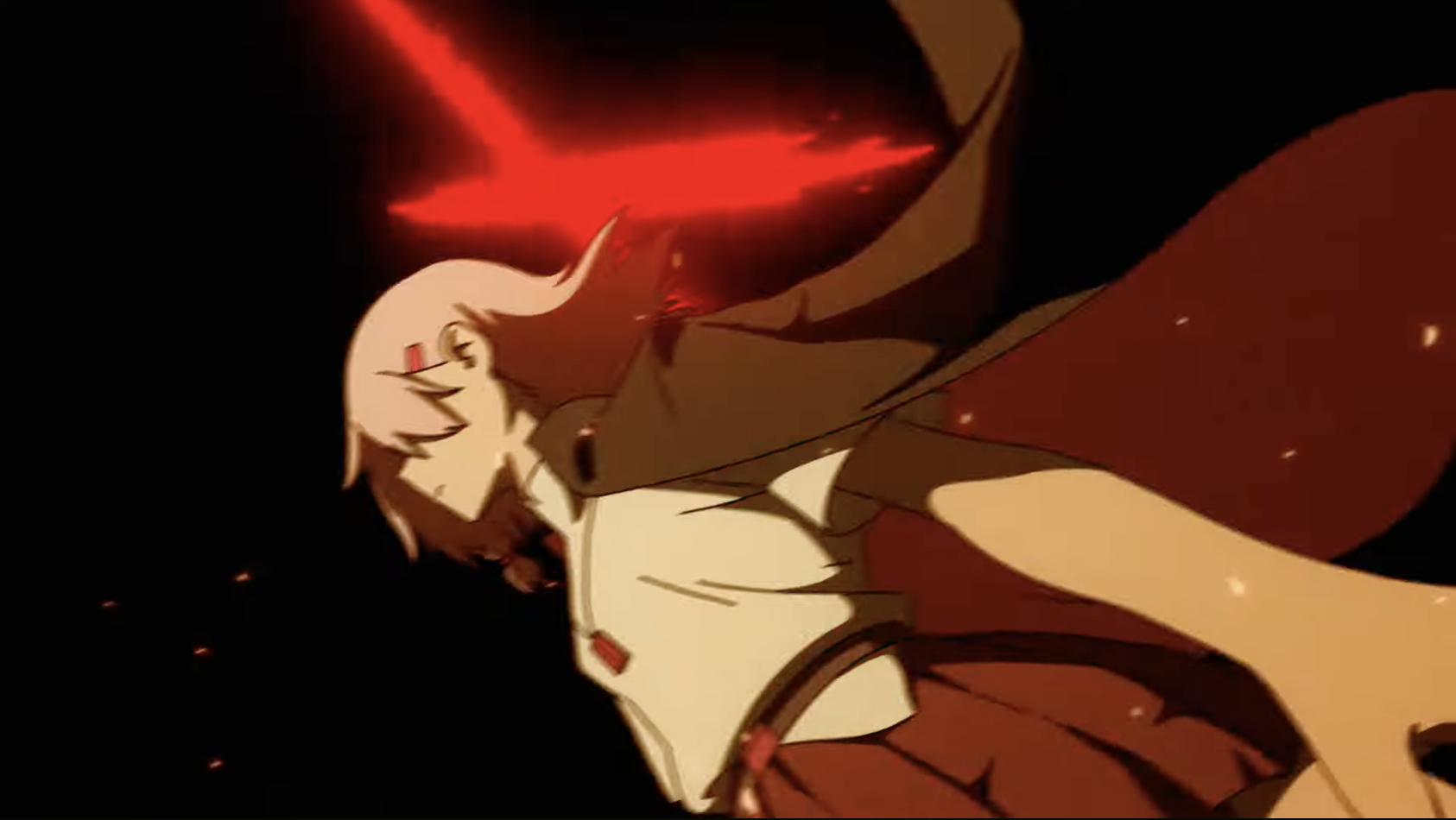 Pans to the left a bit:
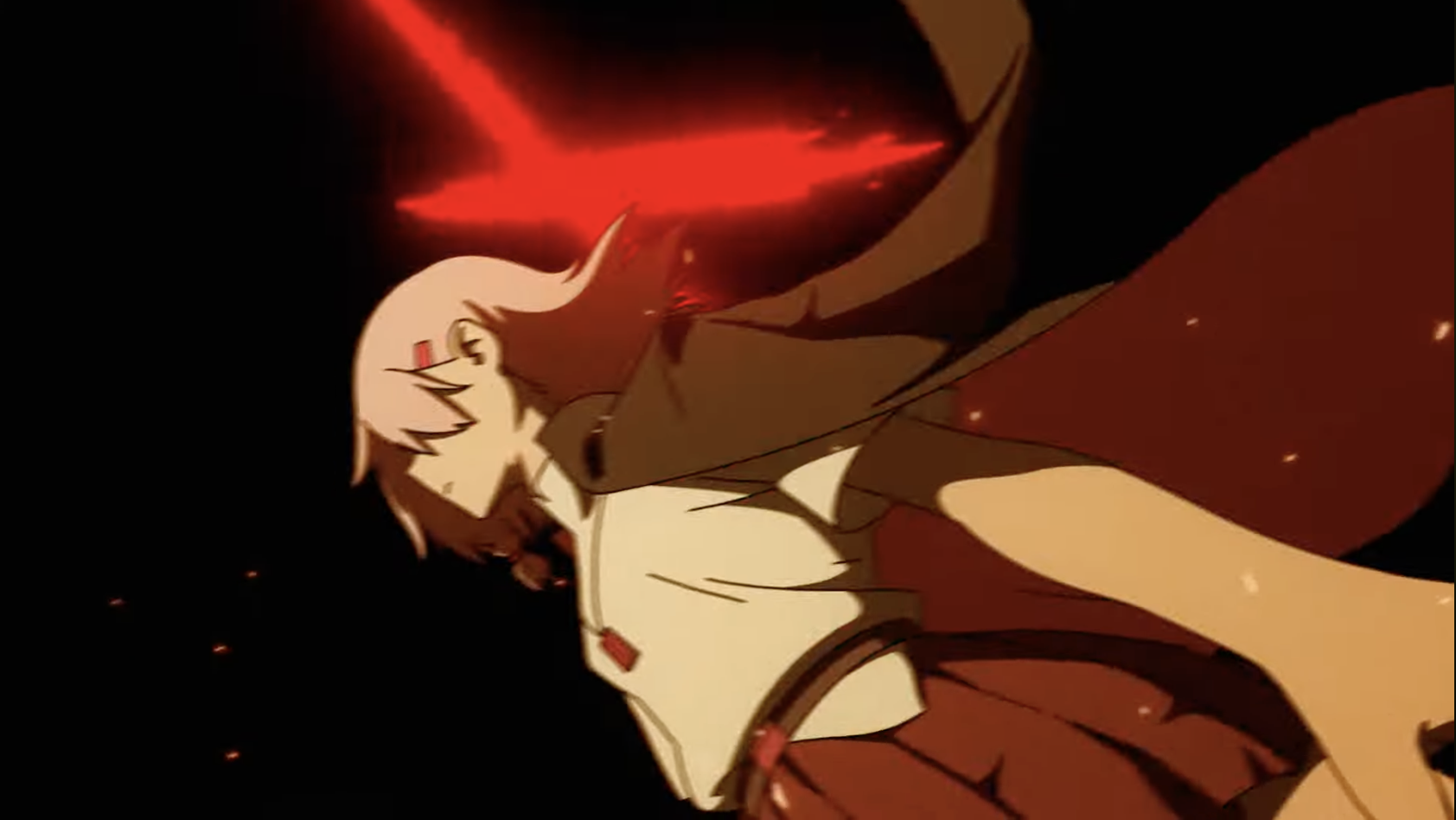 Halo solidifies:
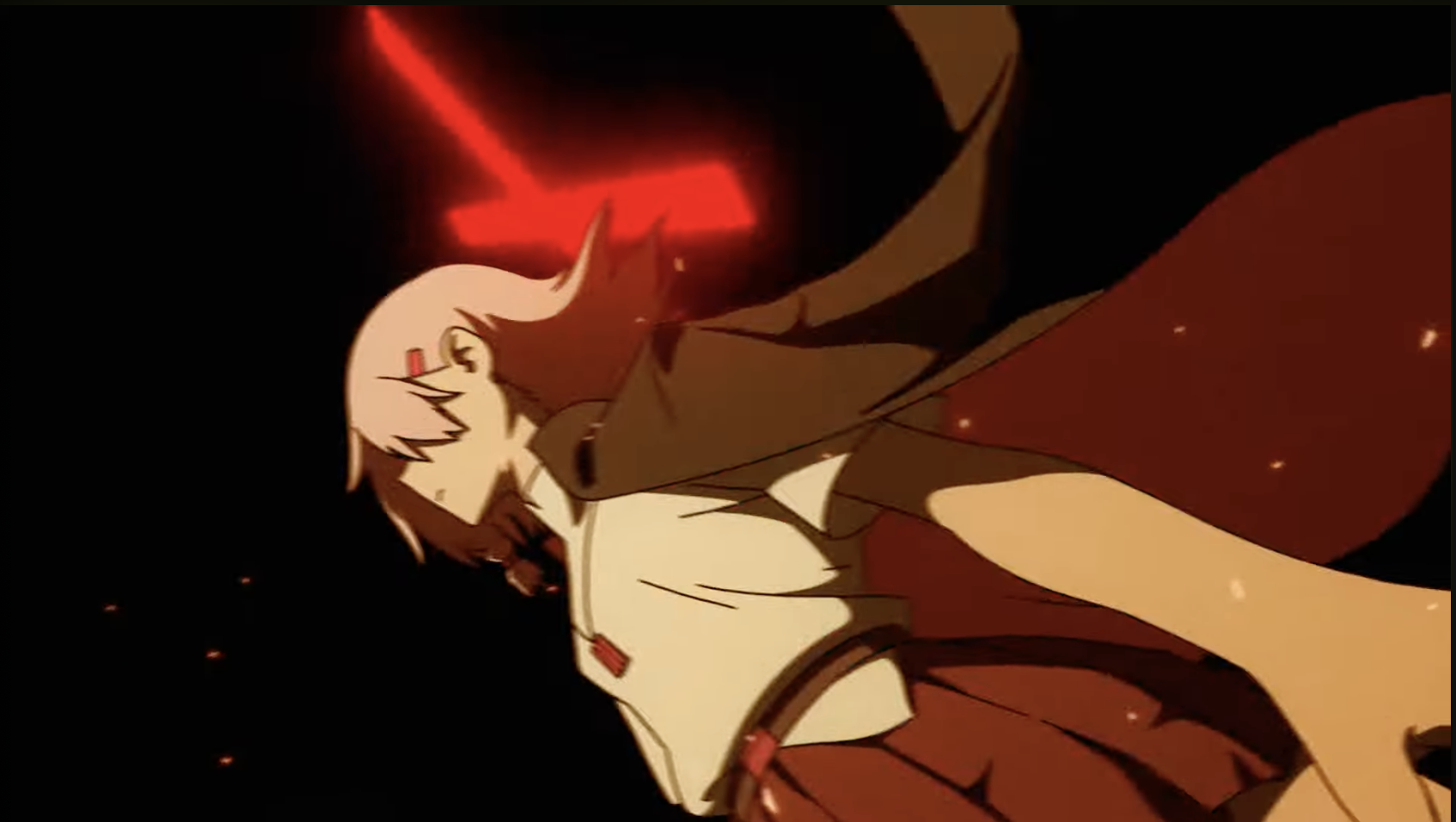 Pans to the left:
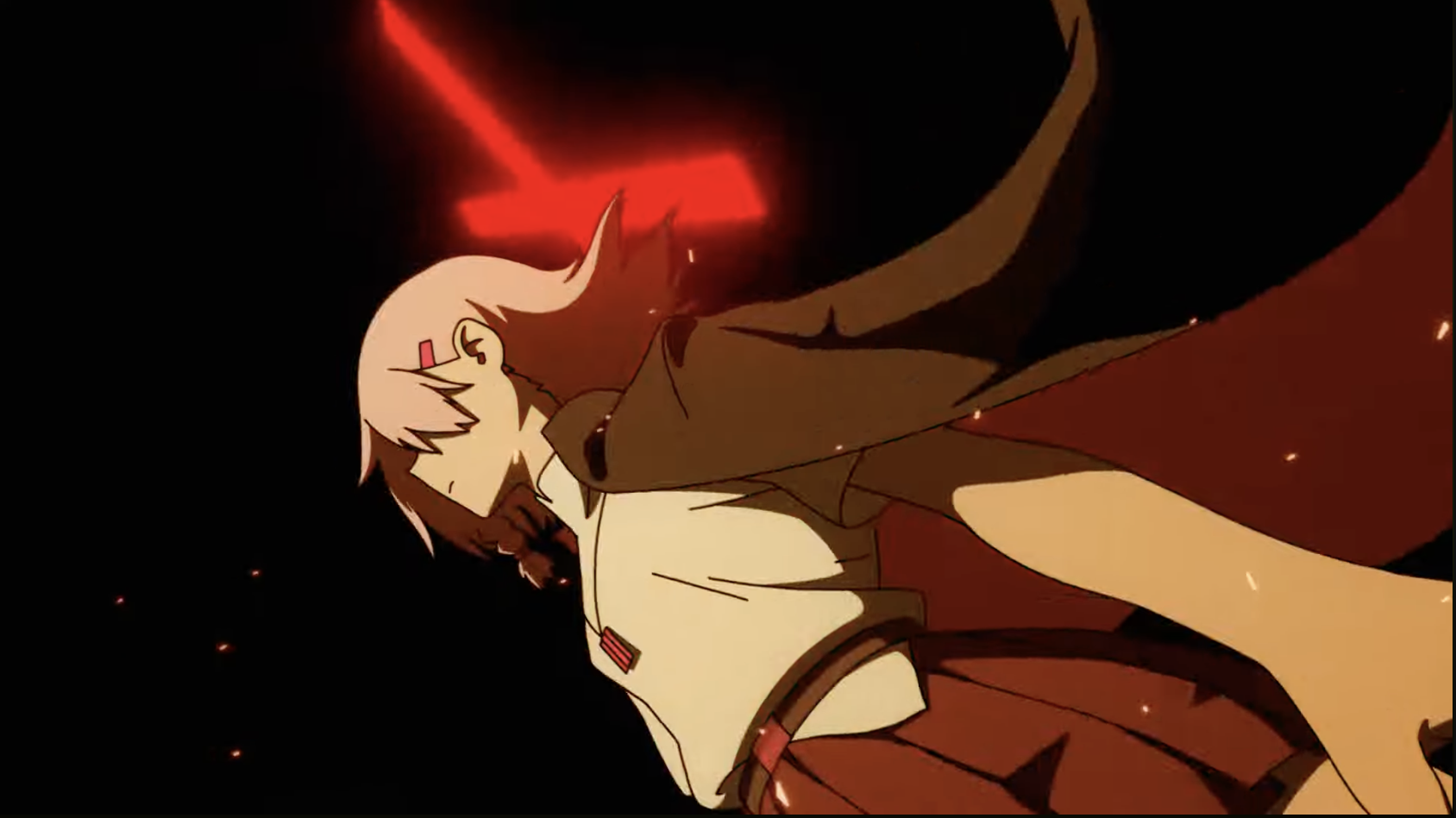 Halo shifts and this frame is held for 2 frames and then it cuts to the next scene.
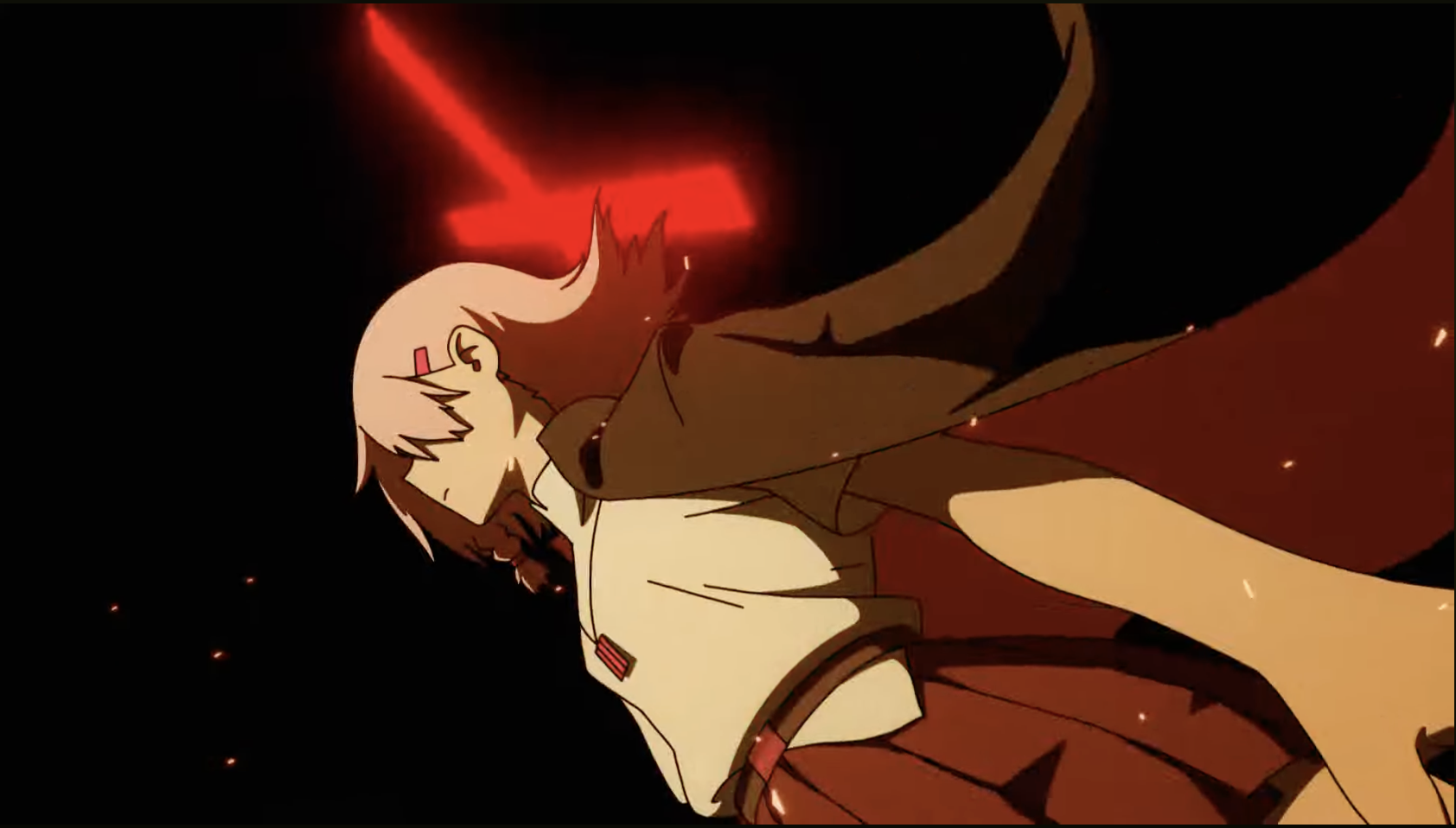
Annnd that is it for this blog post!
I cannot wait to practice some of these techniques - though I'm currently working on an artbook that I want to finish by the end of the year so this might have to wait til later this year or next year.. or I may do a few short animation practice stuff that can be done within a few hours rather than weeks or months.
Til next time ~
-Mitsuki