

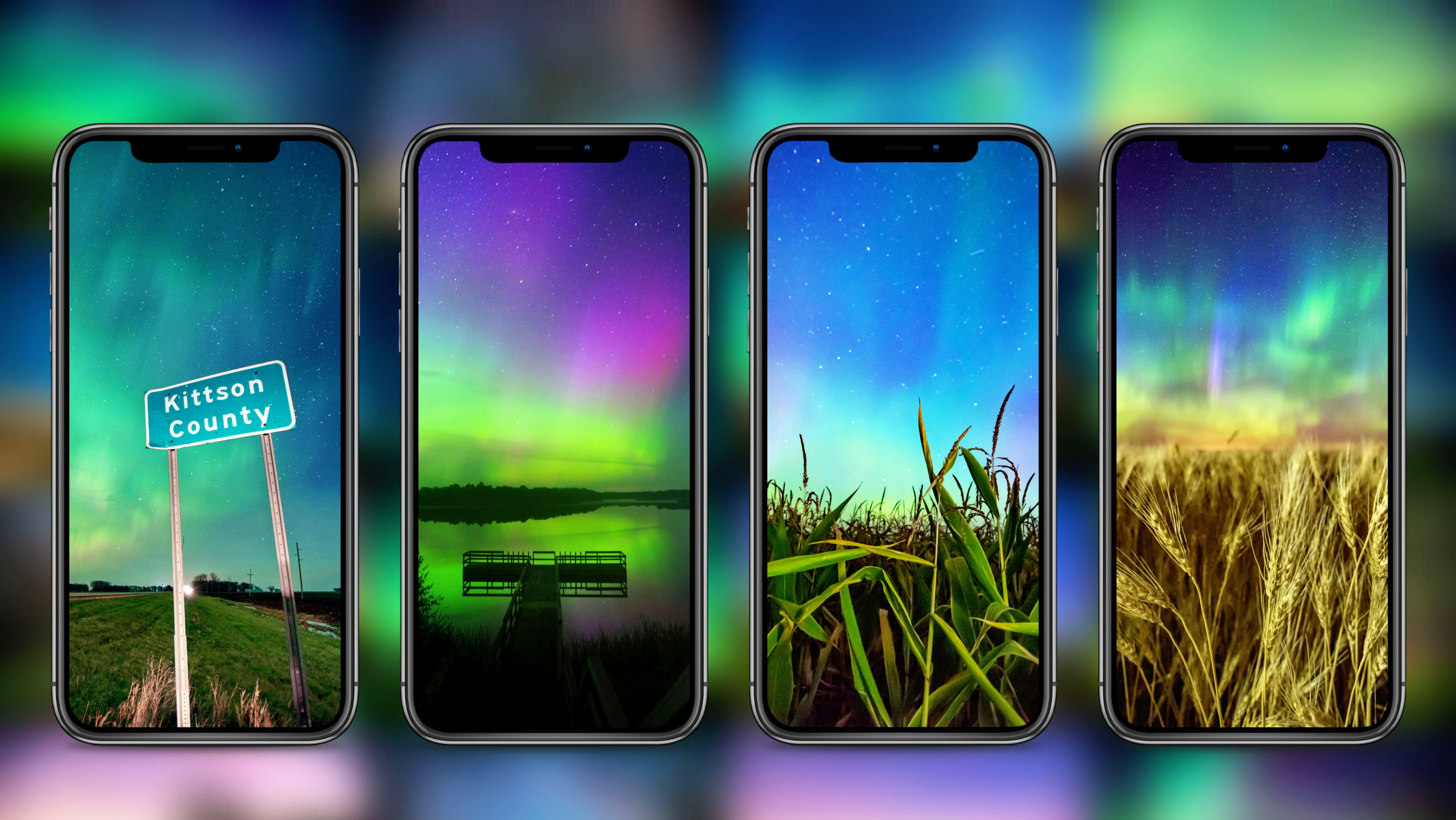
 iPhone users:
Go to Settings > Wallpaper, then tap Add New Wallpaper.
The wallpaper gallery appears.
Do one of the following:
Tap the photo button at the top of the wallpaper gallery.
Tap All, and you should see your recently downloaded wallpaper file.
Tap Add, then do one of the following:
Choose whether to use the wallpaper on both the Lock Screen and Home Screen: Tap Set as Wallpaper Pair.
Make further changes to the Home Screen: Tap Customize Home Screen. Here you can adjust the custom photo further or select Blur to blur the wallpaper so the apps stand out.
For Android/Google Pixel Users click here: https://support.google.com/pixelphone/answer/7289143?hl=en