Last post here was Angelo back in May. I've been heads-down since, so rather than drip-feed it,
here's the lot.
---
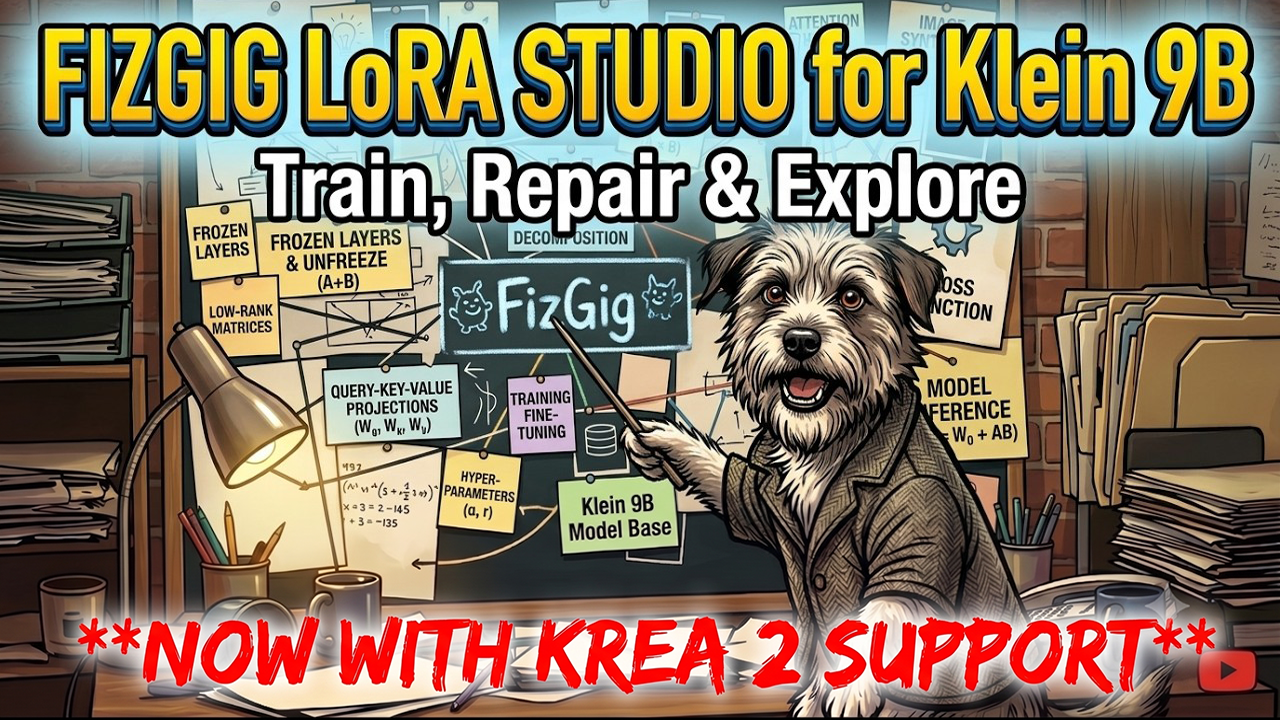
## Fizgig — it trains Krea 2 now, not just Klein**https://github.com/shootthesound/Fizgig**
When I posted about Fizgig in April it was a Flux 2 Klein 9B LoRA trainer. It now trains **Krea 2 (12.9B) natively as well** — same GUI, same workbench (Profiler, Extract, Repair Studio, Explorer, Royale), just pick your model family at the top of the Training tab. A full Krea 2 LoRA trains on a 10–12 GB card thanks to the 4-bit base, and on 16 GB with room to spare.
The part I'm proudest of isn't the training loop though — it's that **the trainer now watches your dataset while it trains**. It tracks every image's loss individually, works out which ones are genuinely stuck (usually a caption that doesn't match what's actually in the shot), throttles them so one bad image can't keep yanking the weights around, and can even **re-caption them mid-run** using the text encoder's vision model. In matched tests that gave faster likeness, a higher ceiling, and real skin texture where the untreated run went plastic. There's a Problem Images window so you can see what it flagged and fix captions yourself while the run continues.
Also since April: **LoRA Royale** (scrub your epochs like video, before/after comparison sheets, seed and prompt travel), likeness scoring against your dataset, a Look Consistency Filter that catches the odd photo that isn't quite your subject, and a full headless CLI.
And **v2.8.0 landed today**: a big speed release — per-step training speed is now roughly on par with OneTrainer (INT8 training, automatic torch.compile, and a memory planner that stops picking slow configs on 16 GB cards) — plus a reliability pass where I went through the whole app and fixed 60+ real bugs. One worth knowing if you've used it: the block-targeting presets (Identity / Style / Details) weren't actually restricting anything until now, so they trained the full model. That's properly fixed.
Free, MIT, one-click installer: **https://github.com/shootthesound/Fizgig**
---
## New ComfyUI nodes**KMS — a KSampler that shows you the seeds first****https://github.com/shootthesound/ComfyUI-KMS***(screenshot: screenshots/ComfyUI-KMS/ComfyUI-KMS_1.png)*
Cheap probe pass over N seeds, thumbnails appear on the node, you click the one you want and only that one finishes — as an exact continuation, so nothing is wasted. Model agnostic. This one's saved me a lot of "generate 8, keep 1" time.
**KreaReason — think before you encode****https://github.com/shootthesound/ComfyUI-KreaReason***(screenshot: screenshots/ComfyUI-KreaReason/ComfyUI-KreaReason_1.png)*
Krea 2's text encoder is a full vision-language model, so it can do more than encode. This node lets it rewrite your prompt, or *look at a reference image* and describe it, before conditioning.
**Image Save: Bling Edition — the save node ComfyUI deserved****https://github.com/shootthesound/ComfyUI-ImageSaveBlingEdition***(screenshot: screenshots/ComfyUI-ImageSaveBlingEdition/ComfyUI-ImageSaveBlingEdition_1.png)*
Session gallery with recovery, hold-for-review triage, PNG/JPEG/WebP, metadata and credit
templates, filename patterns, masks and watermarks.
**Sequential Image Loader****https://github.com/shootthesound/ComfyUI-SequentialImageLoader***(screenshot: screenshots/ComfyUI-SequentialImageLoader/ComfyUI-SequentialImageLoader_1.png)*
Point it at a folder and get a fresh image on every Queue. Natural sort, filetype picker,subfolders, Reset/Prev/Next. Boring, and I use it constantly.
**Workflow Drop Zone****https://github.com/shootthesound/ComfyUI-WorkflowDropZone**
A persistent drop zone for loading workflows from images or .json — a reliable alternative to the built-in drag-and-drop, with crash-recovery snapshots, recents and favourites.
---
## And one for the photographers**iRate — fast raw culling****https://github.com/shootthesound/iRate**
Fullscreen, look at the frame, press a number, next frame. Writes XMP sidecars Lightroom reads and never touches your raws. macOS and Windows. I built this for my own shoots — culling is theworst part of the job and every tool I tried was slower than just looking at the picture.
---
That's the lot. Everything above is free and on GitHub. If you've been using any of it, the
coffees genuinely keep it going — and the bug reports and feature ideas keep it *good*. A lot of this release came straight out of comments from people using it.
Pete