

 I love it when nostalgia turns into something rewarding. This time, it took me back to the days when I first fell in love with Solus Linux. Back then, Solus was a truly special distribution, shaped by Ikey Doherty’s ambitious vision of building a polished desktop experience from the ground up. But nothing stays the same forever, and as life moved on, so did the people behind the project.
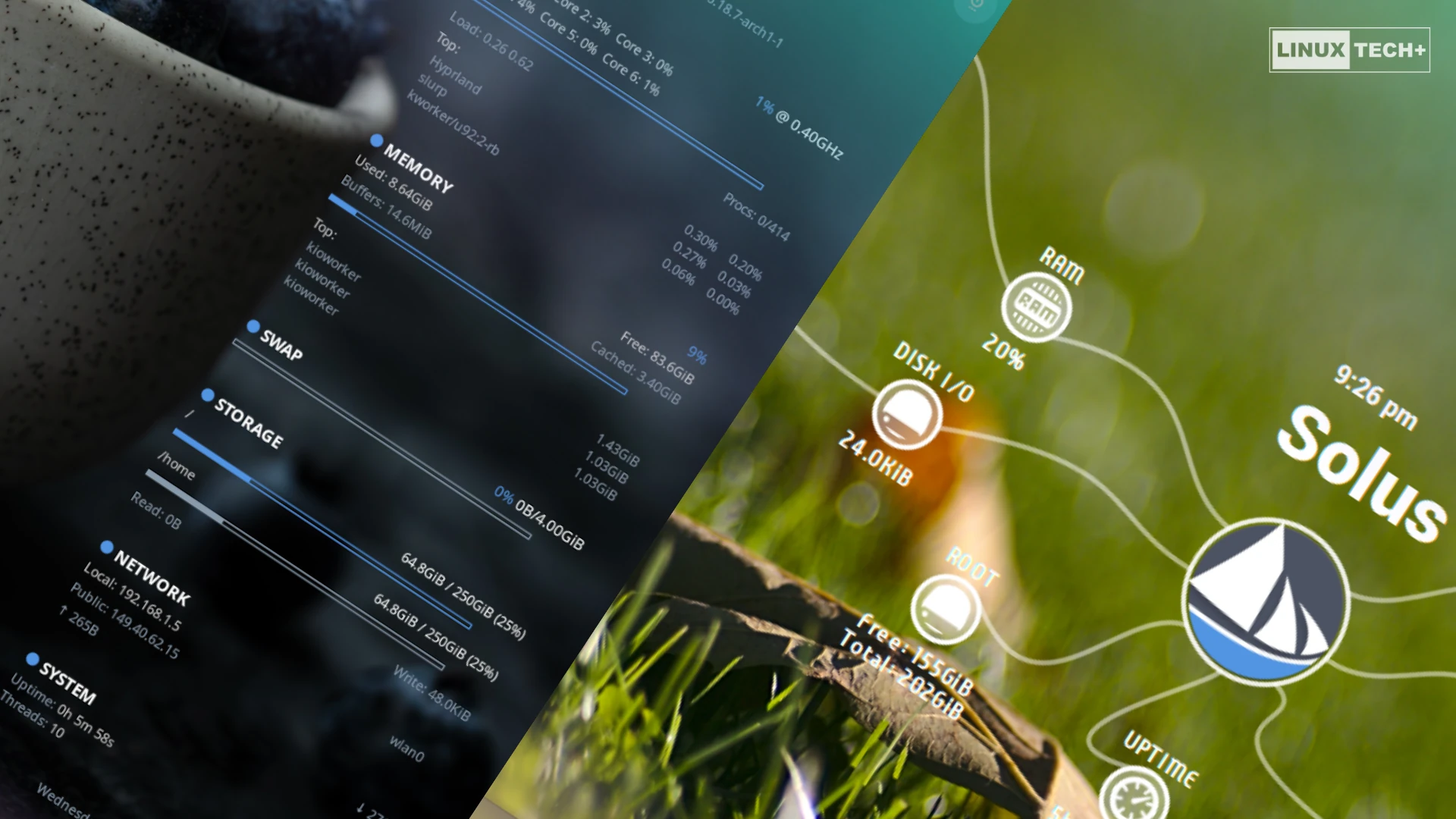
Looking back, I remembered Octopus, a Conky theme I had created for my own Solus desktop. With its multi-arm layout and wealth of real-time system information, it became the centerpiece of my setup and something I genuinely enjoyed using every day. Curious to see it running again, I dusted it off, only to rediscover just how much the Linux desktop had changed since those days. The theme had been built for the X11 era, and while parts of it still worked, it wasn’t designed for today’s Wayland-based desktop environments.
That discovery sparked a new challenge. Alongside modernizing Octopus, I decided to explore Conky’s newer capabilities and create an entirely new theme built with modern Wayland compositors in mind. The result is Pure, a cleaner and more minimalist companion to Octopus that embraces native Wayland support while keeping the same focus on presenting useful system information in an elegant way.
In this article, I’ll introduce both themes, explain what makes each one unique, and show you how to install them on your Solus system.