

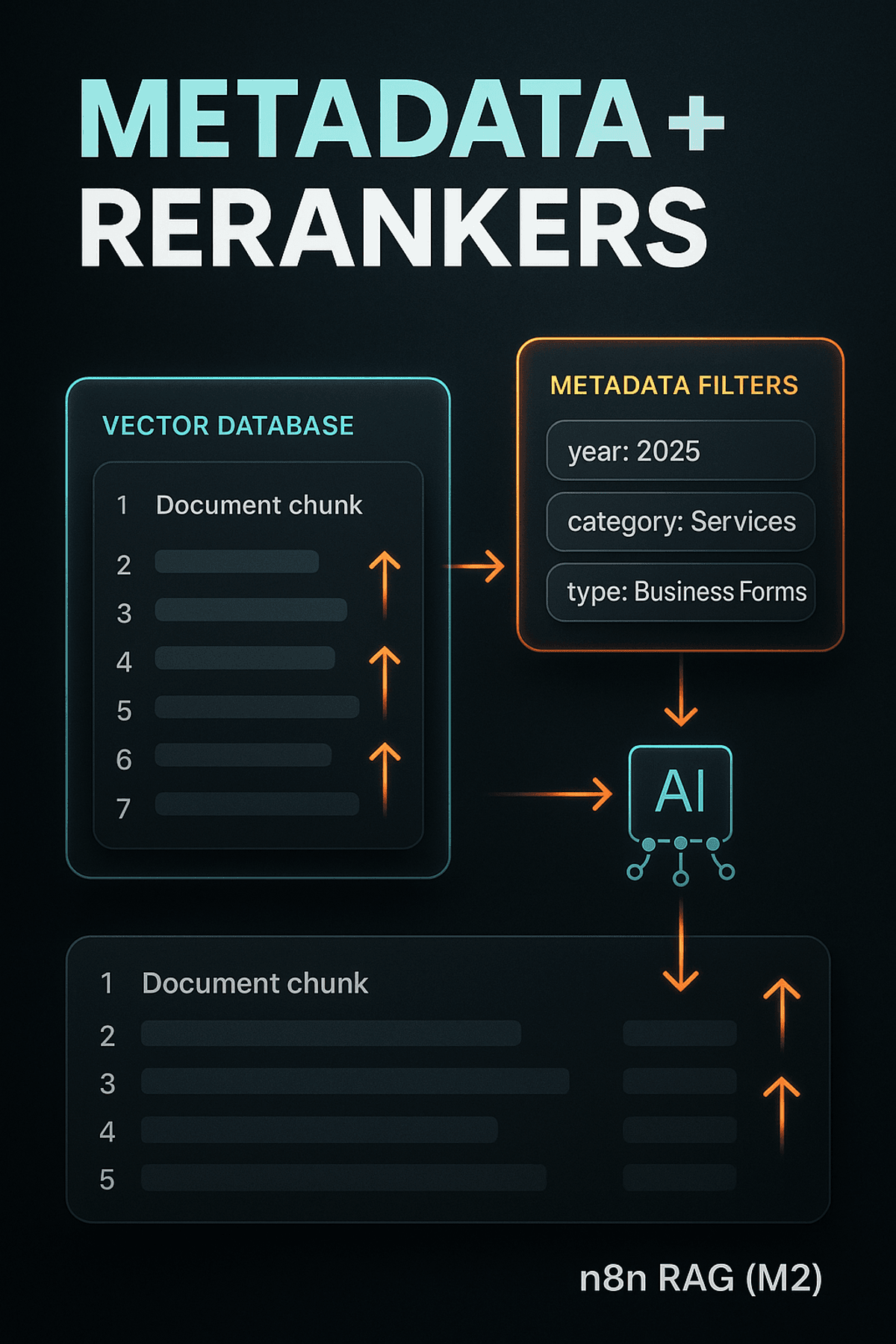
n8n intermediate course Module3: n8n RAG Metadata Filters + Cohere Rerankers
безкоштовно
18 люди купили це
Stop guessing your RAG results—rank them right. In Module 3 of the n8n intermediate course, we enrich your vector database with metadata and add Cohere reranking so the most relevant chunks rise to the top. 🔎
You’ll learn to:
- Add metadata for precise filtering (year=2025, category=Services, type=Business Forms)
- Query with metadata in n8n and pass dynamic filters from an AI node ⚙️
- Rerank results with Cohere so similarity ≠ relevance anymore 🧠
What we cover:
1) Why metadata matters: embeddings capture meaning, metadata gives structure for clean filters.
2) Adding metadata: Default Data Loader → Options → Add Option → Metadata → Add property (Name, Value). Need to scrape site content into your vector store? Try firecrawl to automate it. 🚀
3) Querying with metadata: In Vector Store, turn on Include Metadata → set Metadata Filter (Name, Value). No AI input for Value? Use an AI node before Vector Store to decide the filter and pass it forward.
4) Why rerankers: they reorder candidates so the best answer wins (e.g., “pricing table” beats “discount policies”).
5) Adding a reranker: Enable Rerank Results, increase Limit, add the Cohere node, enter API key, choose model, set Top N to send to your AI.
Key takeaways:
- Metadata makes retrieval targeted and reliable.
- Rerankers boost accuracy by reordering similarity matches.
- Together, they supercharge your n8n RAG workflows. ✅
безкоштовно
18 люди купили це
Введіть справедливу ціну
$
безкоштовно