

Hi everyone! 👋
First things first: I’ve spotted quite a few new faces around here lately. Welcome! And thank you so much for the support! Reading your messages about why you use SongPort or who you send songs to, really makes my day every time so thank you. 🫶🏼
And to everyone who’s been here a bit longer: thanks for sticking around! 🤓
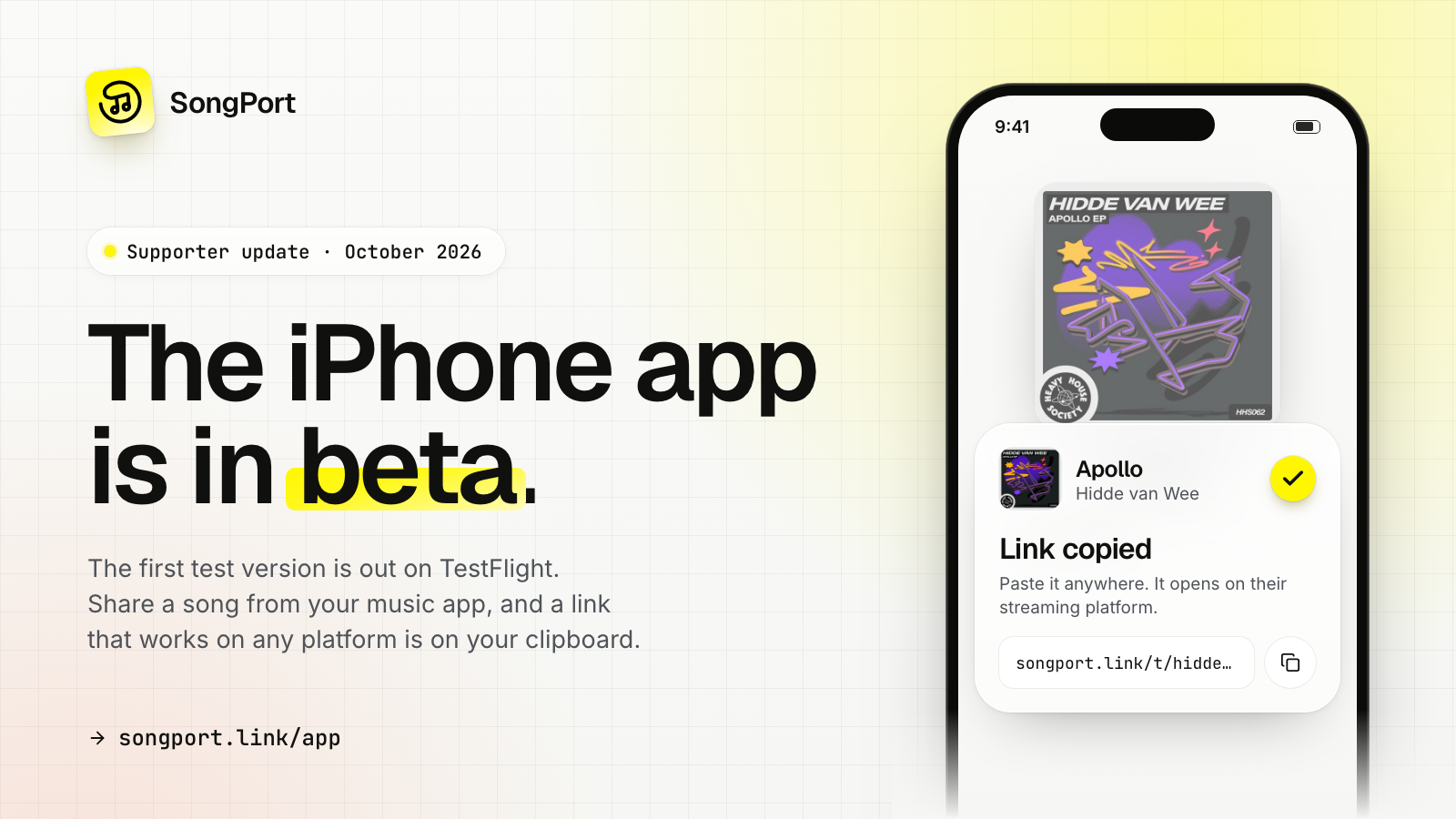
A few weeks ago I told you SongPort was coming to iOS. Well, the first test version is out! 🎉
It’s on Apple TestFlight, and some of you have already been playing around with it, which really helps!
For those in a hurry: https://songport.link/app
Here’s a little update on what’s been happening, what works, and where I could really use your help.
 01 What the app does
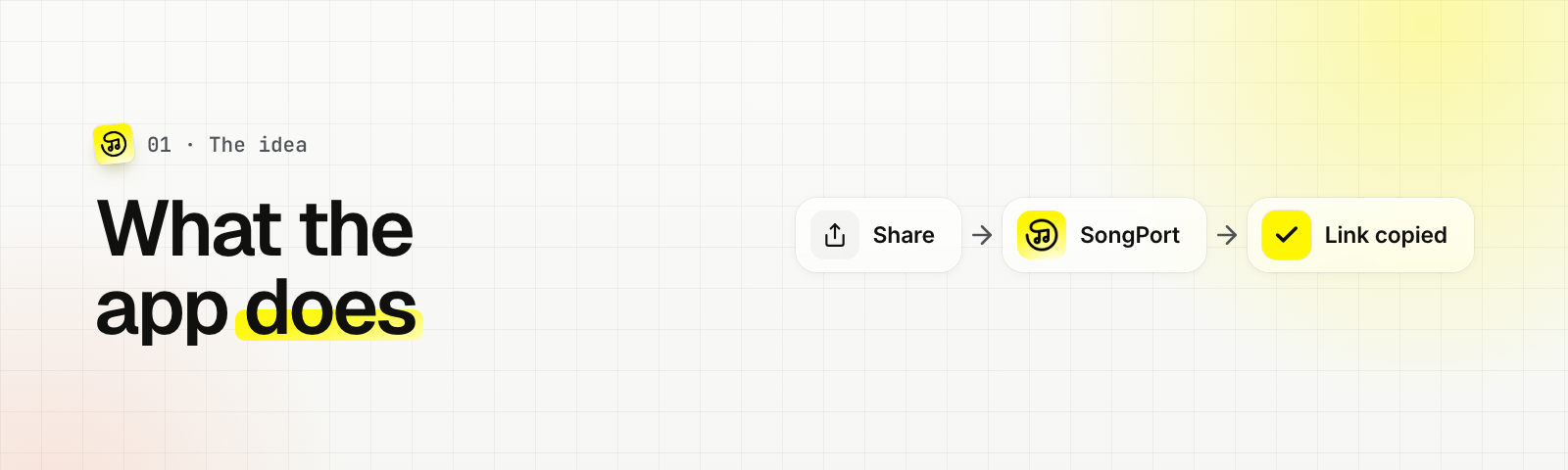
The idea is simple: you’re listening to a song and want to send it to a friend who uses a different streaming platform. Instead of copying the link, opening the website and pasting it, you share the song straight from your music app. Tap SongPort in the share sheet, and a link that works on your friend’s platform is on your clipboard.
 02 What’s in this first version
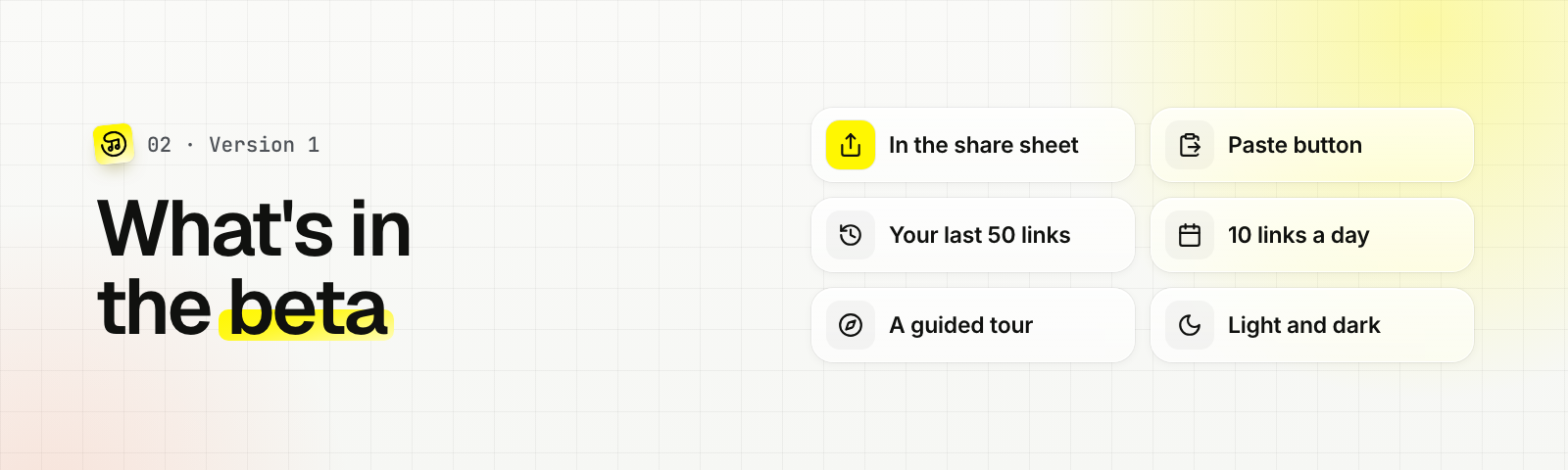
SongPort in the share sheet. This is the heart of the app. It works from any app that can share a music link.
A Paste button on the home screen. Handy for apps without a share button, or for a link you already copied.
Your links. The app keeps the last 50 links you made, so you can quickly open or copy one again. They stay on your phone, and you don’t need an account.
10 links a day per iPhone. That should be plenty for now. If you run out, the app tells you when you get new ones.
A tour when you first open the app. It opens the real share sheet and shows you, step by step, how to get SongPort to the front.
And of course the new yellow icon from the rebranding, plus light and dark mode. 💛
 03 The part that still bugs me 🫠
Getting SongPort into your share sheet is the weak spot right now.
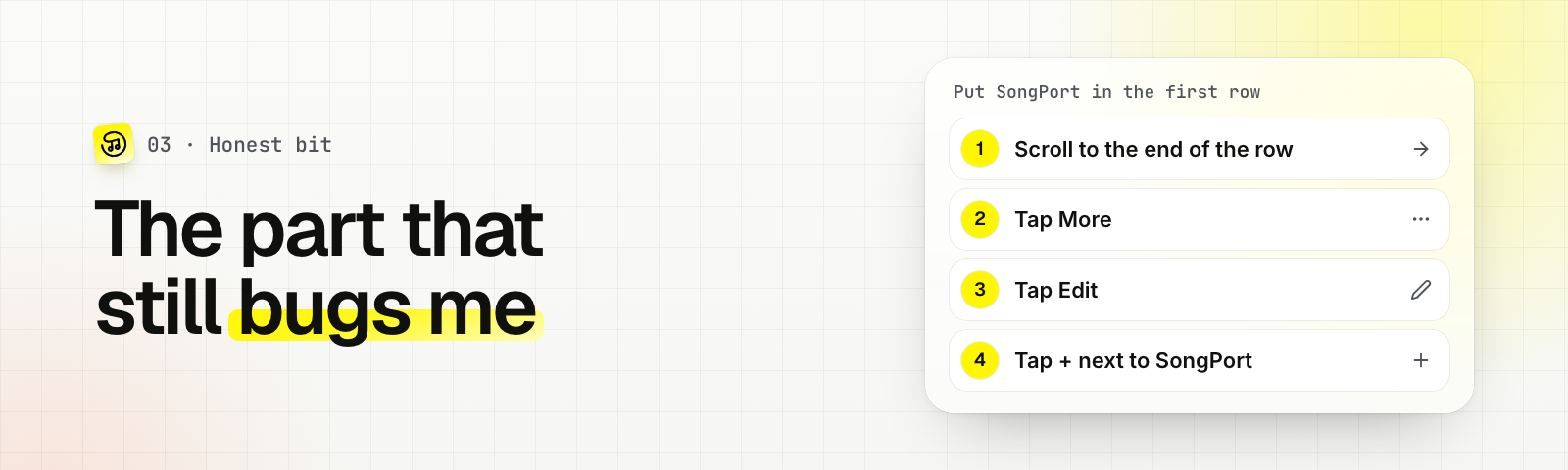
When you install an app like this, iOS puts it all the way at the end of the row, where nobody sees it. To move it to the front you scroll to the end, tap More, tap Edit, find SongPort and tap the plus. Apple doesn’t let me do that for you, so there’s no shortcut I can build.
That’s why I spent quite some time on the onboarding. It doesn’t show screenshots, it walks you through the real thing while you do it. It helps, but I know five taps is still a lot to ask.
And then there’s Spotify. 🙃
Spotify opens its own share menu first, and SongPort isn’t in it. You first have to tap “More” to get to the regular iOS share sheet. There’s nothing I can change about that from my side, which is a bit frustrating.
 04 This is where you come in!
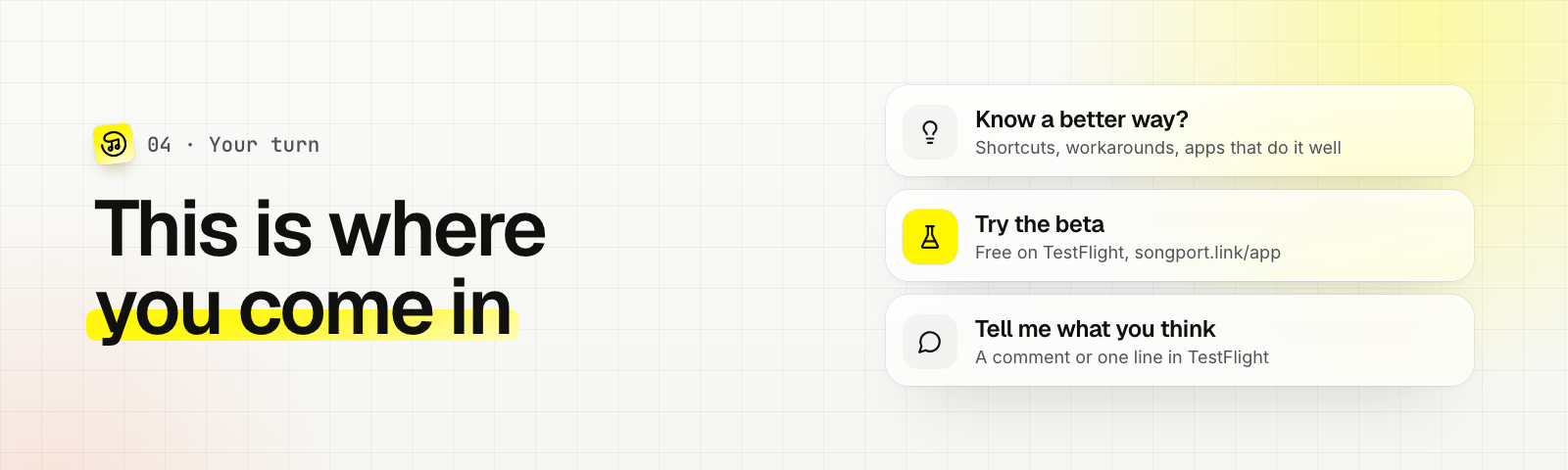
Do you know a better way? If you build iOS apps yourself, or you’ve seen an app that handles this really well, I’d love to hear about it.
Try the beta! It’s free and runs on TestFlight, Apple’s app for test versions. You’ll find the link at https://songport.link/app
Tell me what you think. Did the tour make sense? Did you manage to get SongPort to the front? Did a link not work on a certain platform? Drop a comment below or send feedback through TestFlight. Even a one-liner helps a lot.
As always, a huge thank you for supporting SongPort. Every coffee helps me keep this running and gives me the time to build things like this app. I truly appreciate it! 🙏🏼
Talk soon!
Jonas