

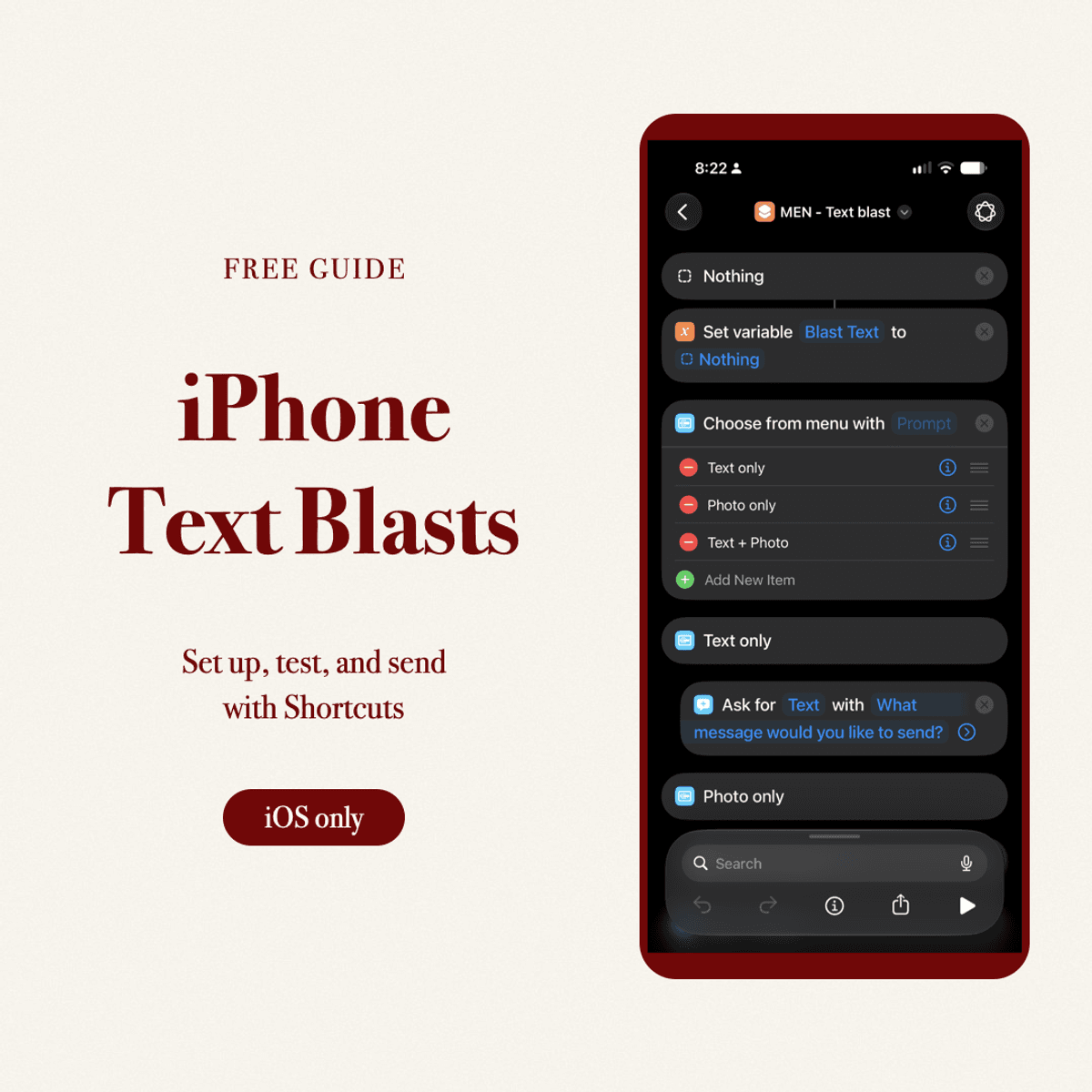
Individual iPhone Texts: A Shortcuts Setup Guide
Frei
Have you ever sent a group text and heard nothing back, only to get a reply when you text someone individually? This tool is for moments like that.
Whether you’re checking in with your men’s Bible study group or your team leaders, you can write one message and send it to each person individually, rather than starting a group conversation. It’s a practical way to make replying feel more personal, without typing the same text over and over. Responses aren’t guaranteed.
This free four-page PDF shows pastors how to use iPhone Shortcuts with a small, permission-based church list. Learn how James’s example works, select your own Contacts list, enable message review, test text and photos safely, and avoid accidental group conversations or duplicate sends. Includes the example shortcut link and official Apple references. No AI subscription is required.
Important: the example starts with a specific contact-group filter and message review turned off. Follow the setup steps before running it. Text + Photo sends two separate messages. Device prompts, carrier limits and delivery vary; this is not a guaranteed unattended bulk-messaging system. No live iPhone send was performed while preparing the guide.
Want more practical ministry tools? Visit https://buymeacoffee.com/jamesbtayld and tap the three-dot menu (⋯) near the top of the page, then Follow. If prompted, enter your email and complete sign-in to receive updates about new resources, coaching tips and upcoming calls. Following is free and optional; this download does not require a paid membership.
Frei
Gib einen fairen Preis ein
$
Frei