

https://addons.mozilla.org/en-US/firefox/addon/youtube-speed-controls
Enhance YouTube with on-page speed controls and a one-click, crop-free theater mode. All controls are embedded directly on the video player for instant access. Includes smart speed reset for new videos and a convenient refresh button.
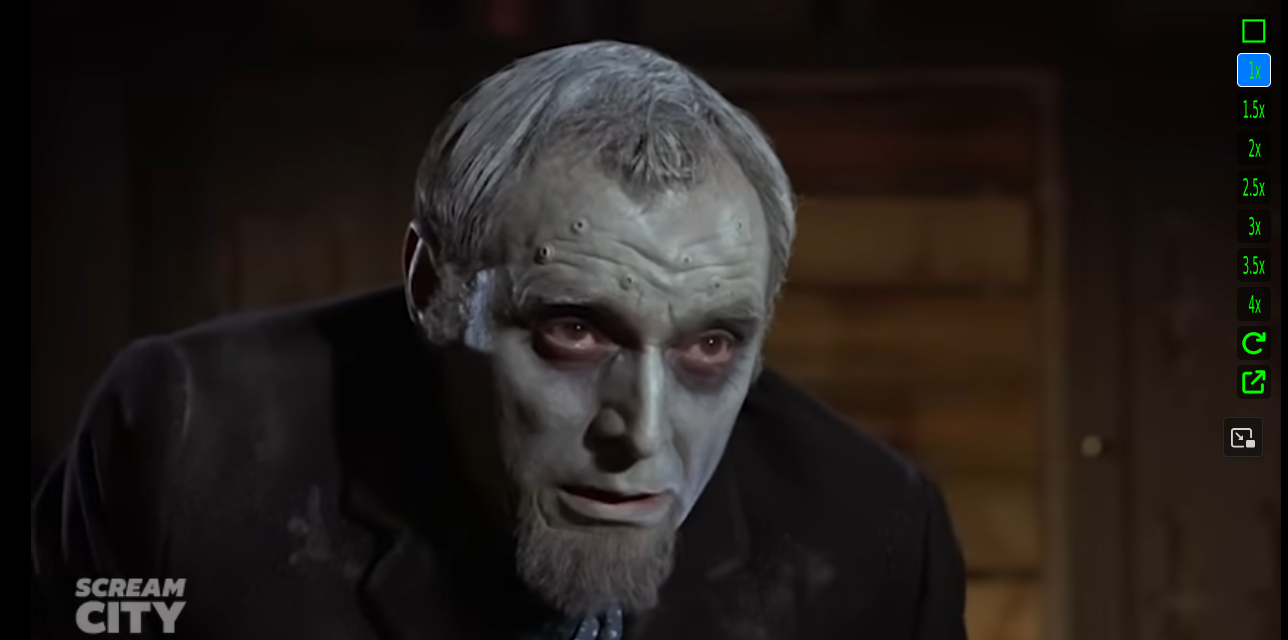
Take complete control of your YouTube viewing experience! This add-on embeds a clean, vertical control bar directly onto the video player, giving you powerful features without the clutter of popups.
Key Features:
- In-Browser Fullscreen: Instantly expand the video to fill your browser window. This "theater mode" is perfect for immersive viewing and scales the video to fit perfectly without cropping the top or bottom.
On-Page Speed Controls: Click to change playback speed instantly (1x up to 4x). The currently active speed is always highlighted so you know your setting at a glance.
Smart Speed Reset: When you click on a new video, the speed automatically resets to 1x, ensuring you never start a video unexpectedly fast.
Seamless Integration: All controls, including a one-click refresh button, are located in a simple panel right on the video player, exactly where you need them.
How to Use:
Simply navigate to any YouTube video. A new vertical bar of icons will appear in the top-right corner of the player.
- Fullscreen Icon: Toggles the in-browser theater mode.
- Speed Icons (1x, 1.5x, etc.): Instantly sets the video's playback speed.
- Refresh Icon: Reloads the video if needed.
- Coffee Icon: Opens the support page. Thank you for your support