

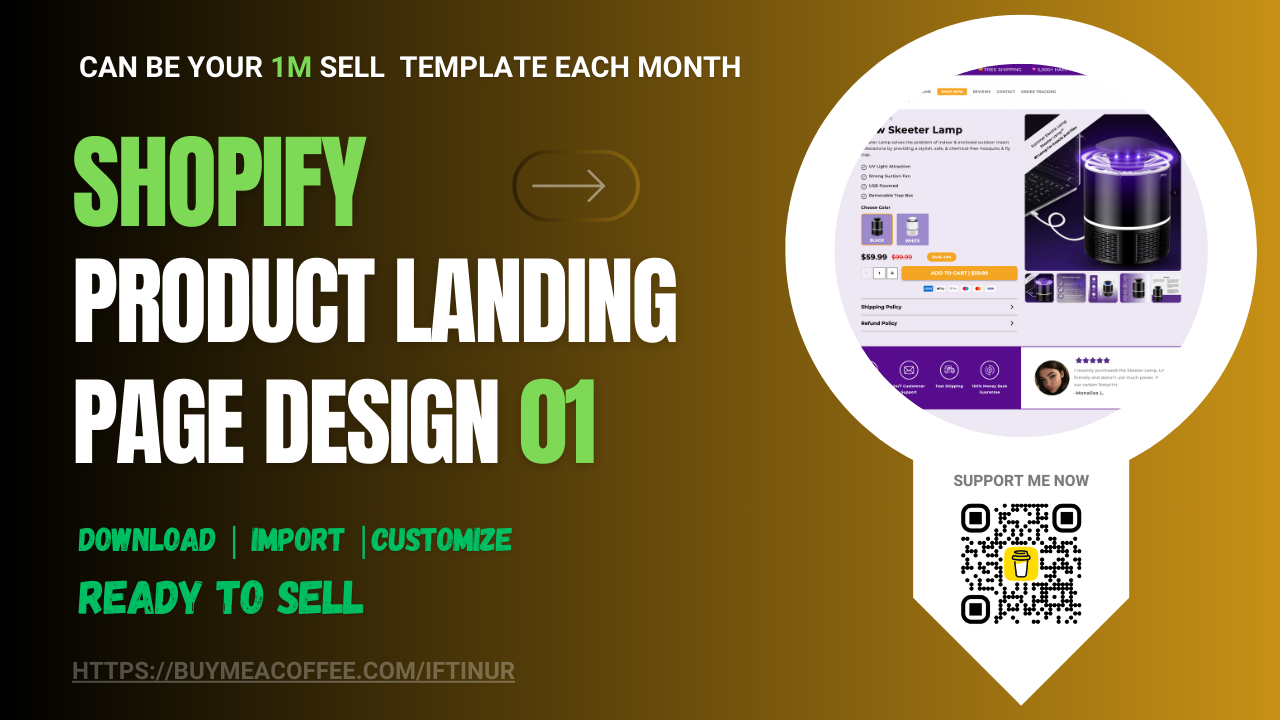
Steps that you can follow :
1. Download and Extract Files:
- Locate the downloaded template file on your computer.
- Extract the contents if the file is in a compressed format (e.g., .zip).
2. Install PageFly: Link
- Ensure you have the PageFly app installed on your Shopify store. If not, install it from the Shopify App Store.
3. Import the Template:
- Open the PageFly app in your Shopify admin.
- Go to the "Templates" section.
- Click on "Import" and select the extracted template file from your computer.
4. Customize the Template :
- Once imported, you can customize the template to fit your brand and preferences.
- Use the PageFly editor to edit text, images, and other elements.
5. Preview and Test:
- Preview your page to ensure everything looks perfect and functions as expected.
- Test all links and interactive elements.
6. Publish Your Page:
- Once satisfied with the customization, publish the page to make it live on your Shopify store.
- Ensure to check your store’s navigation to make sure your new page is easily accessible to your customers.
7. Seek Support if Needed:
- If you encounter any issues or need assistance, don't hesitate to contact our support team for help.
Thank you for choosing our template! We hope it helps elevate your Shopify store and enhances your customers’ experience.