

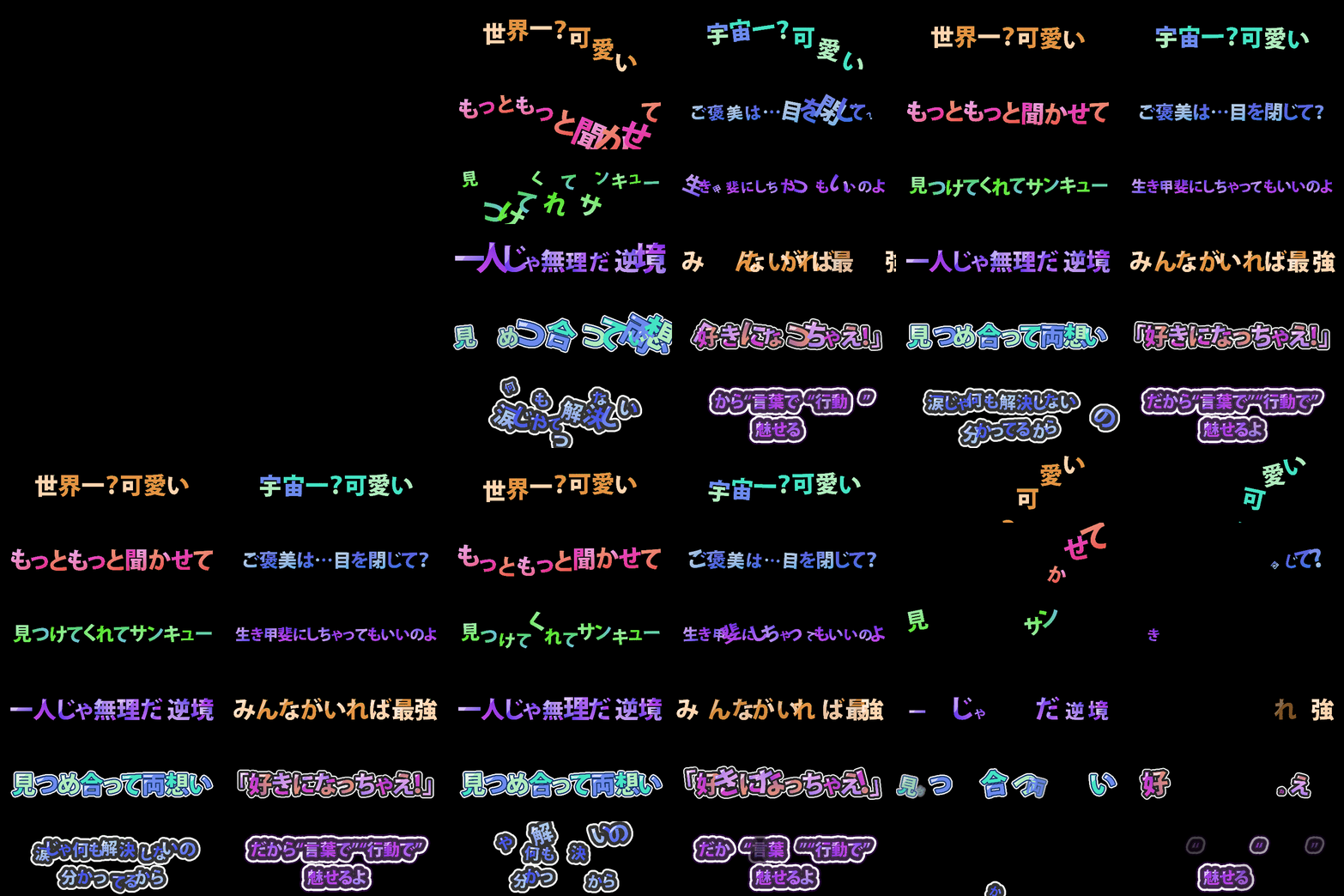
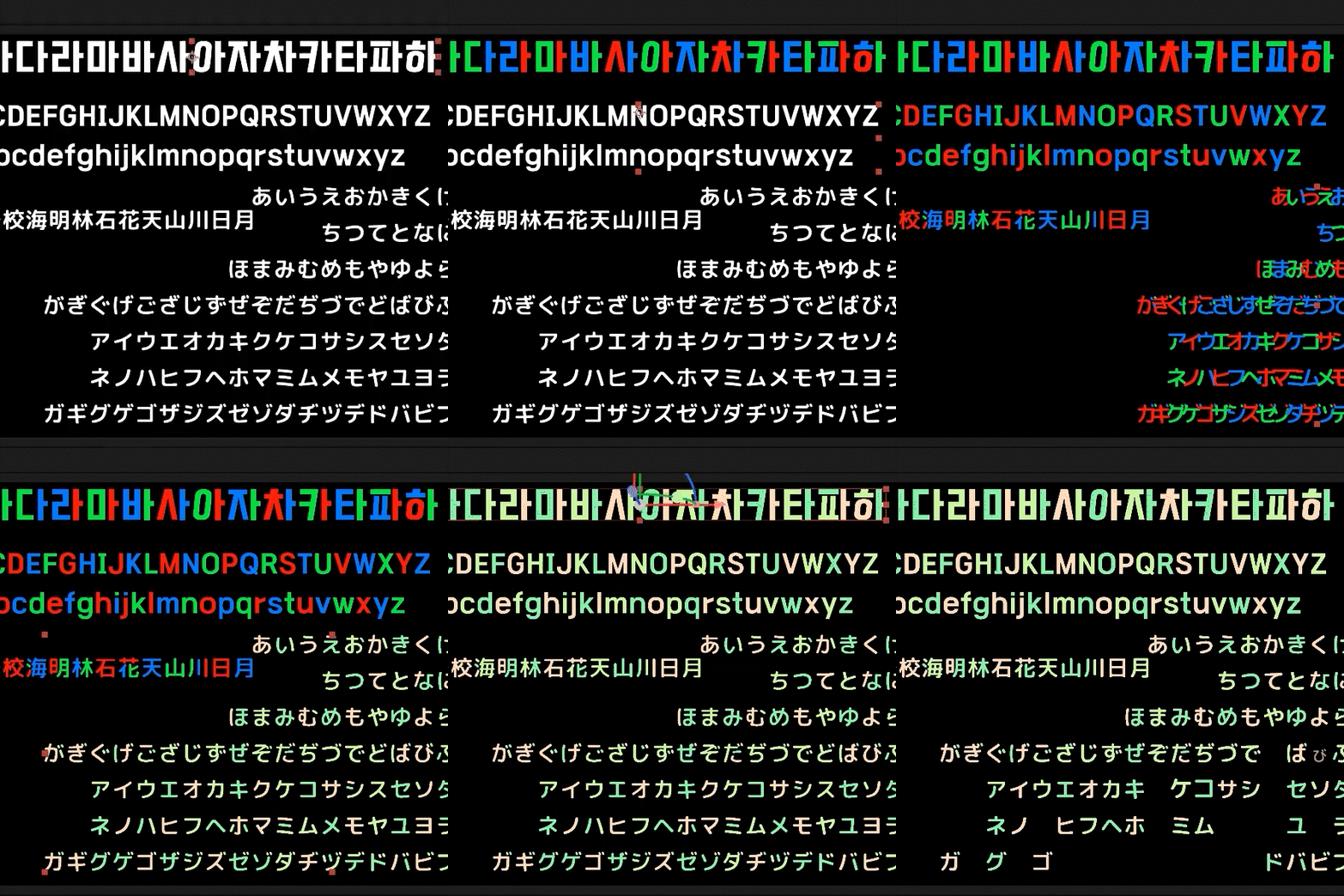

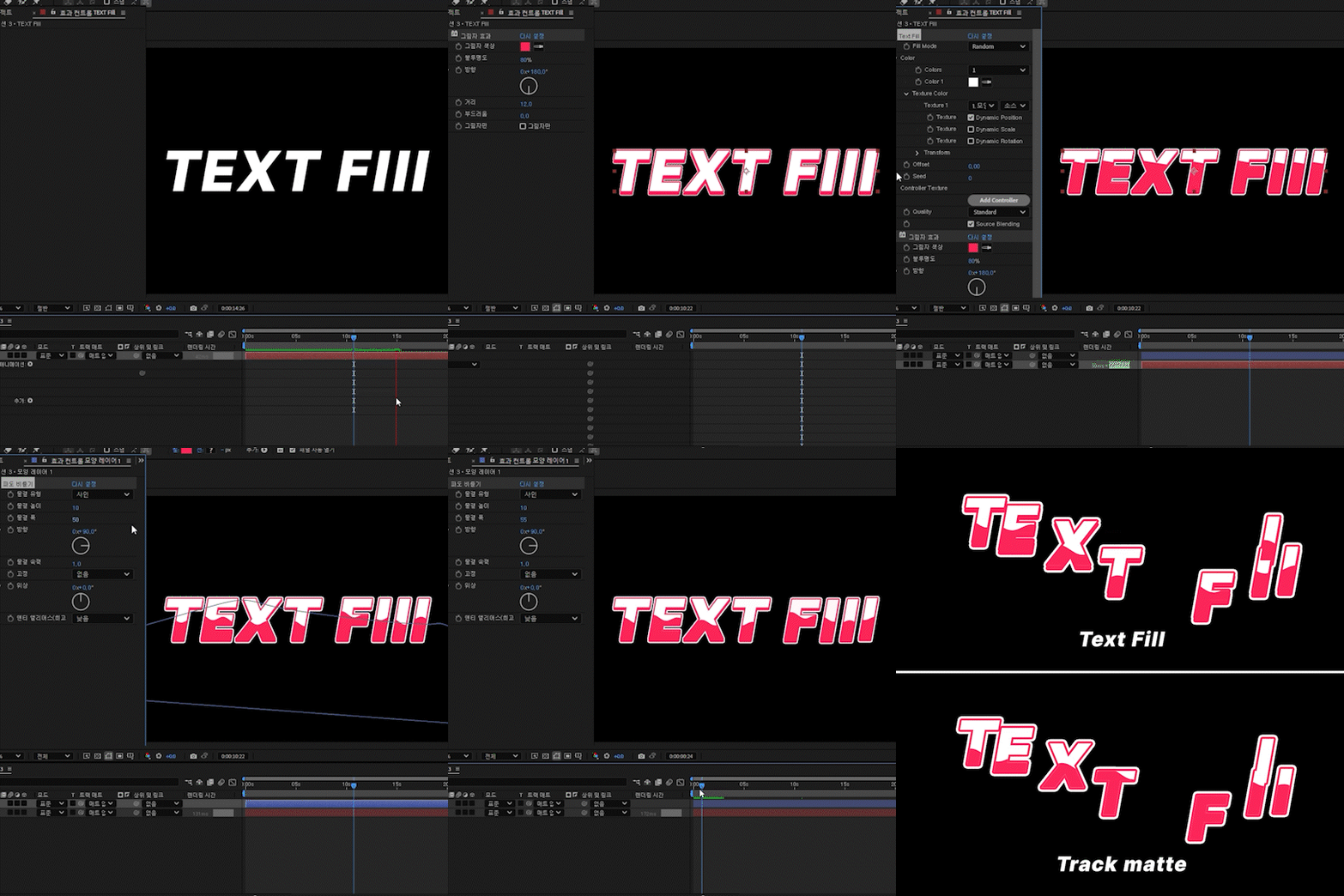
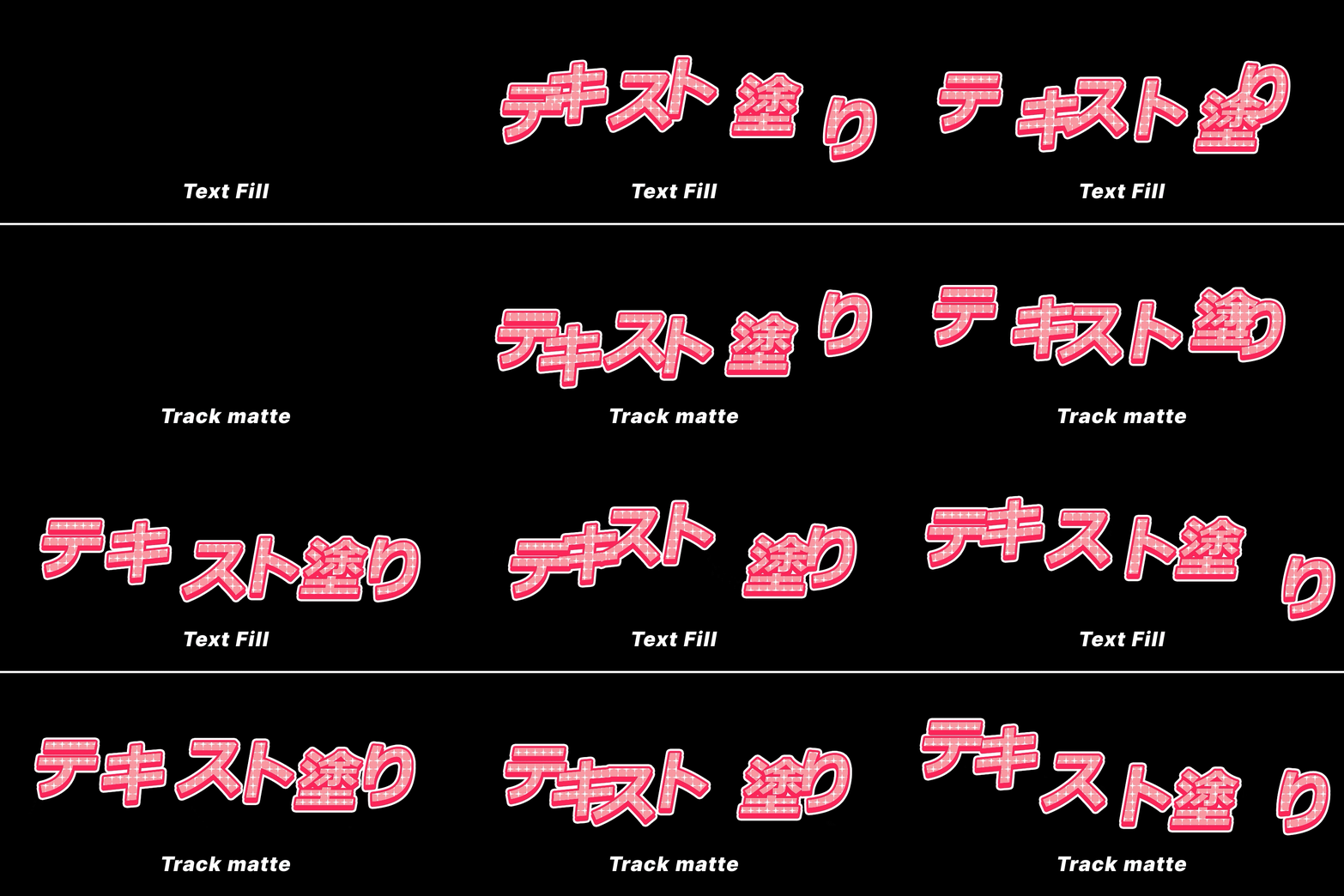
텍스트 칠(Text Fill)
$100
This plug-in supports Mac and windows.
On Mac, permission must be granted in Privacy & Security settings during the first launch.
You can apply the effect to a text layer to color each individual character stroke.
It is compatible with text animation features as well as X and Y axis rotation of 3D layers.
How to Use
1. Apply the effect to the text layer.
2. Click Text Save while the text is clean and not overlapping.
3. Customize freely.
Feature Description
*This is a brief overview. Experiment with various settings to fully experience the functionality.
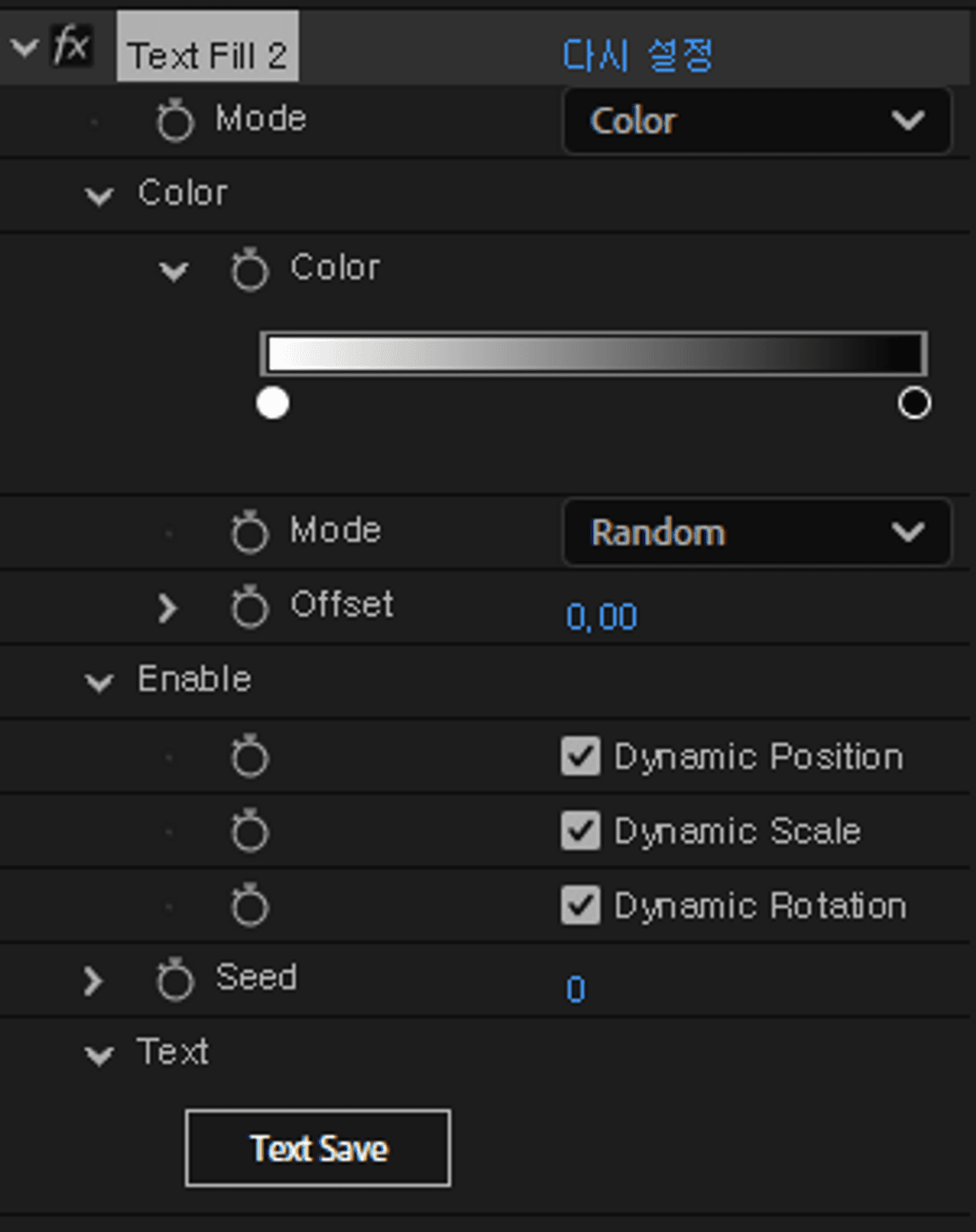
Mode
- Gradient
Applies colors based on the glyph index.
- Random
Samples a color from a random position within the color parameters.
- Check Pattern
Repeats the specified colors in sequence.(a → b → c → a → b → c)
Text Save
Text Save has three states
Red -No text is saved.
Orange -The saved text does not match the current text.
Green -The saved text matches the current text.
When Text Save is orange, it operates in preview mode.
In this state, characters may visually overlap due to animation or tracking adjustments, which can cause visual artifacts.
(If characters do not overlap, there is no issue.)
When changing the text content or font,
please make sure to press Text Save while the characters are not overlapping.
※ Adjusting size or tracking is optional and not required.
If there is no character overlap at all, you do not need to worry about this.
Important Notes
Compatibility is guaranteed for After Effects 2023 and later versions.
Installation
Place the latest version file in the After Effects Plug-ins folder.
Mac → .plugin
Windows → .aex
Tip
A ratio of 0 is treated as if the character doesn't exist.
Use a small value like 0.001 instead to keep the character count consistent.
Useful when creating randomized, shuffled text animations.
Please adjust the texture layer to match the composition size. For image or shape layers, we recommend precomposing them to fit the composition before using them.
텍스트 레이어에 효과를 적용하여 문자의 획별로 색을 칠 할 수 있습니다.
텍스트 애니메이션 기능과 3D레이어의 X Y 축 회전 모두 호환됩니다.
사용 방법
1. 텍스트 레이어에 효과를 적용합니다.
2. 텍스트가 깔끔한 상태(글자끼리 겹쳐지지않은 상태)에서 Text Save 버튼을 누릅니다.
3.자유롭게 꾸밉니다.
기능 설명
*간략한 기능 설명입니다. 수많은 기능을 직접 만져보면서 체험해 보세요
Mode
- Gradien - 글리프의 인덱스 기반으로 칠합니다.
- Random - 컬러 파라미터에 랜덤한 위치의 색상을 가져옵니다.
- Check Patten - 지정한 색상을 반복합니다. a -> b -> c -> a -> b -> c
Text Save
3가지 상태가 있습니다.
빨간색: 텍스트가 저장되어 있지 않은 상태입니다.
주황색: 저장된 텍스트와 현재 텍스트가 일치하지 않는 상태입니다.
초록색: 저장된 텍스트와 현재 텍스트가 일치하는 상태입니다.
Text Save가 주황색인 경우에는 미리보기 모드로 동작합니다.
이때 애니메이션이나 자간 등의 영향으로 글자가 서로 겹치면 시각적으로 이상해 보일 수 있습니다.
(글자가 겹치지 않는 경우에는 문제없이 표시됩니다.)
글자 내용이나 폰트를 변경한 경우에는,
반드시 글자들이 서로 겹치지 않은 상태에서 Text Save를 눌러주세요.
※ 크기나 자간 변경은 필수는 아니며, 필요에 따라 선택적으로 적용하시면 됩니다.
글자끼리 겹치는 일이 전혀 없다면 해당 사항은 신경 쓰지 않으셔도 됩니다.
유의상황
After Effect 2023 이상 버전에 정상 작동을 보장합니다.
적용 방법
After Effects \ Plug-ins에 최신 버전 파일 하나만 넣어주세요.
Mac -> .plugin
Windows -> .aex
팁
비율이 0이면 문자가 없다고 취급됩니다. 대신 비슷하게 보이는 0.001의 비율을 넣으면 문자가 있다고 취급되어 문자 개수를 일치하게 할 수 있습니다.
무작위로 순서가 뒤죽박죽으로 나타나는 텍스트애니메이션 등을 만들 때 참고하세요.
テキストレイヤーにエフェクトを適用することで、文字の各ストロークごとに色を塗ることができます。
テキストアニメーション機能および 3D レイヤーの X・Y 軸回転の両方に対応しています。
使い方
1. テキストレイヤーにエフェクトを適用します。
2. 文字同士が重なっていない、きれいな状態で Text Save ボタンを押します。
3. 自由にデザインしてください。
機能説明
*これは概要に過ぎません。さまざまな設定を試して、機能を最大限に体験してください。
Mode
Gradient -グリフのインデックスを基準に色を適用します。
Random -カラーパラメータ内のランダムな位置から色を取得します。
Check Pattern -指定した色を繰り返して適用します。a → b → c → a → b → c
Text Save には 3つの状態があります。
赤 -テキストが保存されていない状態です。
オレンジ -保存されたテキストと現在のテキストが一致していない状態です。
緑 -保存されたテキストと現在のテキストが一致している状態です。
注意事項
After Effects 2023以降のバージョンでの動作を保証します。
インストール方法
After Effects の Plug-ins フォルダに最新バージョンのファイルを1つ入れてください。
Mac → .plugin
Windows → .aex
TIP
比率が 0 の場合、その文字は存在しないとみなされます。
代わりに 0.001 などの小さな値を使えば、文字が存在すると認識され、文字数を揃えることができます。
ランダムに順番がバラバラになるテキストアニメーションを作る際に便利です。
Browse the other products below. English is supported.
아래의 다른 상품을 살펴보세요. 한국어를 지원합니다.
以下の他の商品をご覧ください。日本語に対応しています。
$100
$100