

Hey everyone - lots of updates since the last post. Here's the highlight reel across coaching, workouts, food, and privacy.
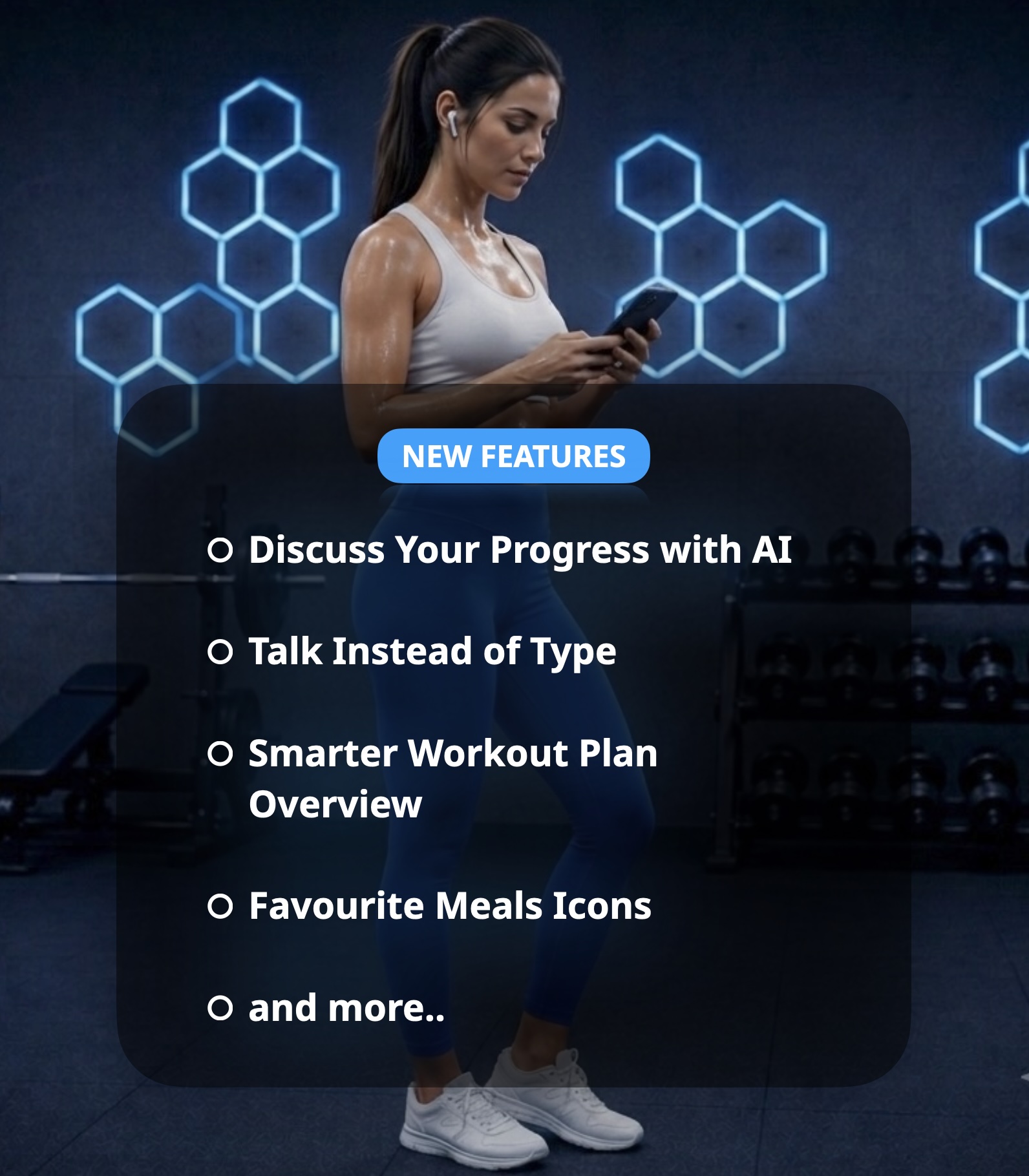
🧠 Discuss Your Progress with AI
New "Discuss progress with AI" card on your Profile screen. Your coach reviews your last 30 days - weight, measurements, workouts, and supplements - and gives you a short, honest, no-judgement summary. Then you can chat back and forth about how you're feeling.
🎙️ Talk Instead of Type
You can now speak instead of type in several places - just tap the microphone button. Look for it when describing a meal for AI, asking your coach follow-up questions, answering the daily health check, and adding workout notes.
🏋️ Smarter Workout Plan Overview
The workout plan overview now shows a lot more at a glance - day titles, signature exercises, duration, exercise count, intensity, and equipment icons, plus a live preview of your current day's muscle groups and exercises. There's also a new Copy and Edit Plan action, letting you duplicate any plan (including built-in ones) into your own custom version.
🍽️ Favourite Meals Get Icons & Colours
Favourite meals can now have their own icon and colour, picked from the star button in Edit Favourite. Set one and it shows up in your food log and favourites list for easy spotting.
🔒 Manage My Data
New "Manage my data" option in Settings - export and download all your data (workouts, logs, measurements) as a single file, or permanently remove your account and everything in it, including photos.
🏠 Home Equipment, Right When You Need It
My Home Equipment is now its own screen. If you pick Home during your daily check-in and haven't set it up yet, your coach asks for it right there - no need to leave the check-in.
⚡ Quality-of-Life Wins
Choose which section the app opens on launch (Settings > Home Screen).
"Recent" button when logging a burned-calories workout in Food section - pick a past entry to instantly fill in the details.
A loading screen with the logo appears instantly on launch instead of a blank screen.
AI meal suggestions now skip the AI once you're over your calorie target, giving you a quick tailored message instead.
🐛 Bug Fixes
Replacing a flagged exercise now shows the full list of matching alternatives instead of a trimmed-down set.
Fixed warmup/cooldown exercise animations not playing and images flickering on iPhone during workout sessions.
Fixed marking multiple warmup/cooldown exercises as done - checking one no longer unchecks others.
Fixed an occasional error toast appearing during app updates.
Fixed food photo uploads from iPhone sometimes failing with a "payload too large" error.
 Thanks for being here - it really helps. If you're getting value from the app, buying me a coffee keeps this moving forward. ☕
Get the web-app here: app.myvitalware.com
Info how to install the webpage as an app (PWA)
/Gatis