

It is late August. The new school year starts in two weeks, and the timetable is your job. You have a list of teachers, a list of classes, and a sheet of paper that says who teaches what. You open a spreadsheet, draw a grid, and start to fill it in.
By Tuesday afternoon, the grid is full of arrows. The maths teacher is in two rooms at 10:00. The science lab has three classes on Monday and none on Thursday. One part-time teacher cannot come on Fridays, and you remember it only after you fill her Friday.
Sound familiar? A timetable is not difficult because of one lesson. It is difficult because every lesson depends on all the others. Move one, and three other things break.
There is a better order of work. You do not place the lessons yourself. You describe your school: the days, the people, the rooms, the lessons and the rules. Then the computer searches for a timetable that keeps every rule. This article shows you how to create a school timetable step by step in FET Viewer, a free timetable generator that works in your browser. It goes from an empty page to a printed timetable. You install nothing, and you need no timetabling experience.
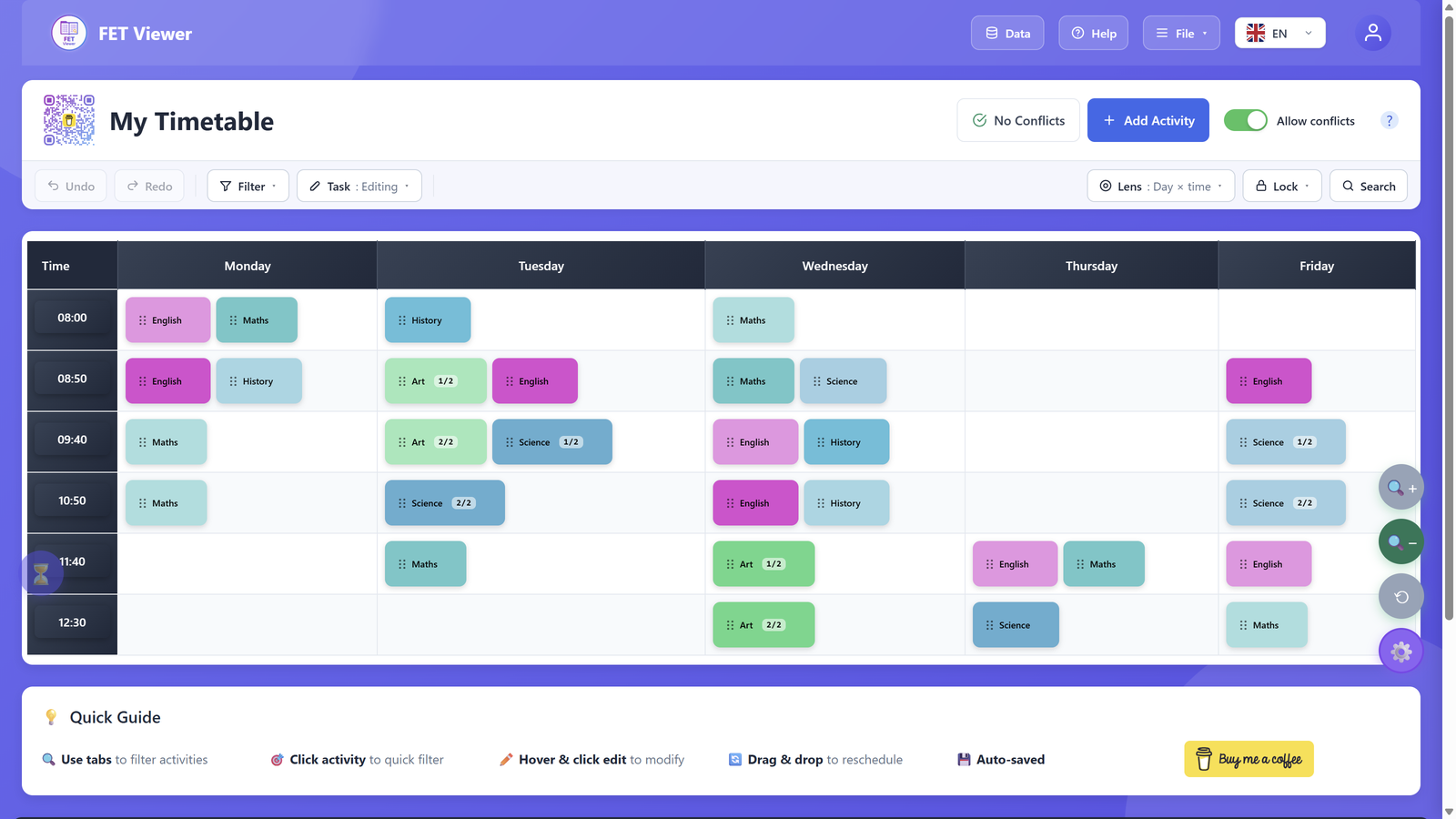
The finished timetable of the example school: 2 classes, 4 teachers, 26 lessons, no conflicts.
Read the full guide: from an empty page to a printed timetable