
What is Budgie Backup?
Budgie Backup is a simple backup app for Windows. It’s free, doesn’t ask for your personal information, and doesn’t lock you into a subscription. At its core you tick what you want backed up (apps, files or folders), and Budgie Backup copies it to a primary and a secondary backup location that you choose and own.
The suite at a glance
Budgie Backup is a suite of six small Windows apps. Each does one job and does it well. It copies the folders and files you choose to a primary drive, and to a second drive if you have one.
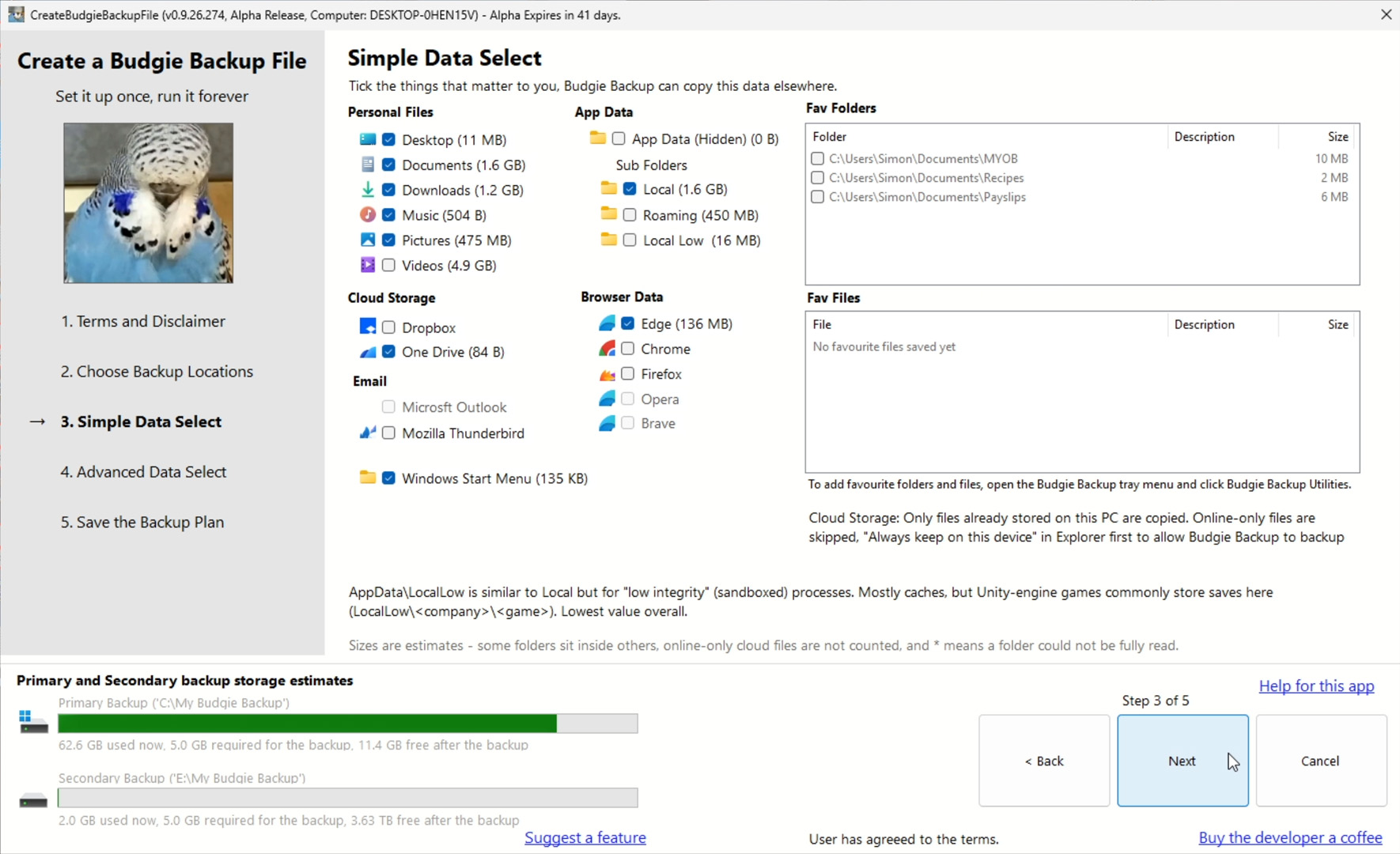
CreateBudgieBackupFile.exe lets you find the things worth keeping and save them as a reusable .budgiebackup plan file. RunBudgieBackupFile.exe opens that plan and runs the backup.
Pick the app you’d like to know more about:
CreateBudgieBackupFile.exe lets you choose what matters, then save it as a reusable
.budgiebackupplan file.Simple backup select
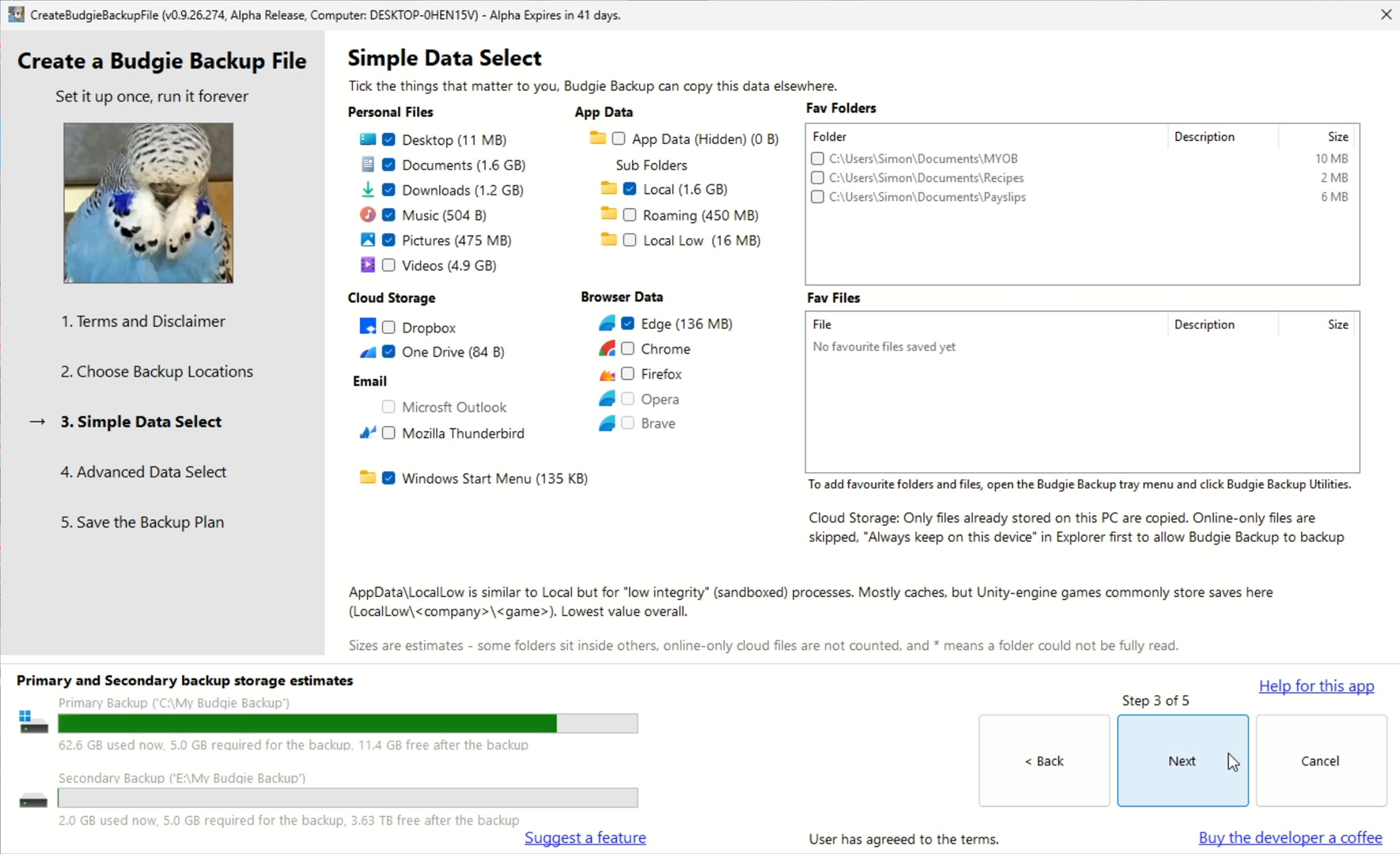 Advanced backup select
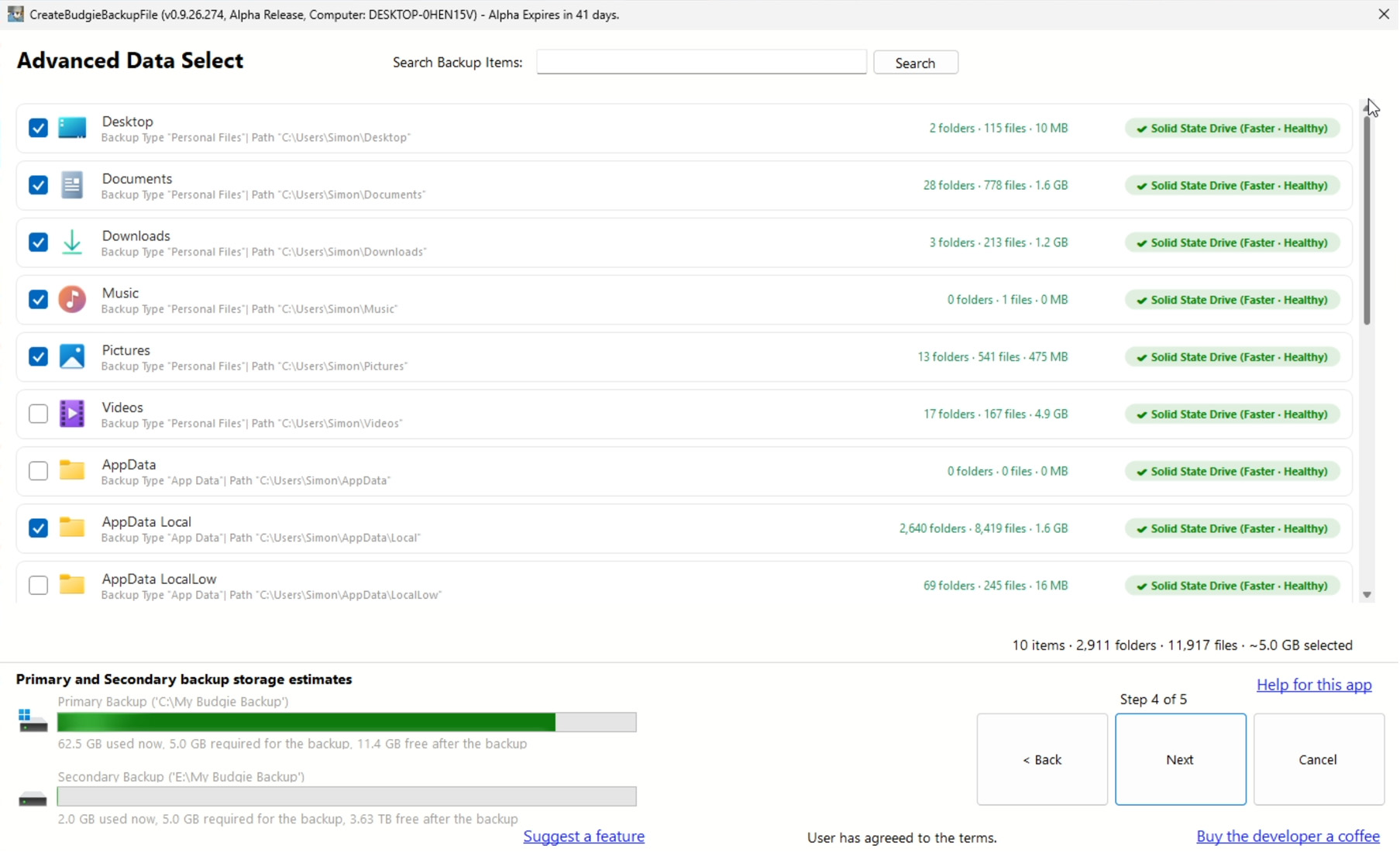 Backup Check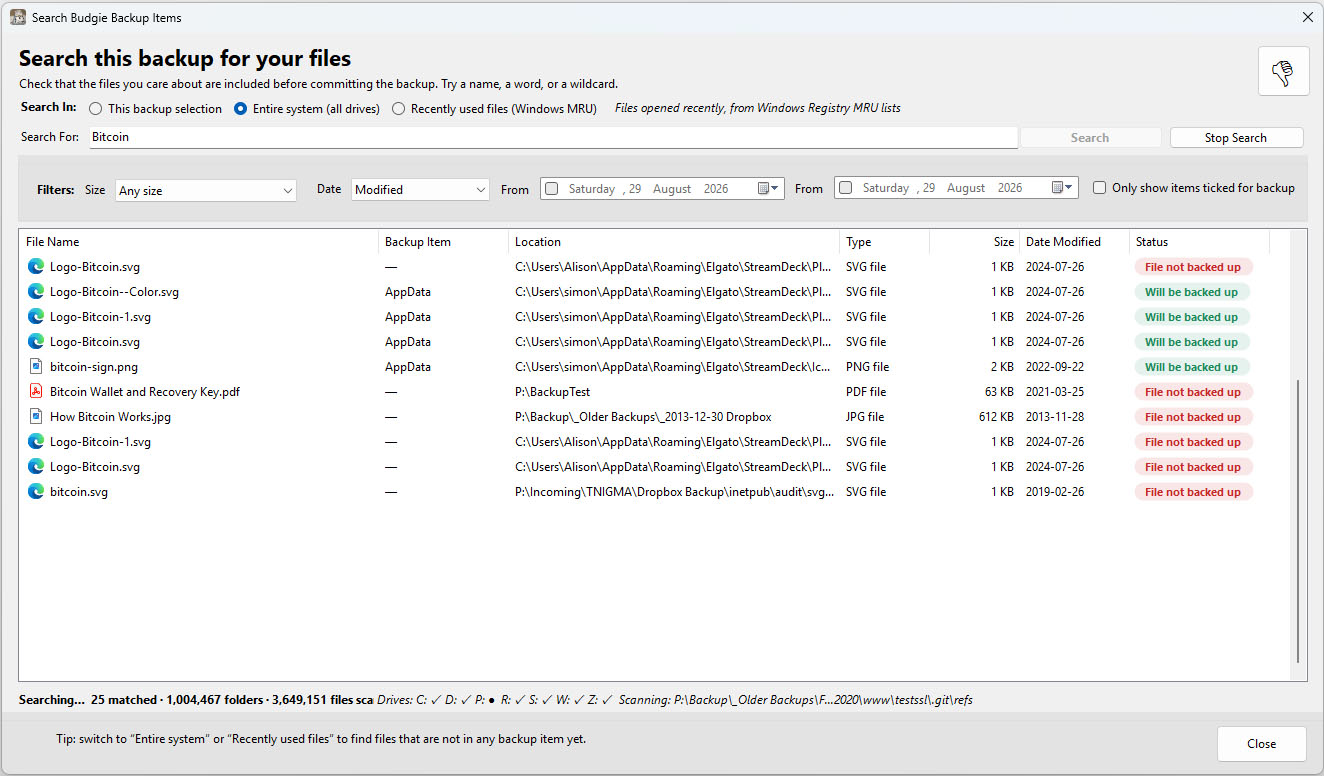
RunBudgieBackupFile.exe opens a plan file and runs the backup. It uses shadow copies so locked files still copy.
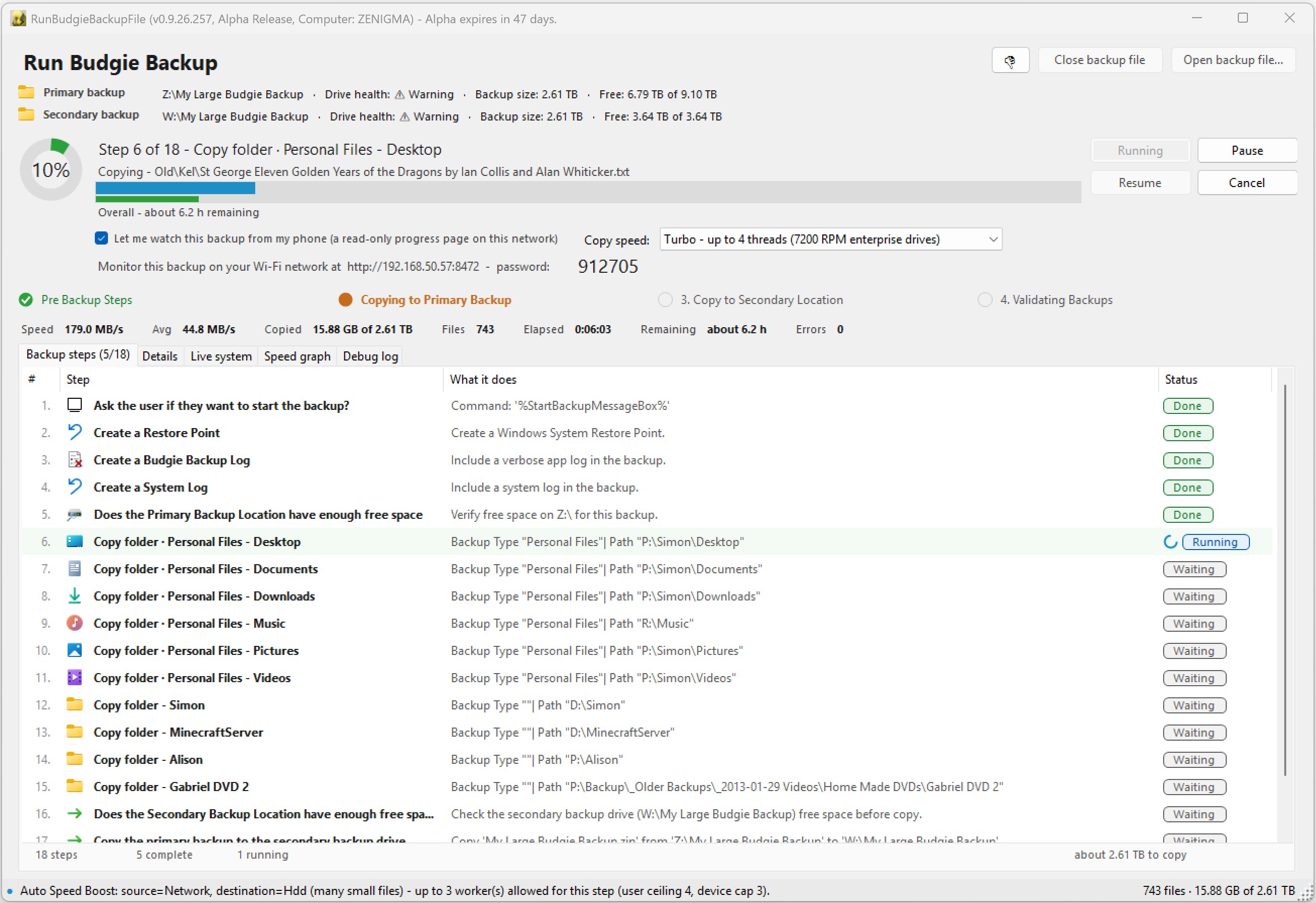
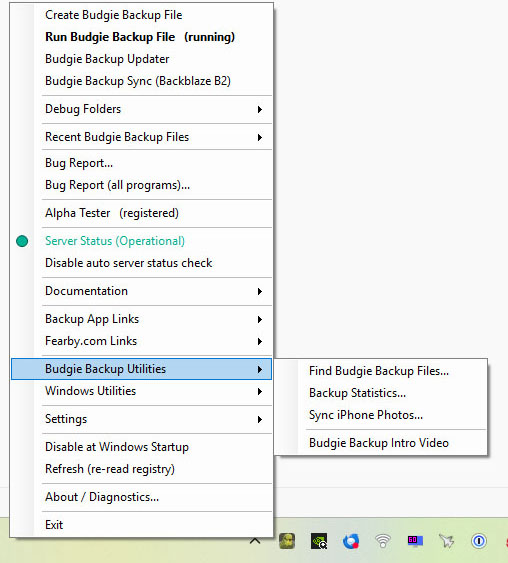
BudgieBackupSysTray.exe gives quick access to the other apps, your logs, recent backup files and run stats.
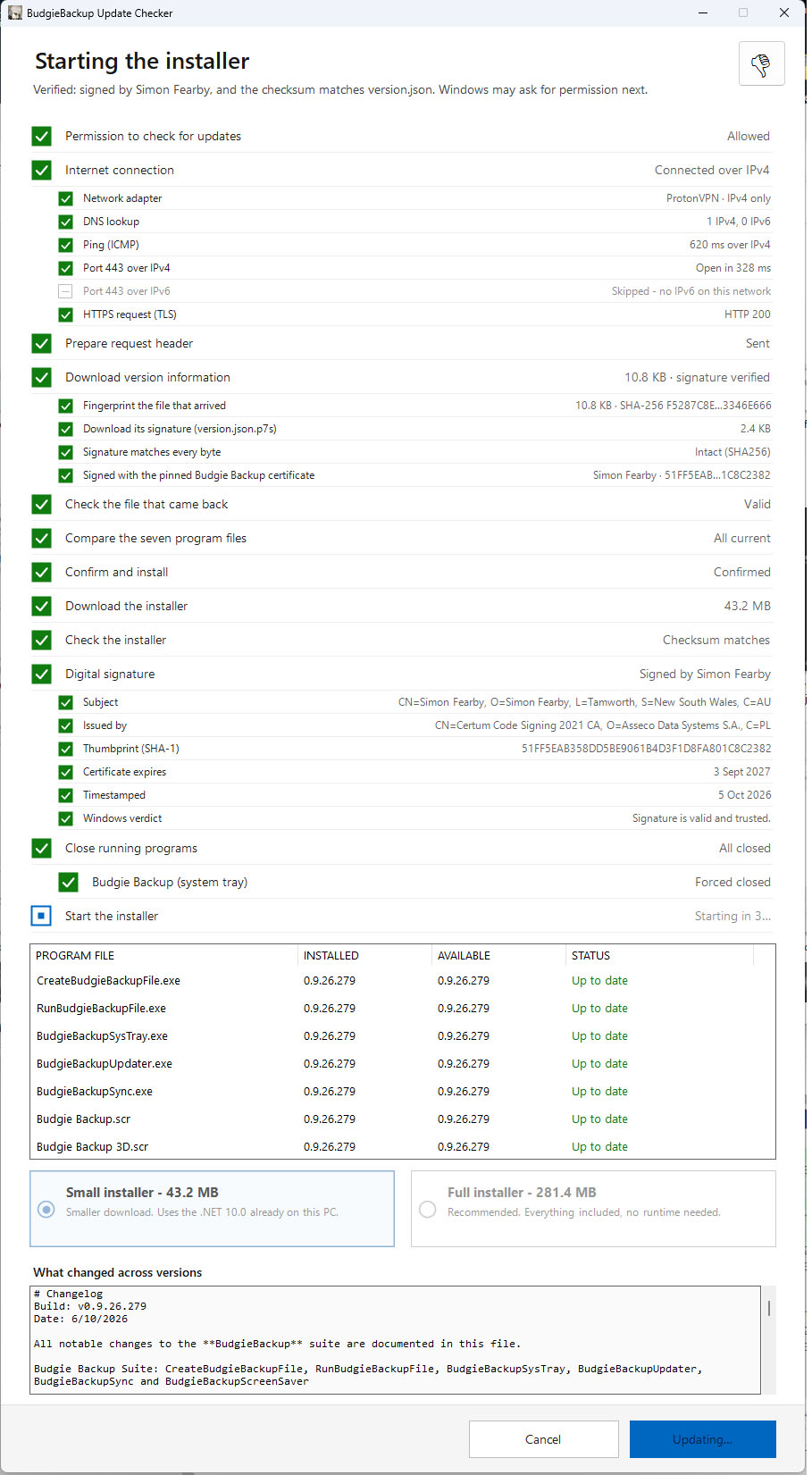
BudgieBackupUpdater.exe updates every app in the suite together and shows the change log before you commit.
BudgieBackupSync.exe is optional. It syncs a local backup up to a Backblaze B2 bucket that you own and control.
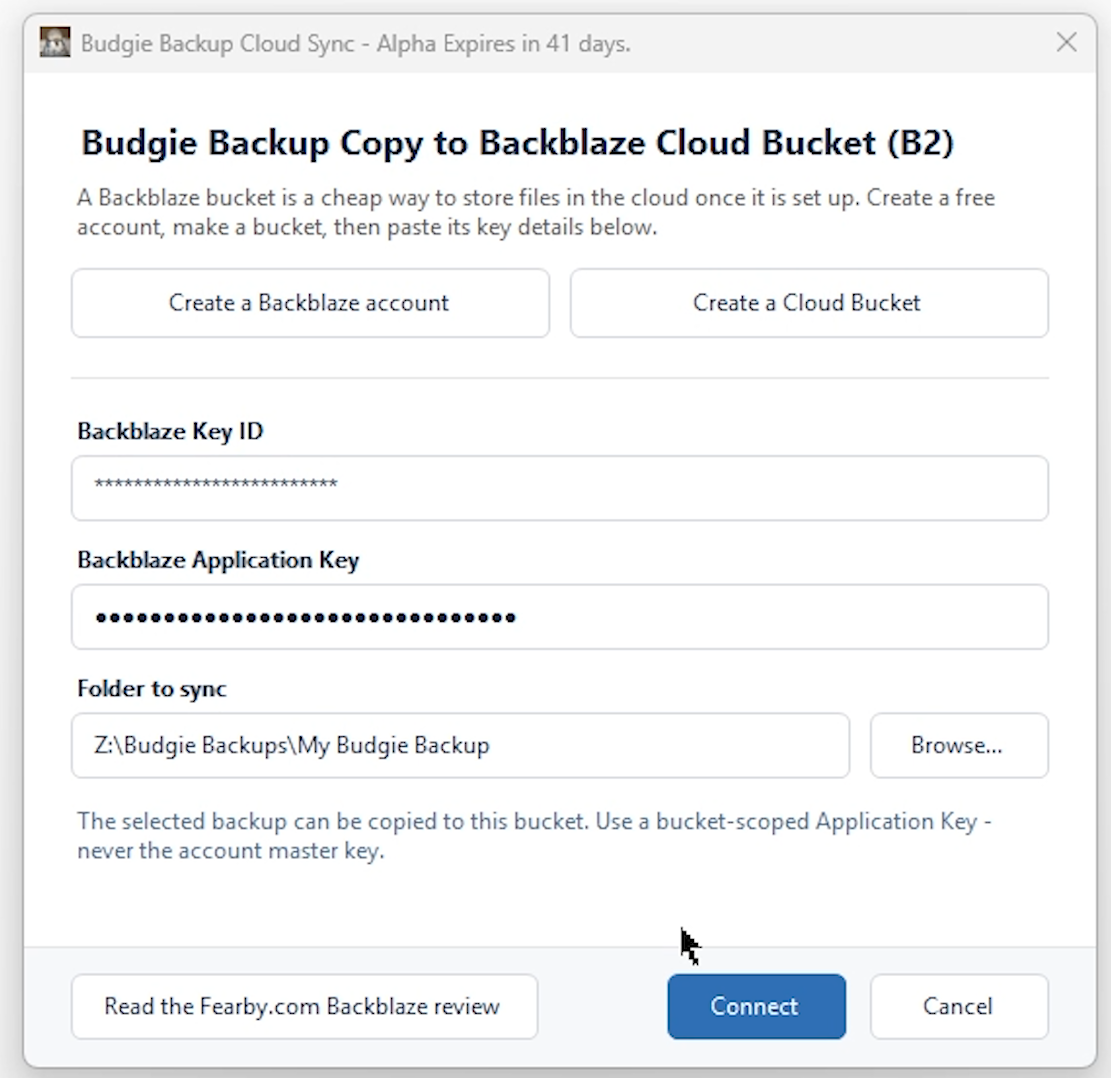 Cloud Upload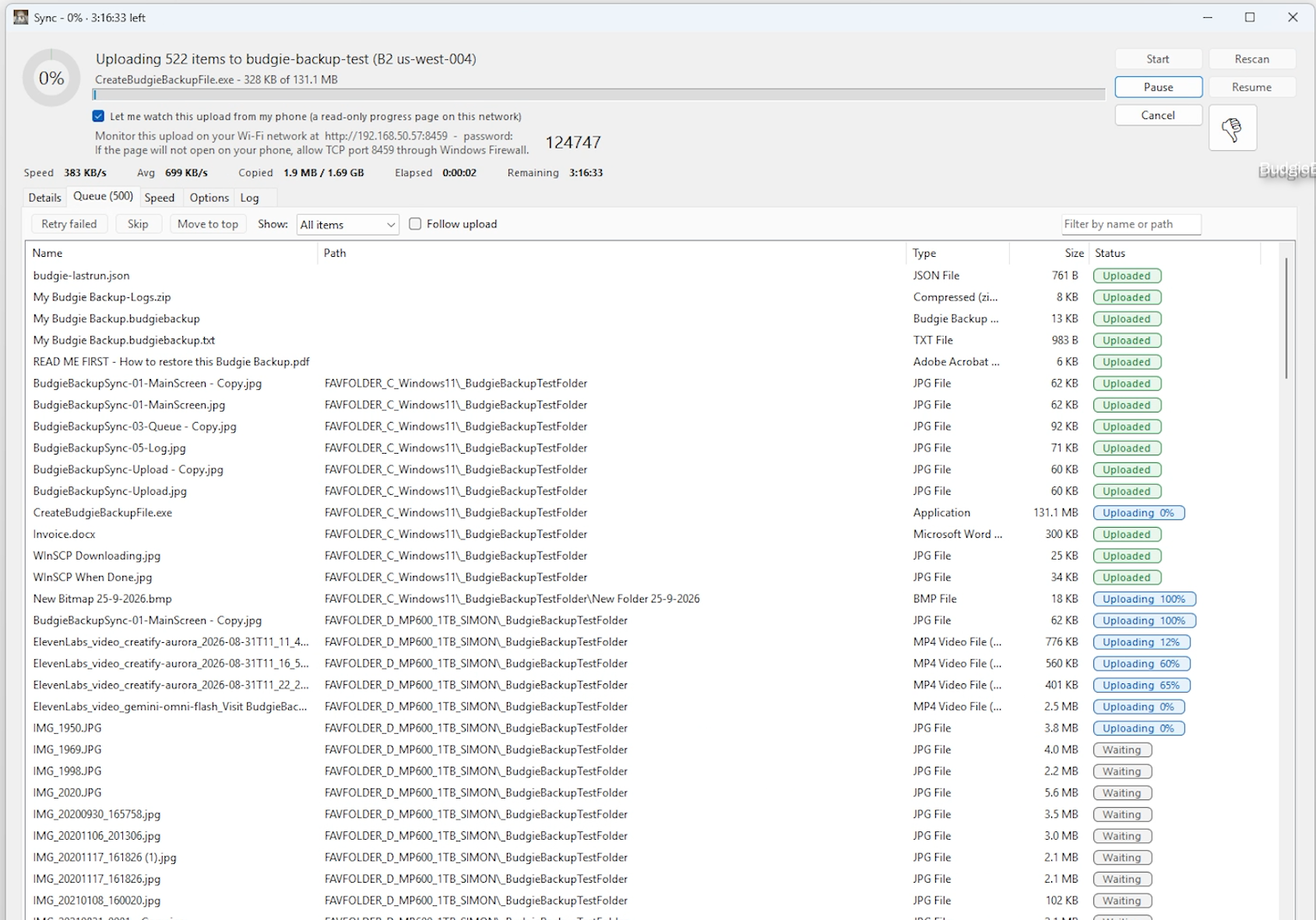
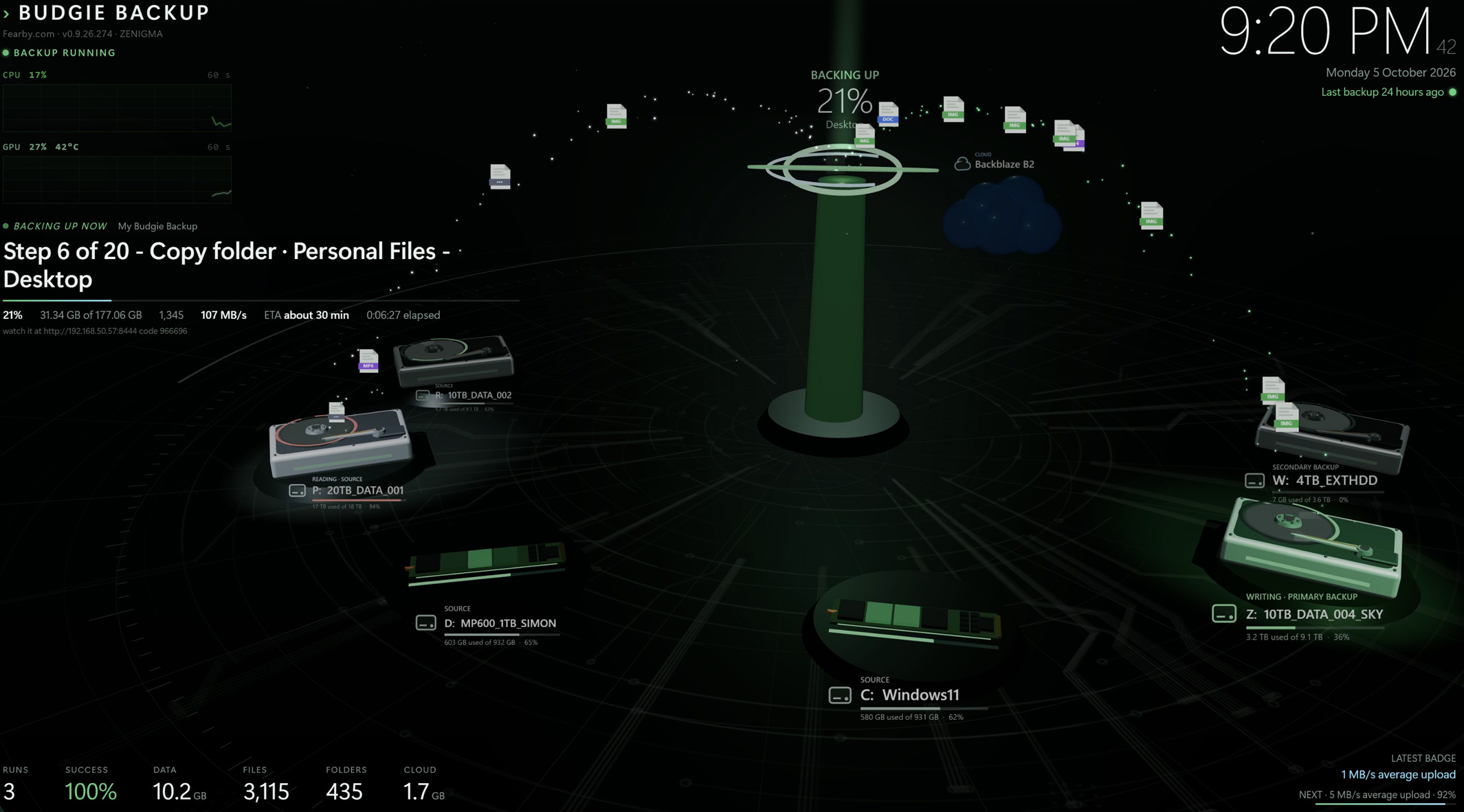
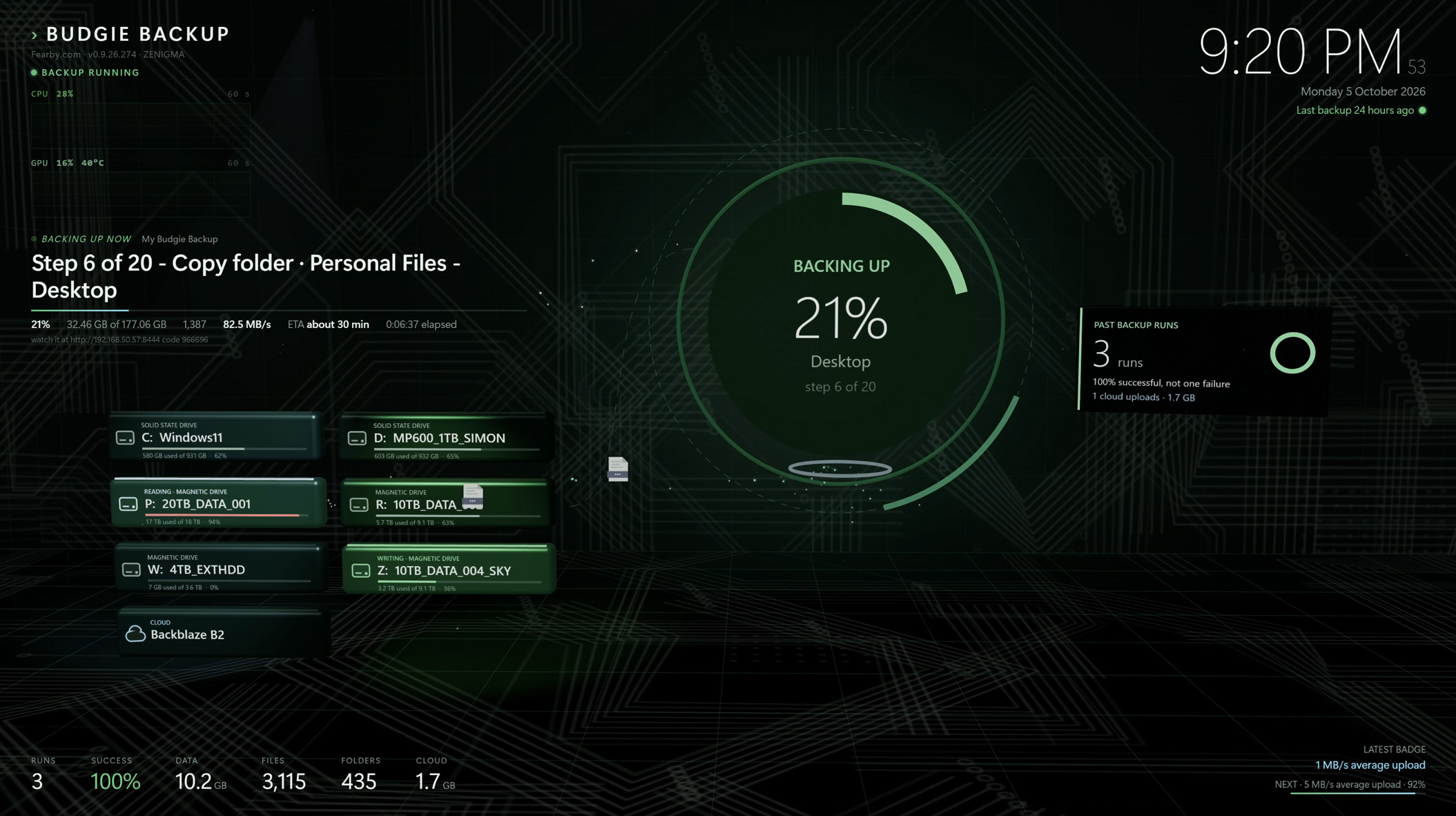
Budgie Backup.scr and Budgie Backup 3D.scr are two screen savers that show when your last backup ran, backups in progress and your backup stats. One is a classic and one is 3D, with two scene variants.
The screen savers
The classic saver is a clean status board. The 3D saver turns your backups into something worth watching: your real drives appear on screen, with live CPU, GPU and disk activity alongside them. Both are optional, and you can skip them in the installer.
Budgie Backup.scr is the classic saver. It’s a clean status board showing when your last backup ran, any backup in progress, and your backup stats and achievement badges.
Budgie Backup 3D.scr is the eye-candy version. It draws your real drives in 3D with live CPU, GPU and disk activity, and comes in two scene variants, Foundry Fountain and Drive Stage.
Installing
Everything installs together from one installer: Budgie Backup installer
Download
Download it for free: Budgie Backup - Download
Currently a pre-release (alpha) build”, each release has an expiry but a new download to new (free) versions will be available ever few weeks
Support
Email [email protected], or use the built-in bug report.
If you’d like to chip in
The app doesn’t ask for your personal information, no sign ups or payment required.
There’s no pressure. Budgie Backup is free and will stay free. If it’s useful to you and you’d like to leave a tip, it goes to https://buymeacoffee.com/fearby and will be spent on:
Releasing more features
Responding to support requests
Purchasing code signing certificates
Running the server
Thanks for stopping by, and happy backing up.