

Since UniGui is a framework built on ExtJS, meaning the primary language is JavaScript, you can include the jQuery library and access components using the familiar $ symbol from jQuery. In this post, we will look at how to do this.
Let's create a simple example with two buttons on the MainForm. When one of them is clicked, we will apply the slideToggle() animation effect to the other button. So, let's get started by creating a new UniGui project (I chose StandAlone for simplicity) and placing two buttons on the main form.
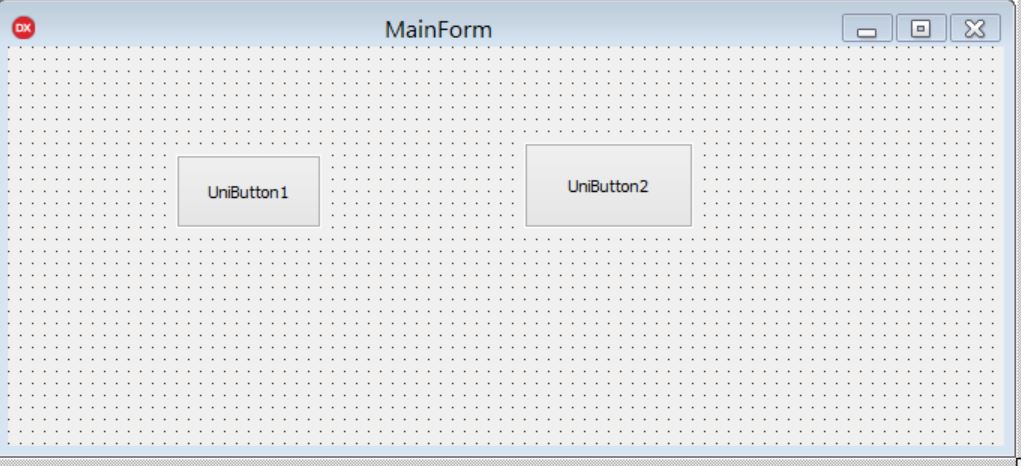
To make it easier for us to find the second button, we will assign it a new HTML class like this:
UniButton2 >ExtEvents >added
function added(sender, container, pos, eOpts)
{
sender.addCls('myClassName');
}
Next, we will create the event for the first button.
UniButton1 >ExtEvents>Click
function click(sender, e, eOpts)
{
$('.myClassName').slideToggle(); // << код jQuery
}
We compile, start our StandAlone server, go to the browser, and click on localhost:8077.
Enjoy the effect 🙂 This way, you can access any component and perform all the actions you can do with regular HTML elements on the page.
Why didn't we include the jQuery library? It is already included in UniGui, but if desired, you can connect a newer version through
ServerModule > CustomFiles.
The library itself can be found at the following path:
C:\Program Files (x86)\FMSoft\Framework\uniGUI\uni-your-version\jQuery.